
Restart a house points competition
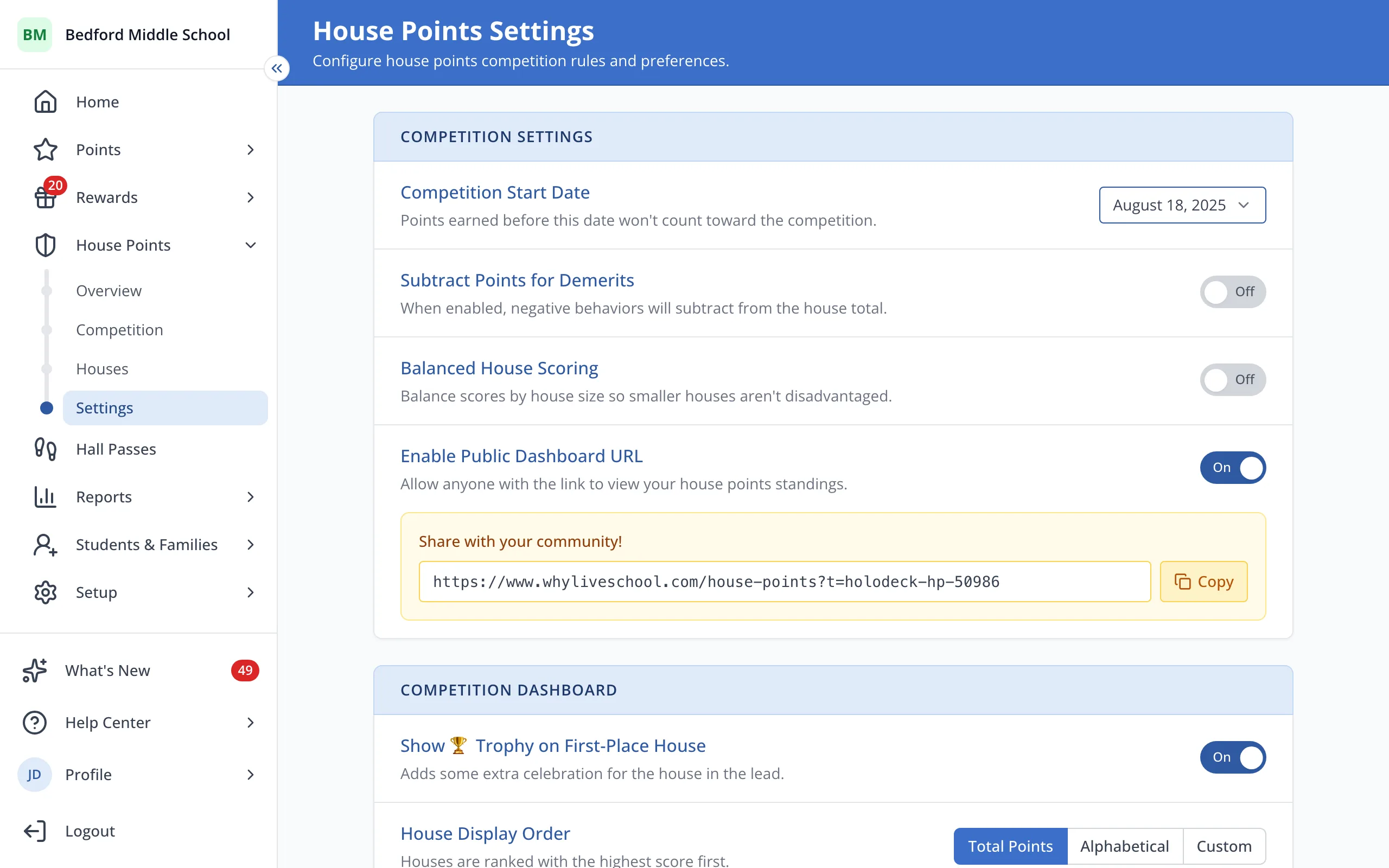
Reset a house points competition by updating the start date. This will not change individual student accounts.
AdminSite Leader
Open in LiveSchool
Already signed in? Open this guide inside LiveSchool.
Use the Left and Right arrow keys to move between steps, and Space to play or pause.
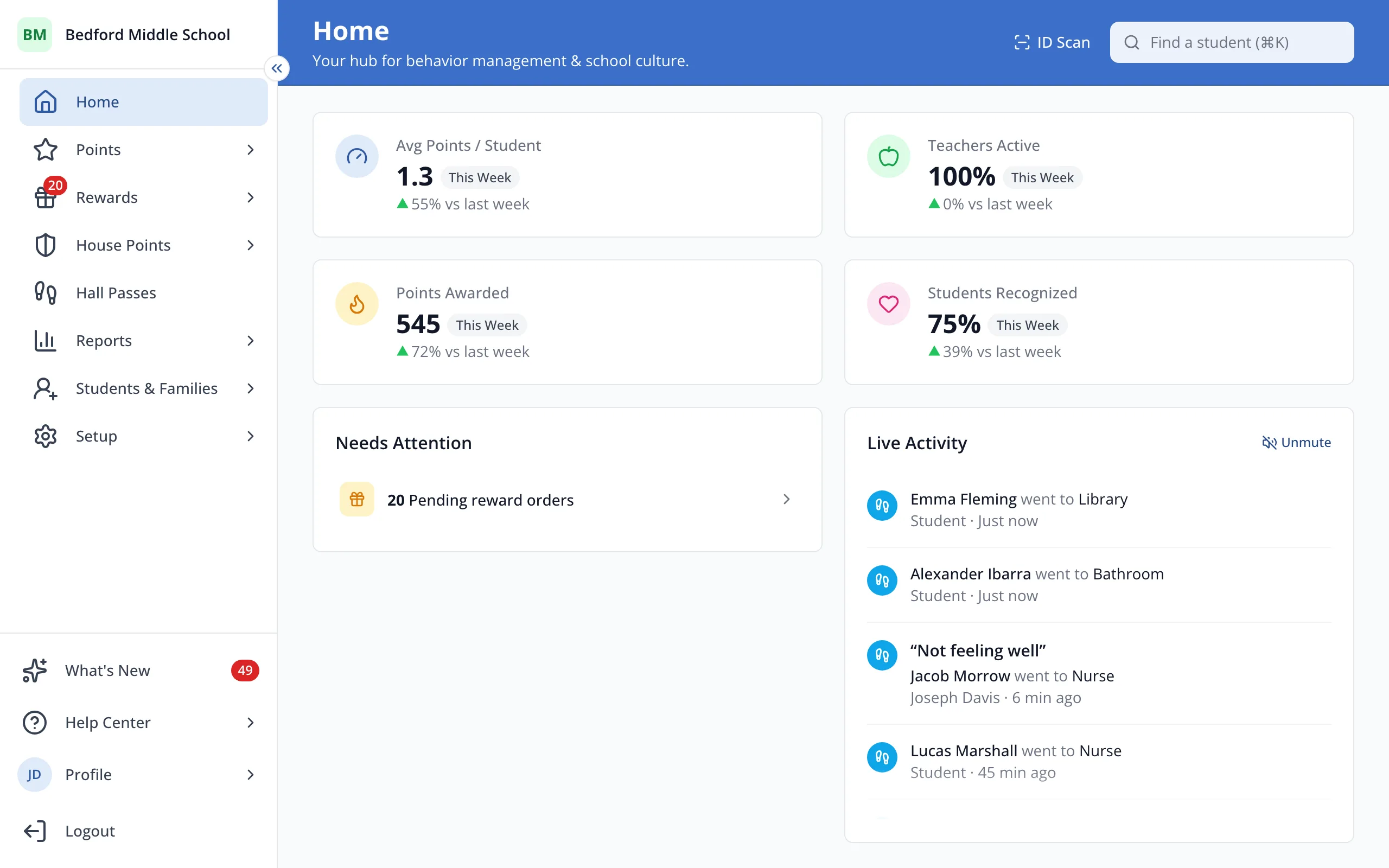
1.In the sidebar, click House Points.
2.Click Settings.
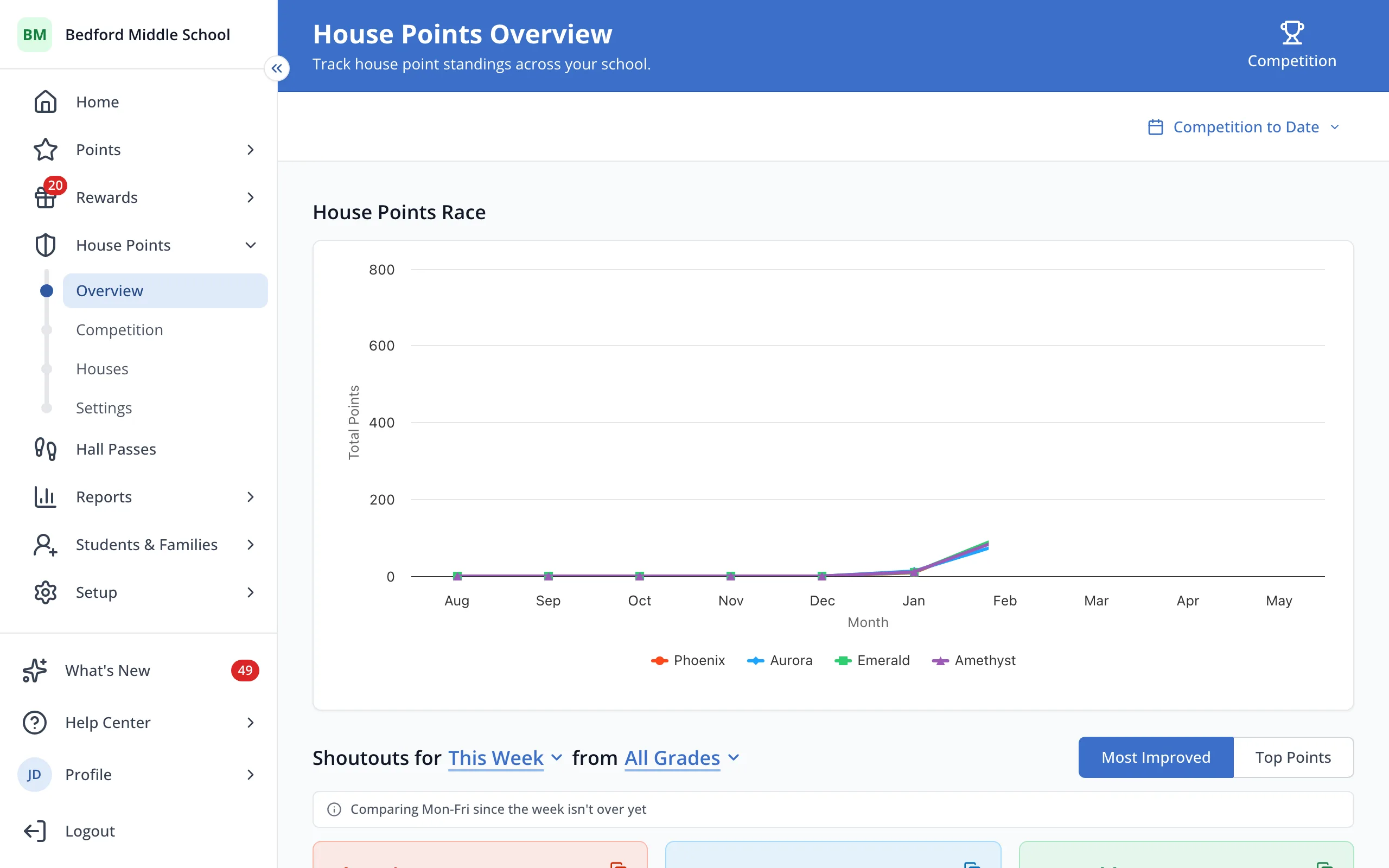
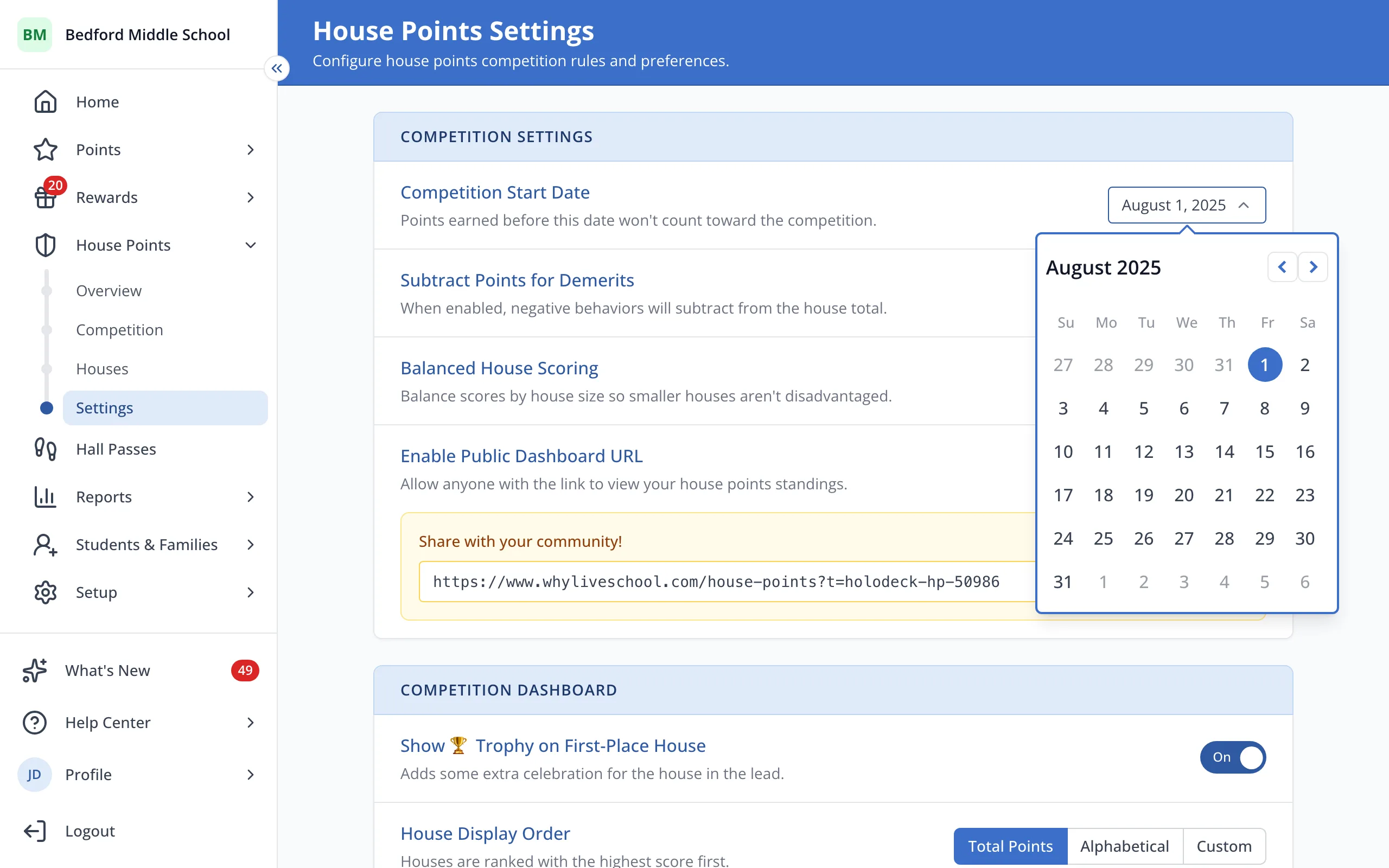
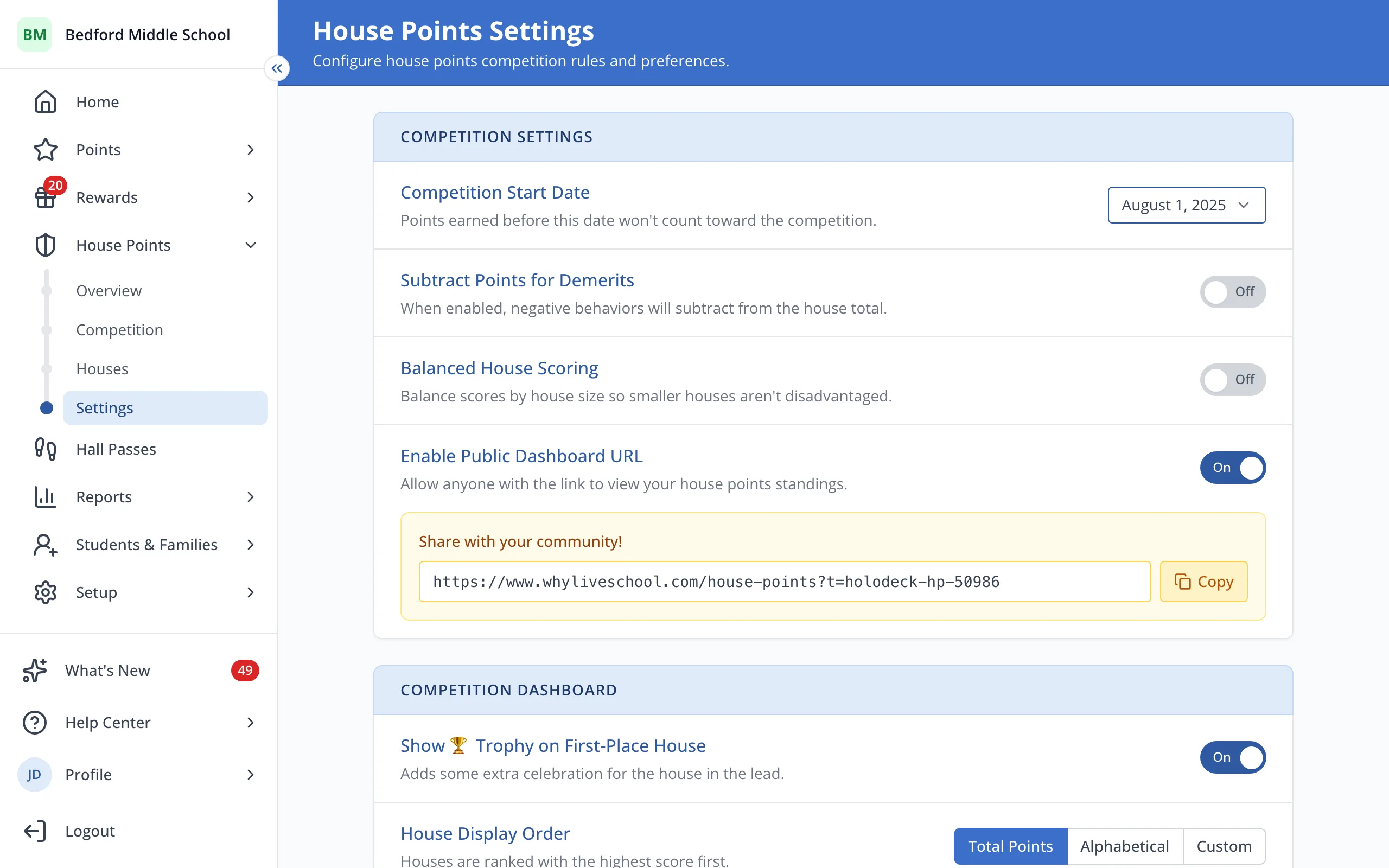
3.Next to Competition Start Date, click the date.
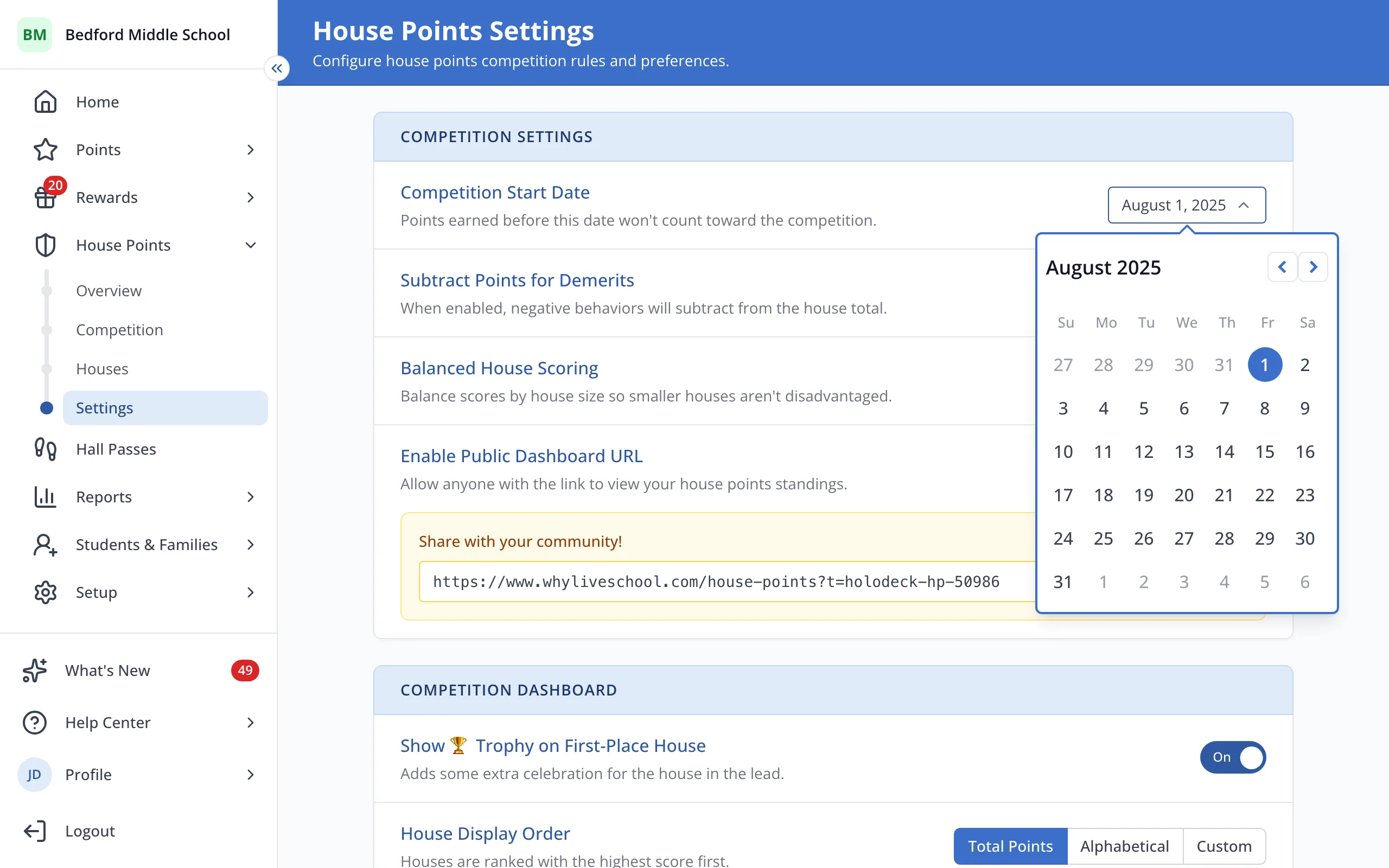
4.Click the day you want the competition to start.
5.Only points earned on or after this date count toward the House totals.
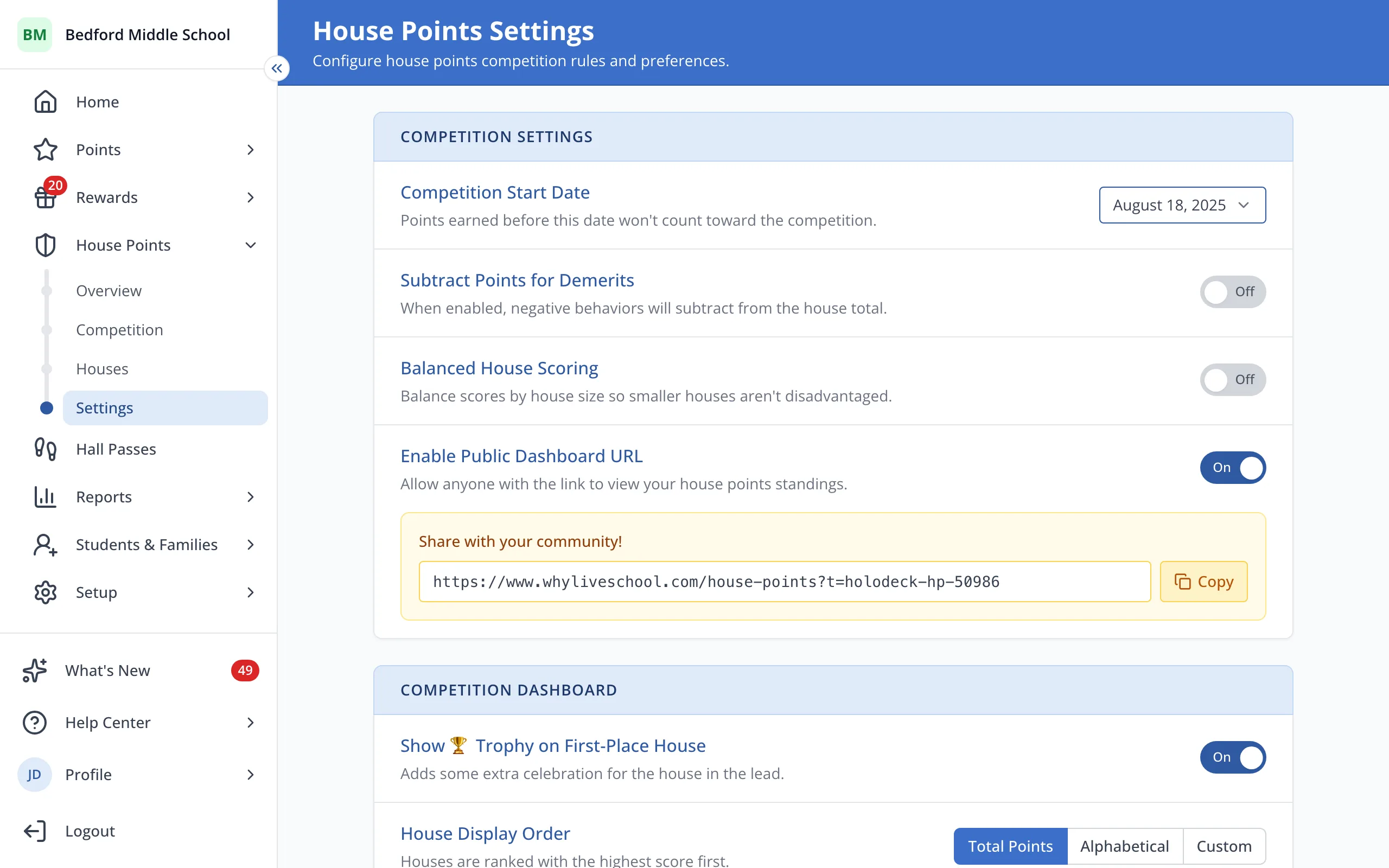
Did you know? Restarting a competition only changes the House Points Dashboard. It does not clear points from student accounts.