See which students are in a house
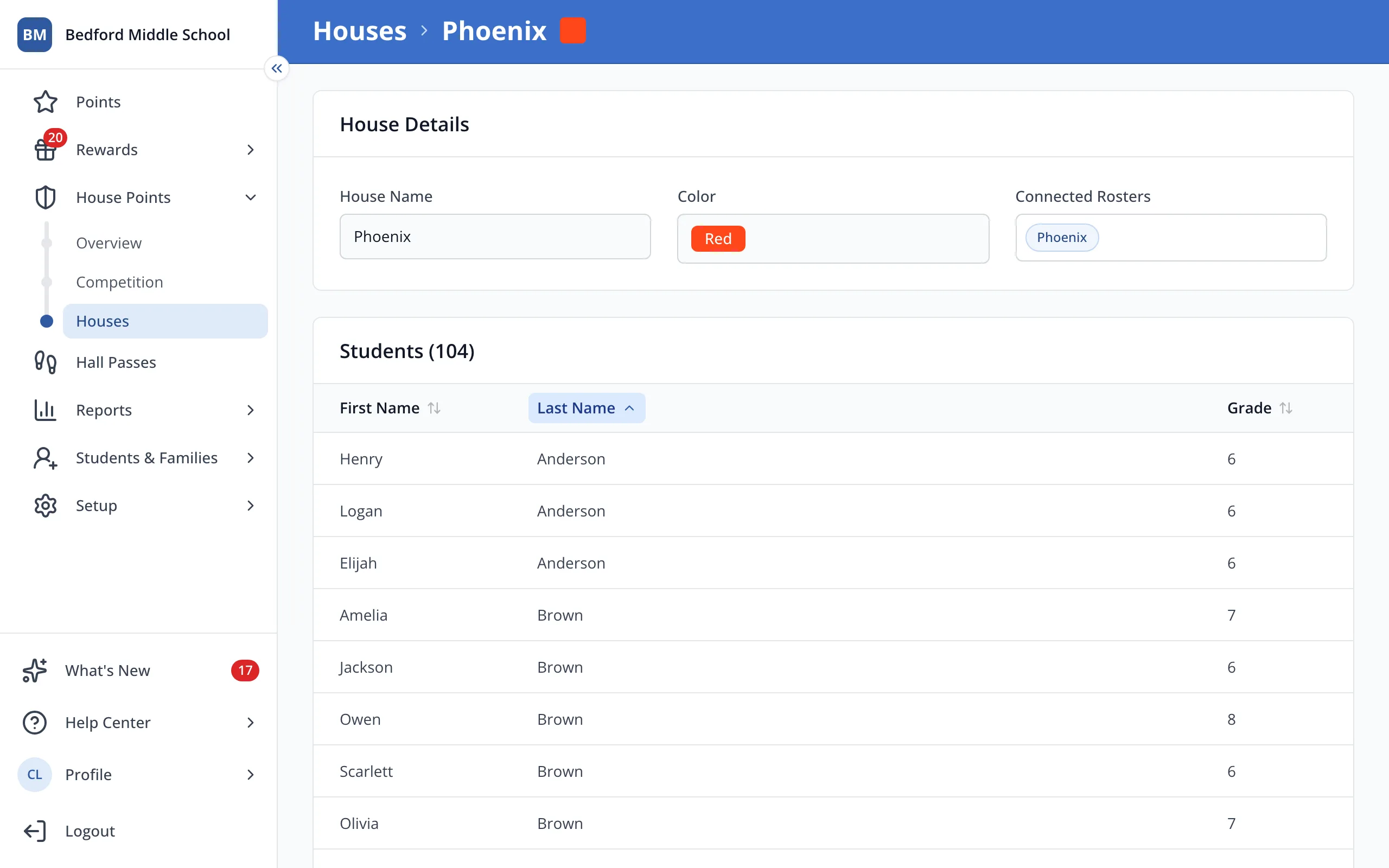
Each House's page lists its connected rosters and every student in it, so you can check who's in that House.
Open in LiveSchool
Already signed in? Open this guide inside LiveSchool.
Use the Left and Right arrow keys to move between steps, and Space to play or pause.
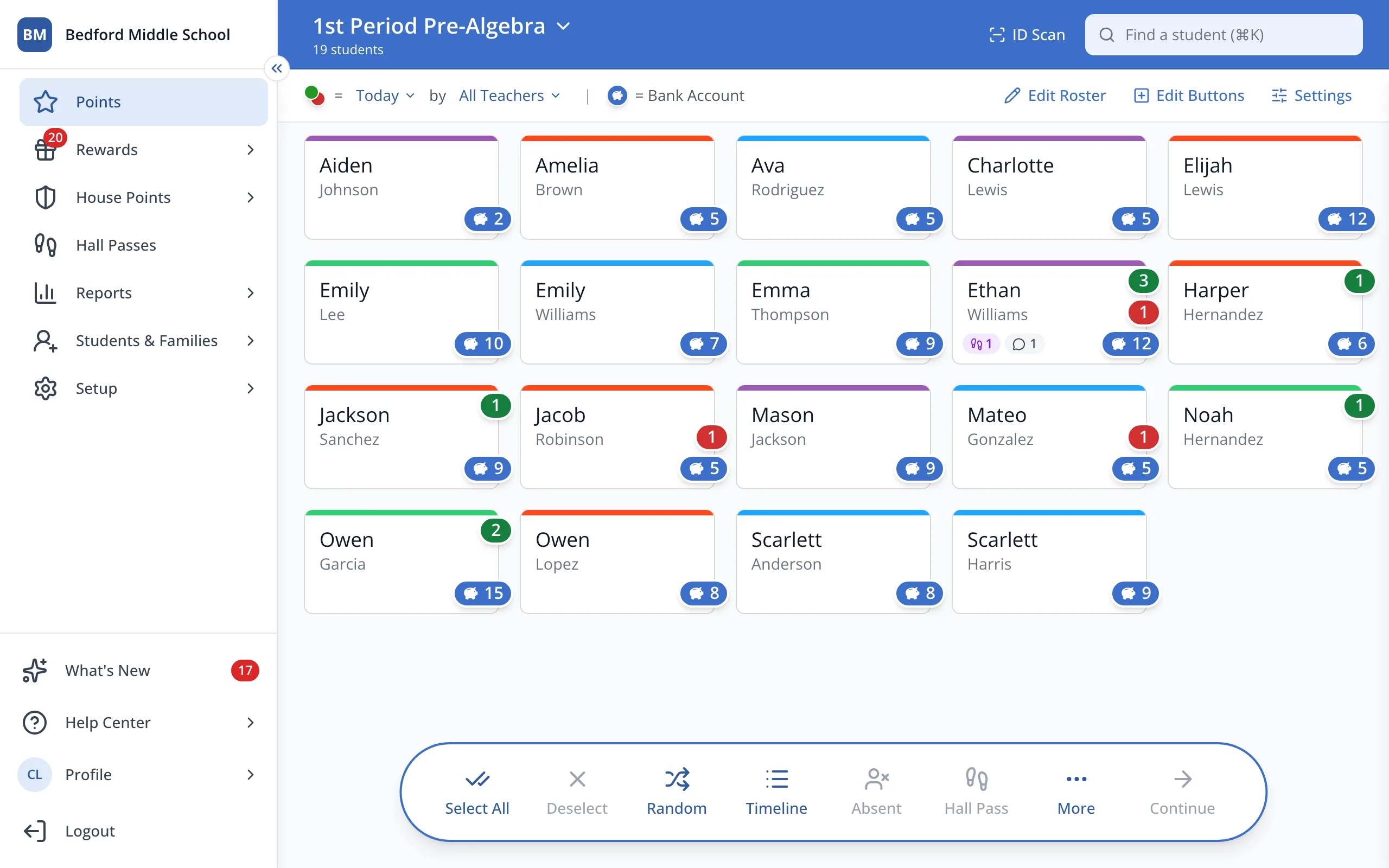
1.In the sidebar, click House Points.
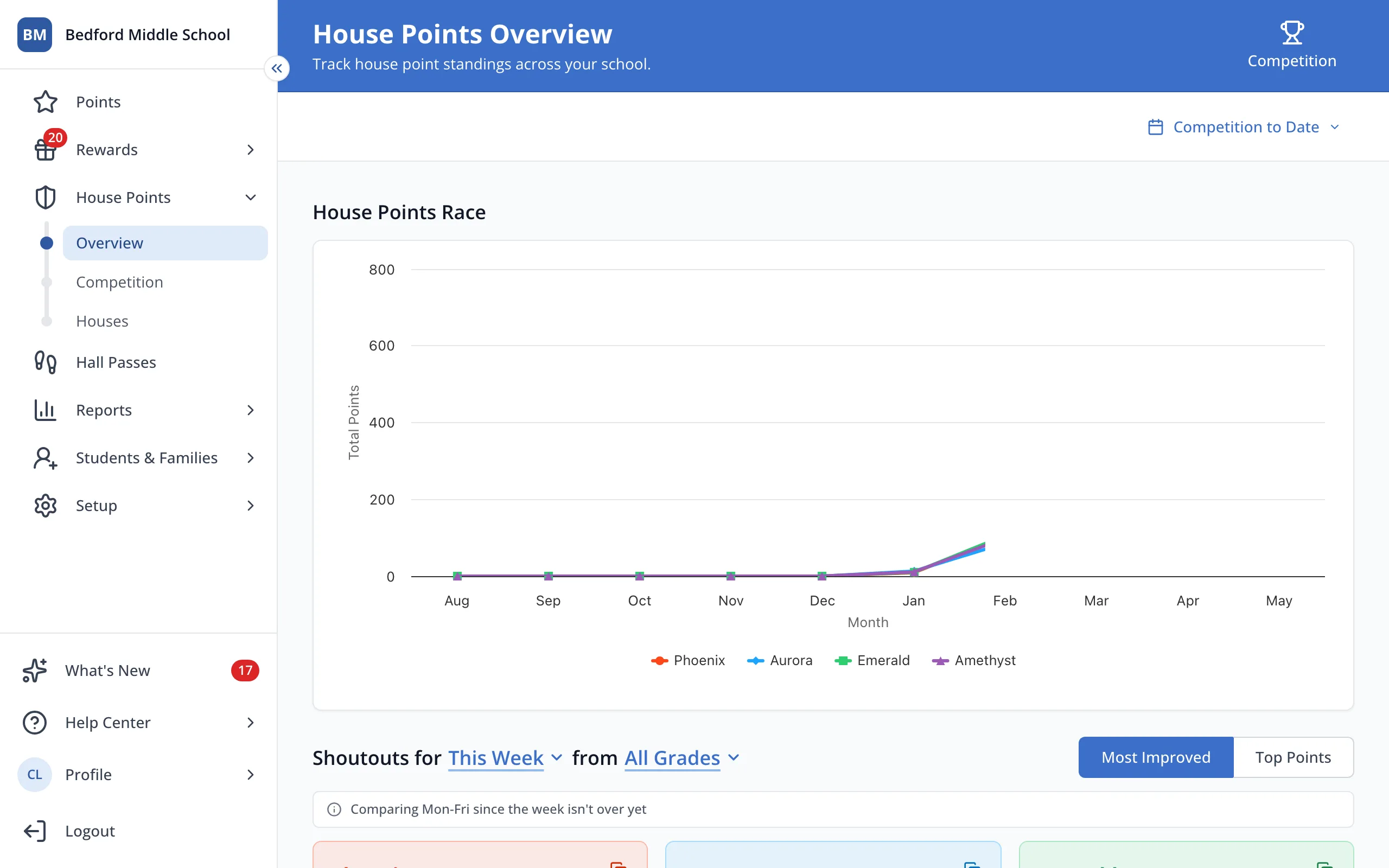
2.Click Houses.
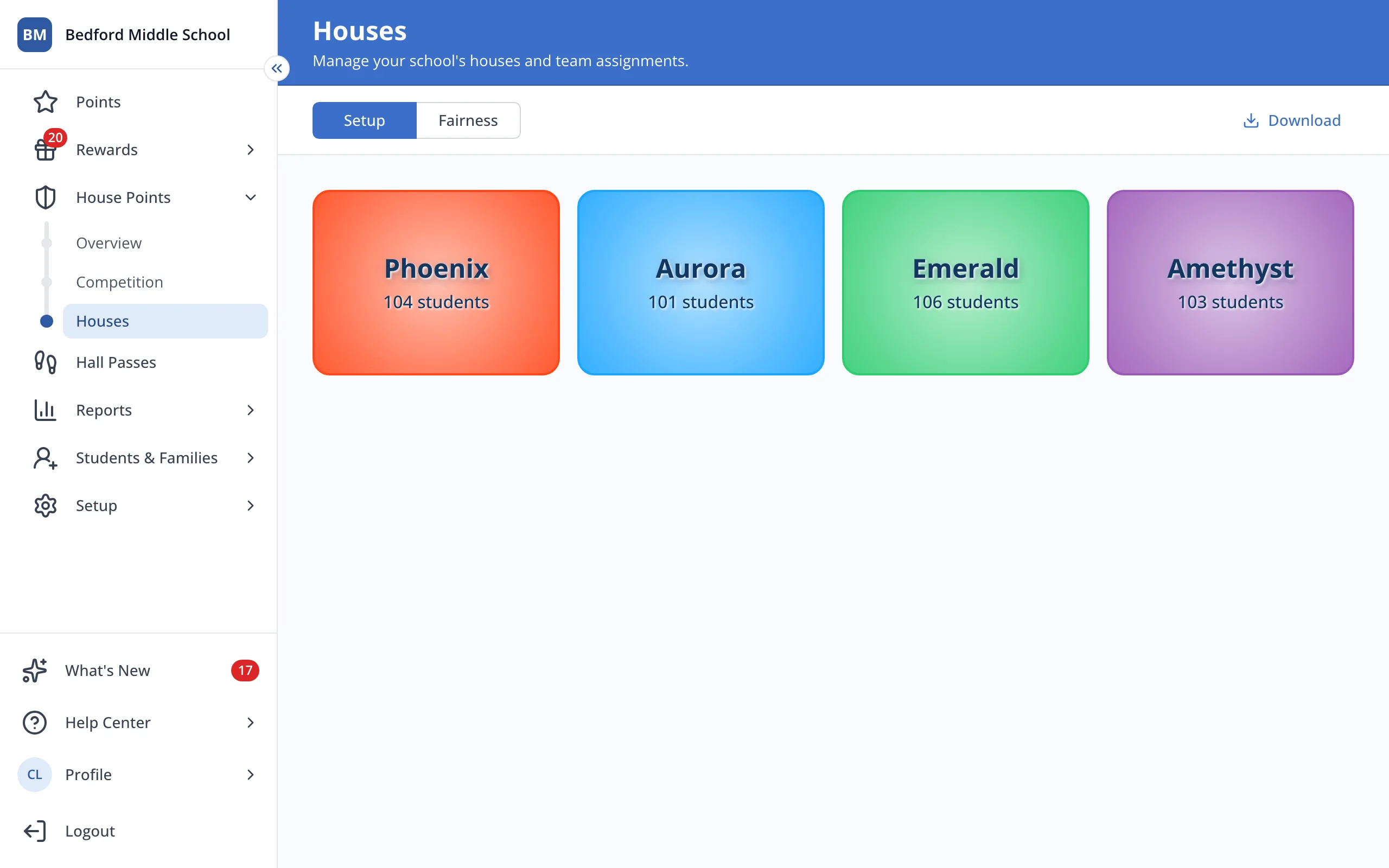
3.Click the House you'd like to see.
4.The number next to Students is how many are in the House. Click a column heading to sort the list.