
See which house a student is in
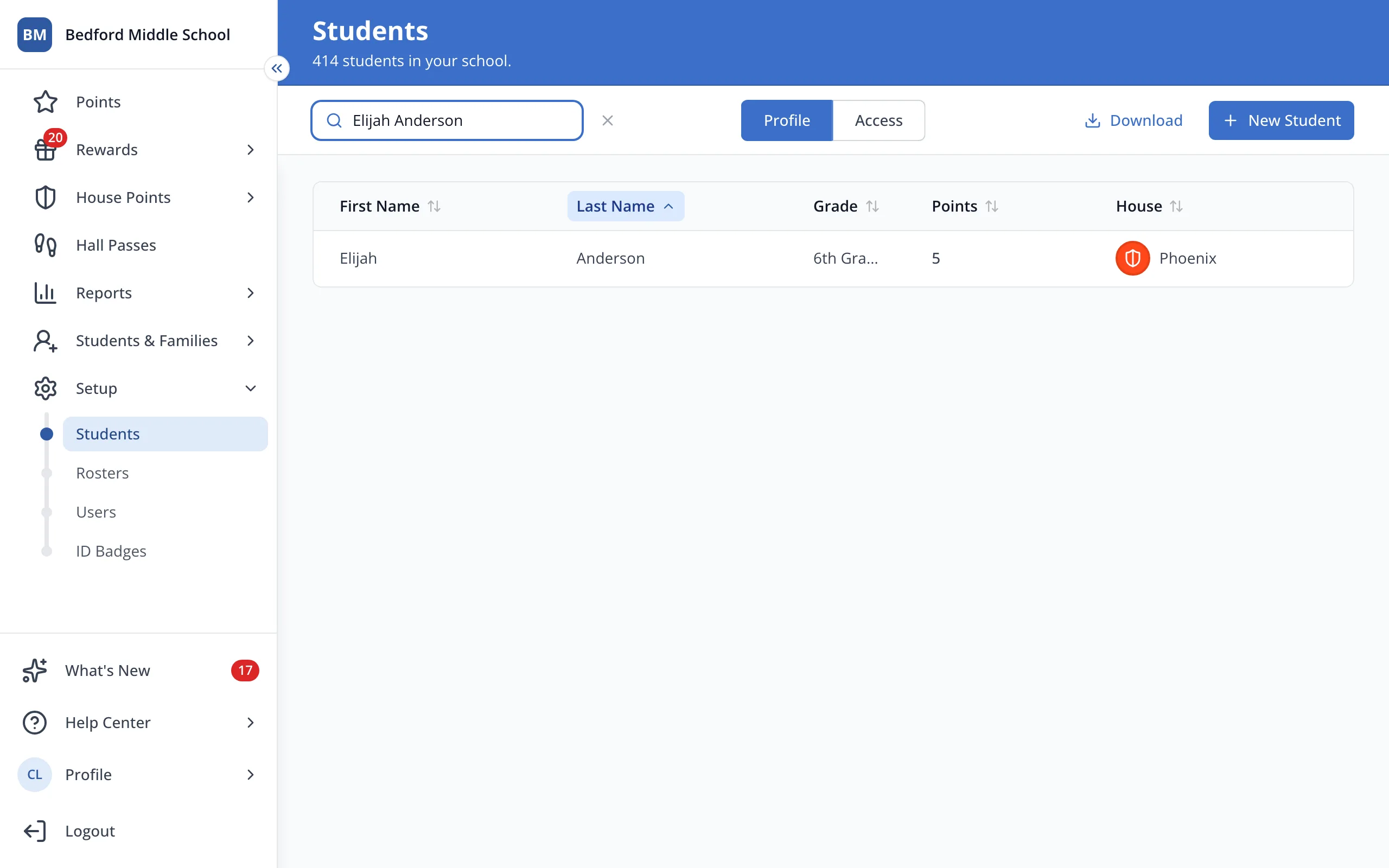
The Students list under Setup shows every student's House, so you can look anyone up.
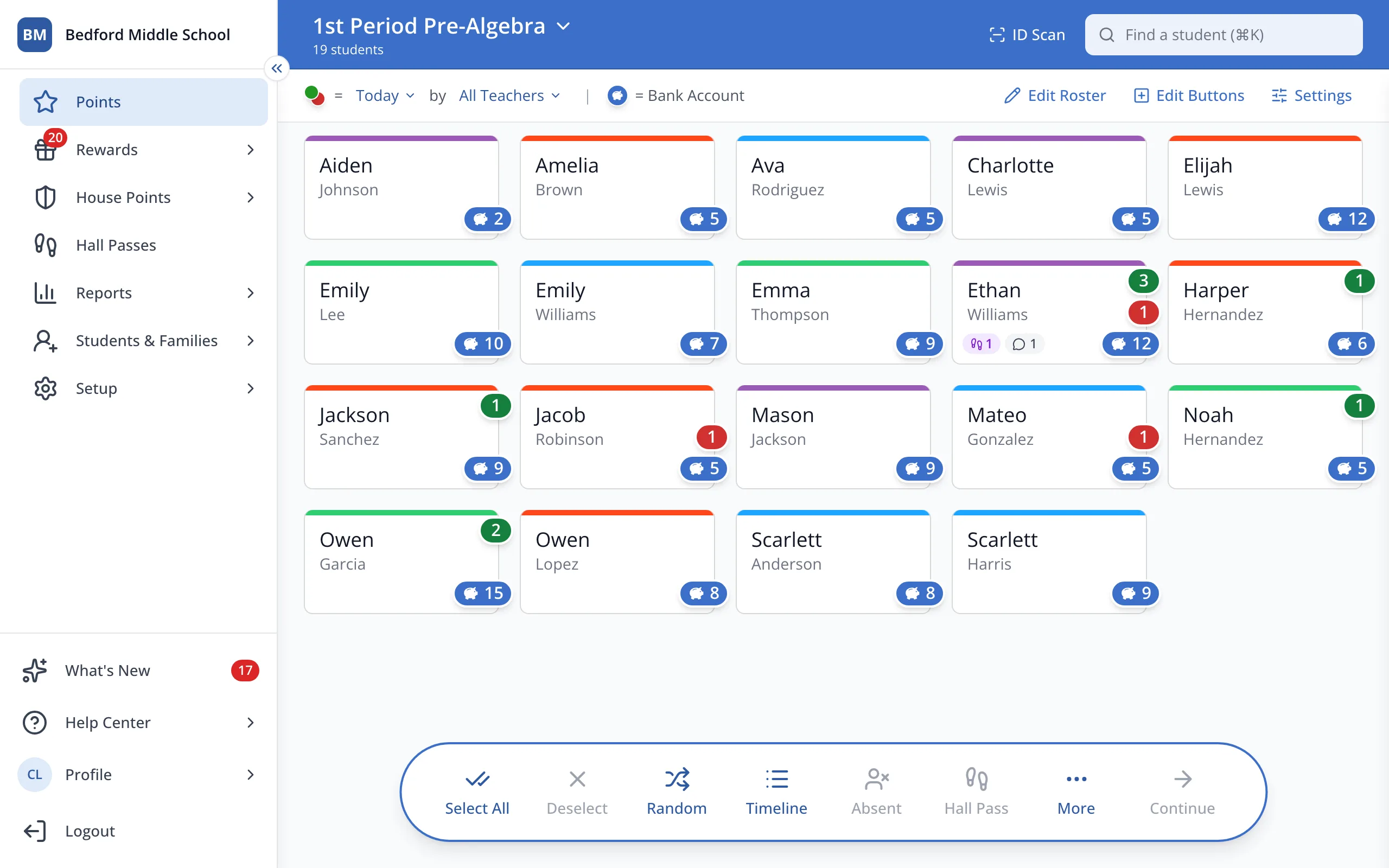
1 / 5In the sidebar, click Setup.
1.In the sidebar, click Setup.
2.Click Students.
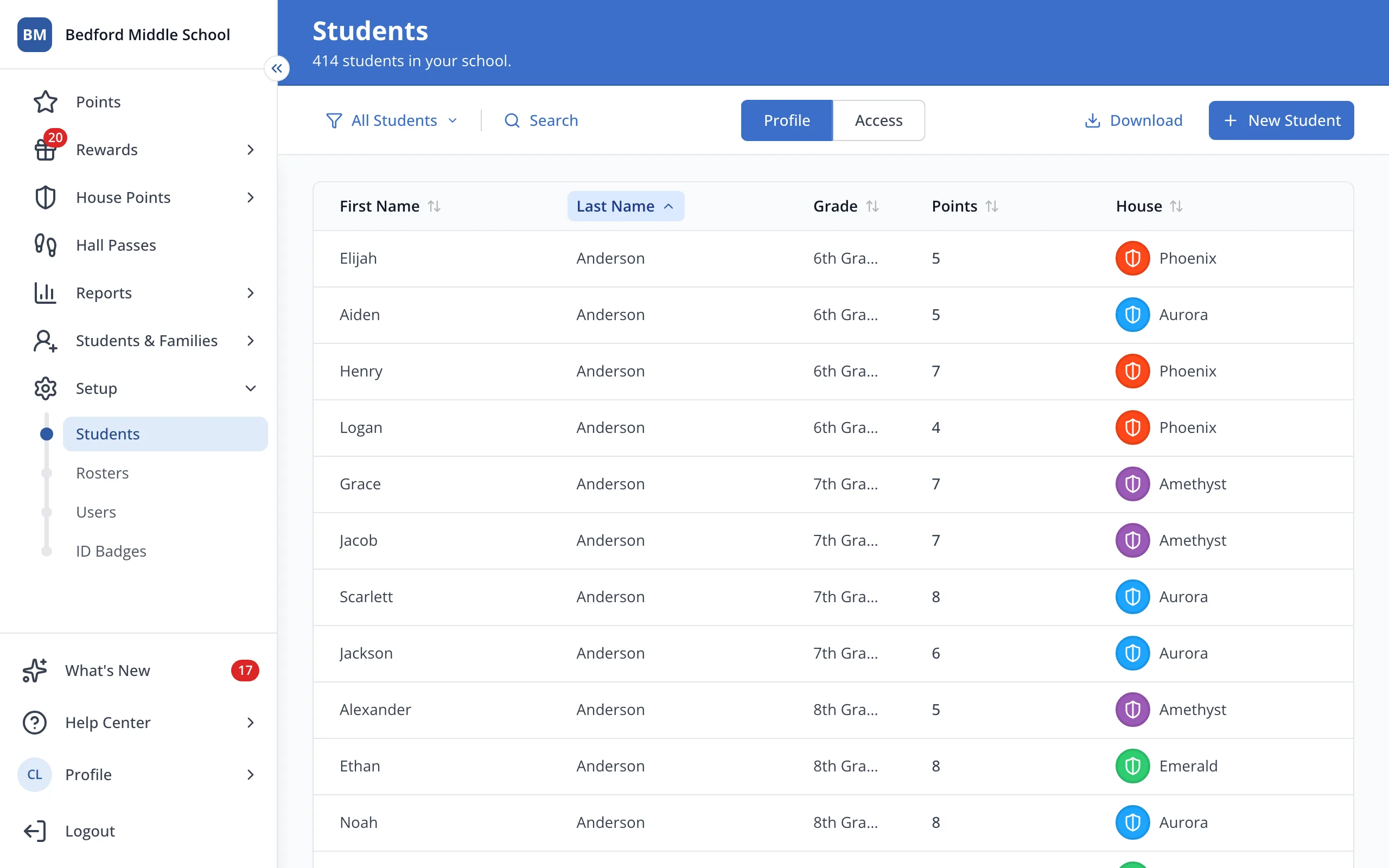
3.At the top of the list, click Search.
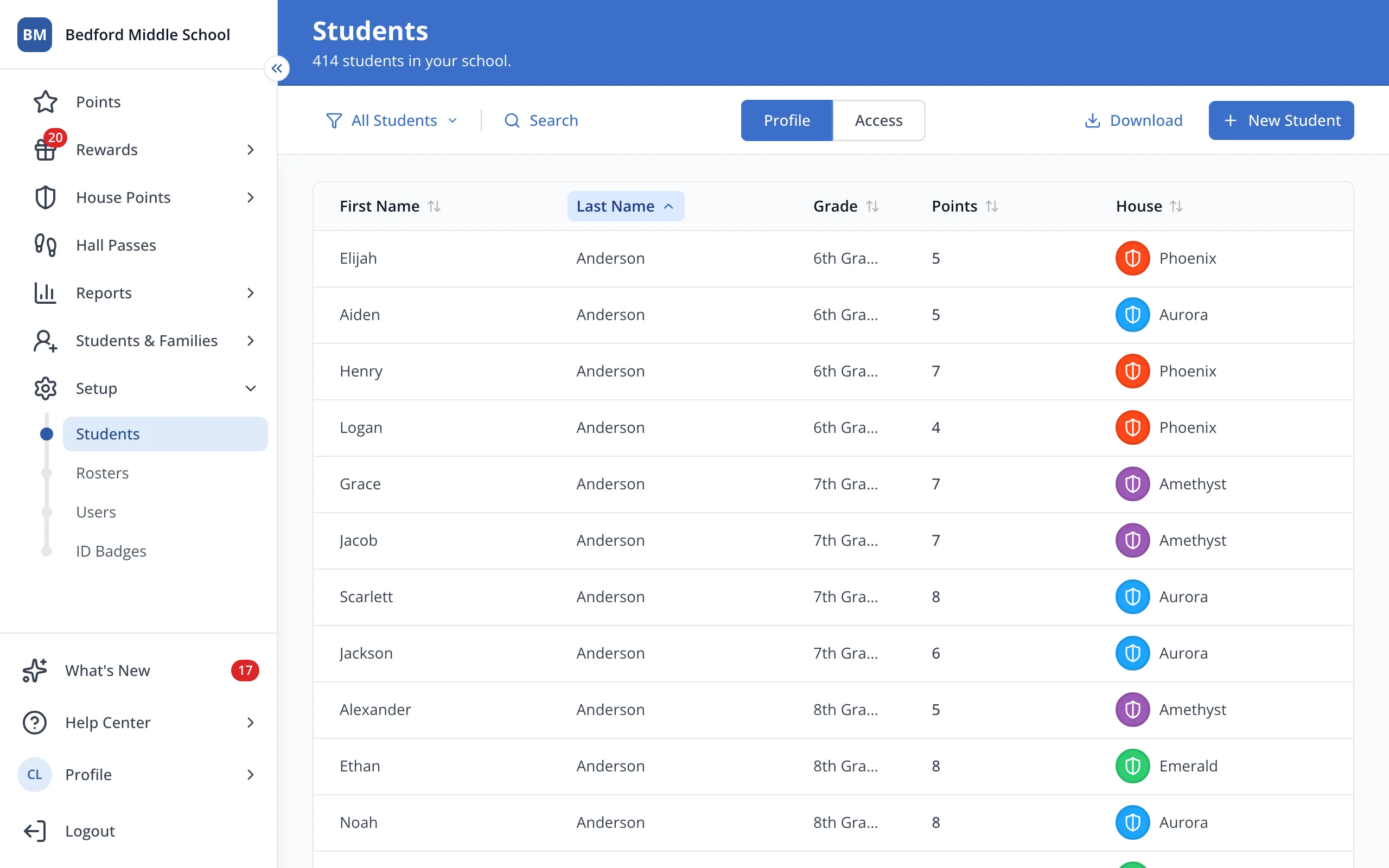
4.Type the student's name.
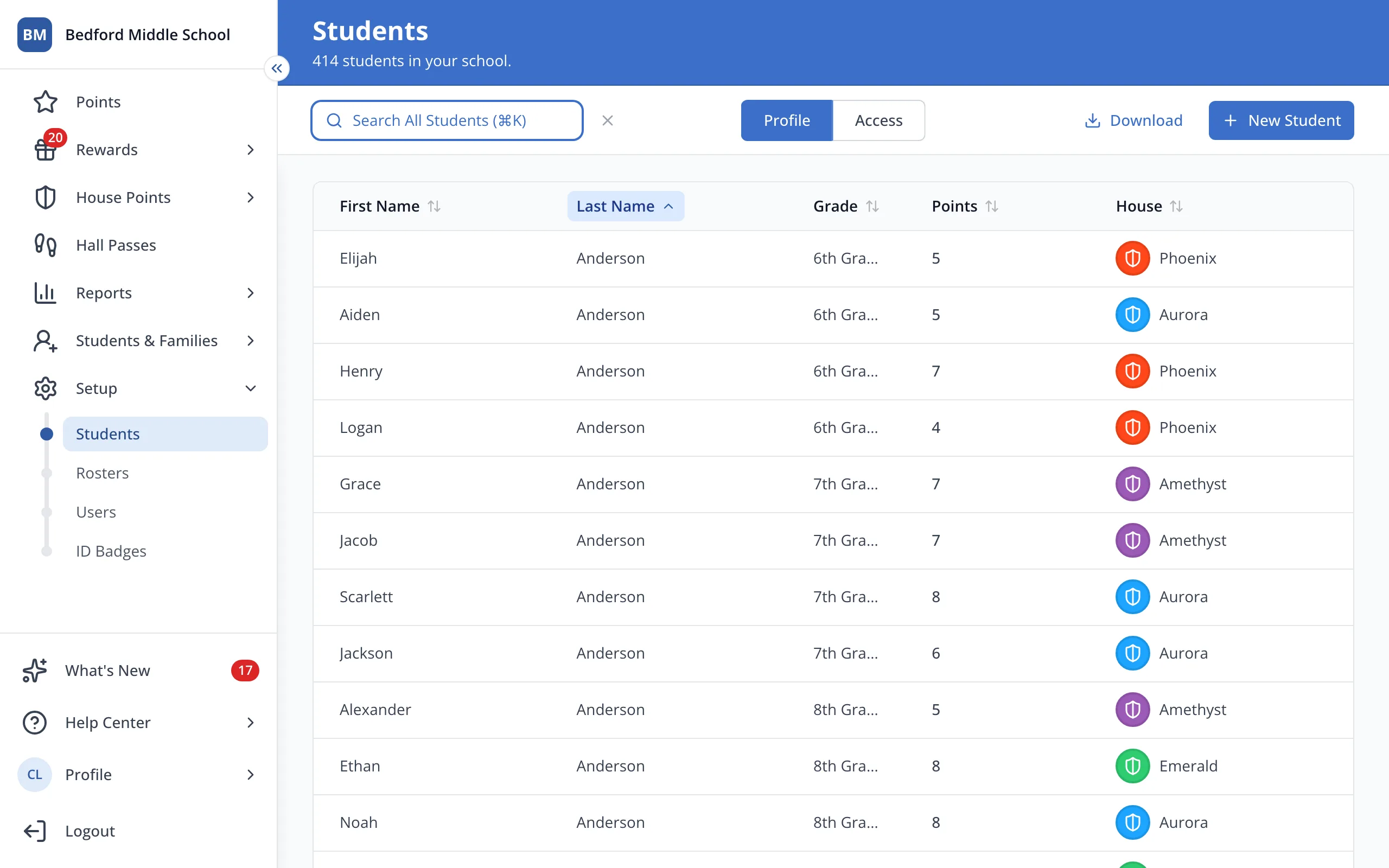
5.Their House is in the House column. A blank means they aren't in a House yet.
Was this helpful?