Show or hide house standings for students and families
Students and families see the House standings in their portal only while the public link is turned on.
Open in LiveSchool
Already signed in? Open this guide inside LiveSchool.
Use the Left and Right arrow keys to move between steps, and Space to play or pause.
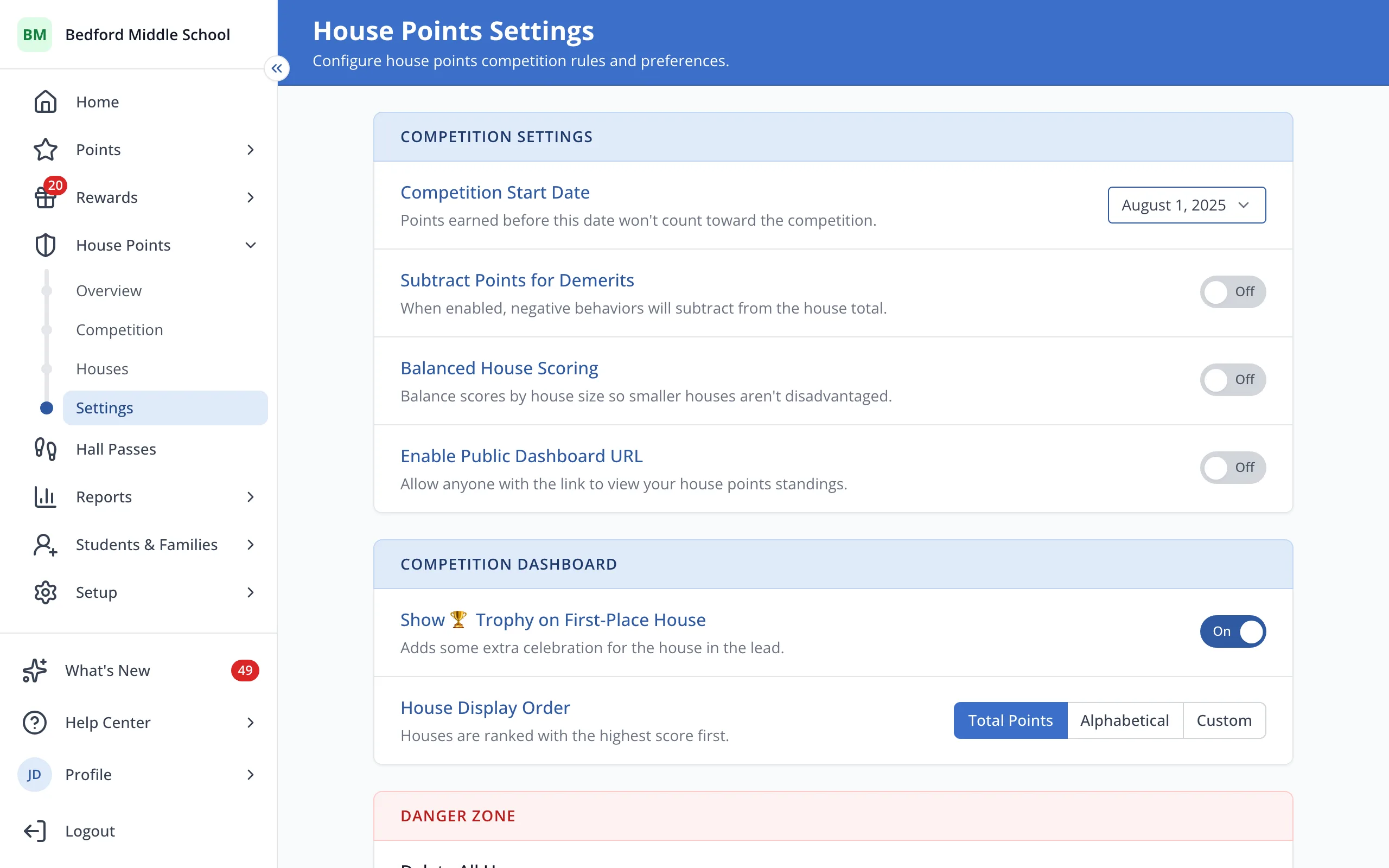
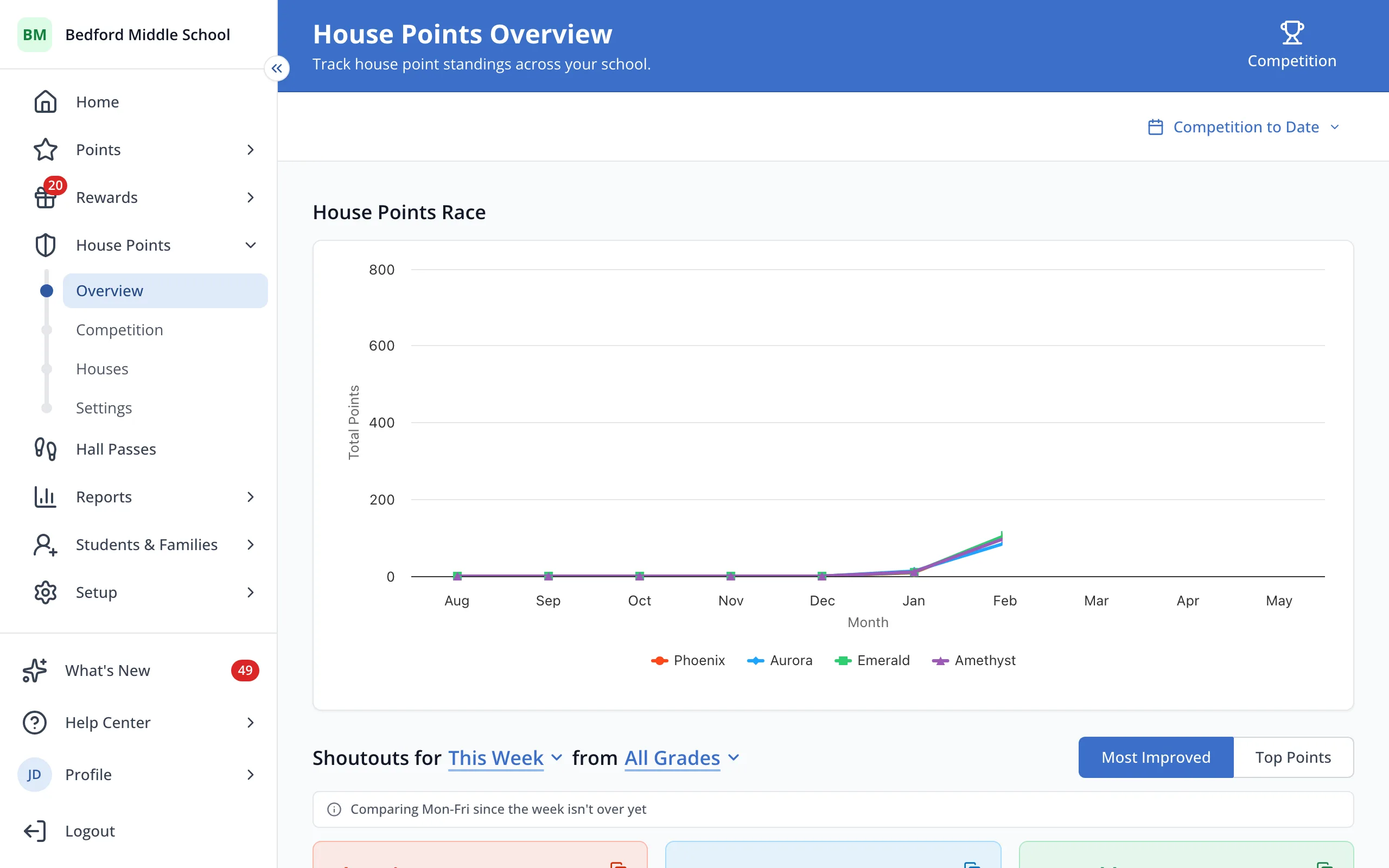
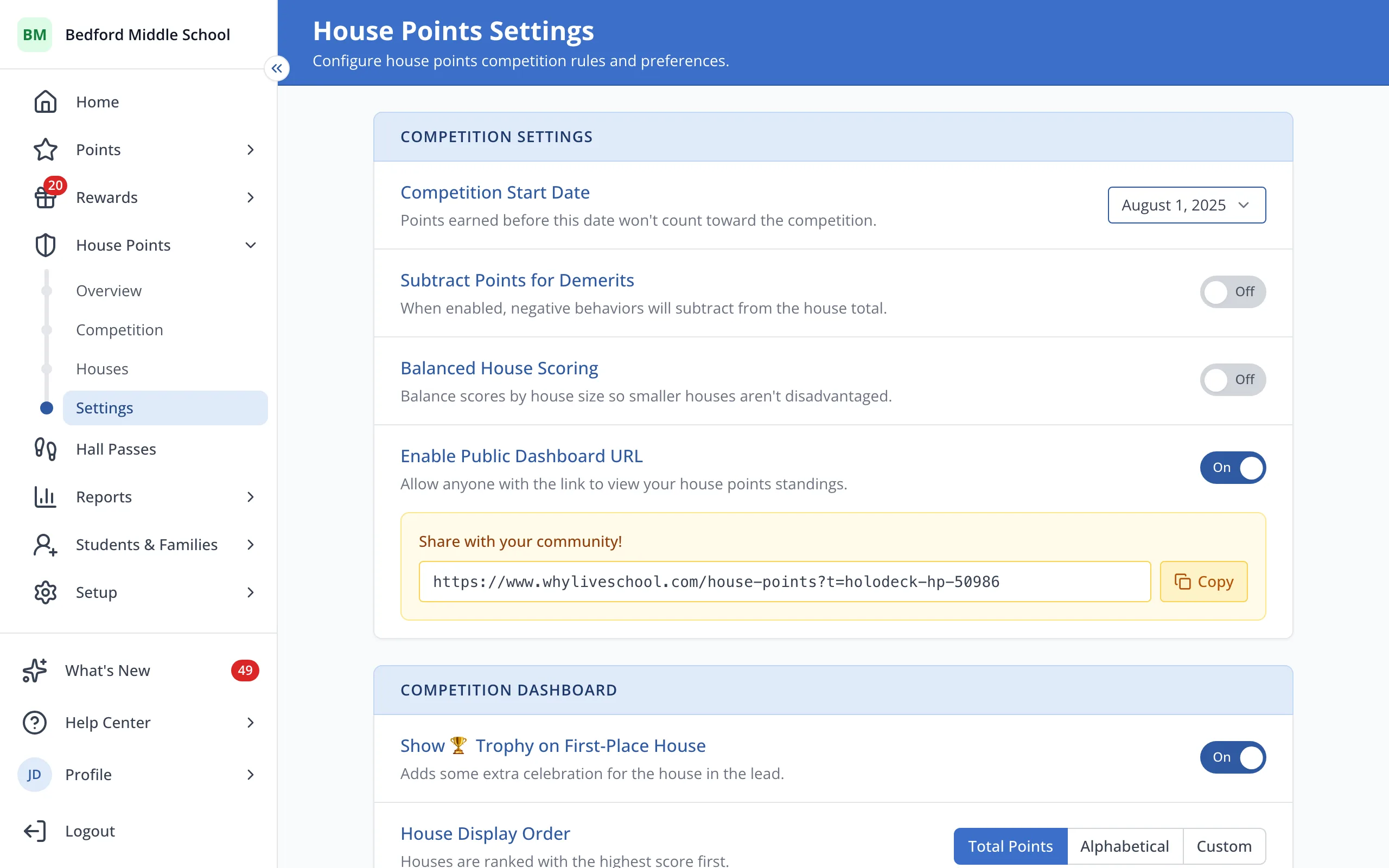
1.In the sidebar, click House Points.
2.Click Settings.
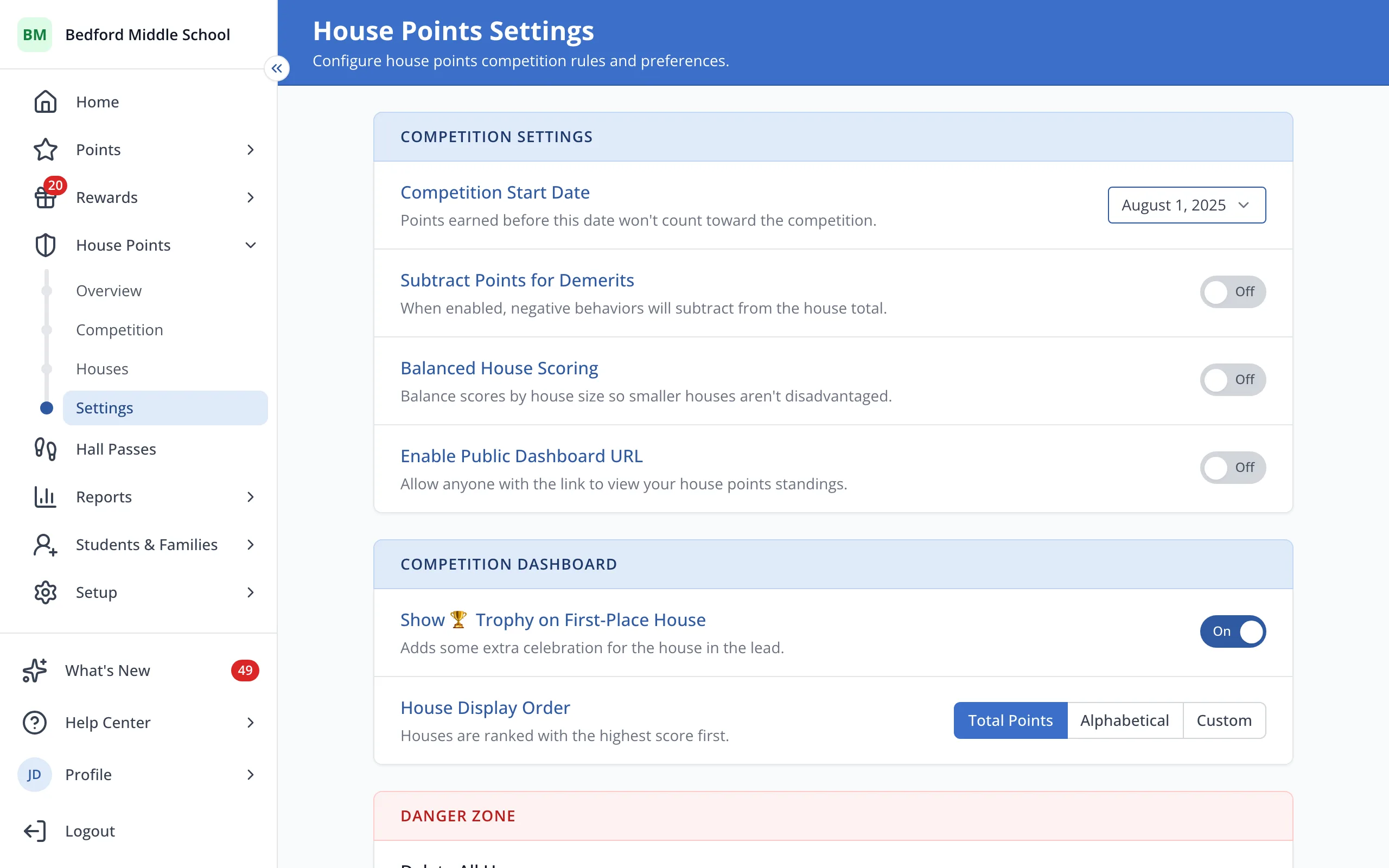
3.Next to Enable Public Dashboard URL, turn the switch on to show the standings, or off to hide them.
4.When it's off, students and families see a message that House Points are hidden.