
Mark a student absent on the Points page
Absent marks are shared across your school, so other teachers see the student as absent too.
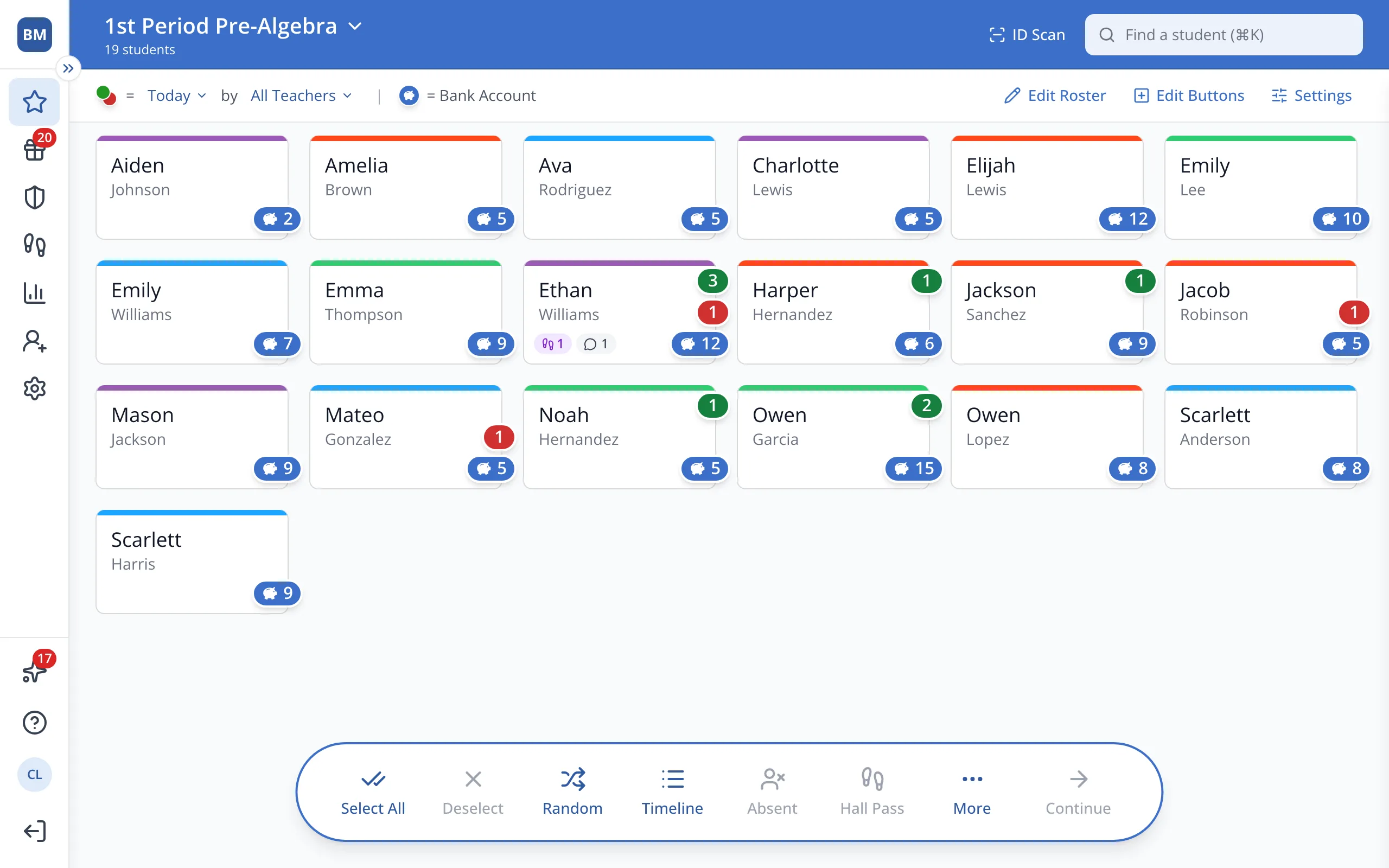
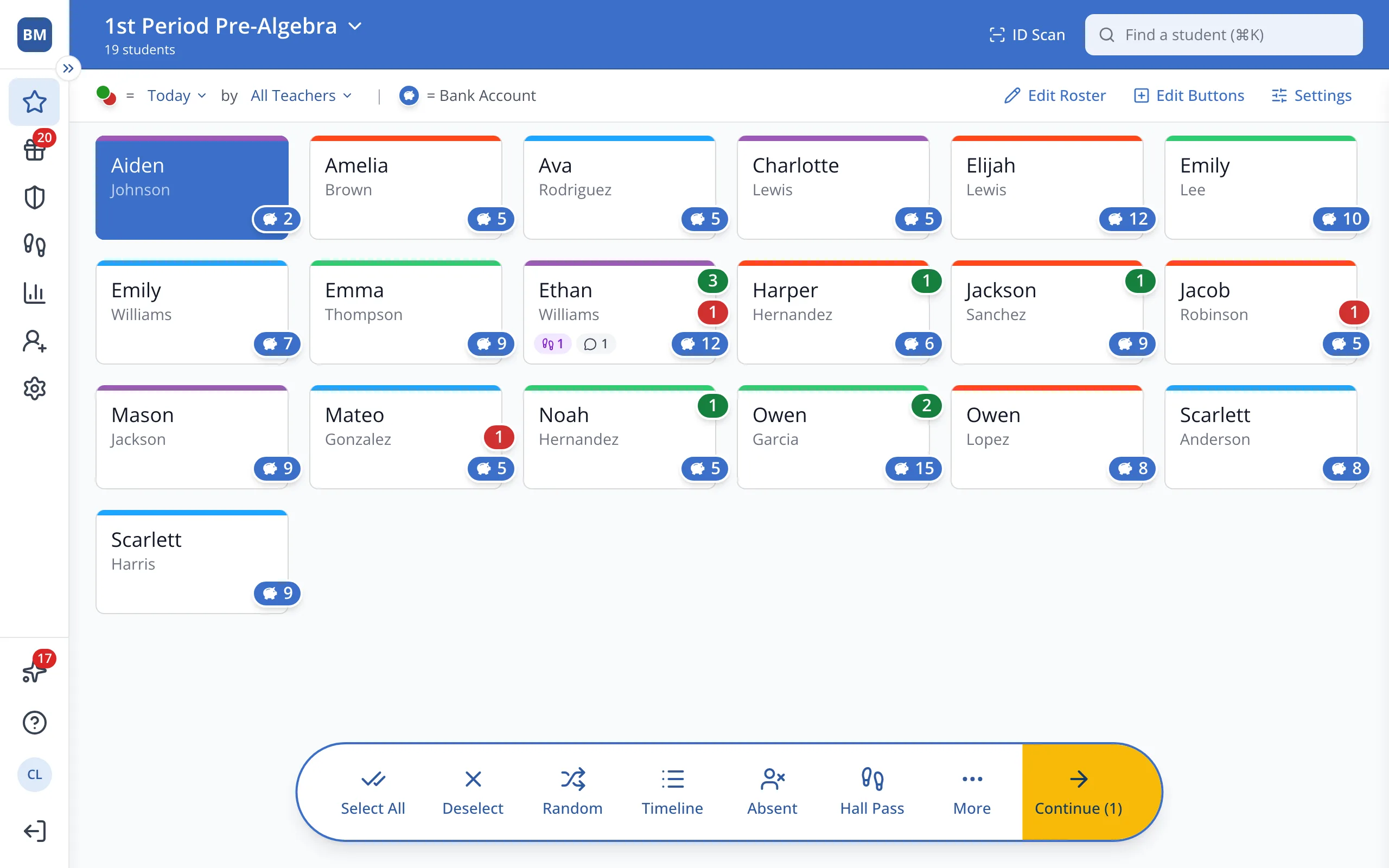
1 / 3On the Points page, click the button of the student who is out today. To mark several students, click each of their buttons.
1.On the Points page, click the button of the student who is out today. To mark several students, click each of their buttons.
2.In the bar at the bottom, click Absent.
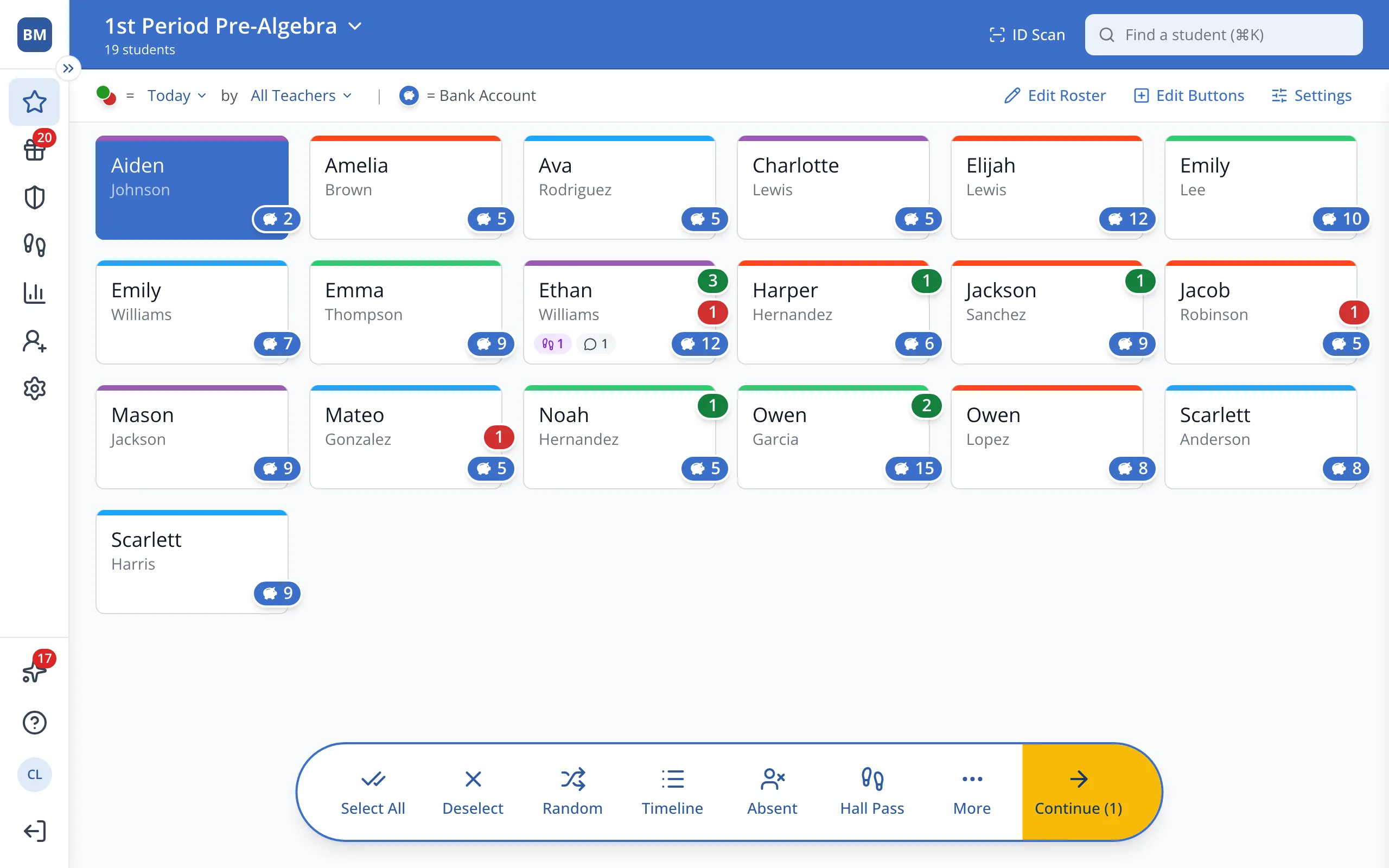
Tip: To mark the student present again, click their grey button.
3.Select All and Random now skip absent students.
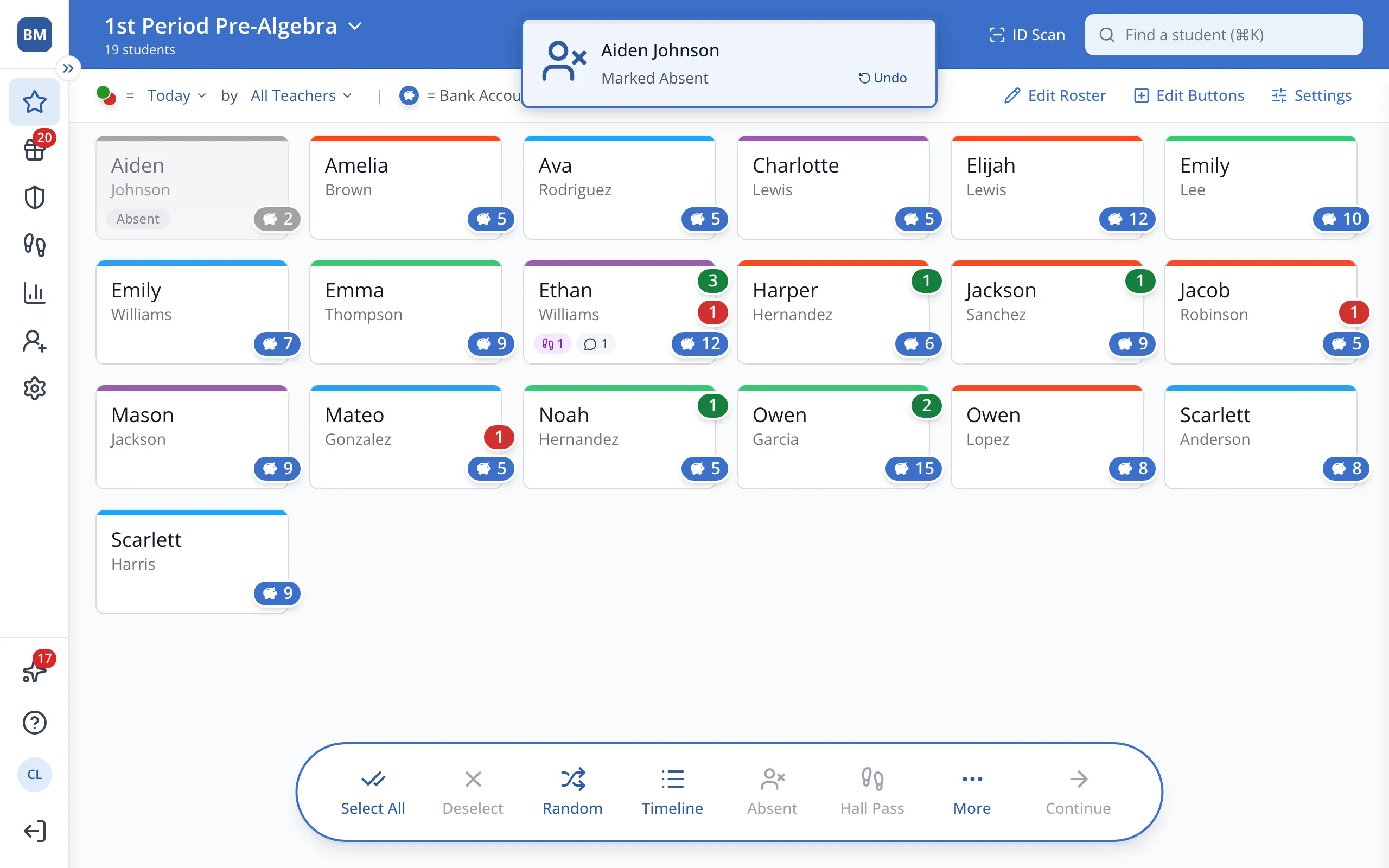
Tip: Absent marks only last for today.
Was this helpful?