
Change how students are displayed on the points screen
Decide how you want student names displayed when awarding points or rewards.
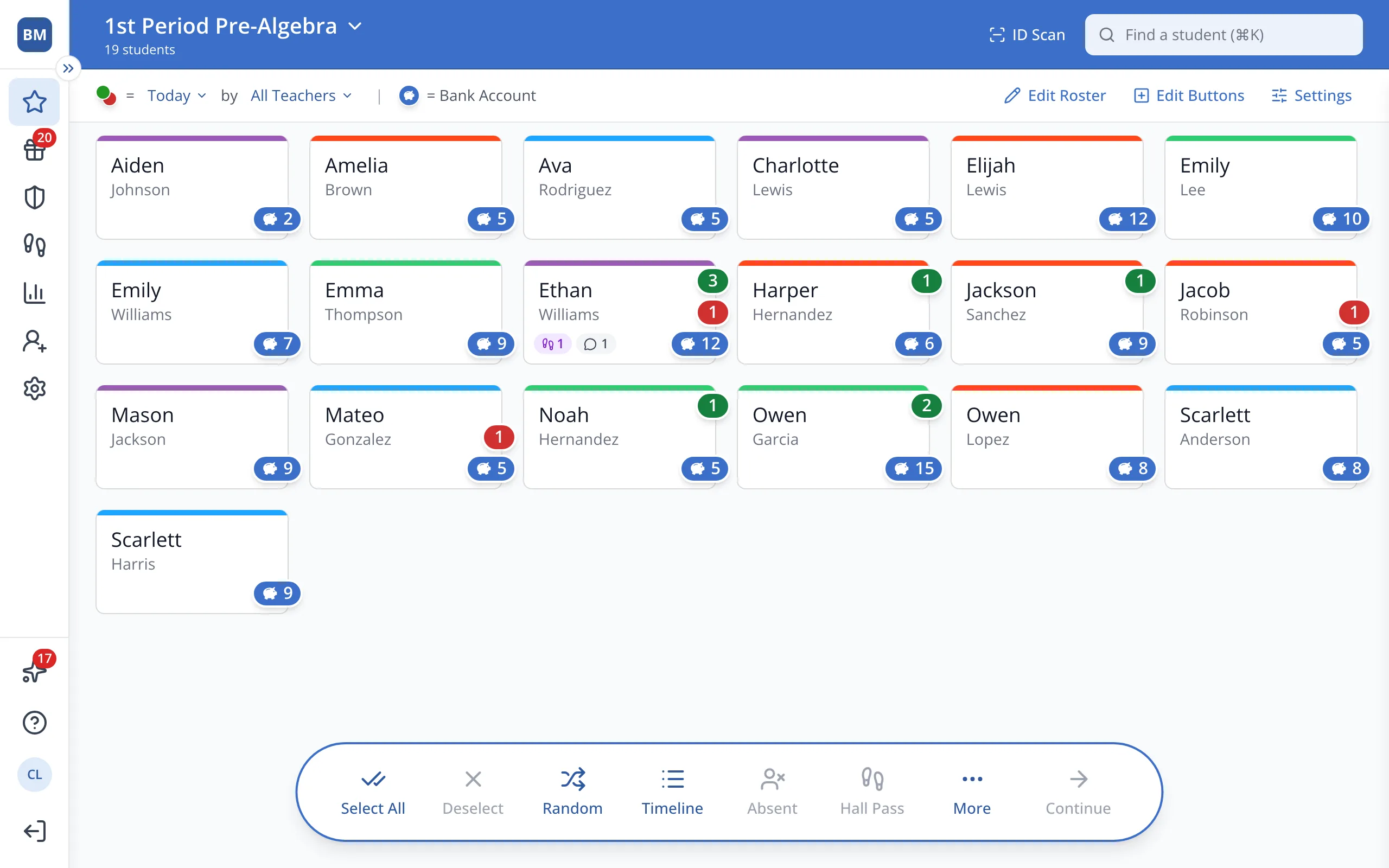
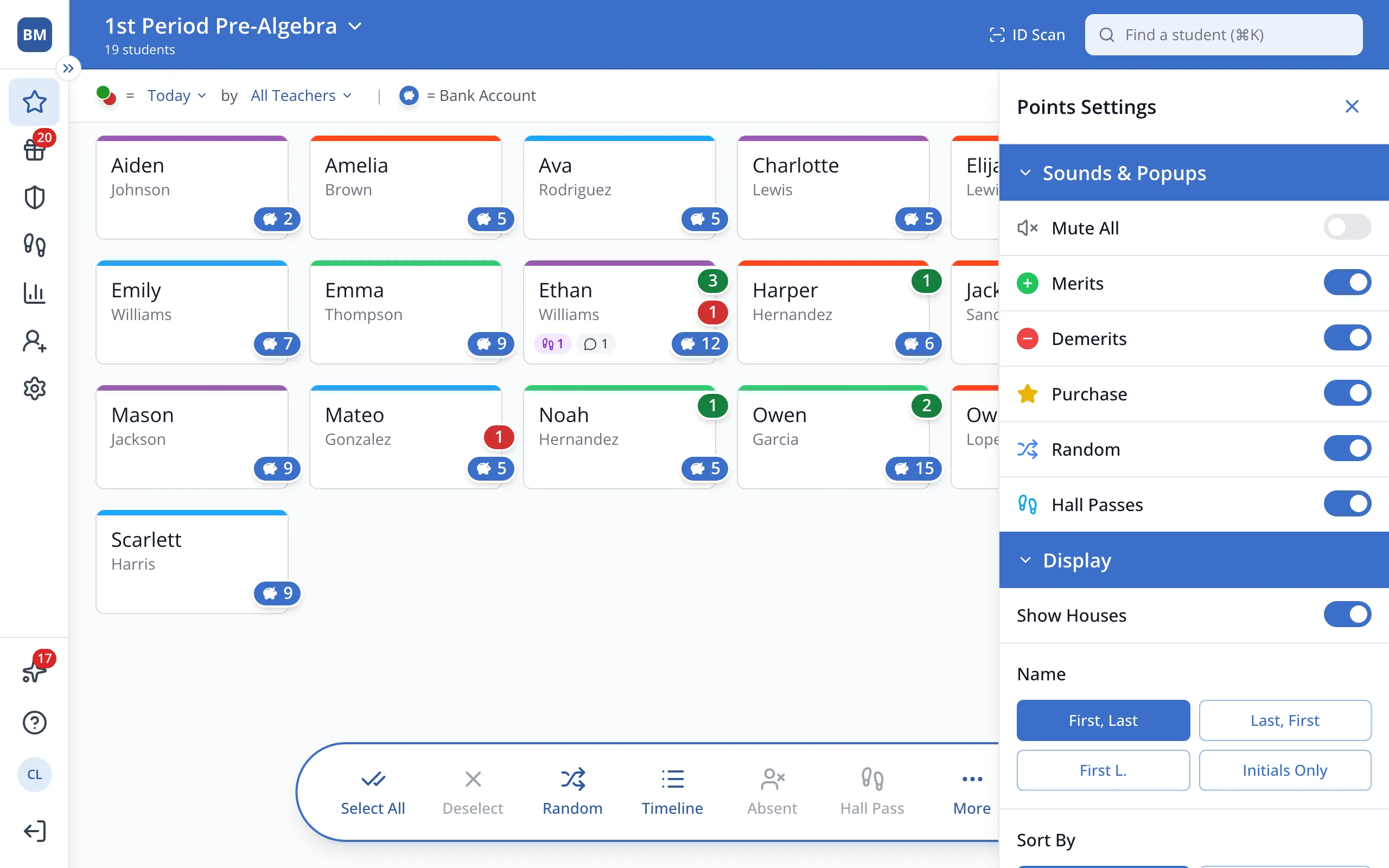
1 / 4At the top right of the Points page, click Settings.
1.At the top right of the Points page, click Settings.
2.Under Name, click the name format you'd like.
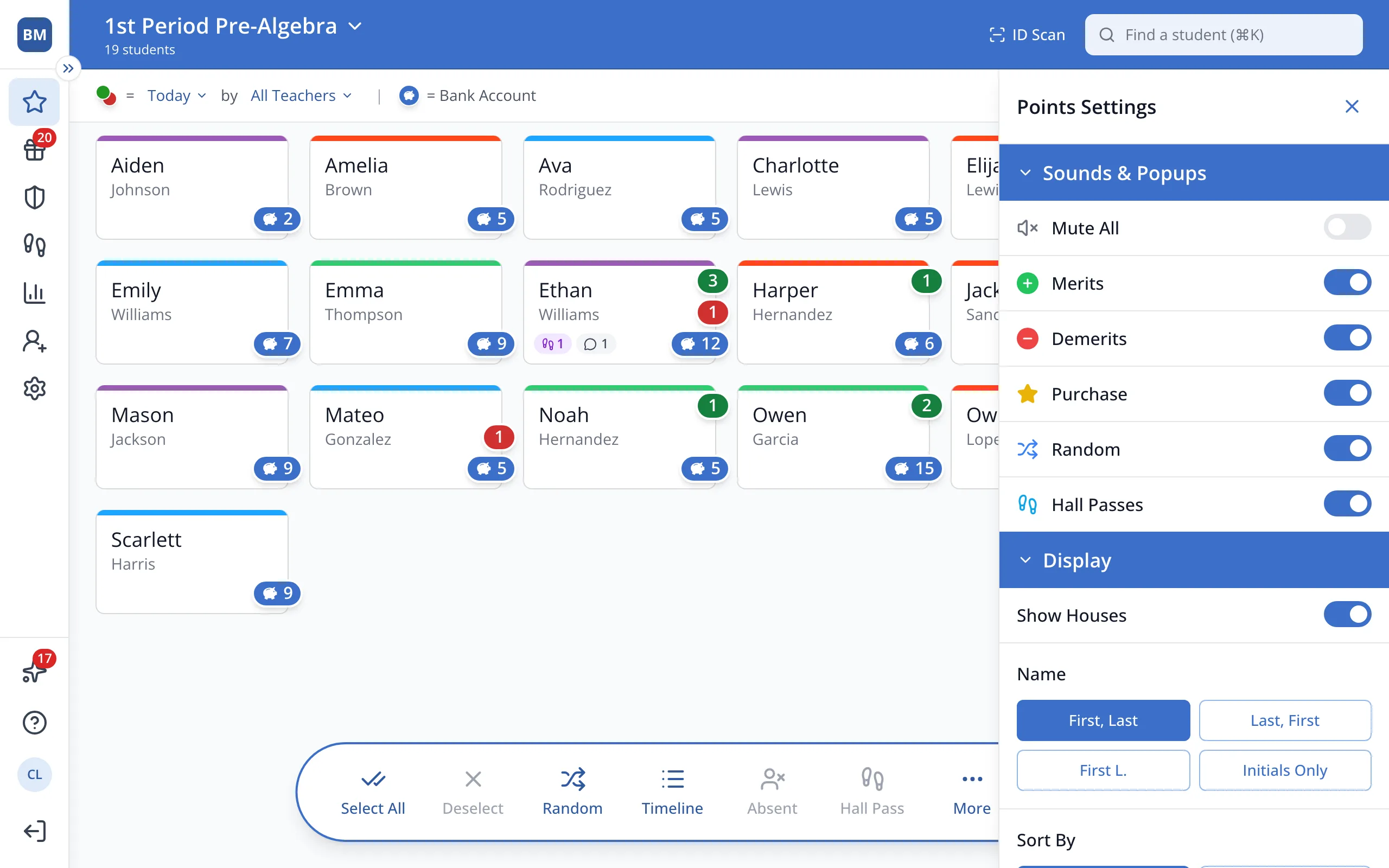
3.Under Sort By, click the sort option you'd like.
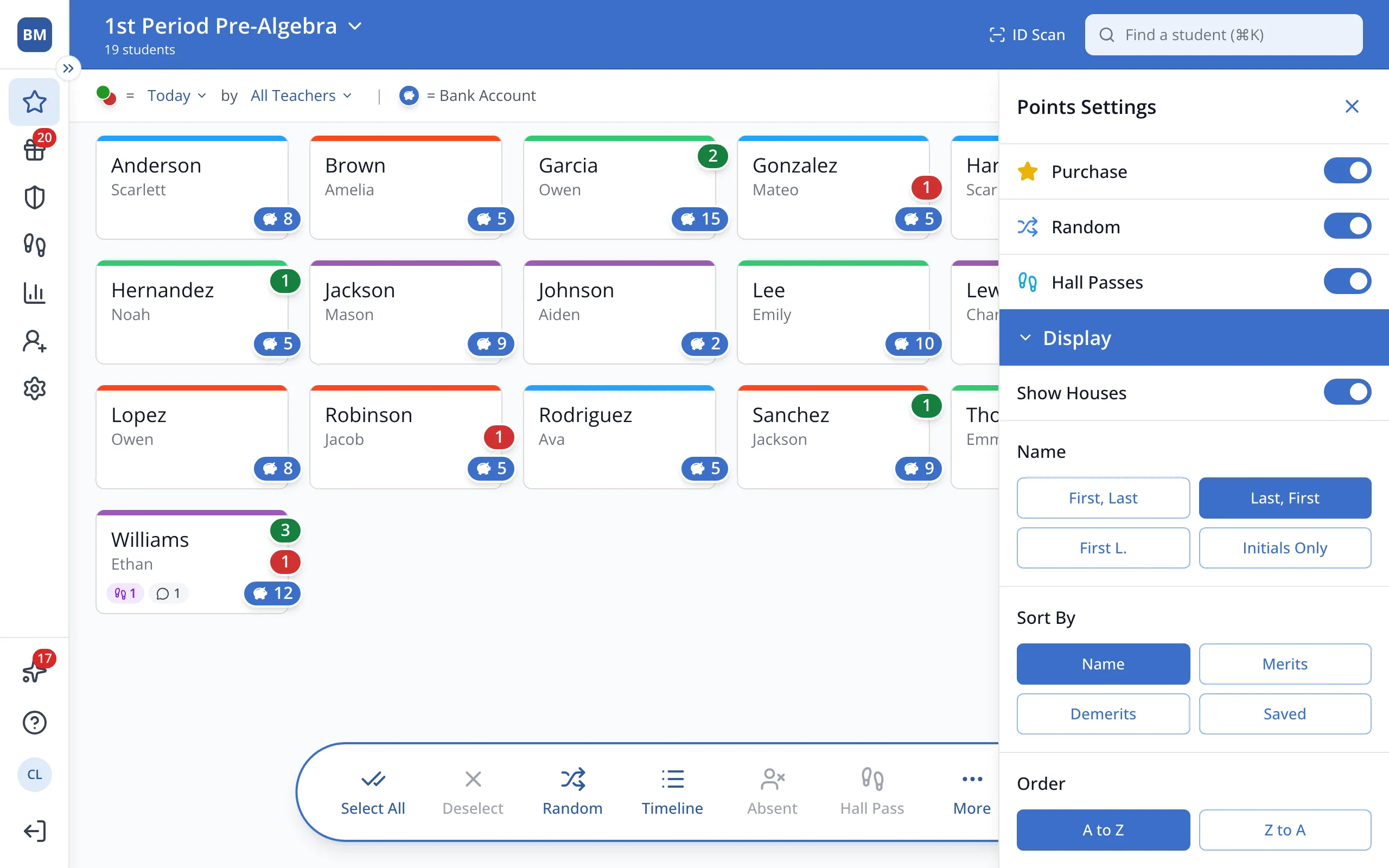
Tip: When sorting by name, under Order, you can click A to Z or Z to A. When sorting by points, under Order, you can click High to Low or Low to High.
Was this helpful?