
Clear all points, rewards, and reports and reset your entire account
Everything recorded before the date you pick is deleted for good. This can't be undone.
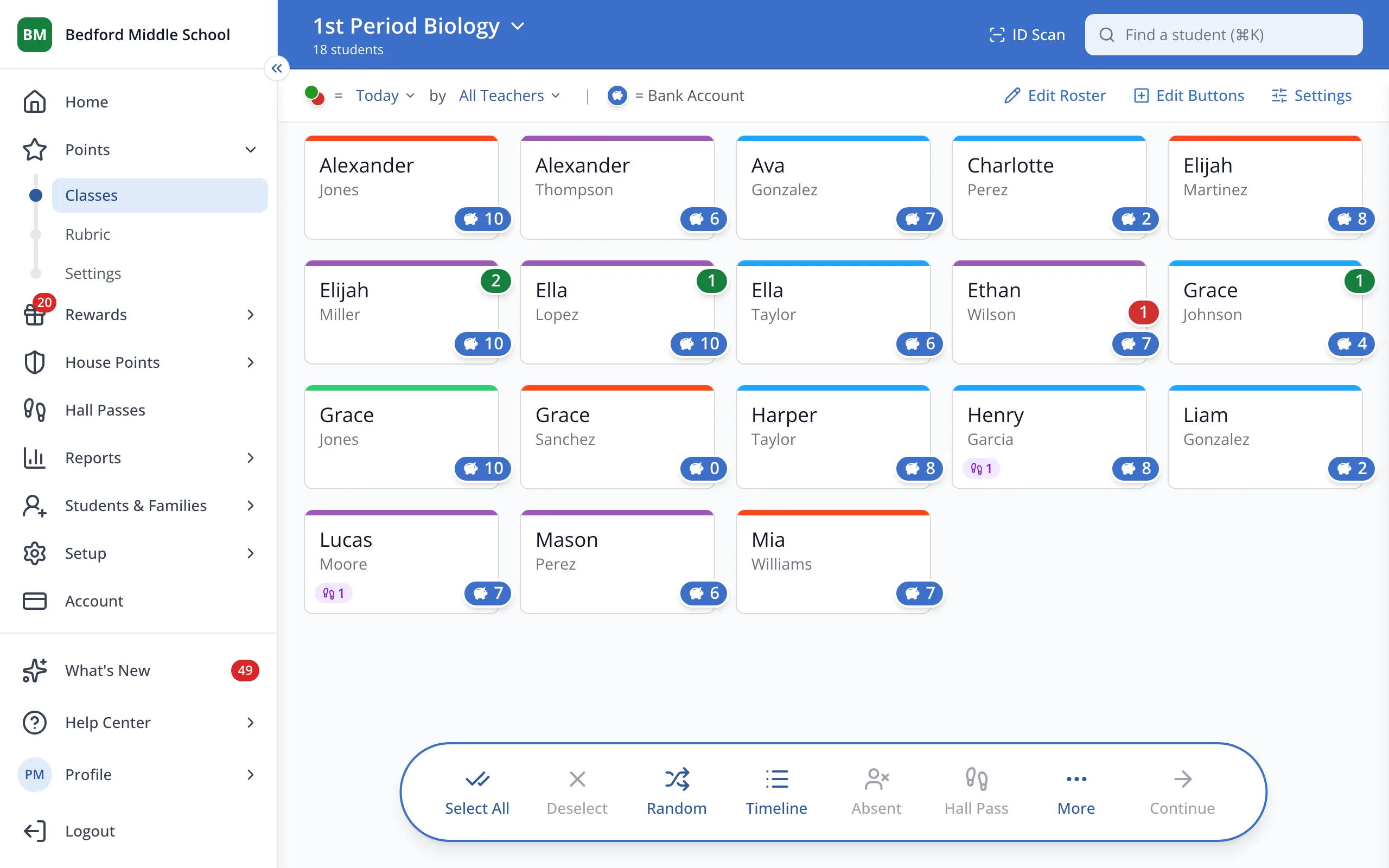
1 / 3In the sidebar, under Points, click Settings.
1.In the sidebar, under Points, click Settings.
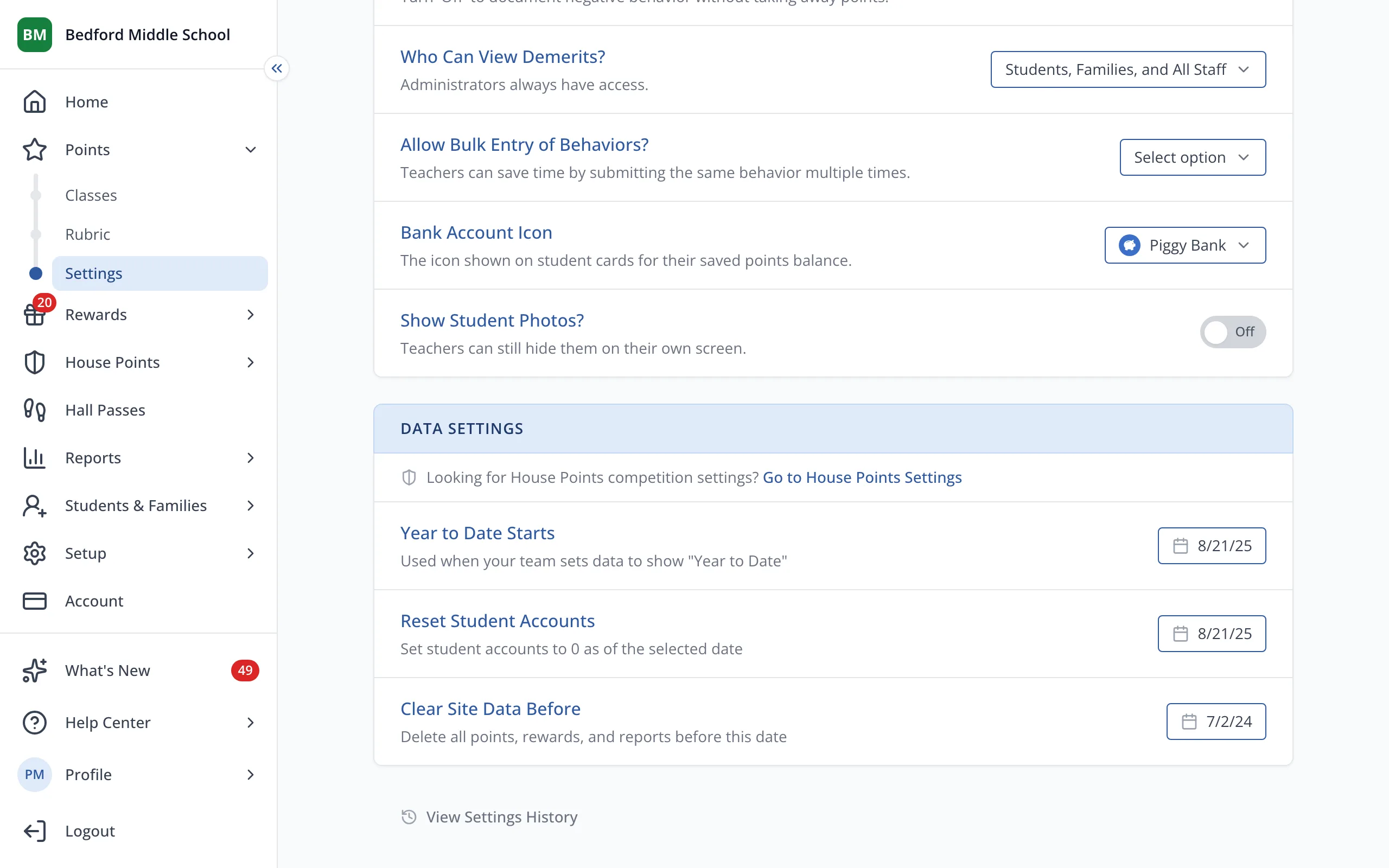
2.Under Clear Site Data Before, click the date to open the calendar.
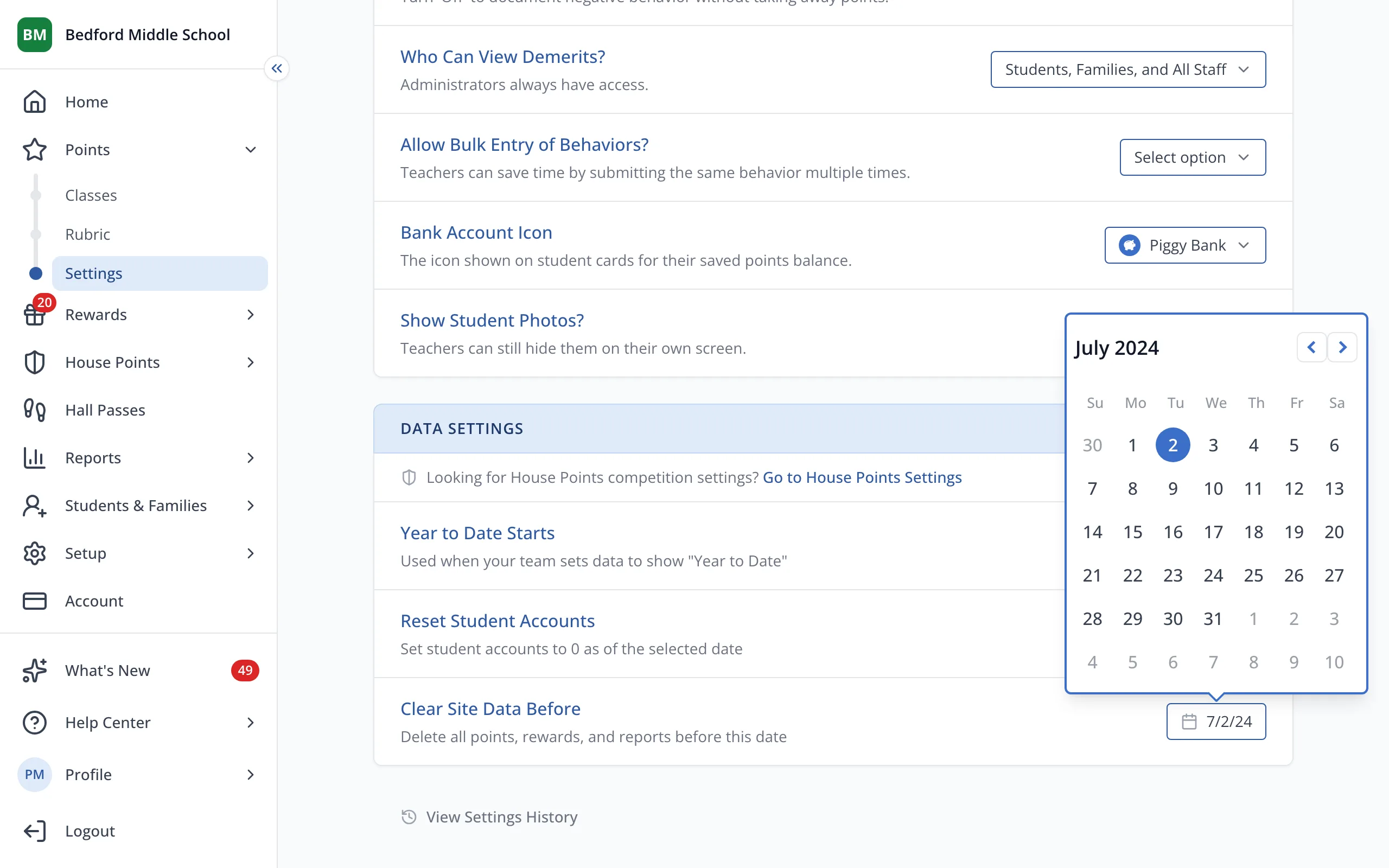
3.Pick the date. Everything before it will be deleted.
Was this helpful?