
Show or hide student photos on the points page
Decide whether or not photos should show on student buttons. When enabled, teachers can still decide to disable them on their own screens.
AdminSite Leader
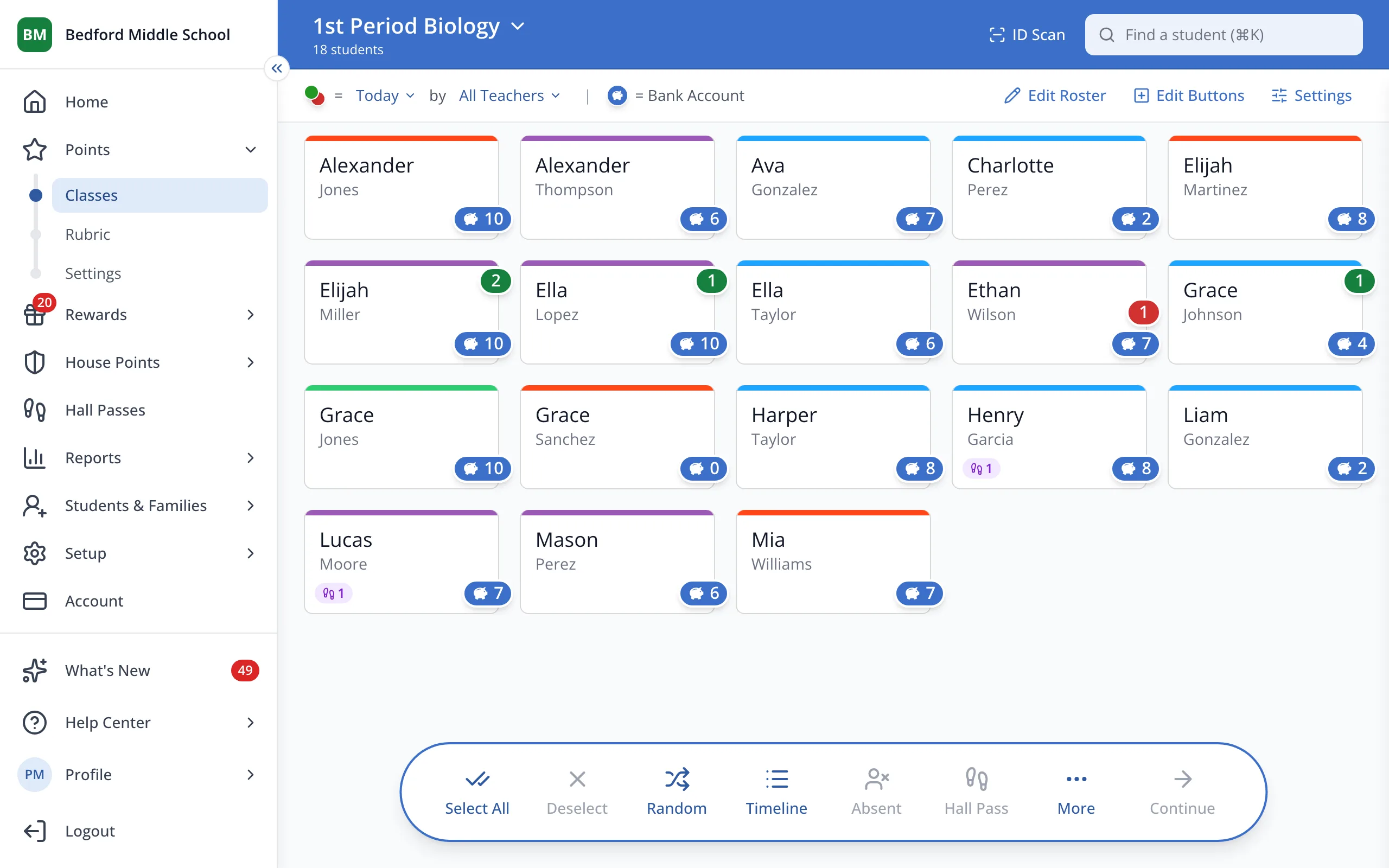
1 / 2In the sidebar, under Points, click Settings.
1.In the sidebar, under Points, click Settings.
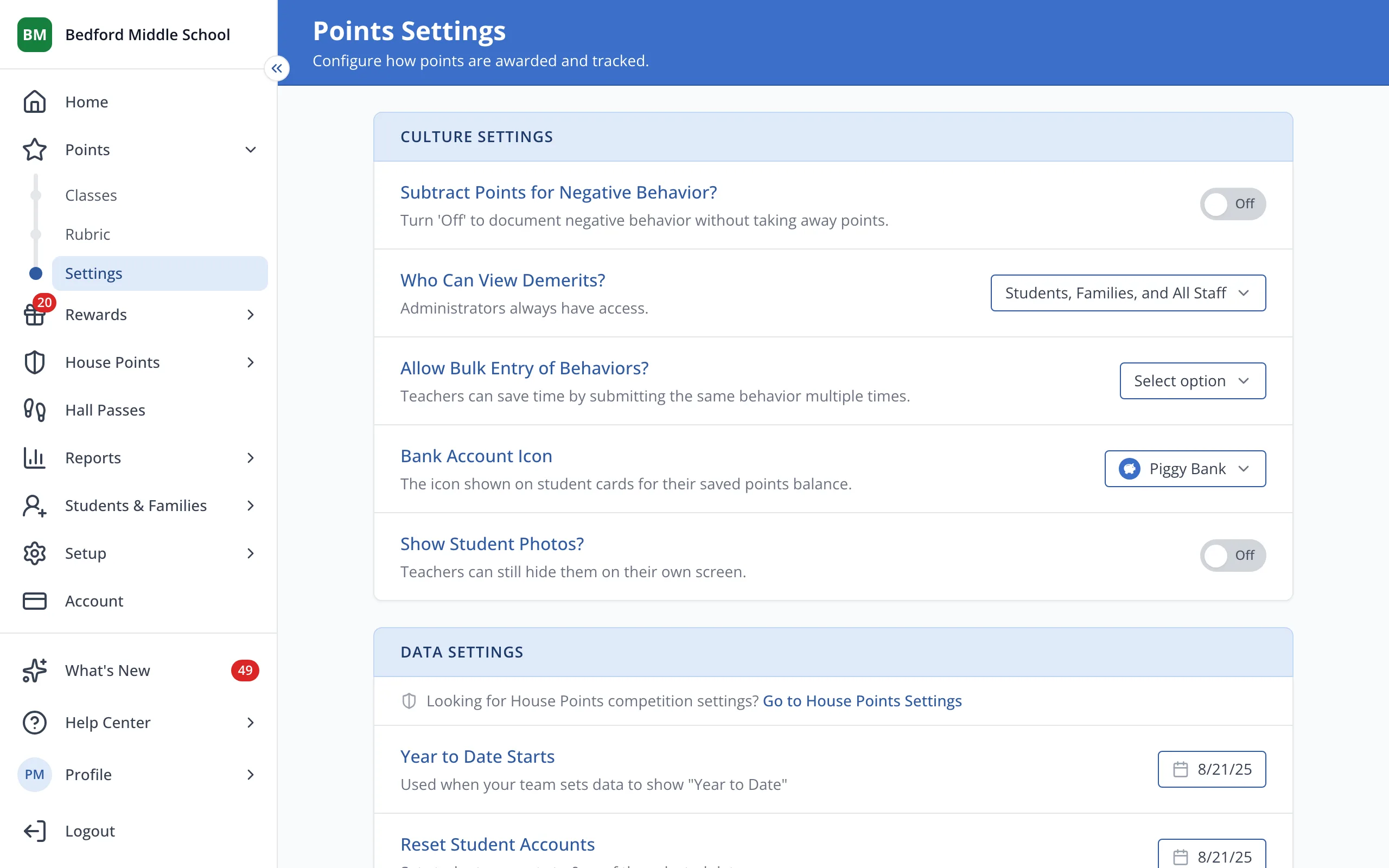
2.Under Show Student Photos?, turn Show student photos on or off.
Was this helpful?