
Choose when year to date starts
Set a date for “year to date” that reflects your school year, allowing for reporting and accruals to accurately reflect what you need.
AdminSite Leader
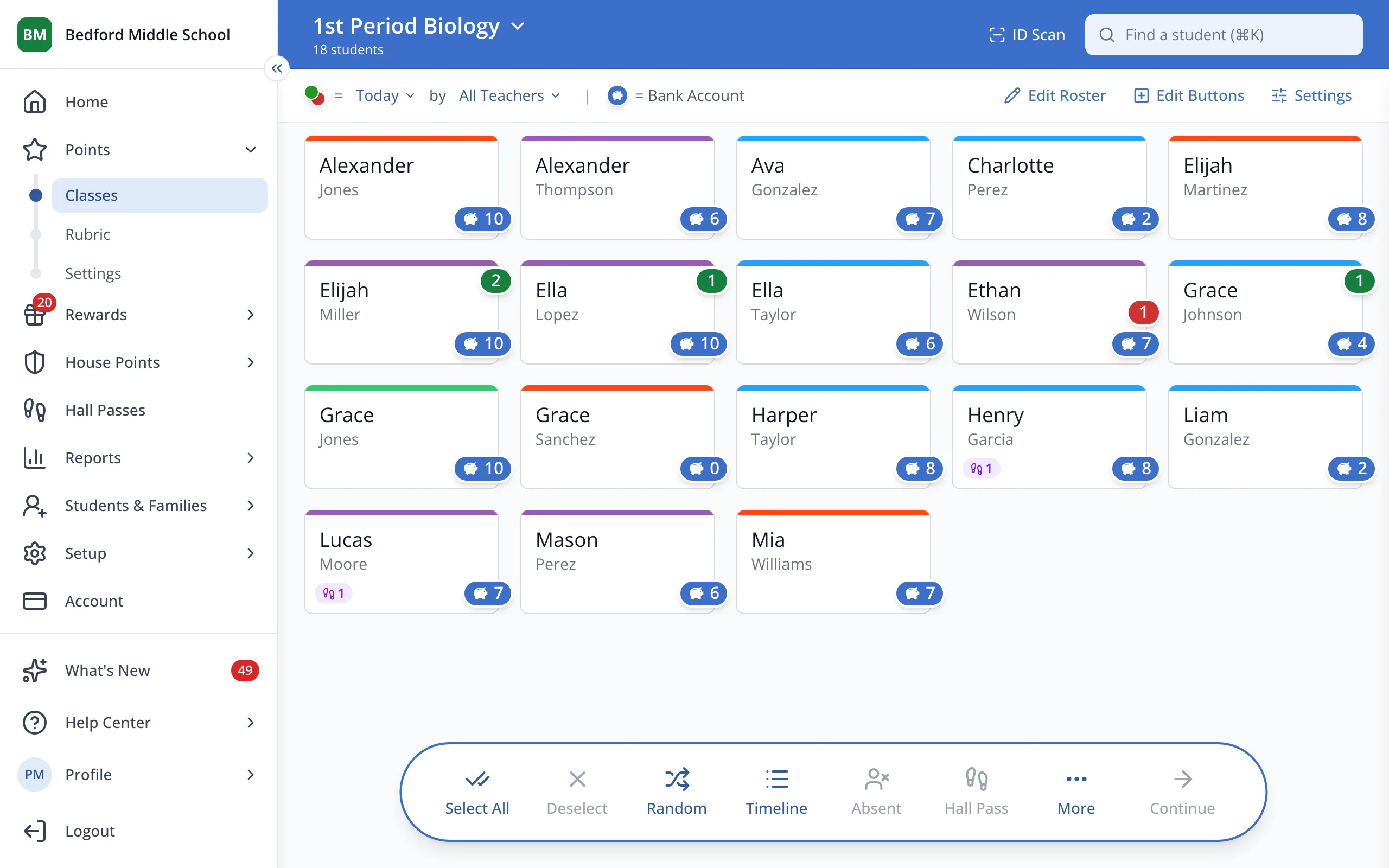
1 / 4In the sidebar, under Points, click Settings.
1.In the sidebar, under Points, click Settings.
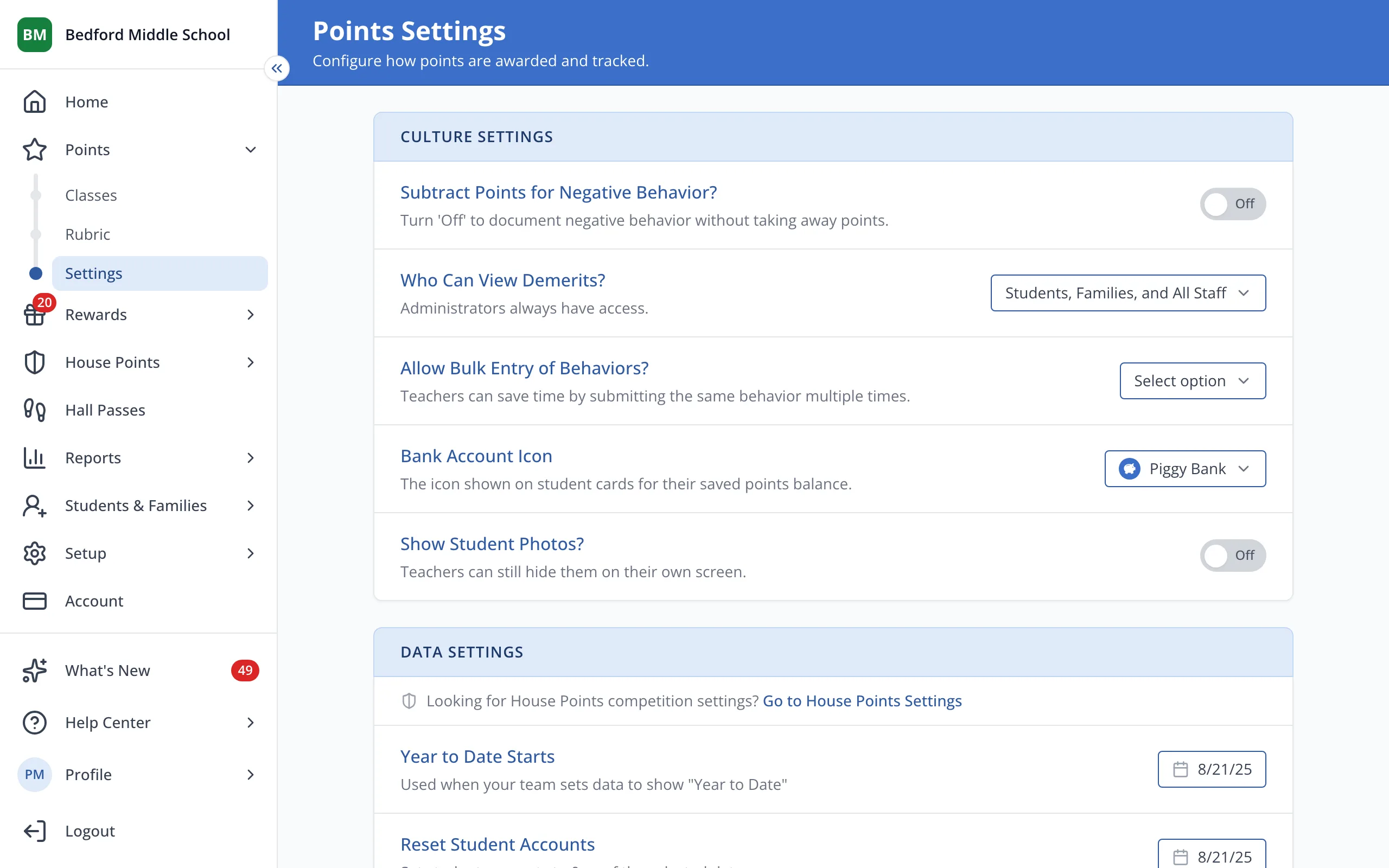
2.Under Year to Date Starts, click the date to open the calendar.
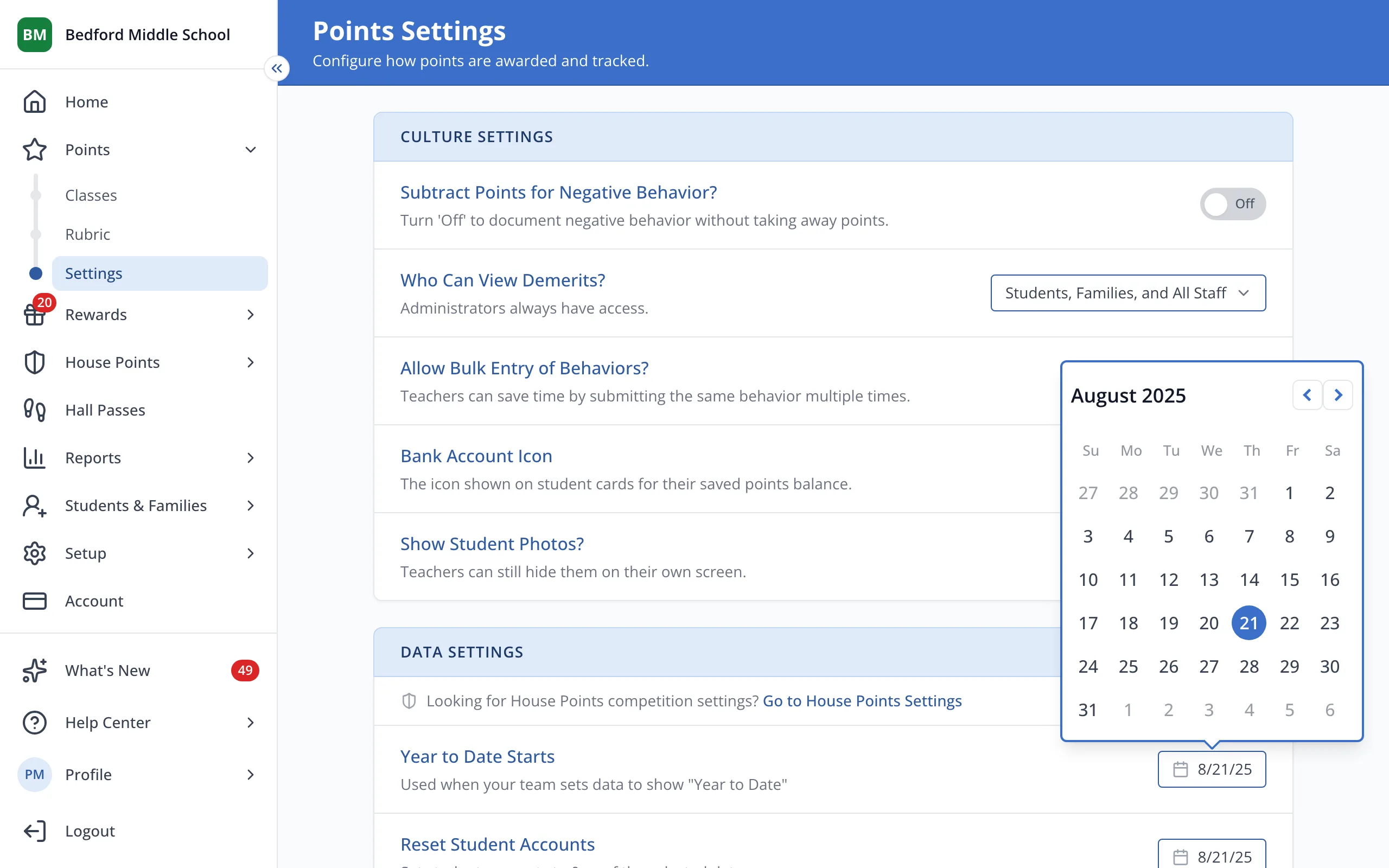
3.Click the day Year to Date should start displaying from.
Was this helpful?