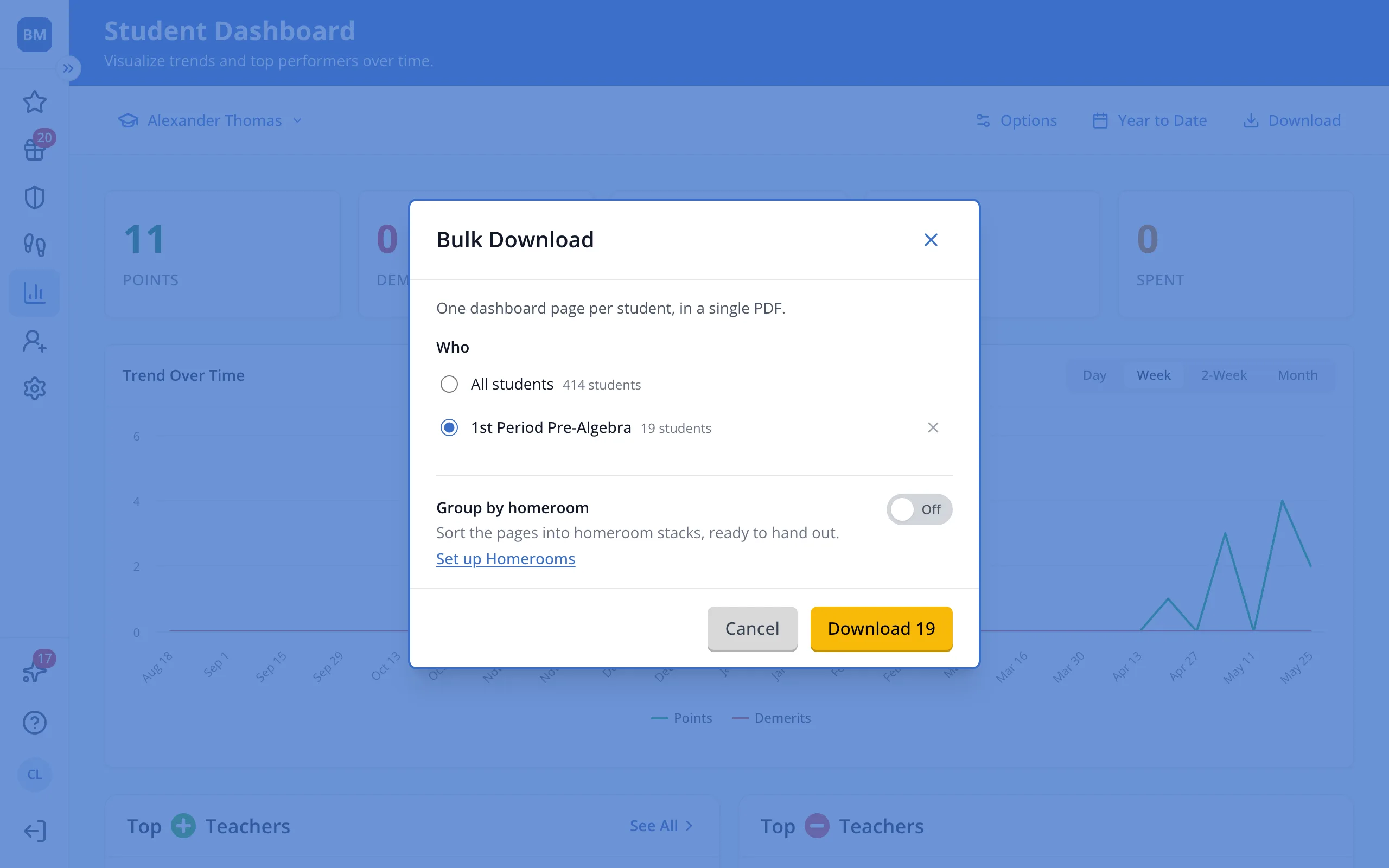
Download dashboards for every student in a roster or grade
You get one PDF with a dashboard page for each student, ready to print for conferences or send home.
Use the Left and Right arrow keys to move between steps, and Space to play or pause.
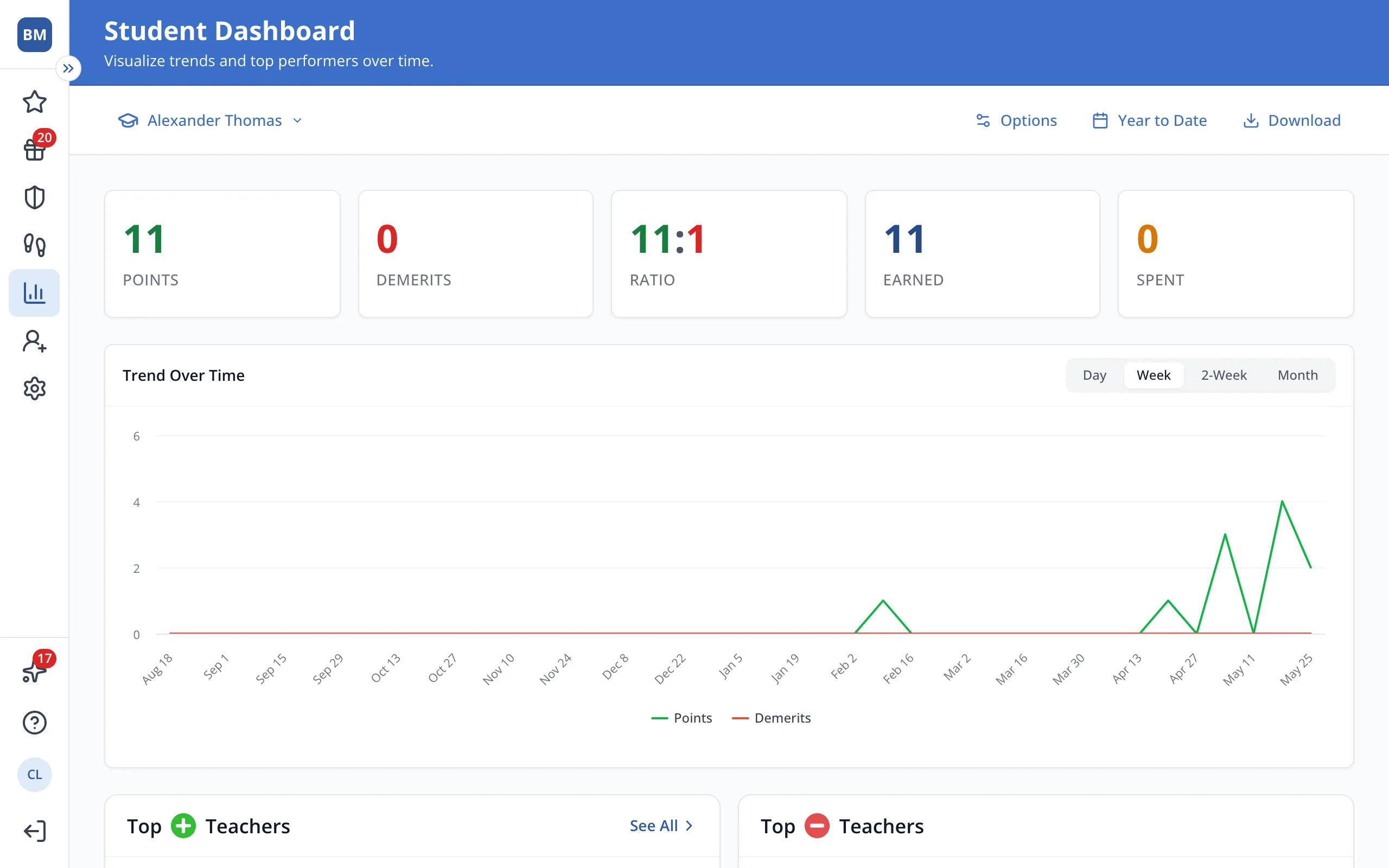
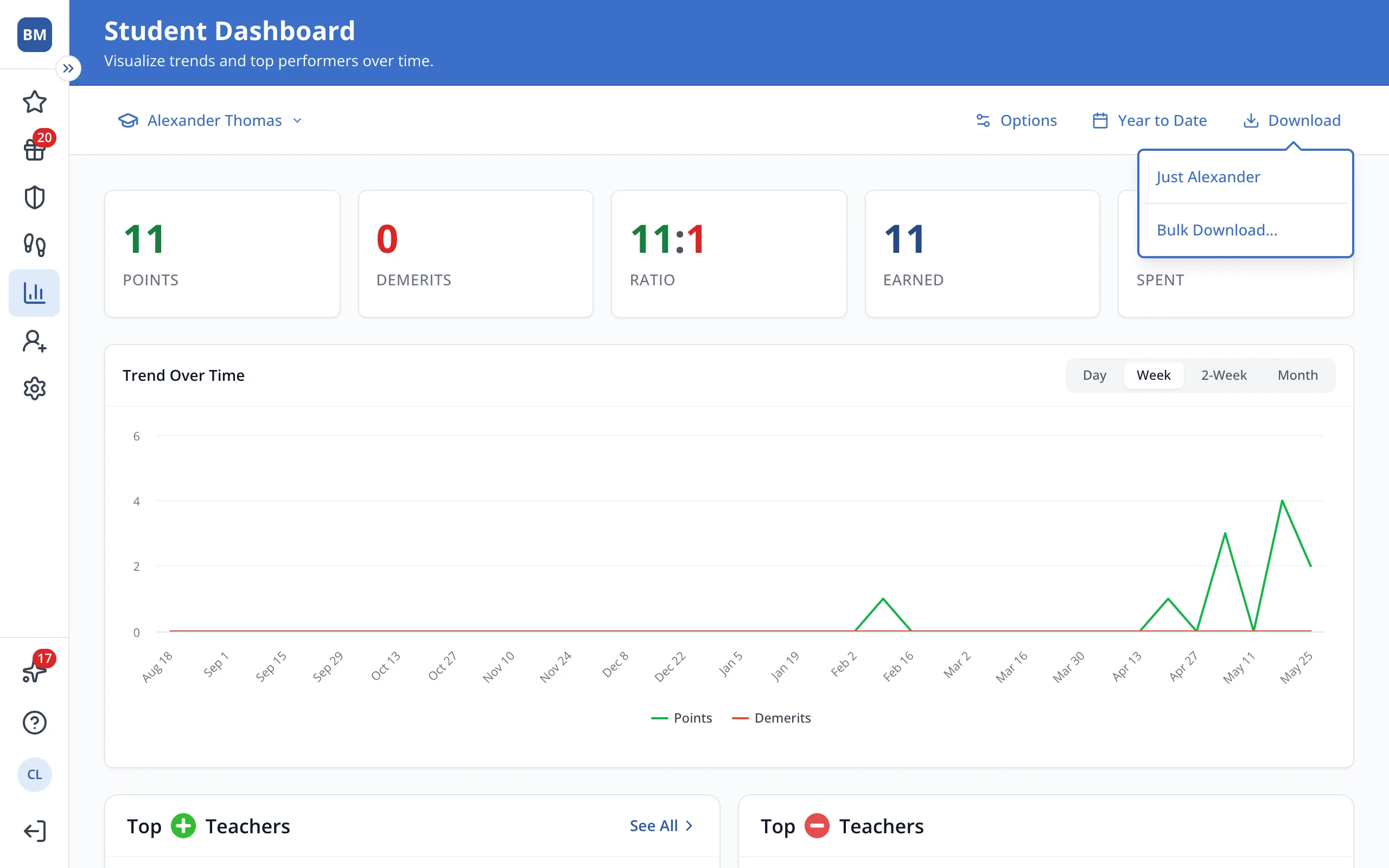
1.On any student's dashboard, click Download.
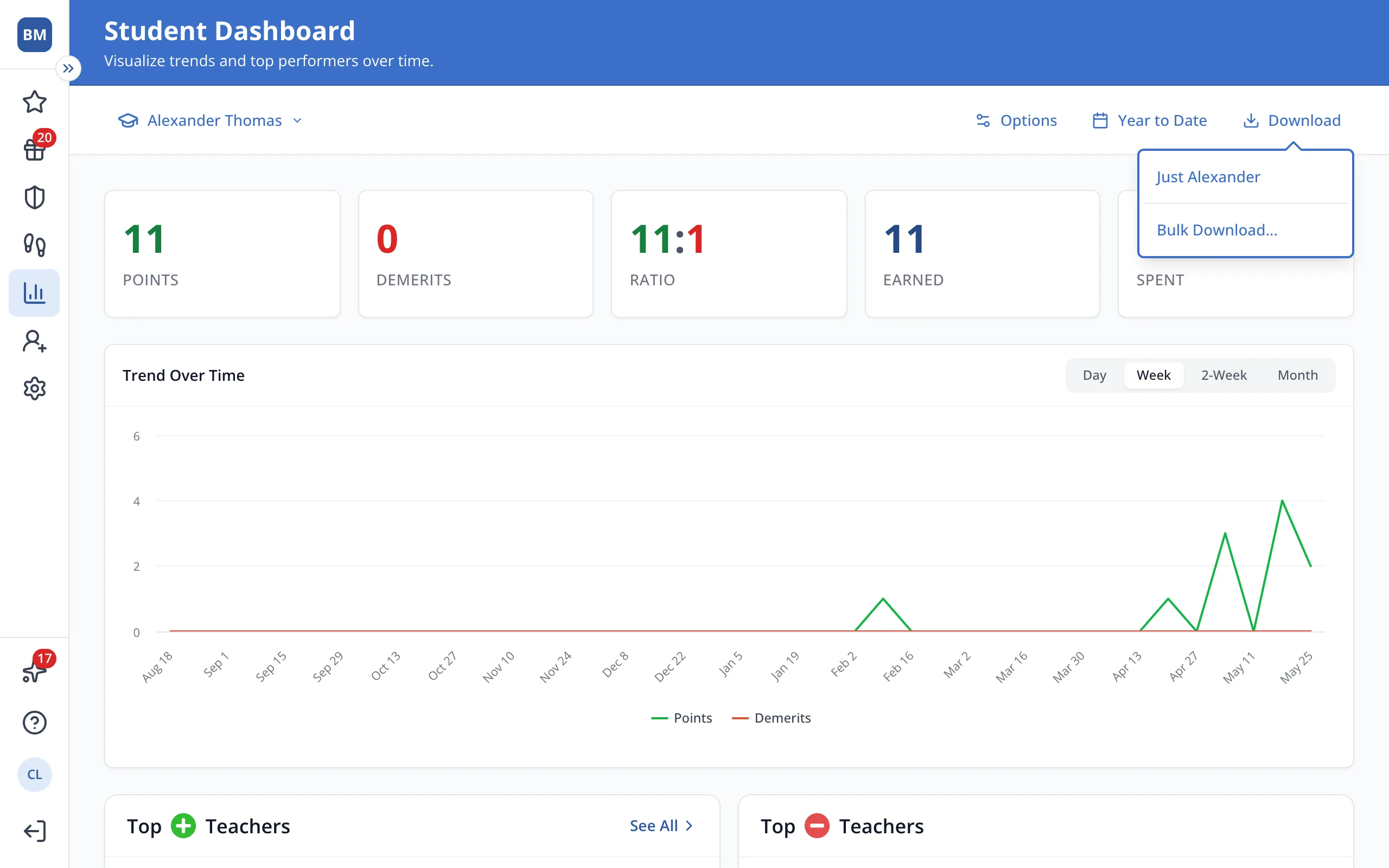
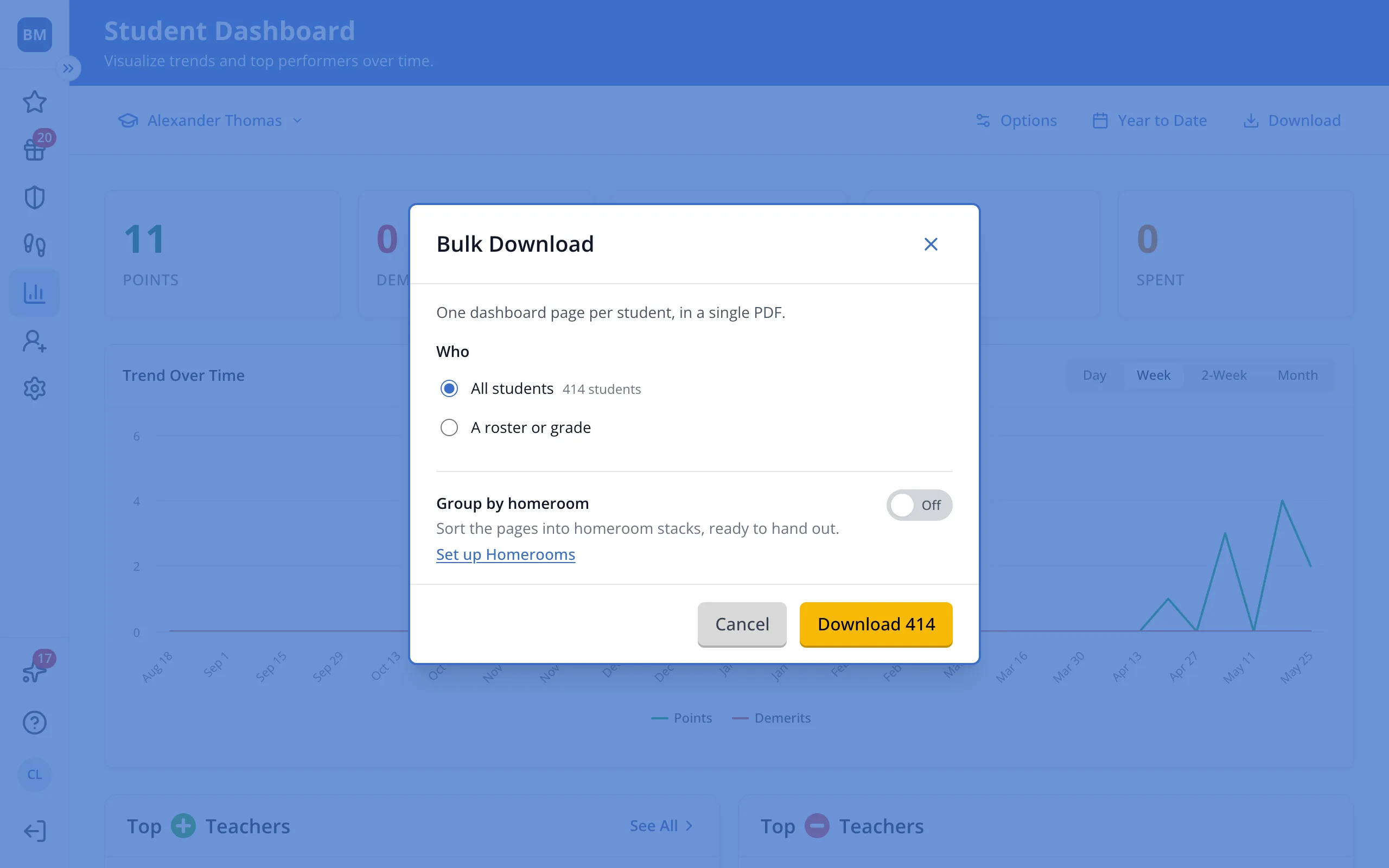
2.Click Bulk Download....
3.Under Who, click A roster or grade.
4.Click the roster or grade you'd like.
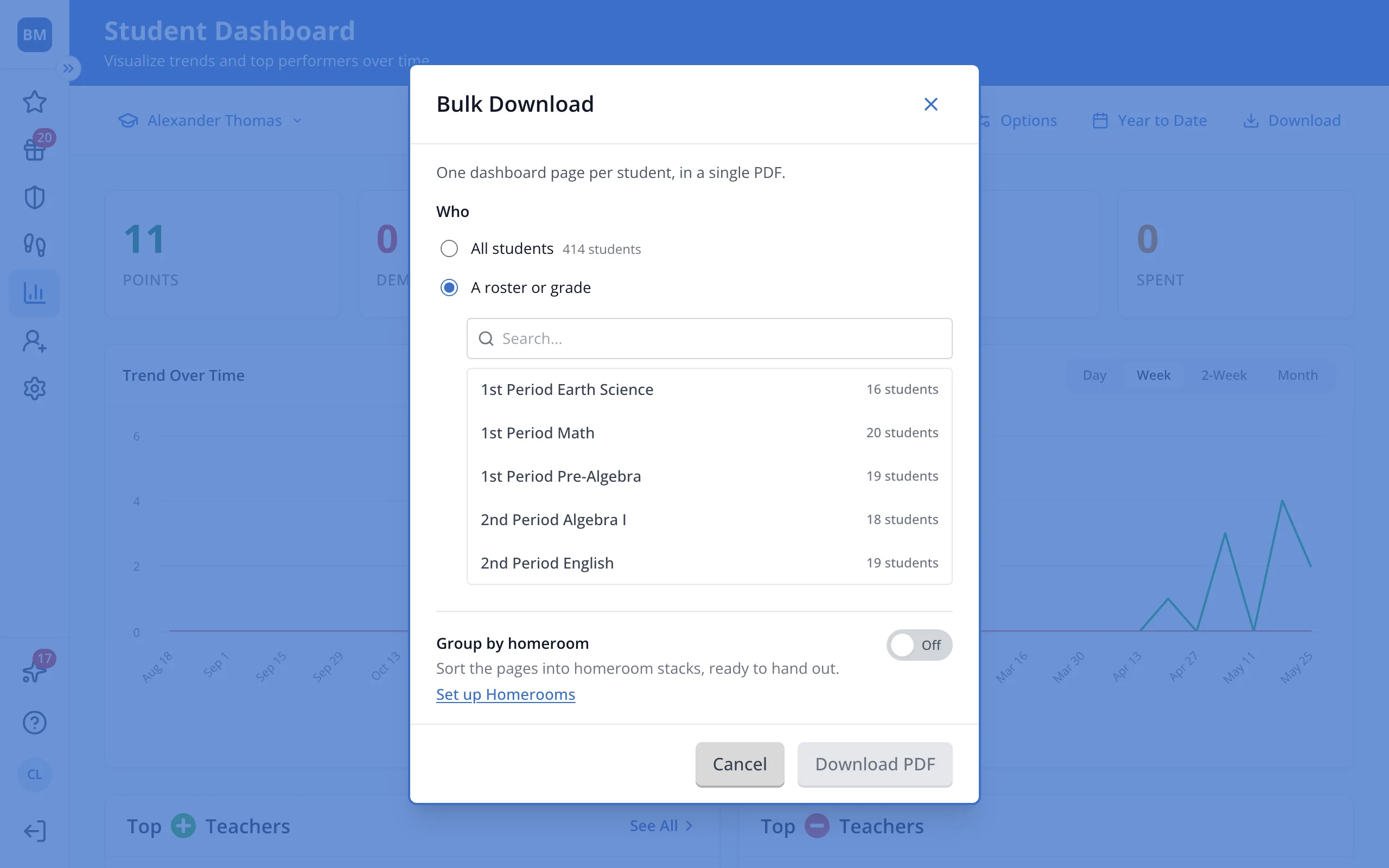
5.Click Download at the bottom to save the PDF.