
See a student's behavior trends dashboard
Follow one student's behavior over time, with their totals and trend chart in one place.
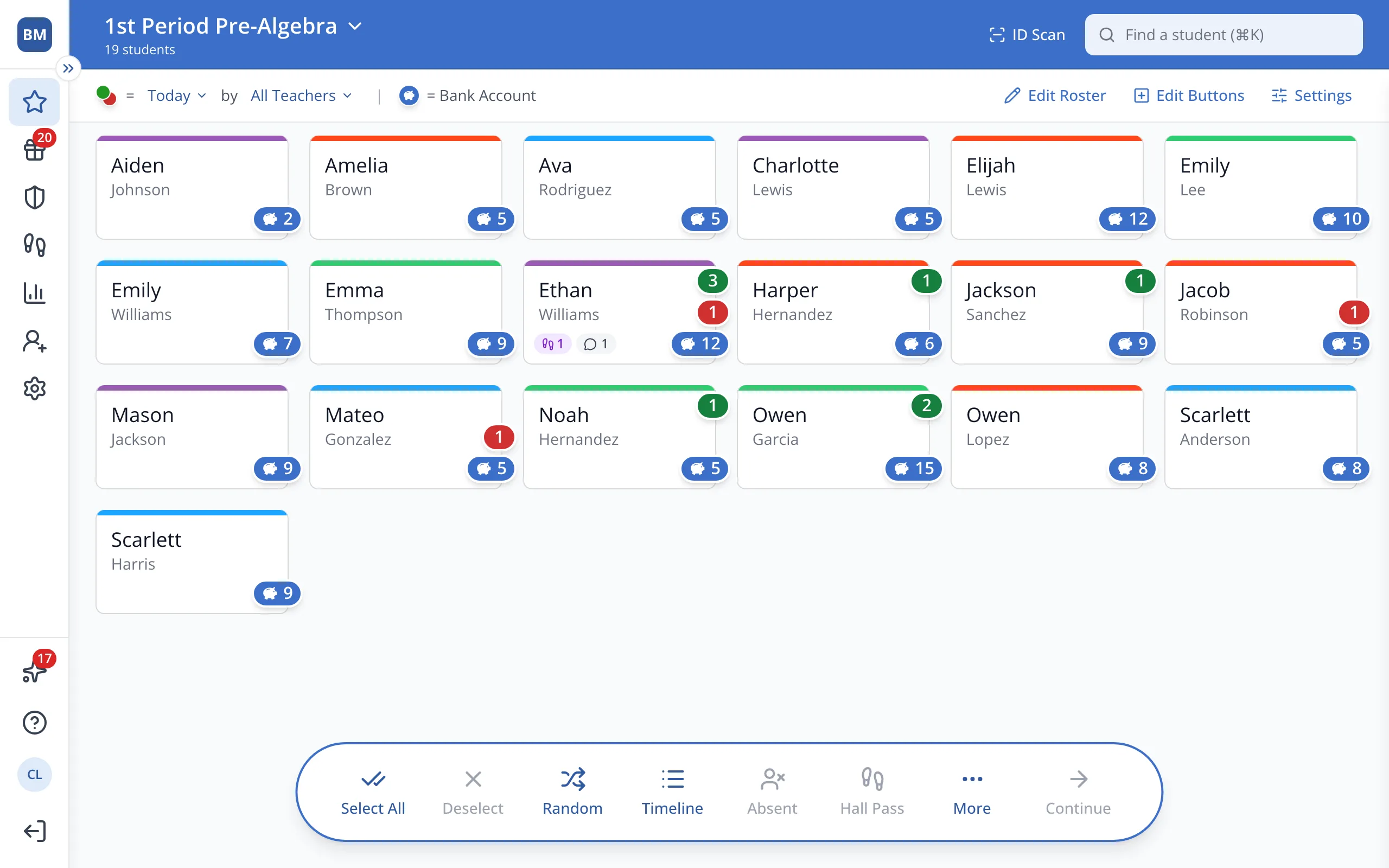
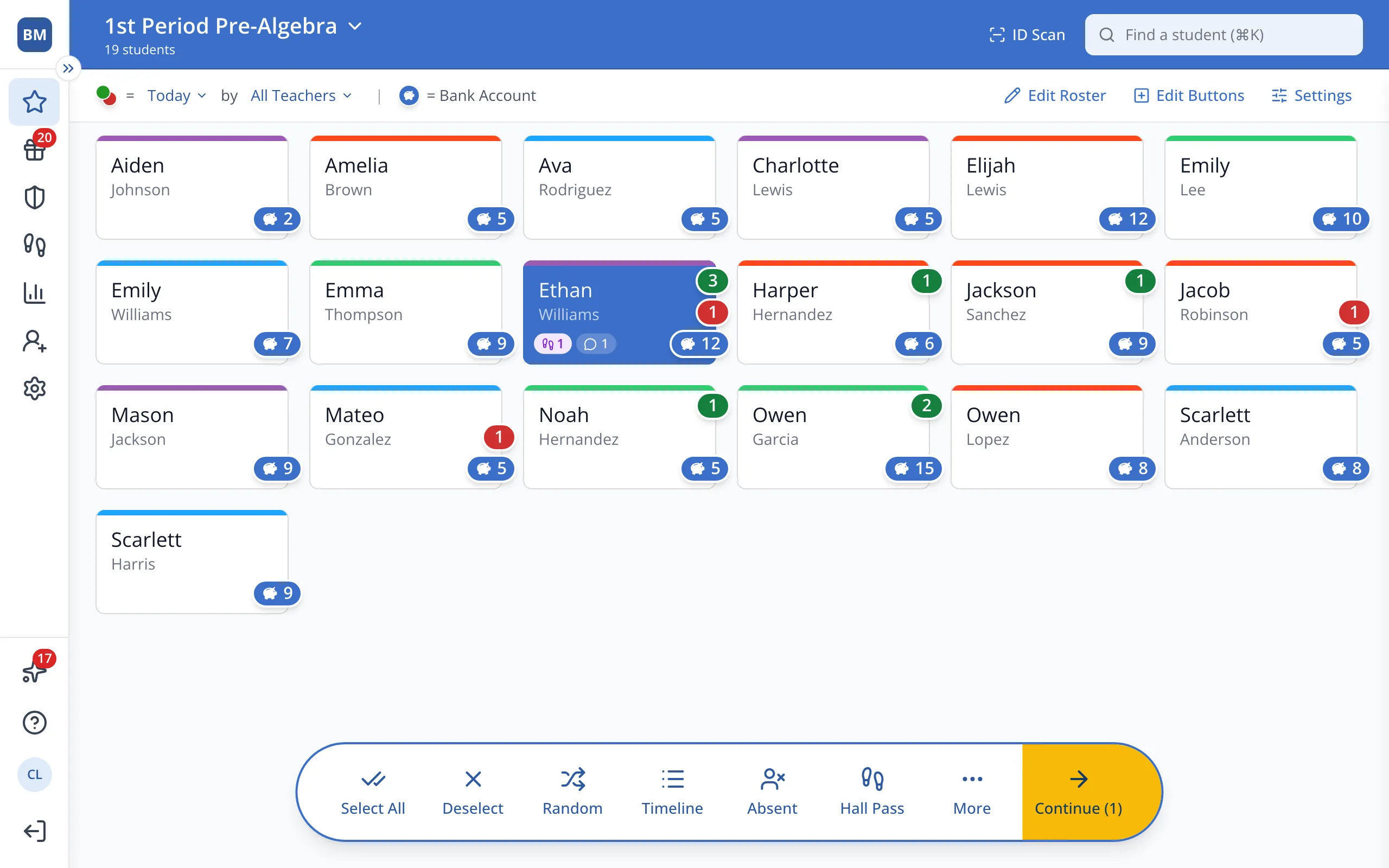
1 / 7On the Points page, click the student.
1.On the Points page, click the student's button.
2.In the bar at the bottom, click More.
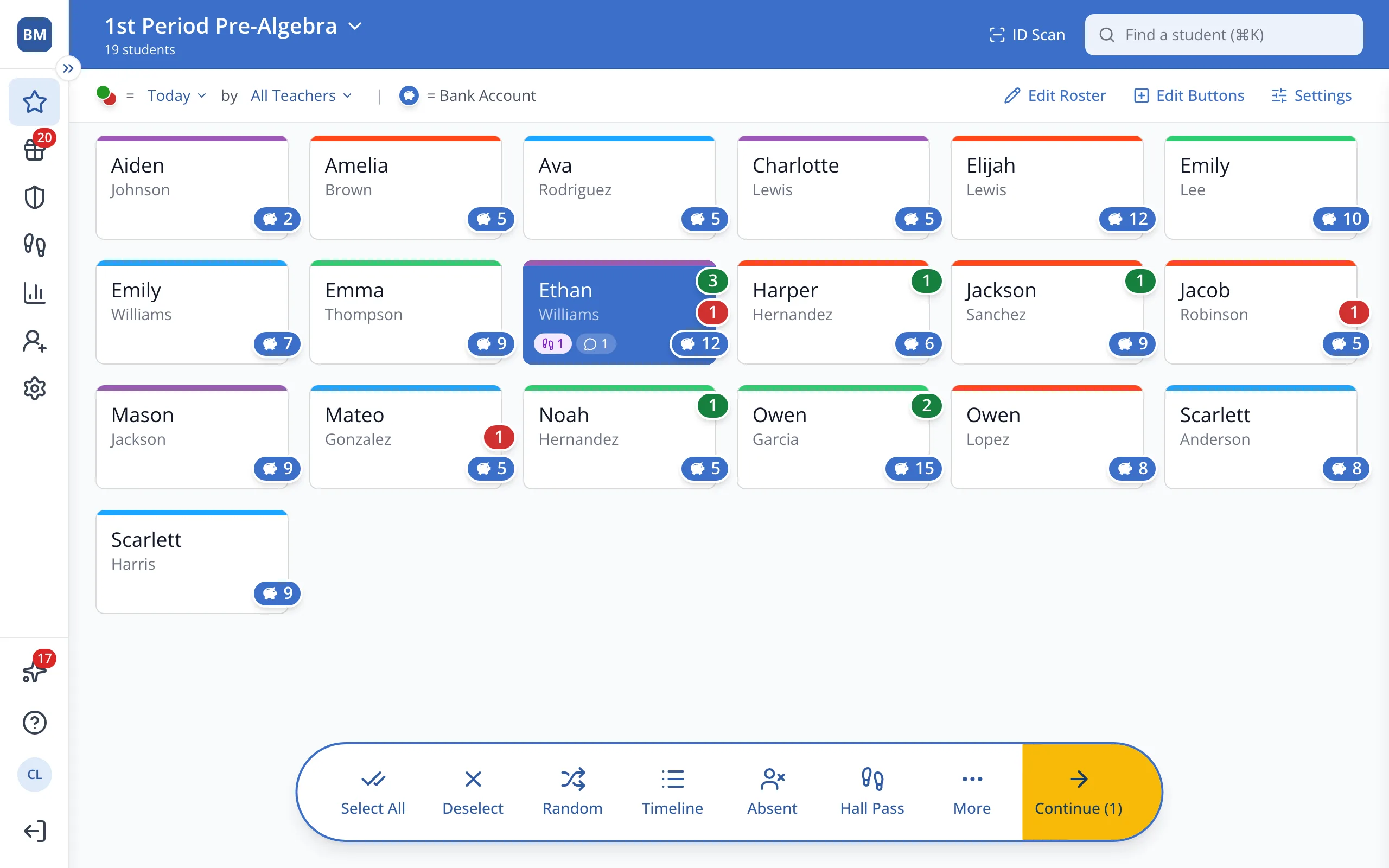
3.Click Dashboard.
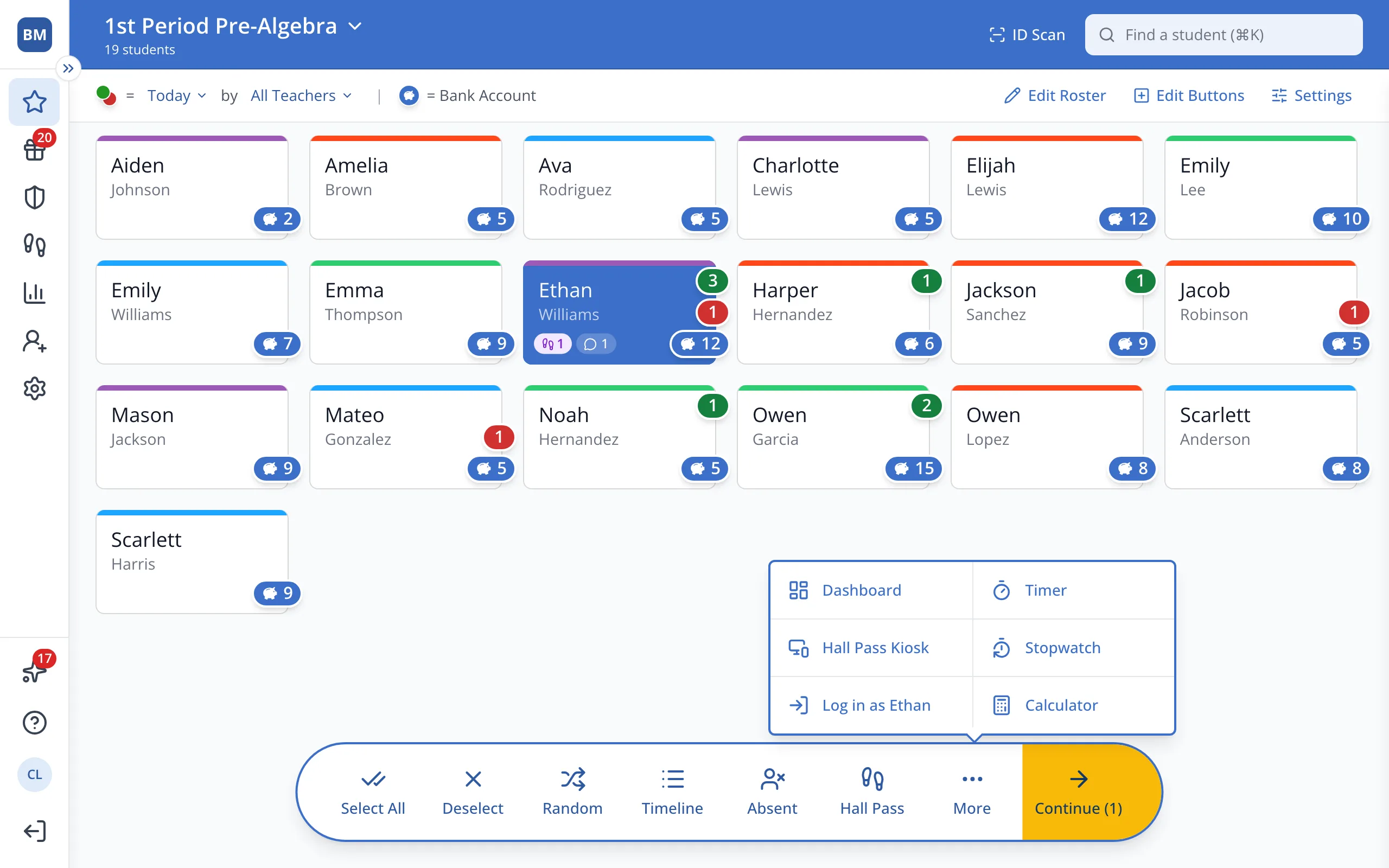
4.The boxes at the top show the student's points and demerits for the school year so far.
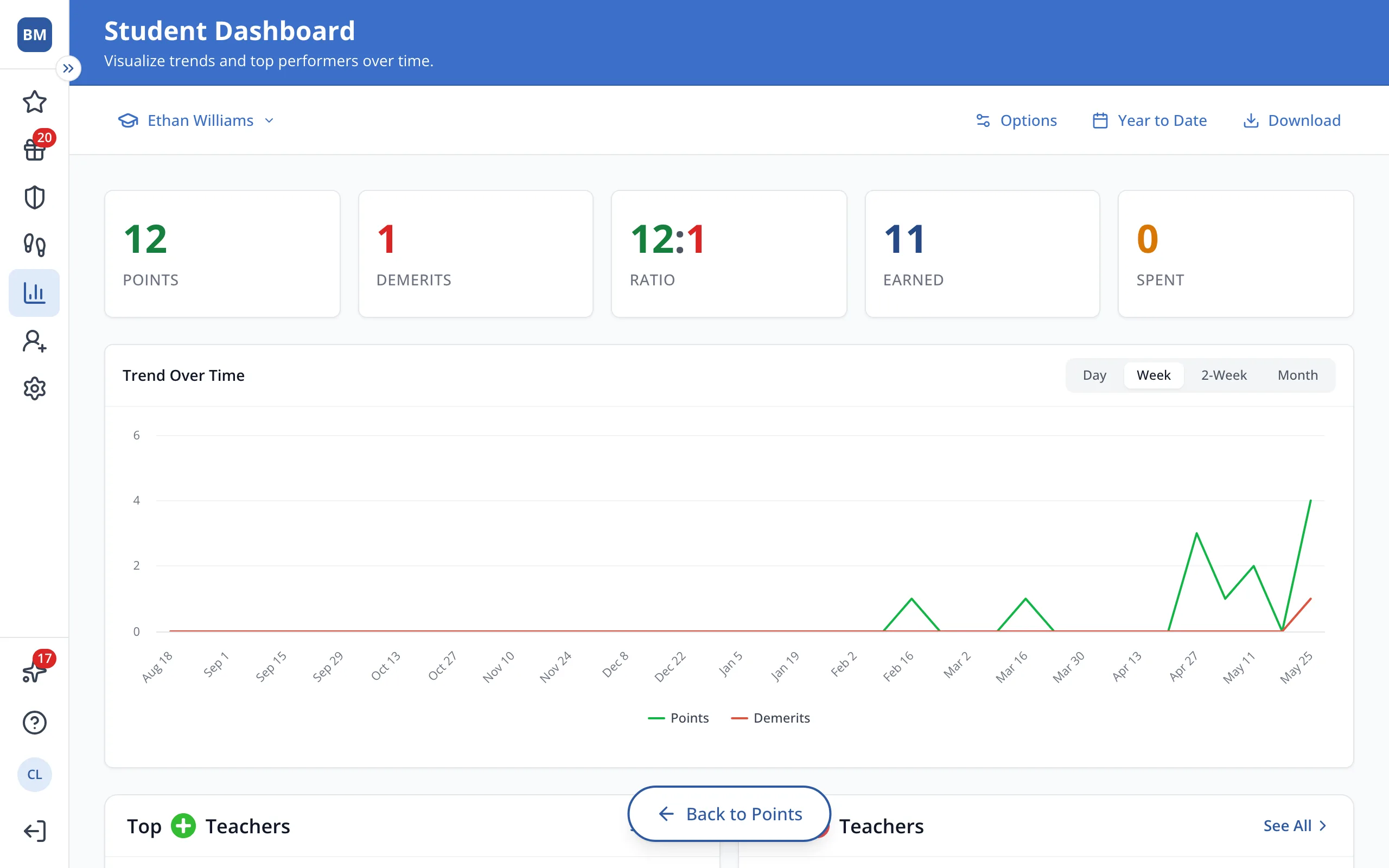
5.Click Year to Date to see a different time period.
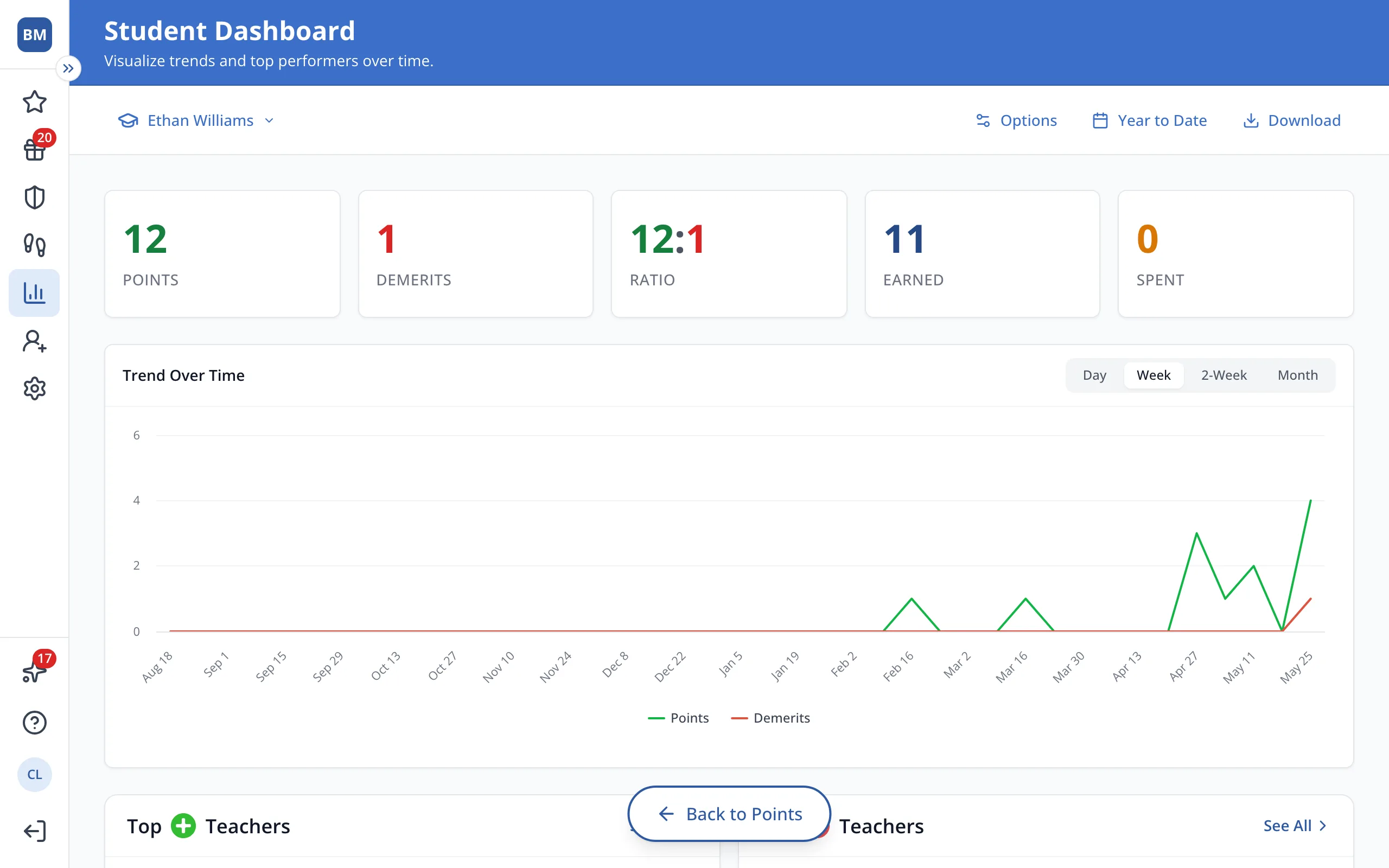
6.To share it at a parent conference, click Download.
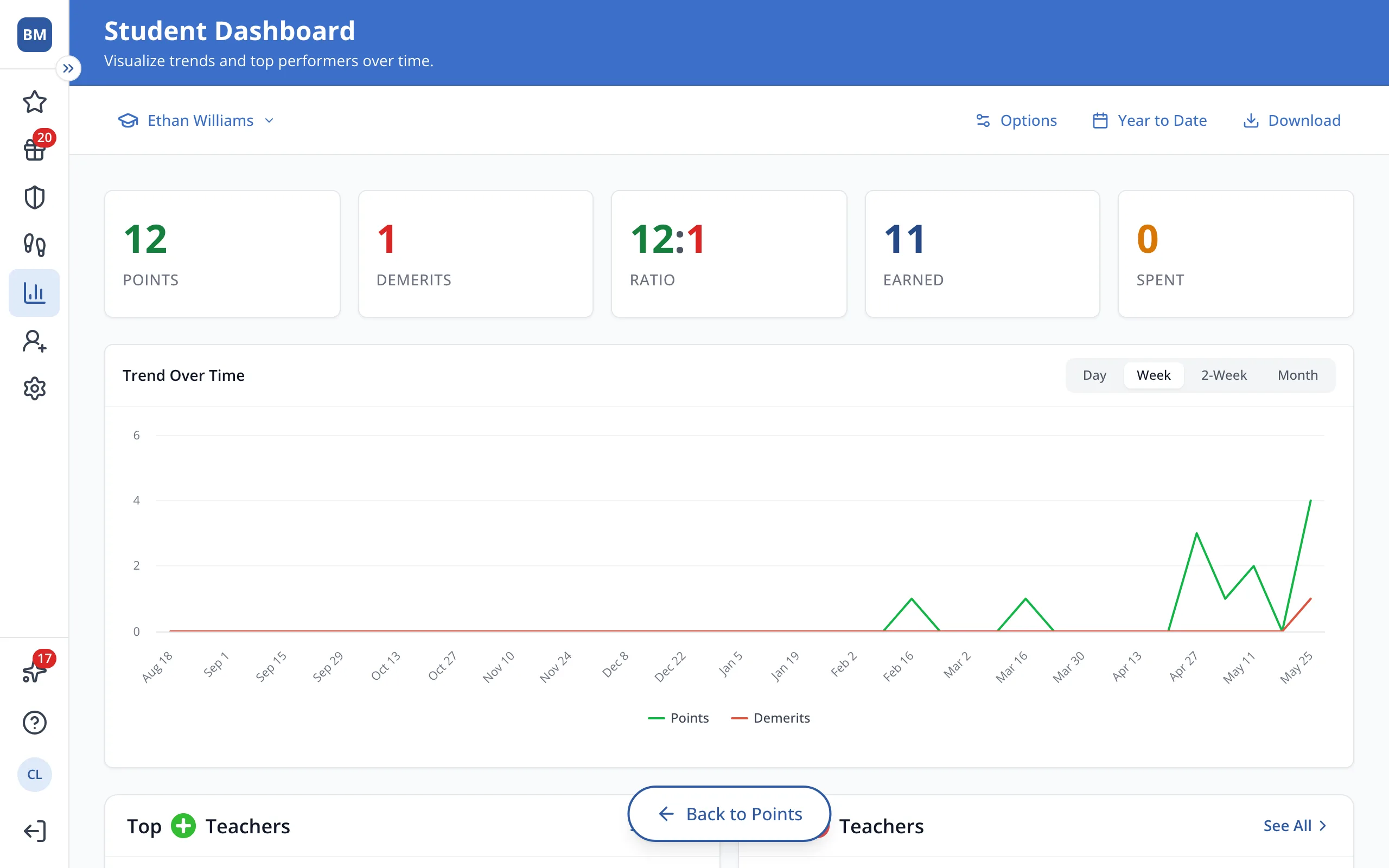
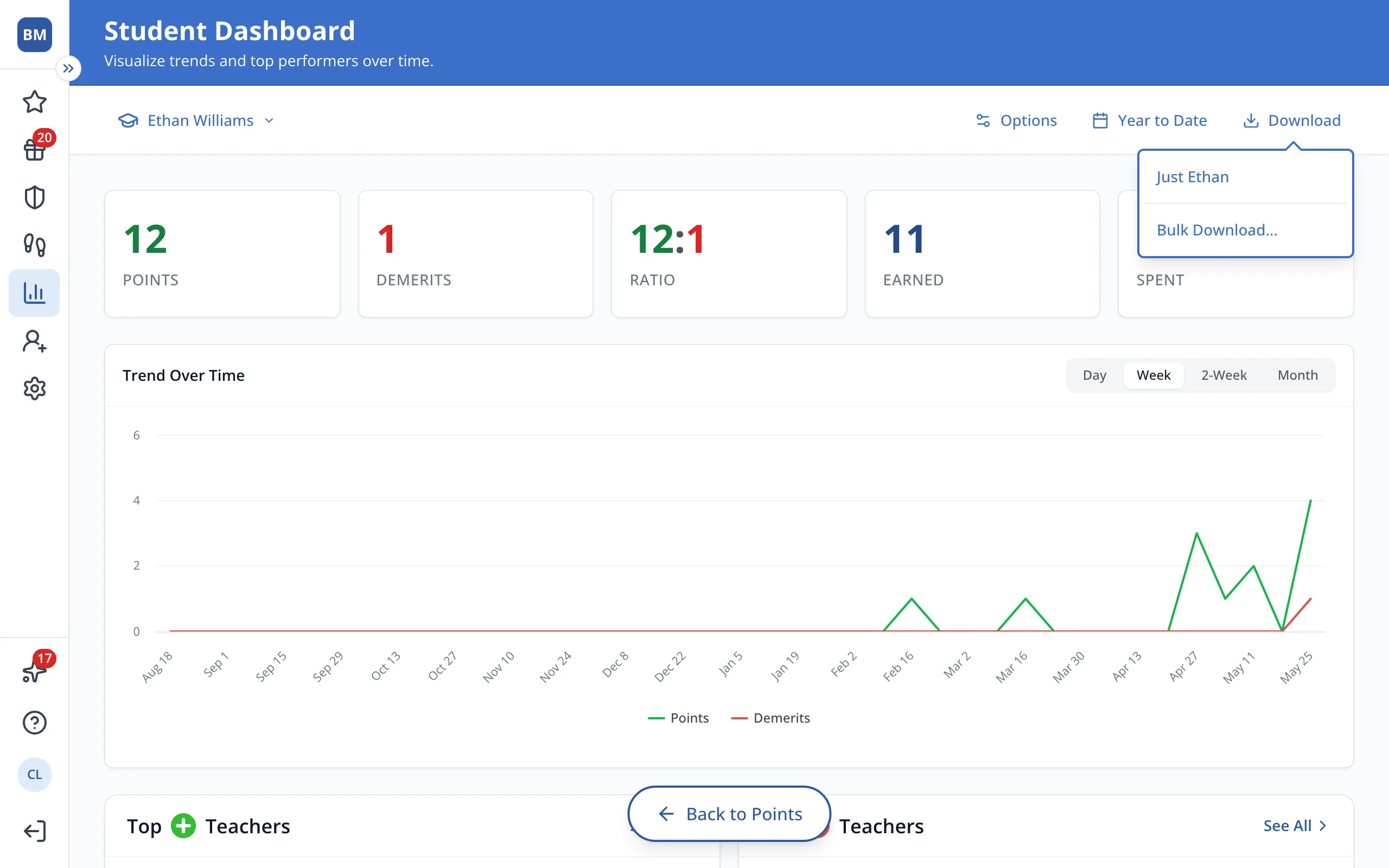
7.Choose the student's name to save their dashboard as a PDF, or Bulk Download... for a whole roster.
Was this helpful?