
Change the date range a report covers
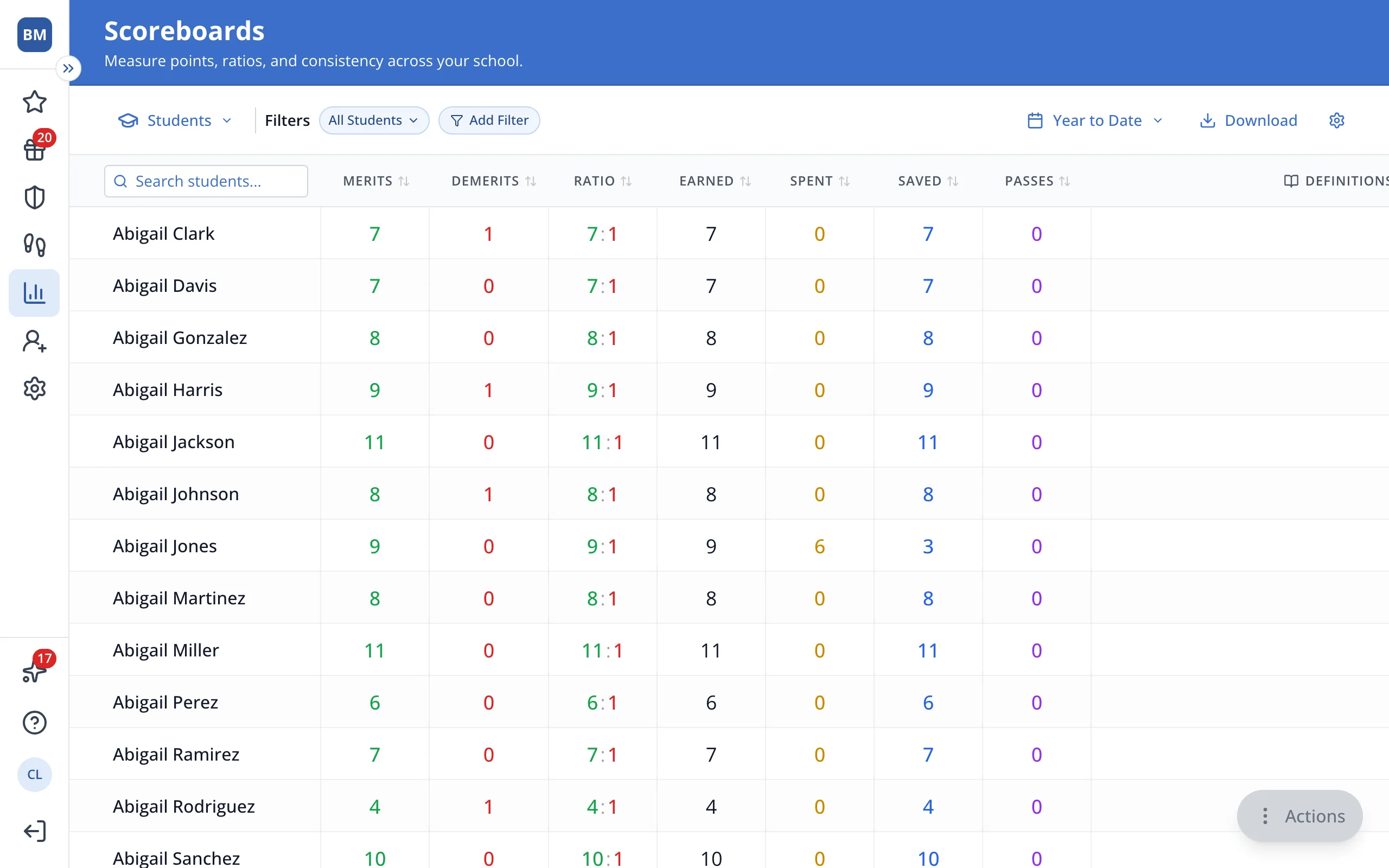
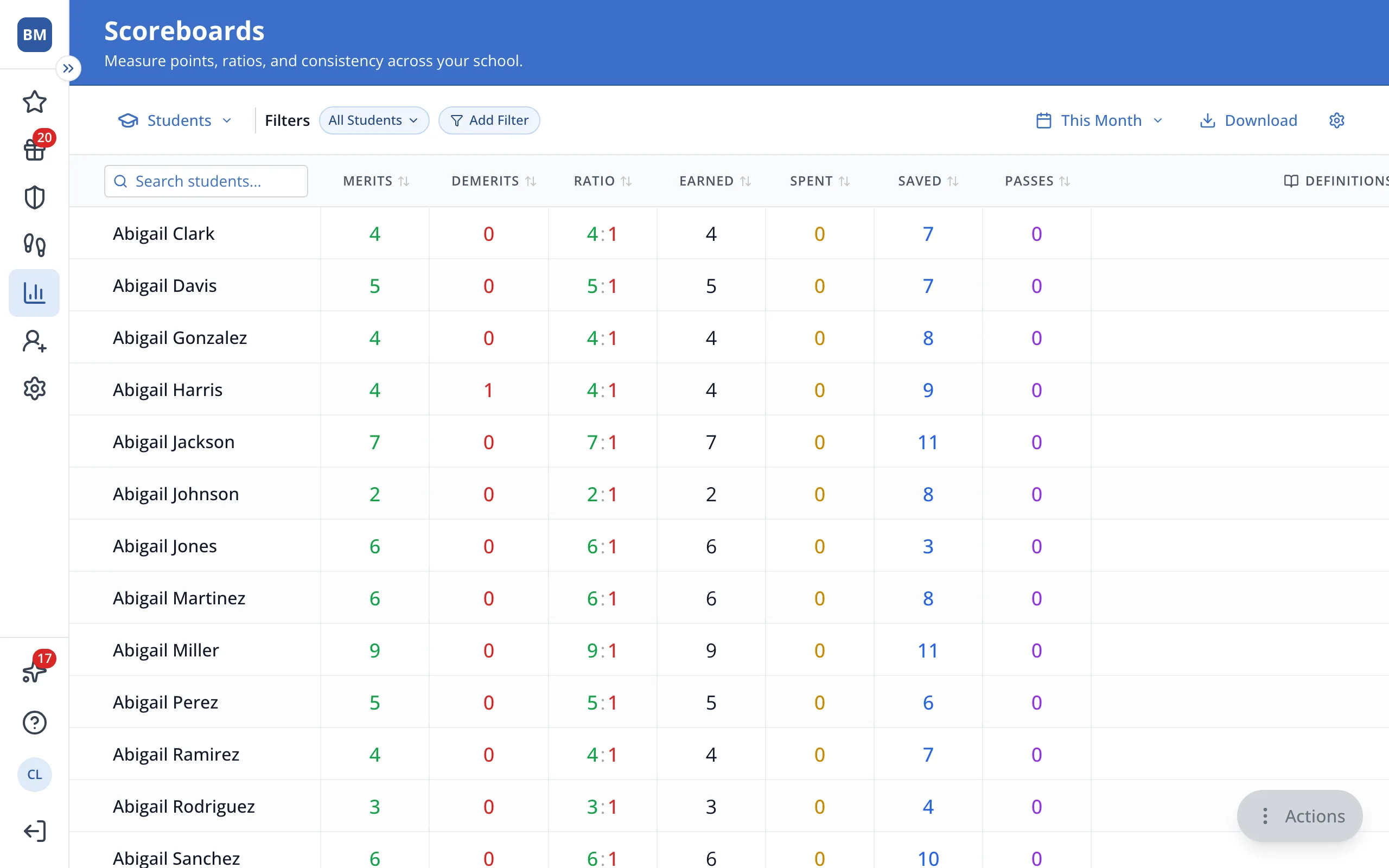
Reports open on Year to Date. Pick a shorter period, like this week, to see only recent points.
Use the Left and Right arrow keys to move between steps, and Space to play or pause.
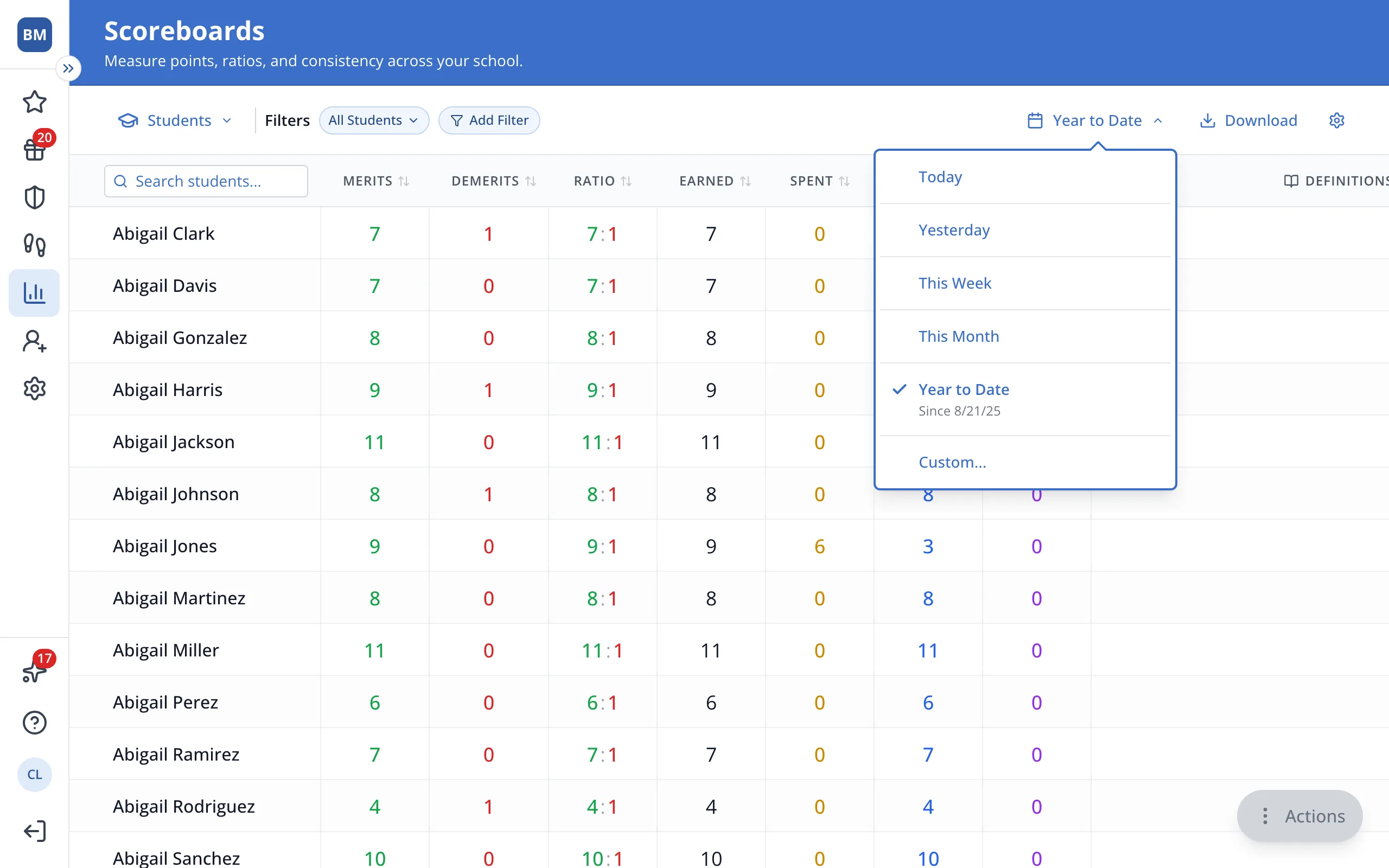
1.At the top right of the report, click Year to Date.
2.Click the time period you'd like to see, like This Month.
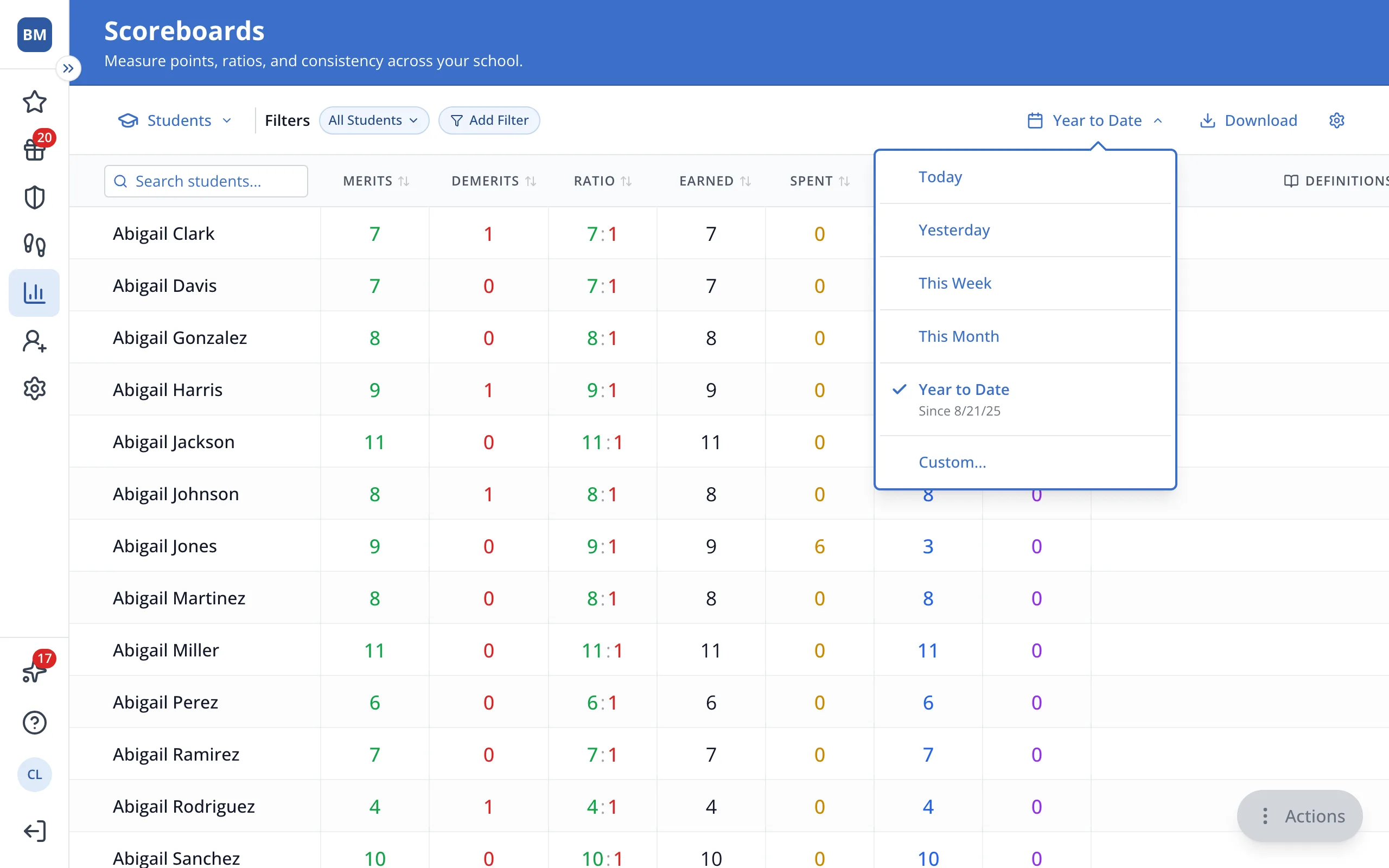
Did you know? Year to Date counts from the date shown under it in this list.