Choose and order the columns in a CSV download
Setting your column preferences one time keeps them for your future downloads.
Use the Left and Right arrow keys to move between steps, and Space to play or pause.
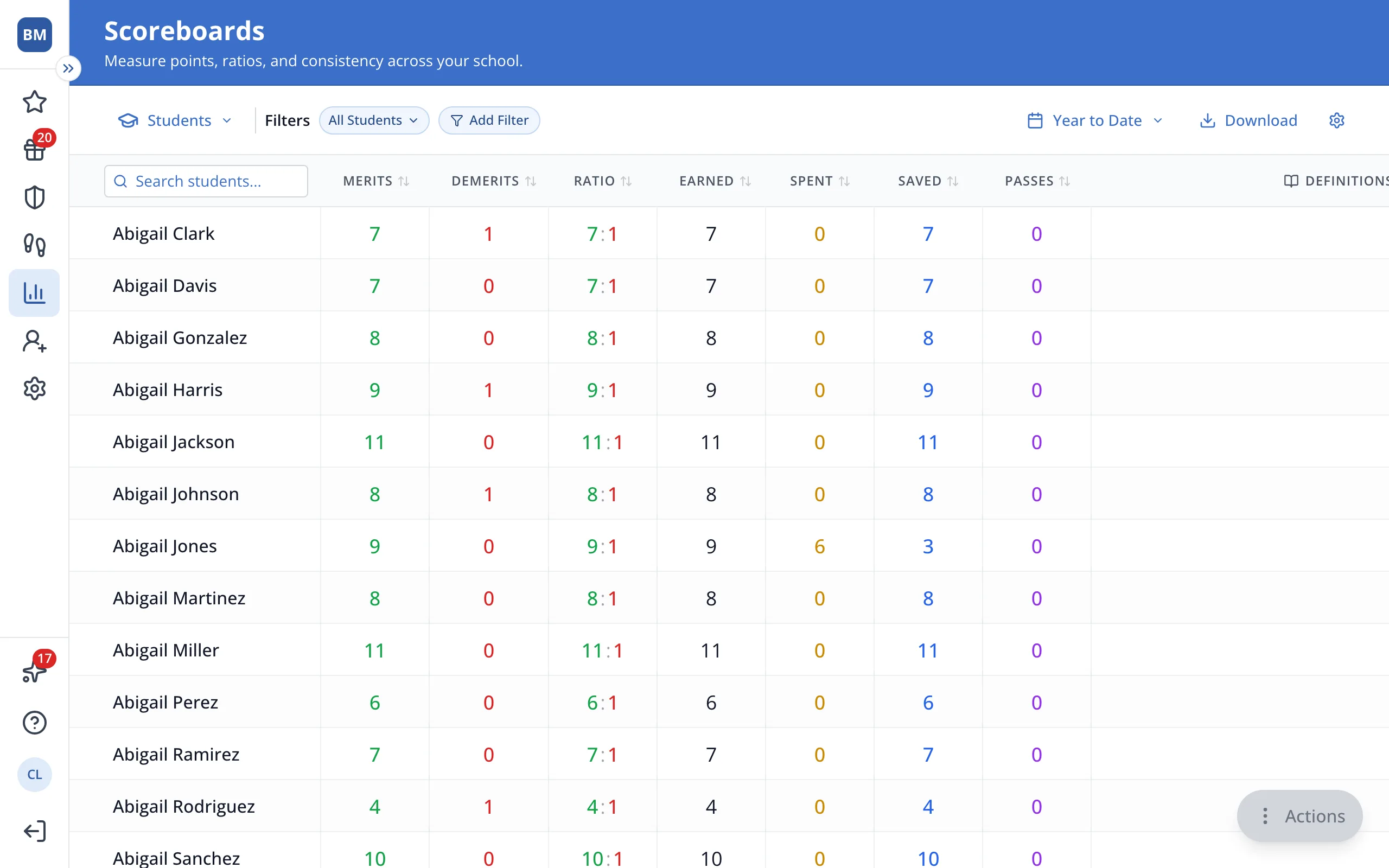
1.On the Scoreboards page, click the gear next to Download.
Did you know? On the Timeline, it's under Settings, then Customize.
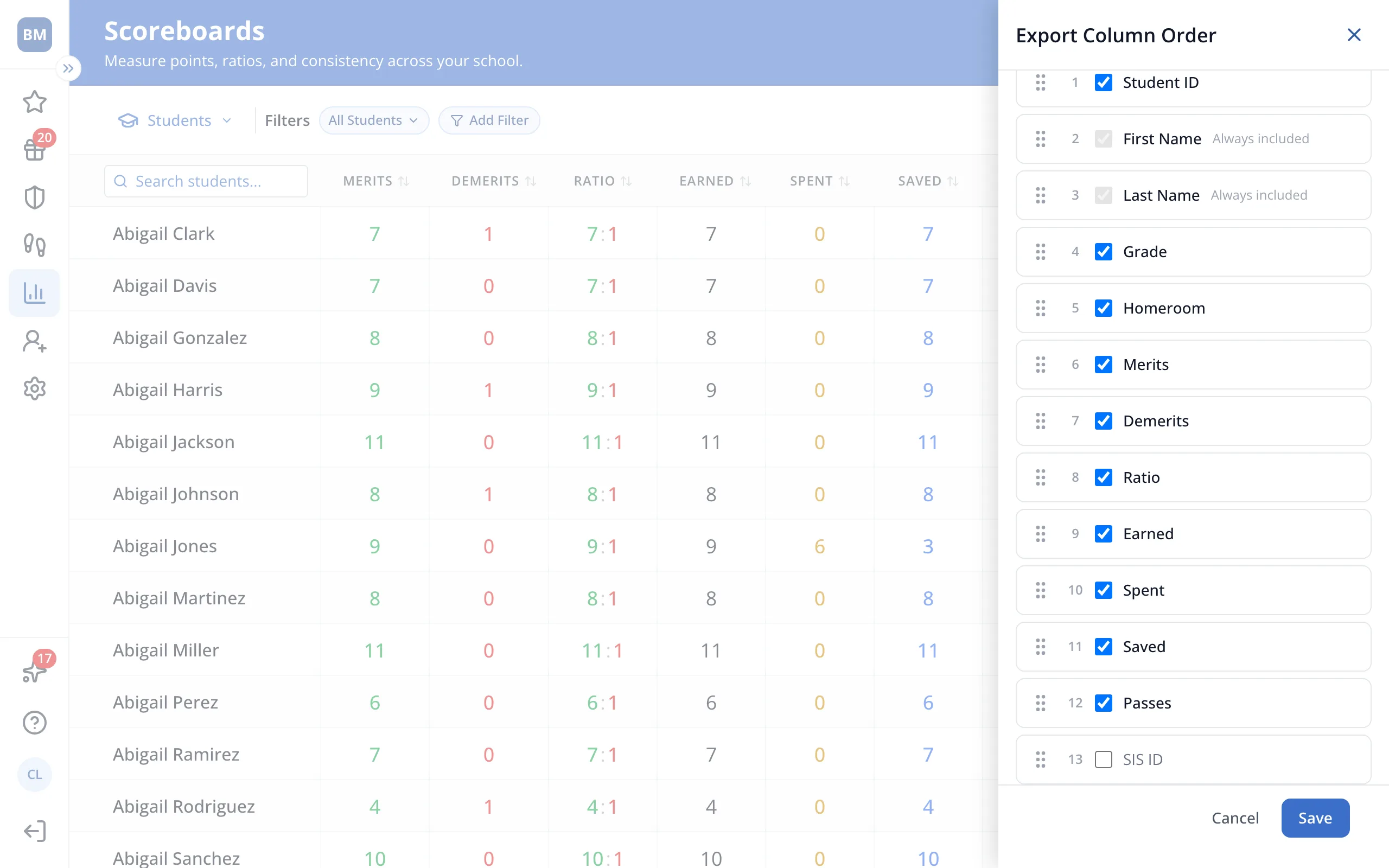
2.Drag a column by its handle to move it. Top to bottom here is left to right in the file.
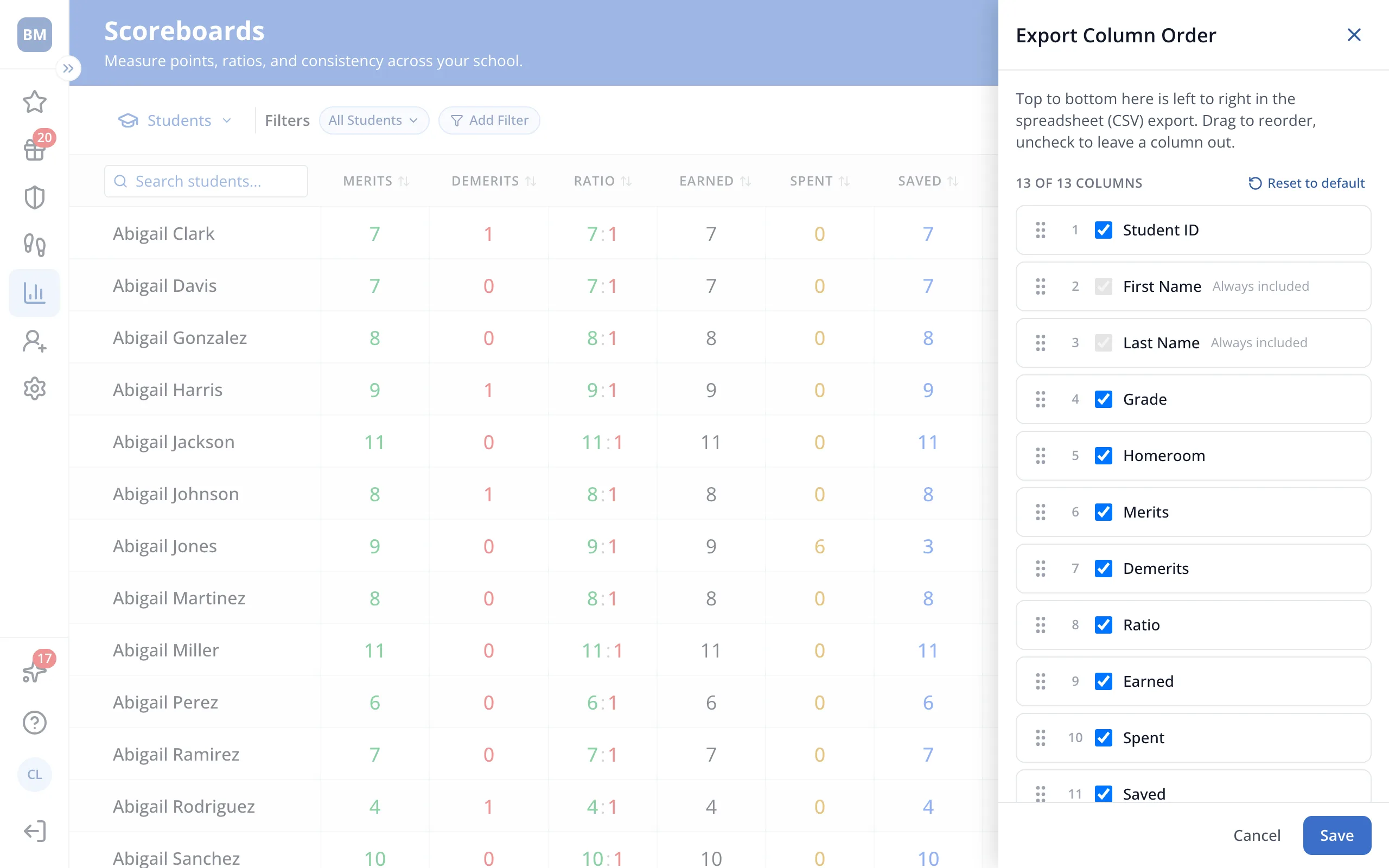
3.Uncheck any column you'd like to leave out.
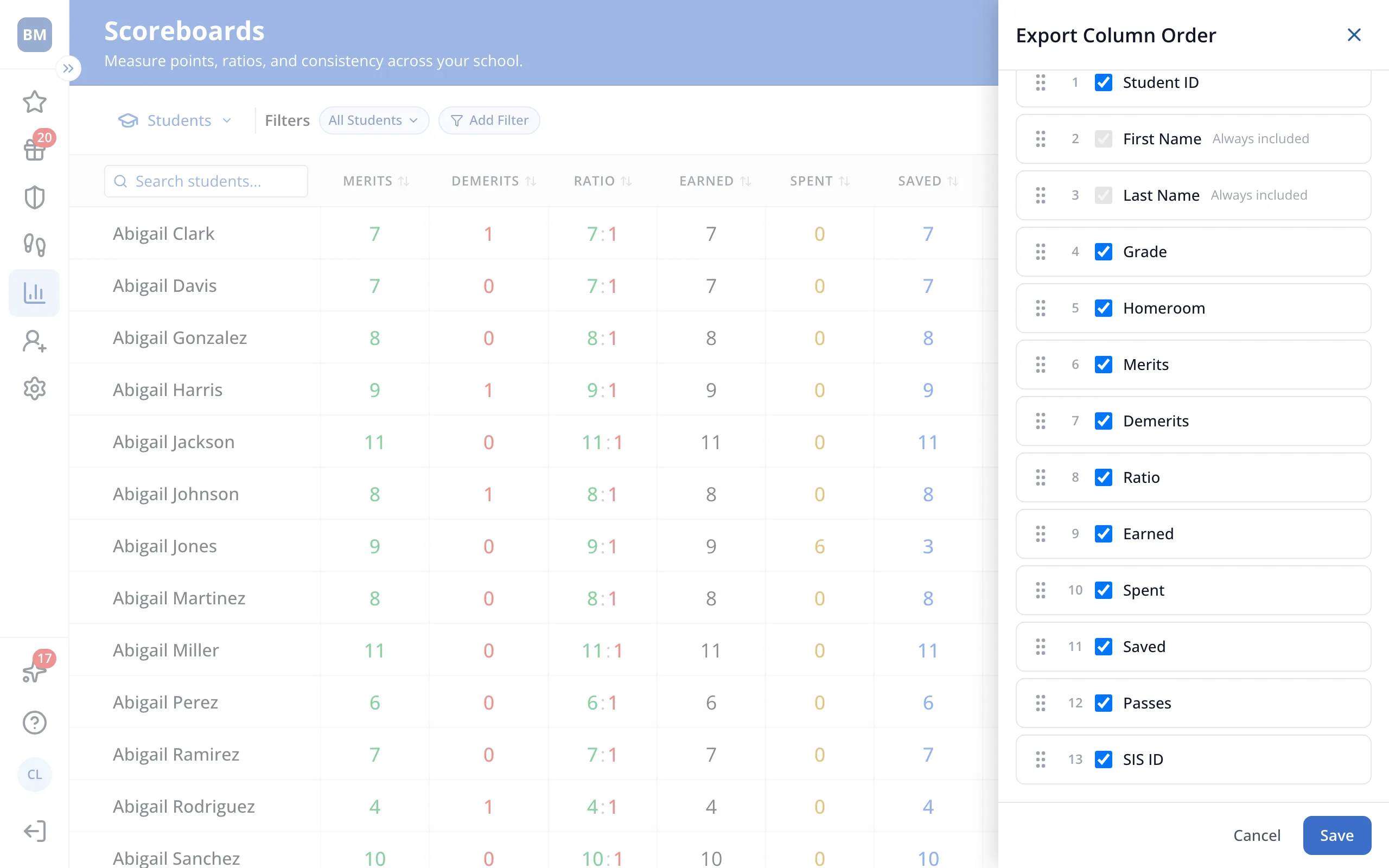
4.Click Save.