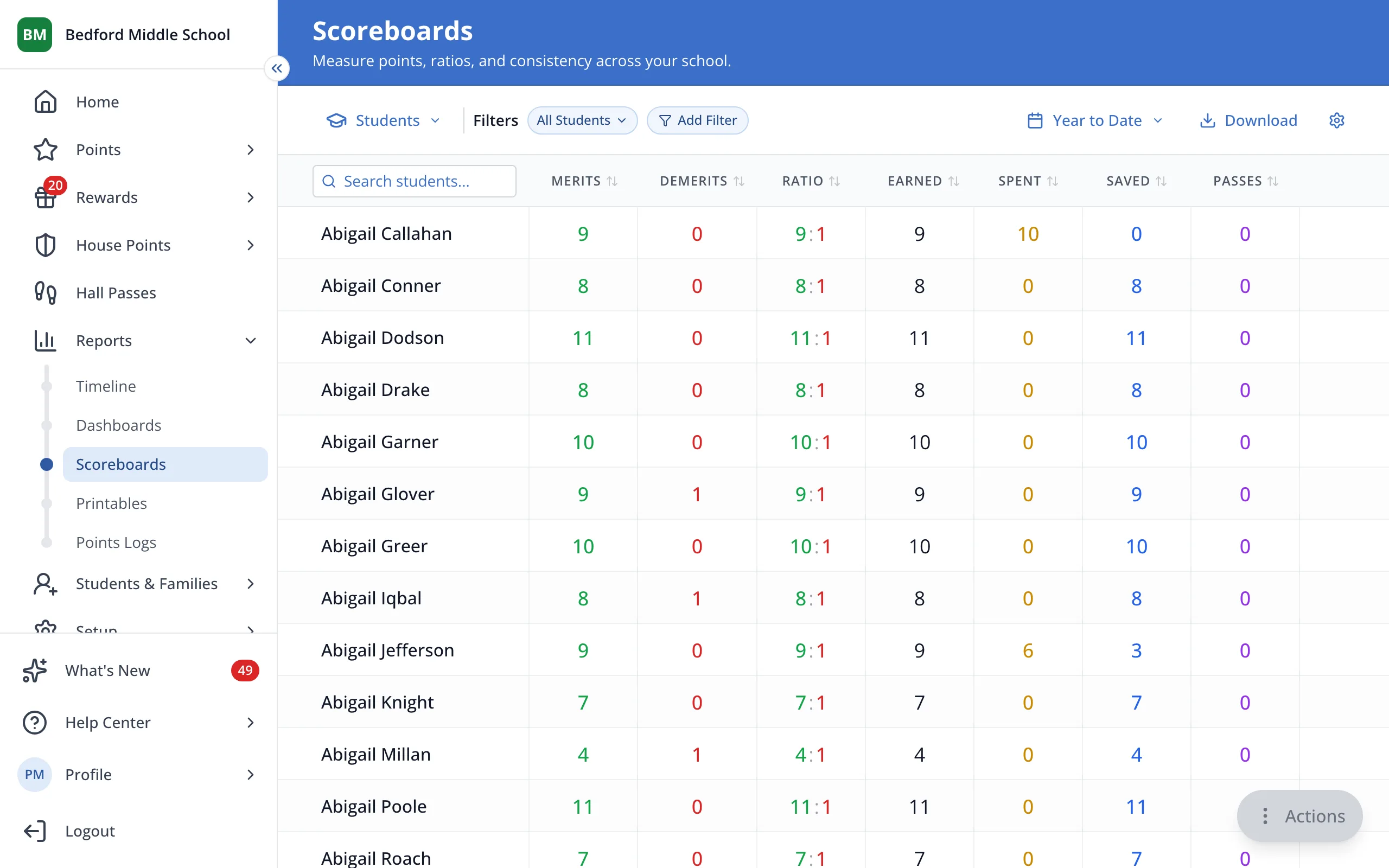
Download scoreboard data as a CSV
The spreadsheet holds the rows the scoreboard shows, with the same filters and date range, so set those up first.
Use the Left and Right arrow keys to move between steps, and Space to play or pause.
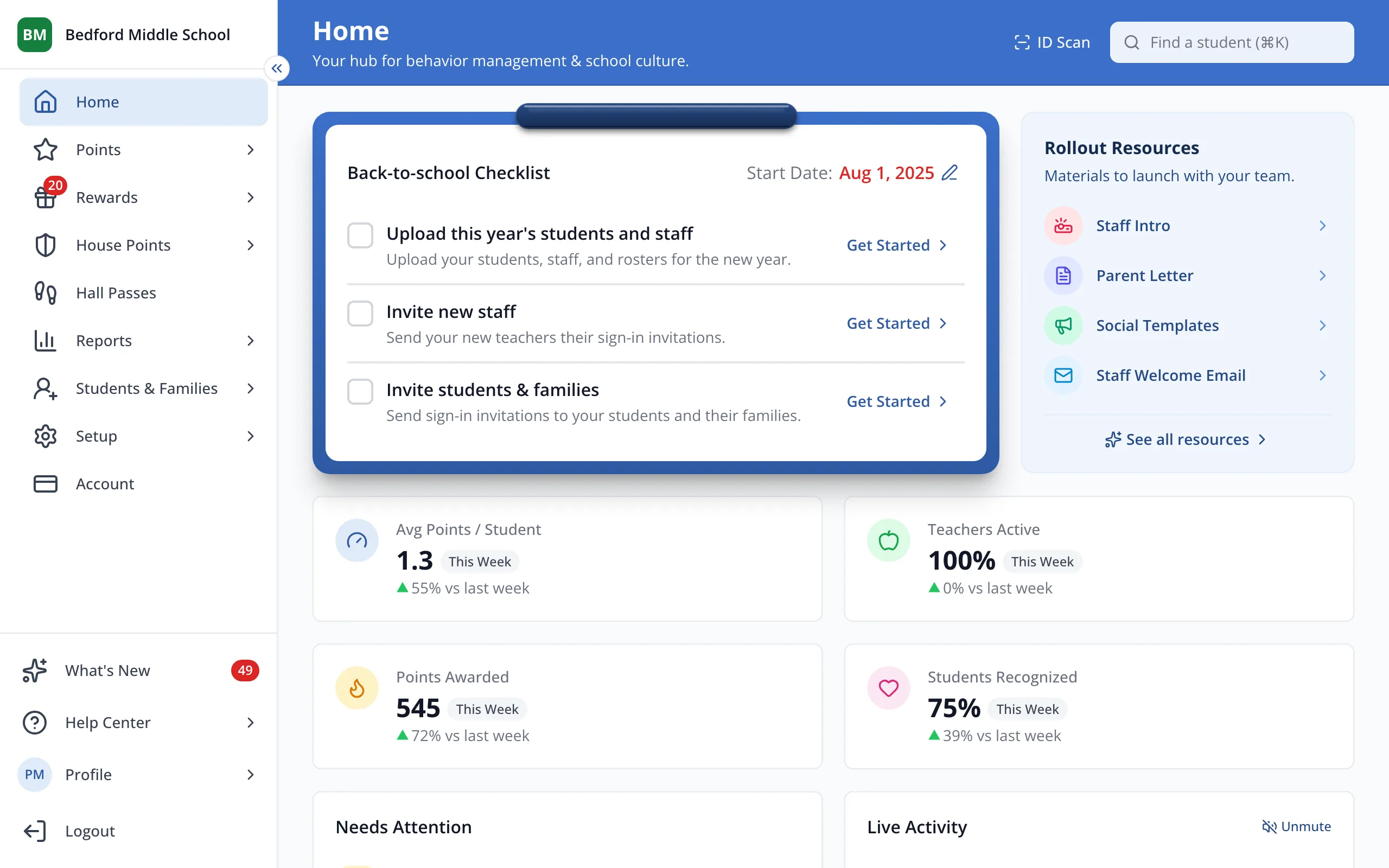
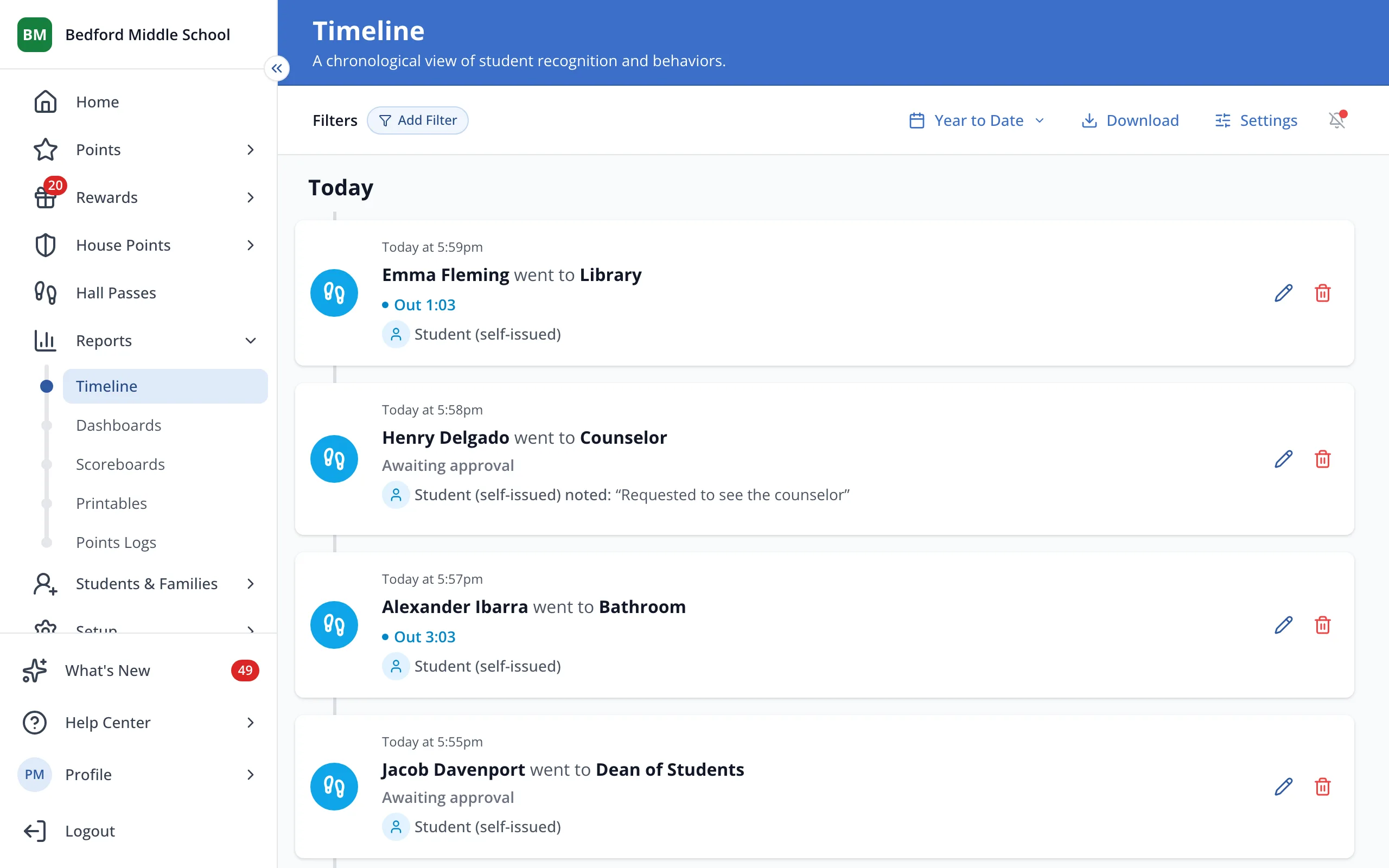
1.In the sidebar, click Reports.
2.Click Scoreboards.
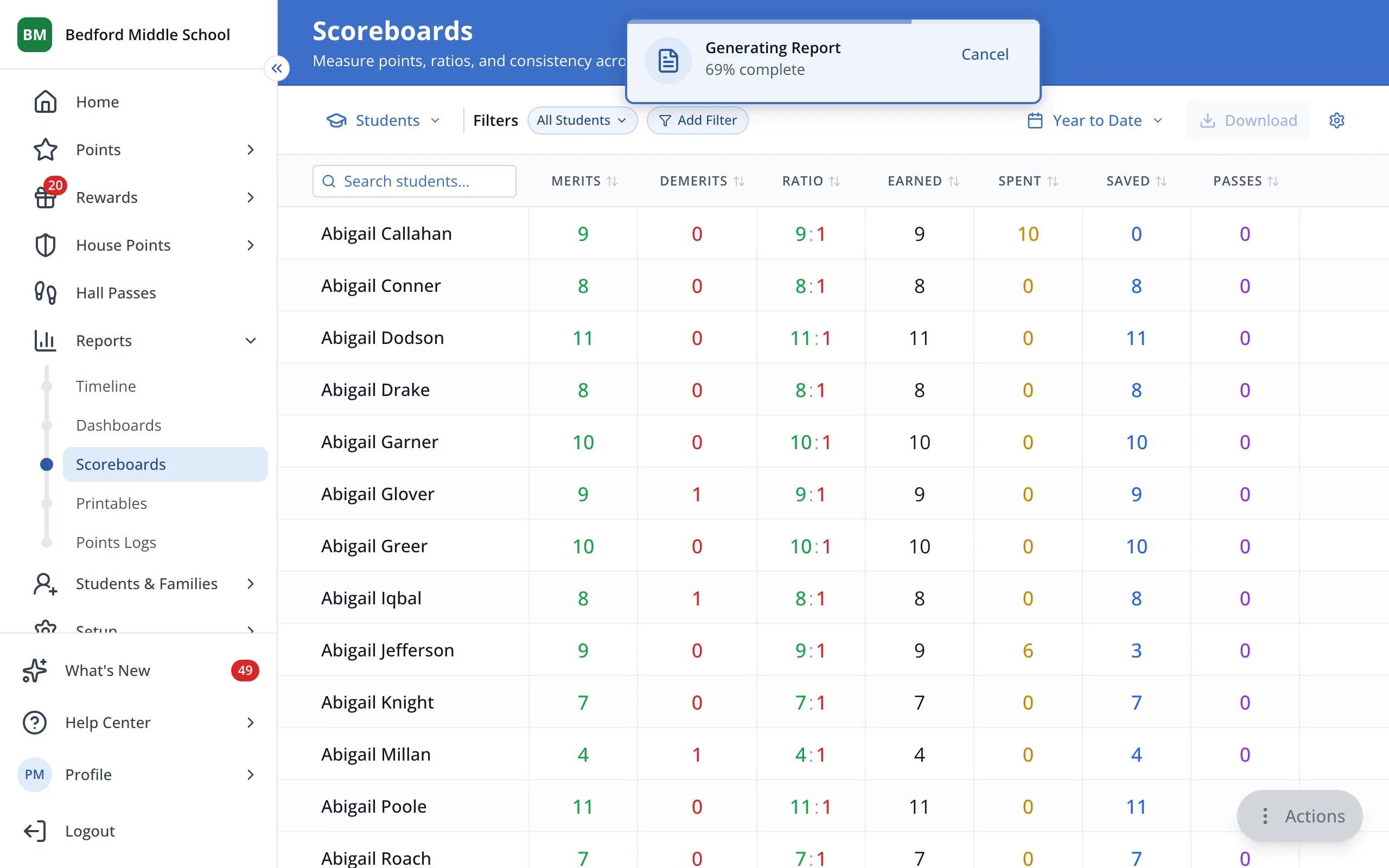
3.At the top right, click Download.
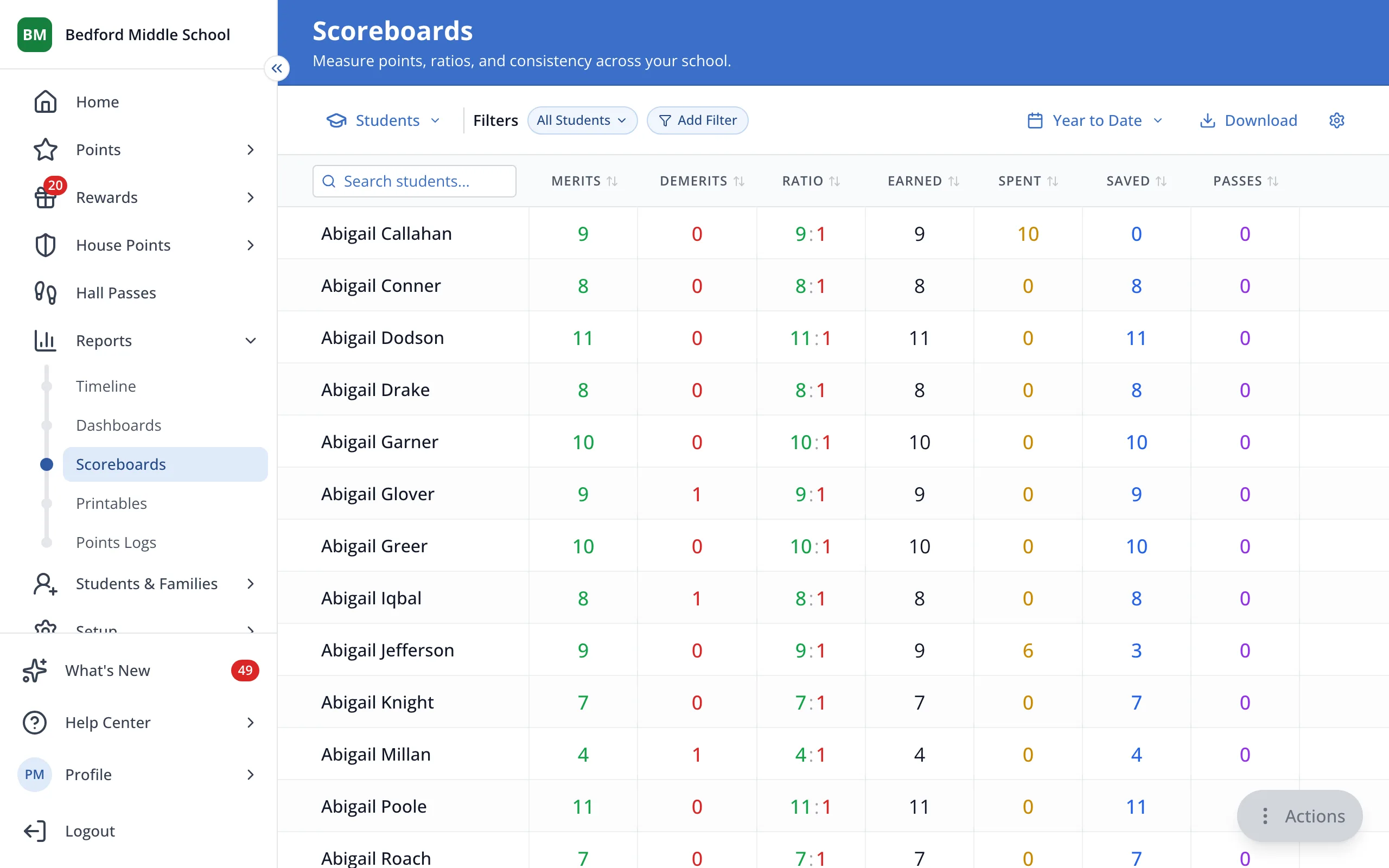
Did you know? Pick what to rank, the filters and the dates first. The file matches what's on screen.
4.To change which columns the file has, click the gear next to Download.