
Download a dashboard as a PDF
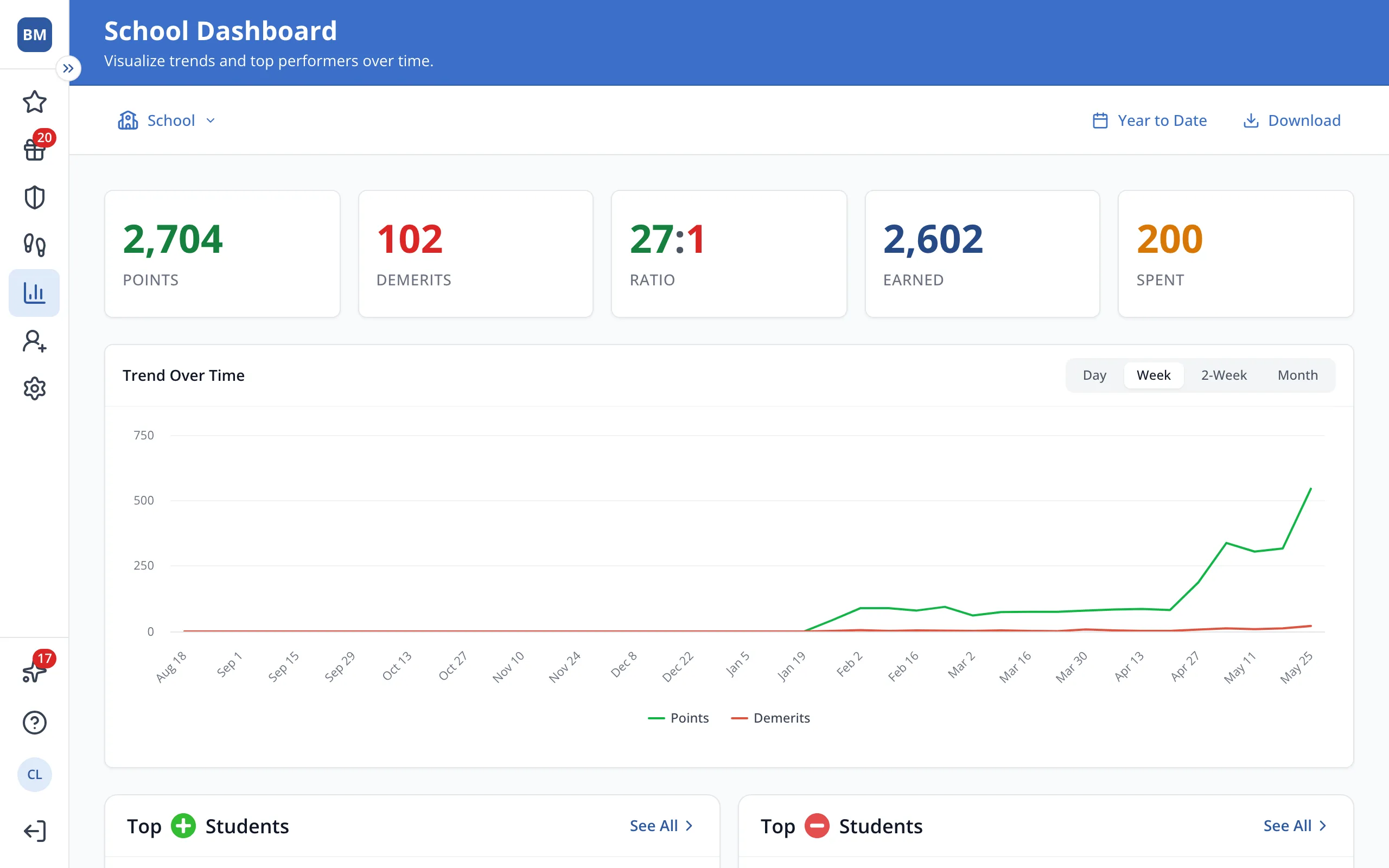
The PDF has the dashboard's totals, trend chart and top lists for the dates you picked, ready to print or share.
Use the Left and Right arrow keys to move between steps, and Space to play or pause.
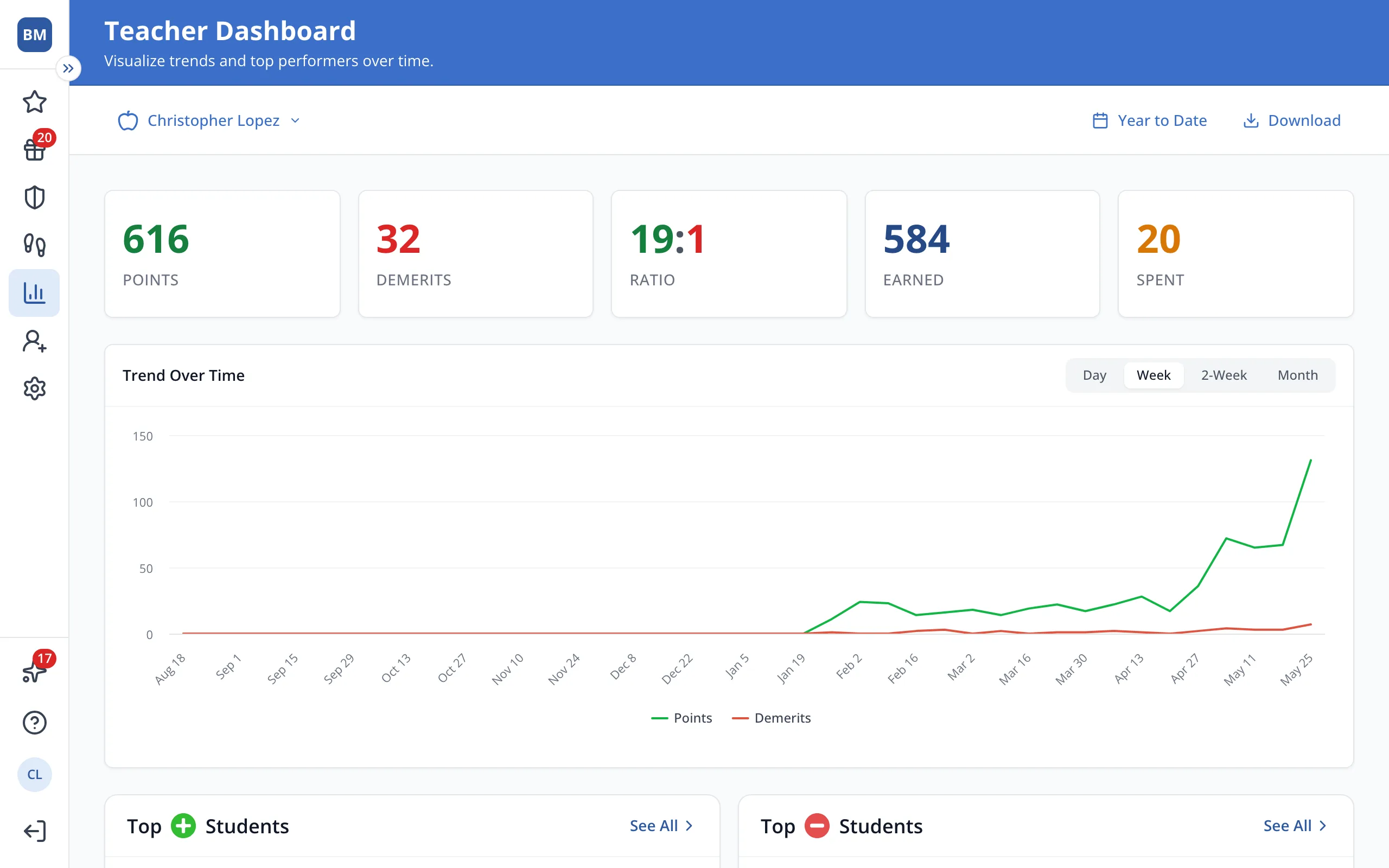
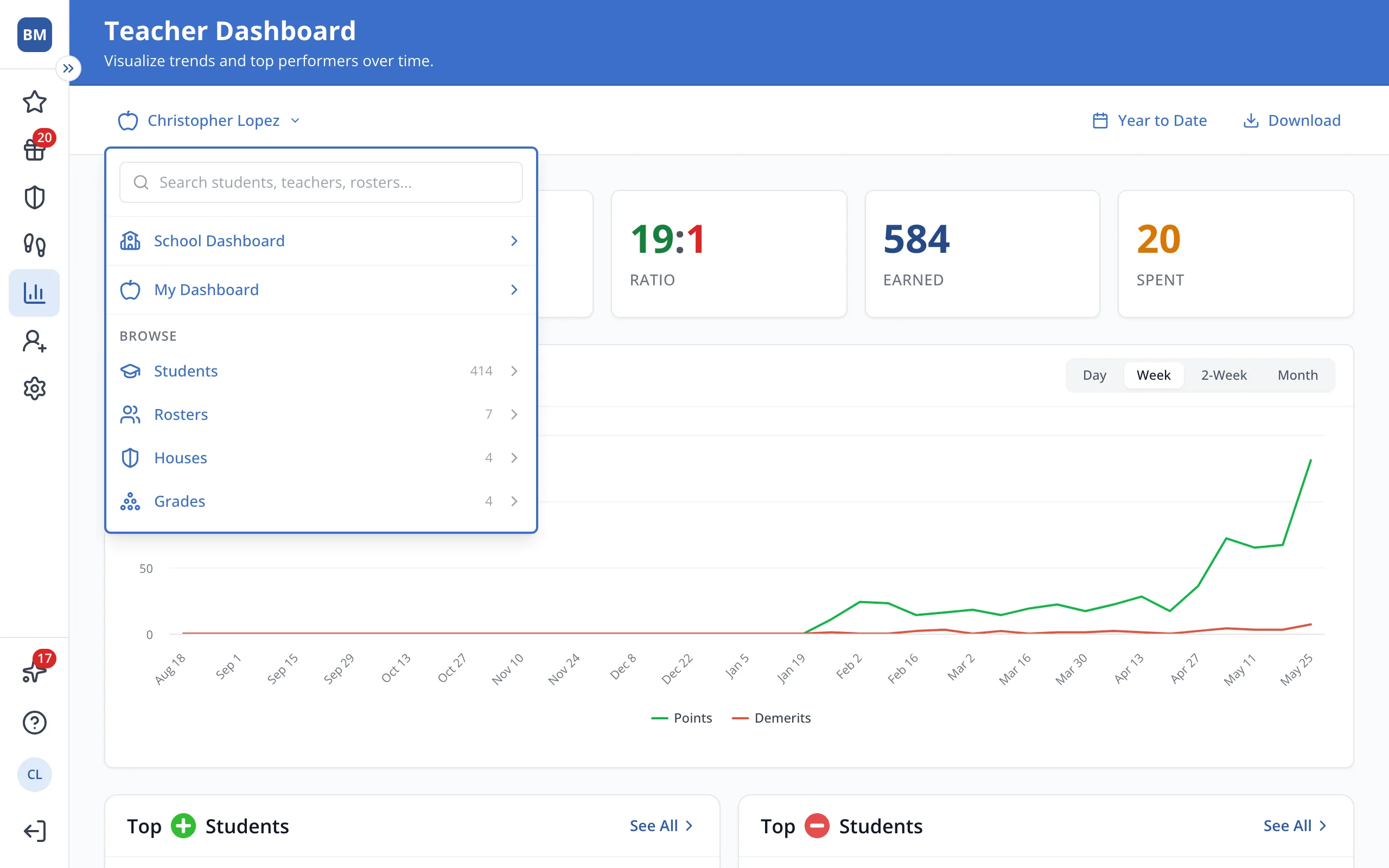
1.On the Dashboards page, click the name at the top left.
2.Click the dashboard you'd like to download, such as School Dashboard.
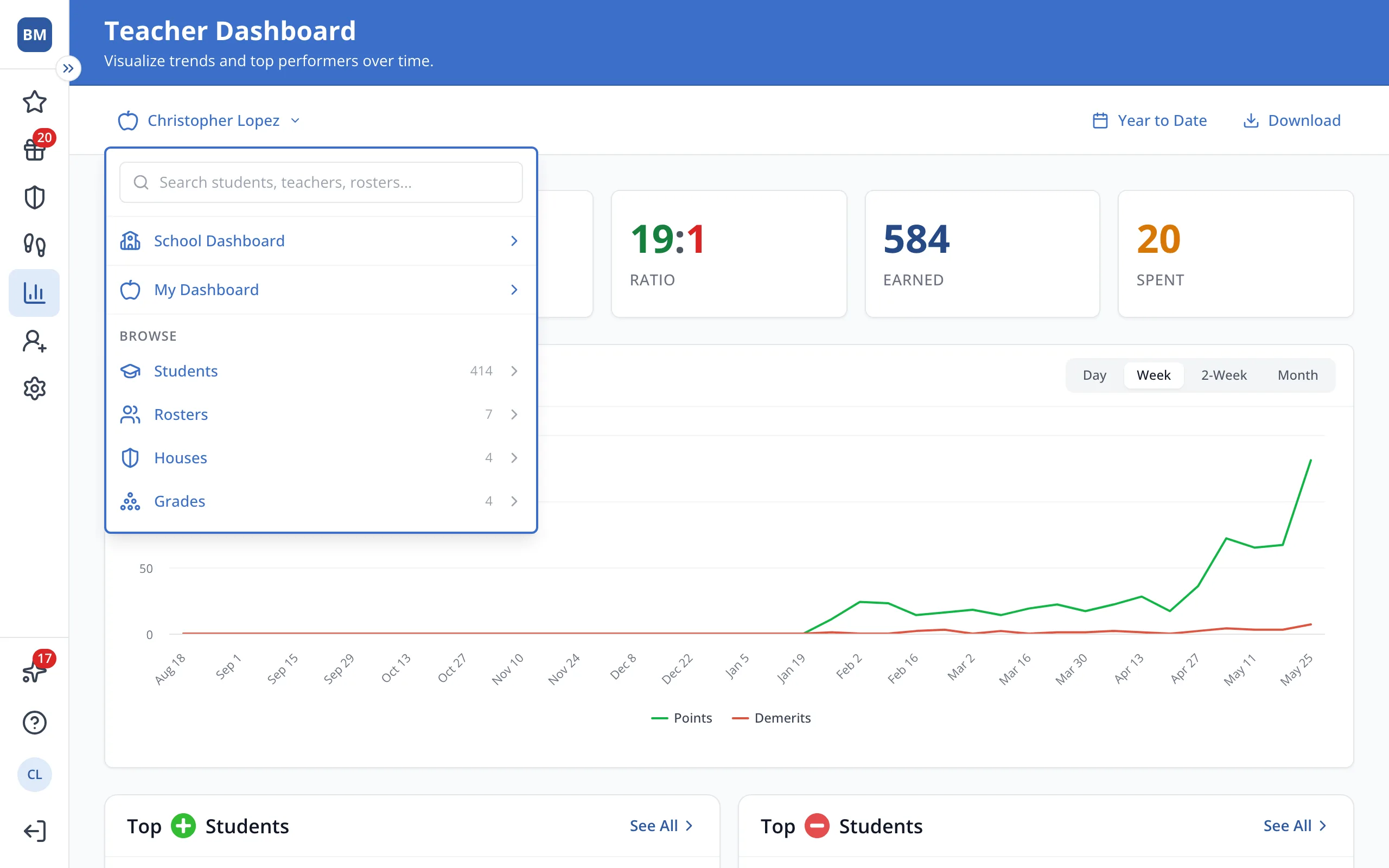
3.Click Year to Date if you'd like the PDF to cover different dates.
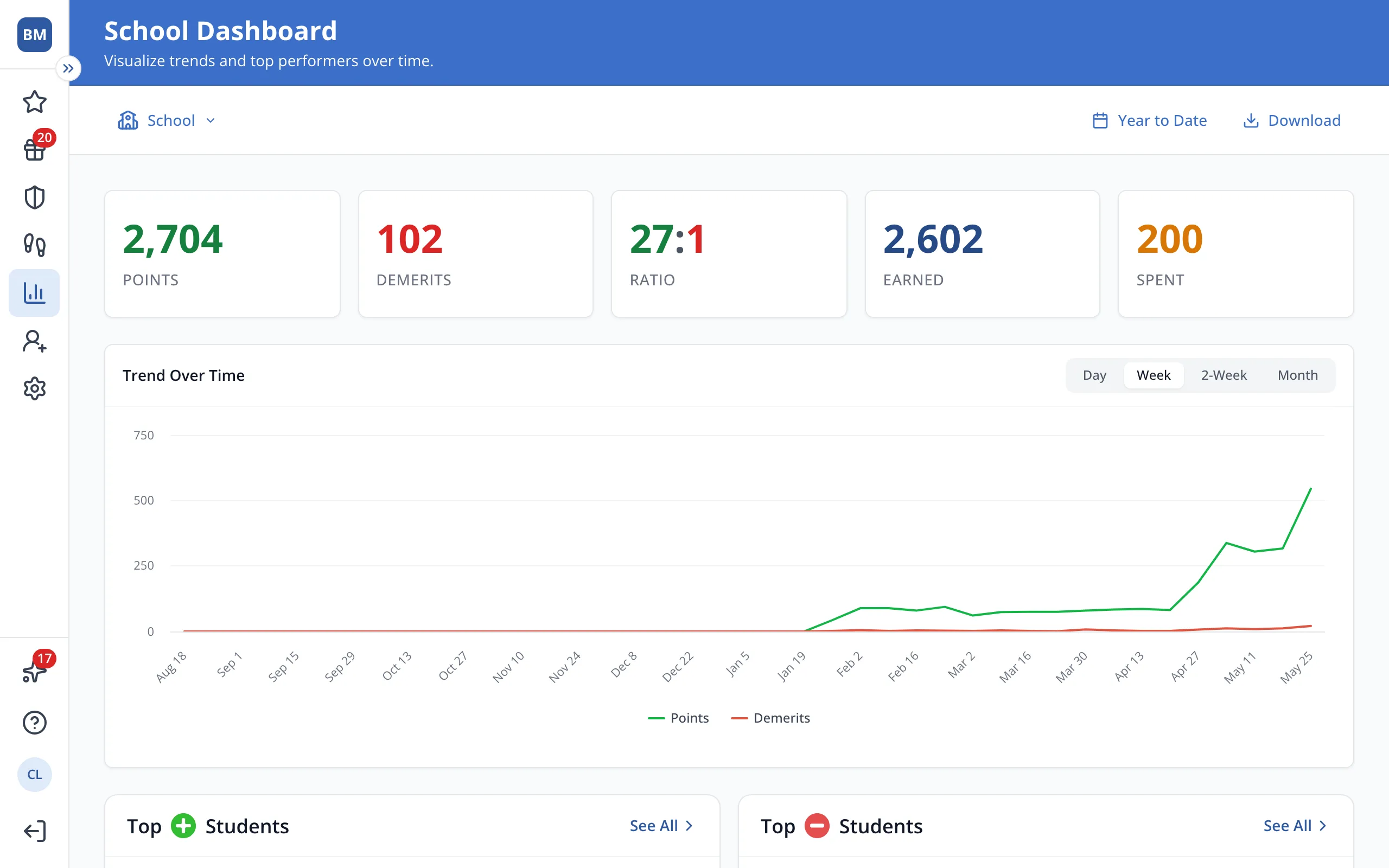
4.Click Download to save the PDF.
Did you know? On a student's dashboard, Download also offers Bulk Download... for a whole roster or grade.