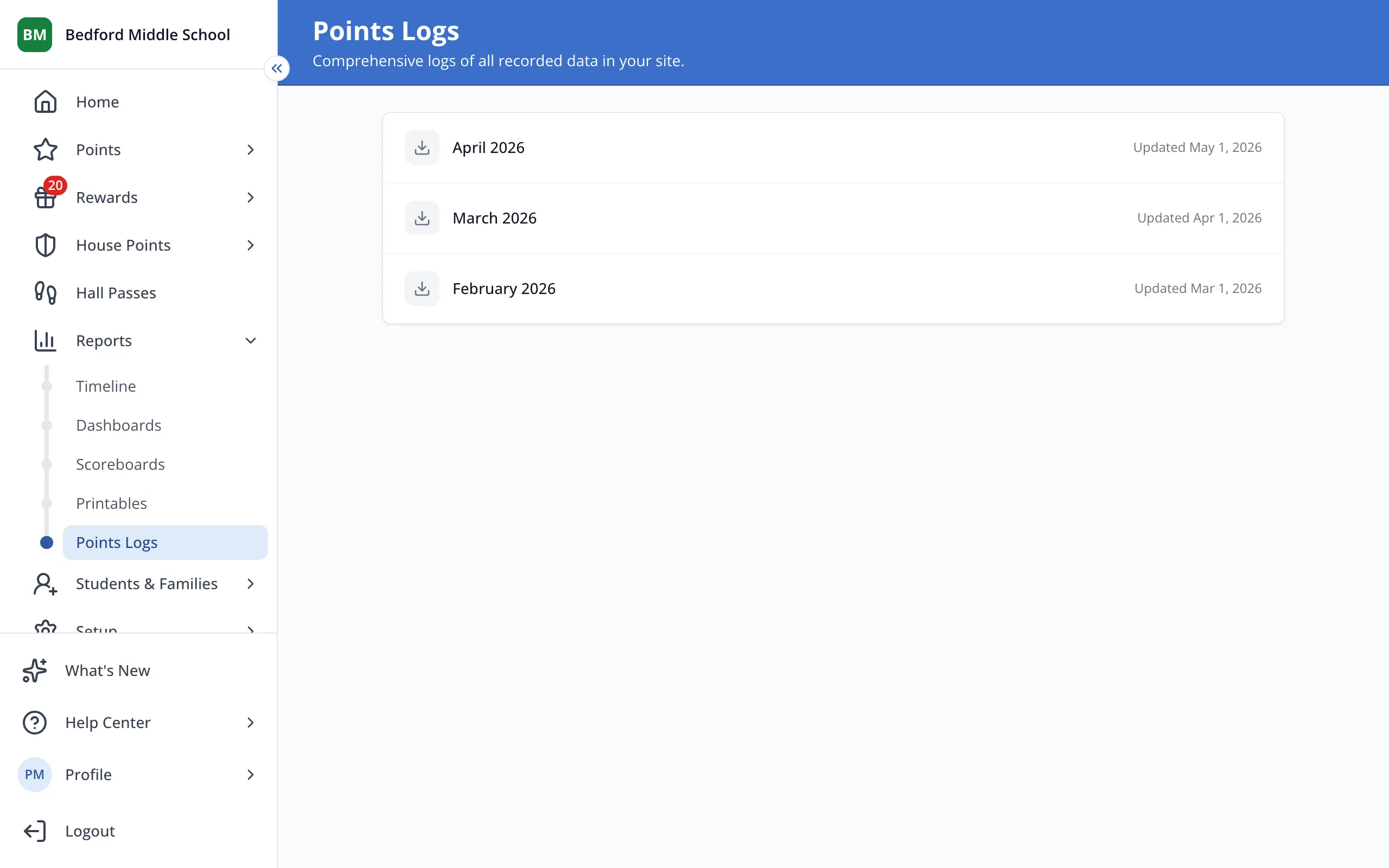
Download a monthly points log
Each Points Log is a spreadsheet of everything recorded at your school in one month. Use it when you need more than a report shows.
AdminSite Leader
Use the Left and Right arrow keys to move between steps, and Space to play or pause.
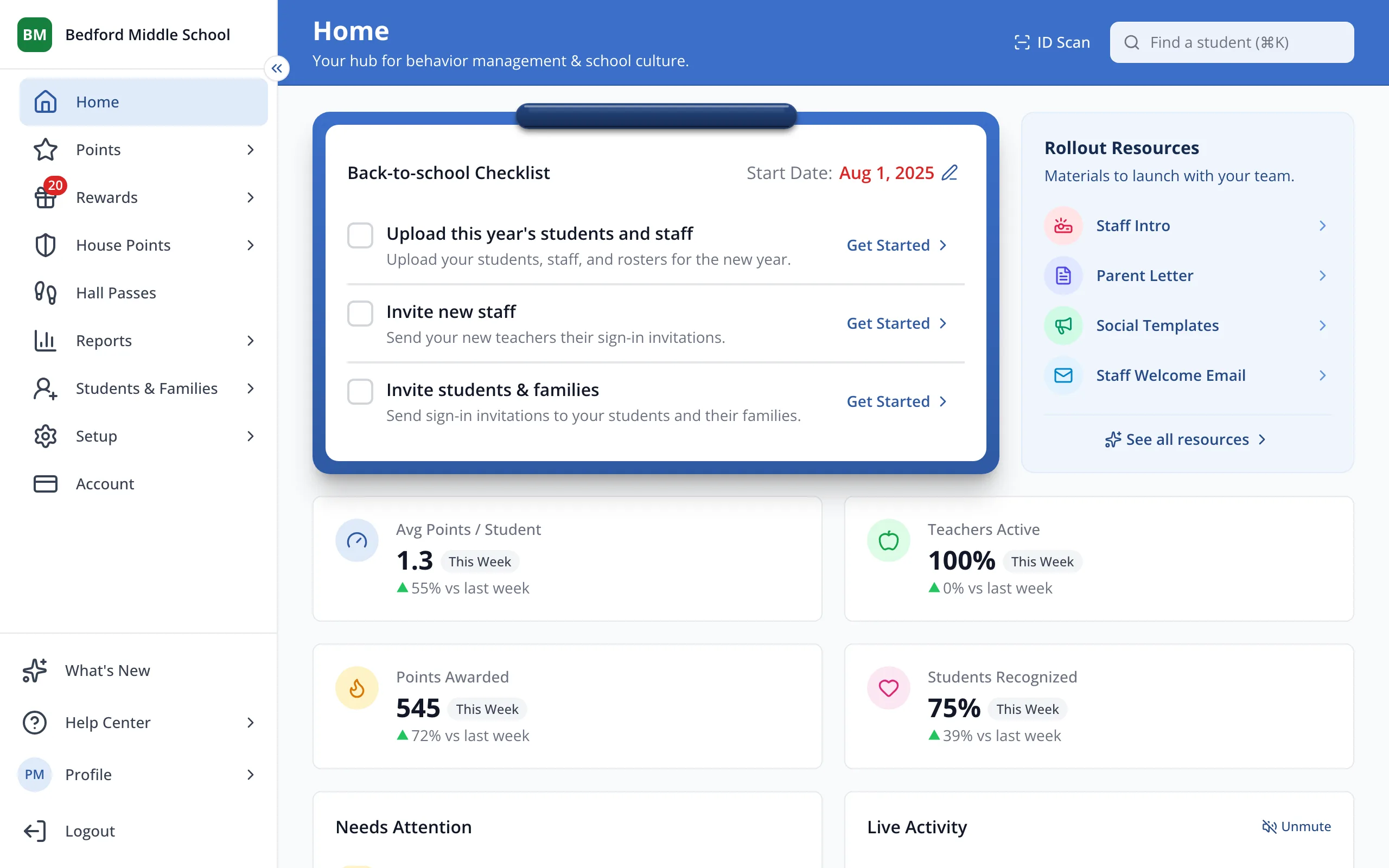
1.In the sidebar, click Reports.
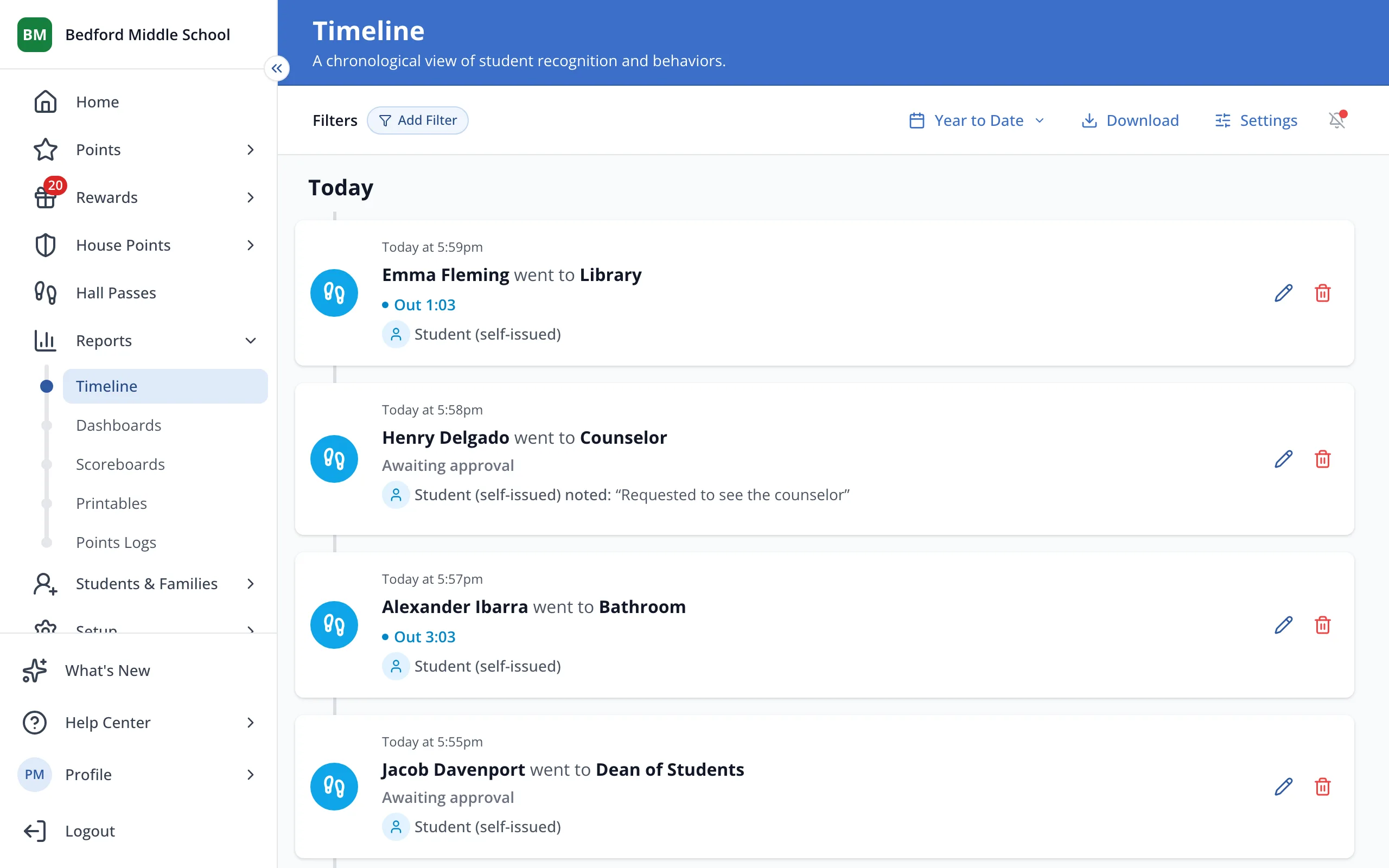
2.Click Points Logs.
Did you know? Points Logs download on the website, not in the phone app.
3.Click the month you'd like, like March 2026. The spreadsheet will download.