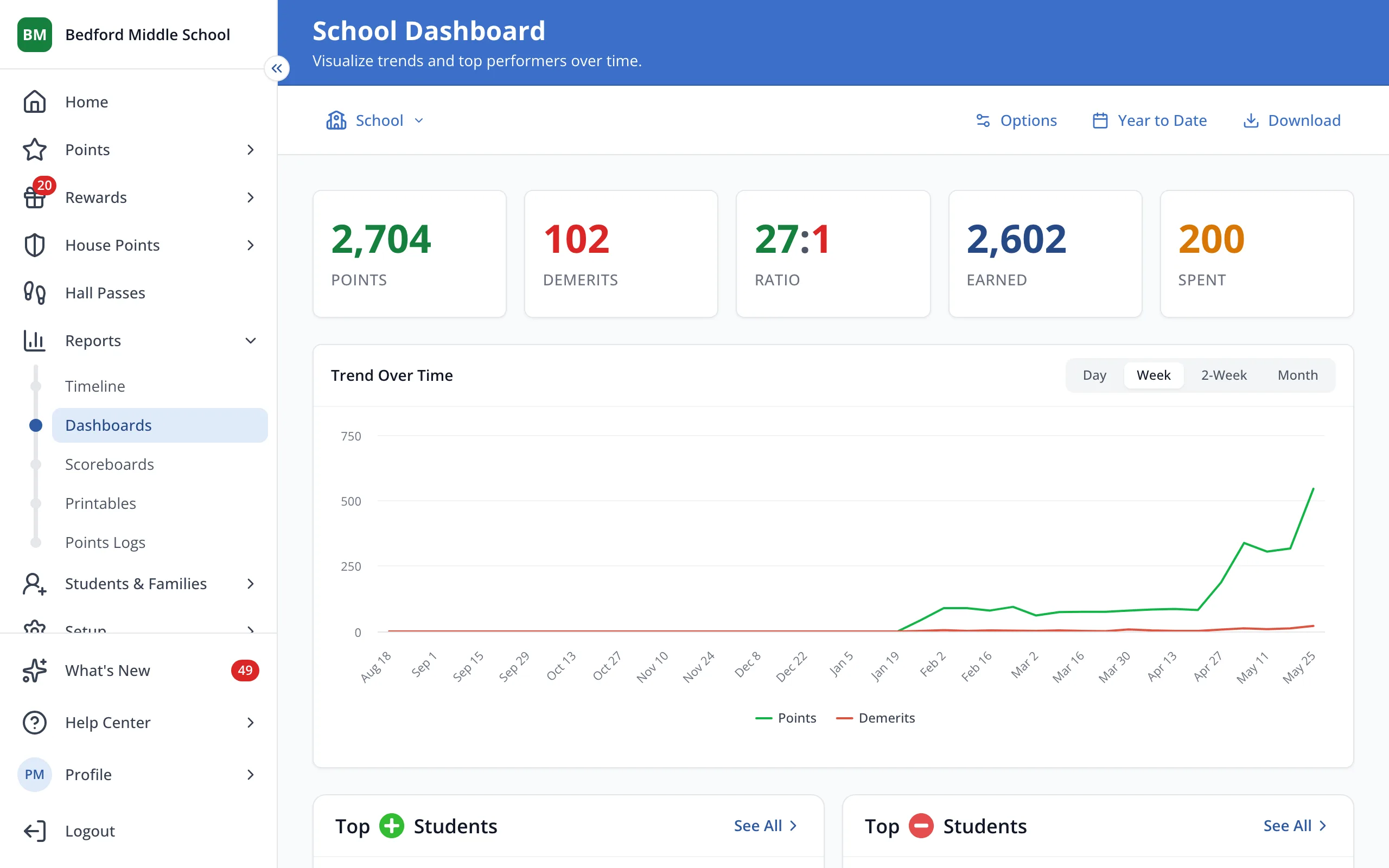
Hide top teachers on a dashboard
Hide staff rankings before you project a dashboard or download it as a PDF. It comes back when you leave the page.
AdminSite Leader
Use the Left and Right arrow keys to move between steps, and Space to play or pause.
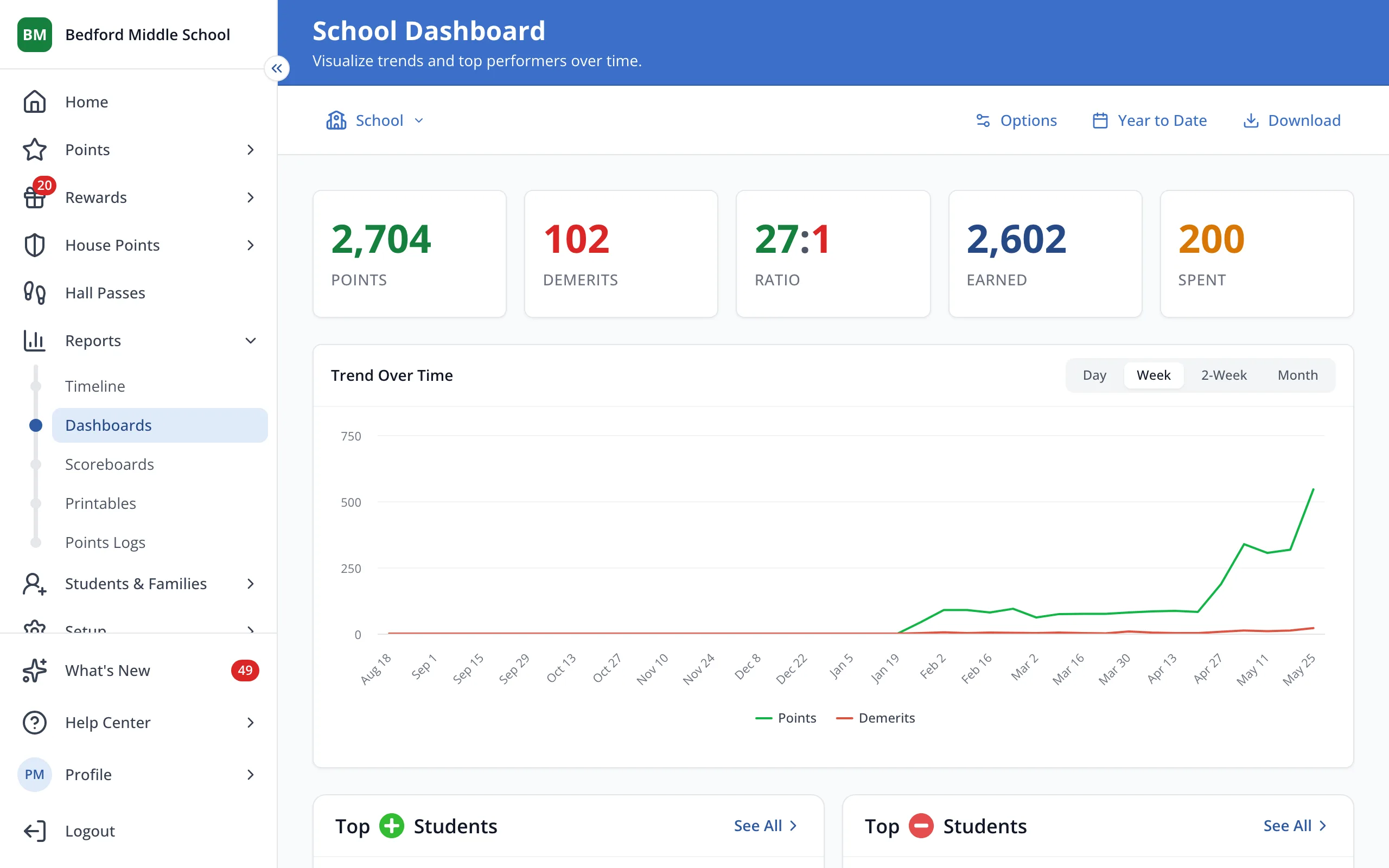
1.On the School Dashboard, click Options at the top right.
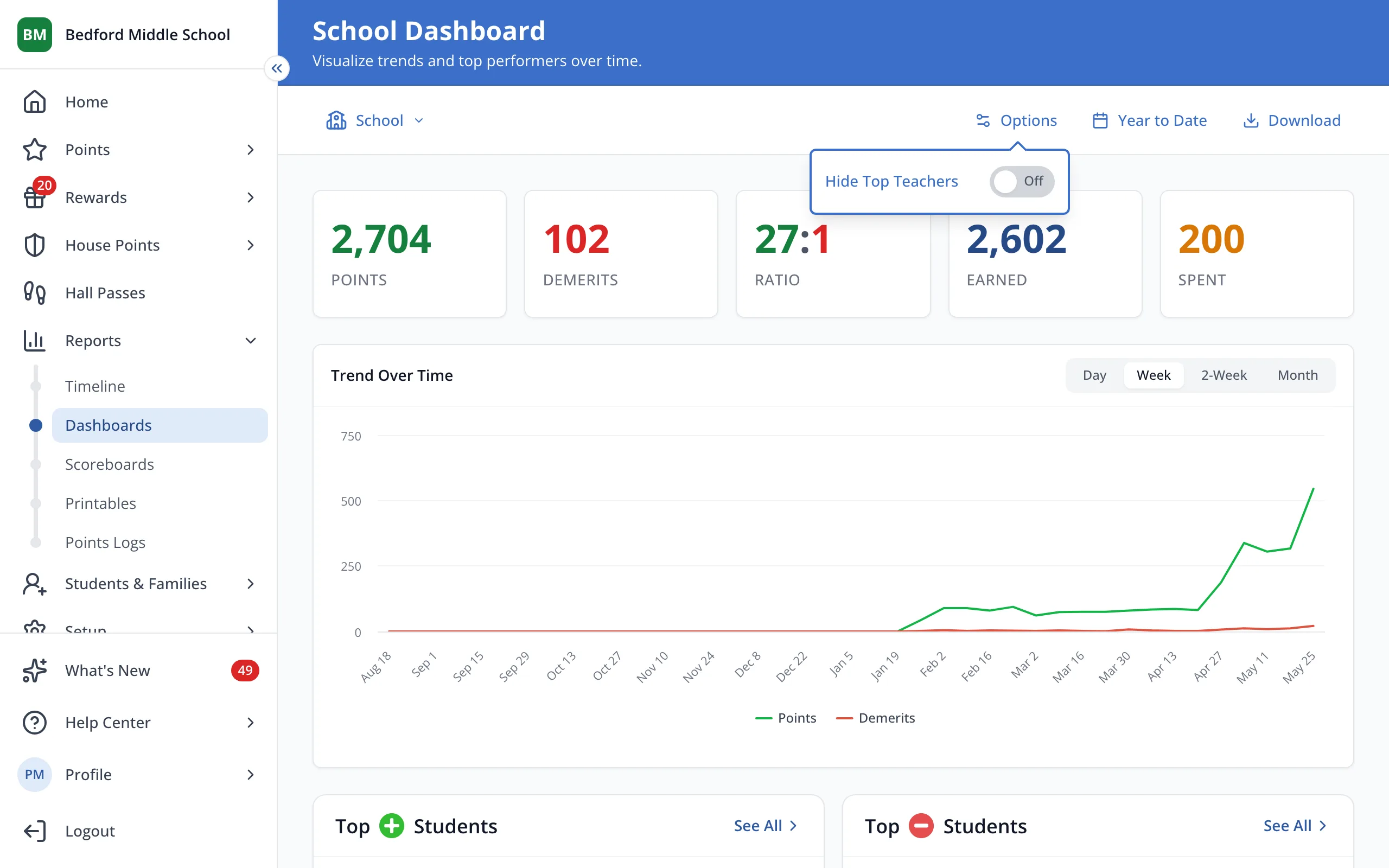
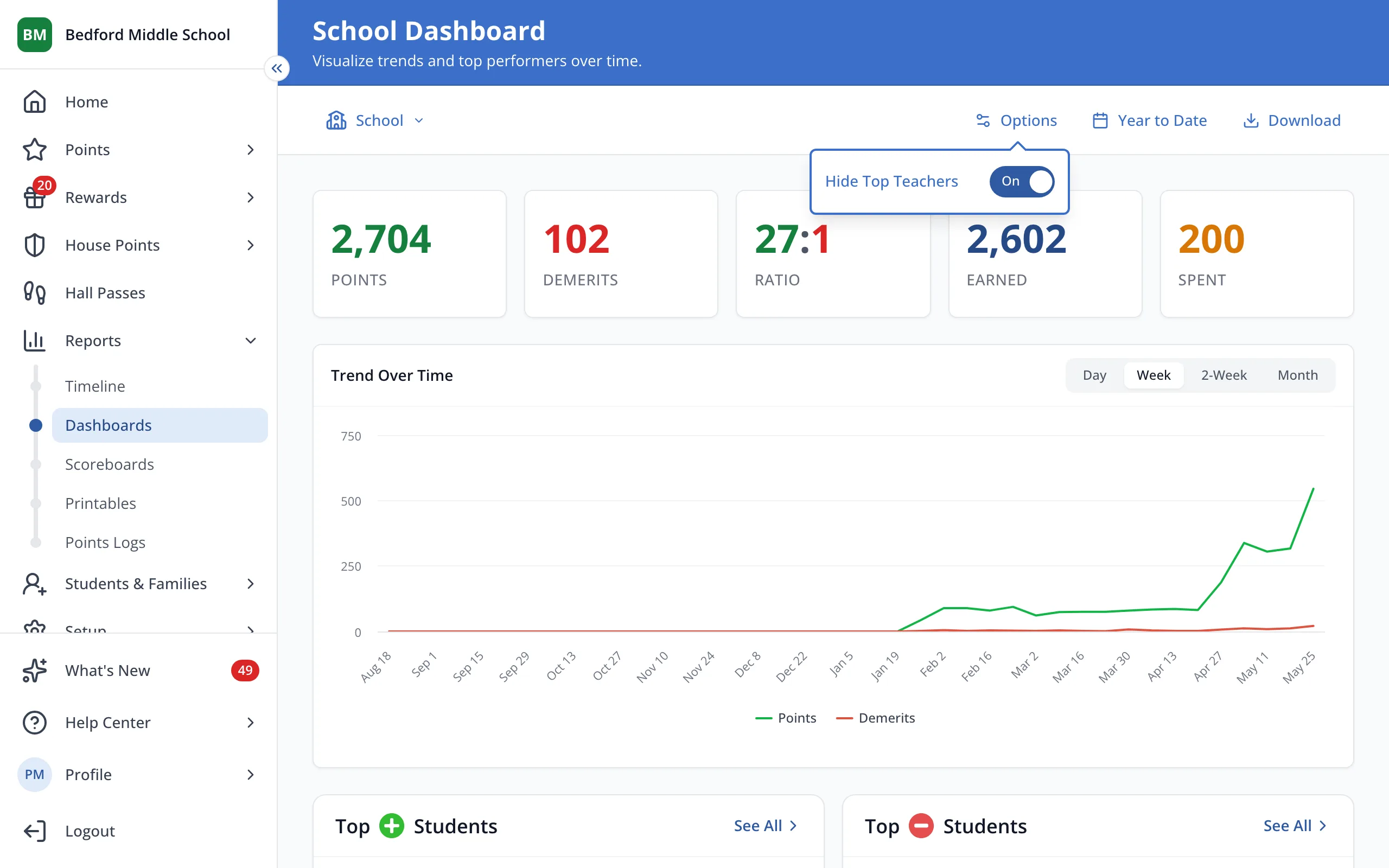
2.Turn on Hide Top Teachers.
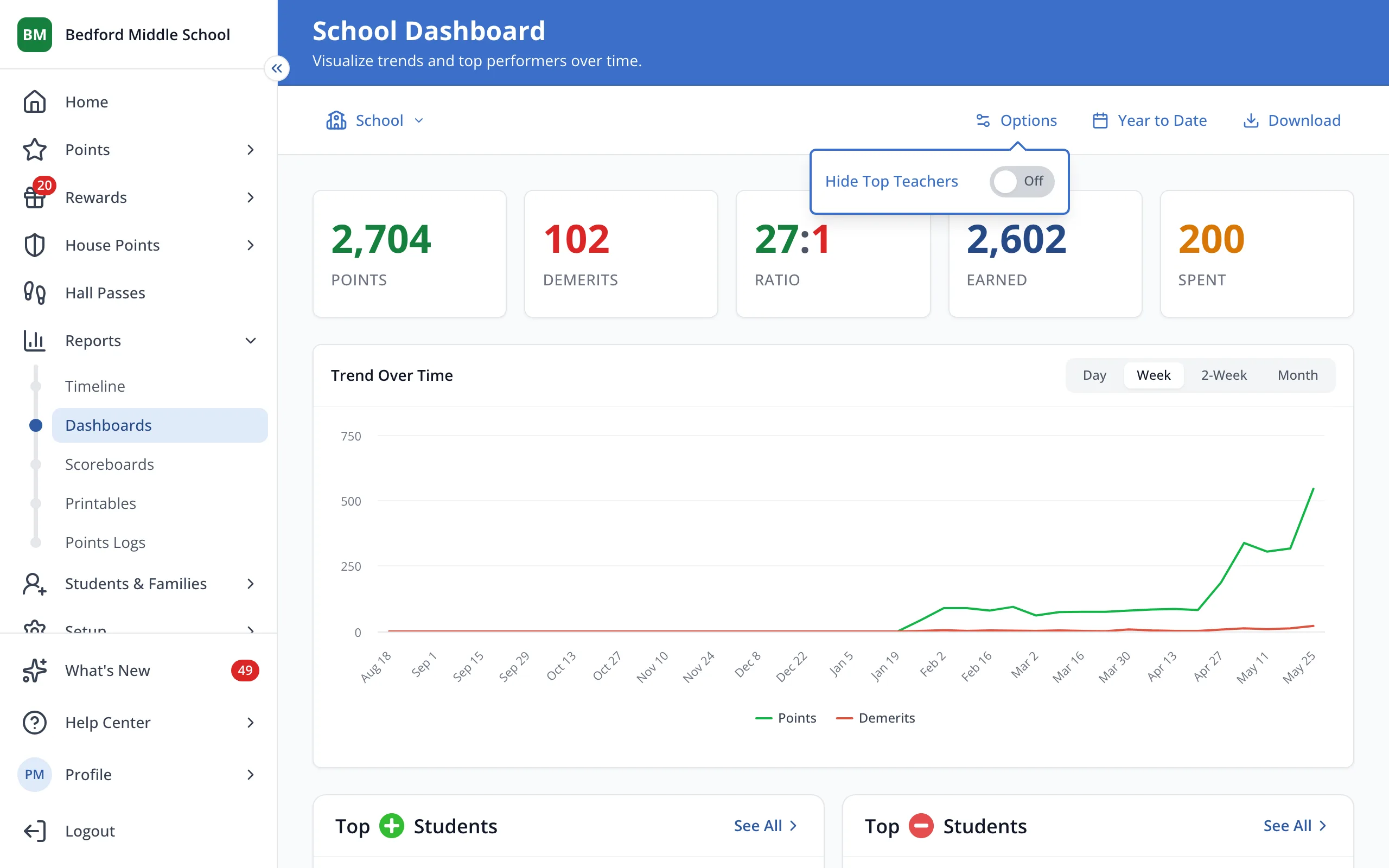
3.Click Download now to save a PDF without the staff rankings.