View the school dashboard
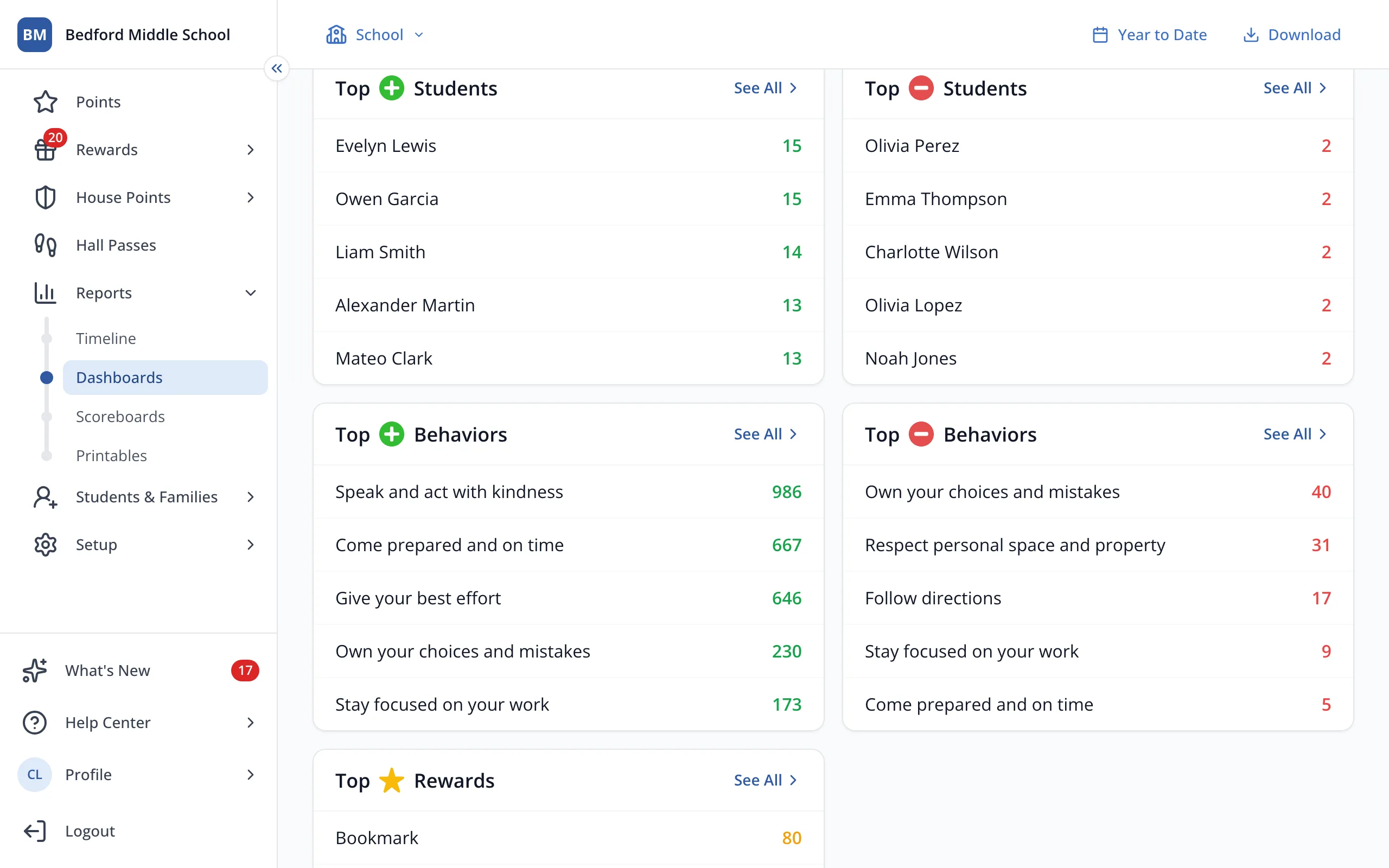
See the whole school's points, demerits and spending, how they trend over time, and its top students, behaviors and rewards.
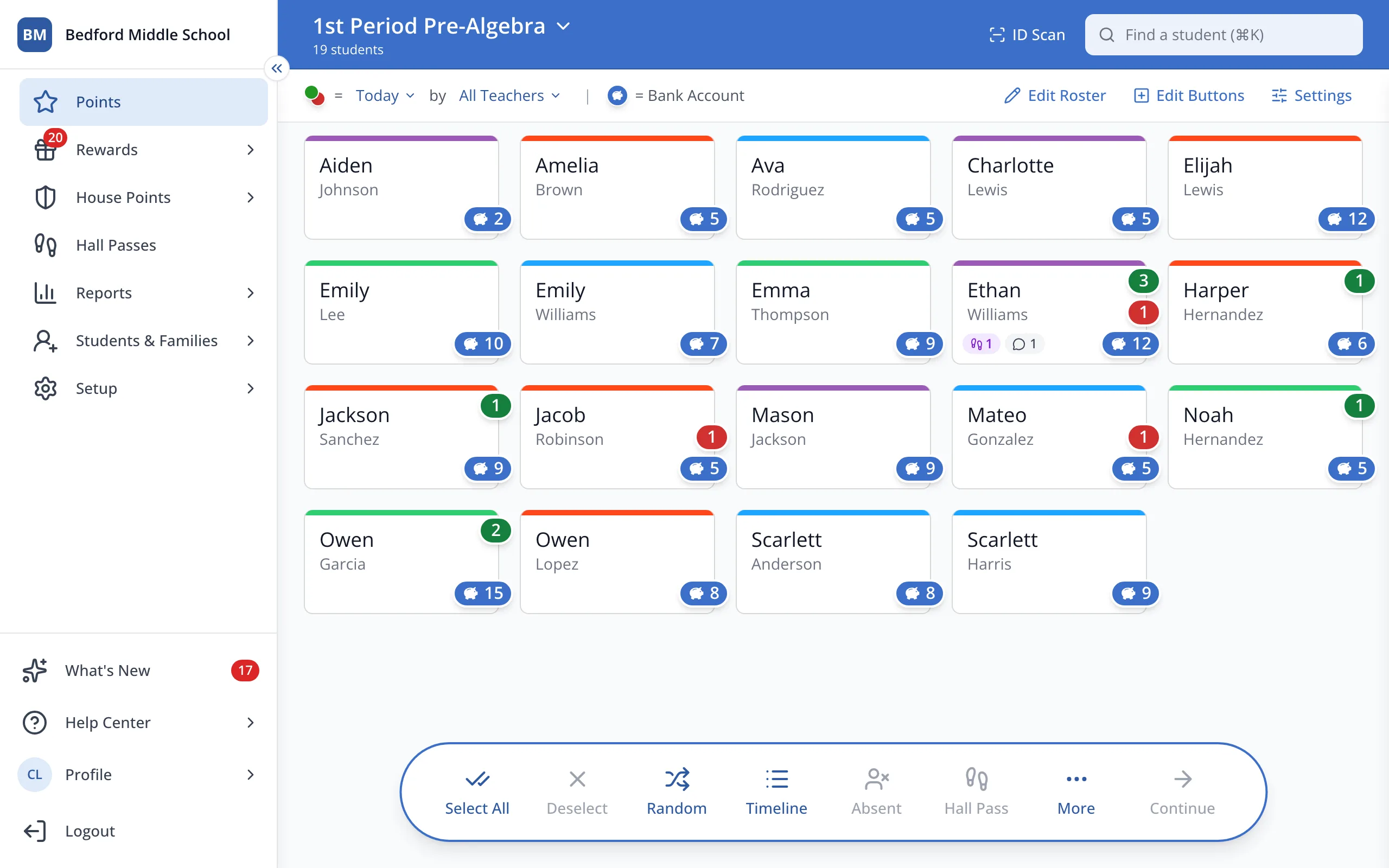
Use the Left and Right arrow keys to move between steps, and Space to play or pause.
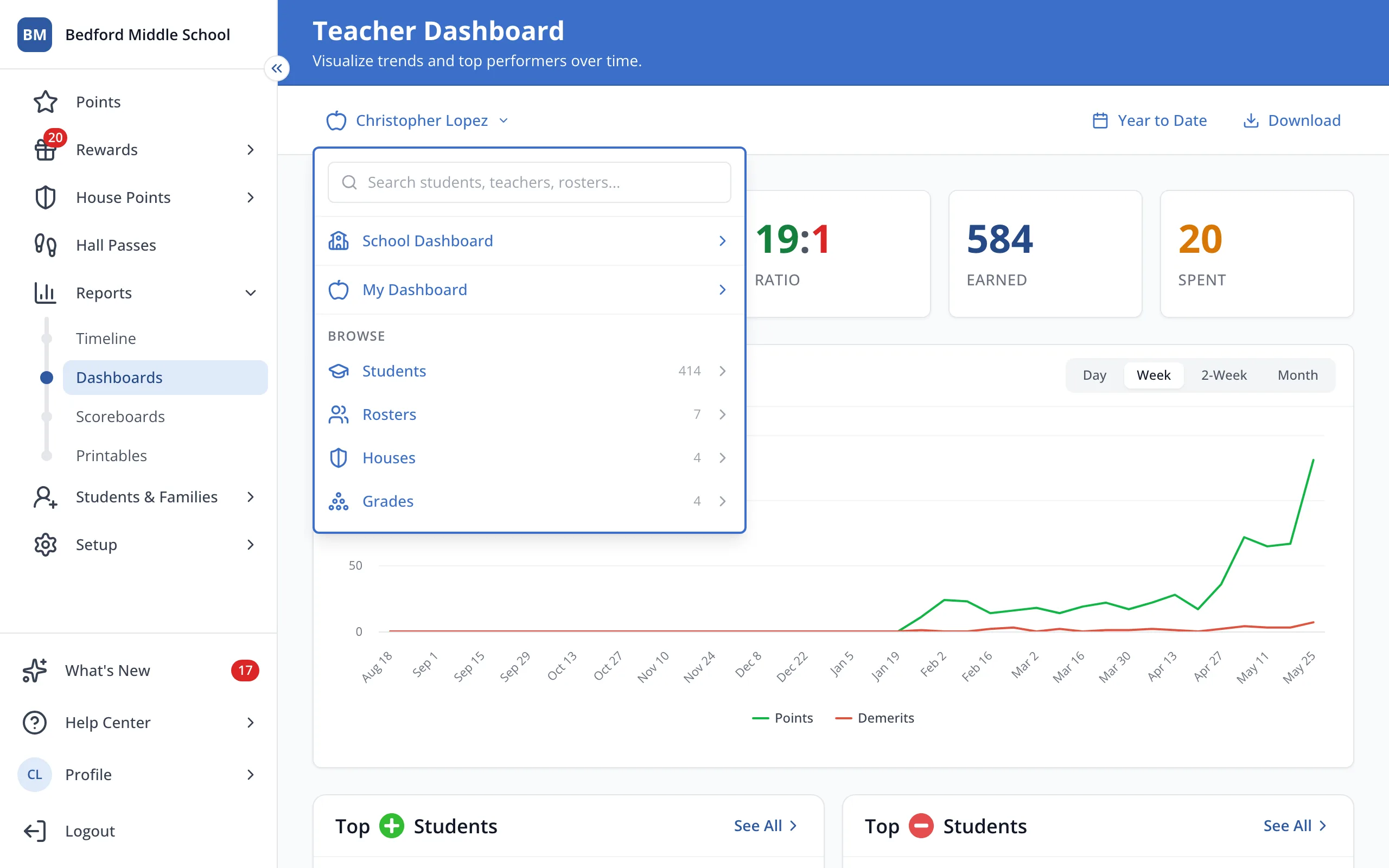
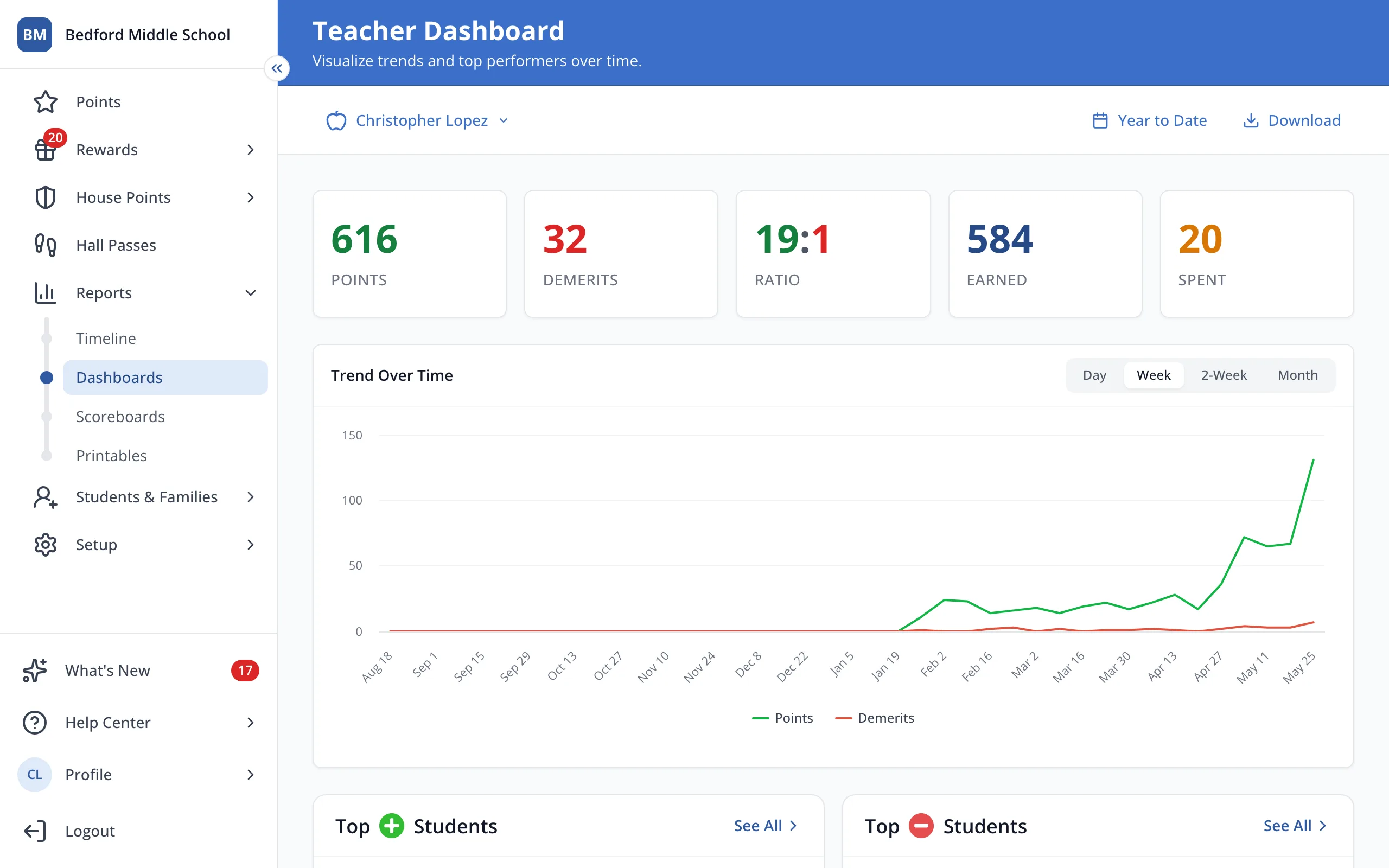
1.In the sidebar, click Reports.
2.Click Dashboards.
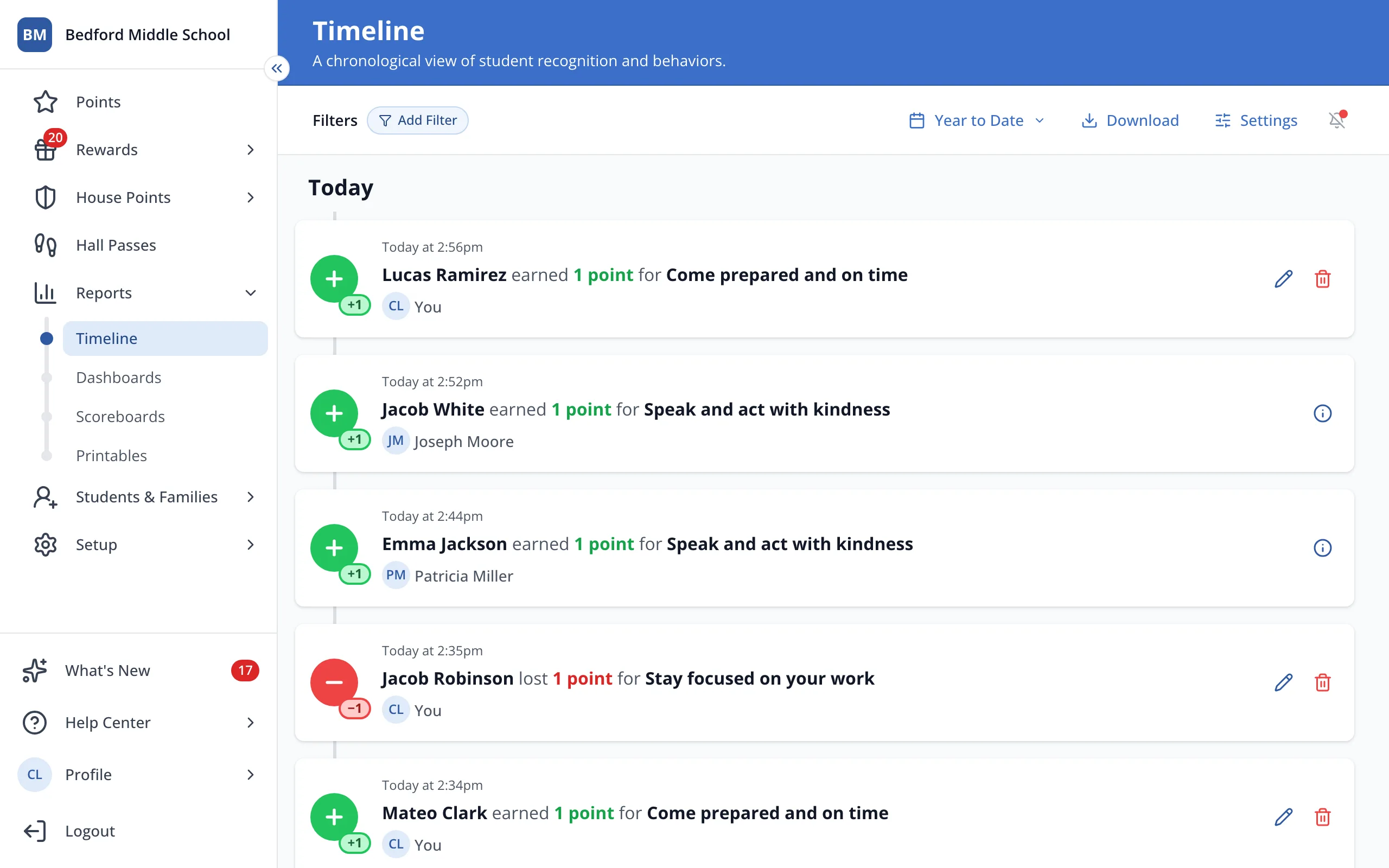
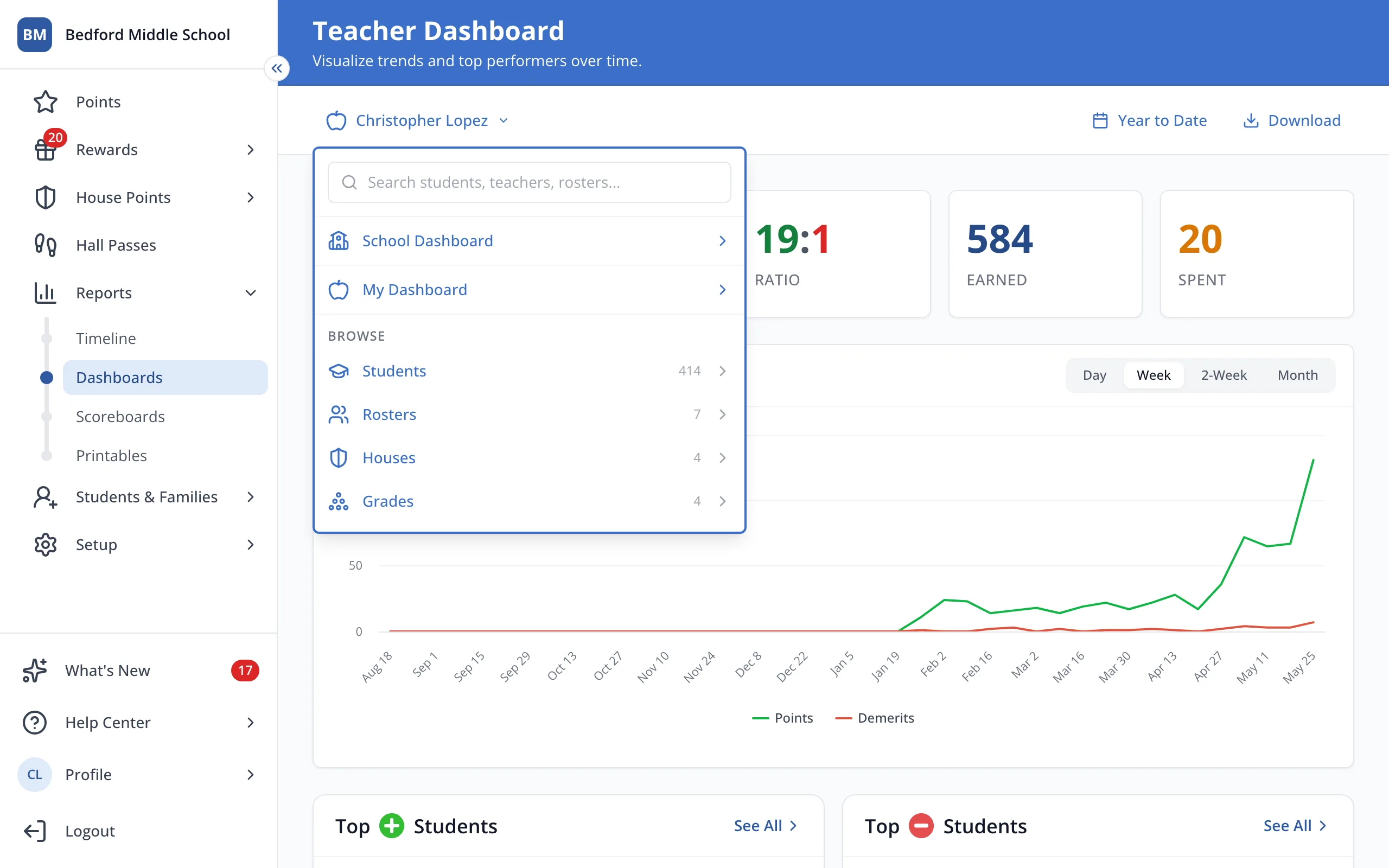
3.At the top left, click your name to choose a dashboard.
4.Click School Dashboard.
5.The boxes at the top show the school's totals for the date range.
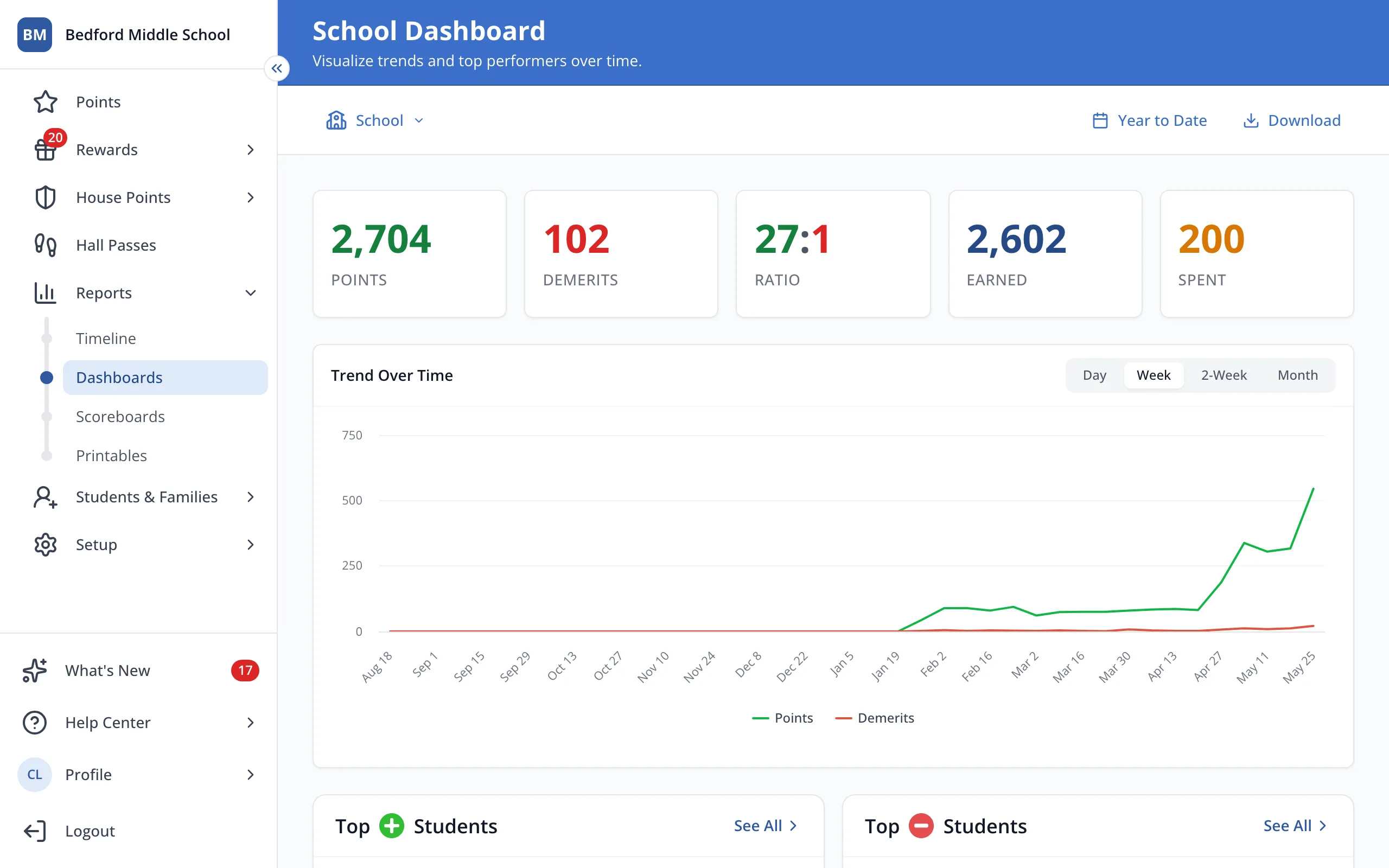
Did you know? Admins and site leaders also see the school's top teachers here.
6.Scroll down for the top students, behaviors and rewards.