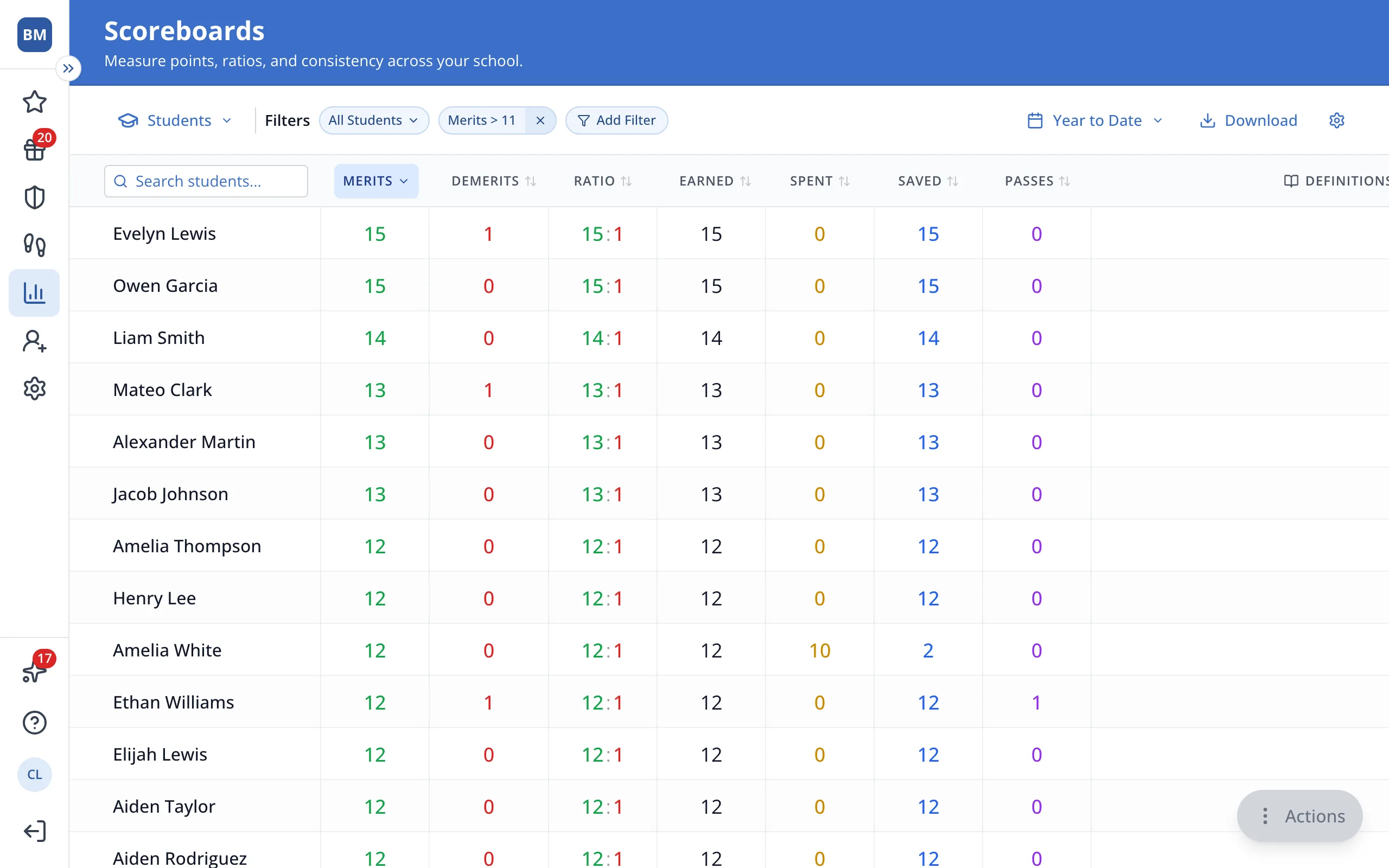
Find students above or below a number of points
Show only the students who meet a number you set, like more than 50 merits, to see who earned a reward or who needs attention.
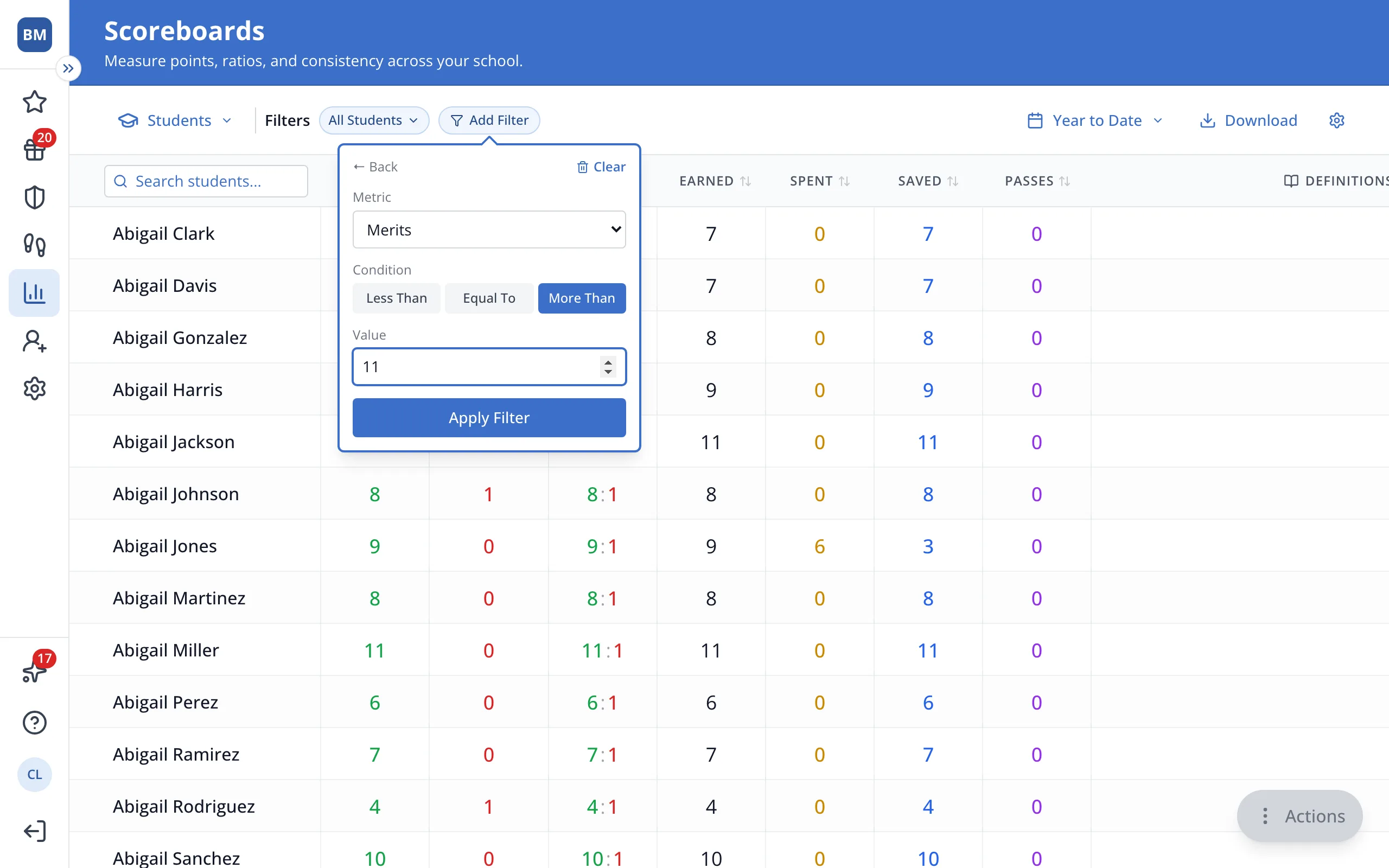
Use the Left and Right arrow keys to move between steps, and Space to play or pause.
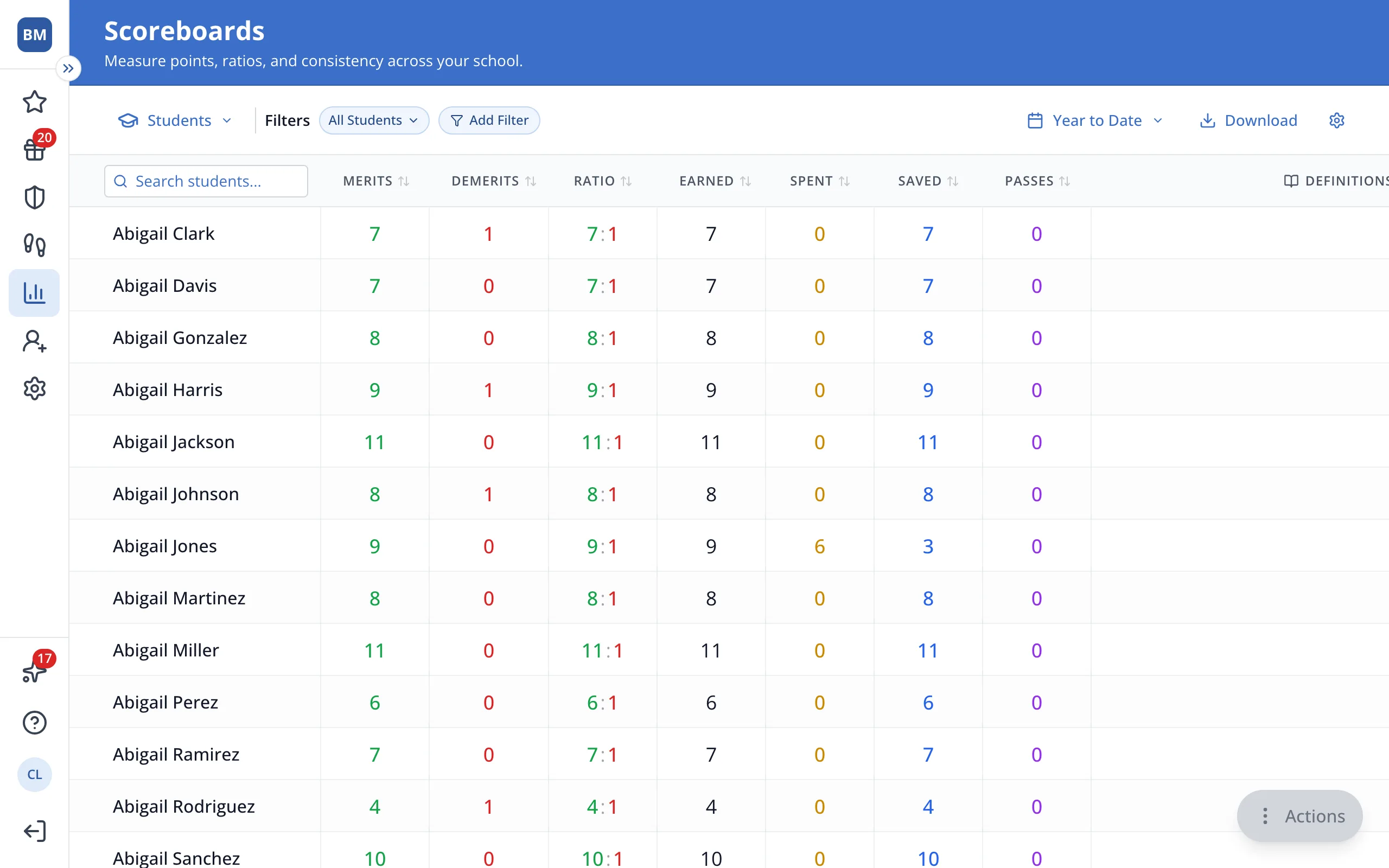
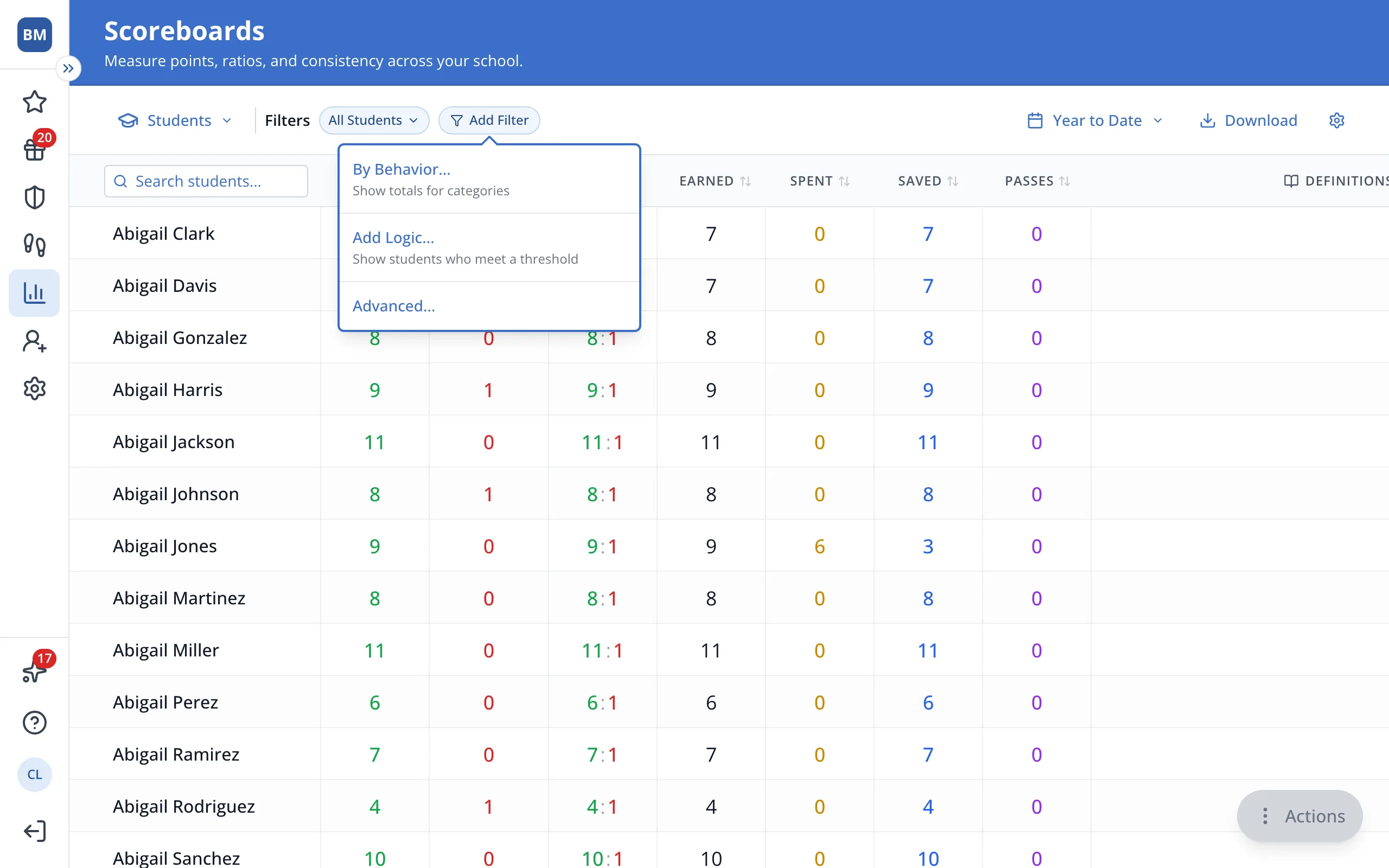
1.On the Scoreboards page, click Add Filter.
2.Click Add Logic....
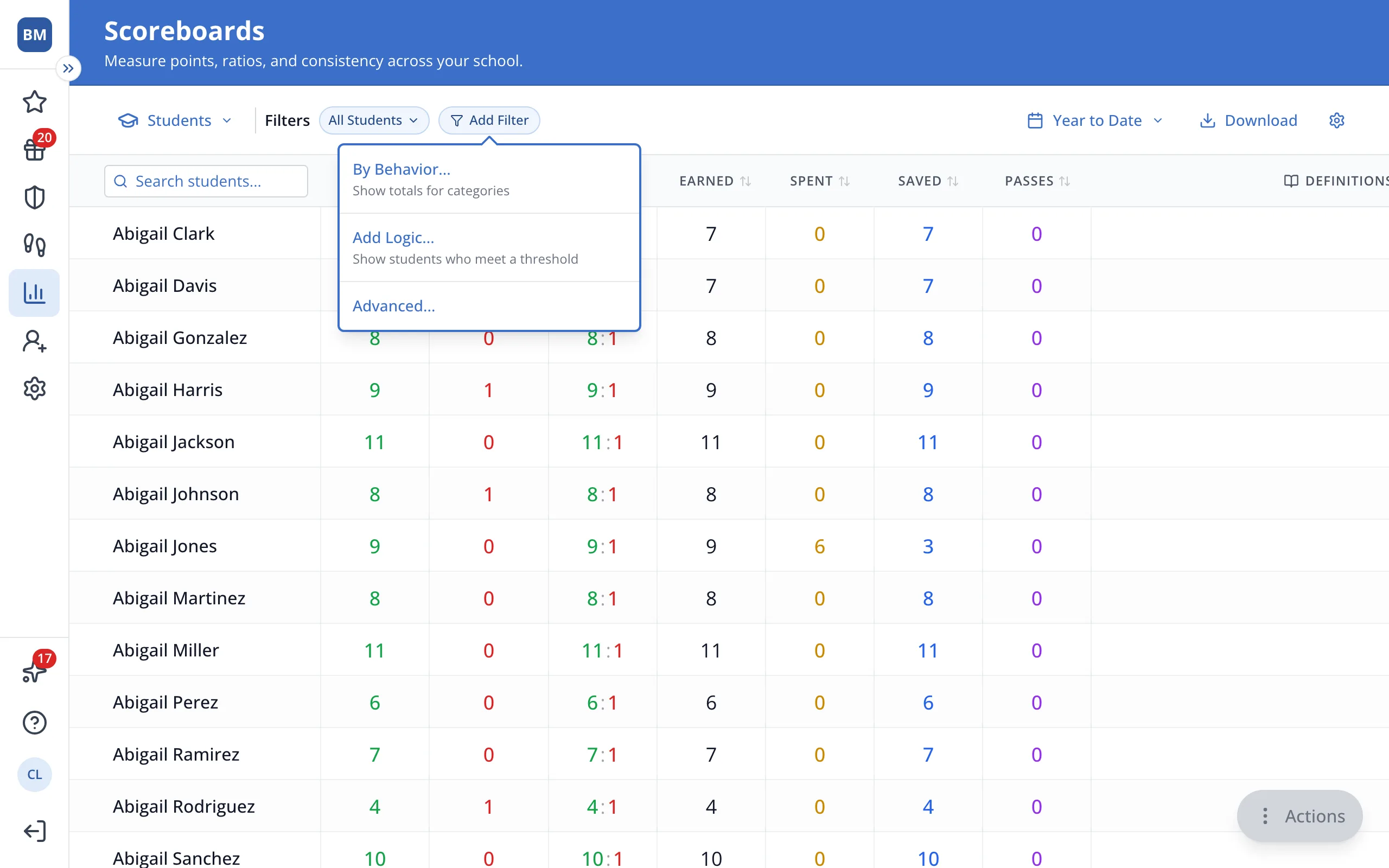
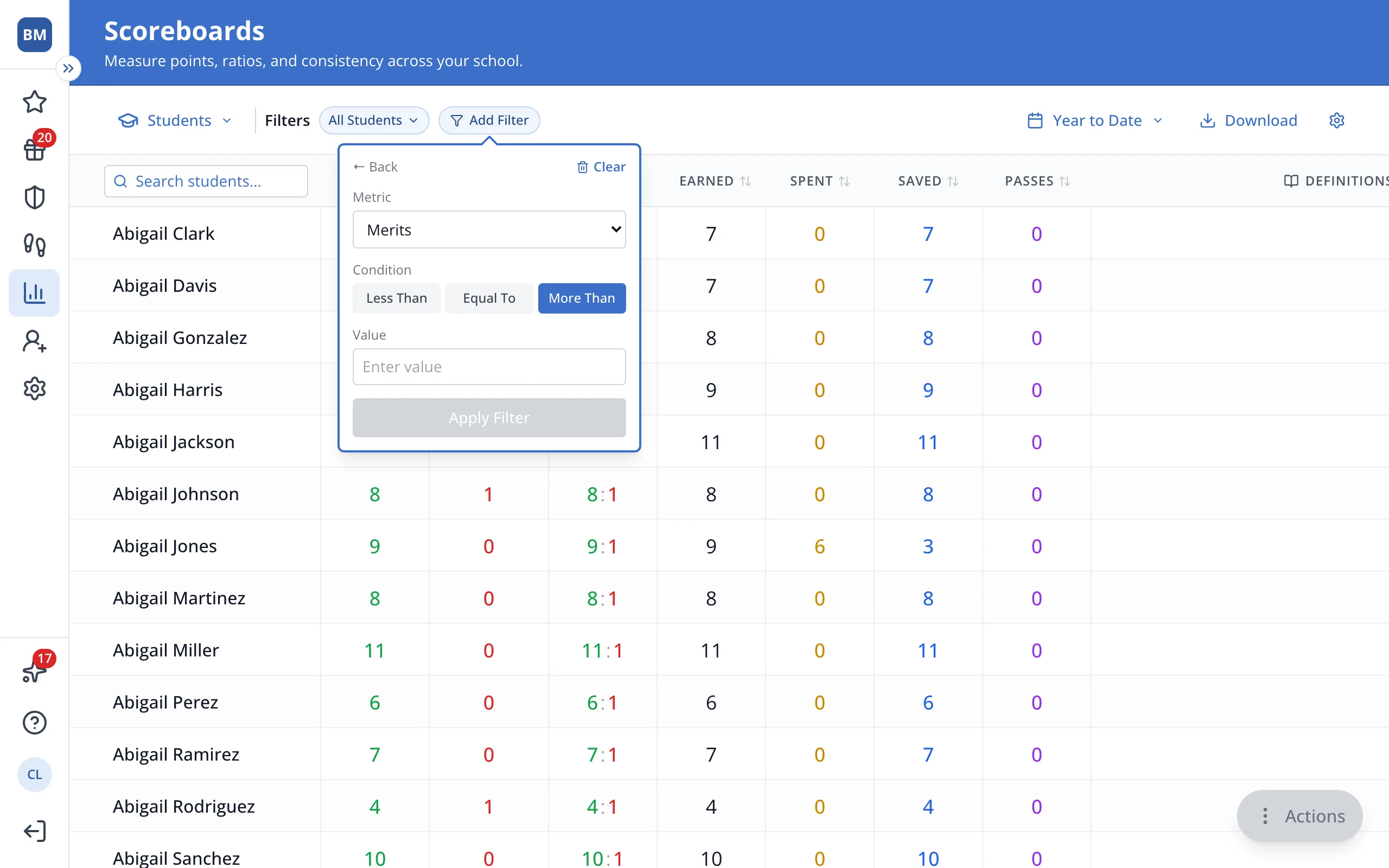
3.Under Metric, choose what to count, like Merits.
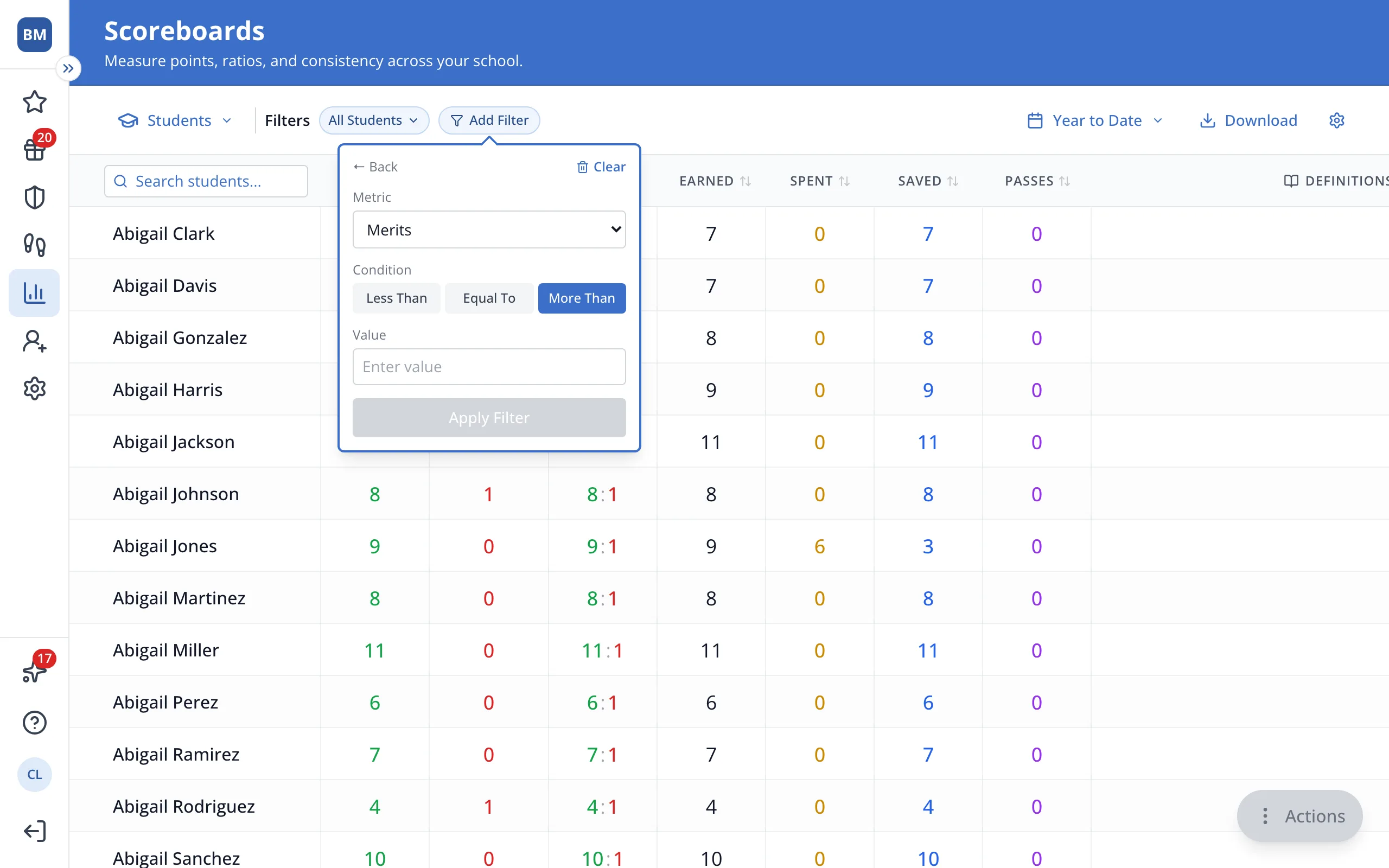
4.Under Condition, click the comparison you want, such as More Than.
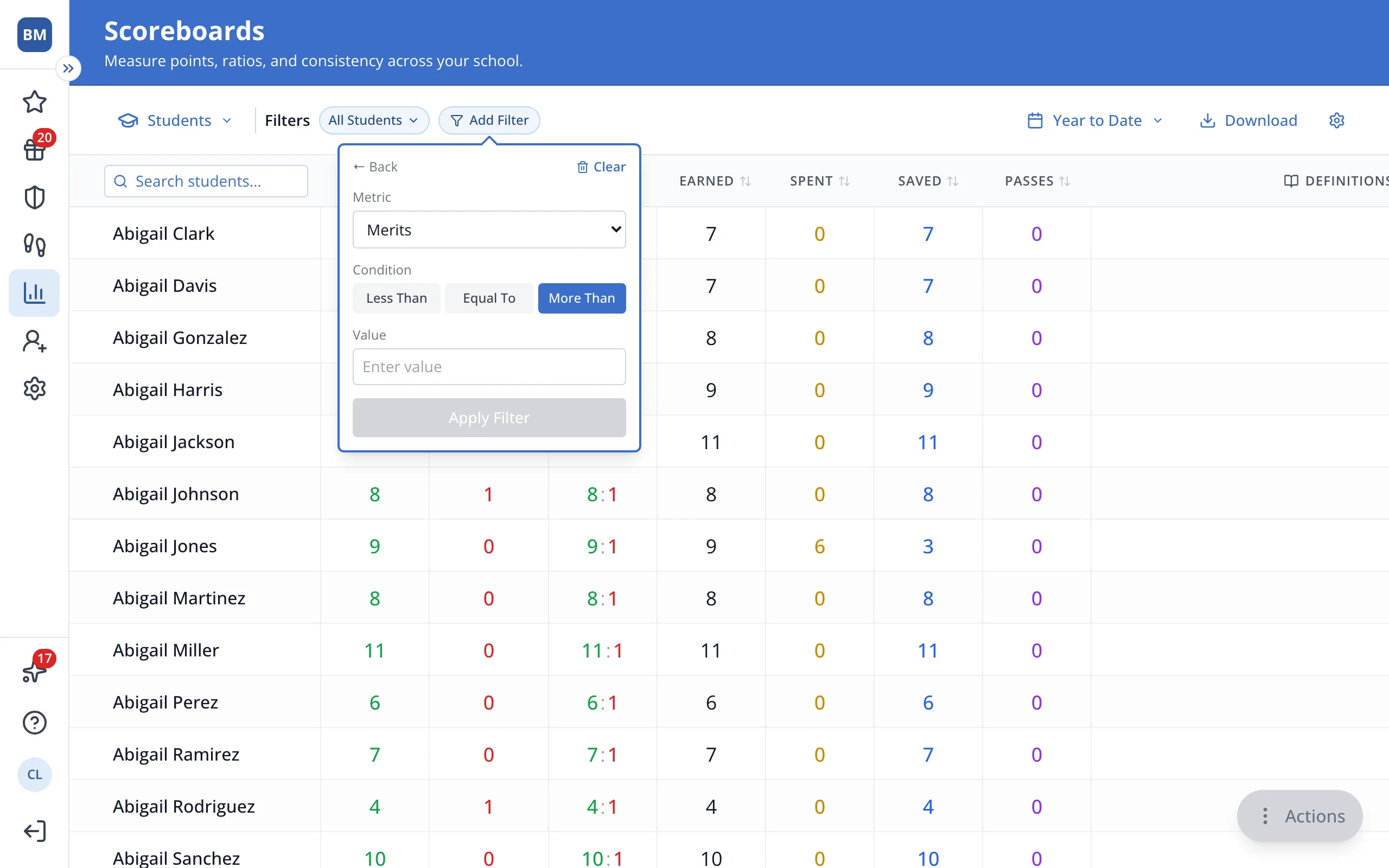
5.Under Value, type your number.
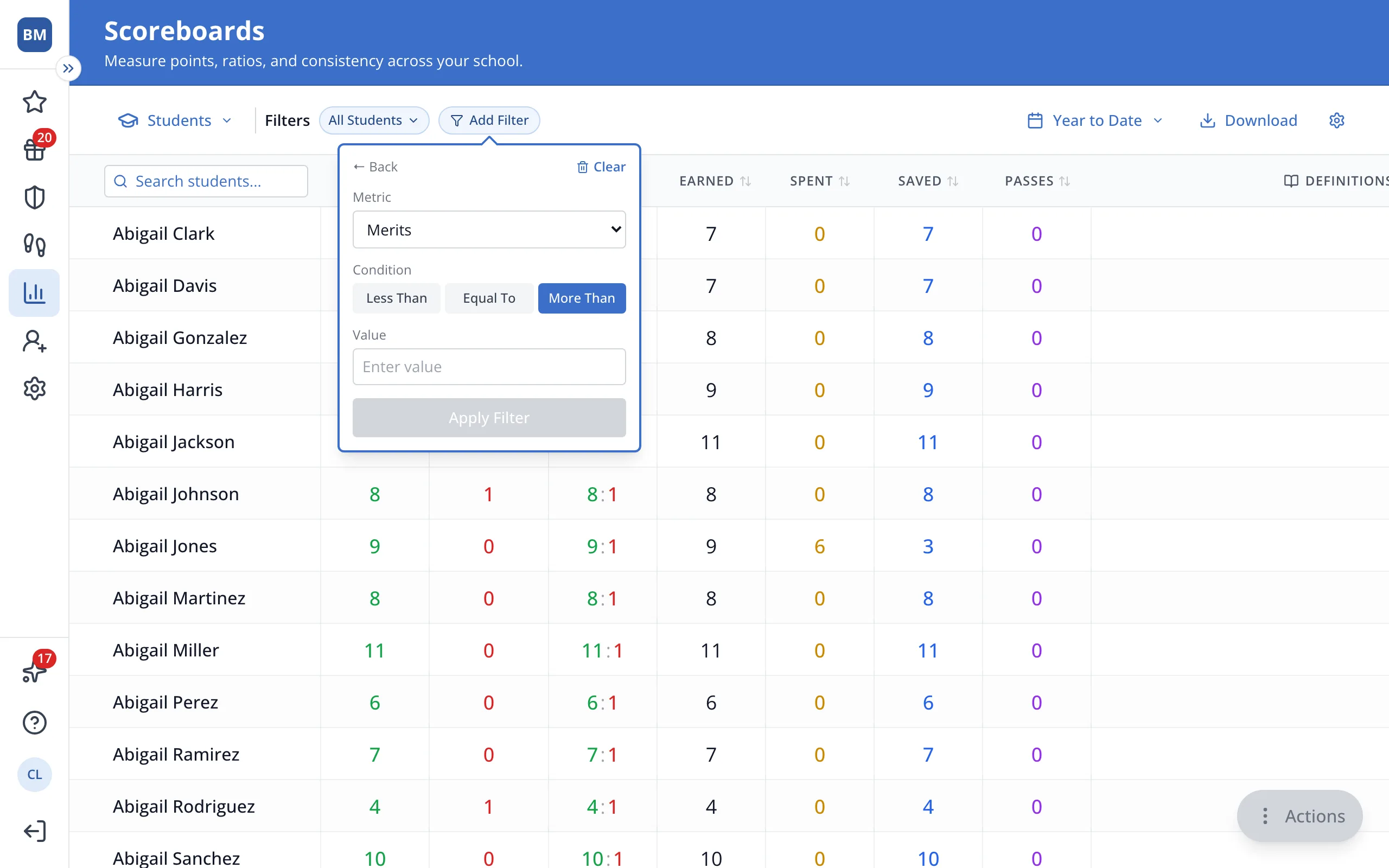
6.Click Apply Filter.
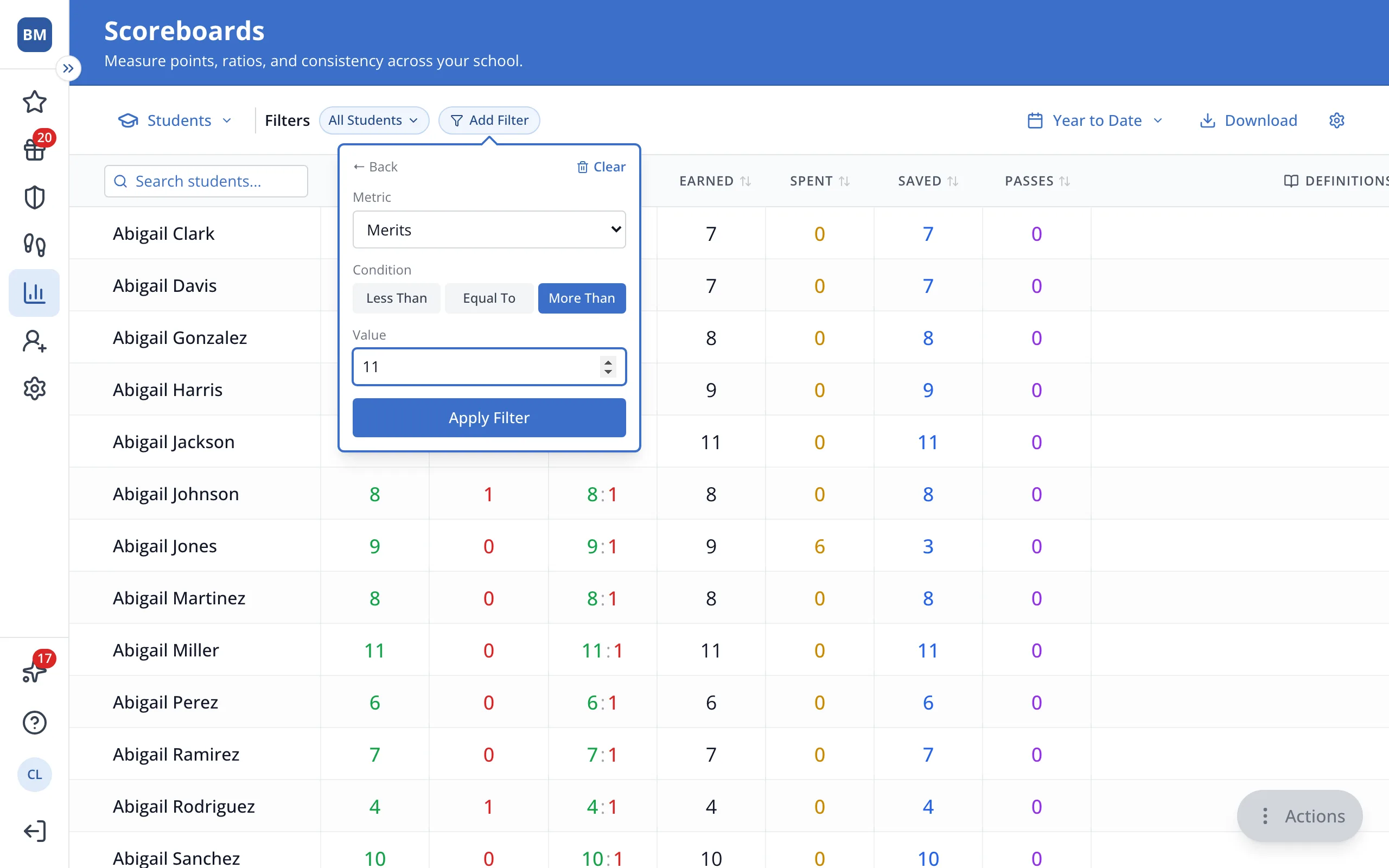
7.Click the filter to change the number, or its X to remove it.