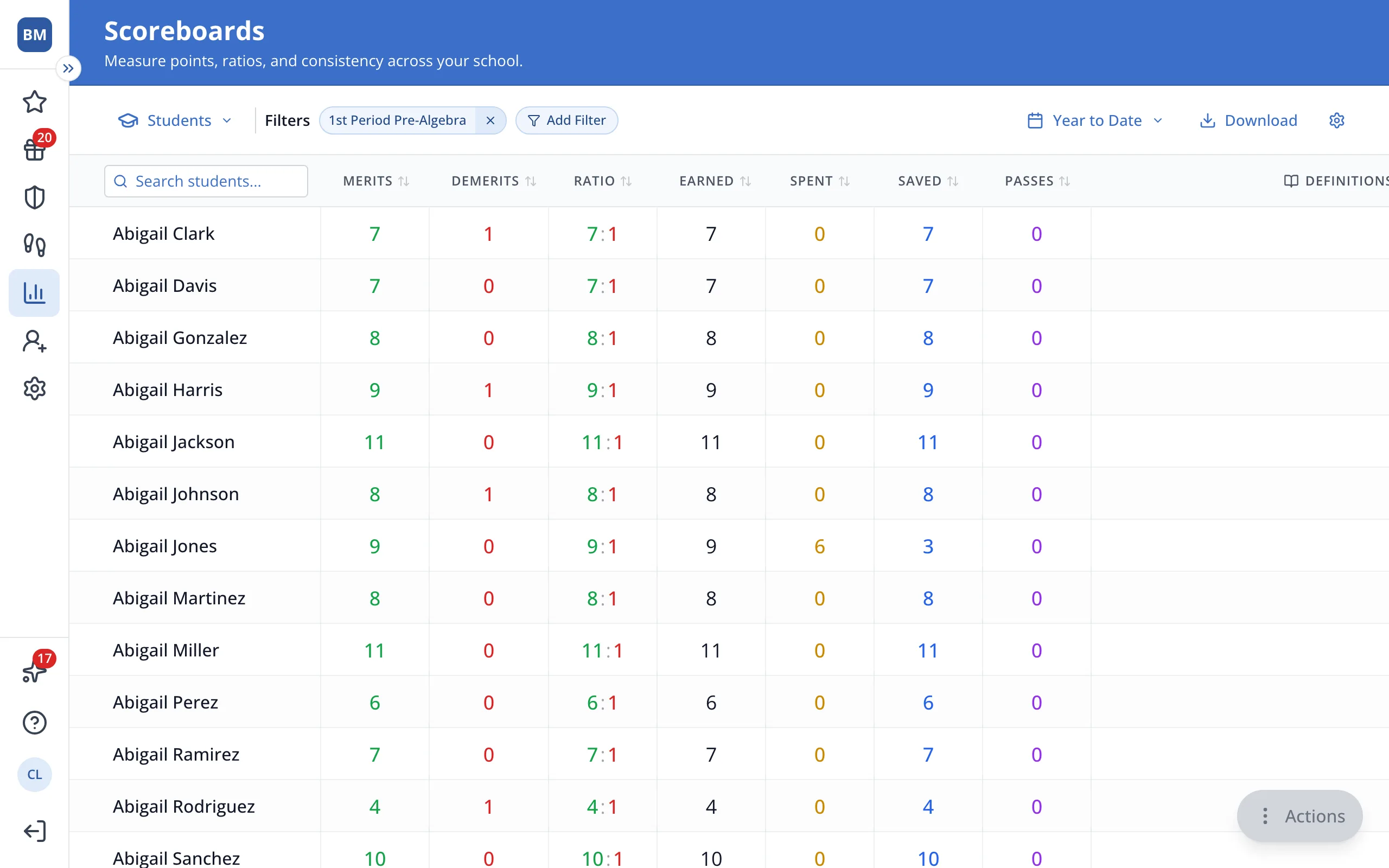
Limit a scoreboard to certain rosters, grades, or houses
Narrow the Students scoreboard to the classes, grades, or Houses you want to review.
Use the Left and Right arrow keys to move between steps, and Space to play or pause.
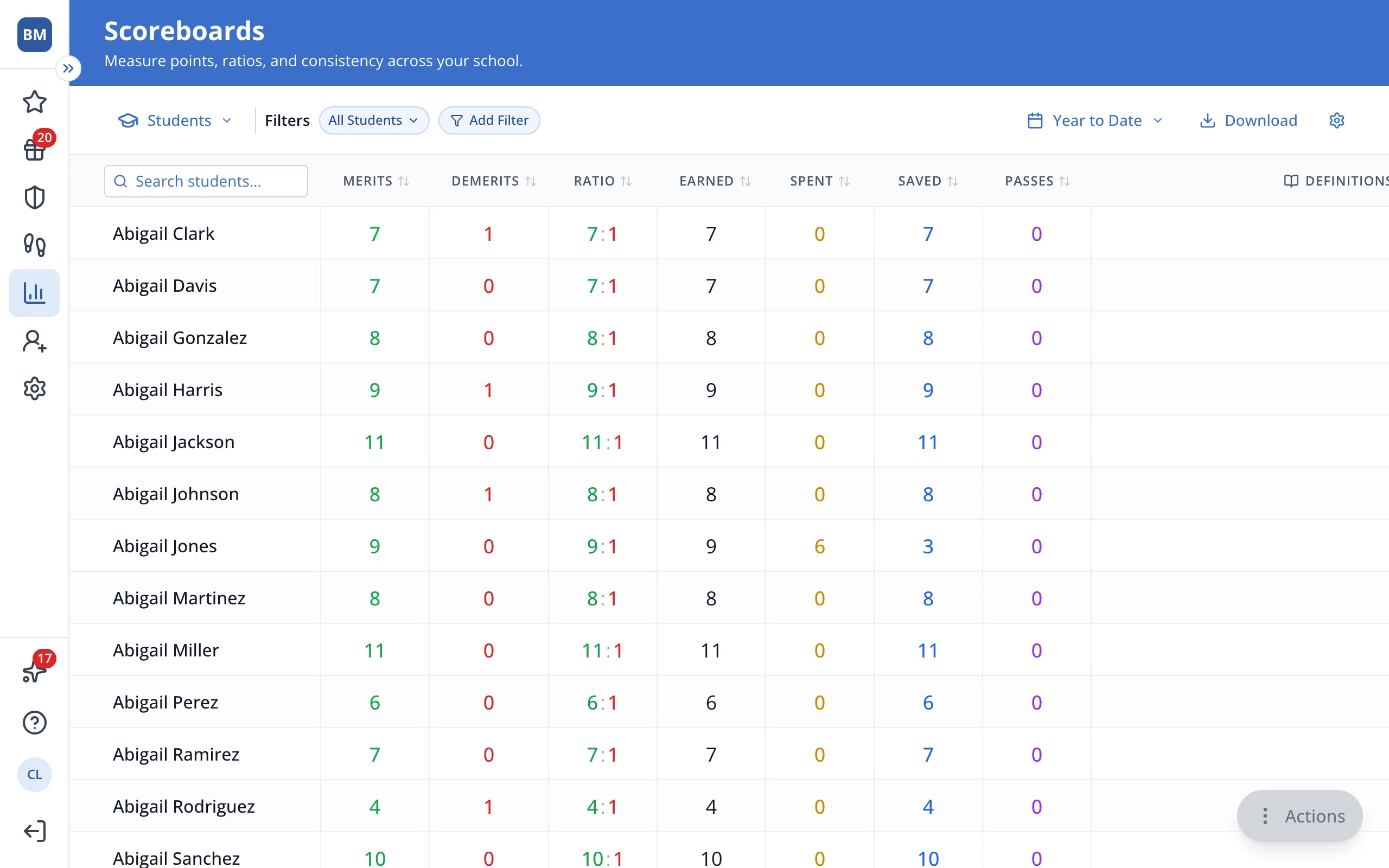
1.On the Scoreboards page, click All Students.
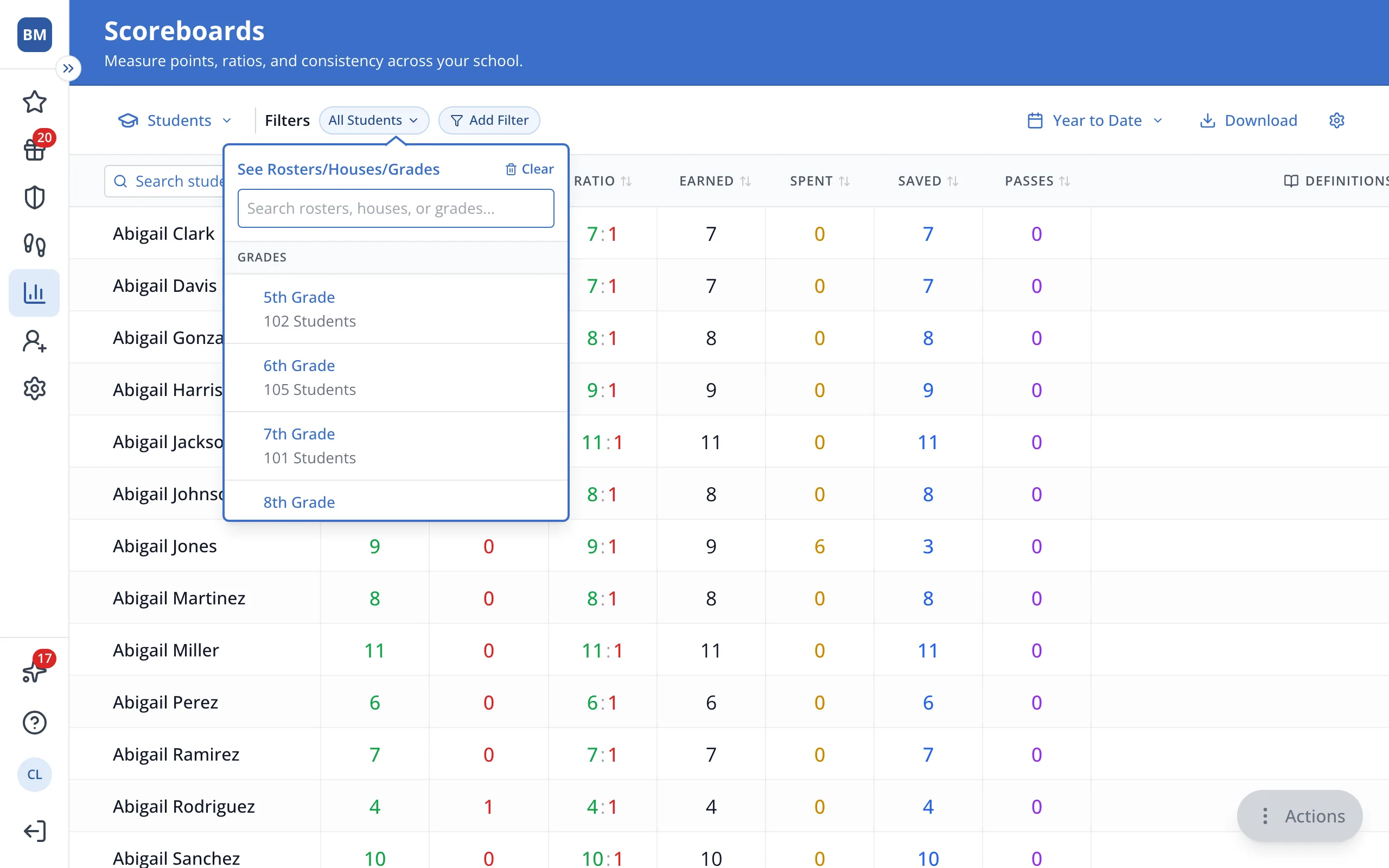
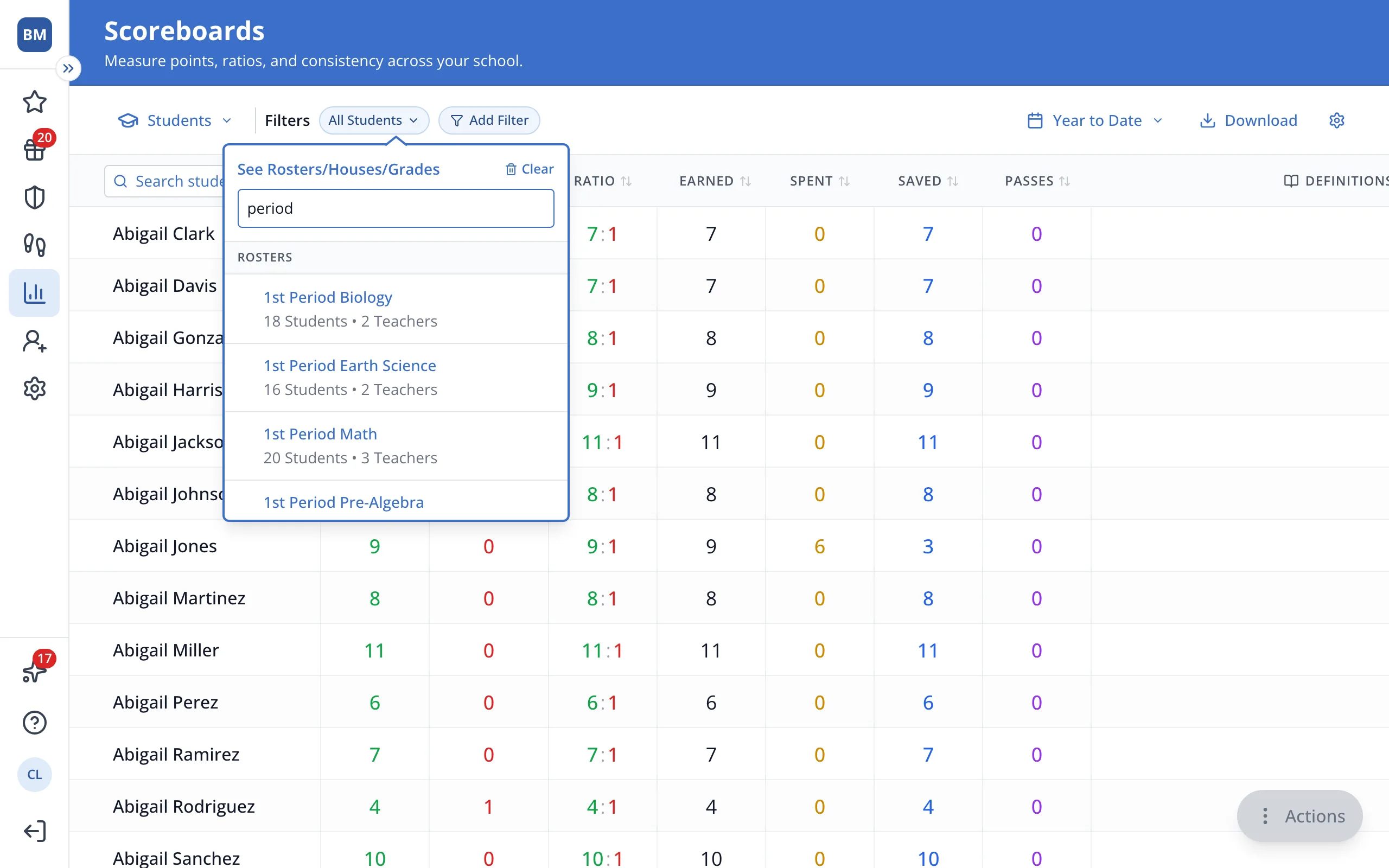
2.Type part of a roster, grade or House name in the search box.
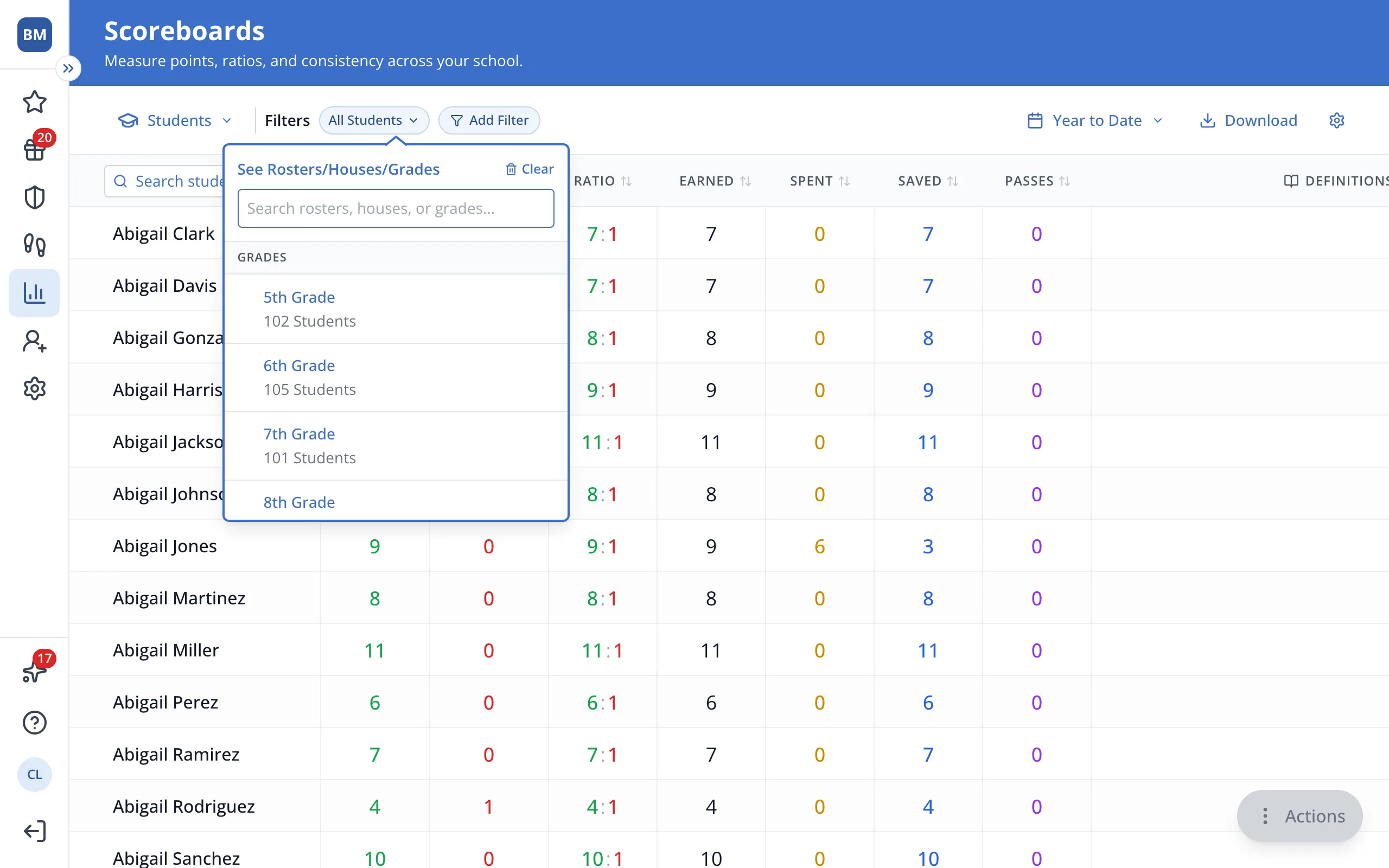
3.Click the roster you'd like to see.
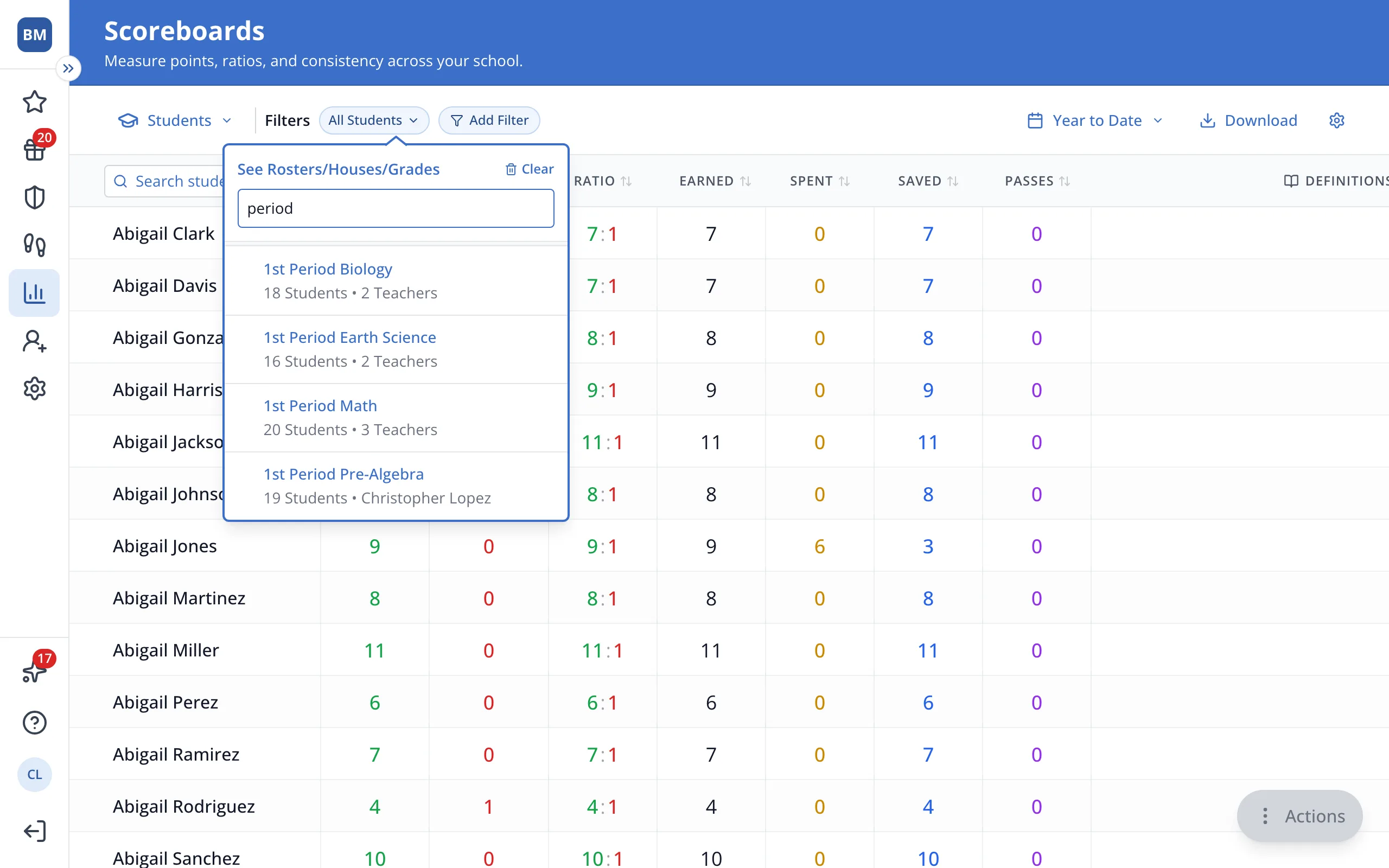
Did you know? Open the list again to add more rosters, grades or Houses.
4.Click the X next to the roster's name to see all students again.