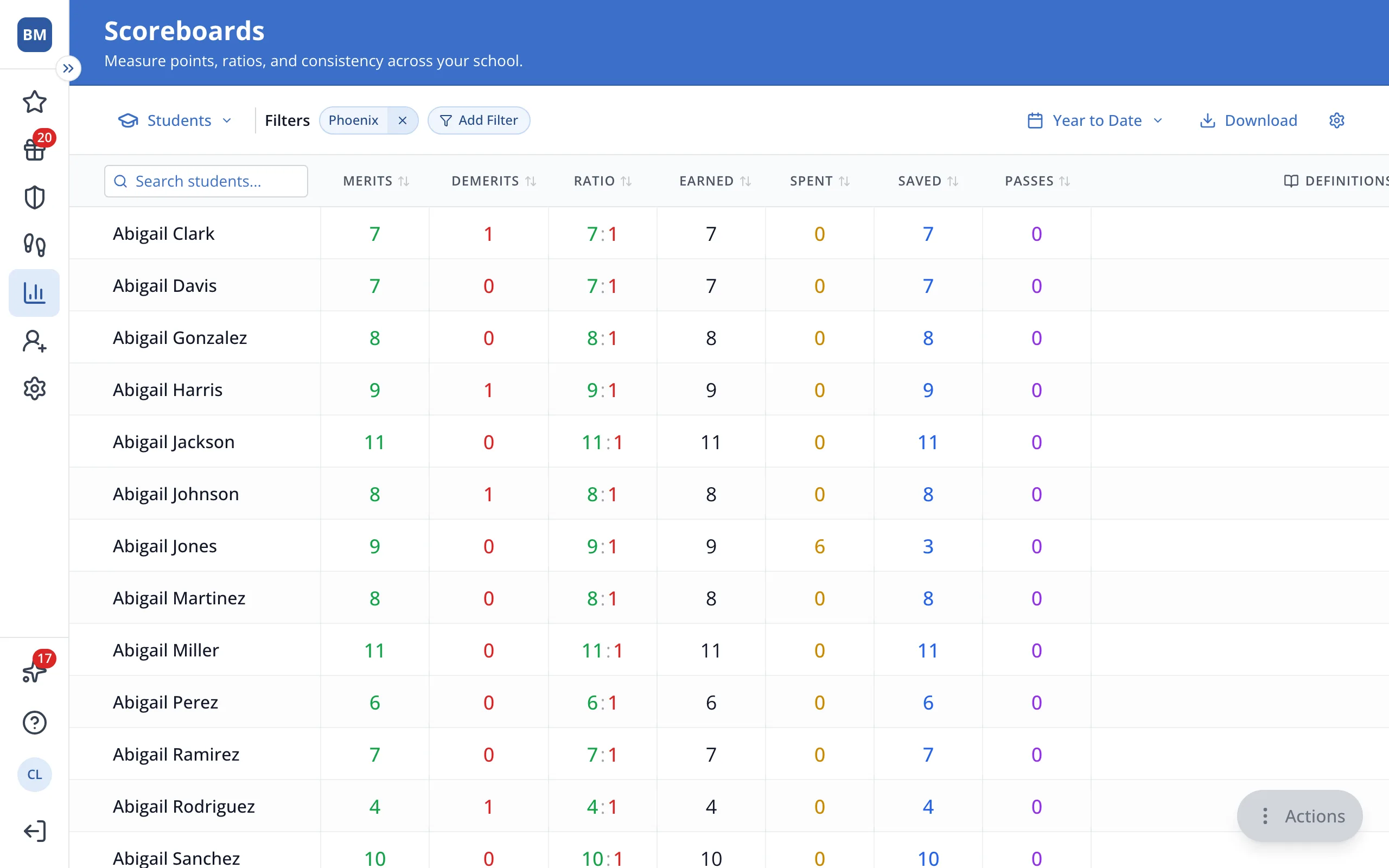
See students' bank accounts by house and grade
The Saved column displays points available to spend, which remains the same no matter which timeframe is set.
Use the Left and Right arrow keys to move between steps, and Space to play or pause.
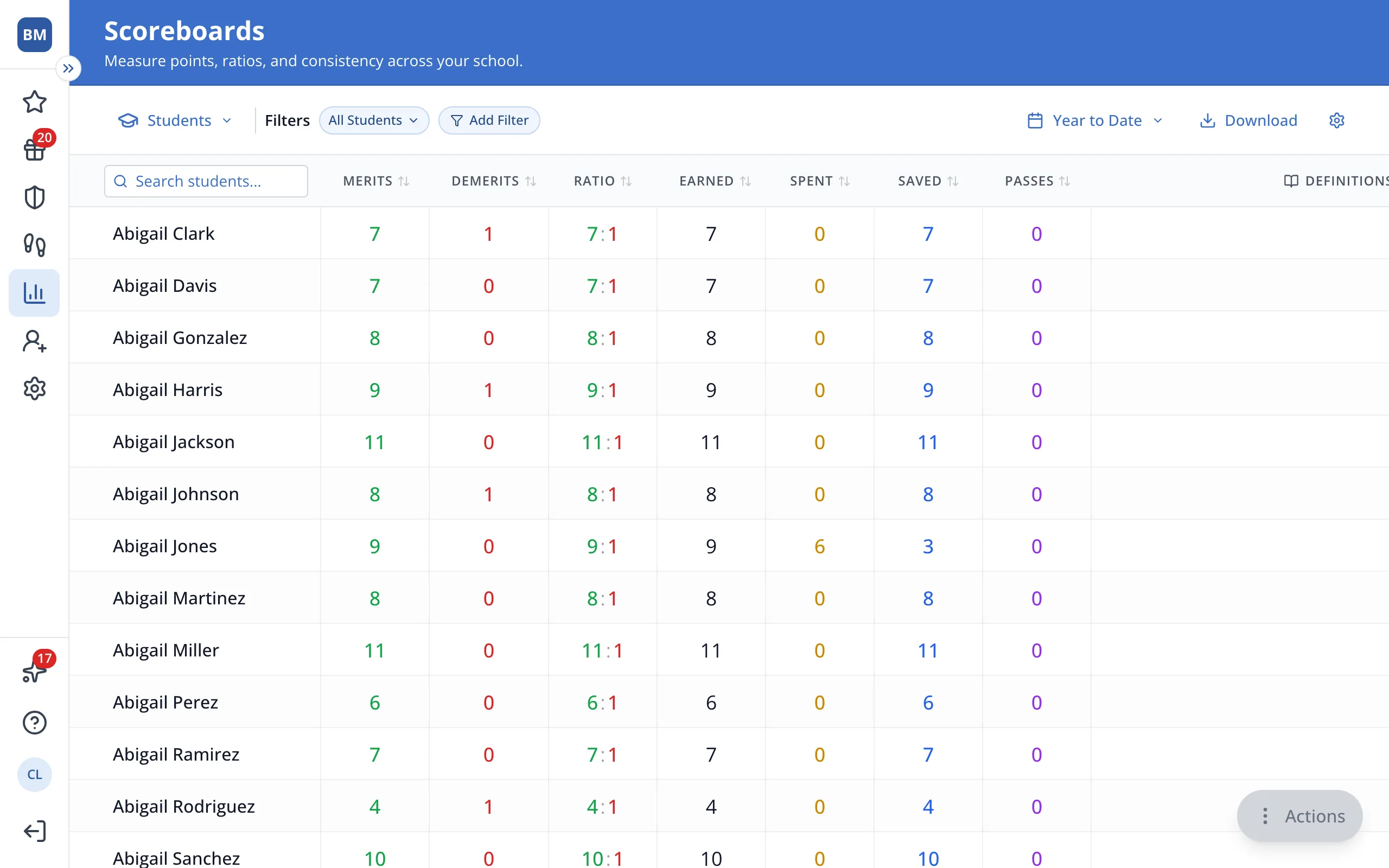
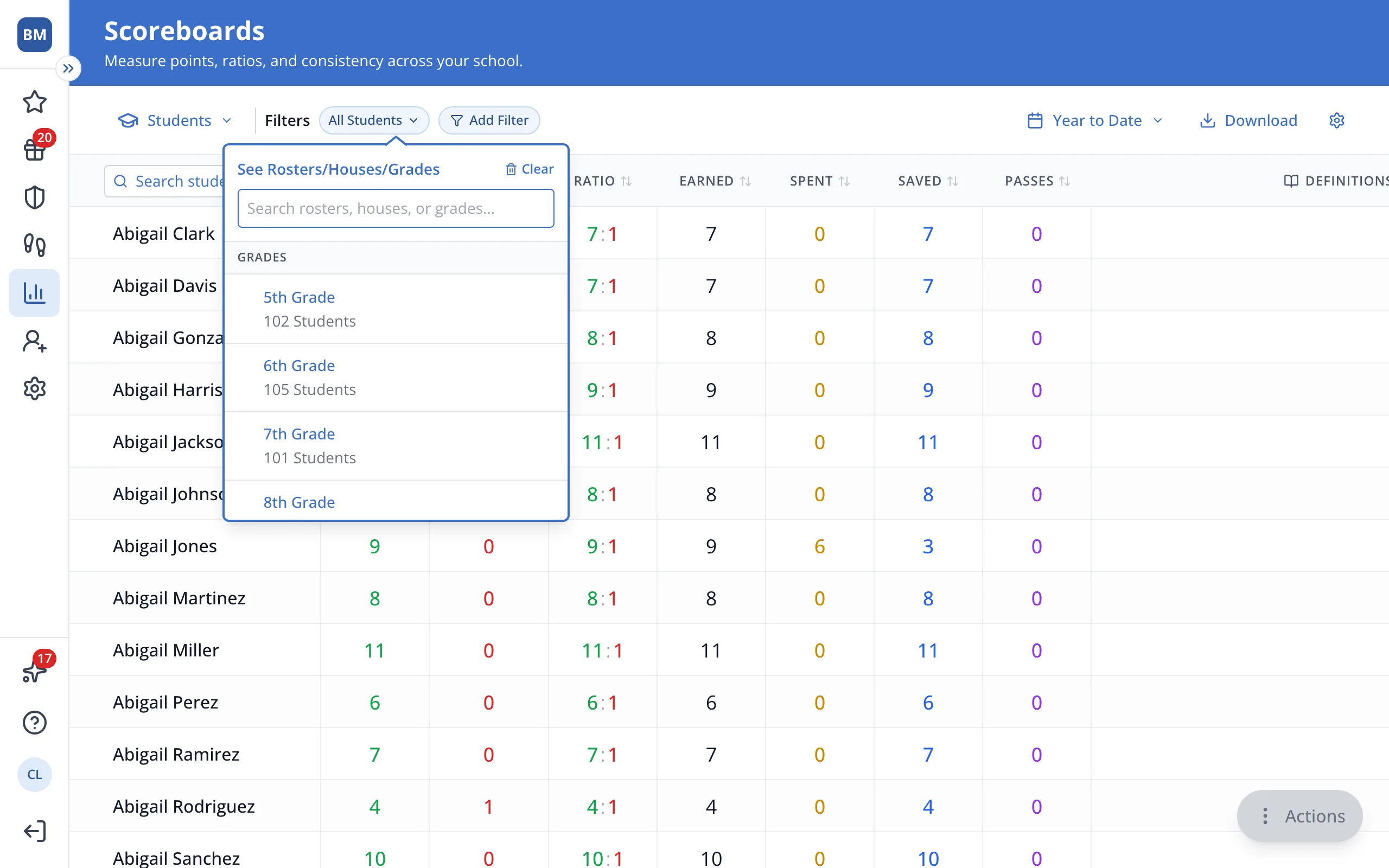
1.On the Scoreboards page, click All Students.
2.Click the House or grade you'd like to see, like Phoenix.
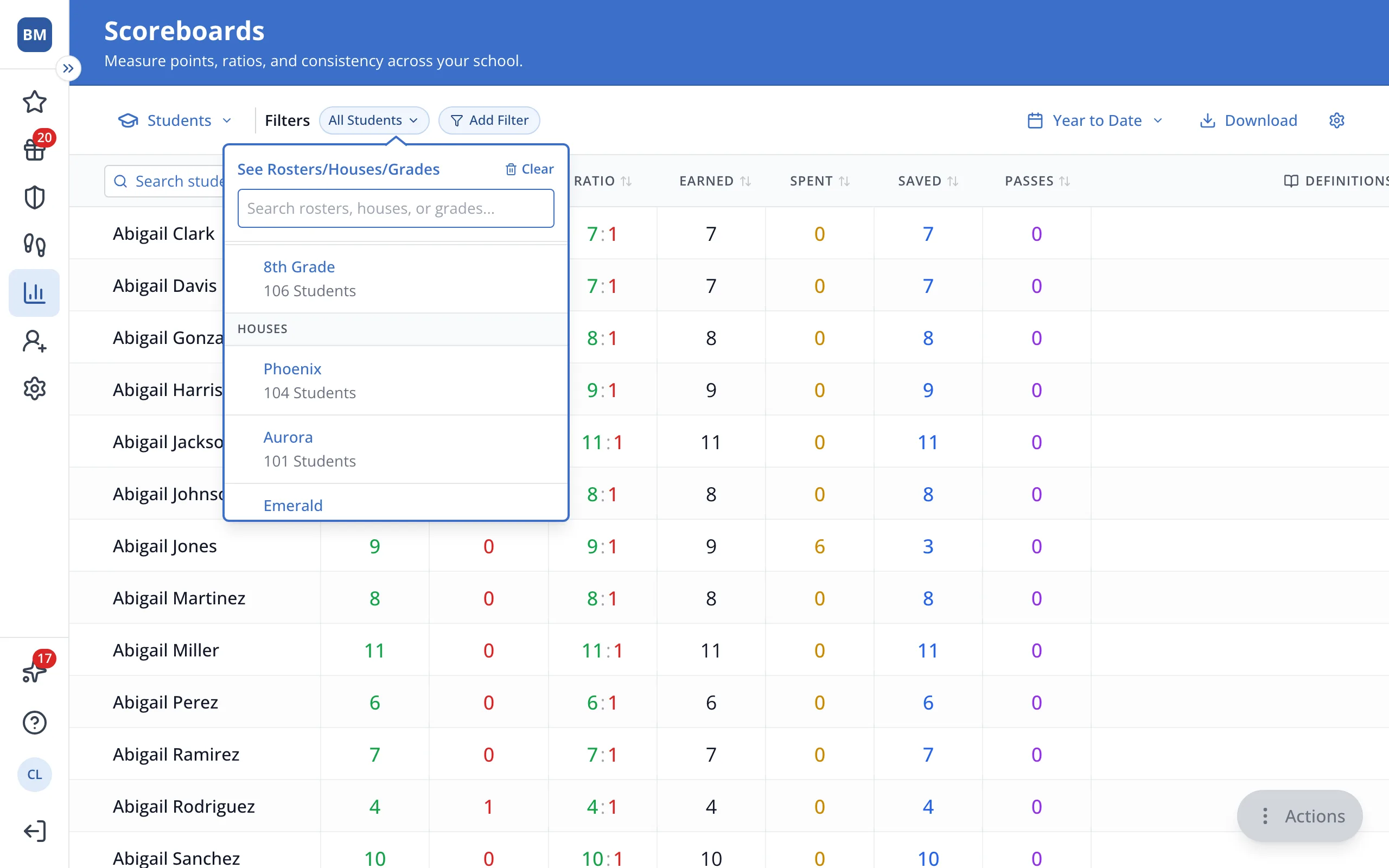
Did you know? Pick more than one to see them together.
3.Click Saved to sort the students by their Bank Account.