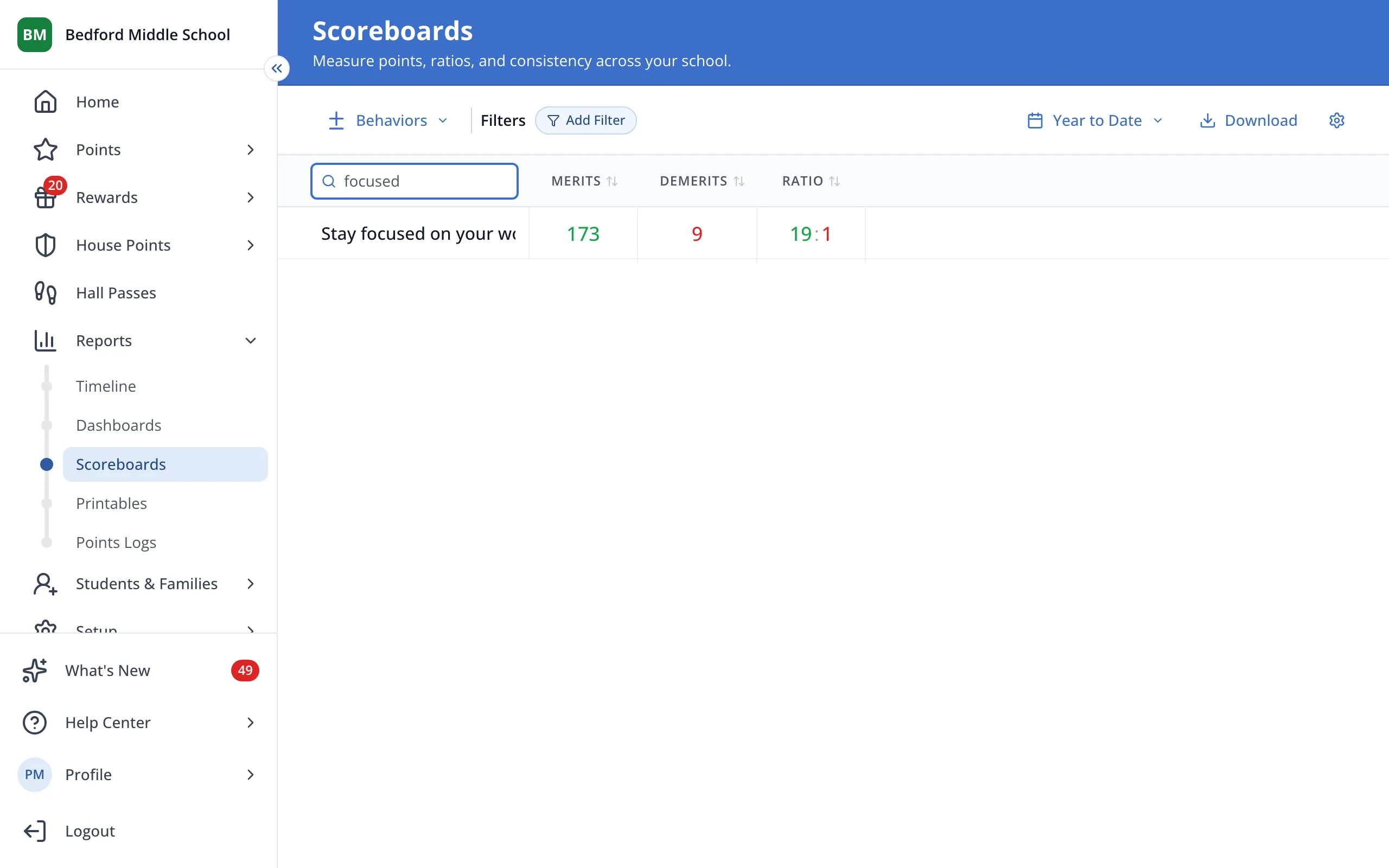
See how often a specific behavior or demerit was recorded
The Behaviors scoreboard totals every behavior across your school for the date range, so you can spot the ones that come up most.
Use the Left and Right arrow keys to move between steps, and Space to play or pause.
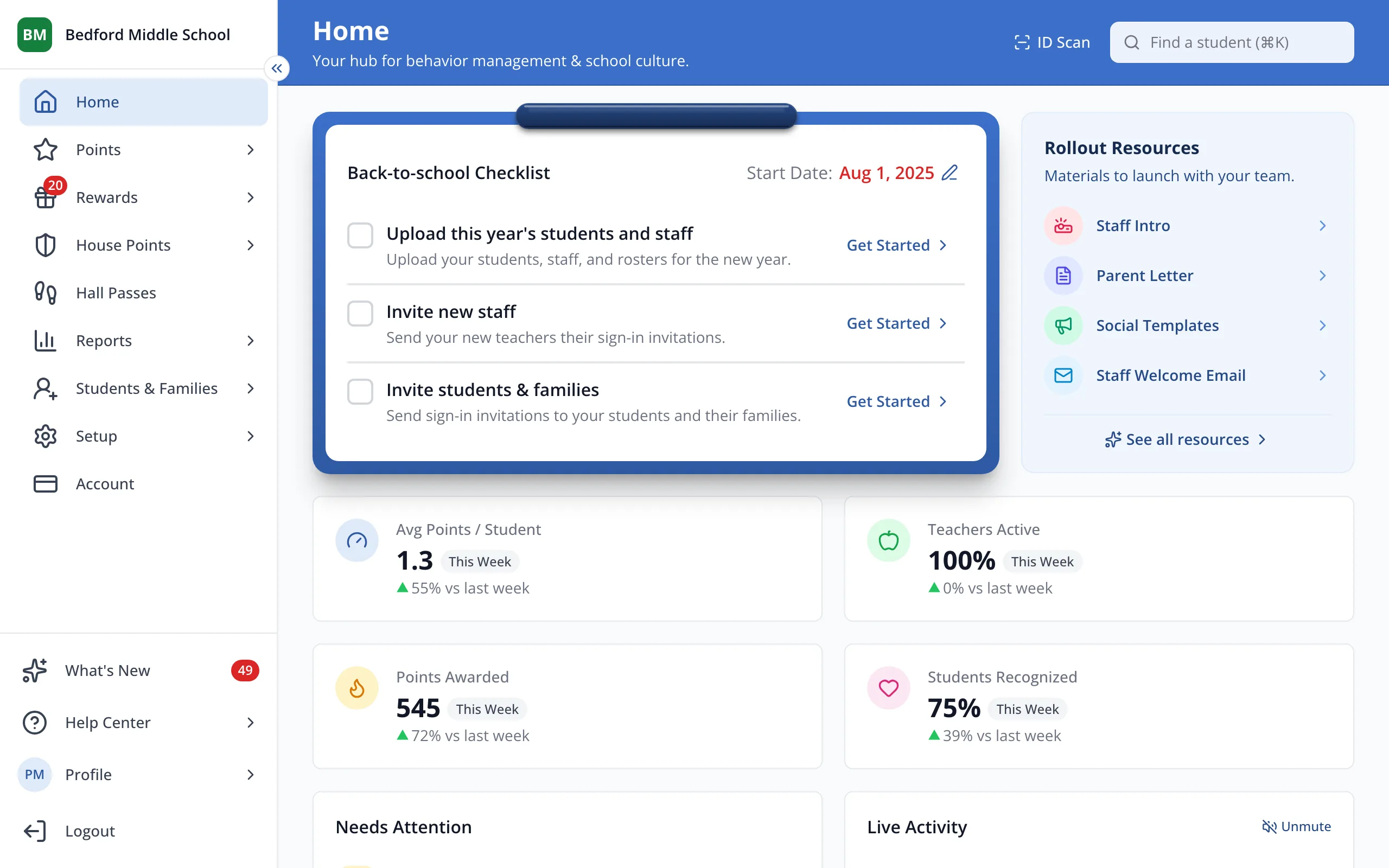
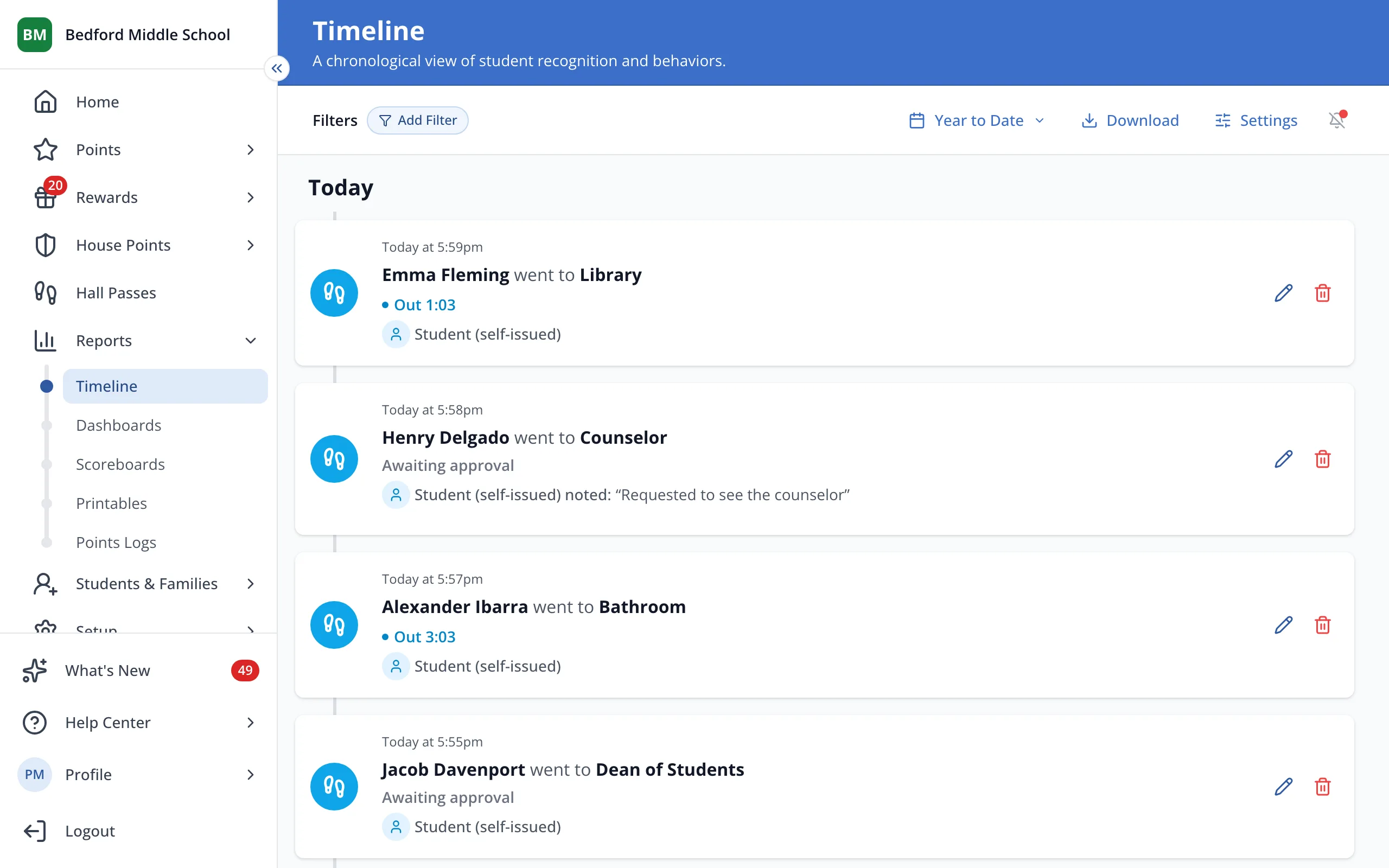
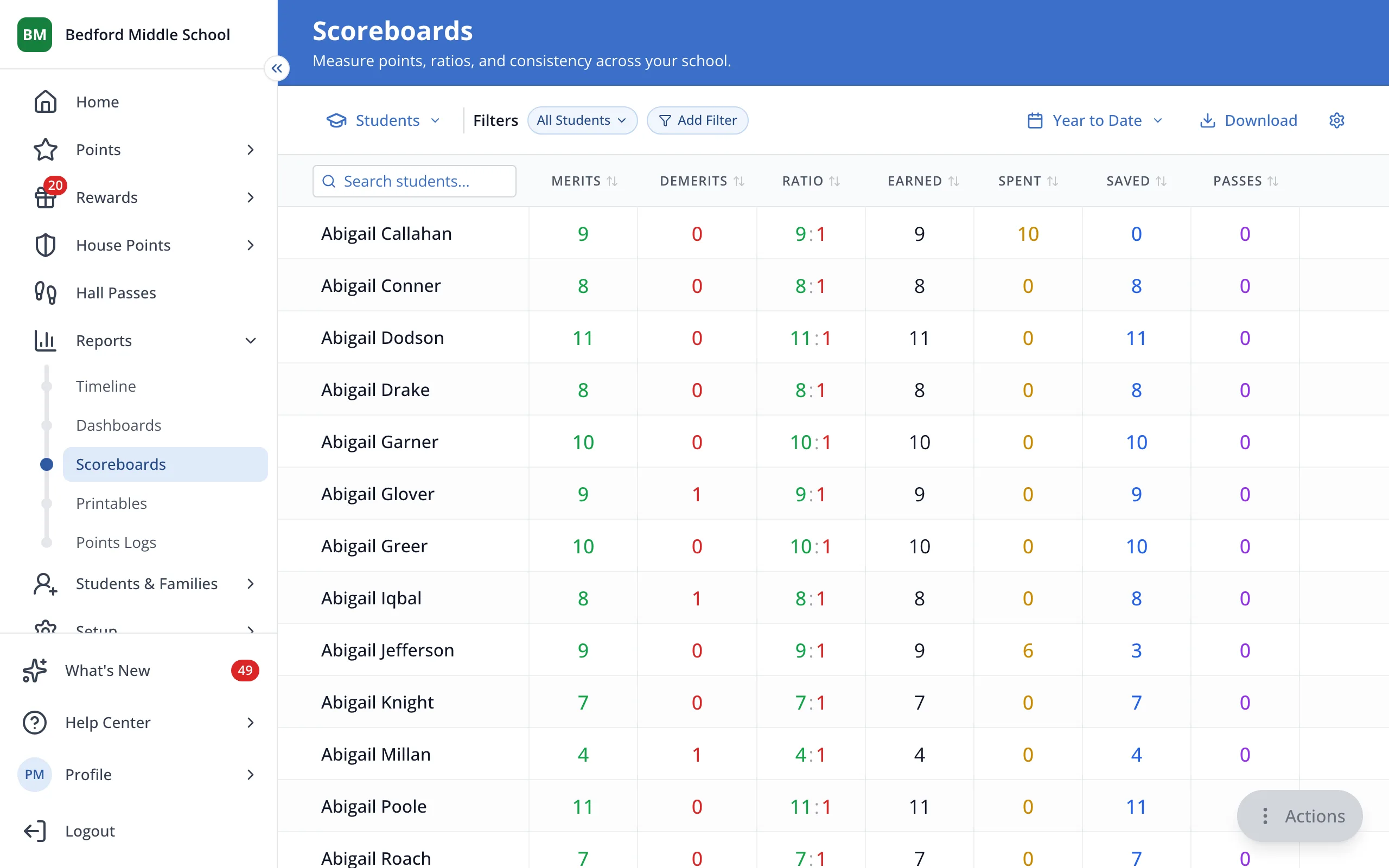
1.In the sidebar, click Reports.
2.Click Scoreboards.
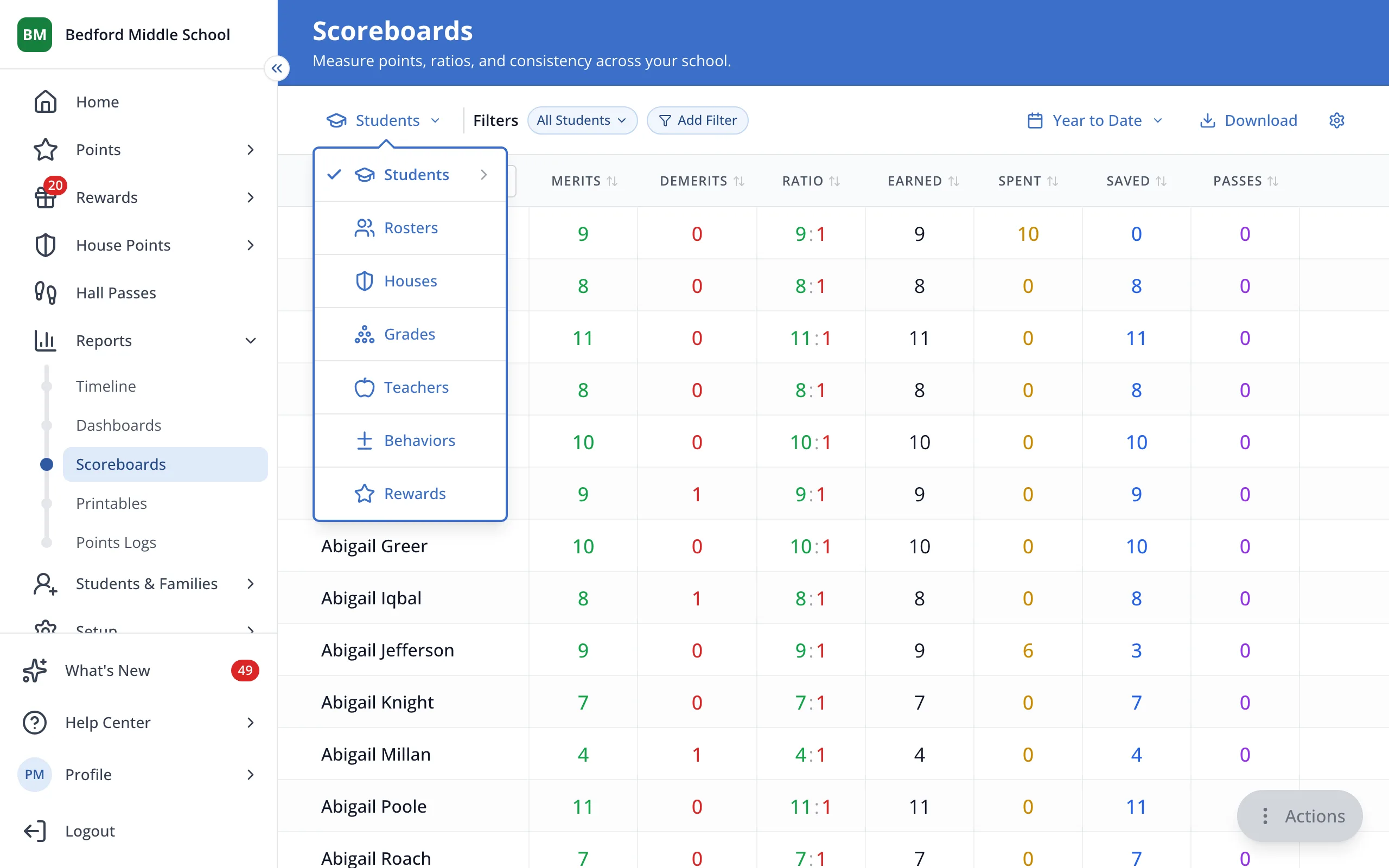
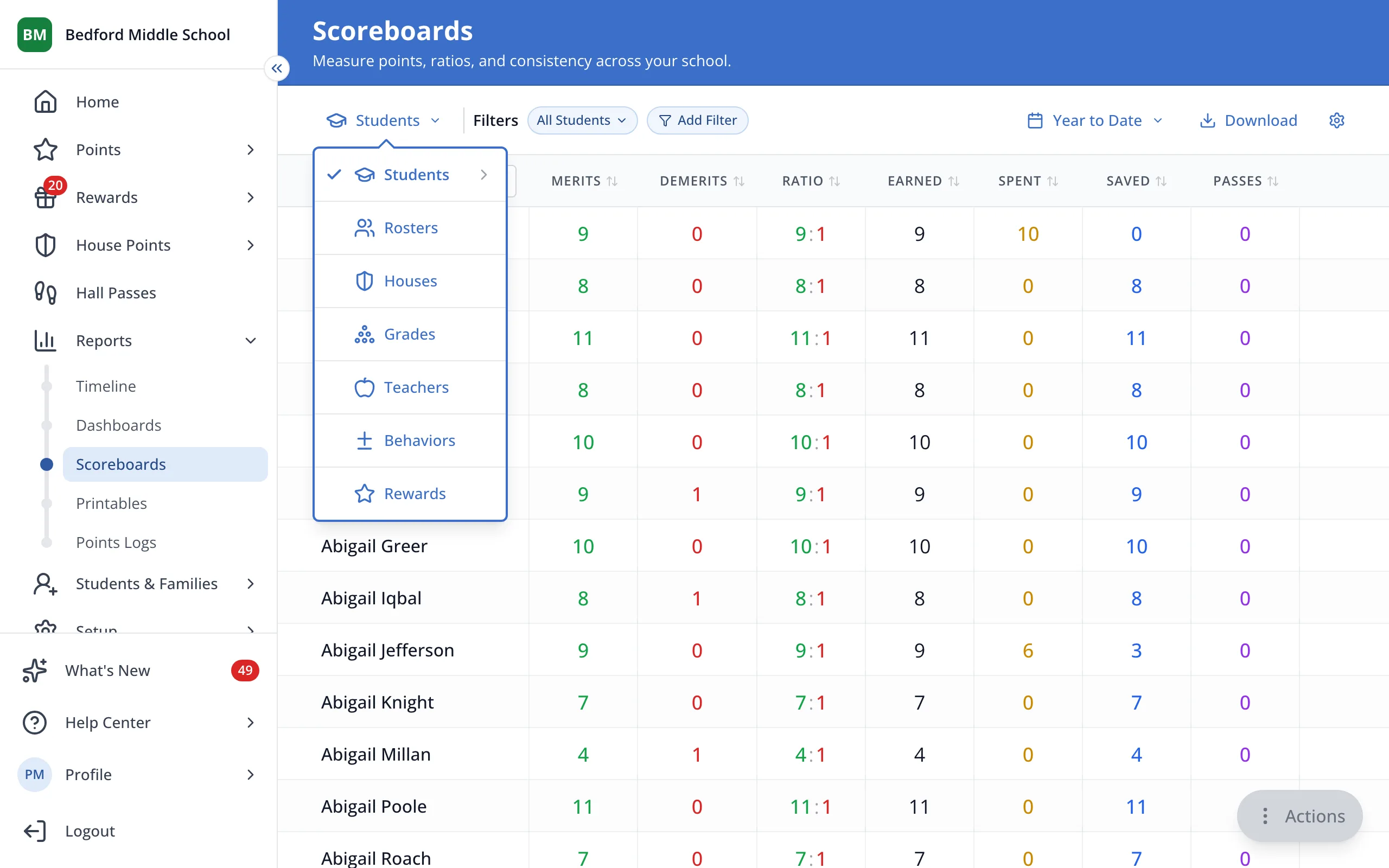
3.At the top left, click Students.
4.Click Behaviors.
5.Type the behavior's name in the search box.
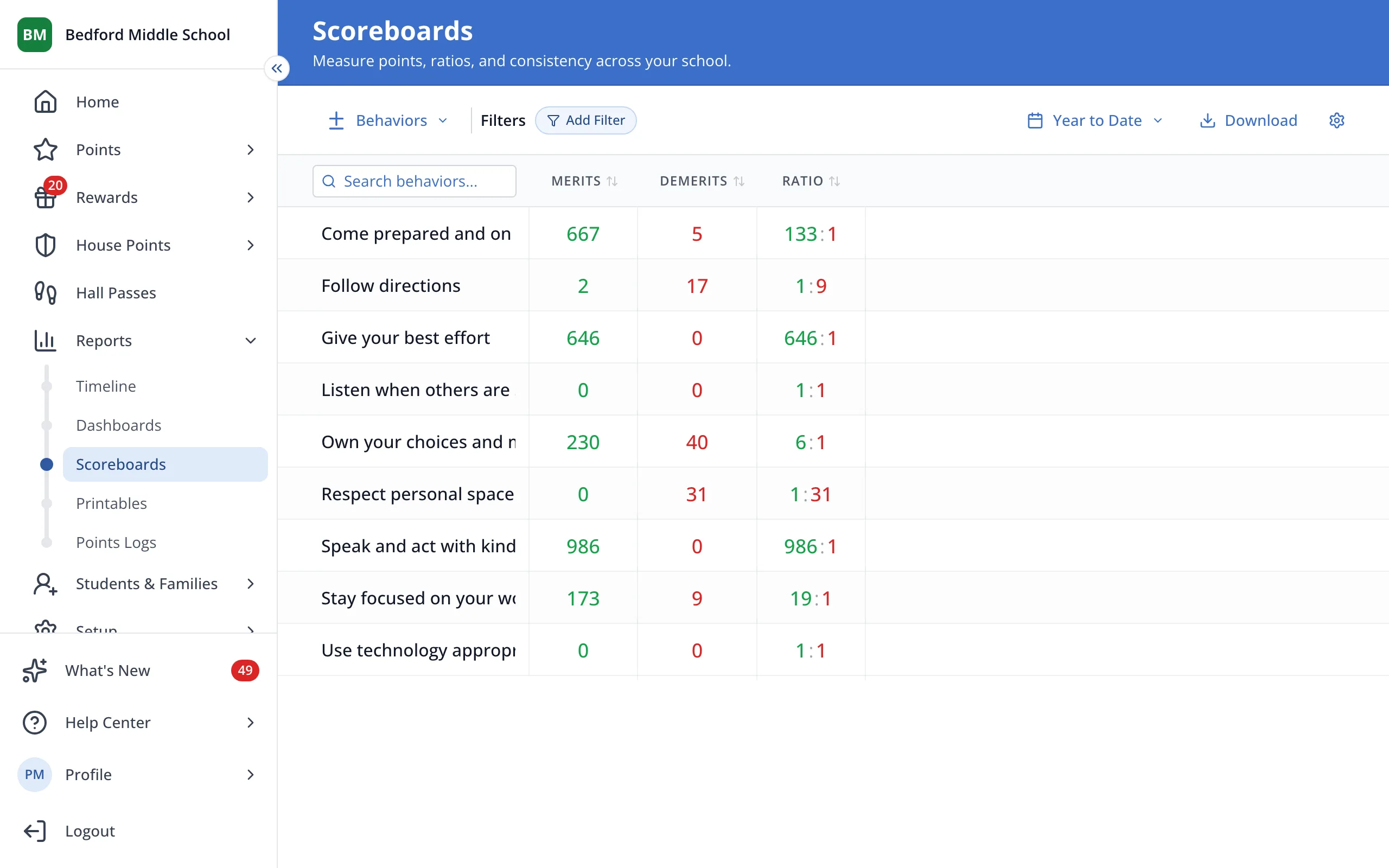
6.Merits shows its points and Demerits shows its demerits.