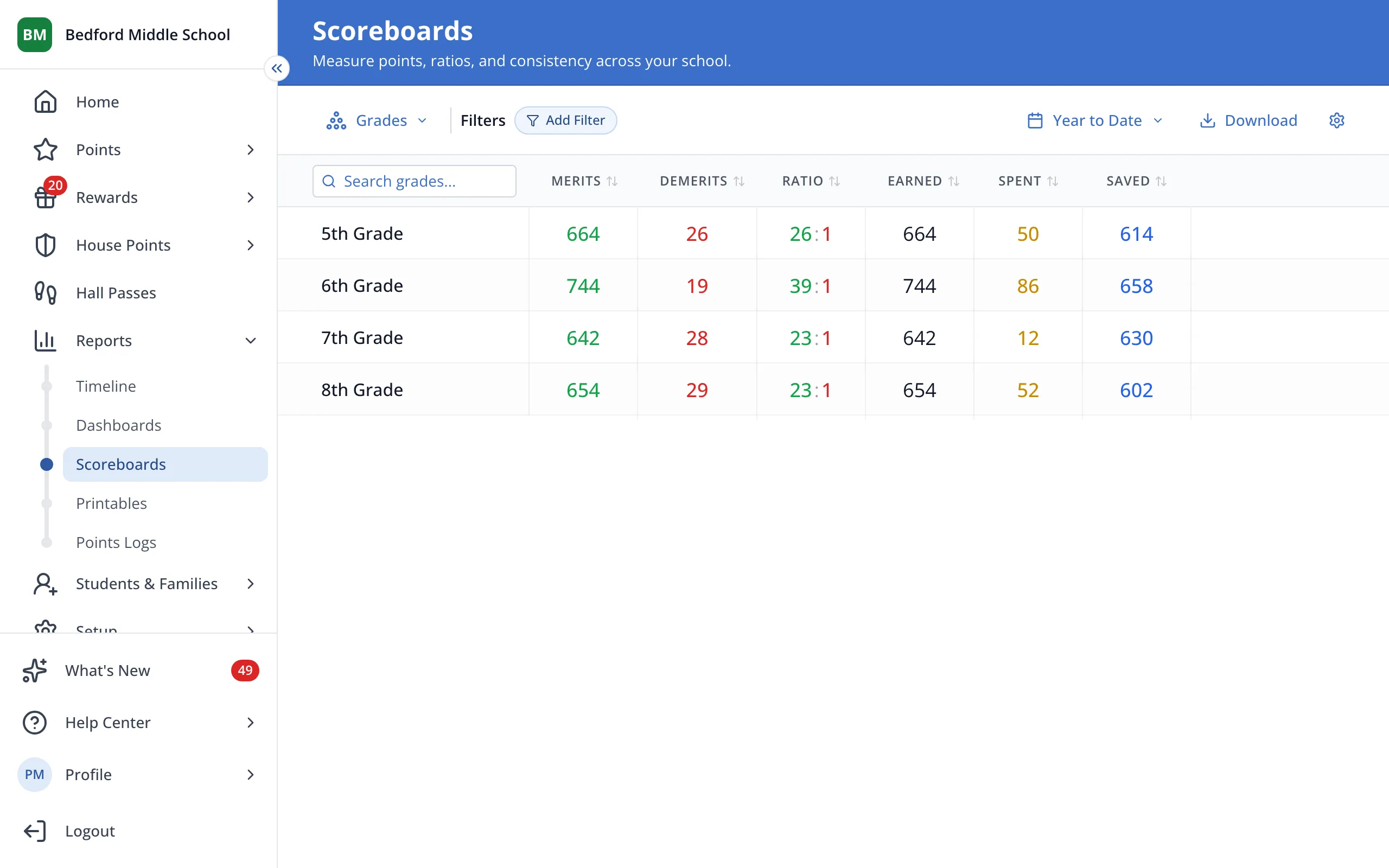
Compare point totals by grade
The Grades scoreboard adds up each grade's points, demerits and spending, so you can see which grade is ahead.
Use the Left and Right arrow keys to move between steps, and Space to play or pause.
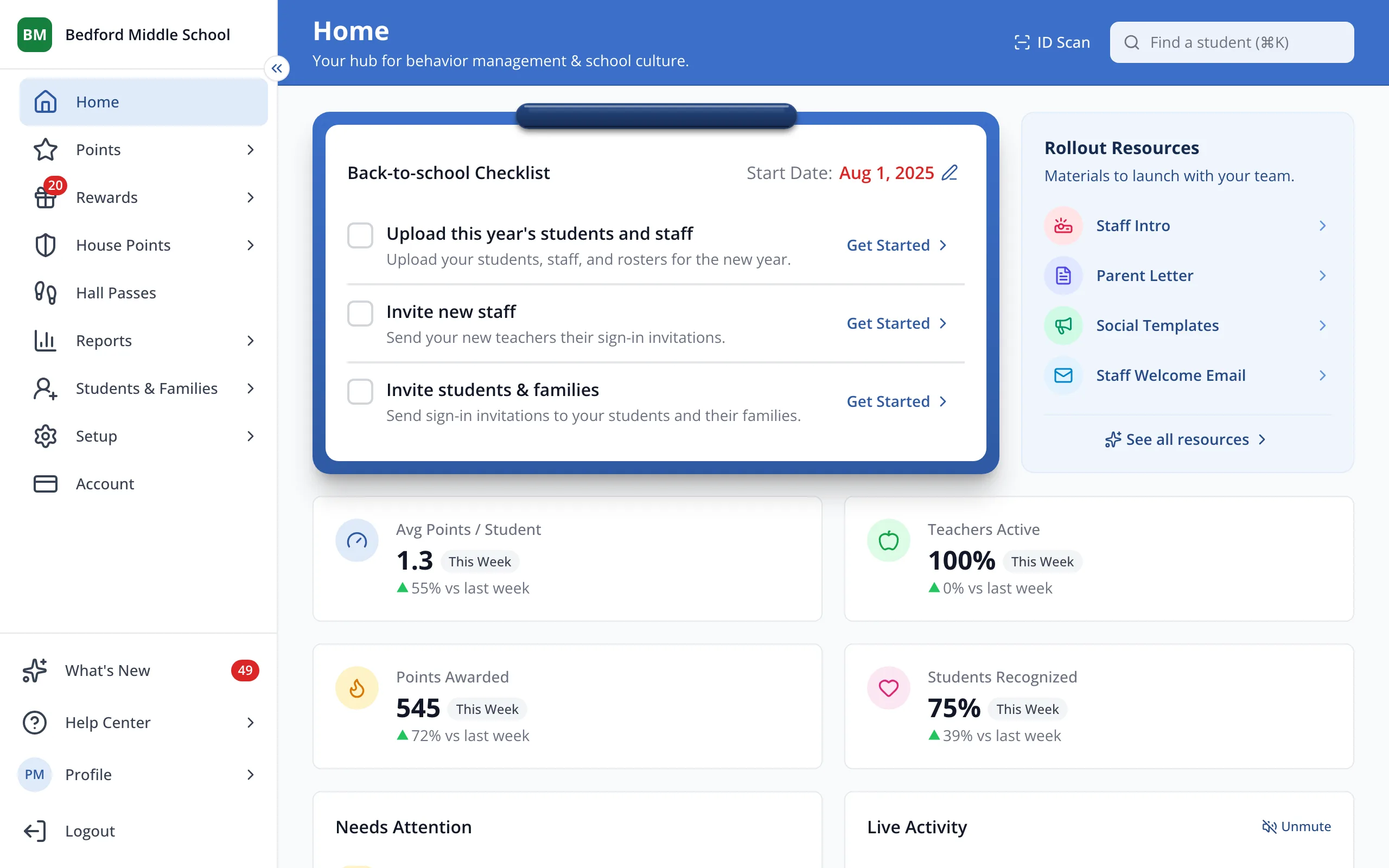
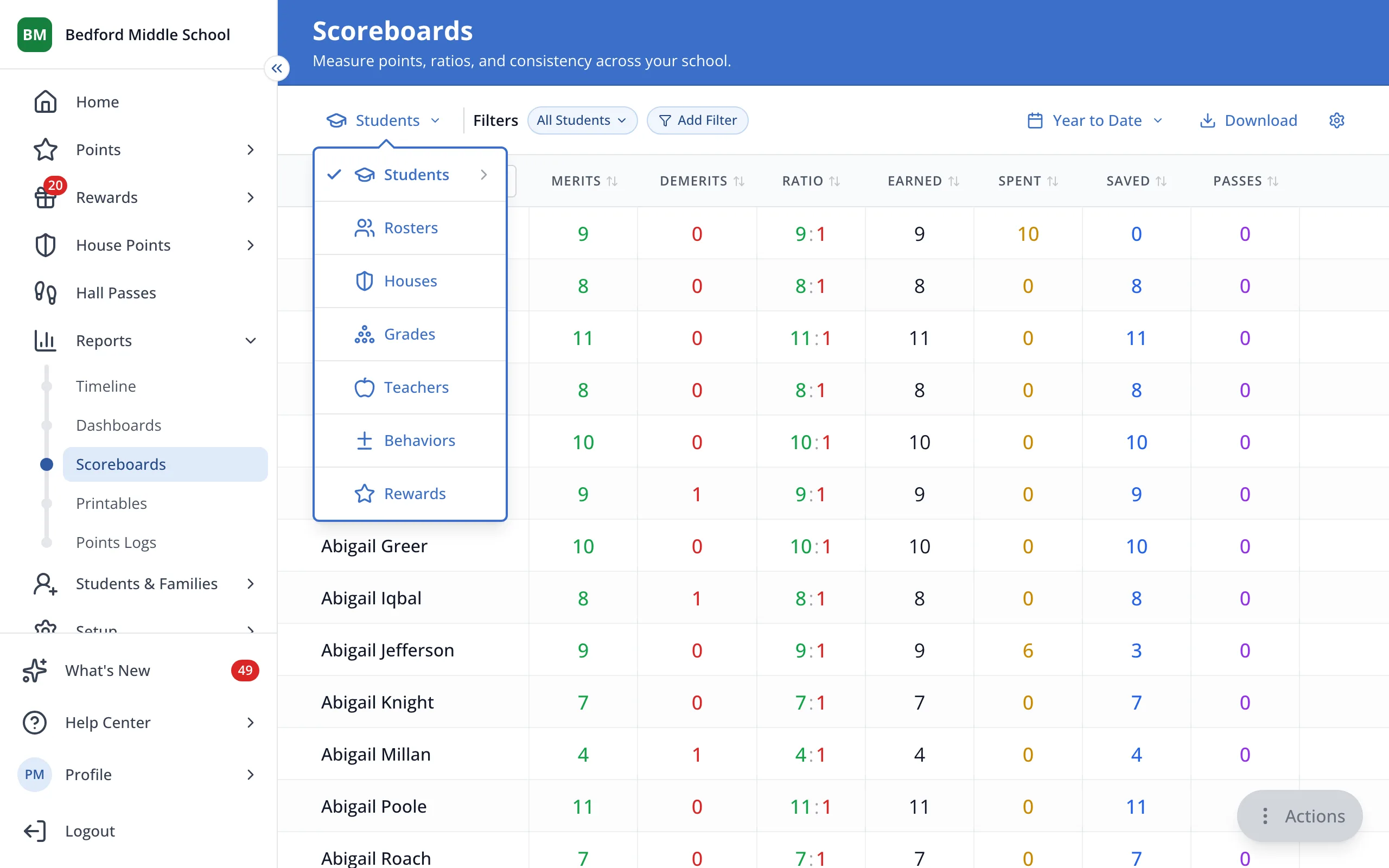
1.In the sidebar, click Reports.
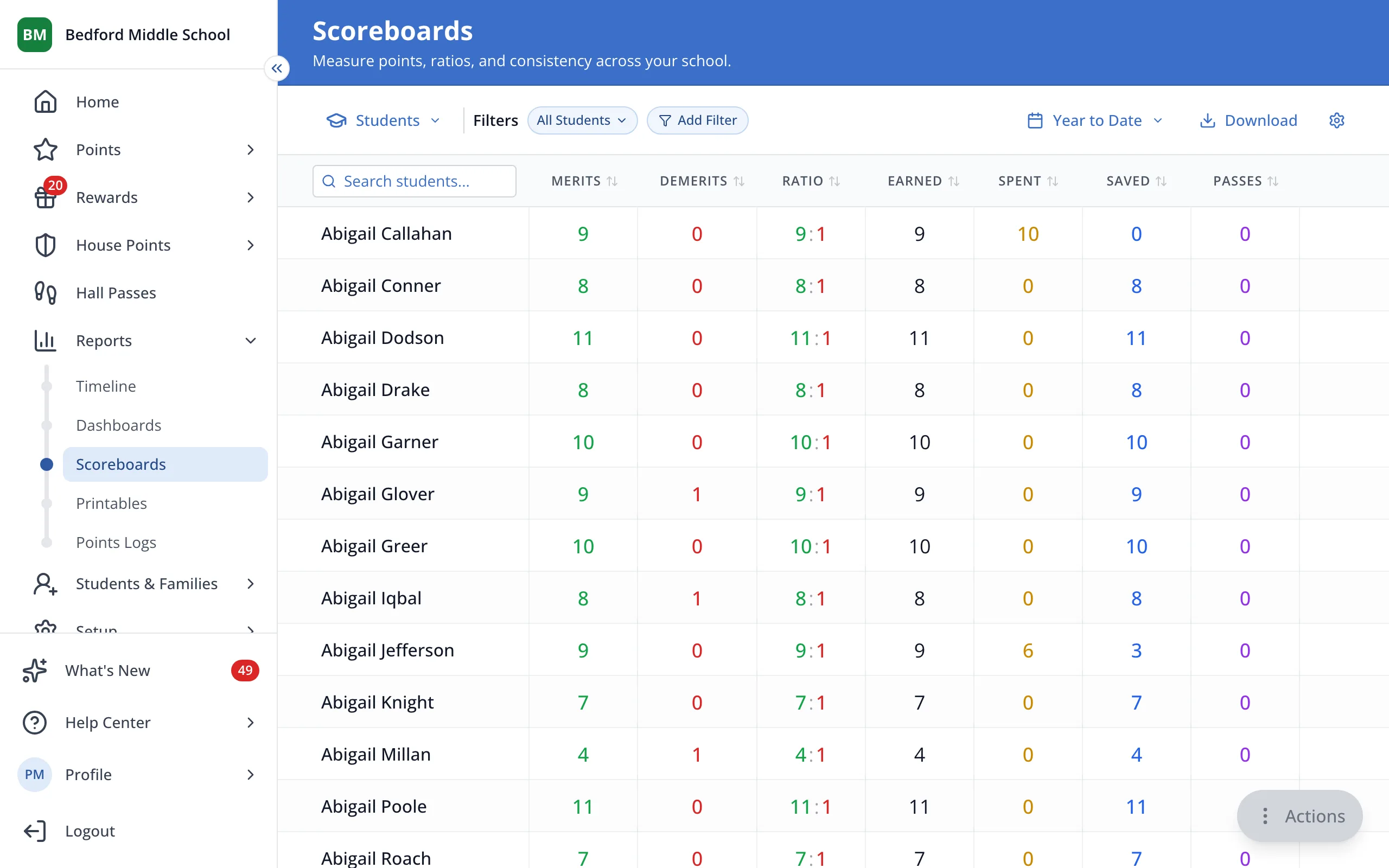
2.Click Scoreboards.

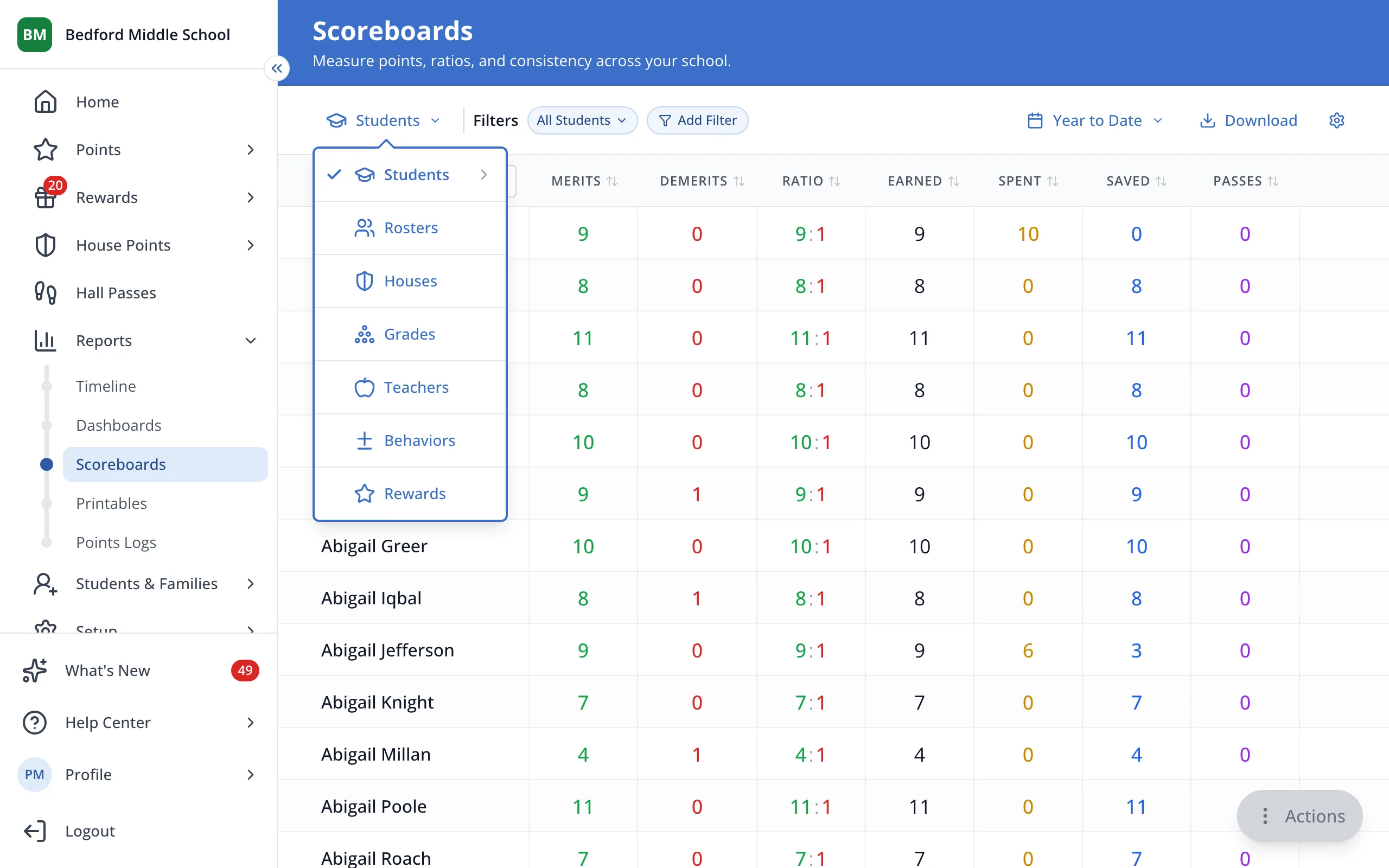
3.At the top left, click Students.
4.Click Grades.
5.Click Merits to rank the grades from most points to fewest.