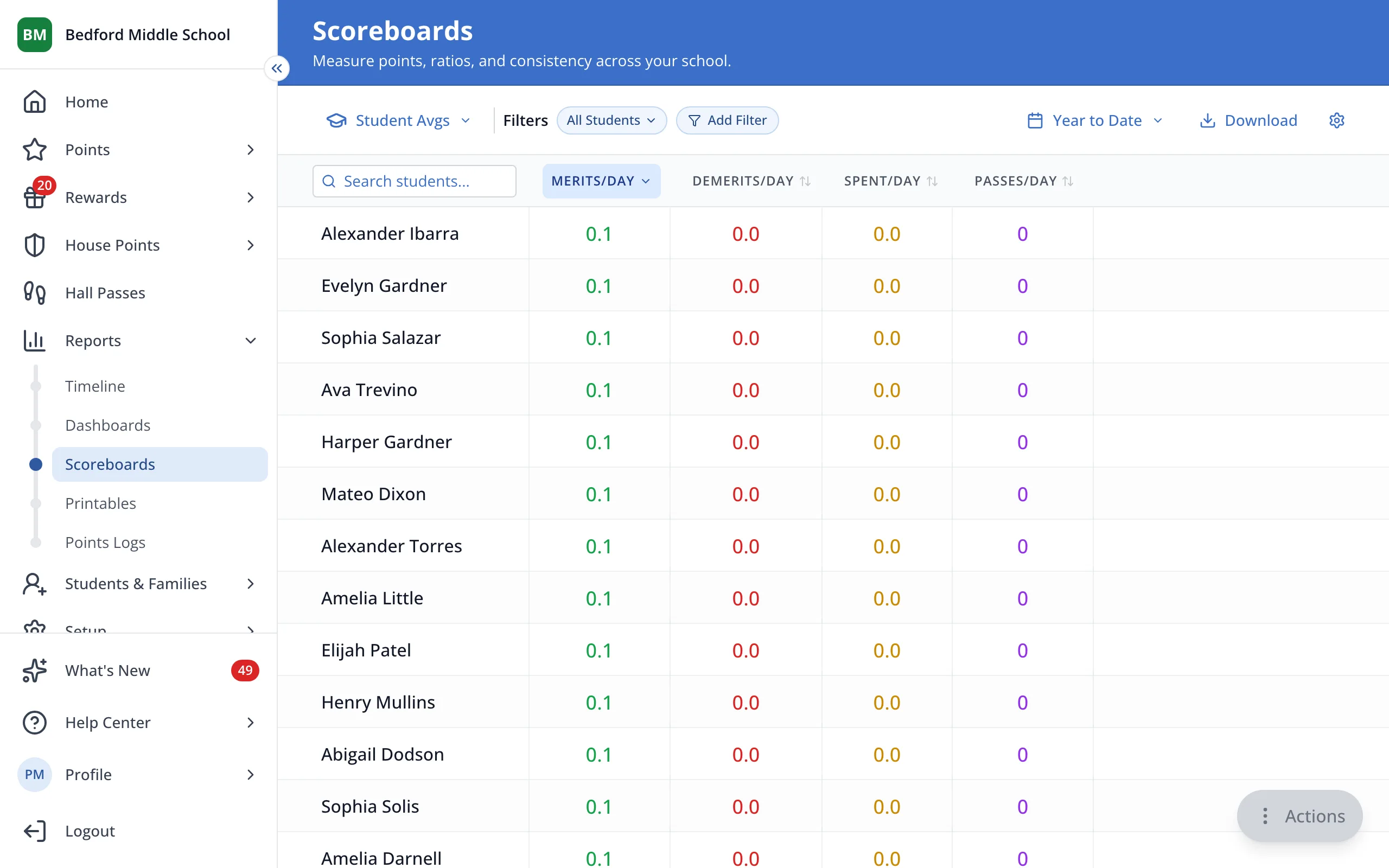
Switch between totals and averages on the scoreboard
Averages show each student's merits, demerits and spending per weekday in the date range, instead of the totals.
Use the Left and Right arrow keys to move between steps, and Space to play or pause.
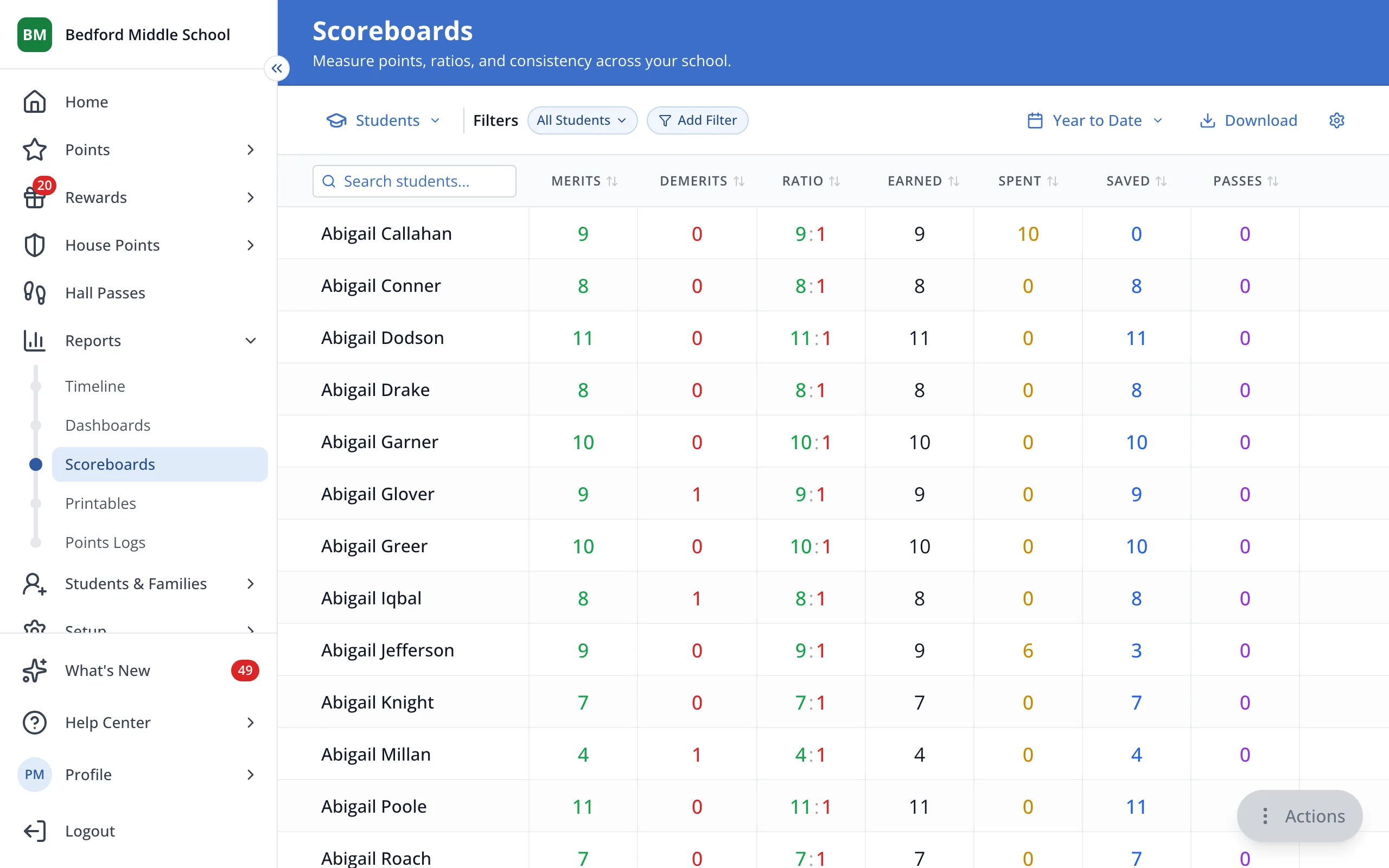
1.On the Scoreboards page, click Students at the top left.
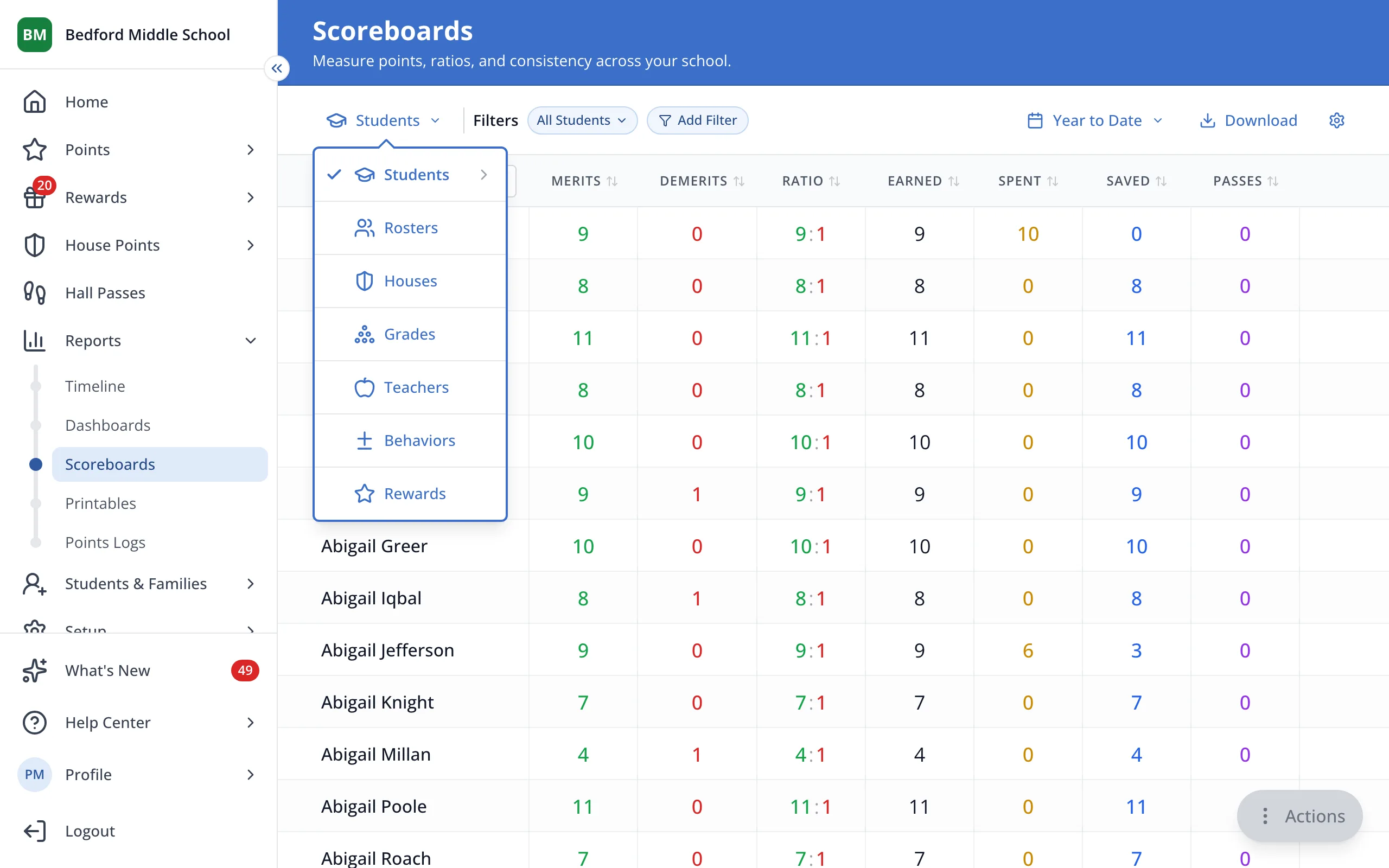
2.Click Students in the list to see its options.
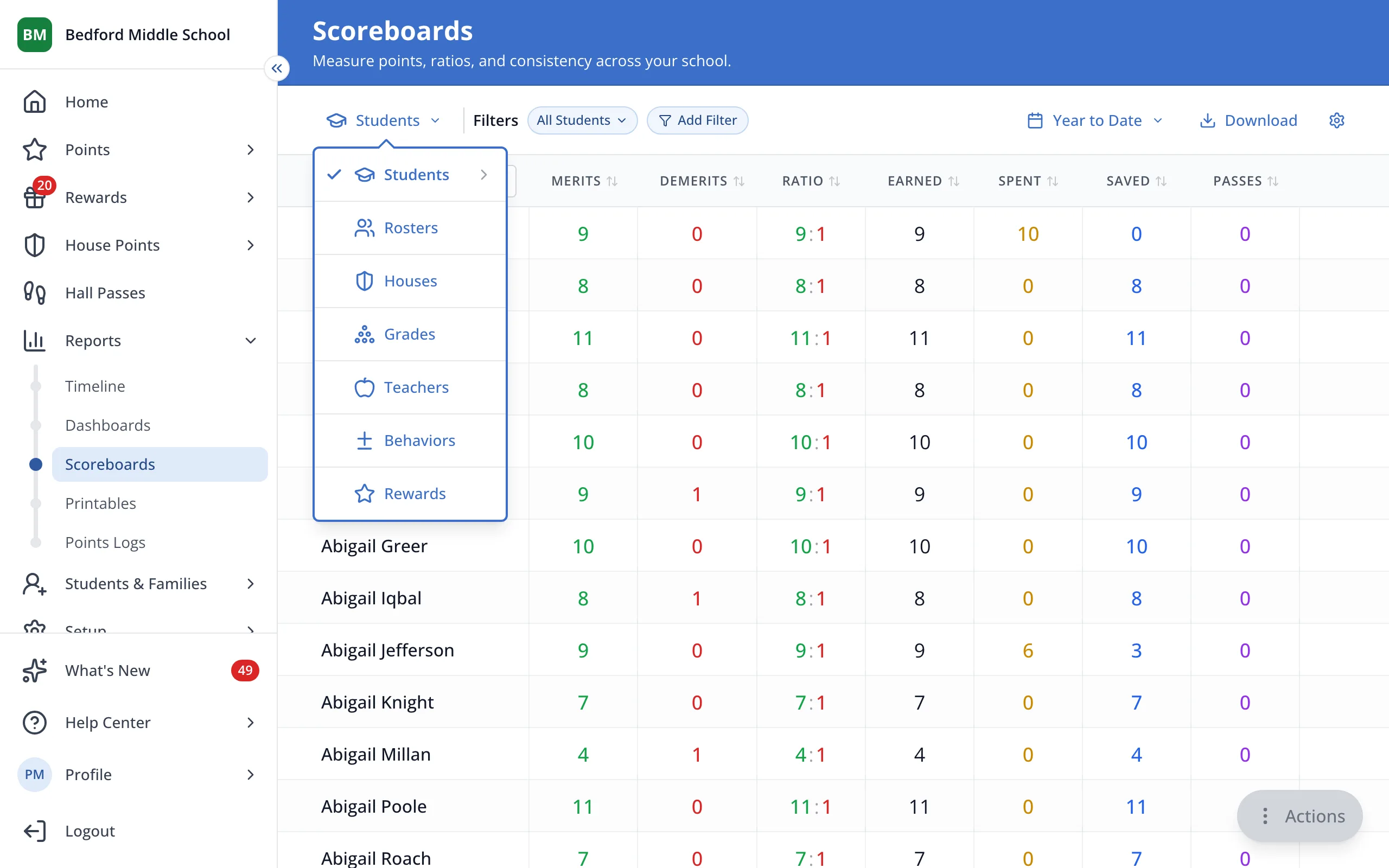
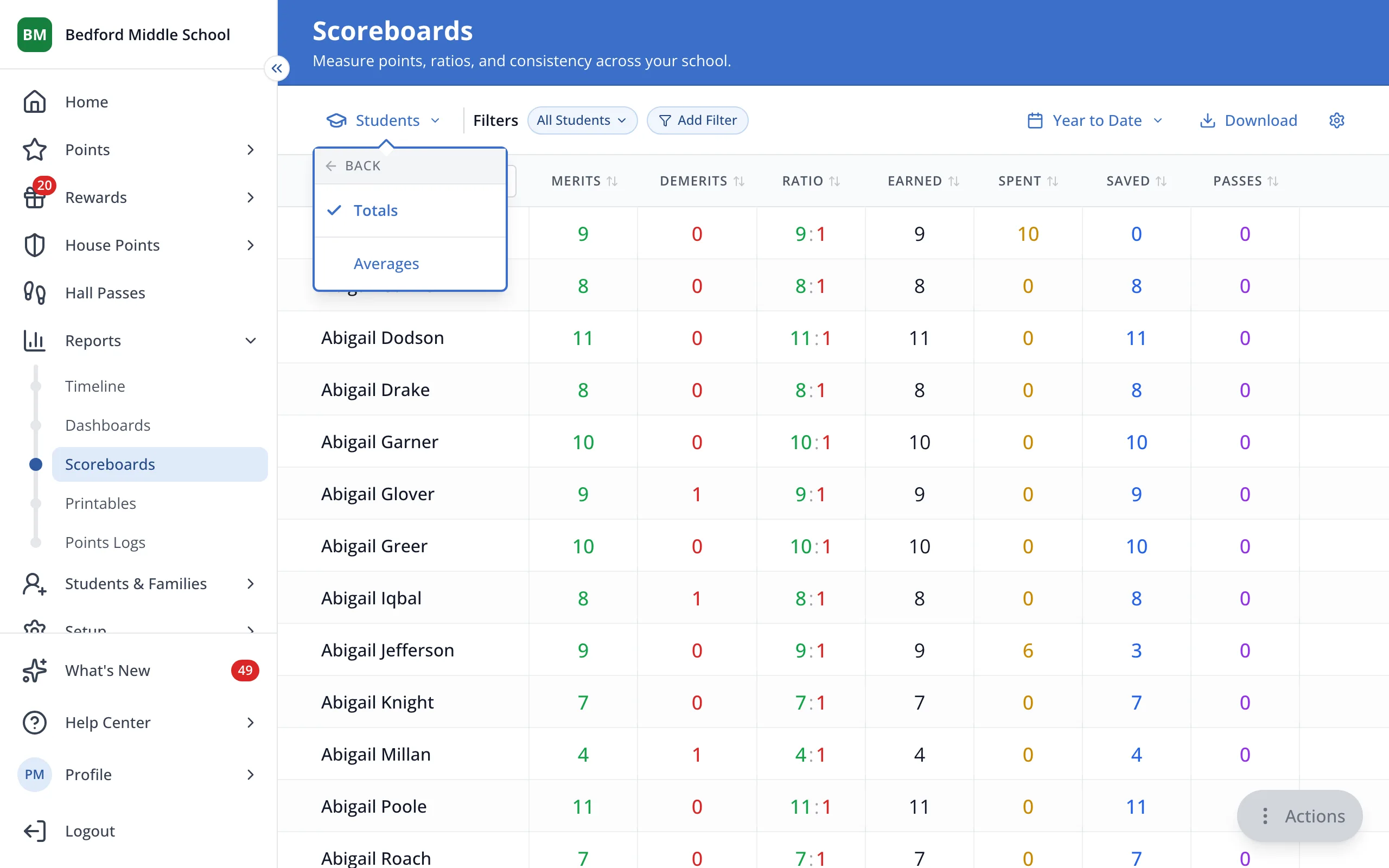
3.Click Averages.
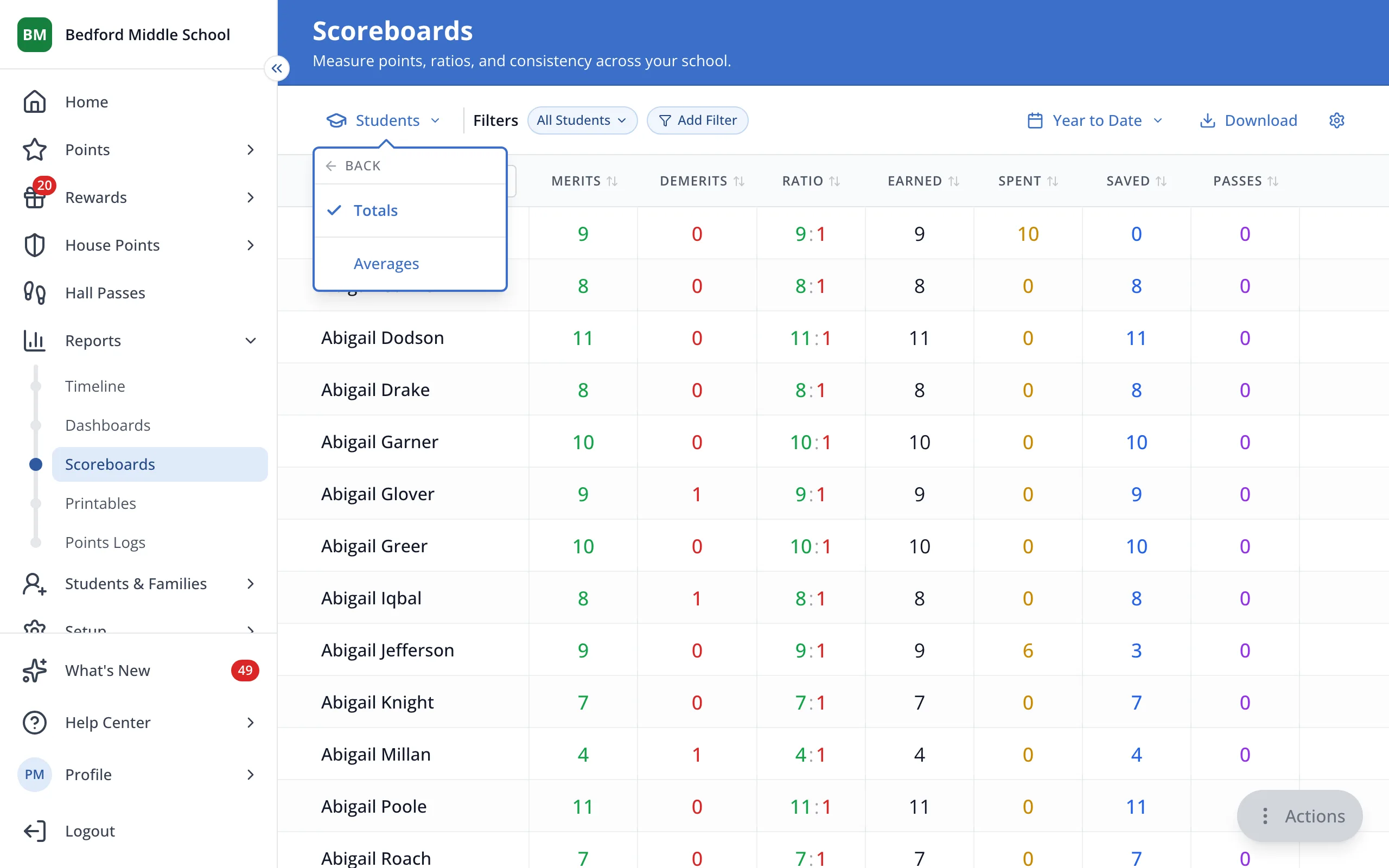
Did you know? To switch back, open the same list and click Totals.
4.Click another column heading, like Demerits/Day, to rank by it.