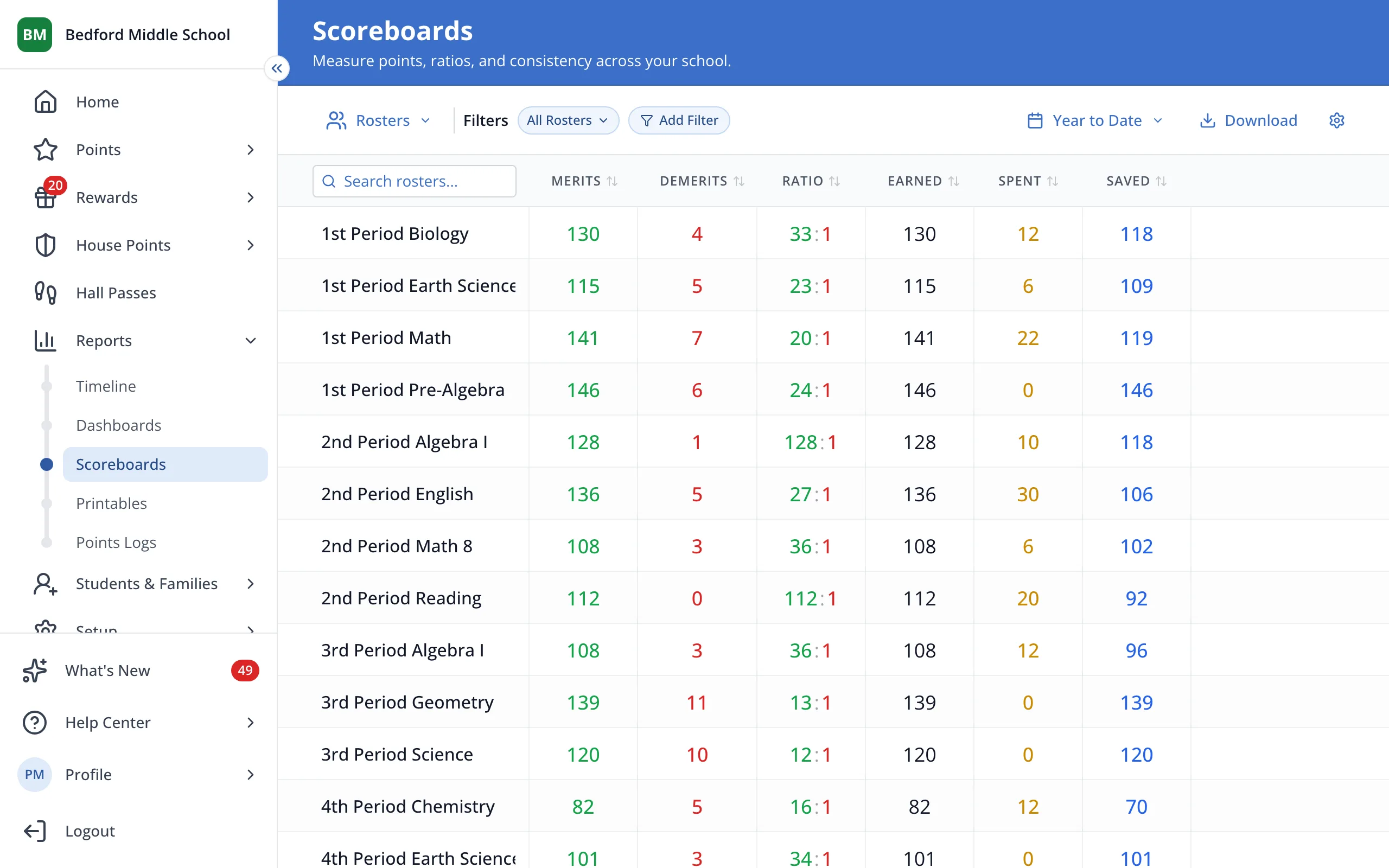
Sort students, rosters, grades, houses, behavior, or rewards to view data on a scoreboard
Scoreboards can be sorted to one category at a time. Switch it to compare classes, grades, Houses, behavior or rewards side by side.
Use the Left and Right arrow keys to move between steps, and Space to play or pause.
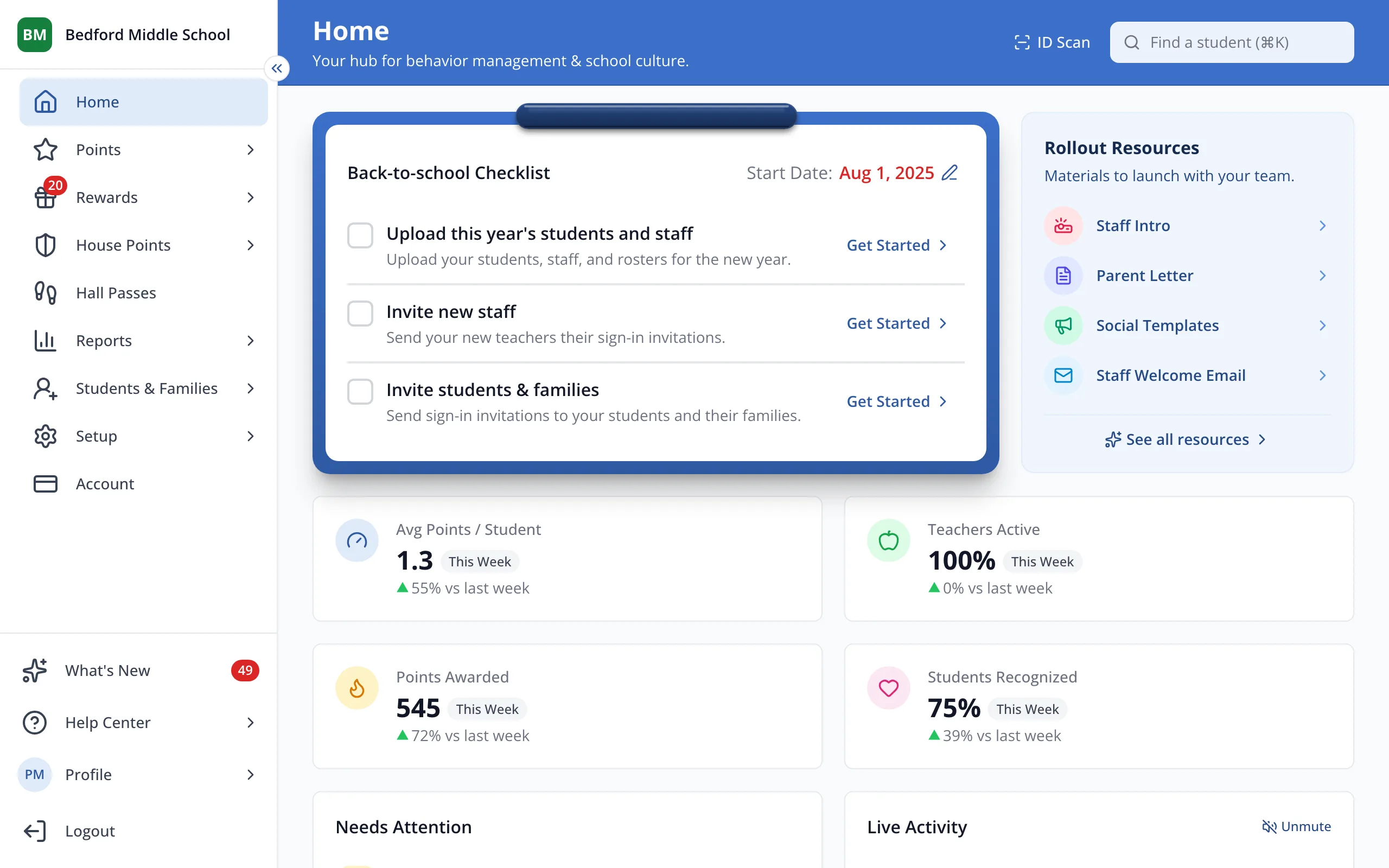
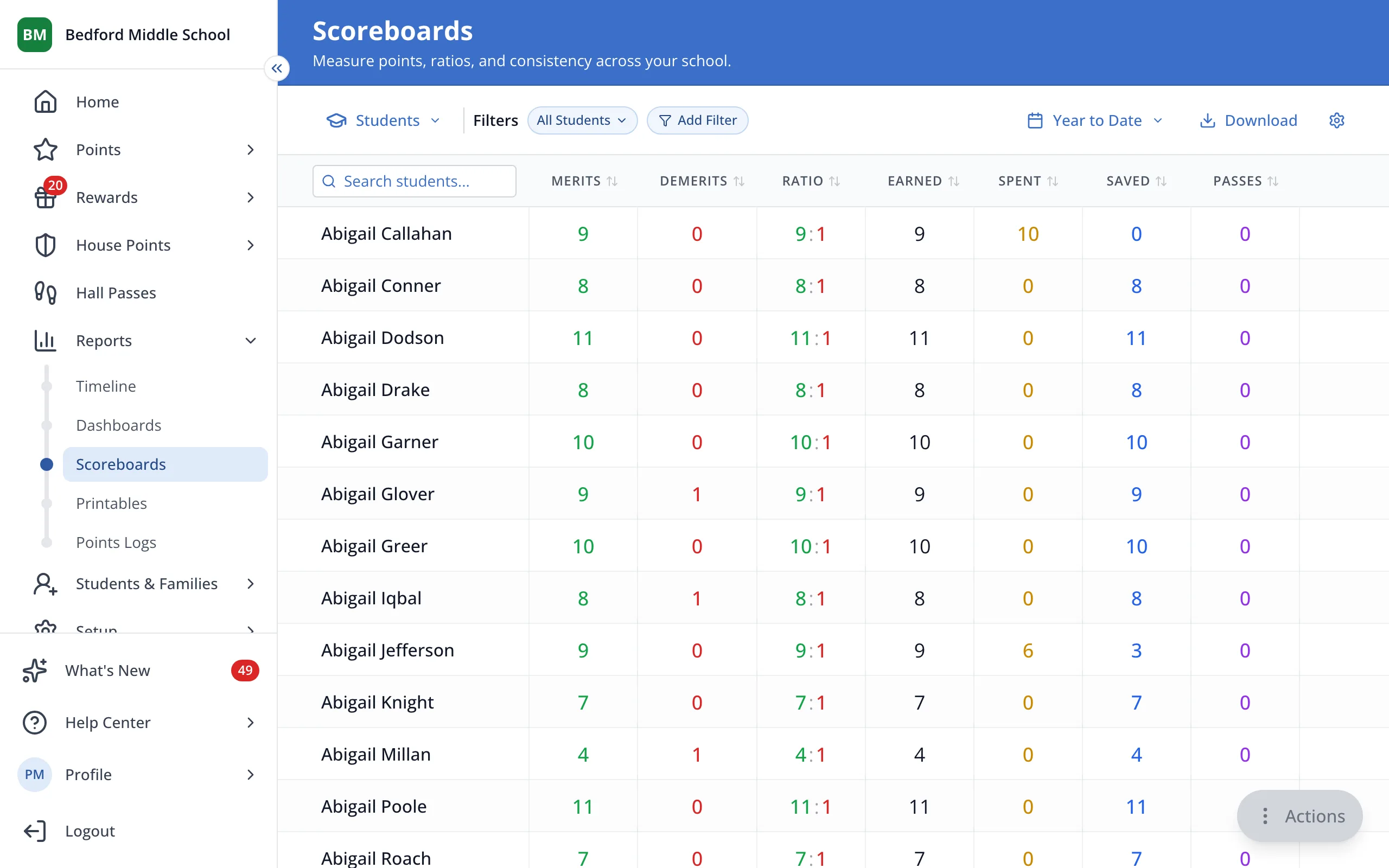
1.In the sidebar, click Reports.
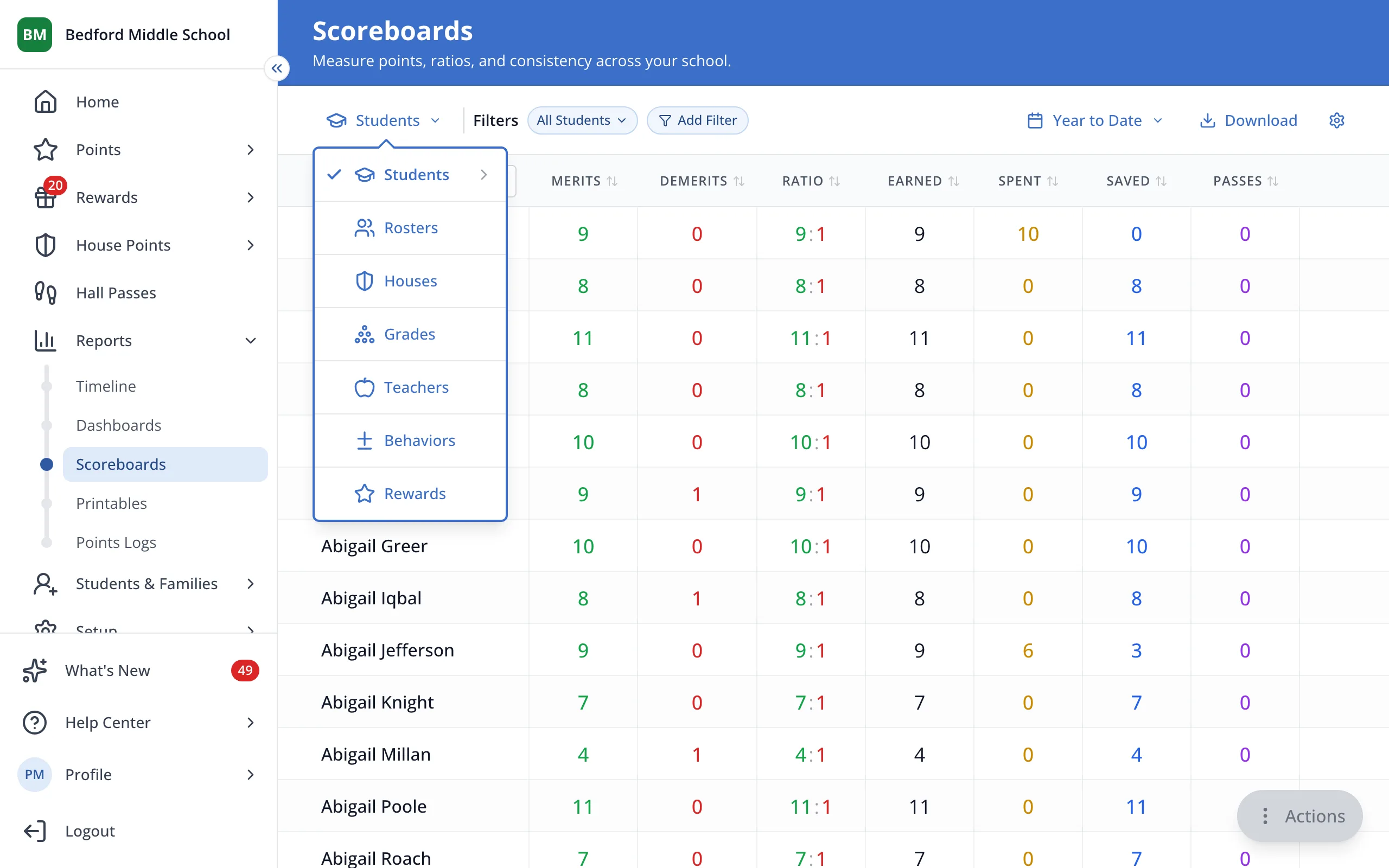
2.Click Scoreboards.
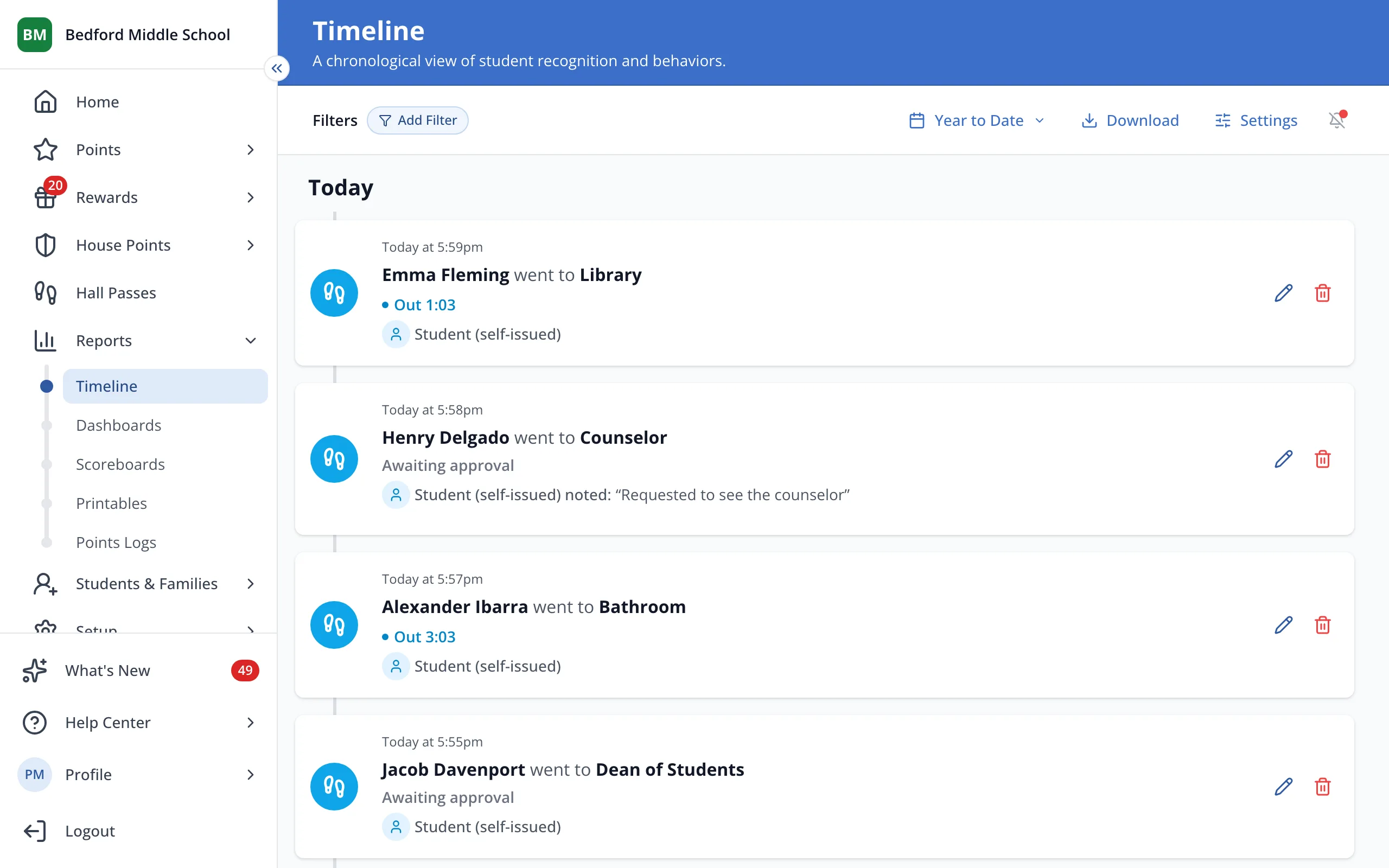
3.At the top left, click Students to change what the scoreboard ranks.
4.Click what you'd like to rank, like Rosters.
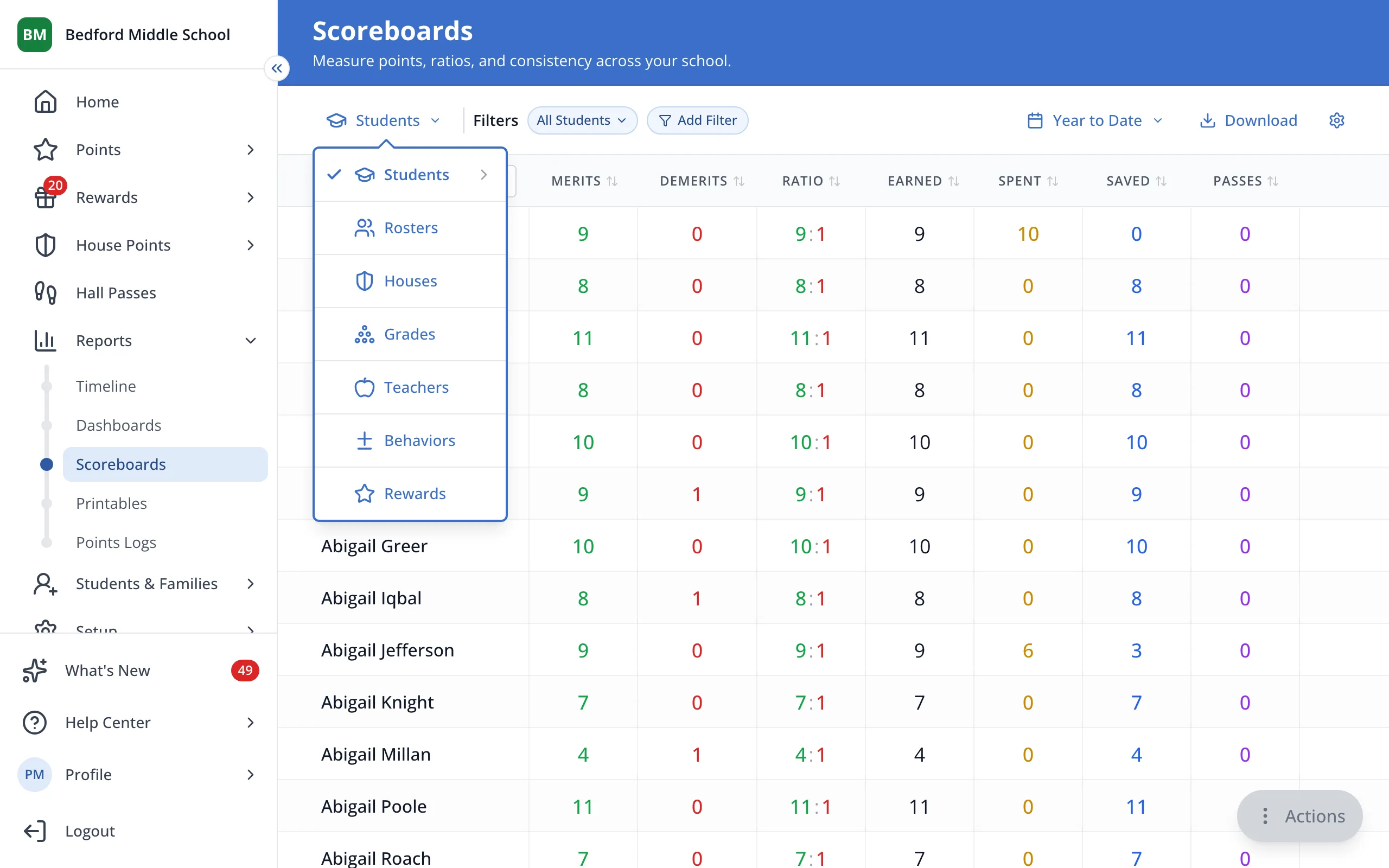
Did you know? Only admins and site leaders see Teachers in this list.
5.Click a column heading, like Merits, to rank by it.