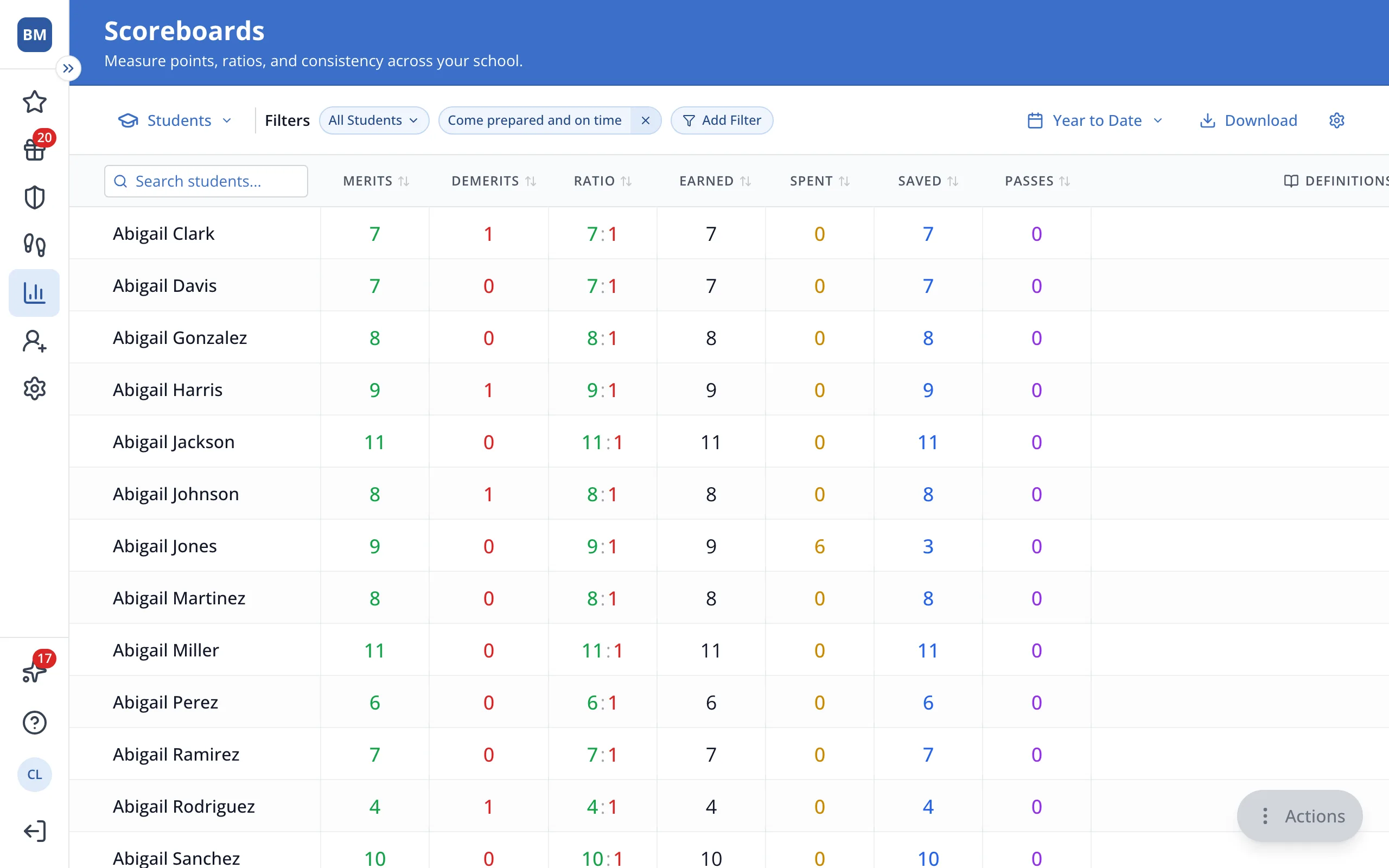
See which students got a specific behavior
Filter the Students scoreboard to one or more behaviors, so each student's numbers count only those behaviors.
Use the Left and Right arrow keys to move between steps, and Space to play or pause.
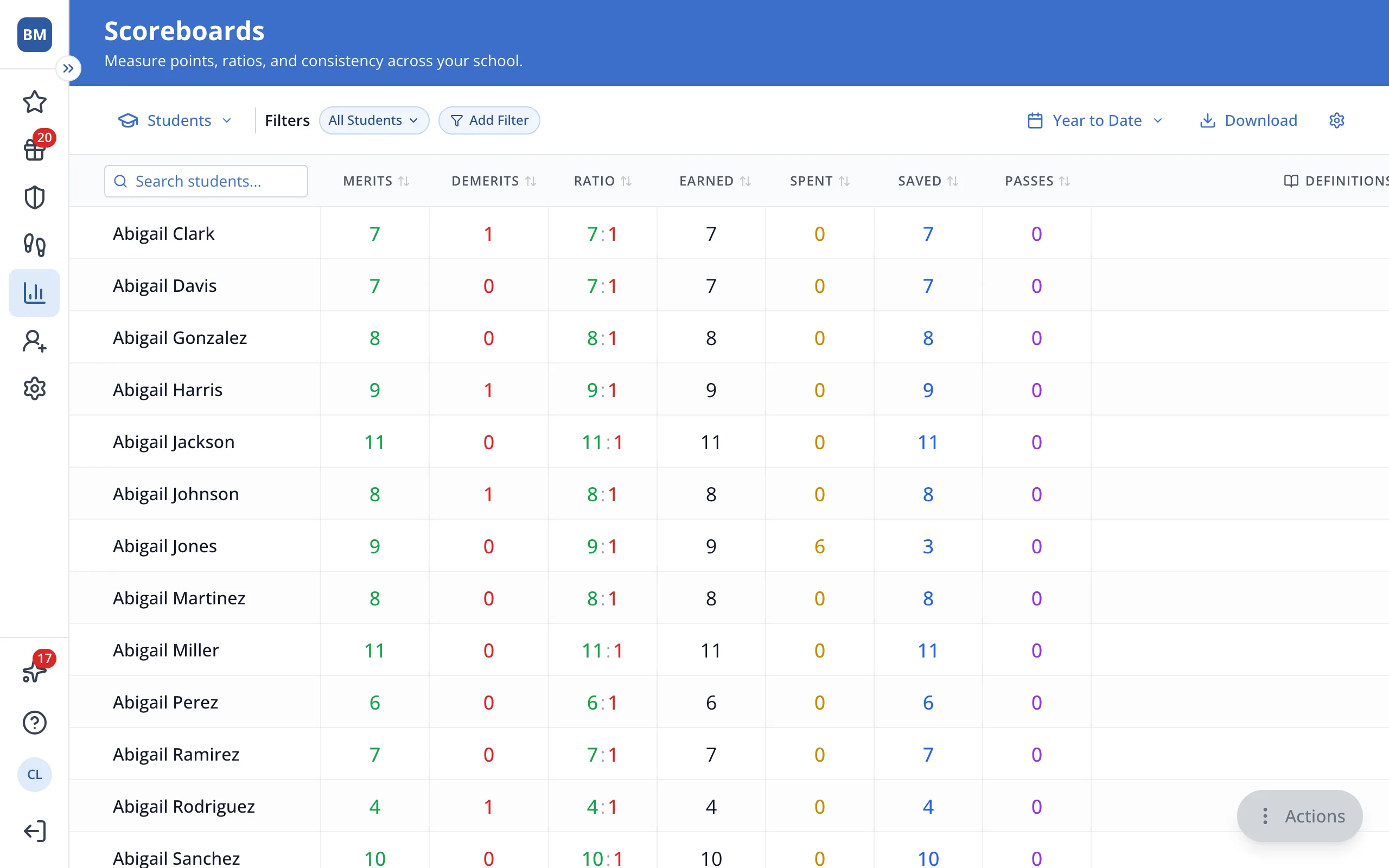
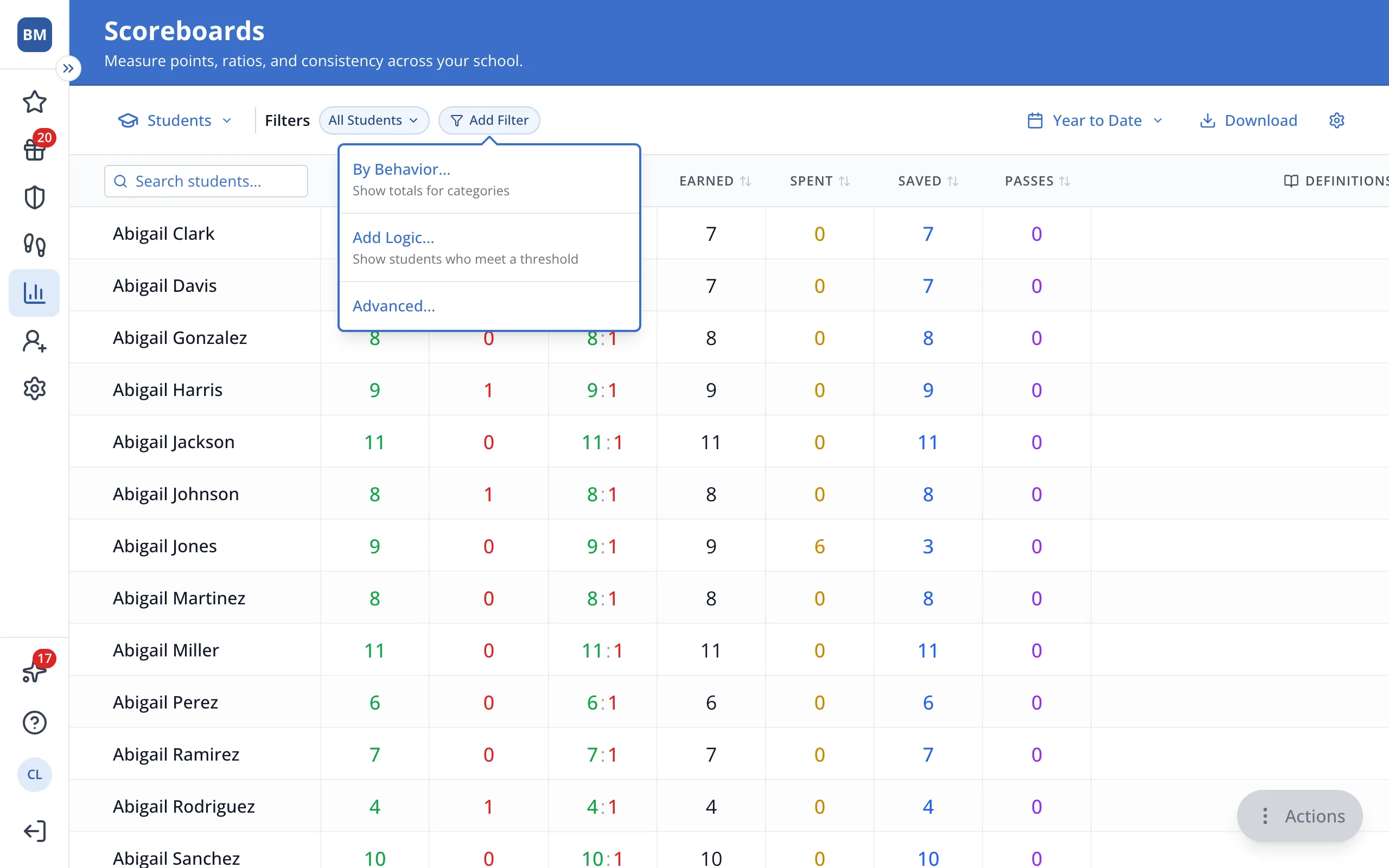
1.On the Scoreboards page, click Add Filter.
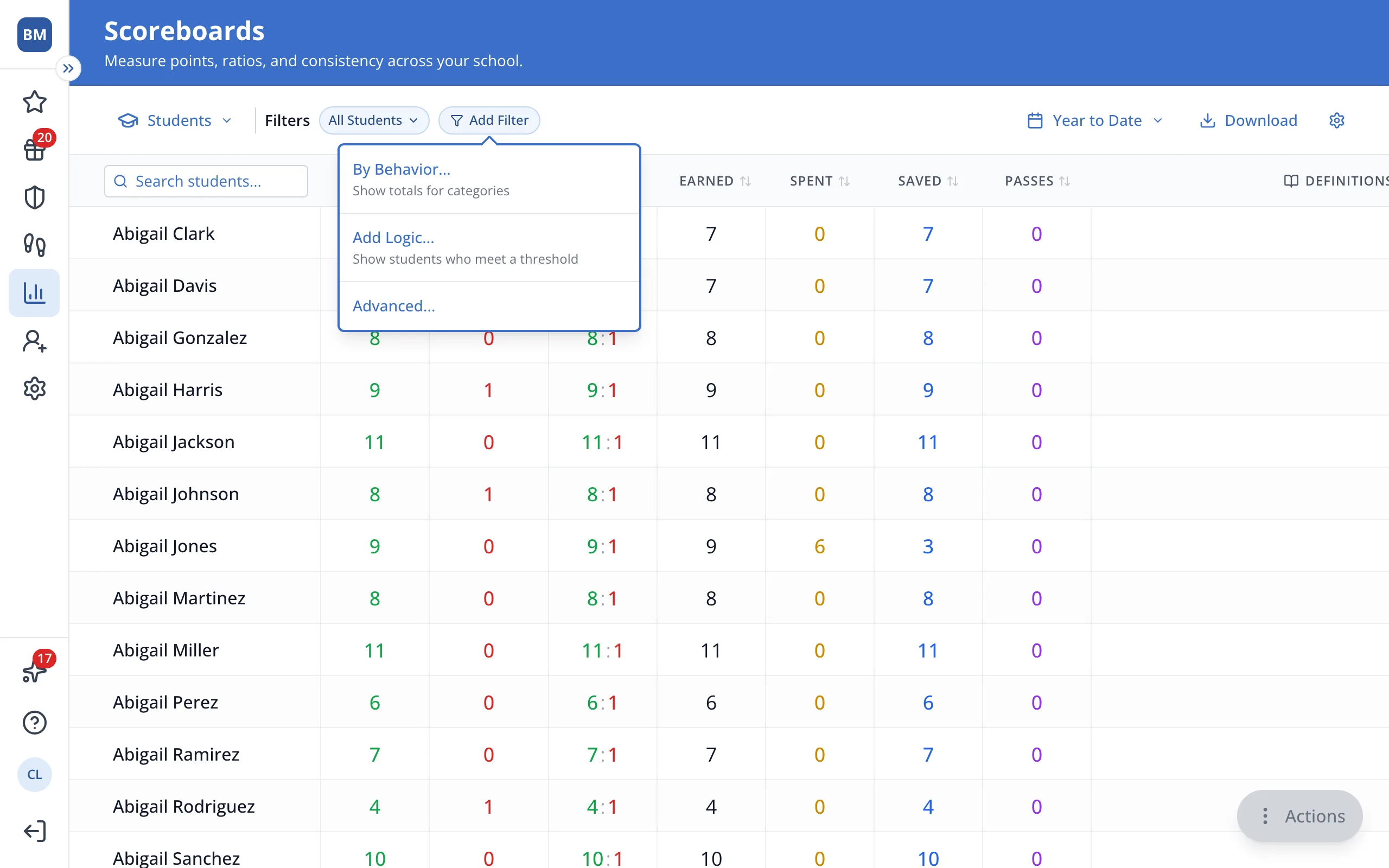
2.Click By Behavior....
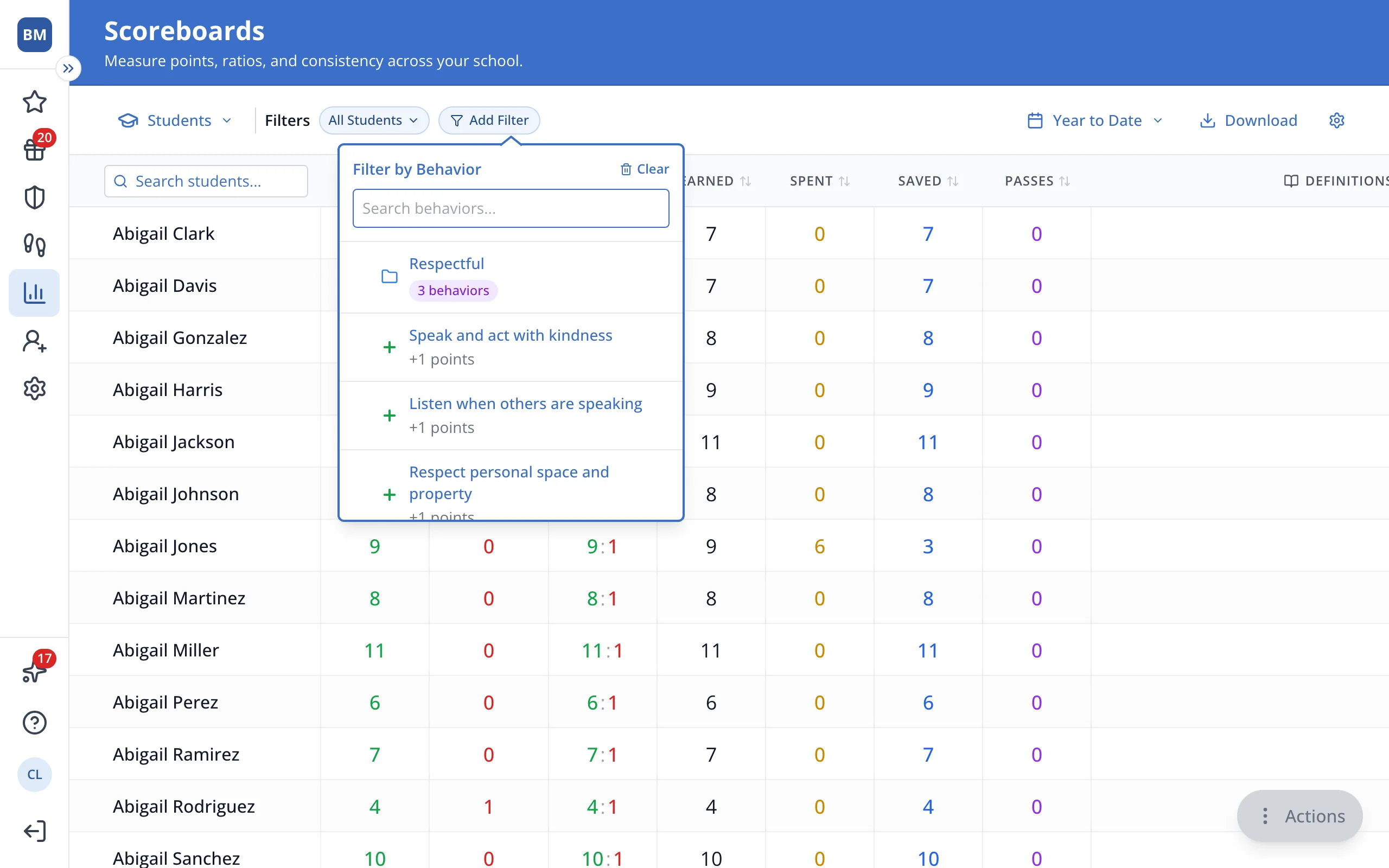
3.Click the behavior you'd like to see.
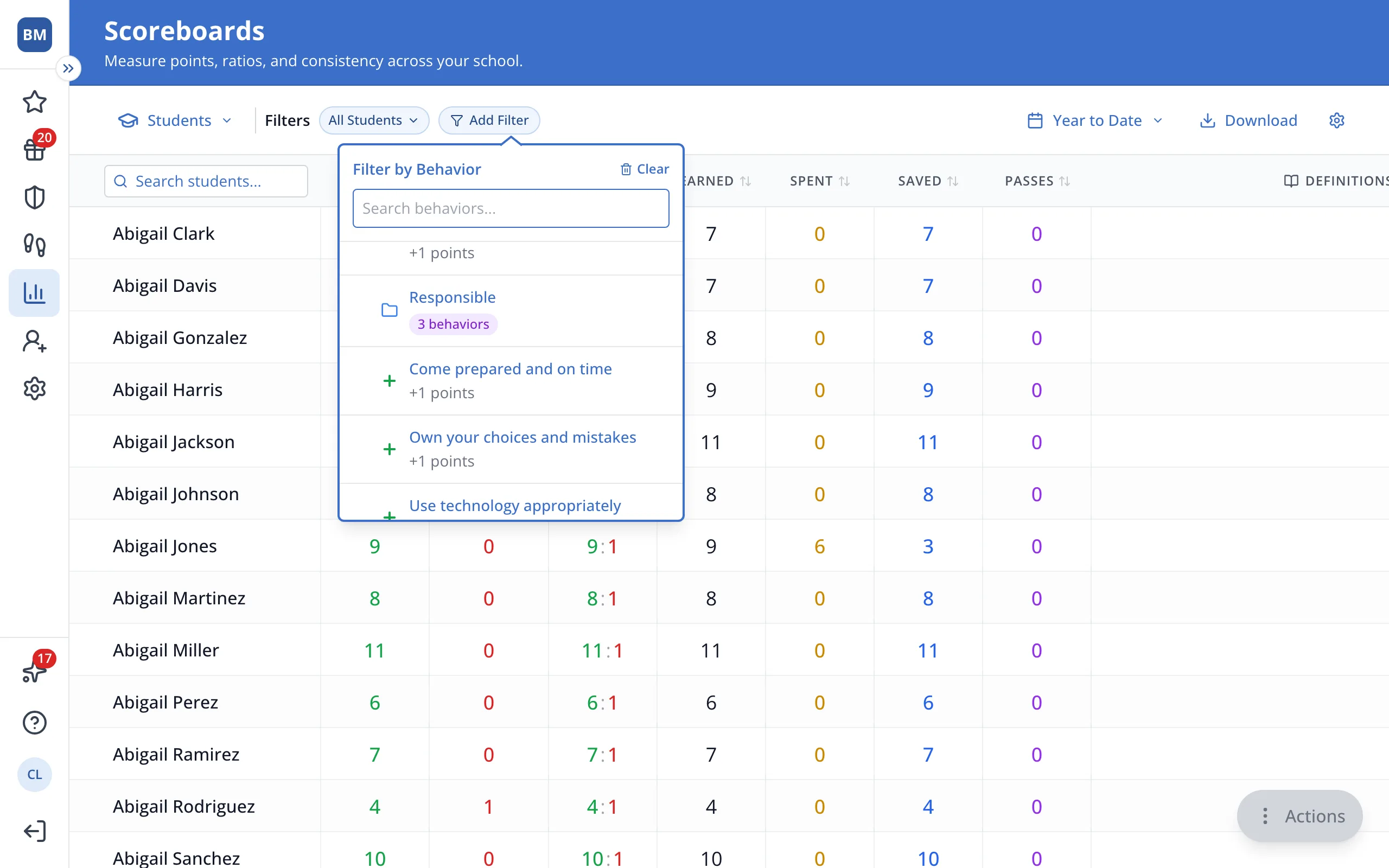
Did you know? Click a category name to pick all of its behaviors.
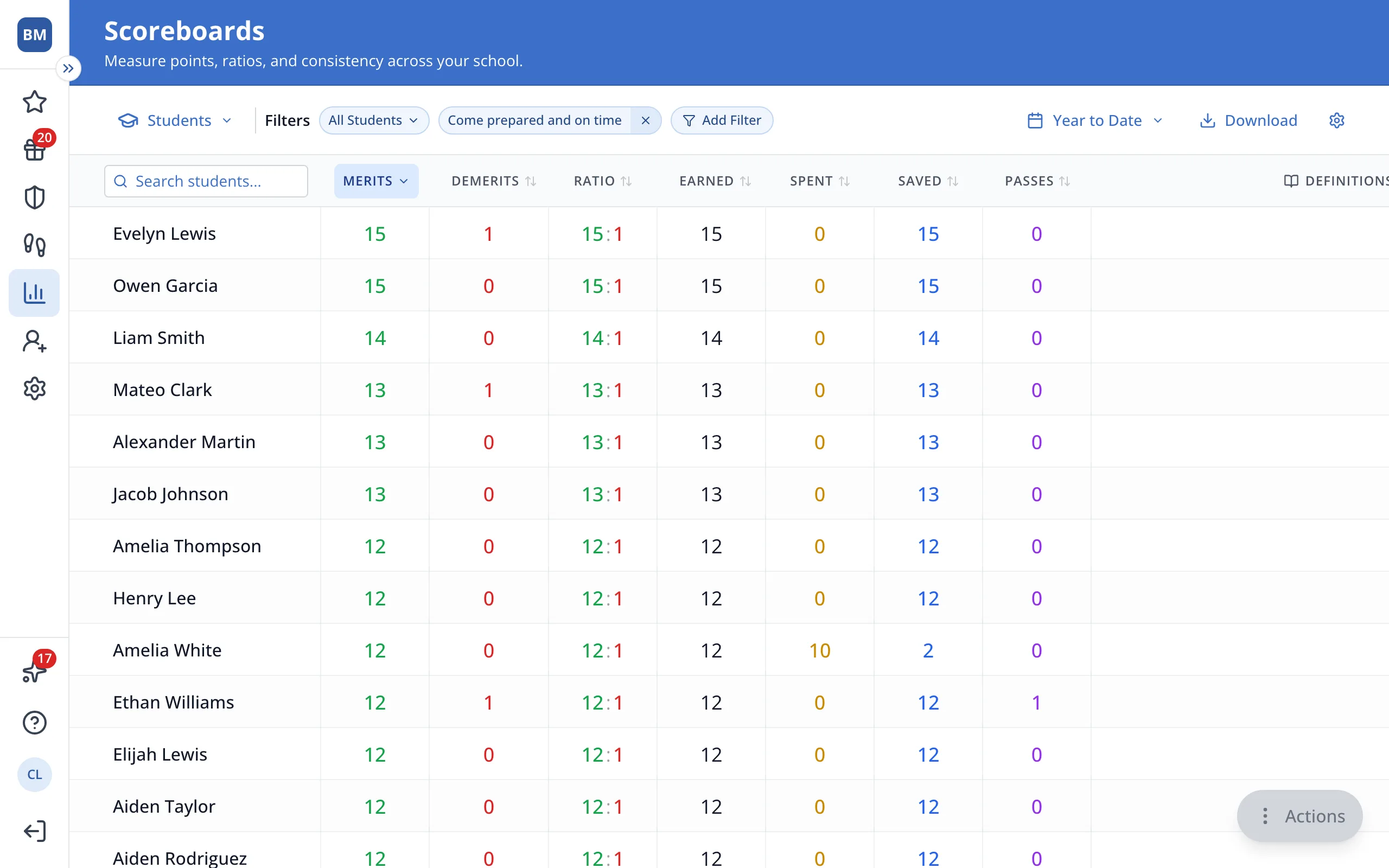
4.Click Merits to rank students by that behavior.