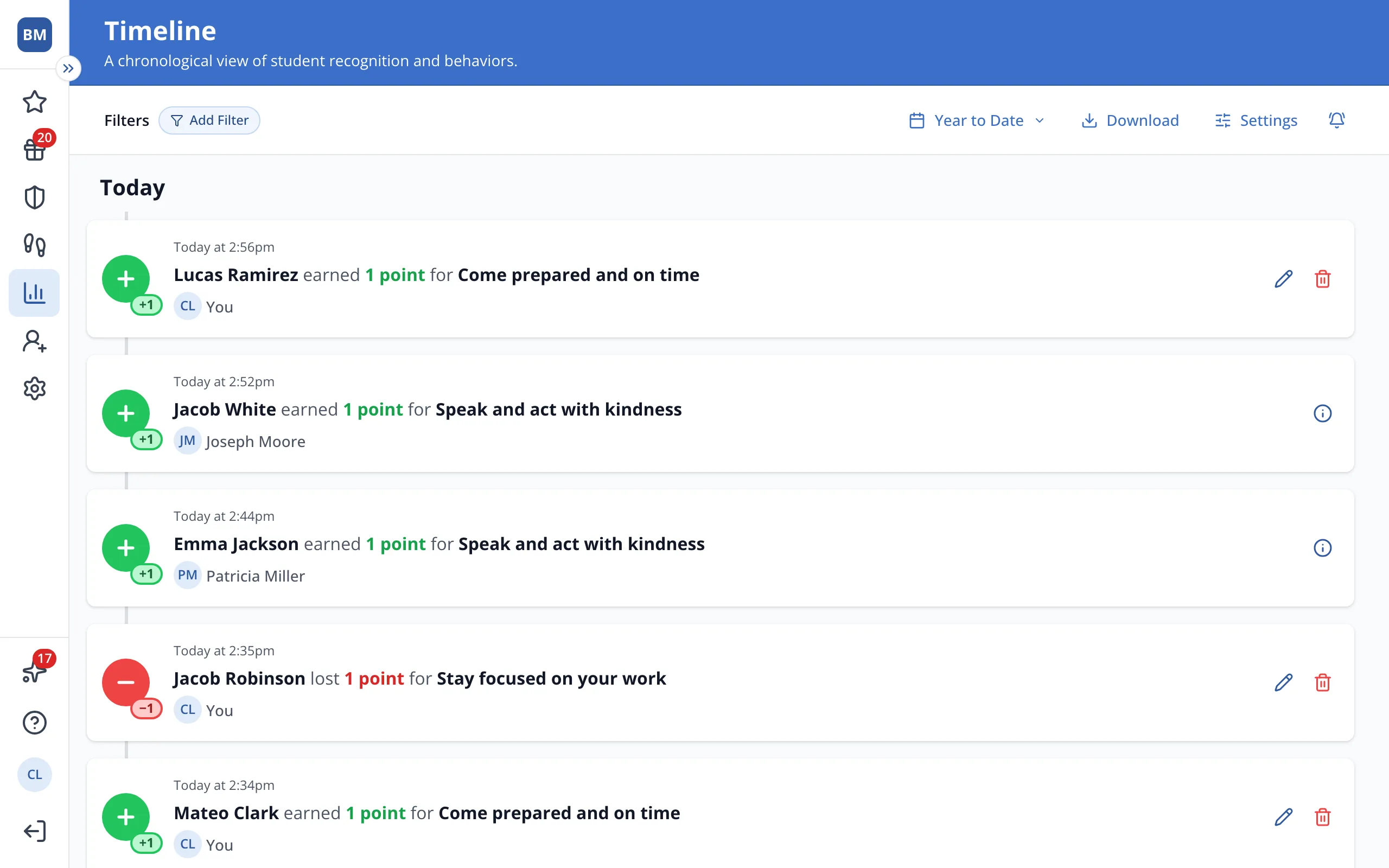
Get desktop notifications for new timeline activity
Get a pop-up on your computer each time new points or rewards appear on the Timeline. It only works while the Timeline is open in a tab.
Use the Left and Right arrow keys to move between steps, and Space to play or pause.
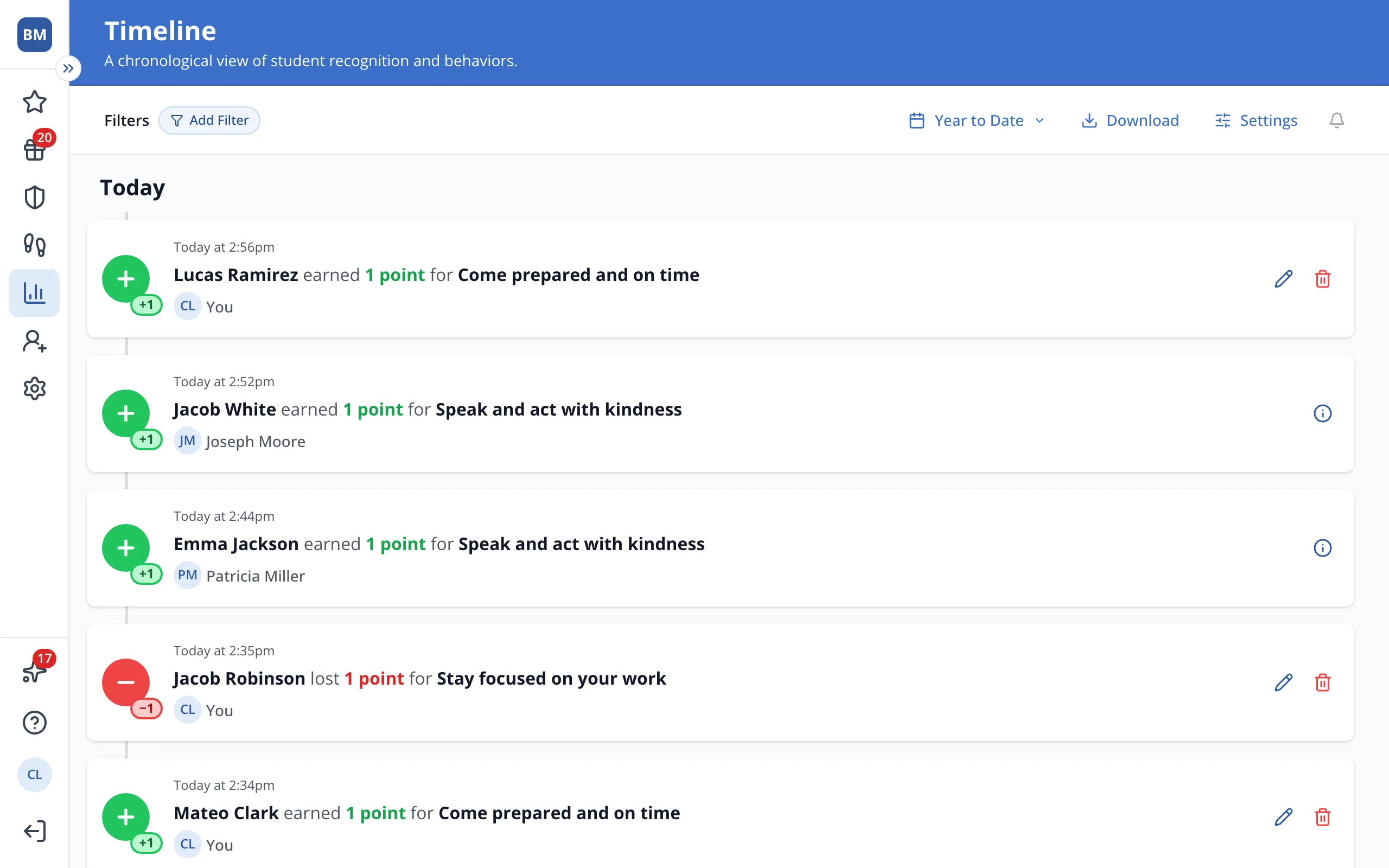
1.At the top right of the Timeline, click the bell.
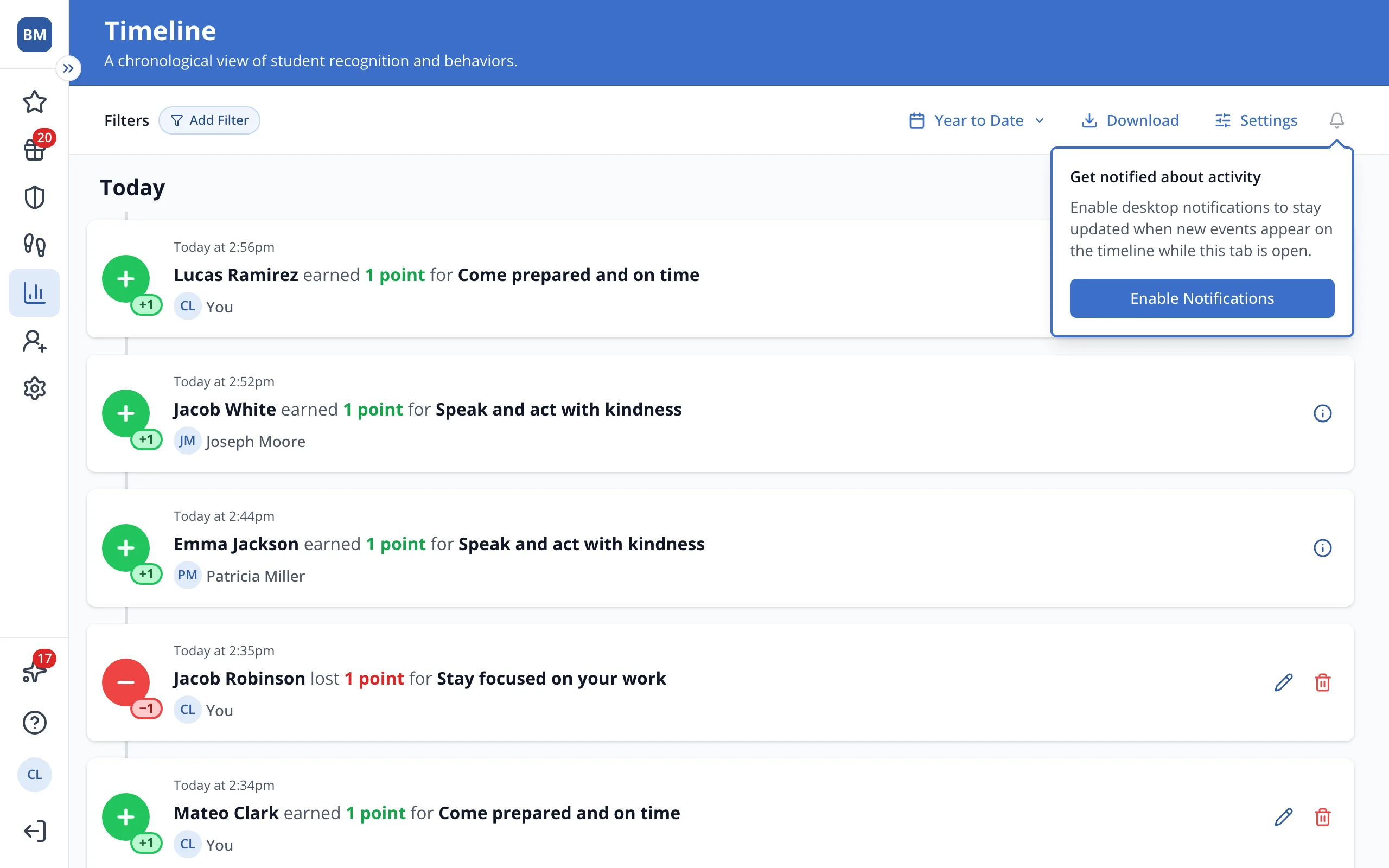
2.Click Enable Notifications, then click Allow when your browser asks.
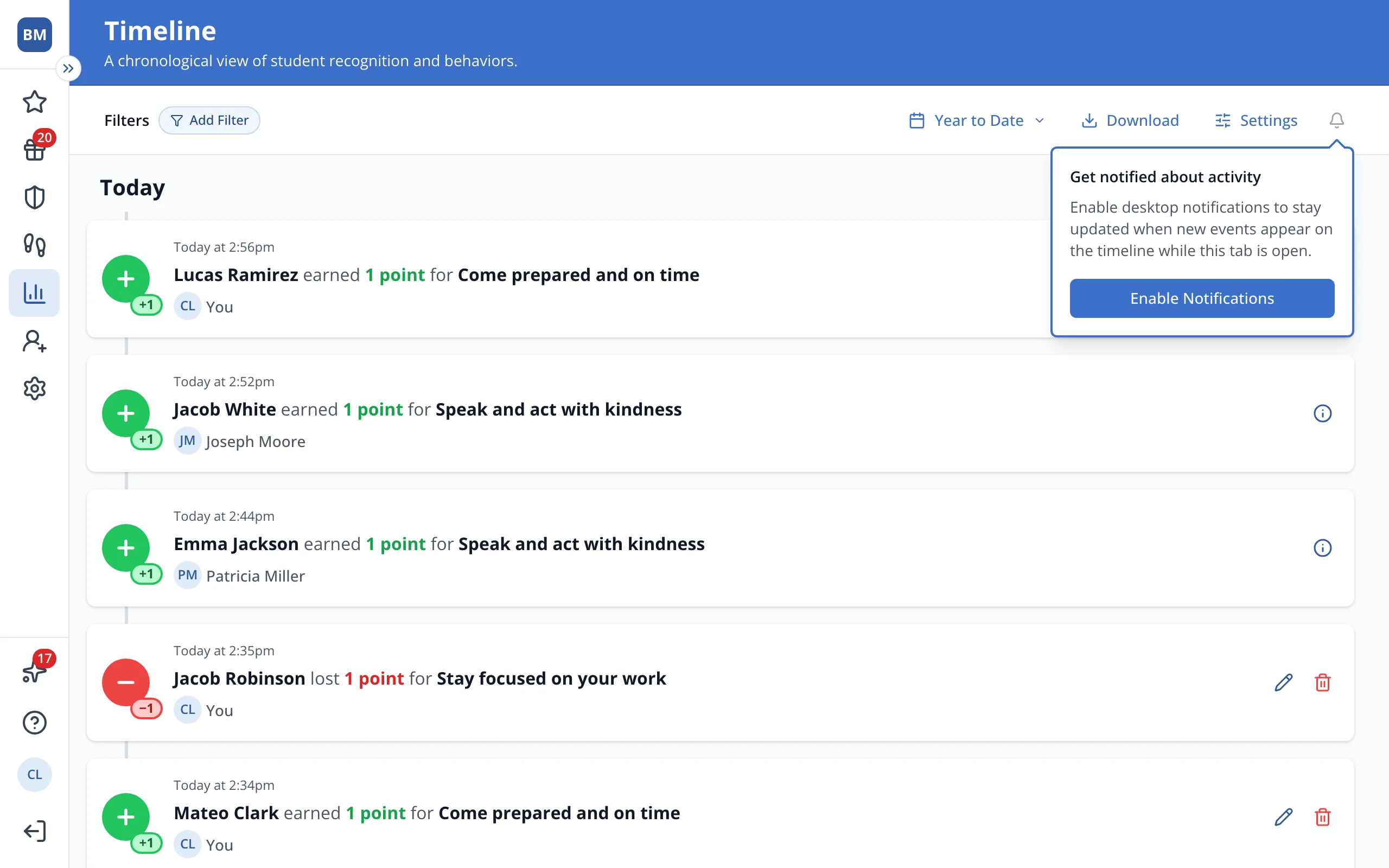
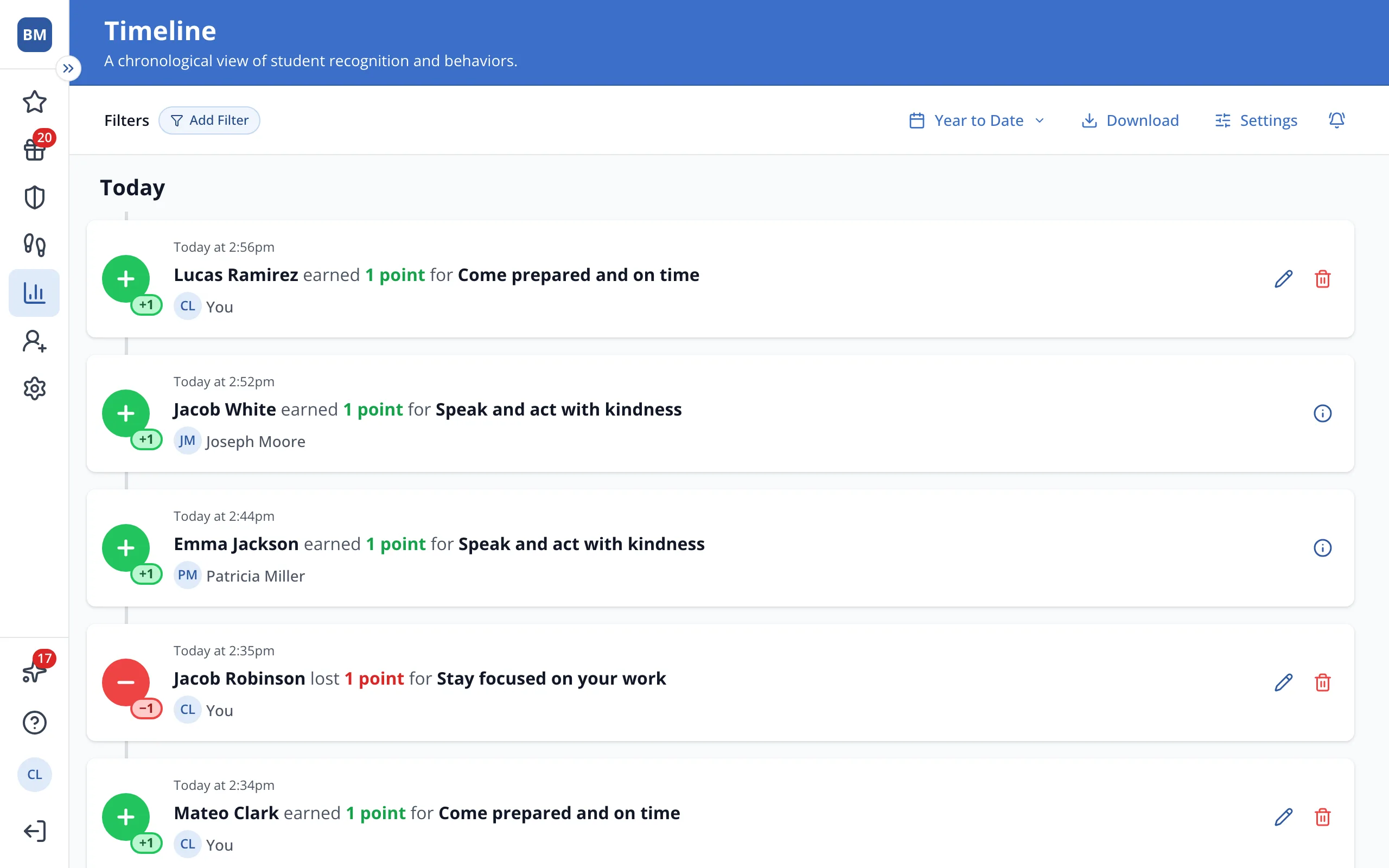
3.Click the bell again to send a test notification or turn them off.