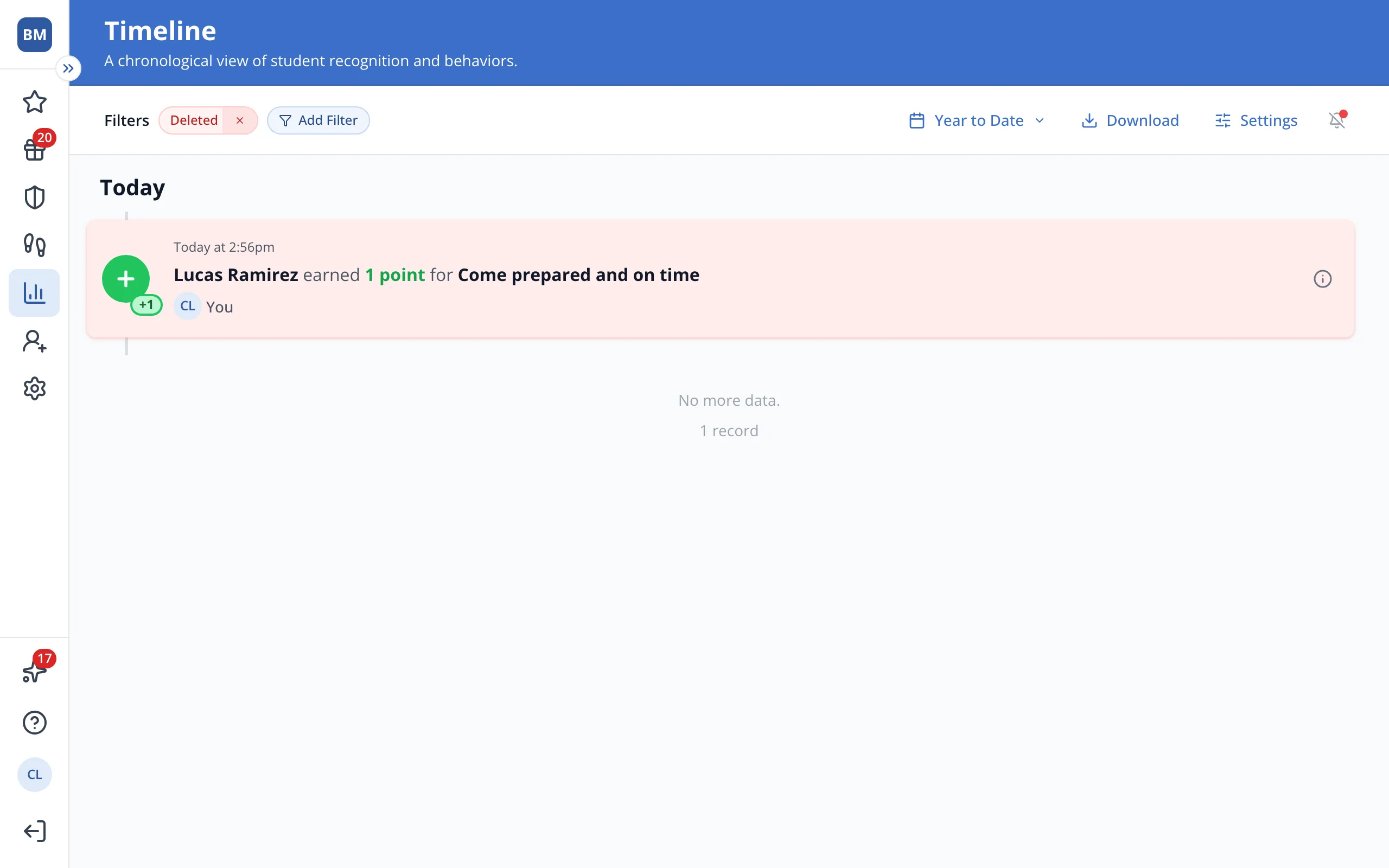
See points that were deleted
Deleted points no longer count toward any totals, but the Timeline still lists them, with who gave each one and when.
Use the Left and Right arrow keys to move between steps, and Space to play or pause.
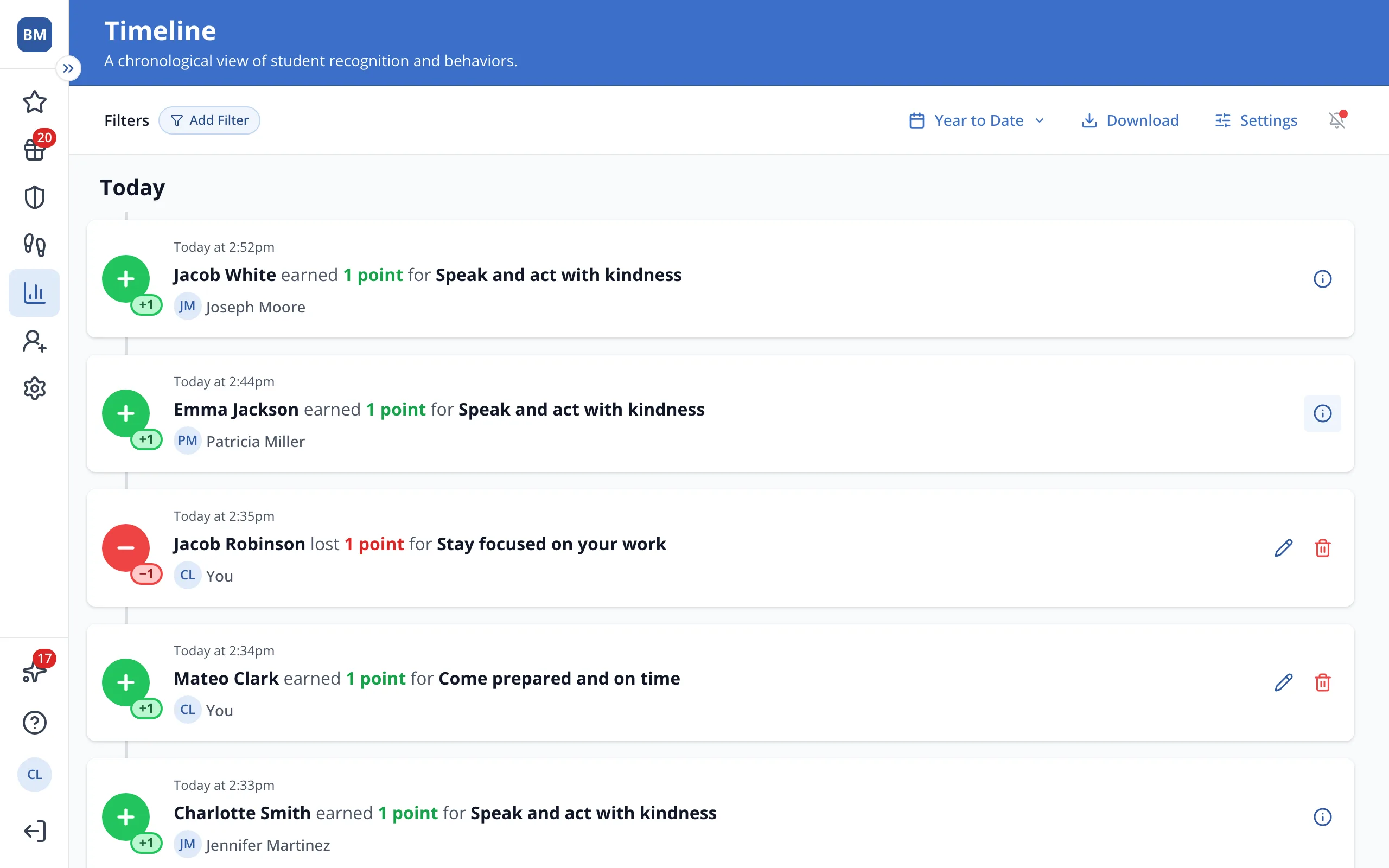
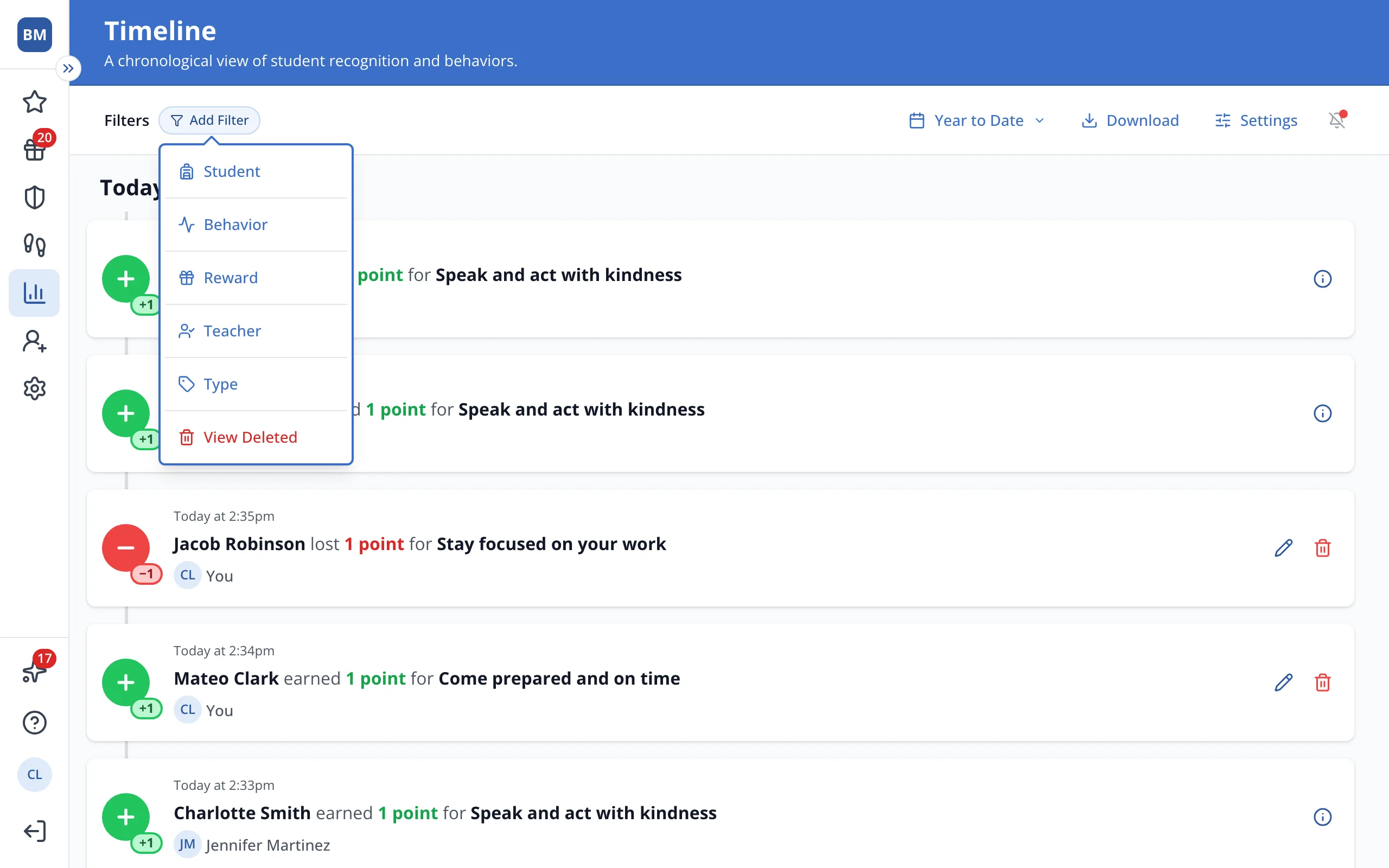
1.On the Timeline page, click Add Filter.
2.Click View Deleted.
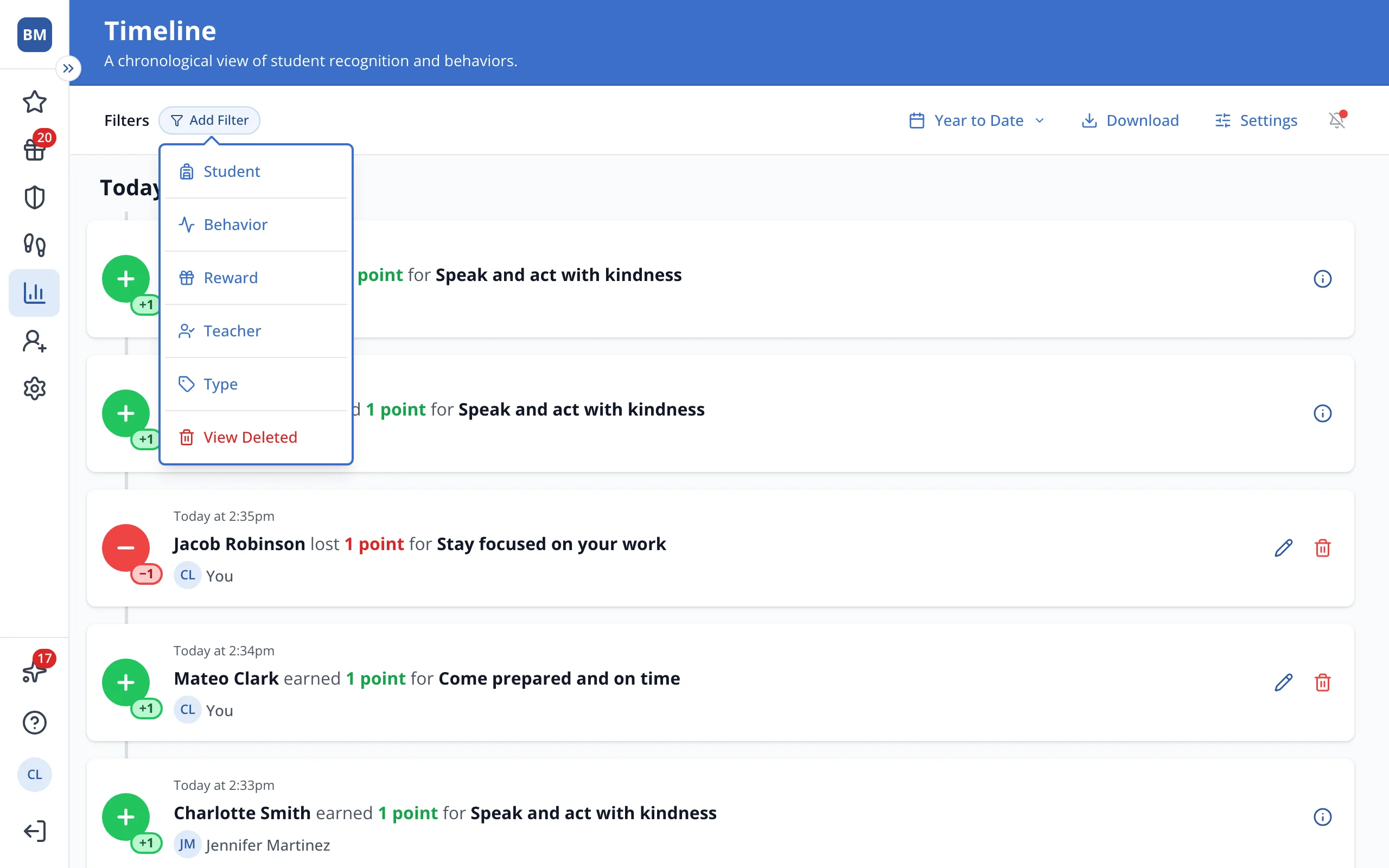
3.Deleted points can't be restored, so give the point again if it was deleted by mistake.