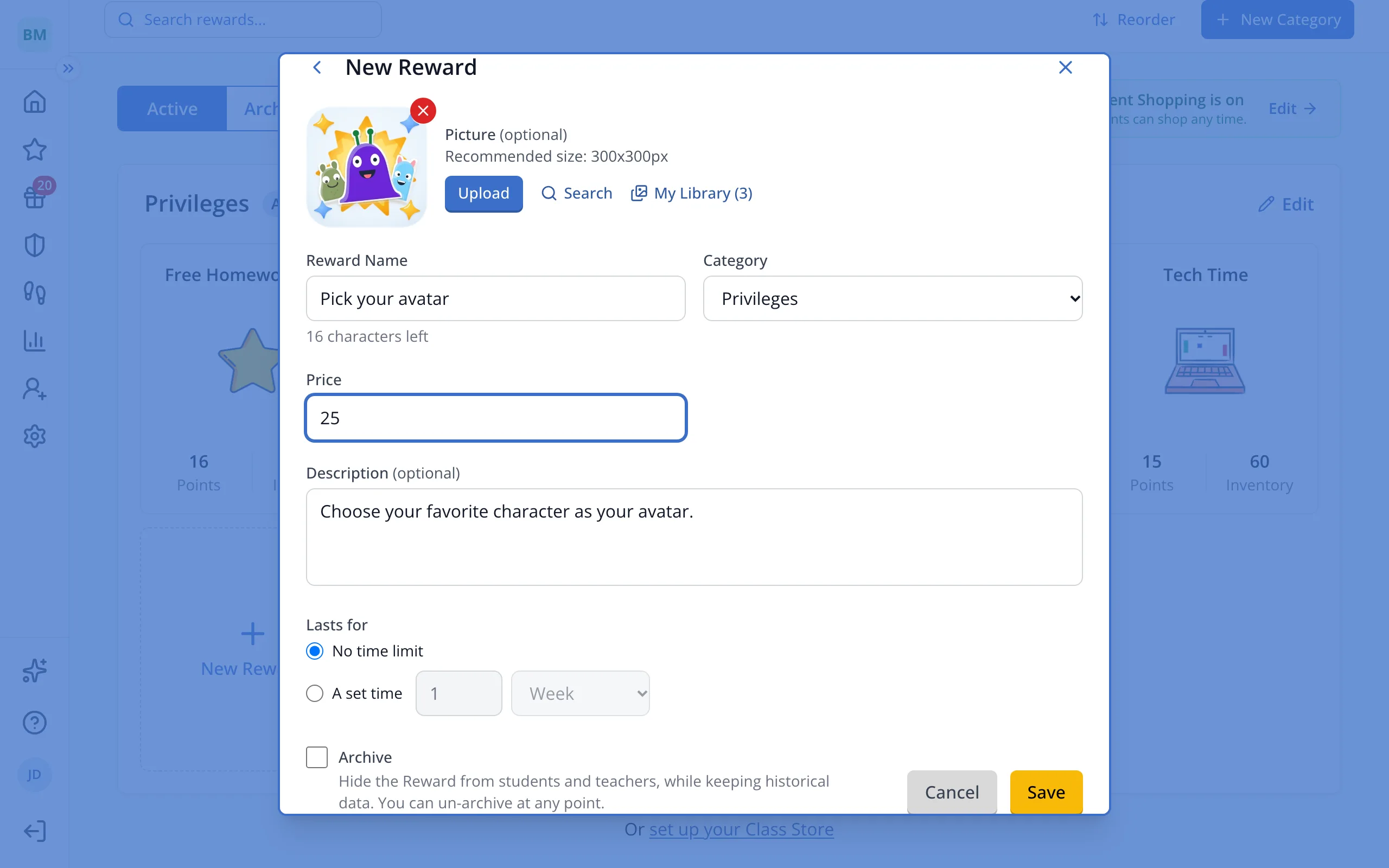
Add the pick your avatar reward to your school store
Students spend points to choose their own avatar character. It's a School Store reward only.
AdminSite Leader
Open in LiveSchool
Already signed in? Open this guide inside LiveSchool.
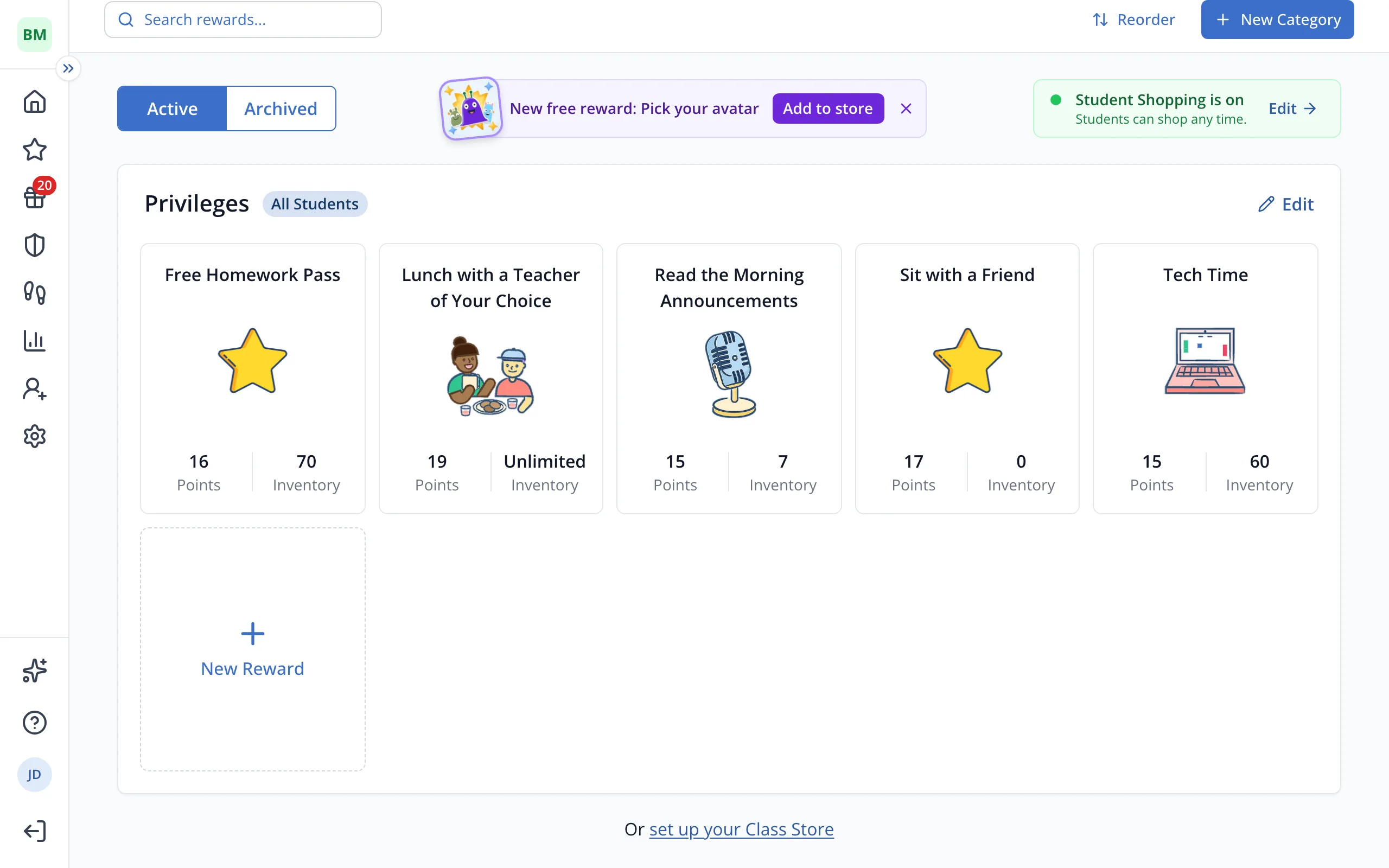
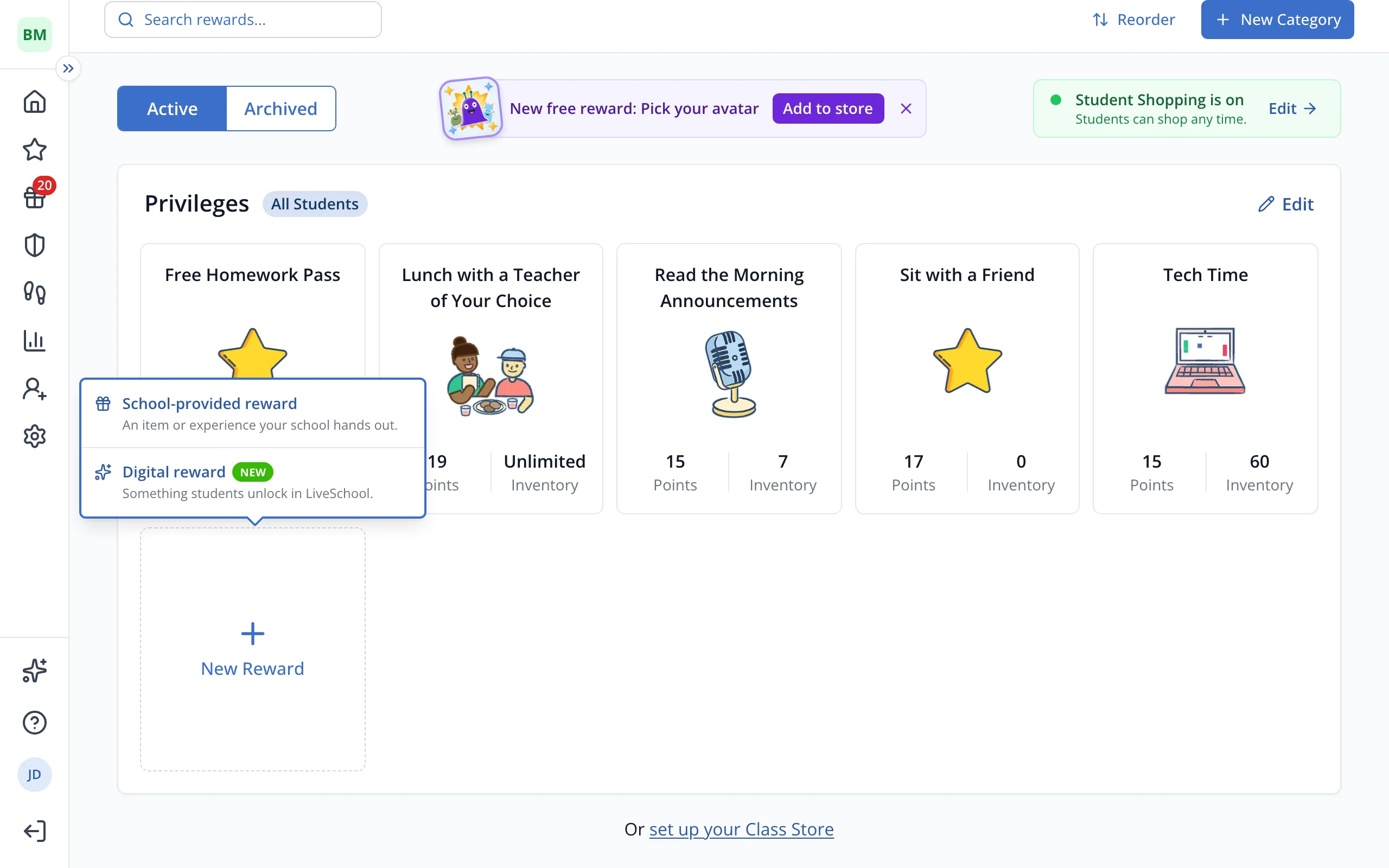
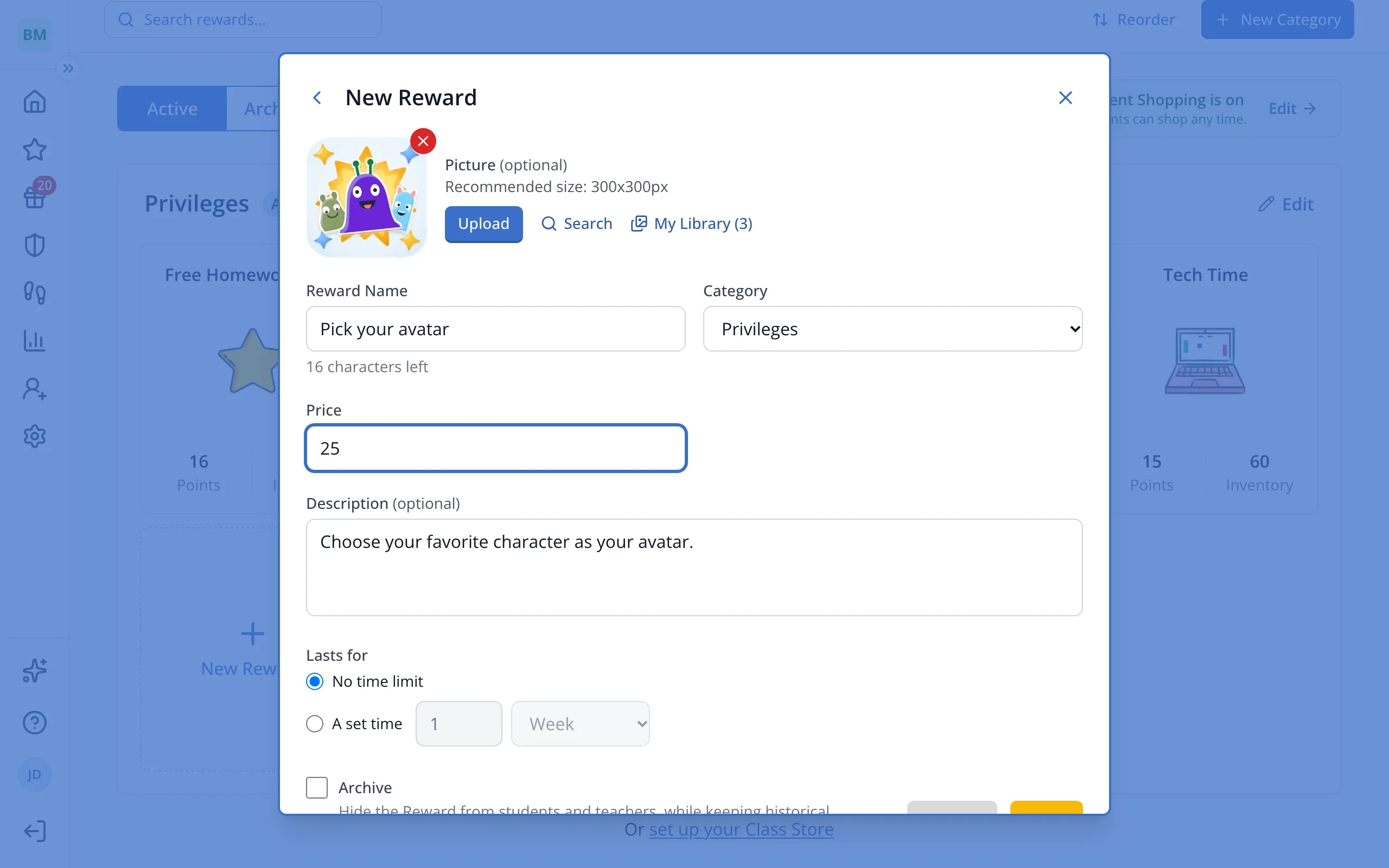
Use the Left and Right arrow keys to move between steps, and Space to play or pause.
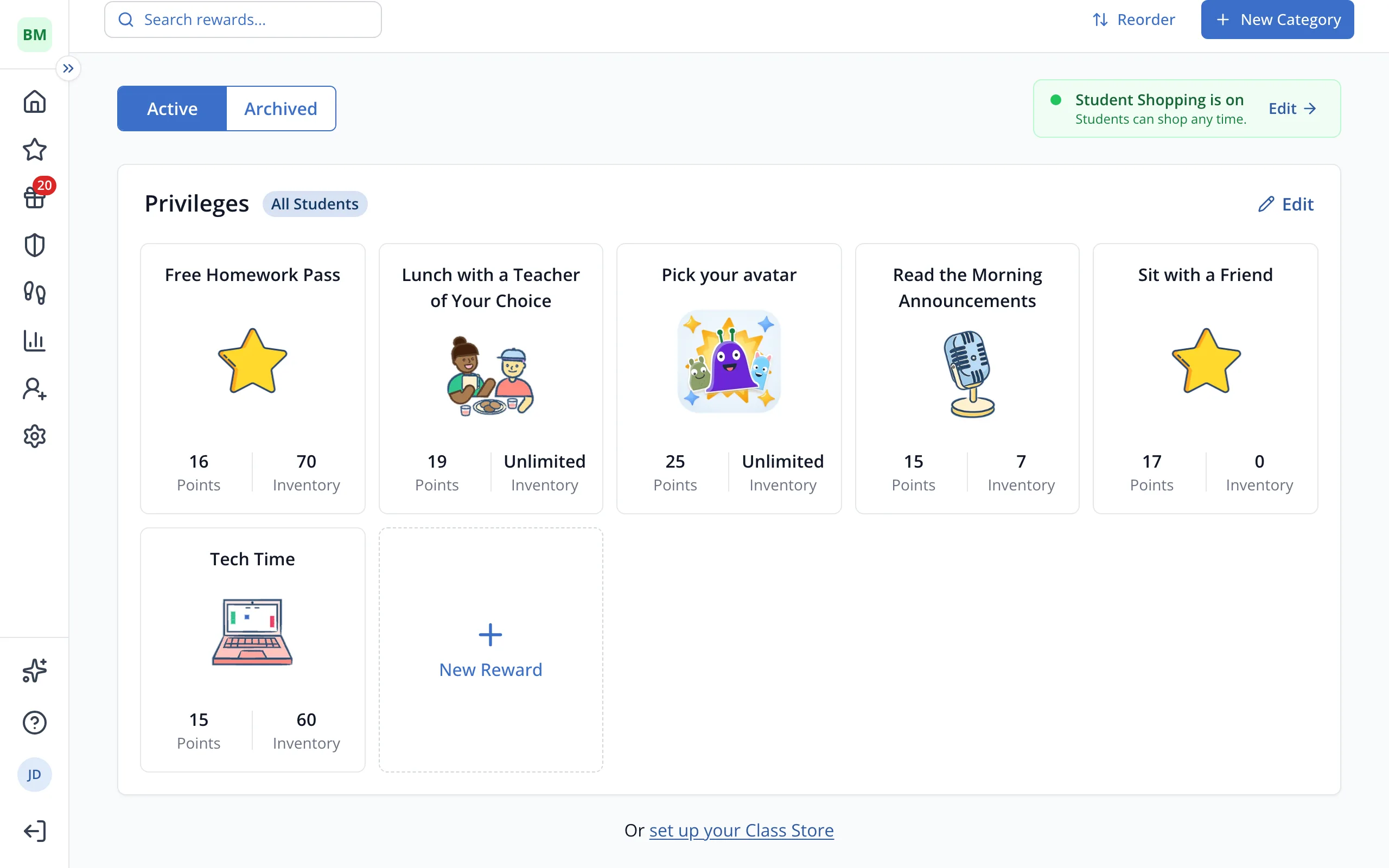
1.In the category you'd like, click New Reward.
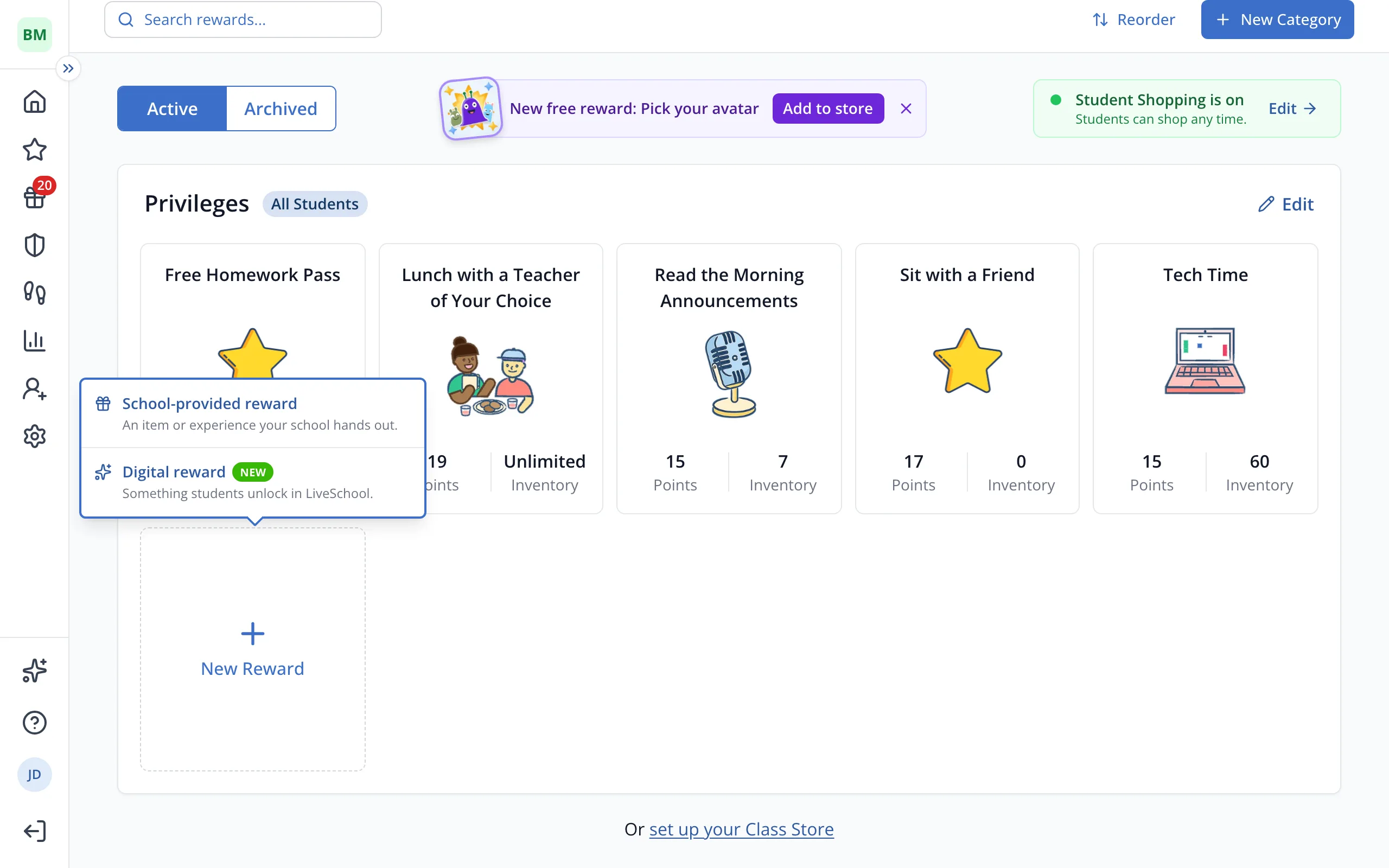
2.Click Digital reward.
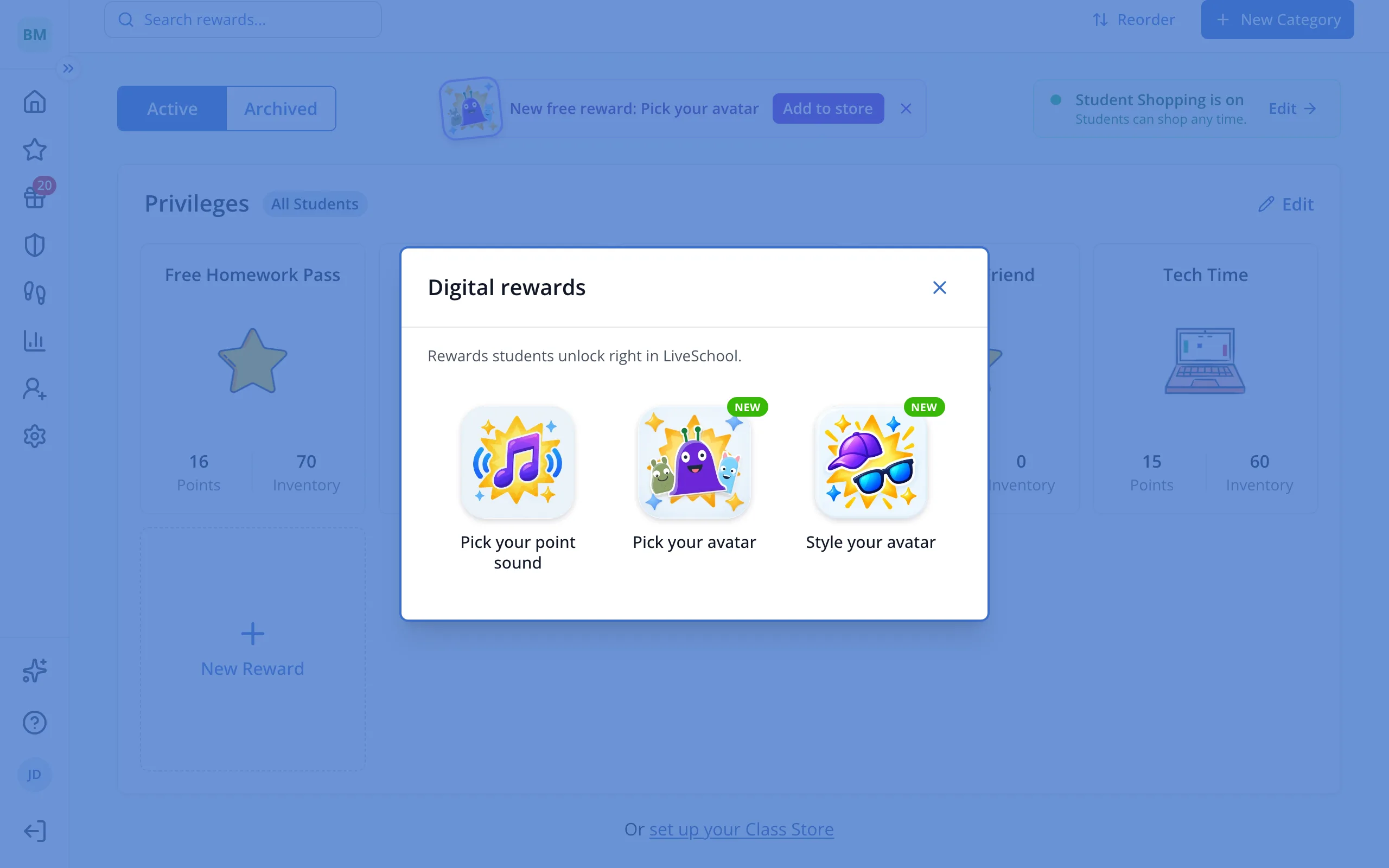
3.Click Pick your avatar.
4.Type how many points it costs in the Price box.
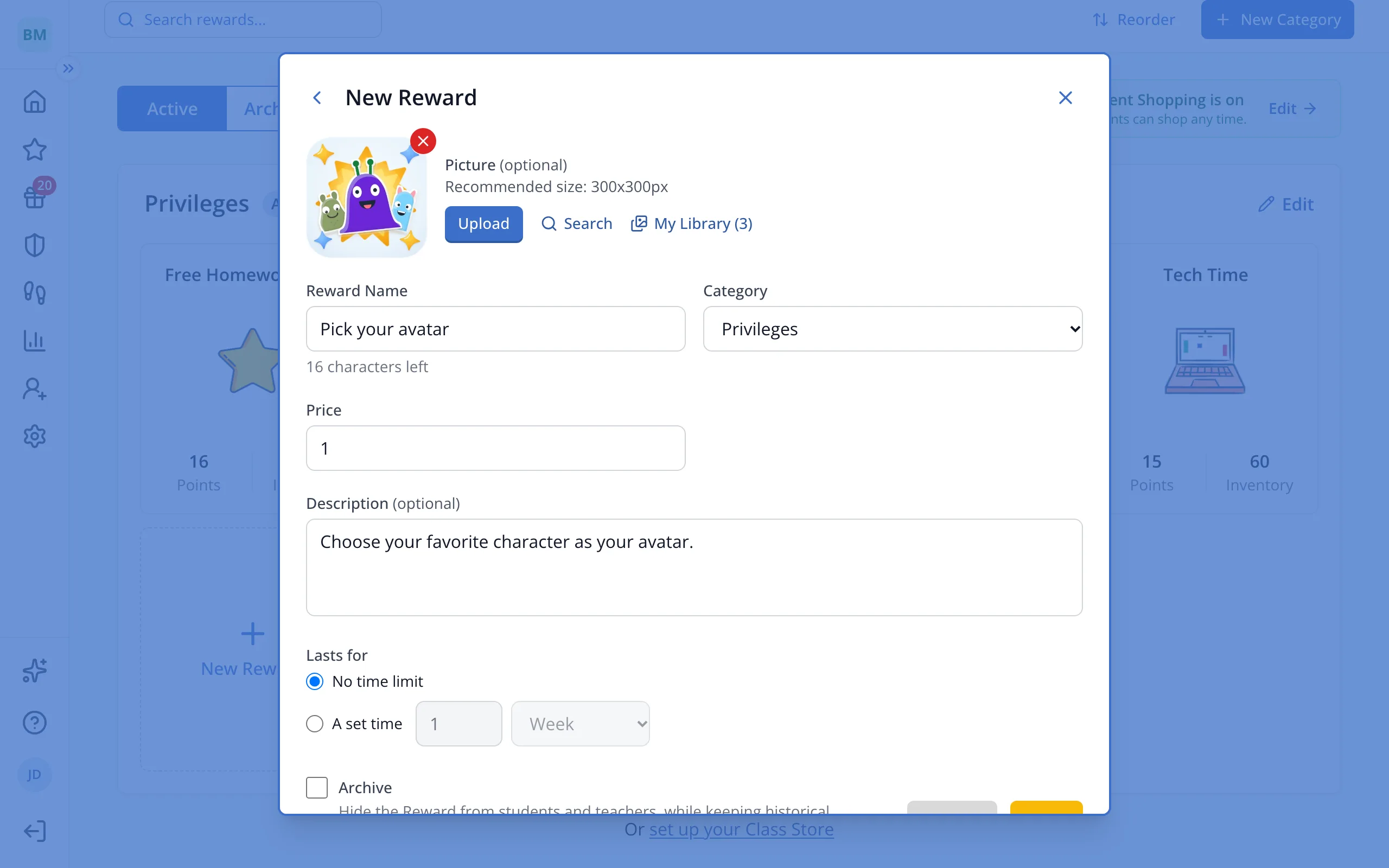
5.Click Save.