
Offer a point sound as a digital reward
Students pick a sound that plays each time they earn a point, for as long as you set.
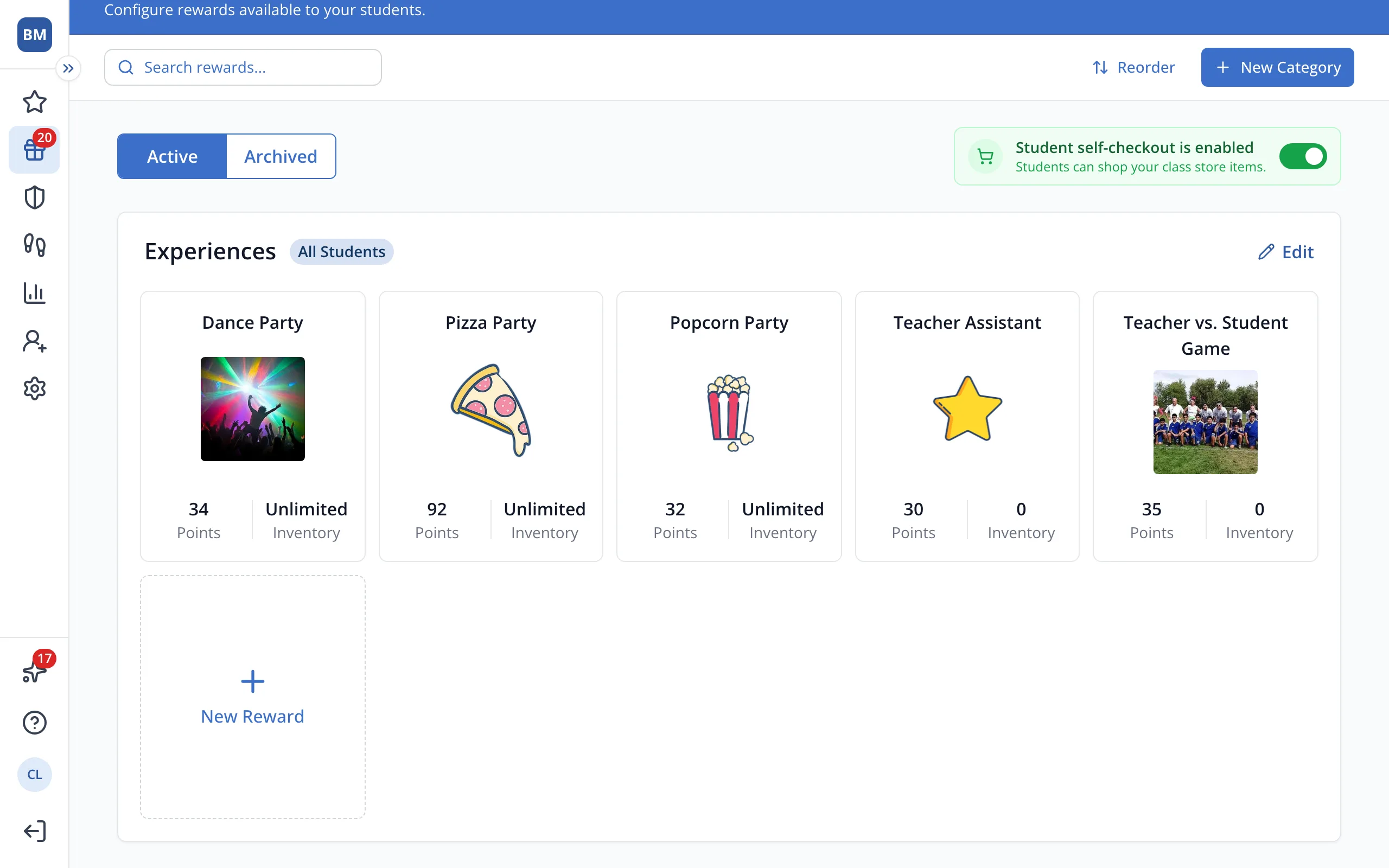
1 / 6On your store page, click New Reward.
1.On your store page, click New Reward.
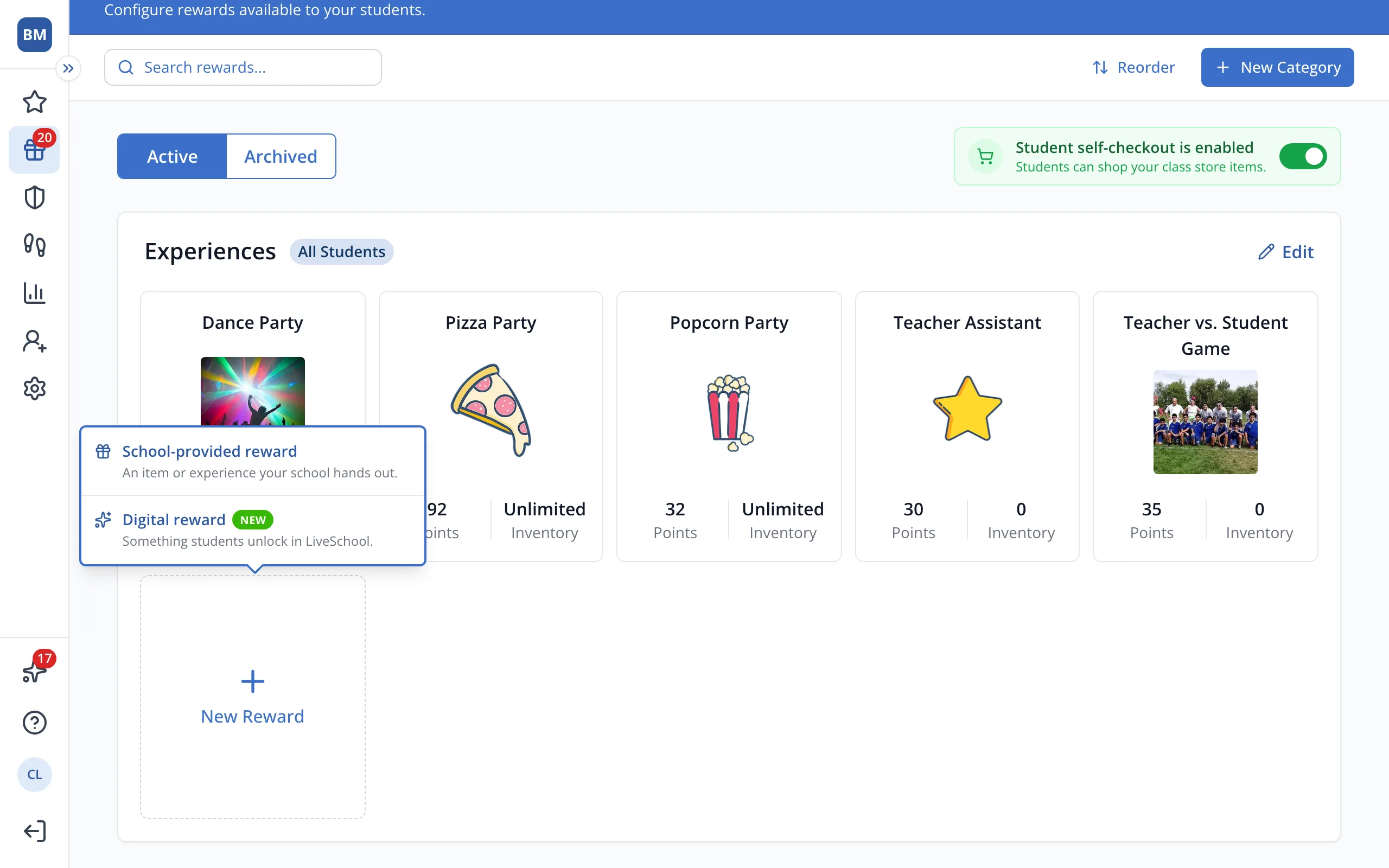
2.Click Digital reward.
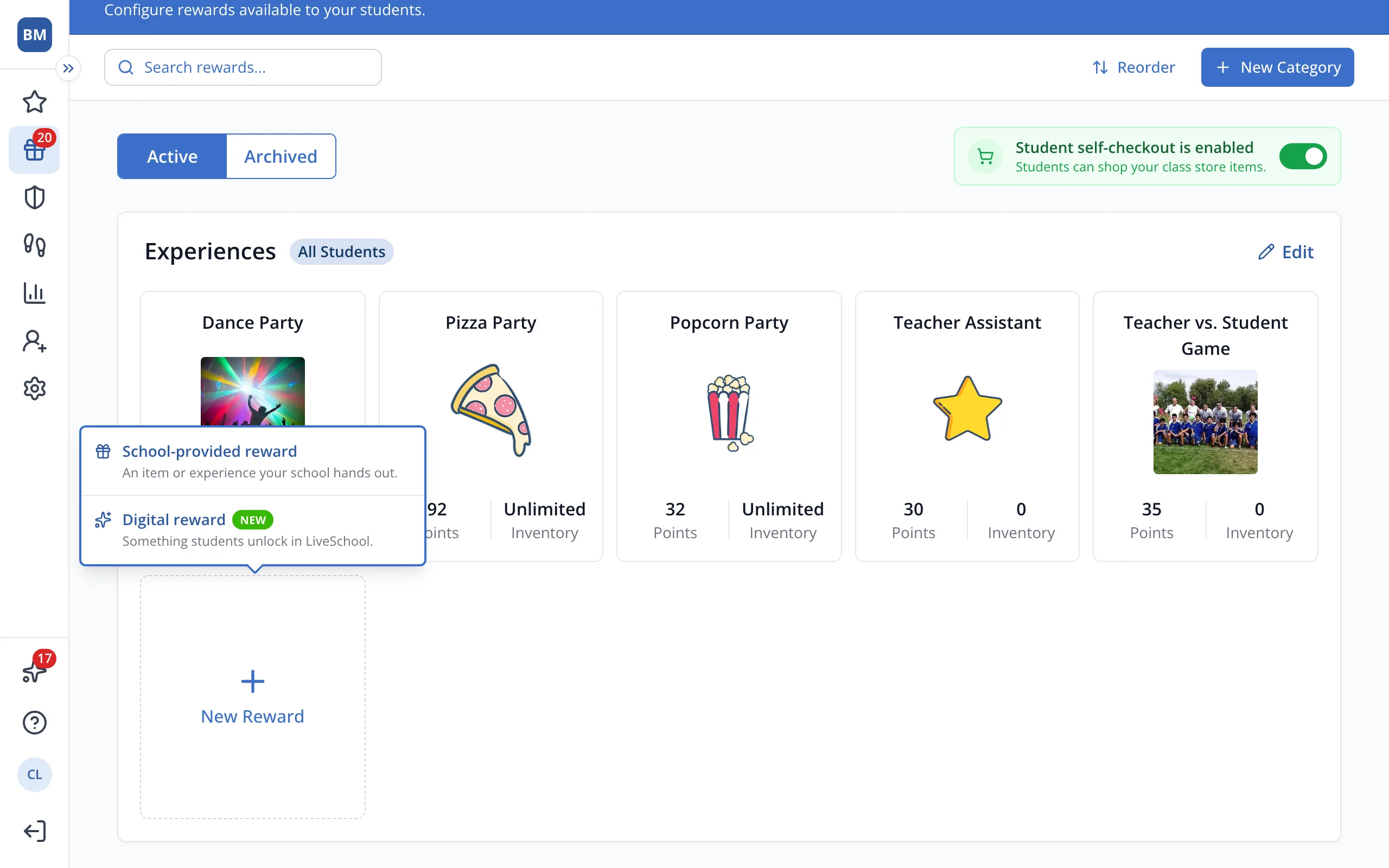
3.Click Pick your point sound.
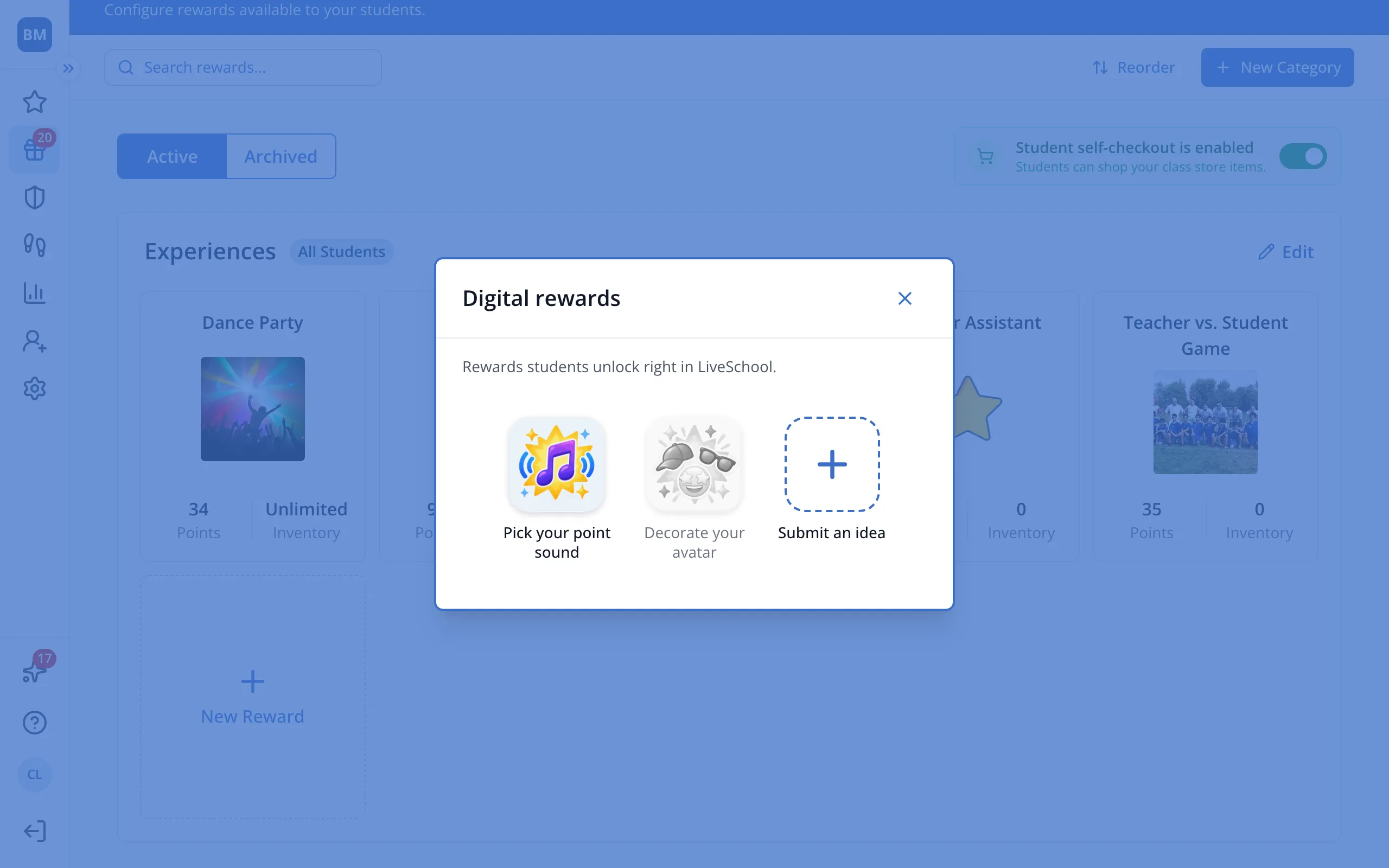
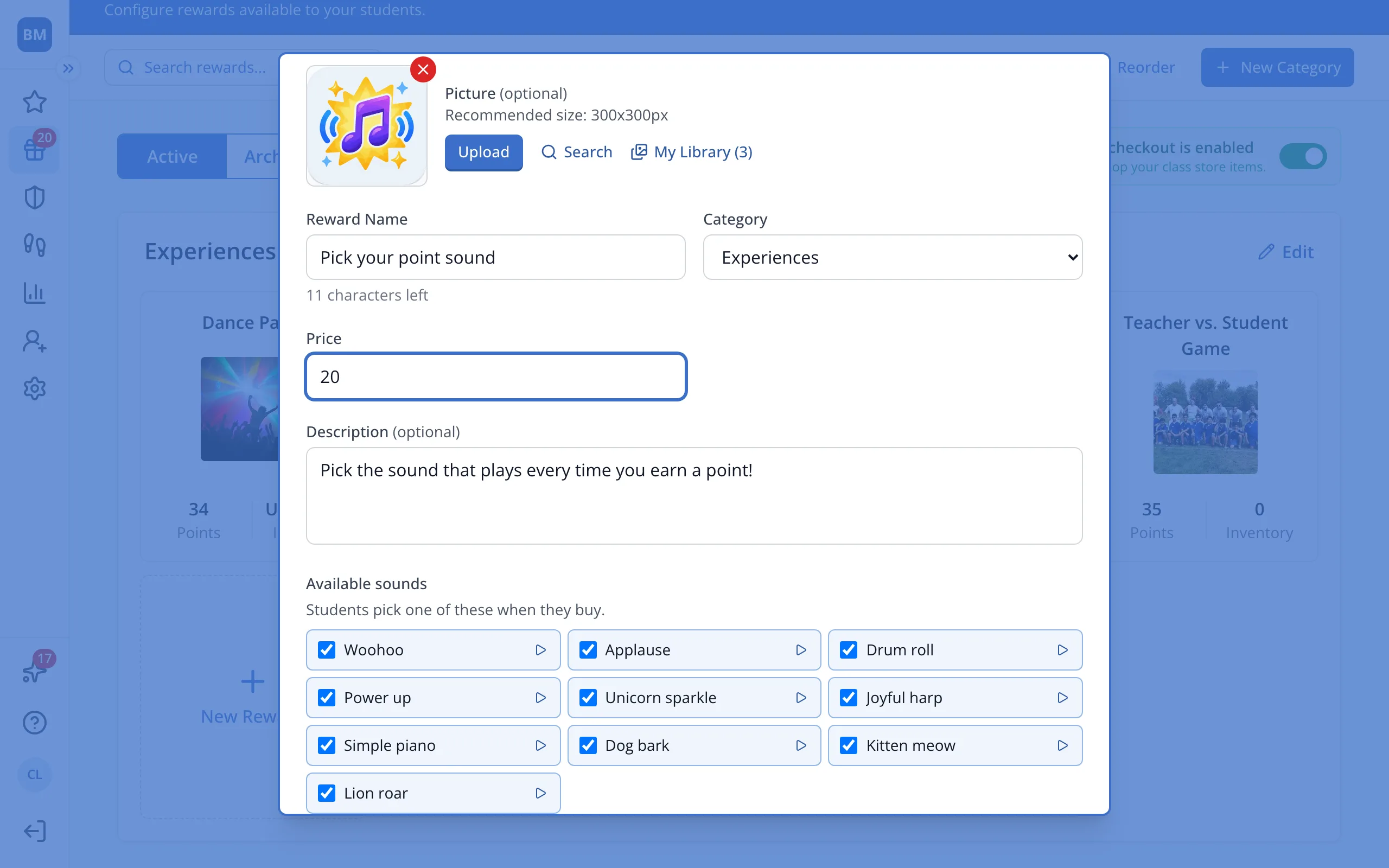
4.Type its price in points.
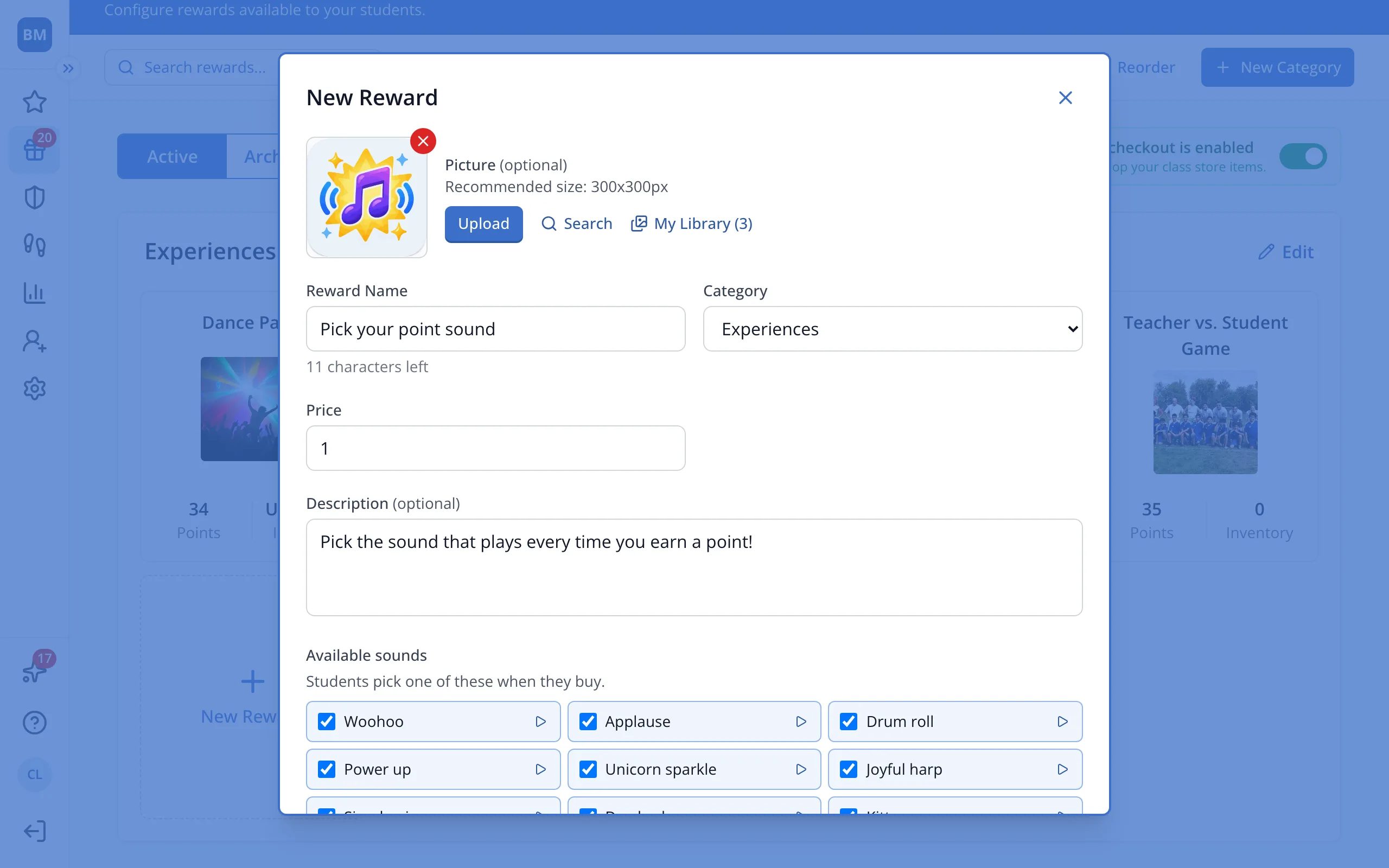
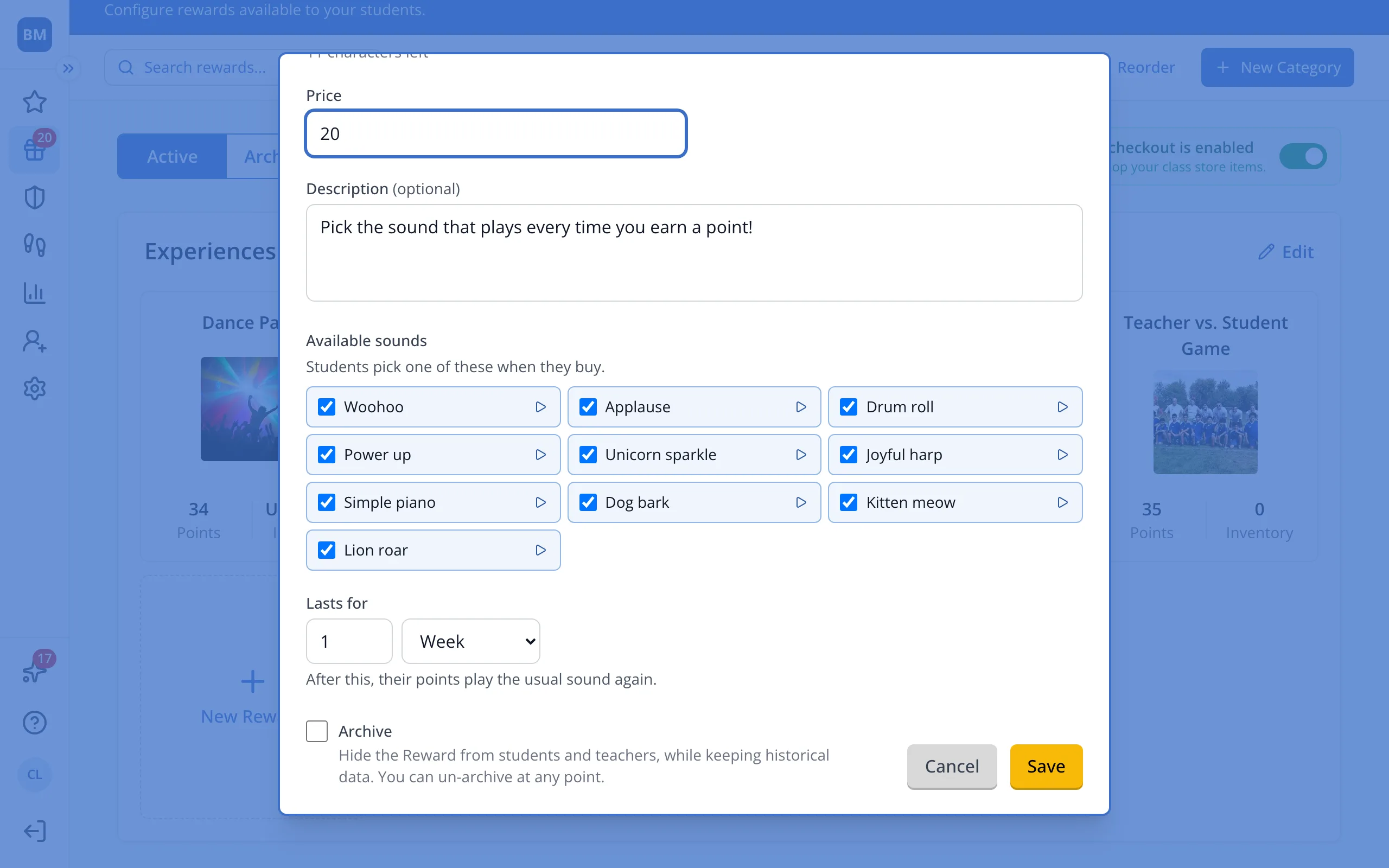
5.Uncheck any sounds students shouldn't pick, and choose how long it lasts.
6.Click Save.
Was this helpful?