
Add a picture to a reward
A picture helps students, especially younger ones, recognize the reward.
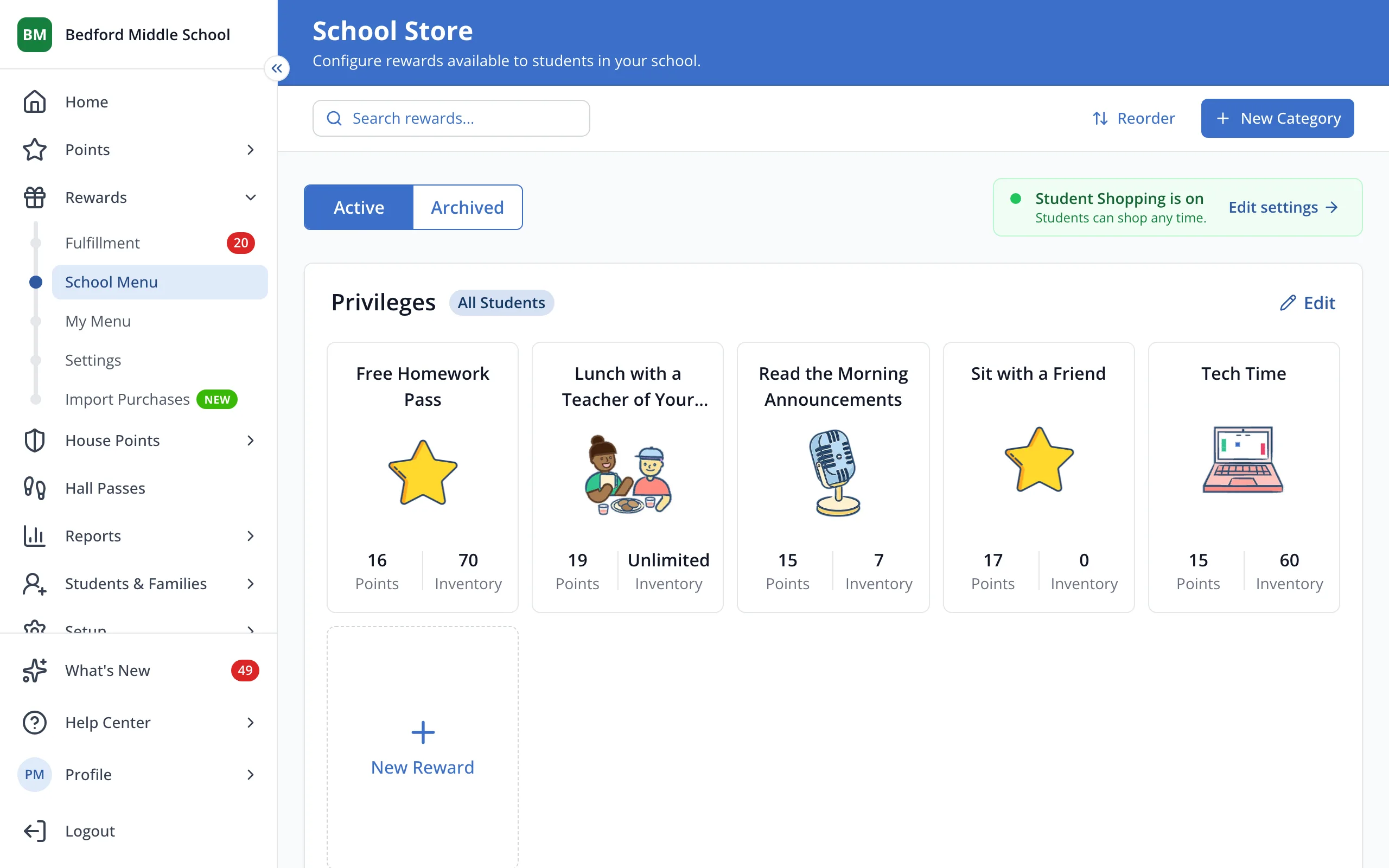
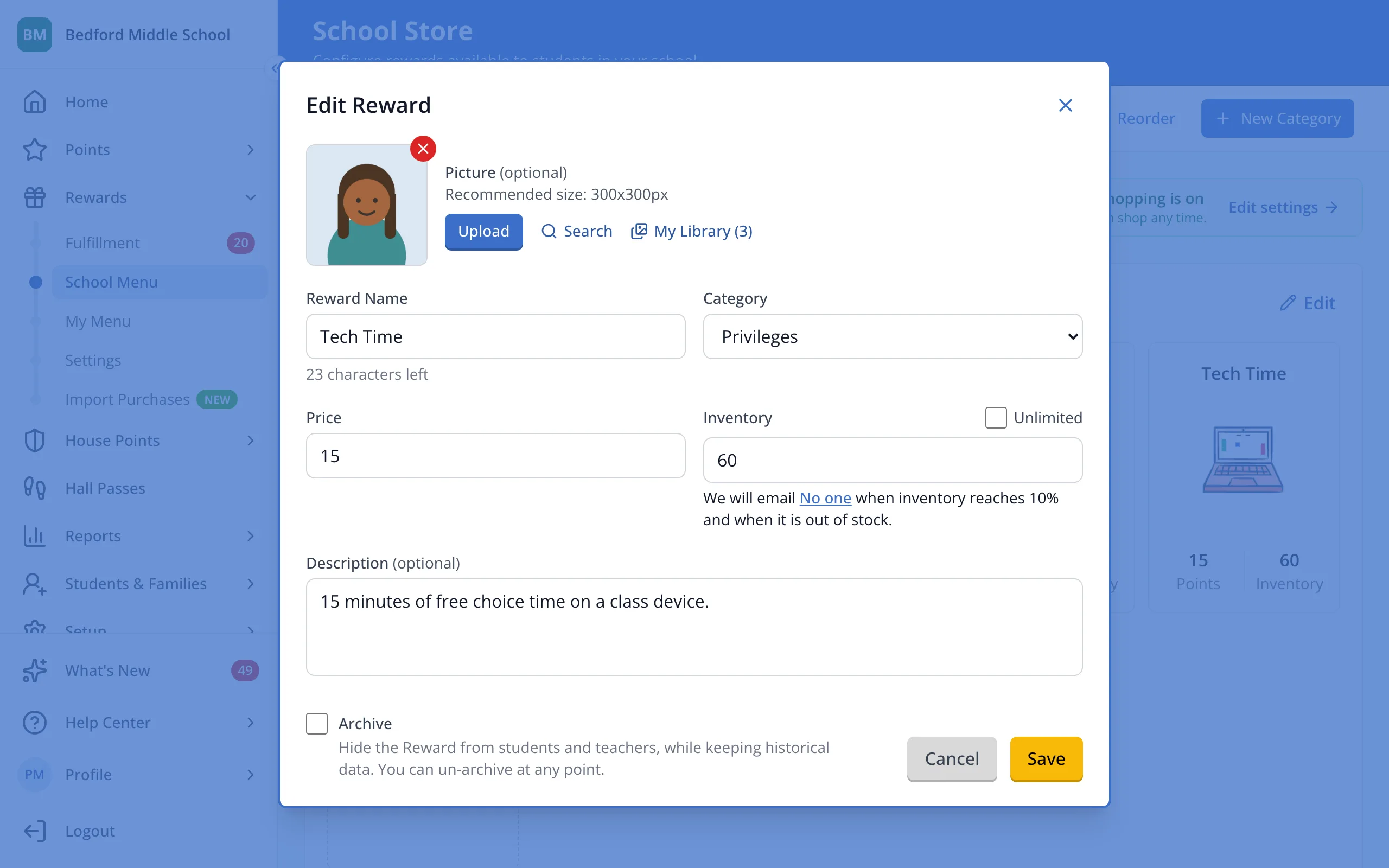
1 / 5On your store page, click the reward.
1.On your store page, click the reward.
2.Click Search to find a picture, or Upload to use your own.
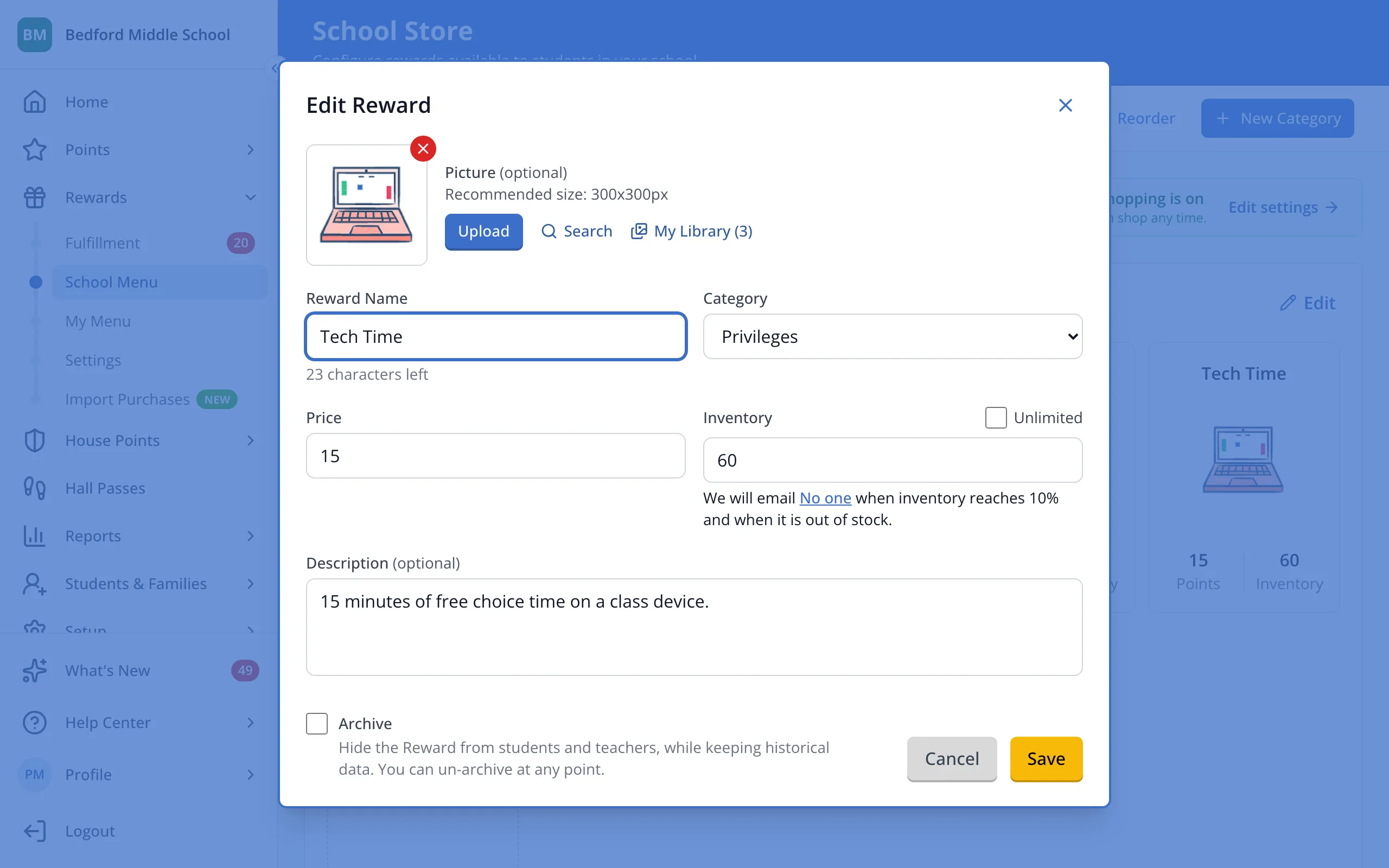
3.Click the picture you'd like.
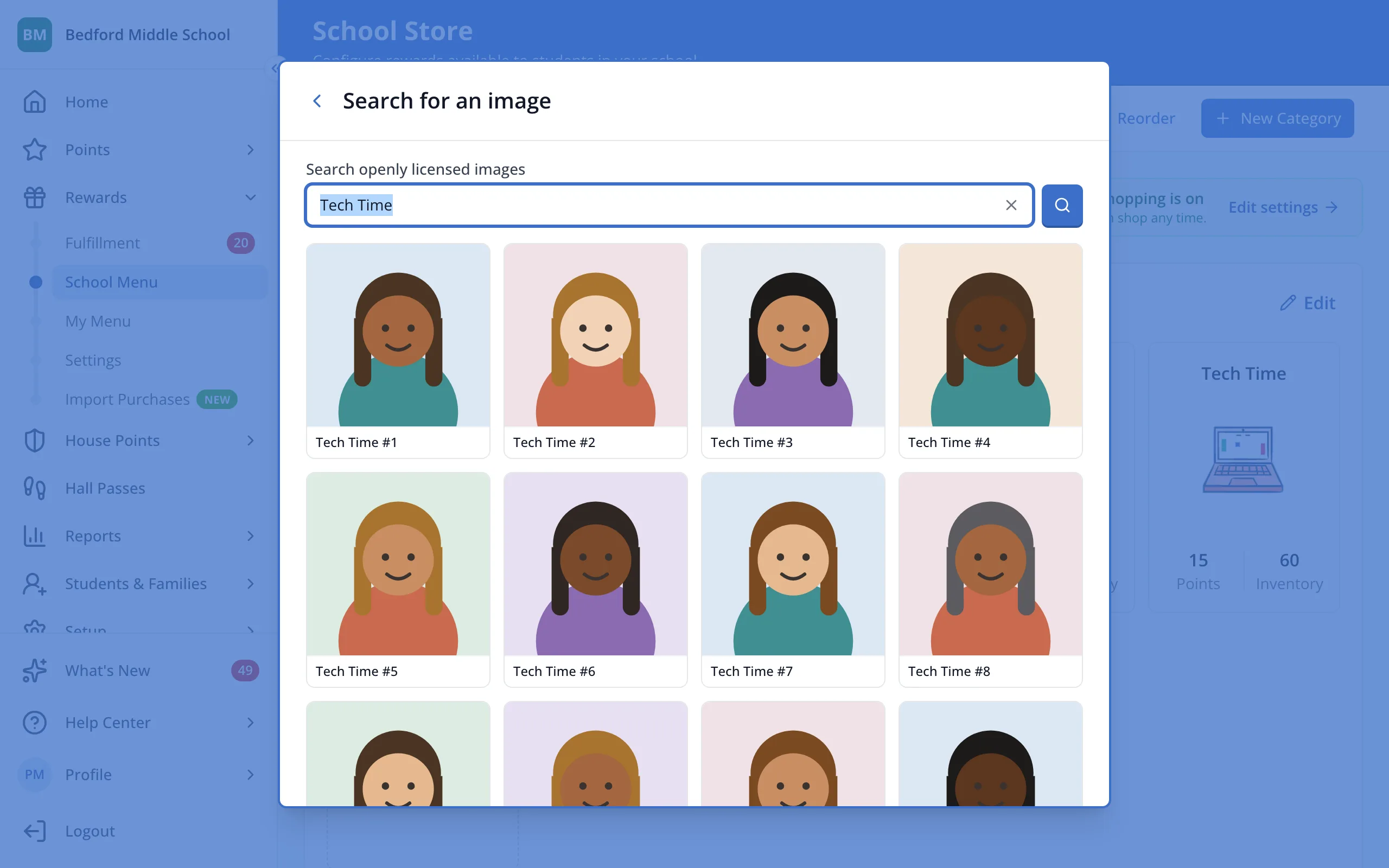
4.Zoom or drag to frame it, then click Use image.
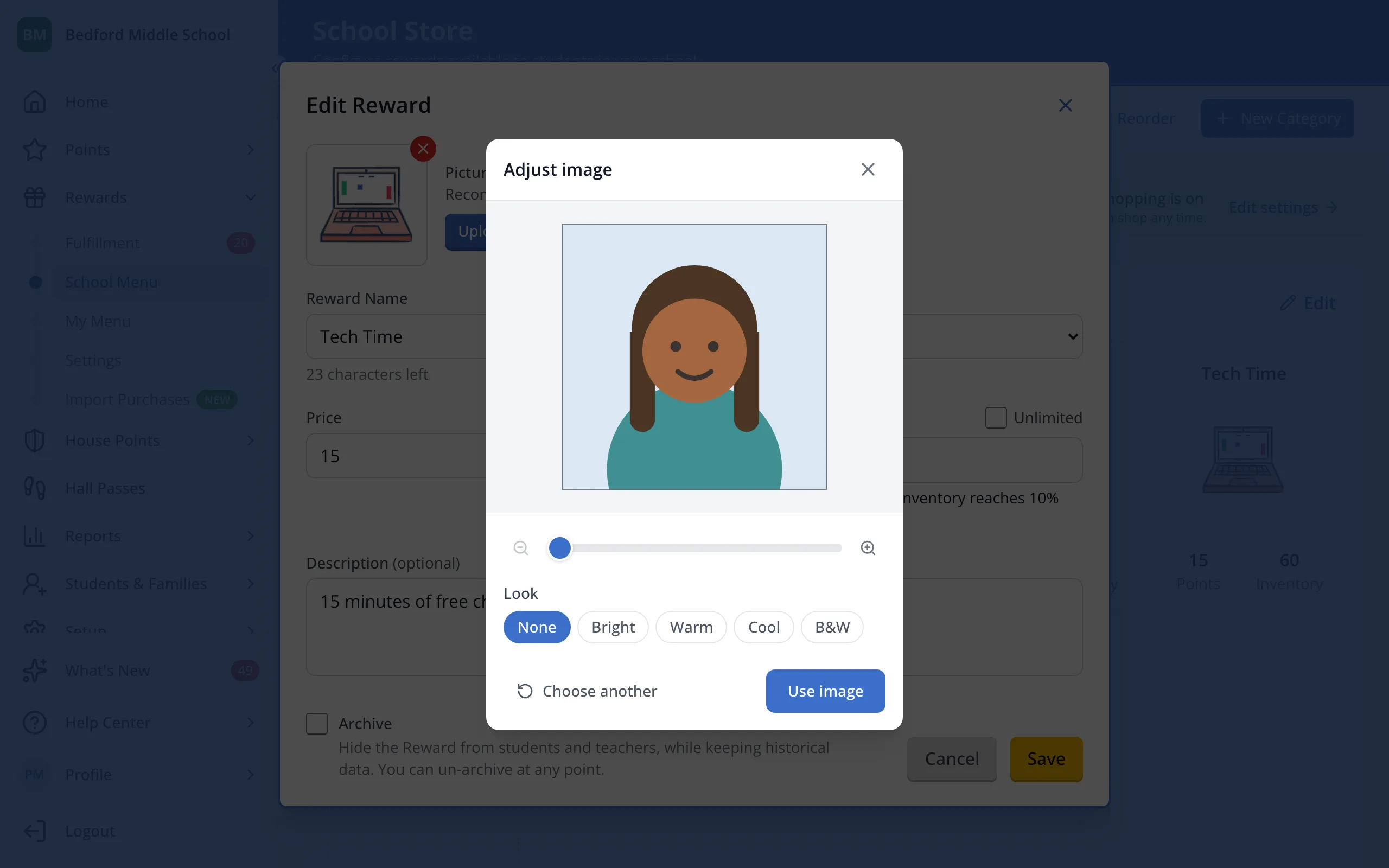
5.Click Save.
Was this helpful?