
Let teachers create their own stores
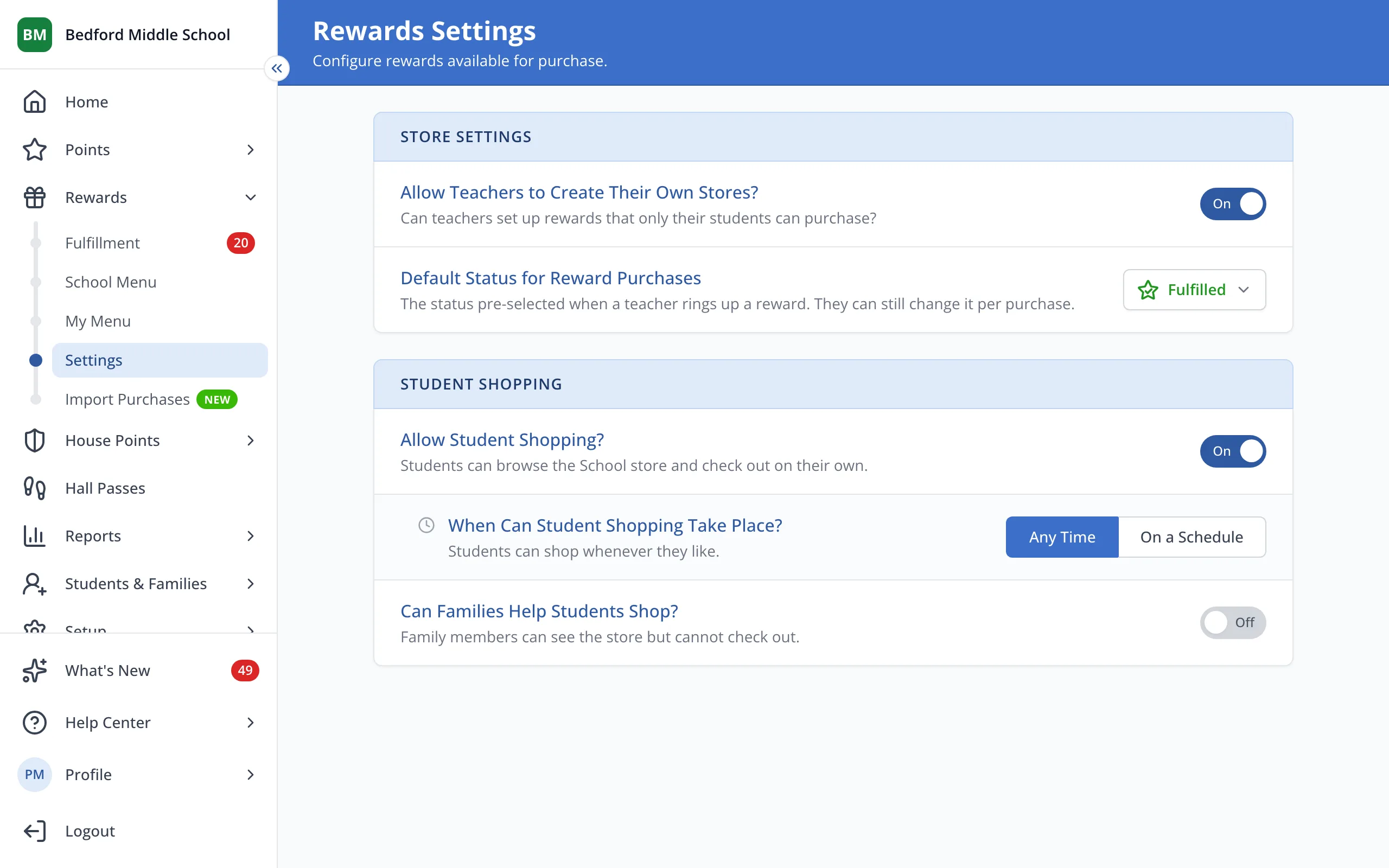
Teacher stores will display for students similarly to the school store. Only a teacher's own students can buy from their store.
AdminSite Leader
Open in LiveSchool
Already signed in? Open this guide inside LiveSchool.
Use the Left and Right arrow keys to move between steps, and Space to play or pause.
1.On the Rewards Settings page, turn Allow teachers to create their own stores on or off.