Archive or restore a reward
Archived rewards are hidden from students and teachers but keep their history. Restore one any time.
Open in LiveSchool
Already signed in? Open this guide inside LiveSchool.
Use the Left and Right arrow keys to move between steps, and Space to play or pause.
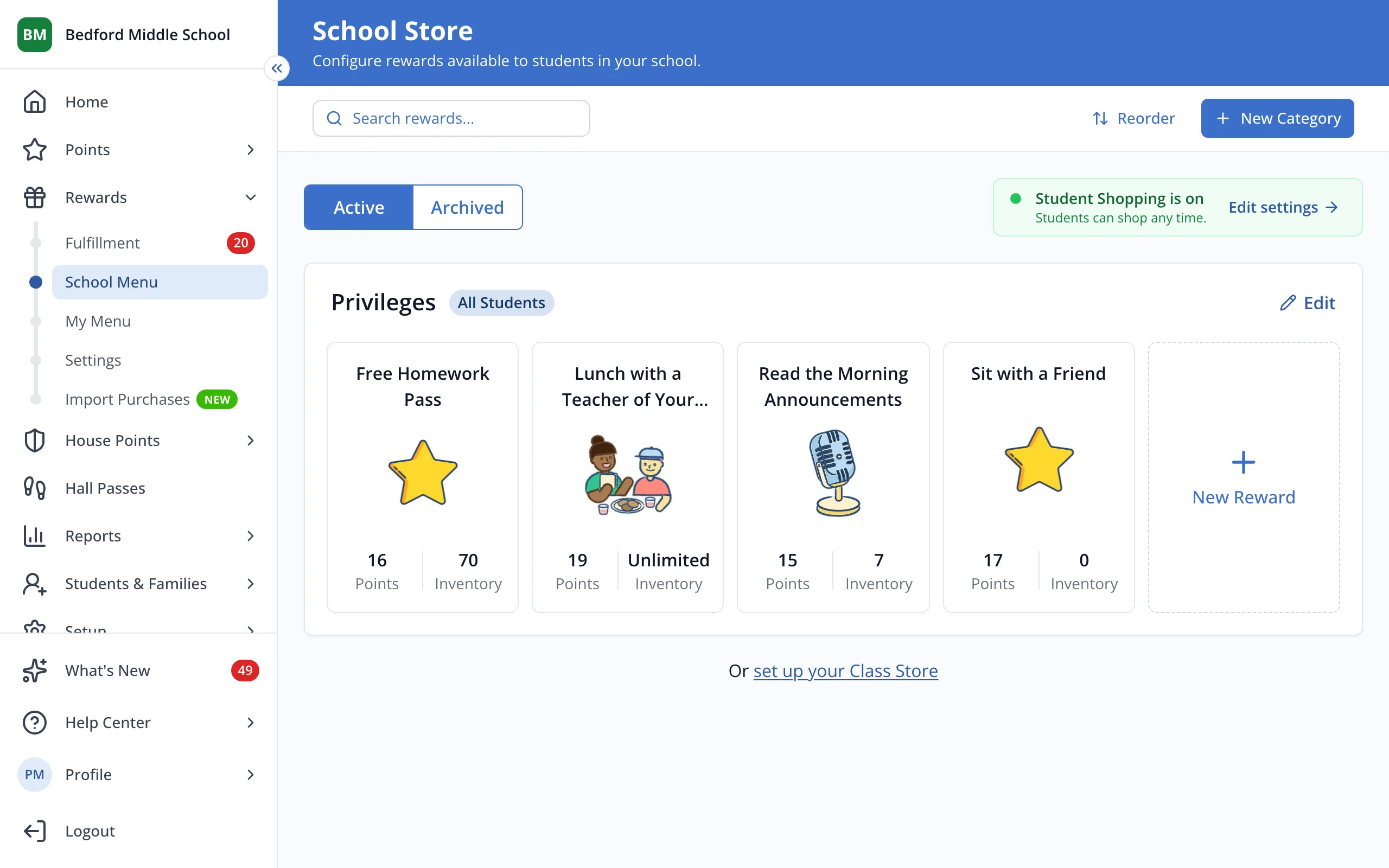
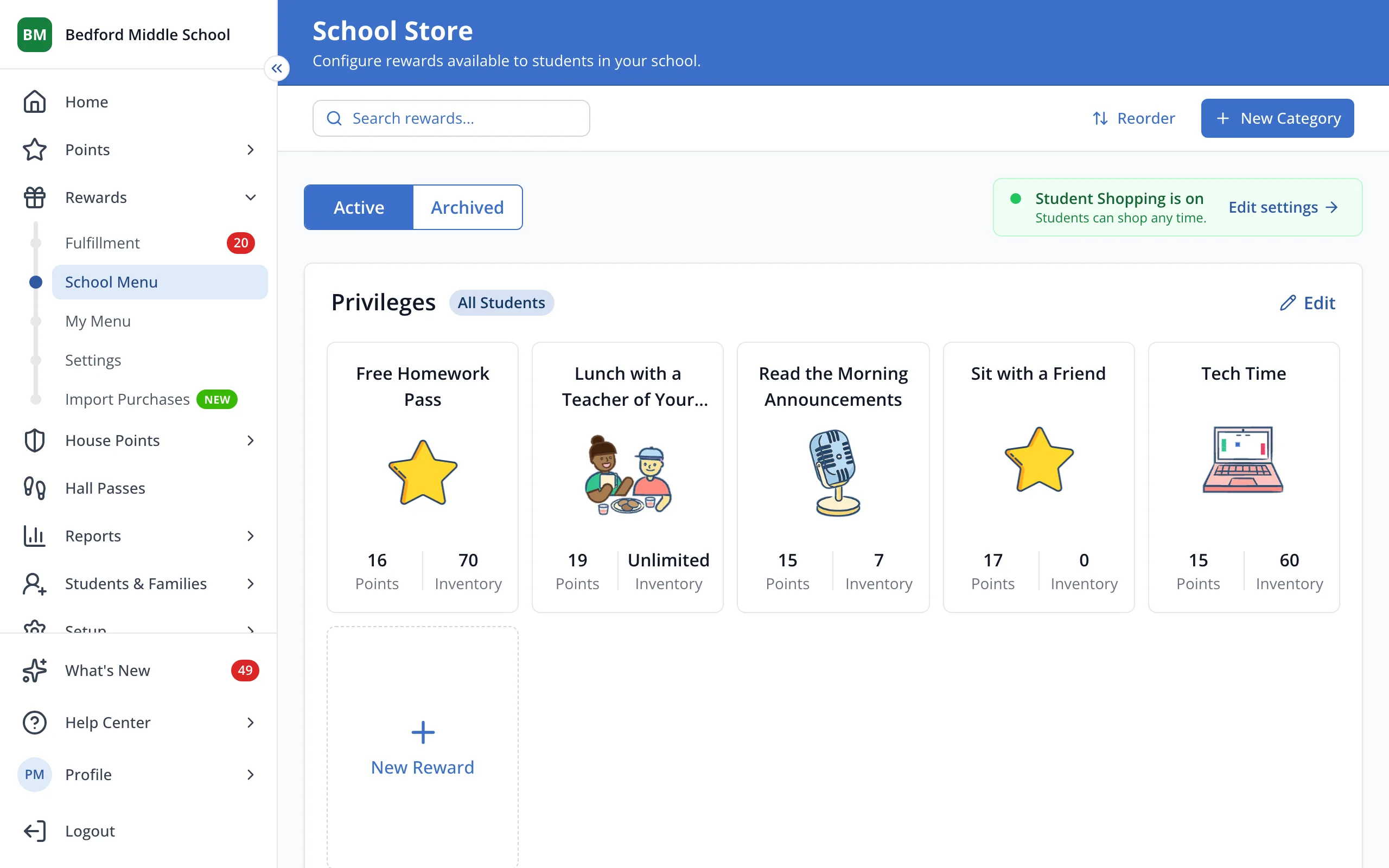
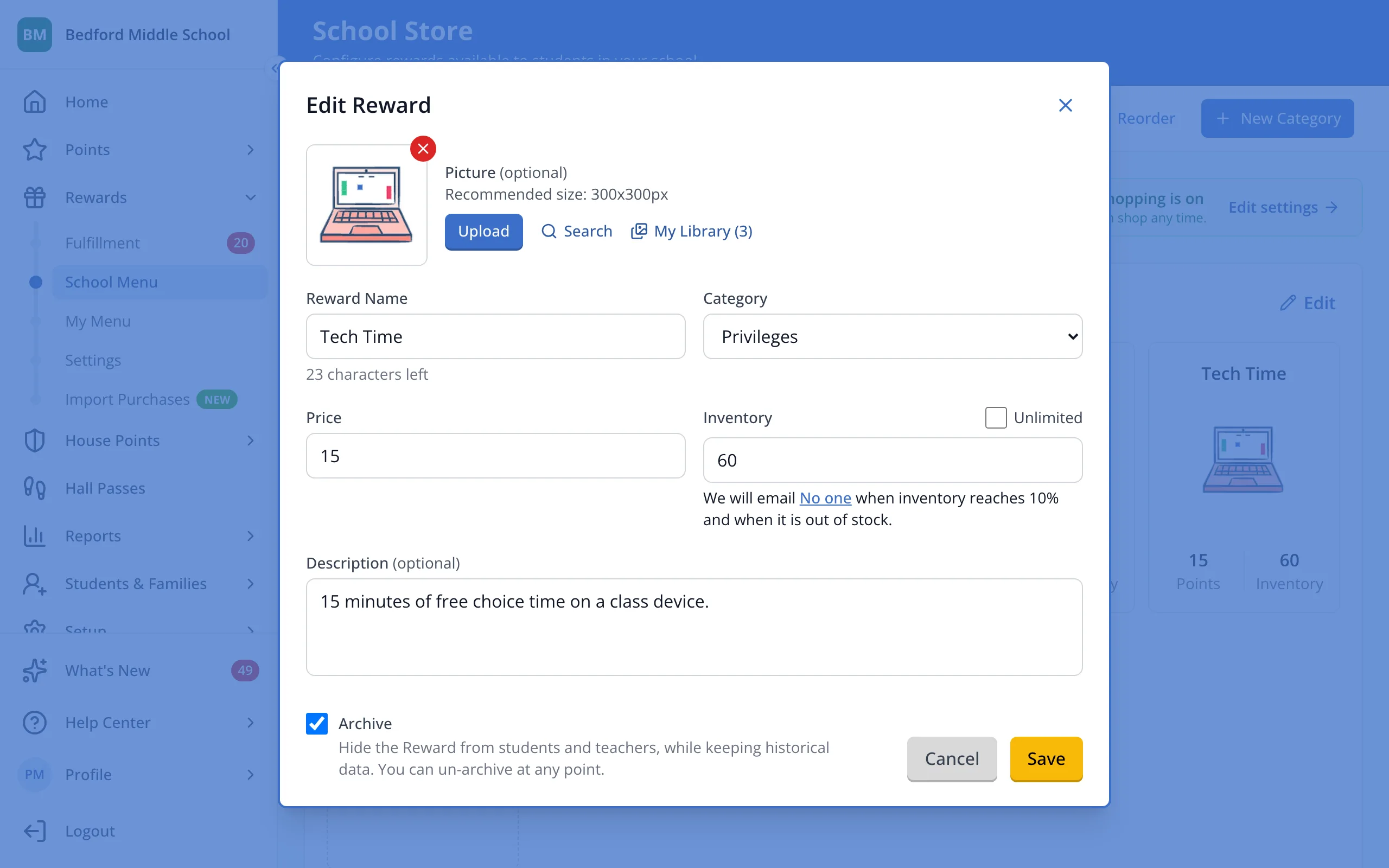
1.On your store page, click the reward.
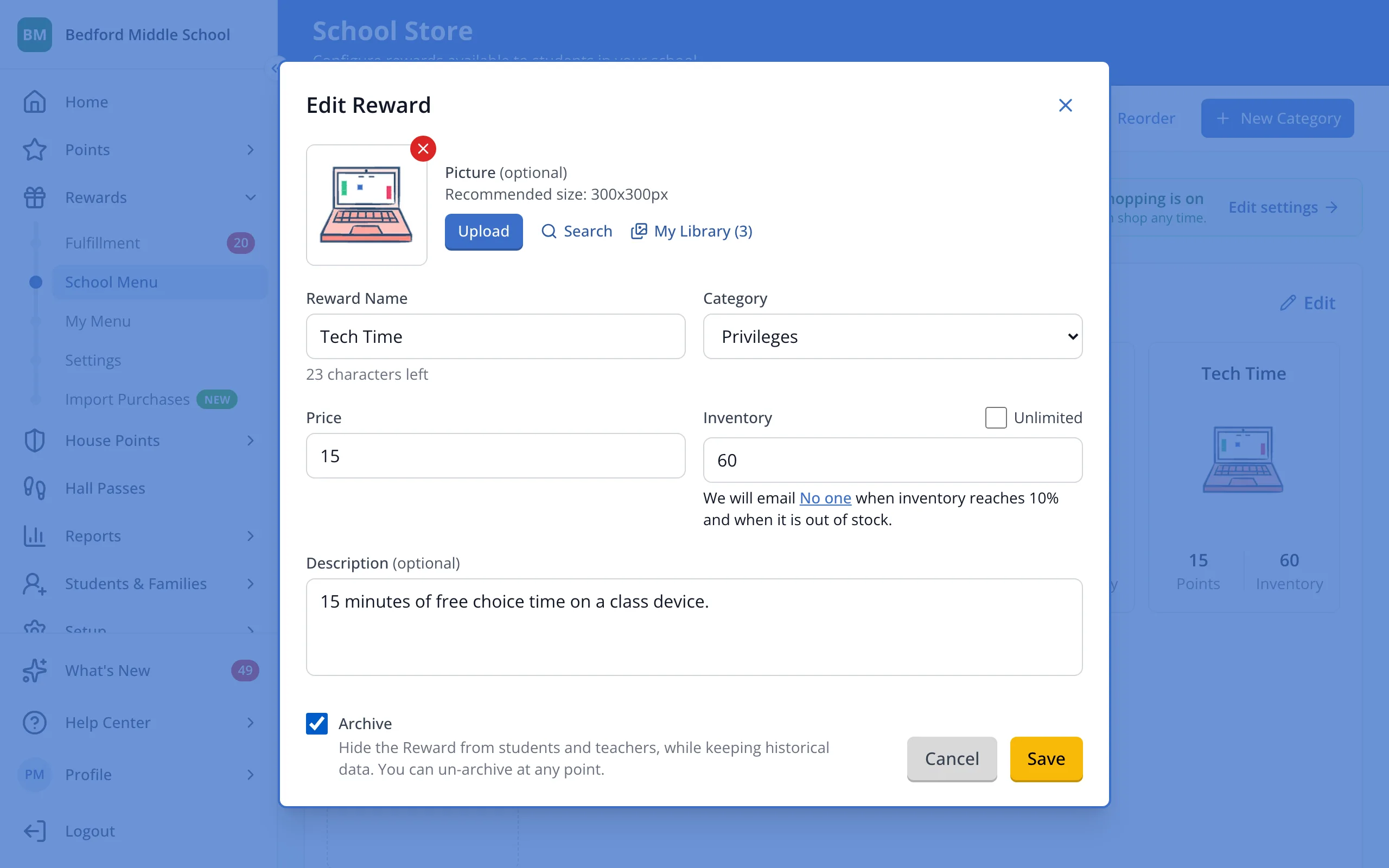
2.Check Archive.
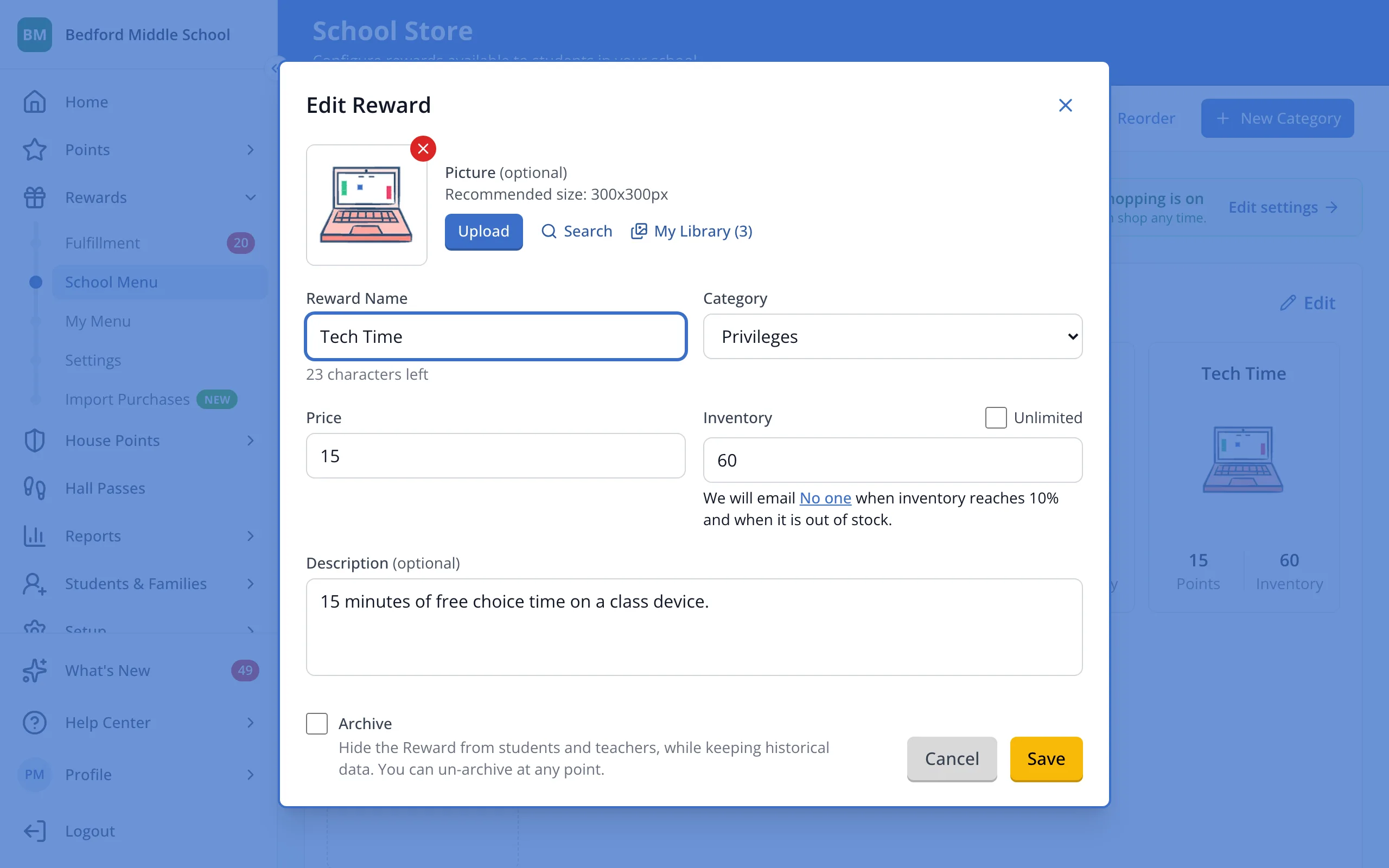
3.Click Save.
4.Click Archived to see archived rewards and restore one.