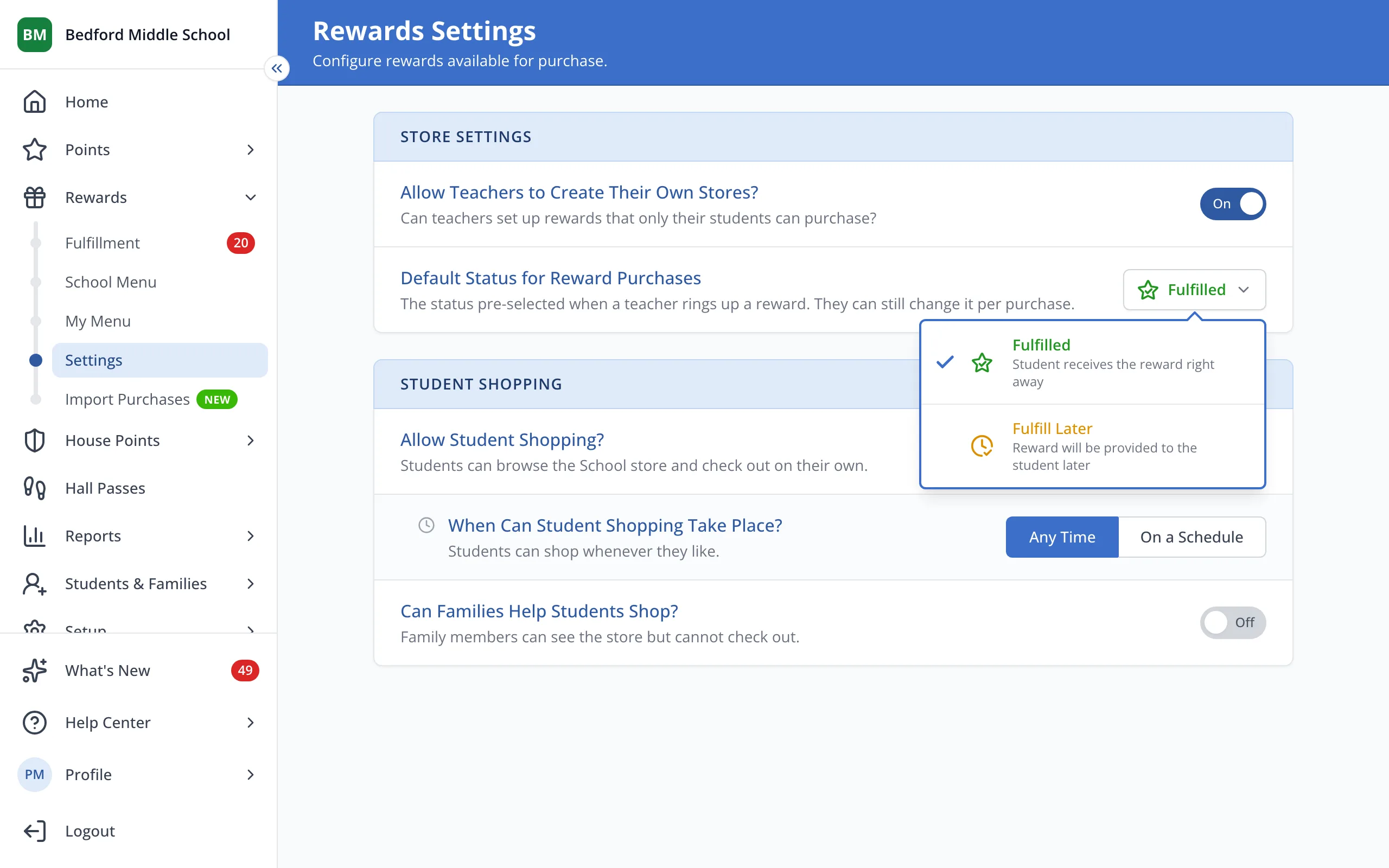
Choose whether purchases start as fulfilled or fulfill later
Sets the status picked for teachers when they charge a student. They can still change it each time.
AdminSite Leader
Open in LiveSchool
Already signed in? Open this guide inside LiveSchool.
Use the Left and Right arrow keys to move between steps, and Space to play or pause.
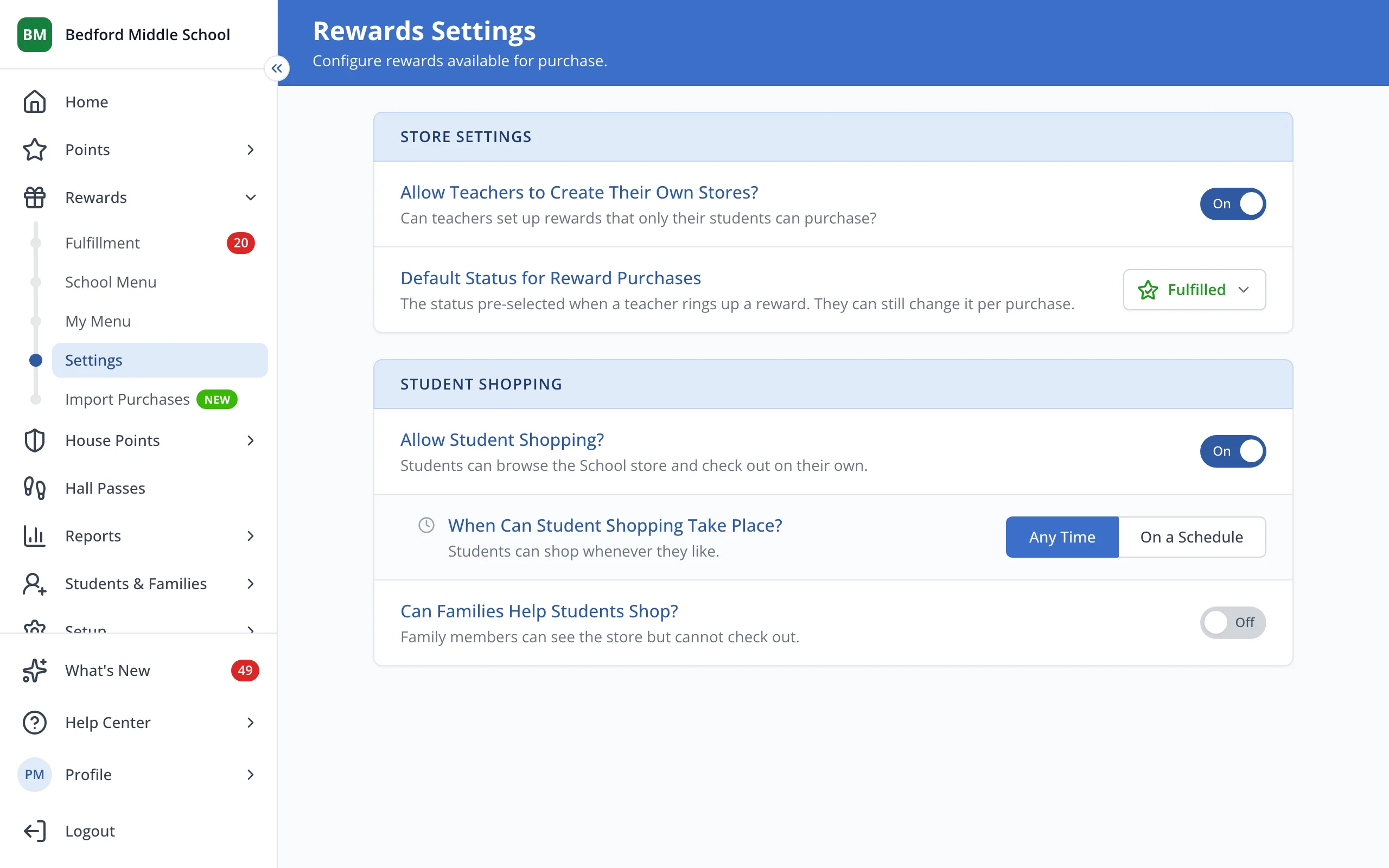
1.Under Default Status for Reward Purchases, click the current status.
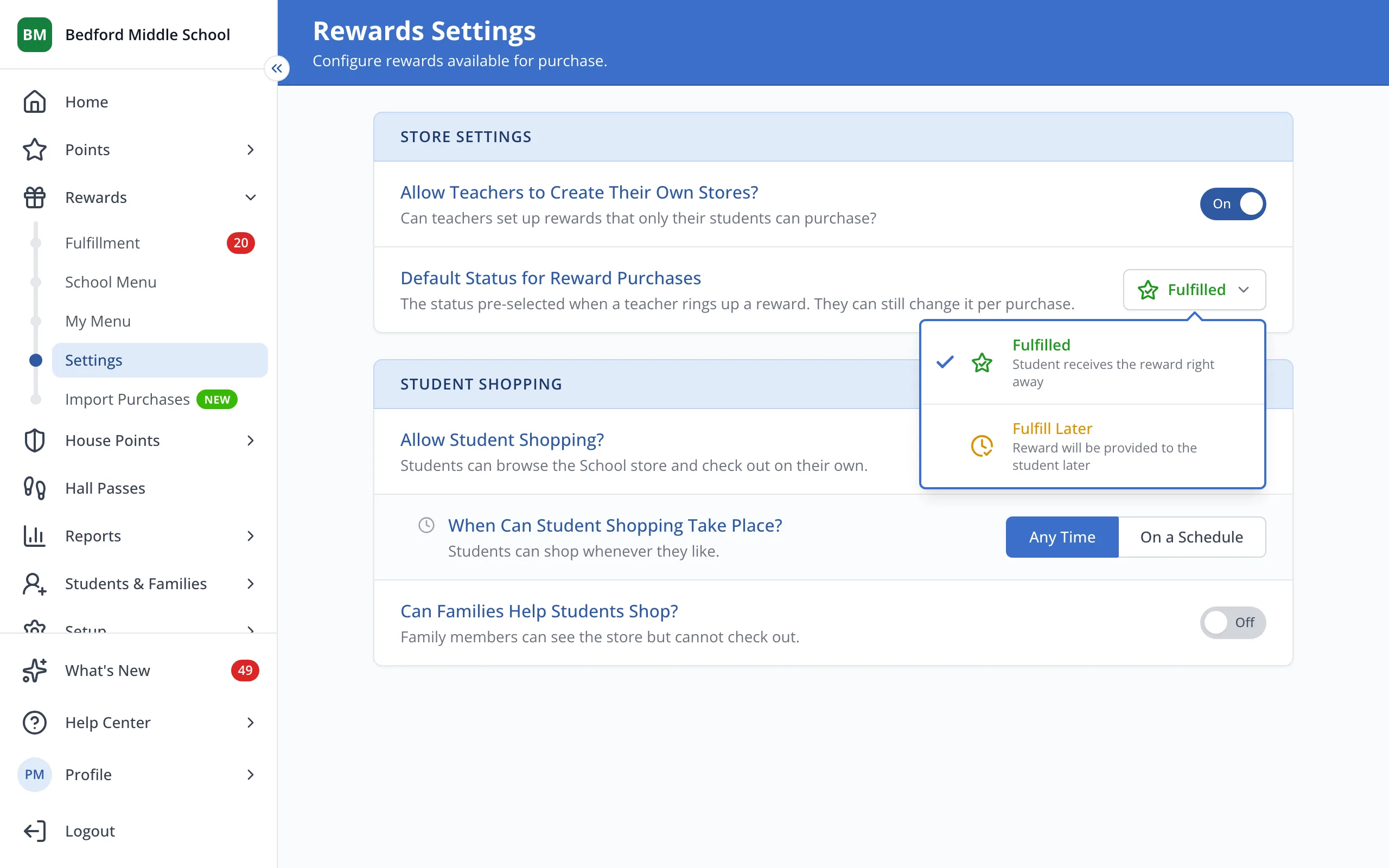
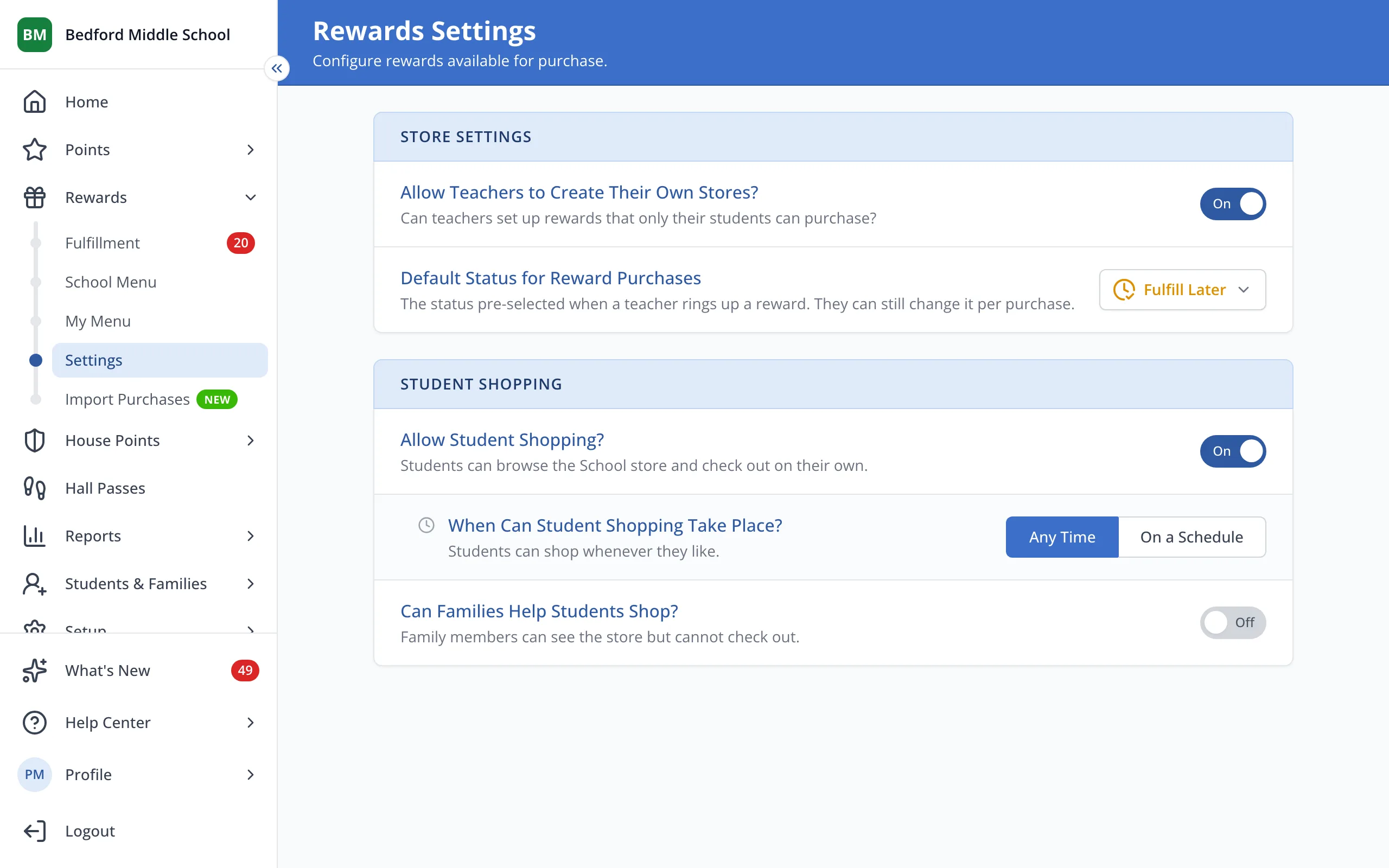
2.Click the status new purchases should start with.