
Charge now and hand out the reward later
The student pays now and the reward goes on your Fulfillment list until you hand it out.
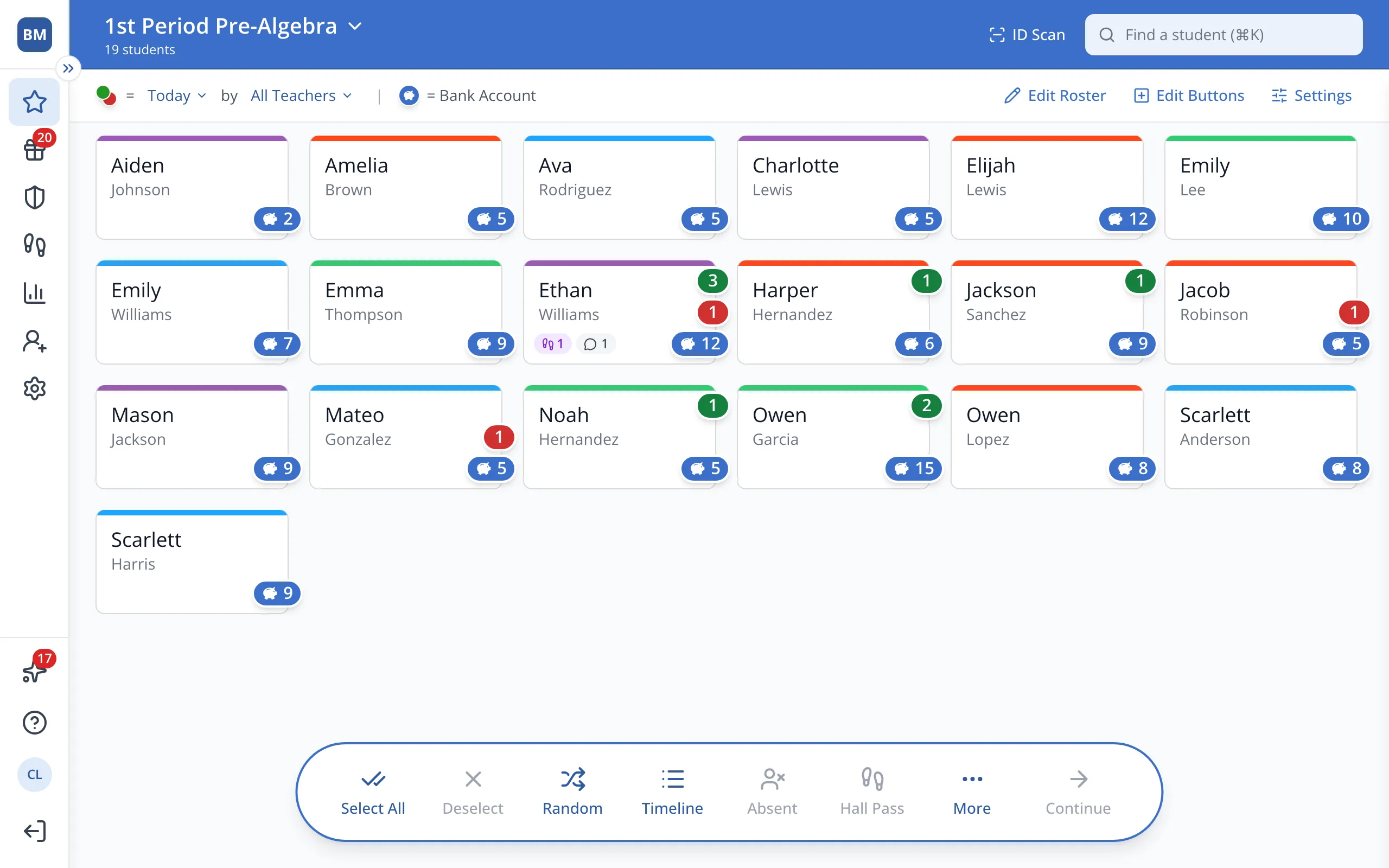
1 / 7On the Points page, click the student.
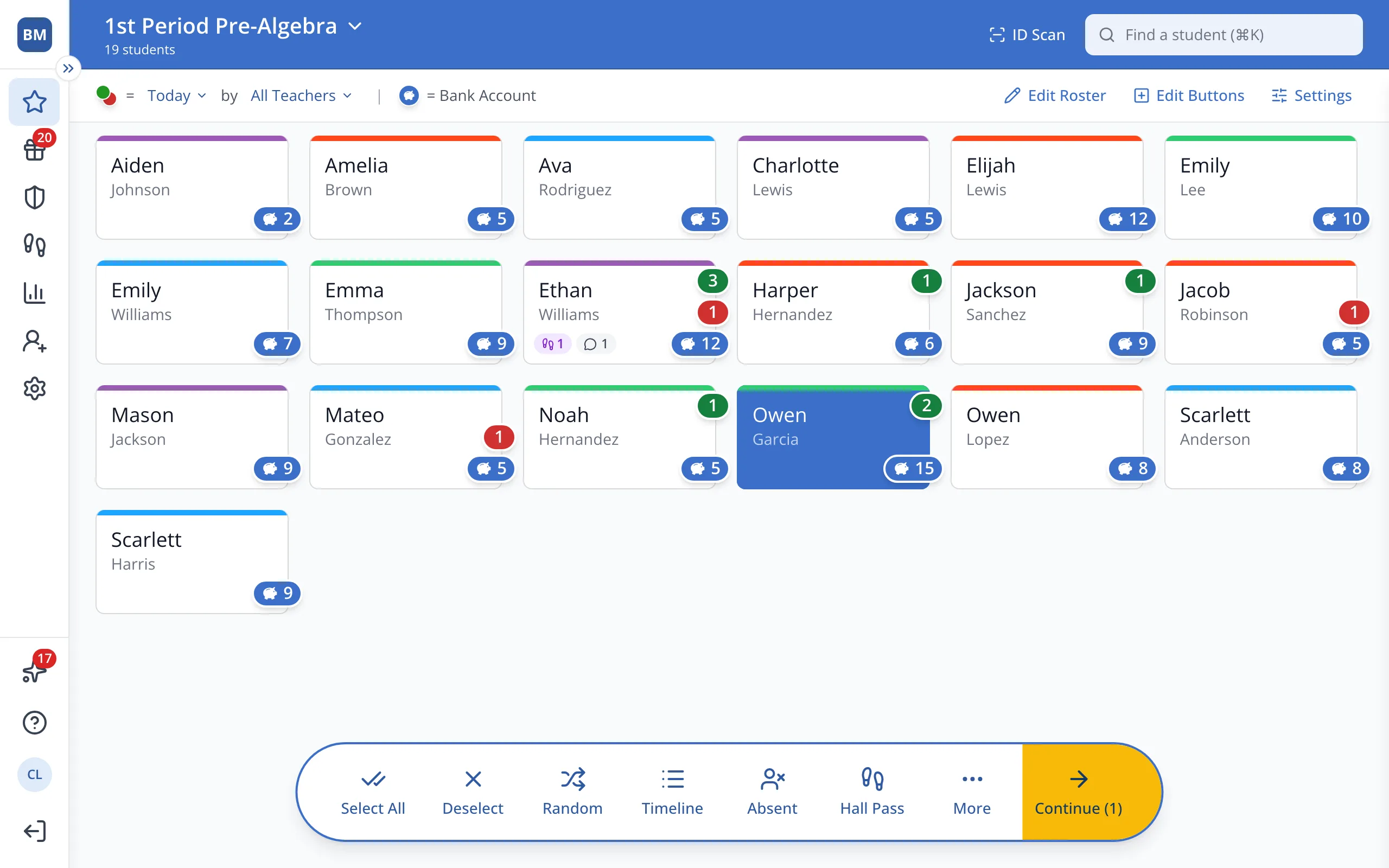
1.On the Points page, click the student's button.
2.In the bar at the bottom, click Continue.
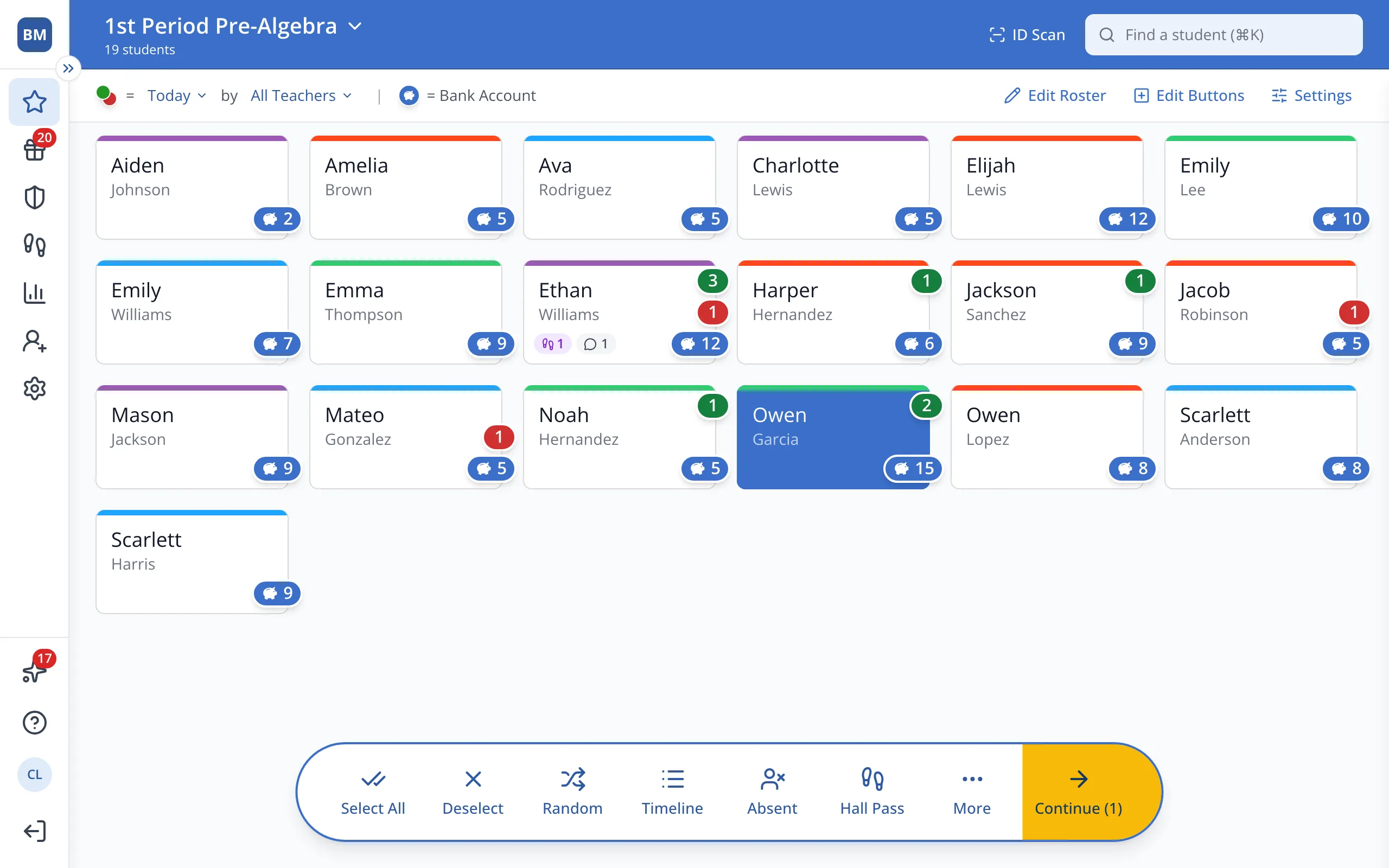
3.Click Charge Rewards.
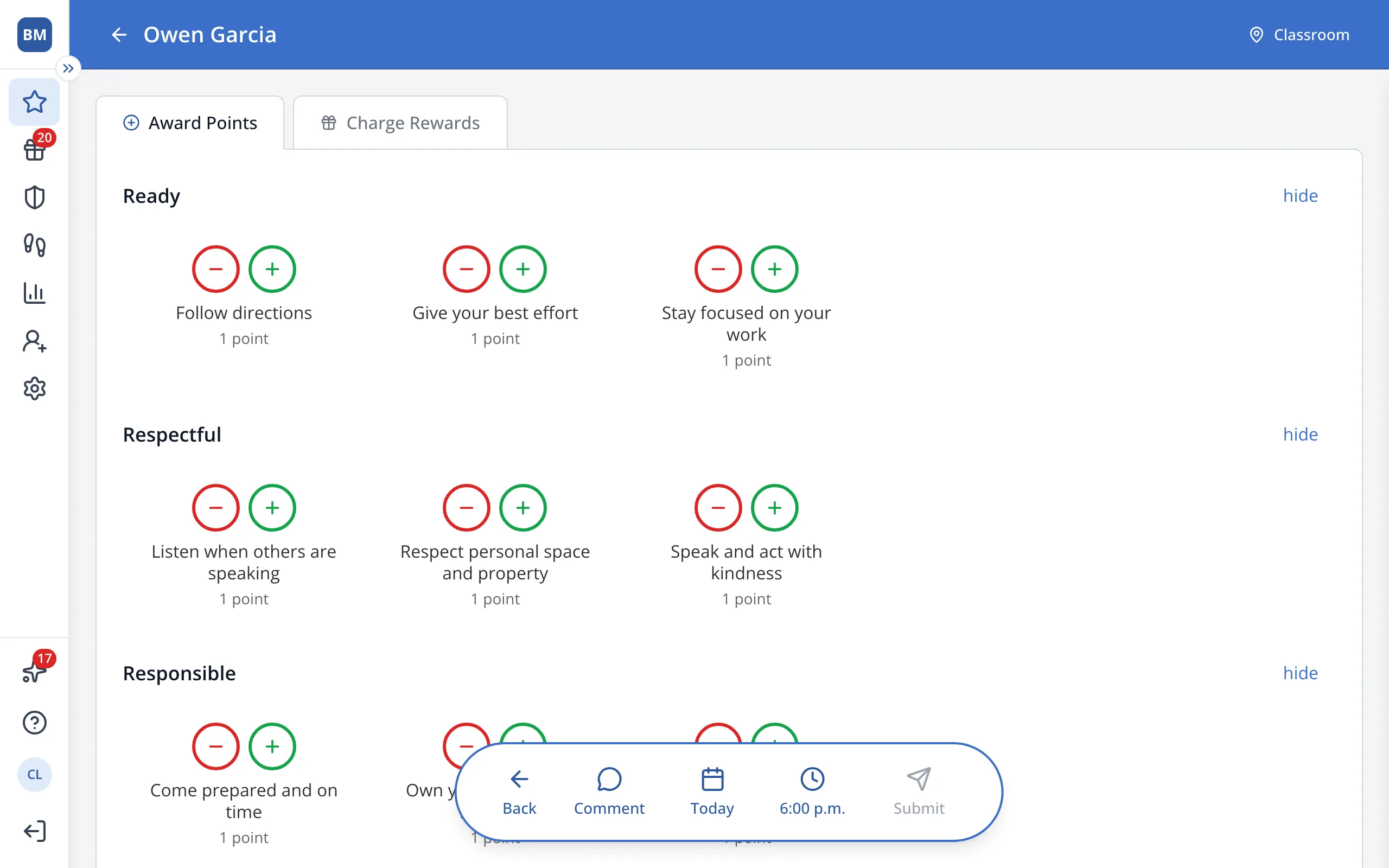
4.Click + on the reward.
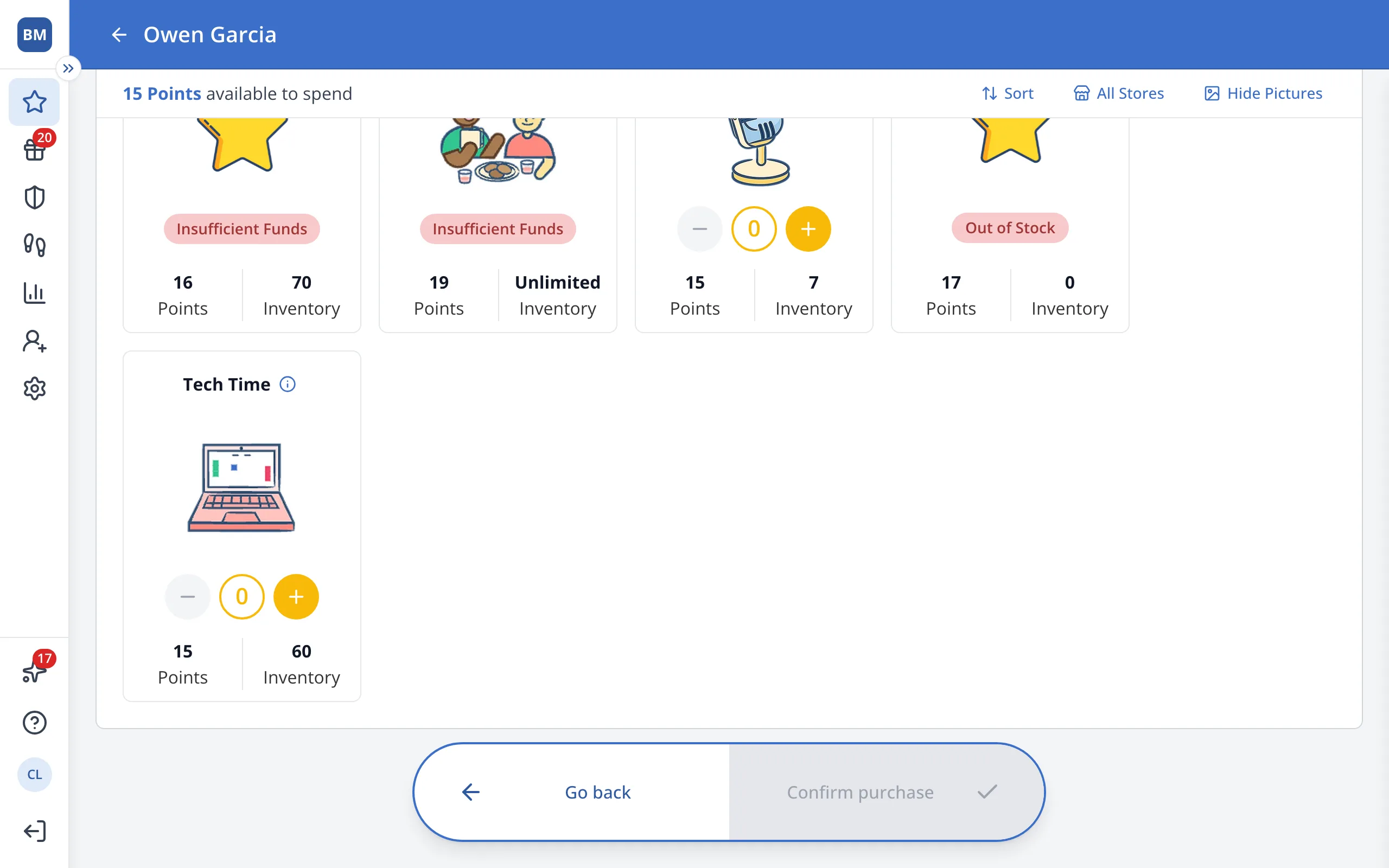
5.Under the reward, click Fulfilled.
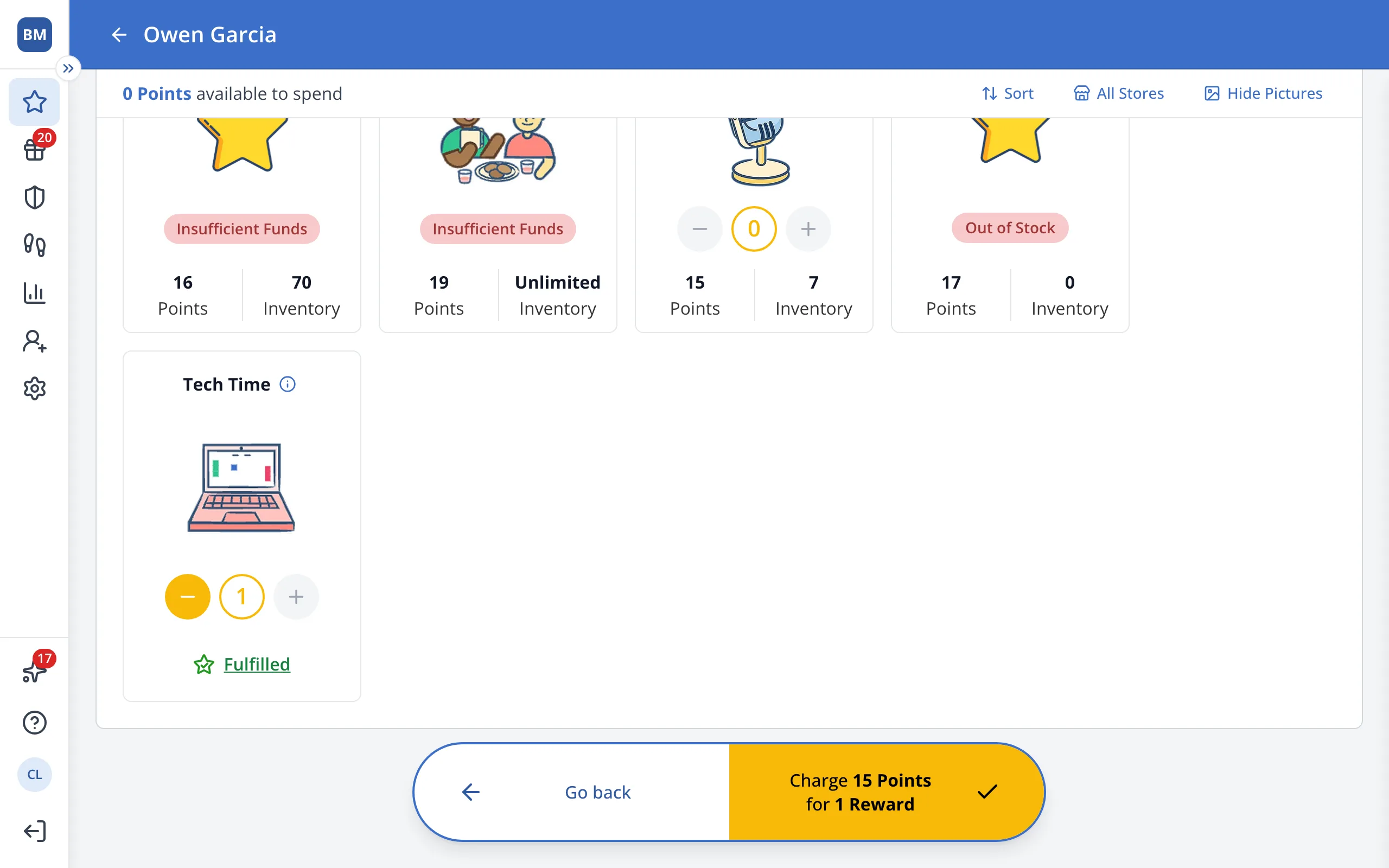
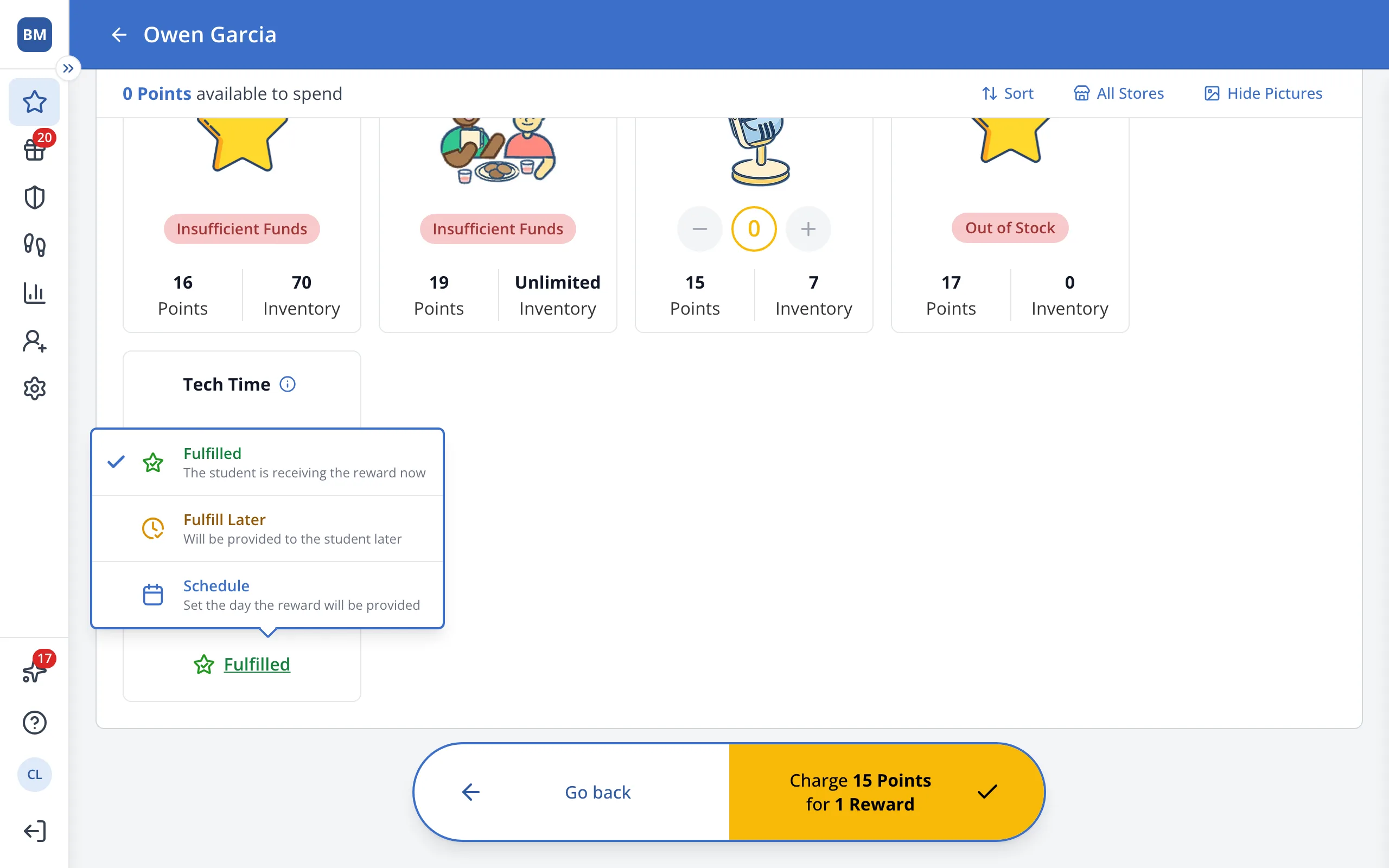
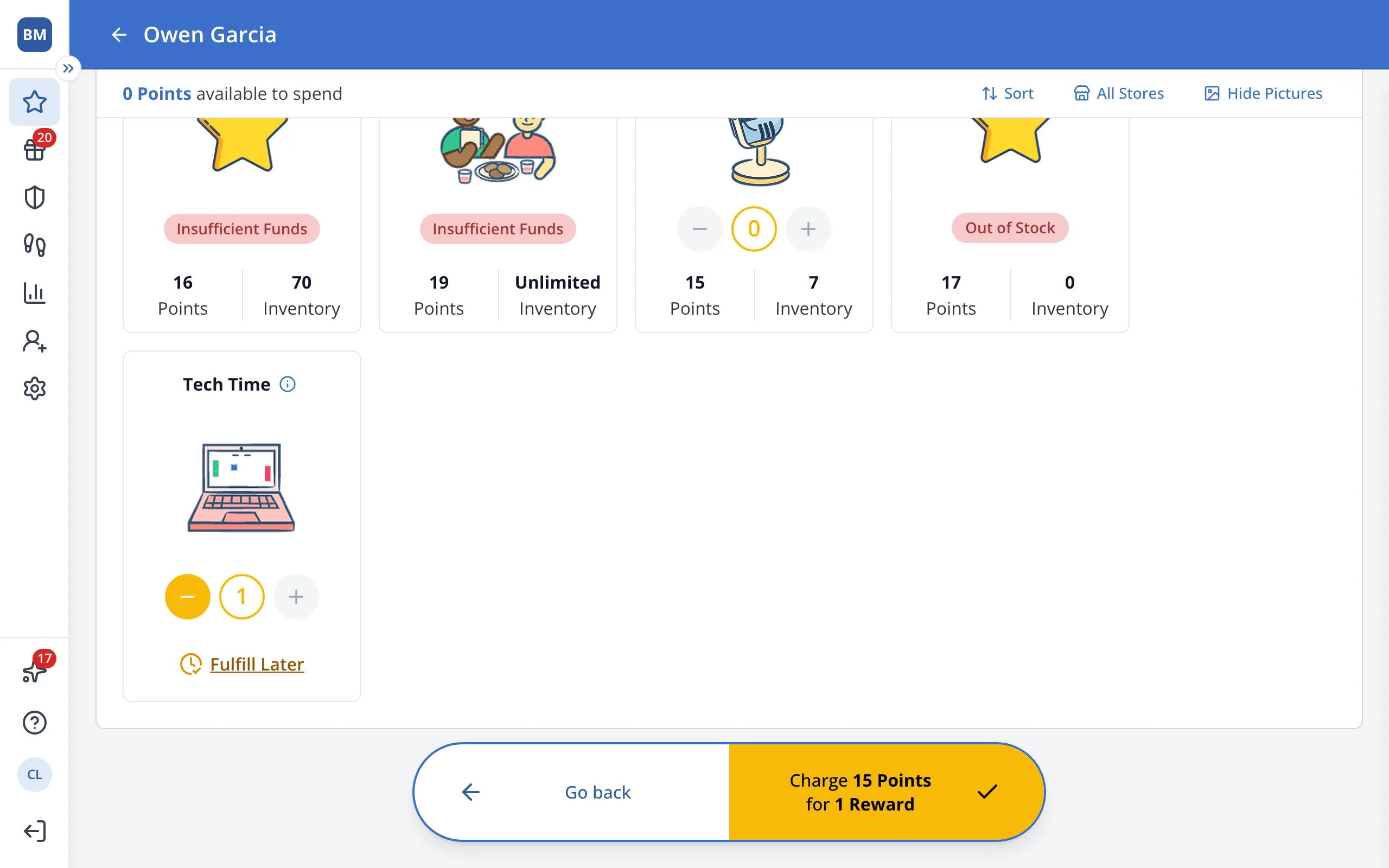
6.Click Fulfill Later, or Schedule to pick the day.
7.Click Charge.
Was this helpful?