
Mark student purchases as fulfilled
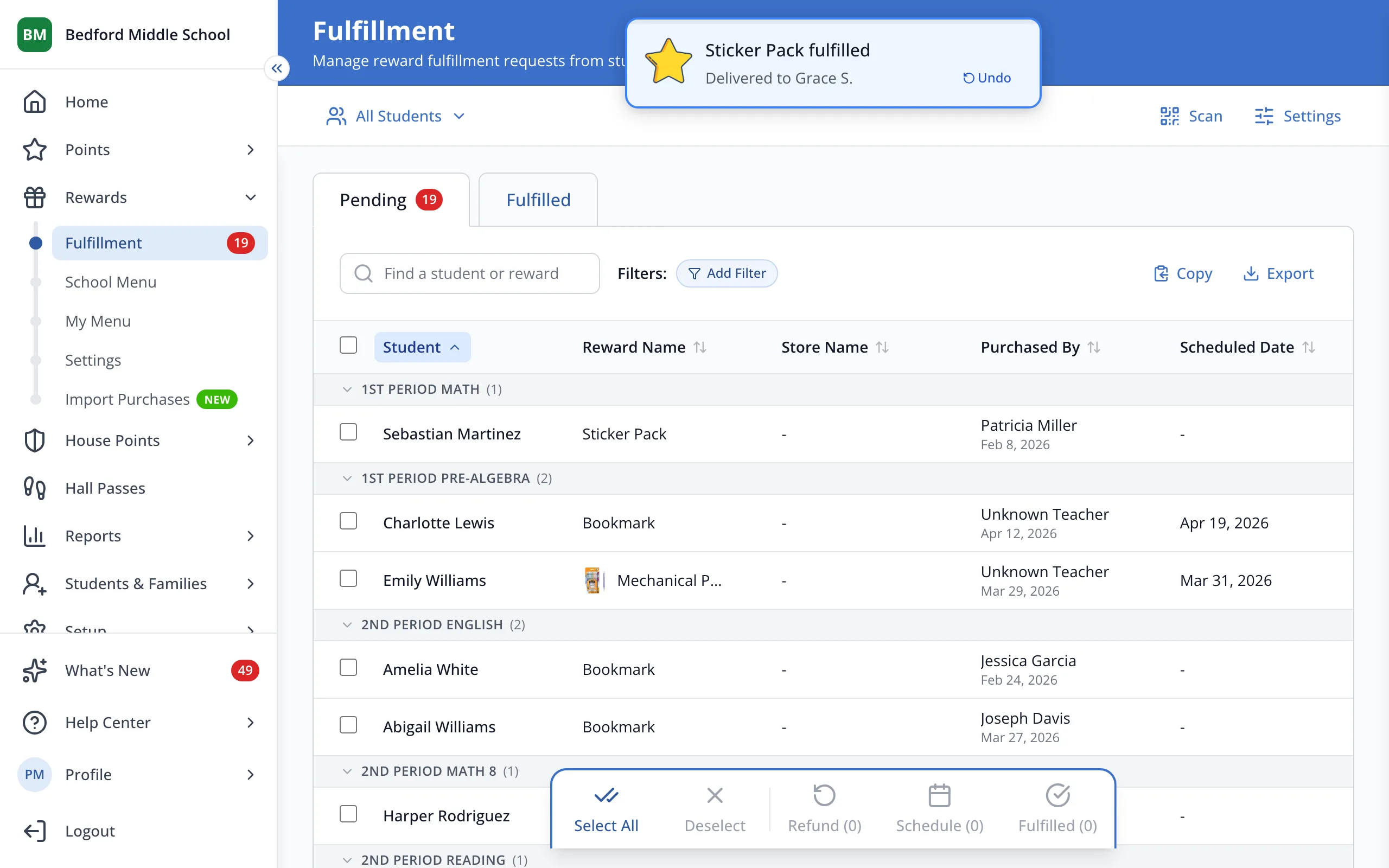
Fulfilled purchases move off your Pending list, so it only shows rewards you still owe students.
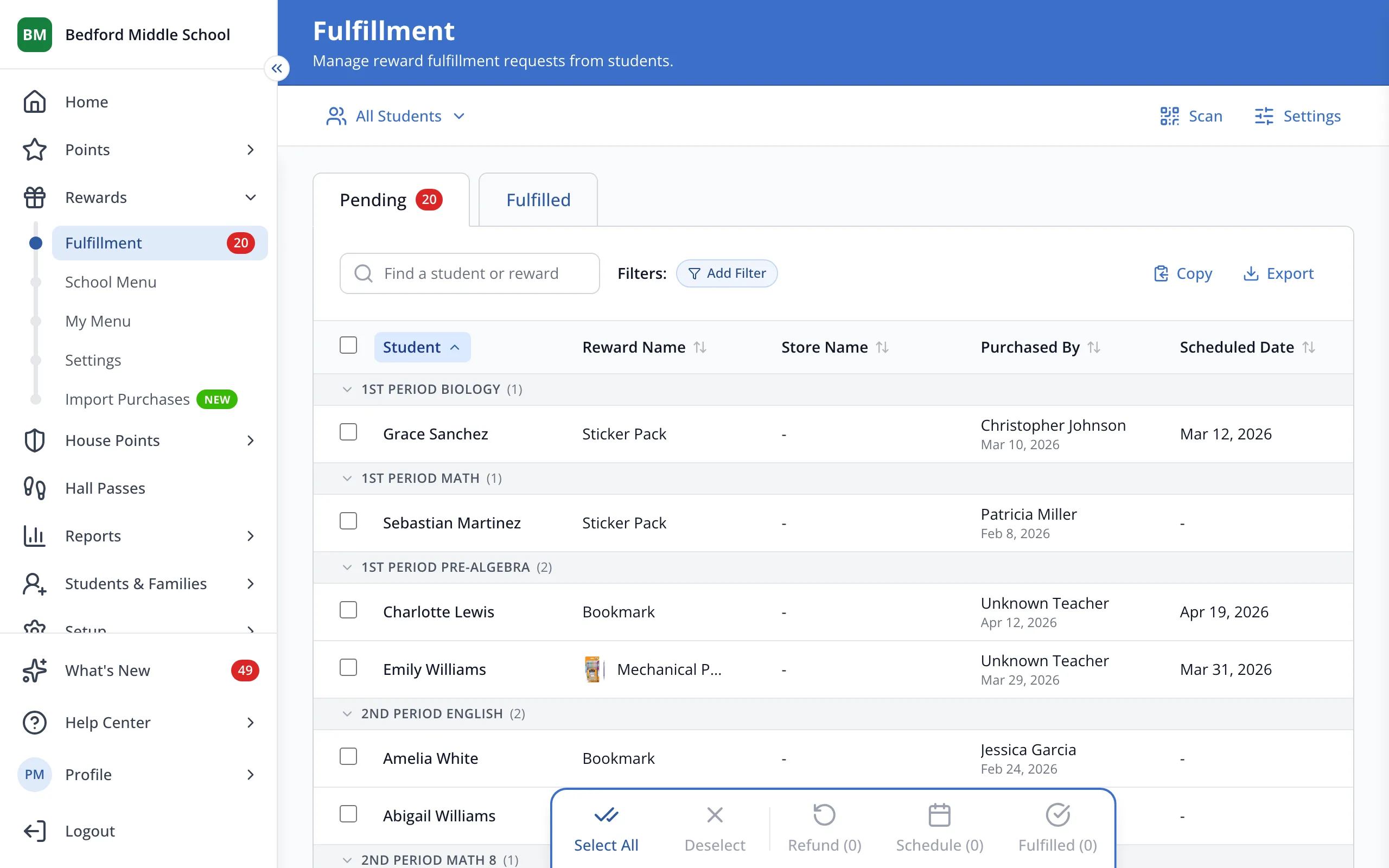
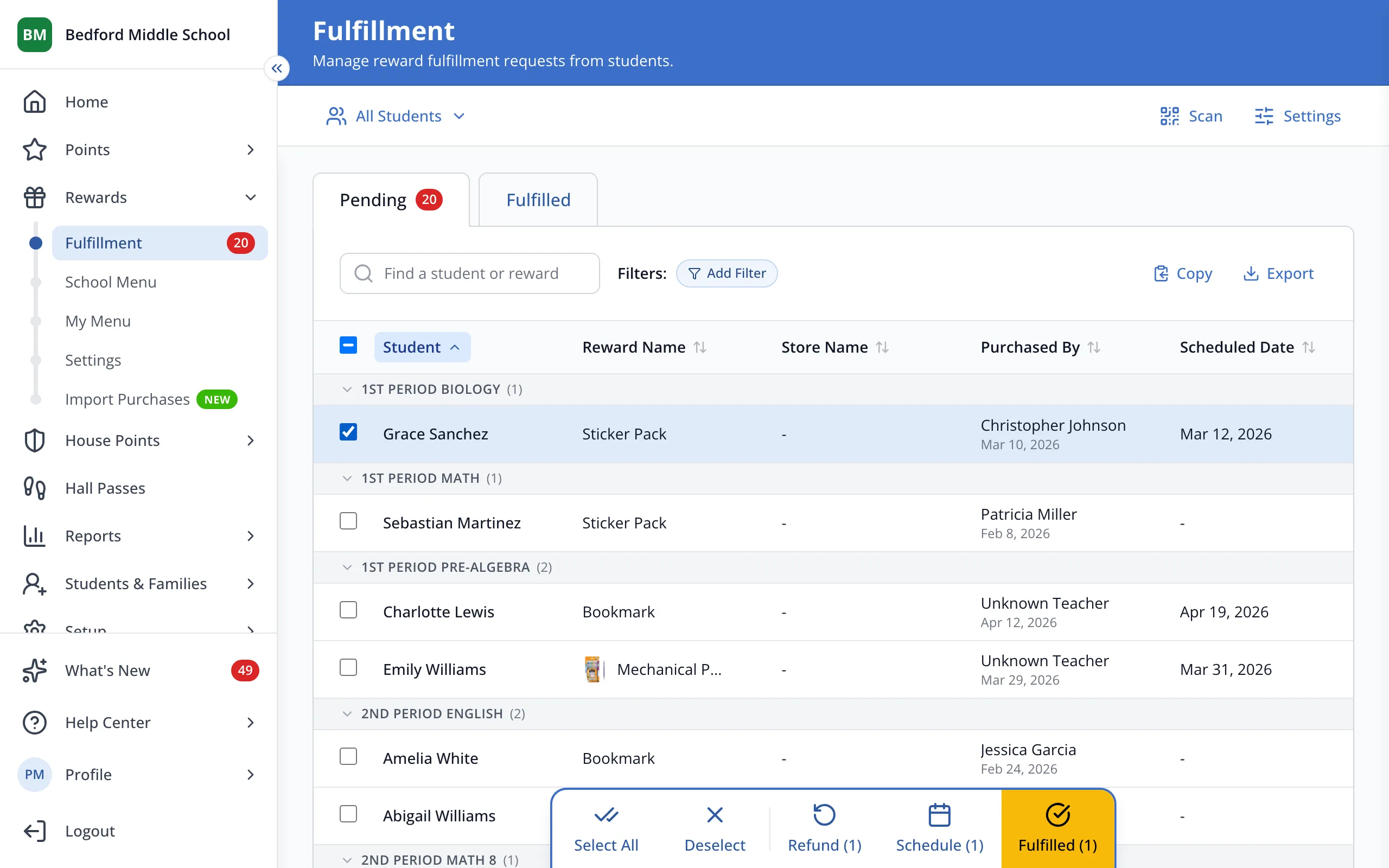
1 / 3On the Fulfillment page, check the box next to each purchase.
1.On the Fulfillment page, check the box next to each purchase.
Tip: Check Select all at the top of the list to pick every purchase shown.
2.In the bar at the bottom, click Fulfilled.
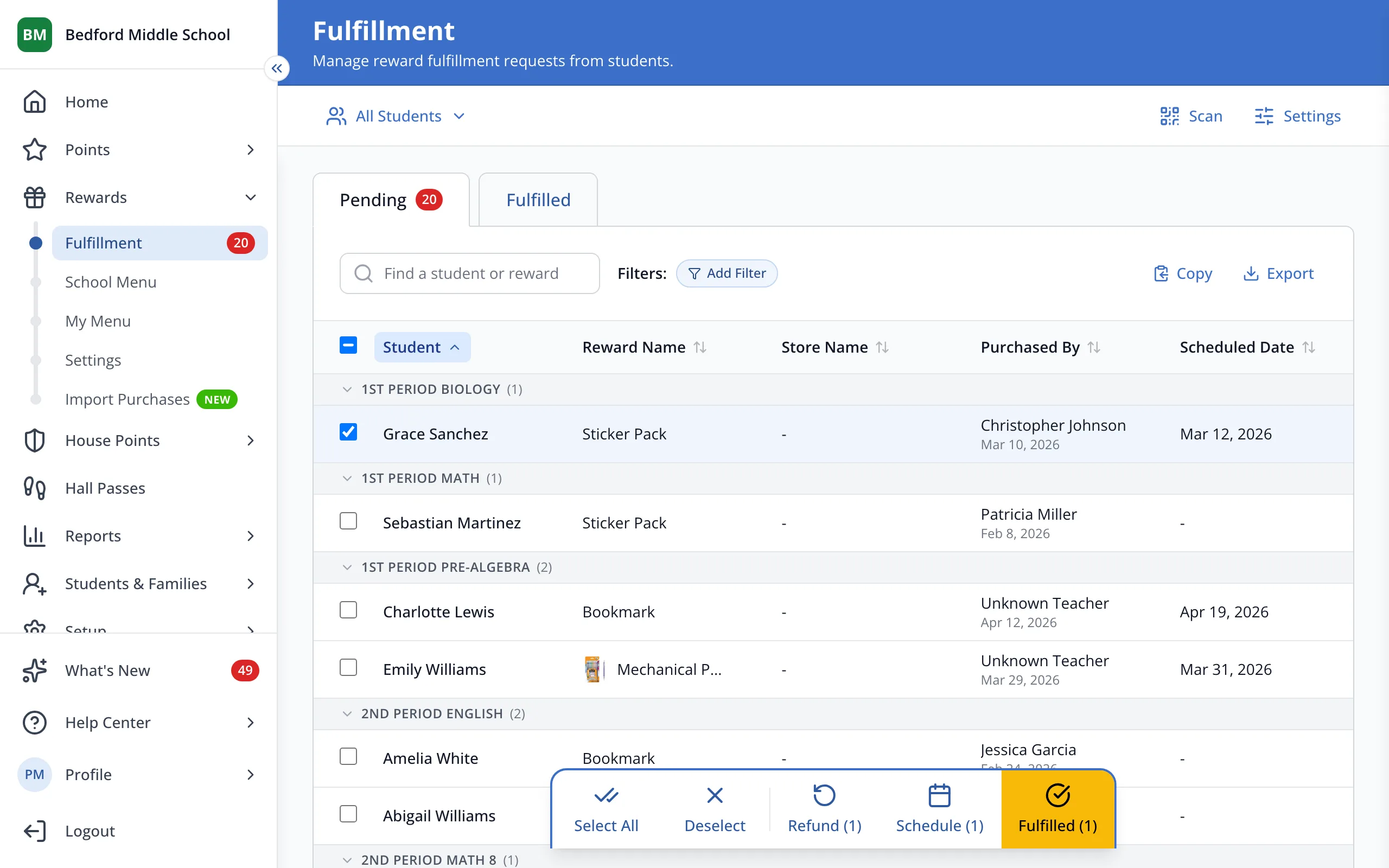
3.Click Fulfilled at the top to see purchases you've already handed out.
Was this helpful?