Add, rename or reorder reward categories
Use categories to group and organize your rewards.
Open in LiveSchool
Already signed in? Open this guide inside LiveSchool.
Use the Left and Right arrow keys to move between steps, and Space to play or pause.
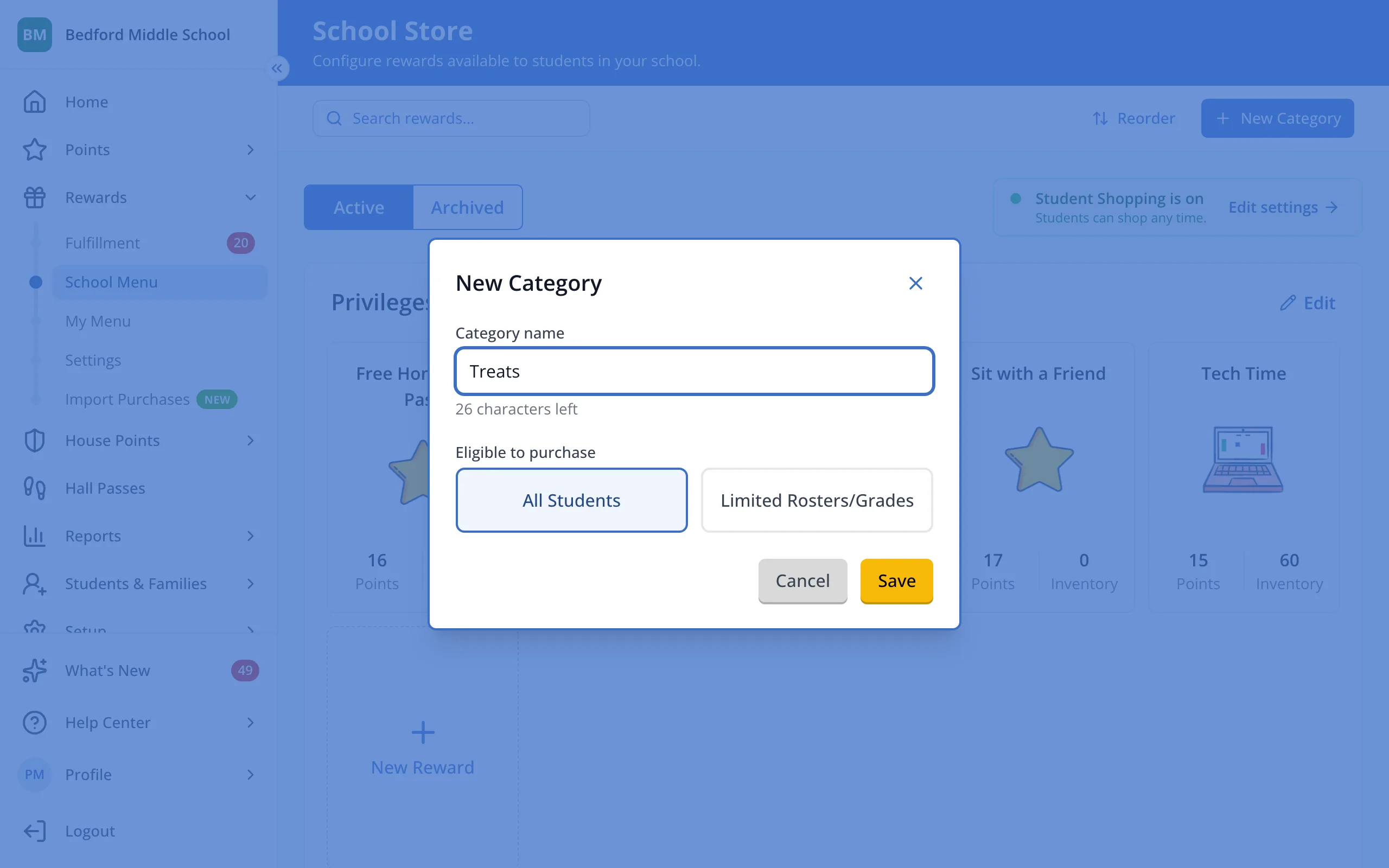
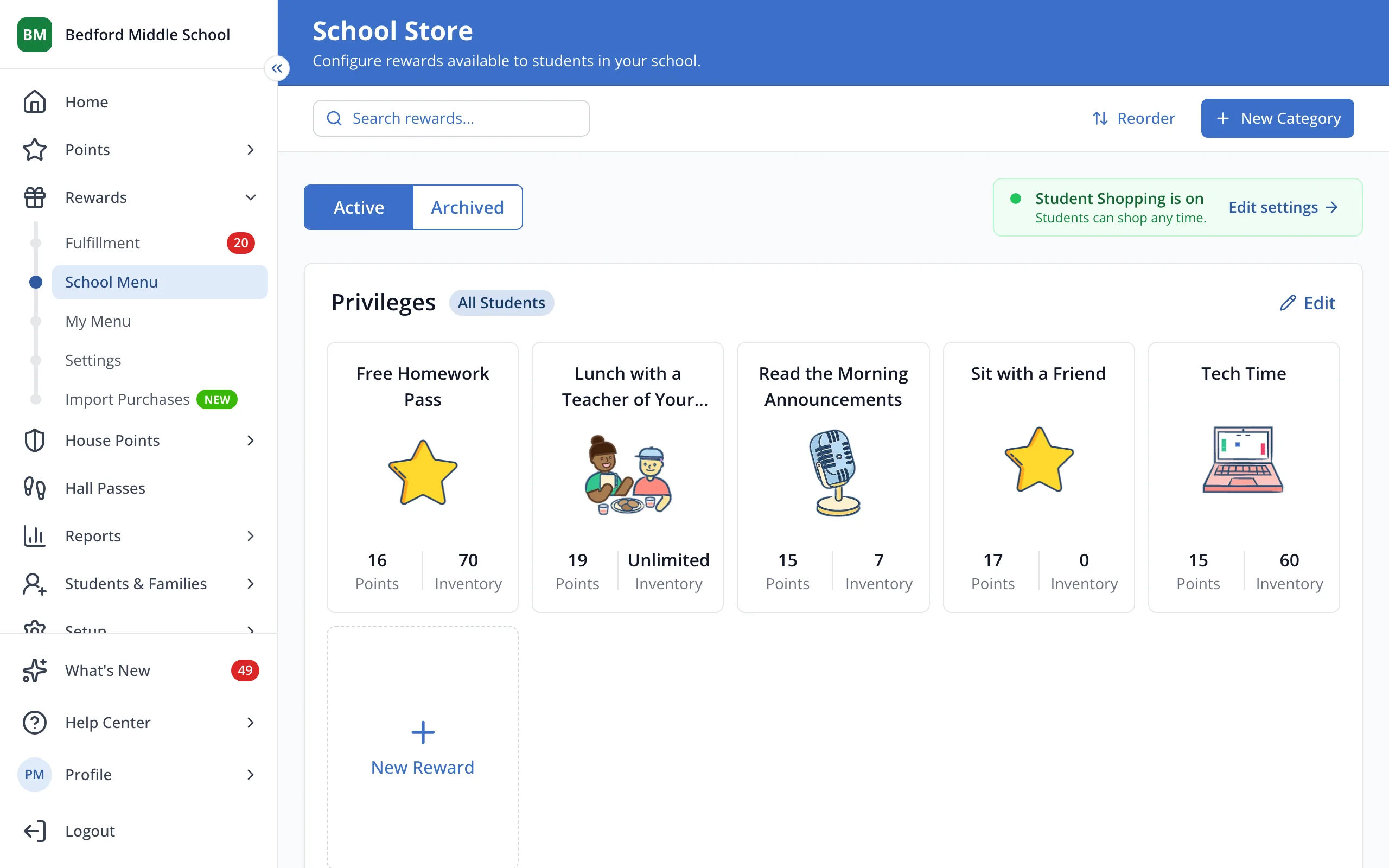
1.On your store page, click New Category.
Did you know? Click Edit next to a category to rename it, or Reorder to change the order.
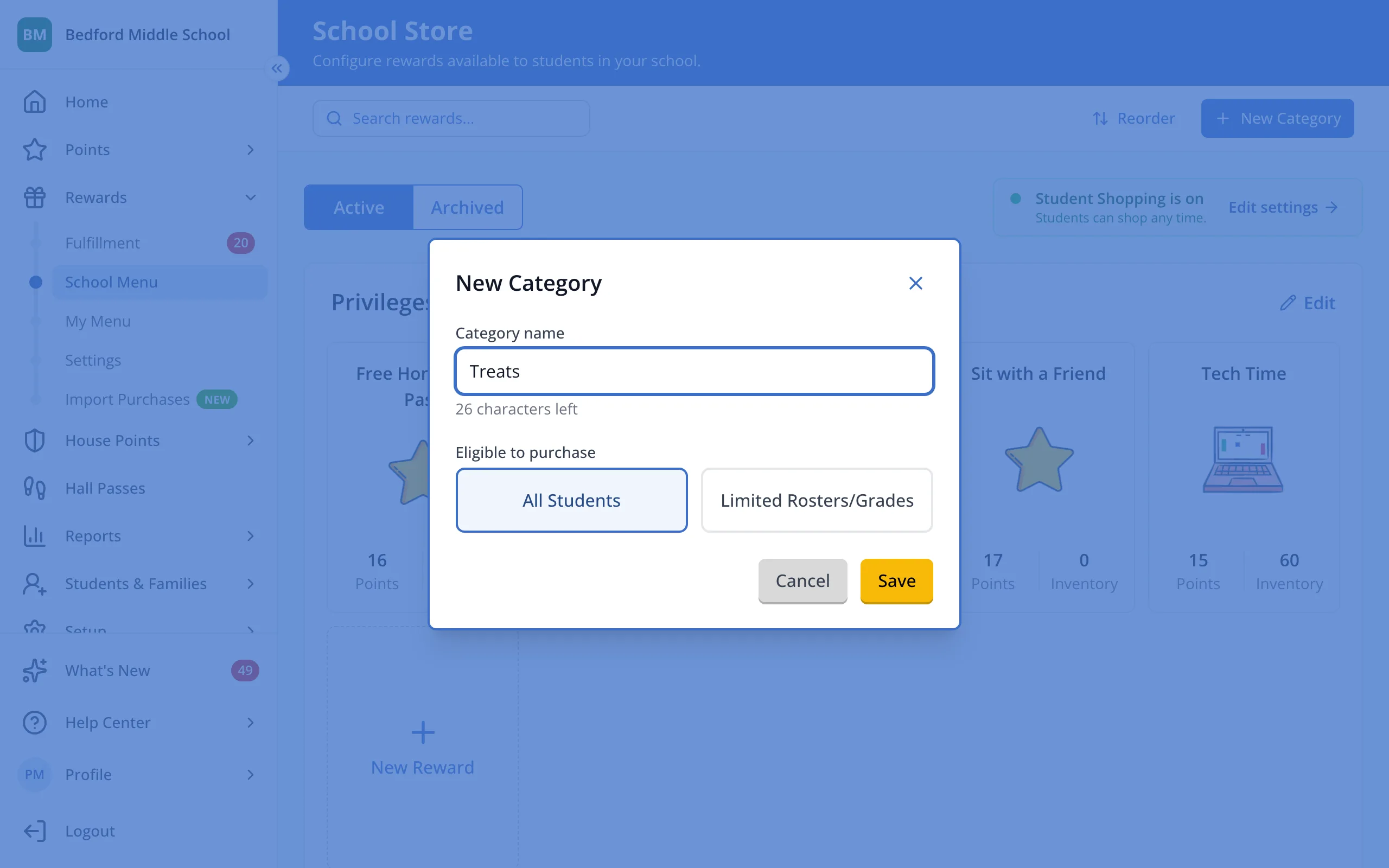
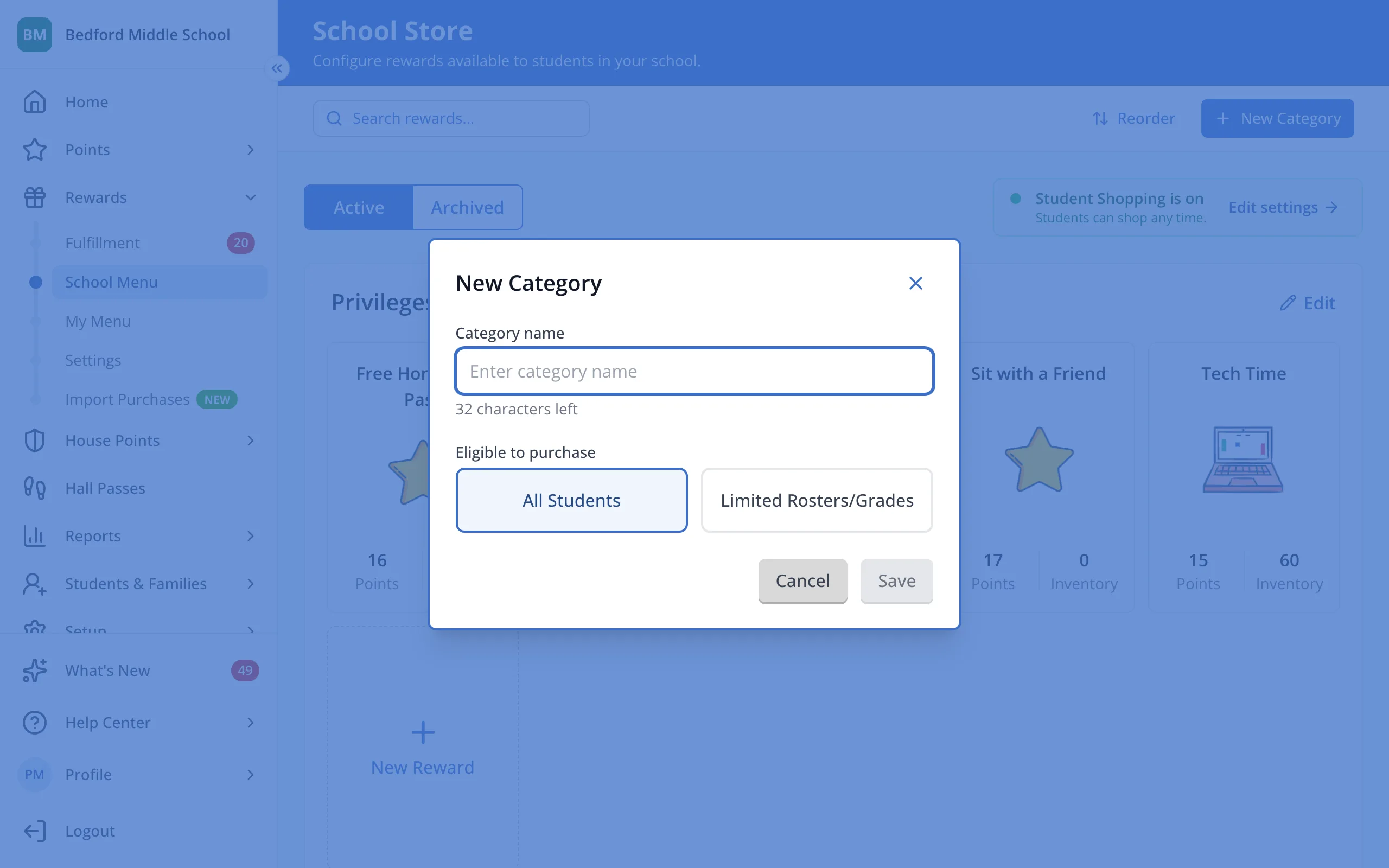
2.Type the category's name.
3.Click Save.