
Find purchases by scanning ID badges
Scan a student's badge to pull up just their purchases, then hand out and mark them in one go.
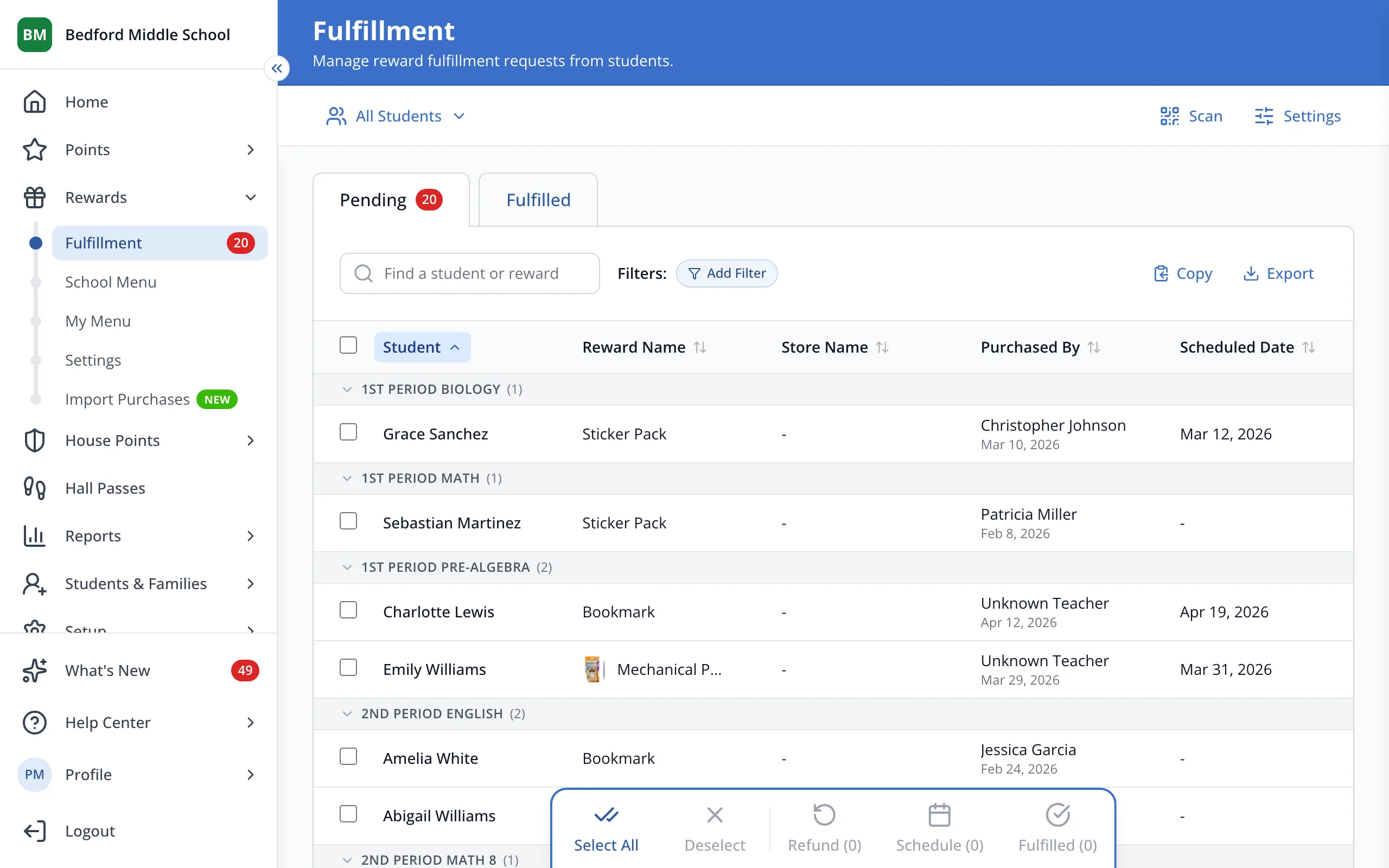
1 / 3At the top of the Fulfillment page, click Scan.
1.At the top of the Fulfillment page, click Scan.
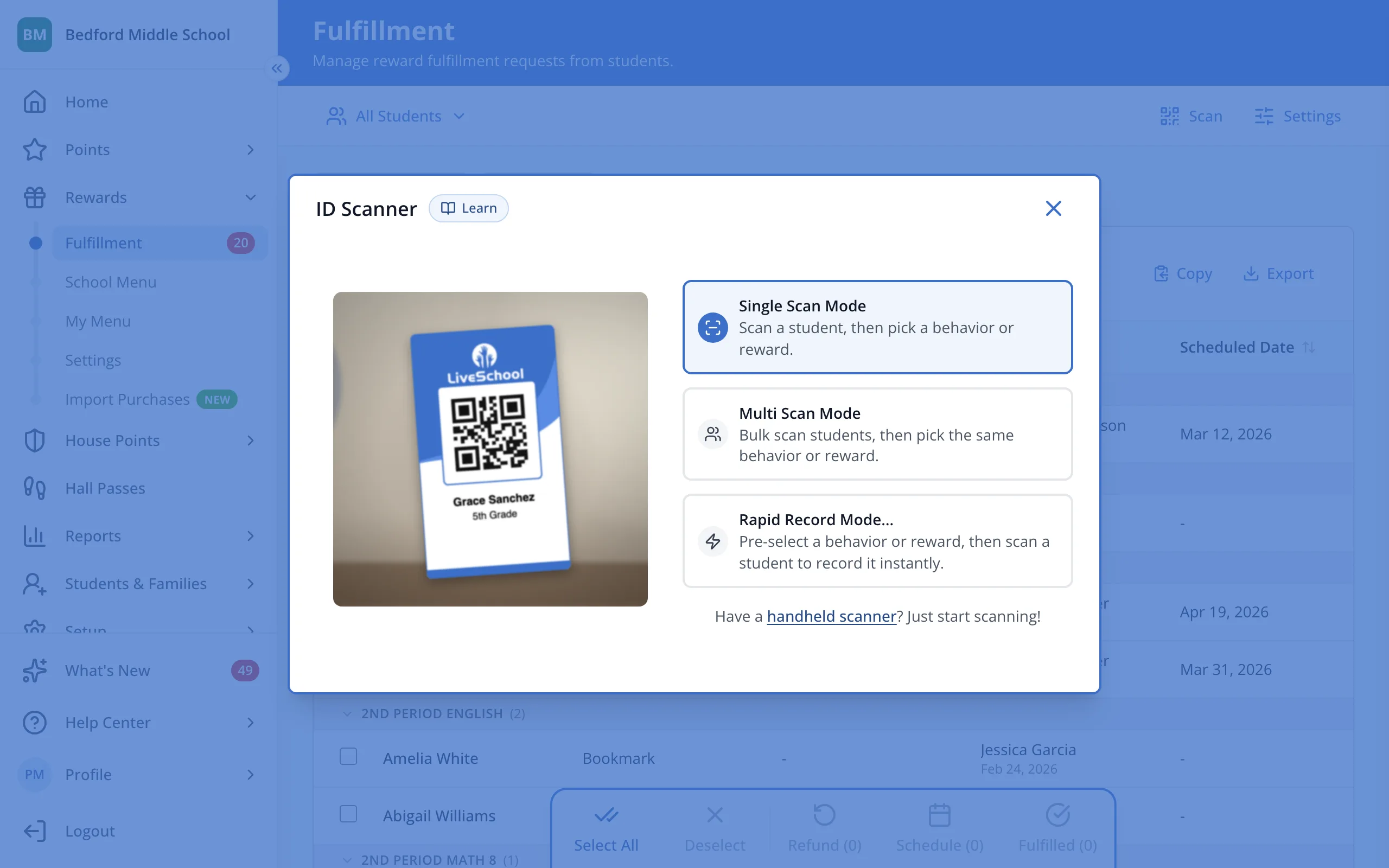
2.Hold the student's badge up to the camera.
Was this helpful?