
See School Store rewards as a teacher
When you charge a student, you can see your own store, the School Store, or both.
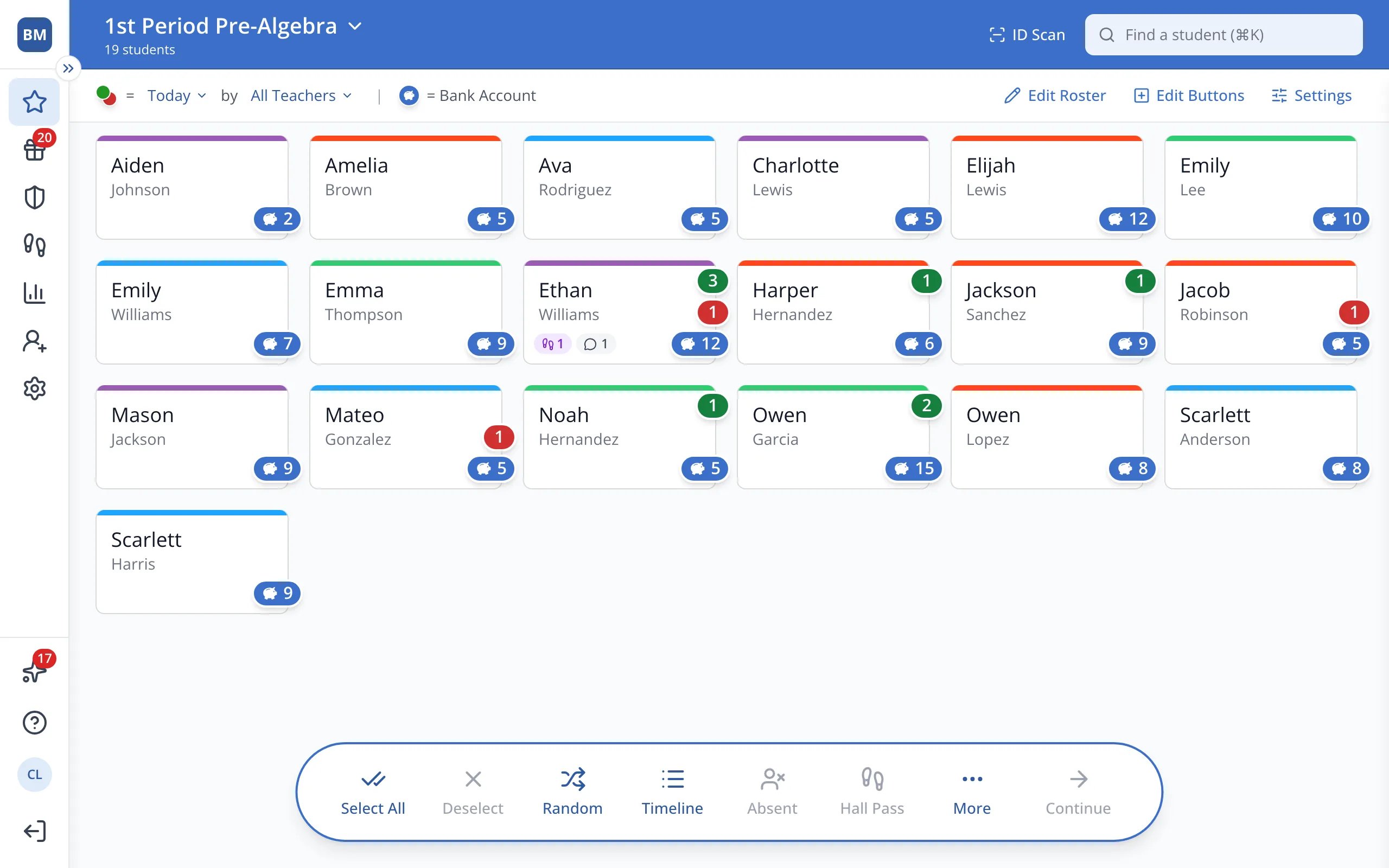
1 / 5On the Points page, click the student.
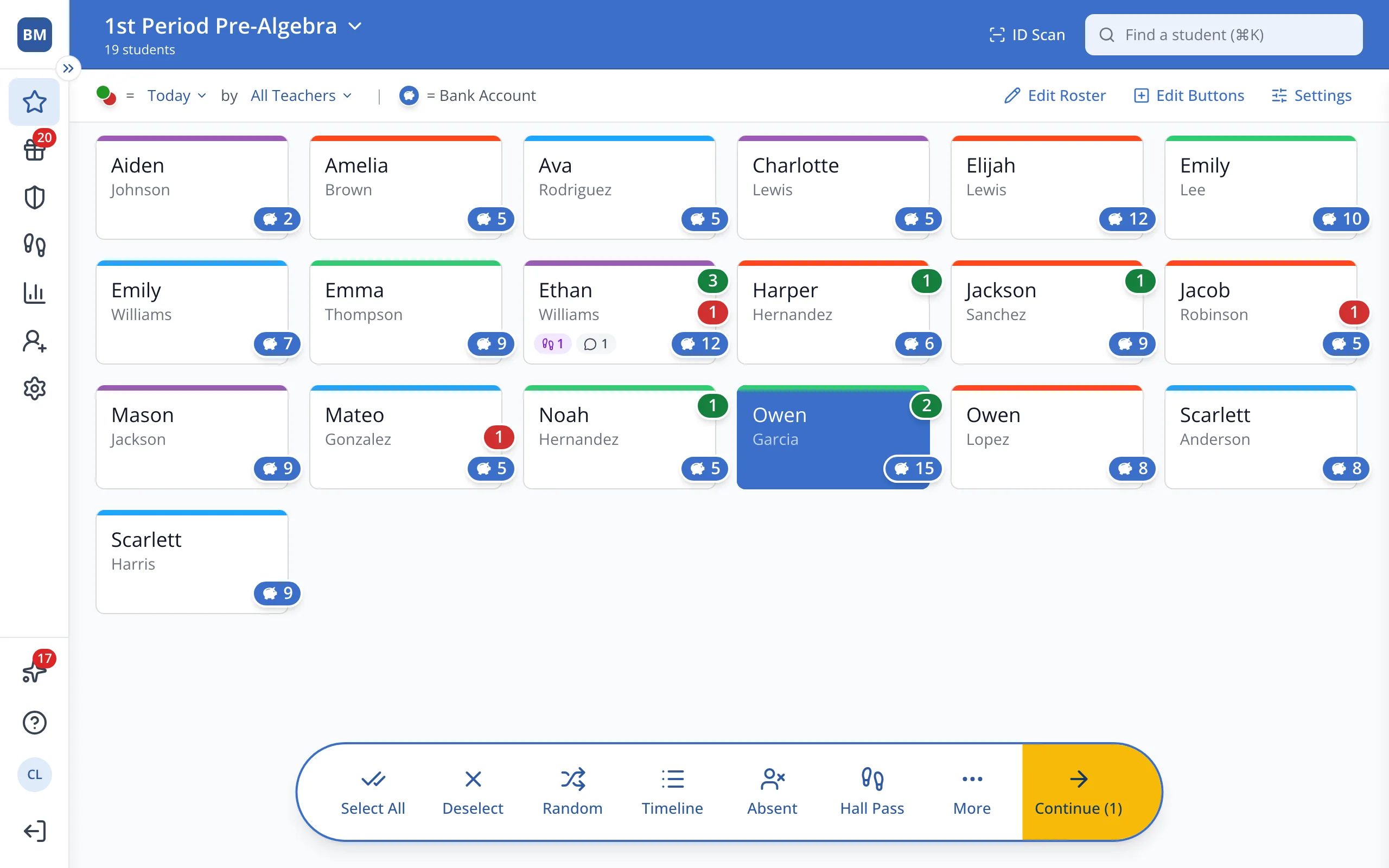
1.On the Points page, click the student's button.
2.In the bar at the bottom, click Continue.
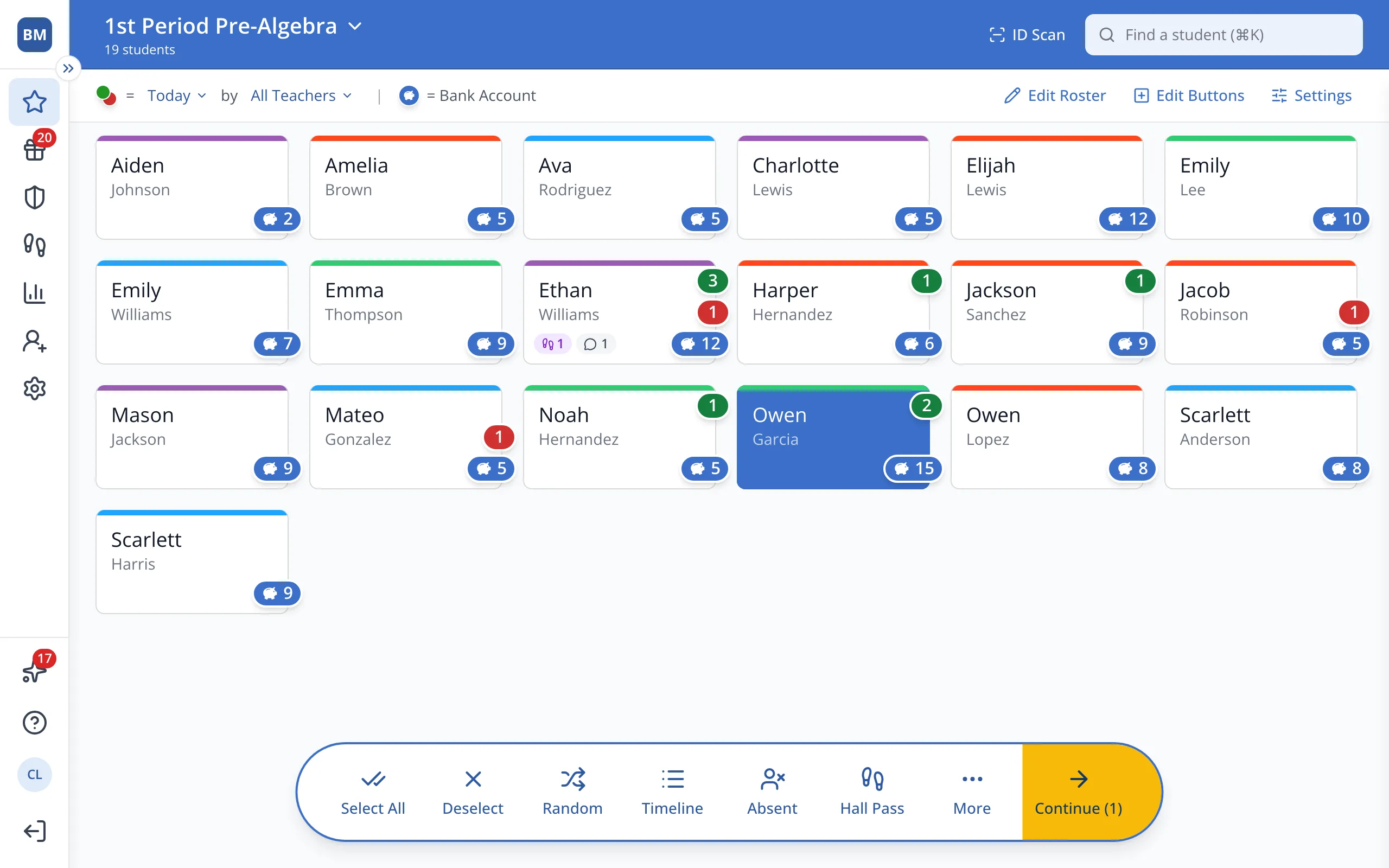
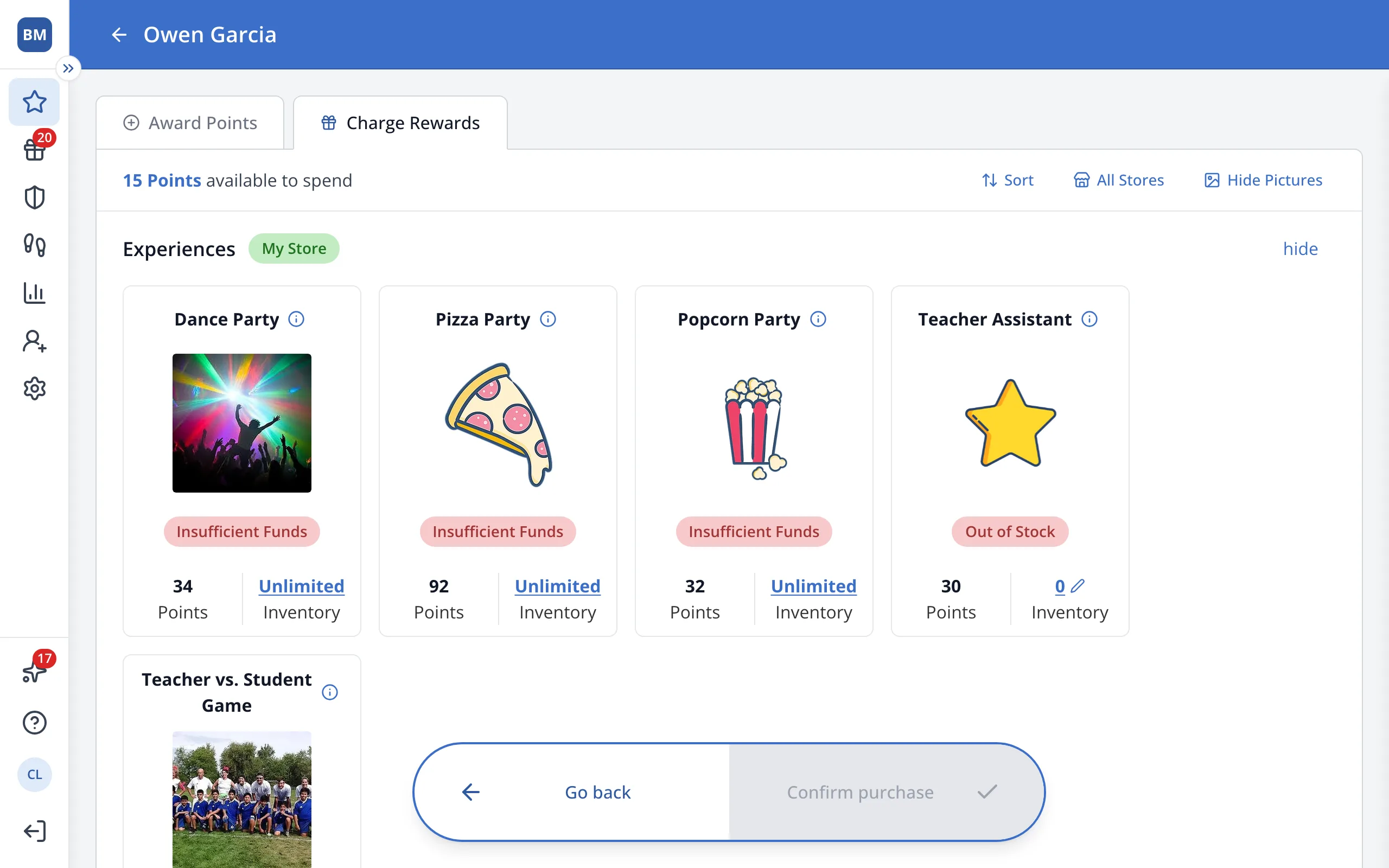
3.Click Charge Rewards.
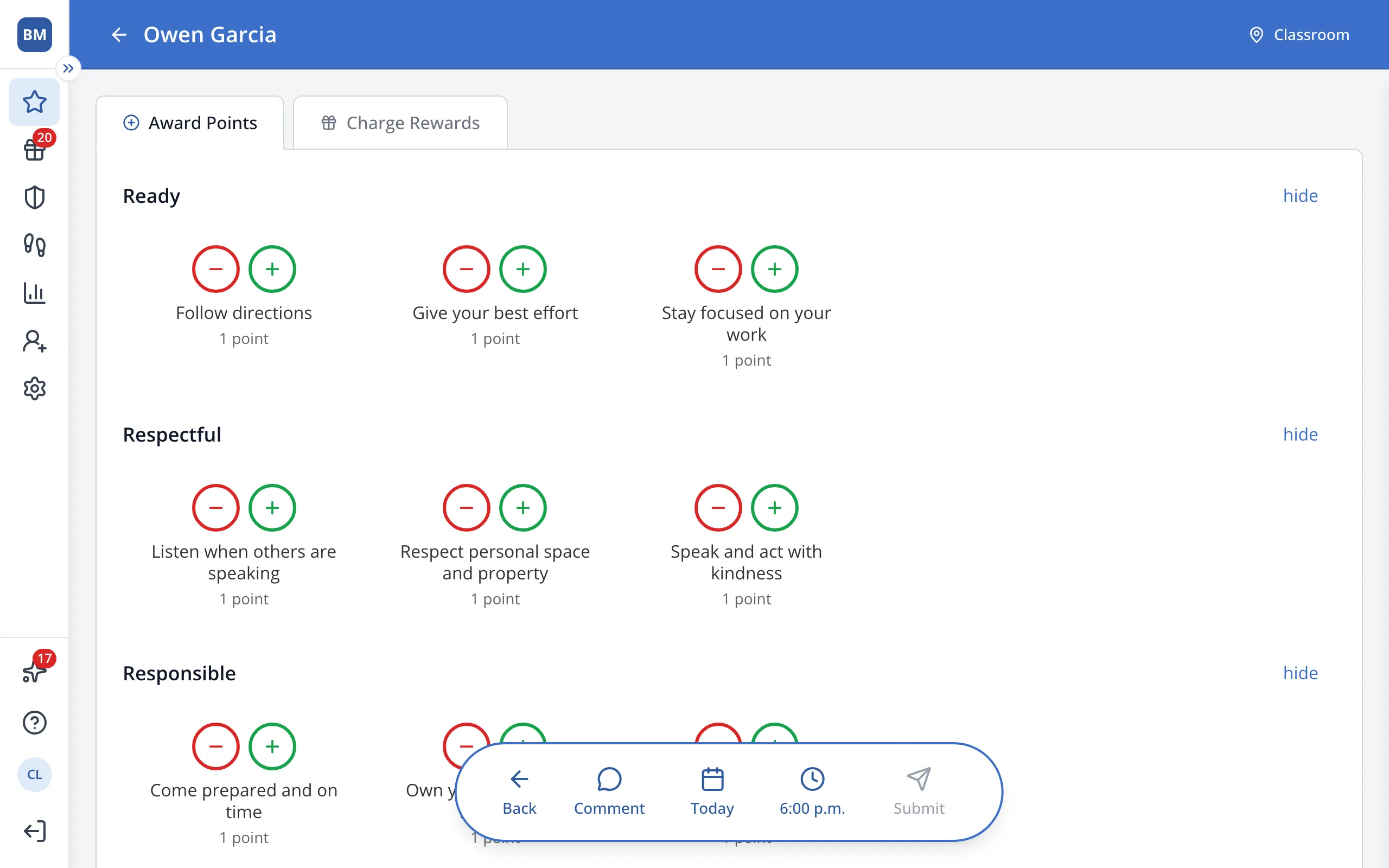
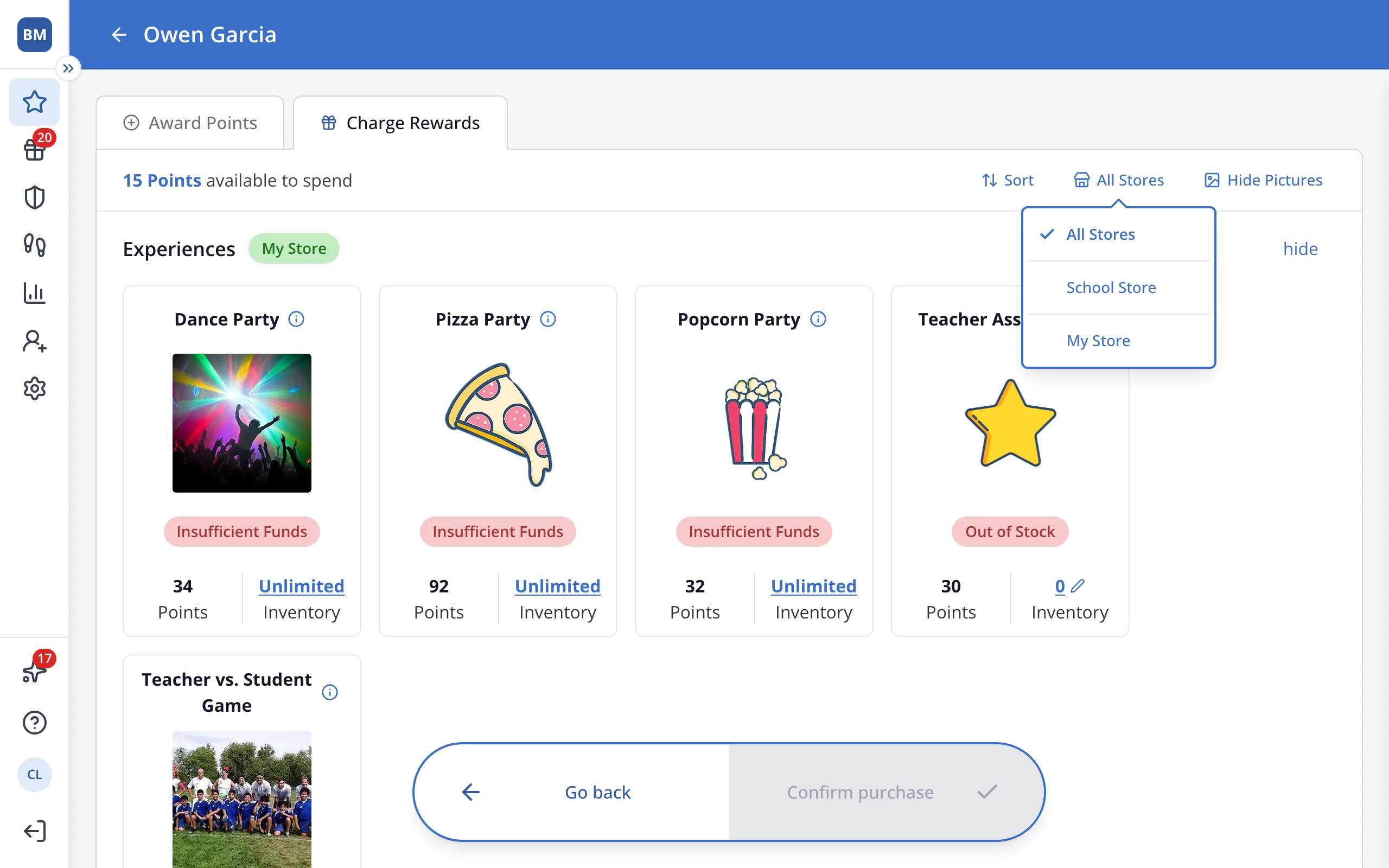
4.Click All Stores.
5.Click School Store or My Store.
Was this helpful?