
See how many points a student can spend
A student's Bank Account is what they can spend. Rewards they can't afford yet say Insufficient Funds.
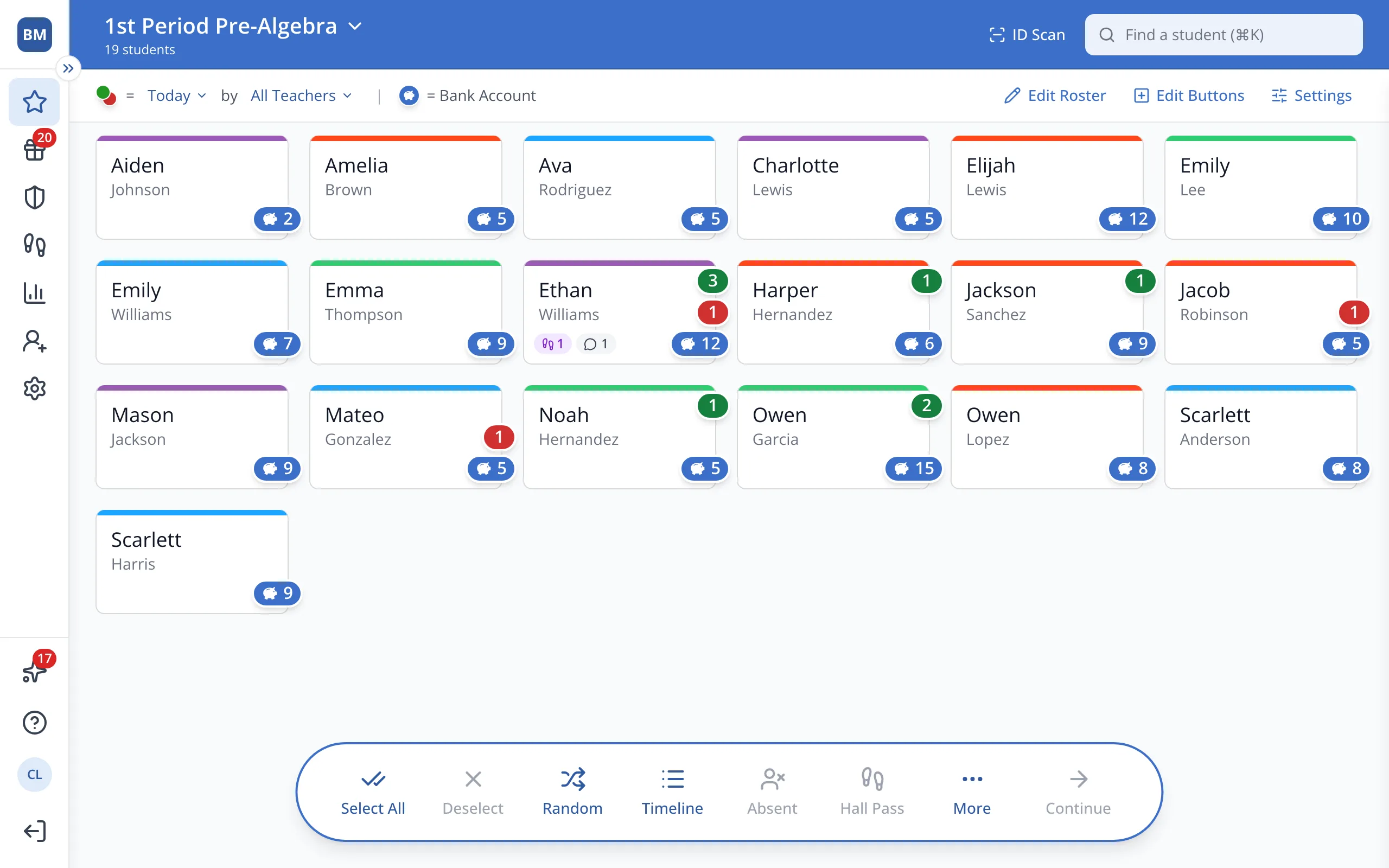
1 / 5On the Points page, the blue bubble on a student's button shows their Bank Account.
1.On the Points page, the blue bubble on a student's button shows their Bank Account.
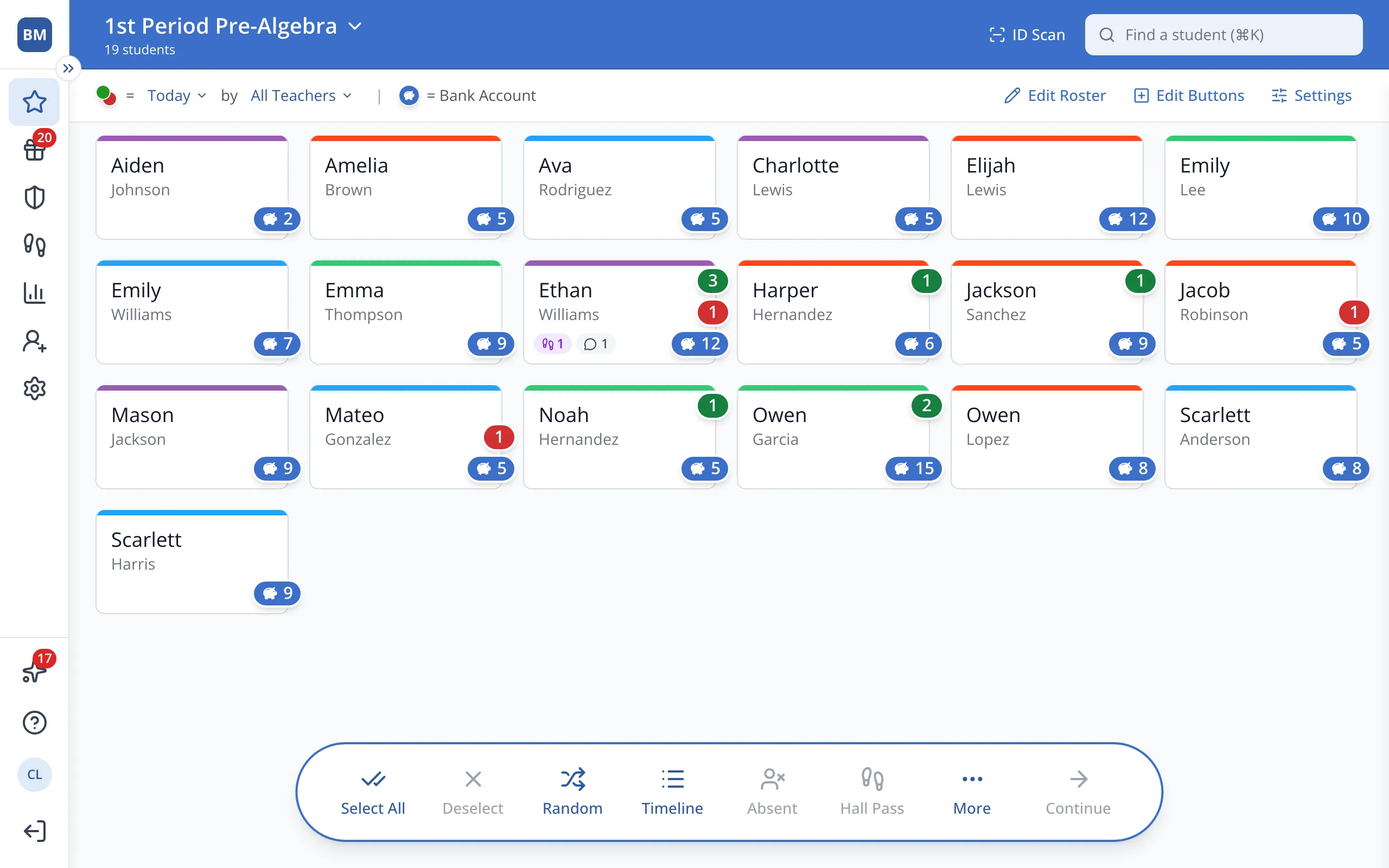
2.On the Points page, click the student's button.
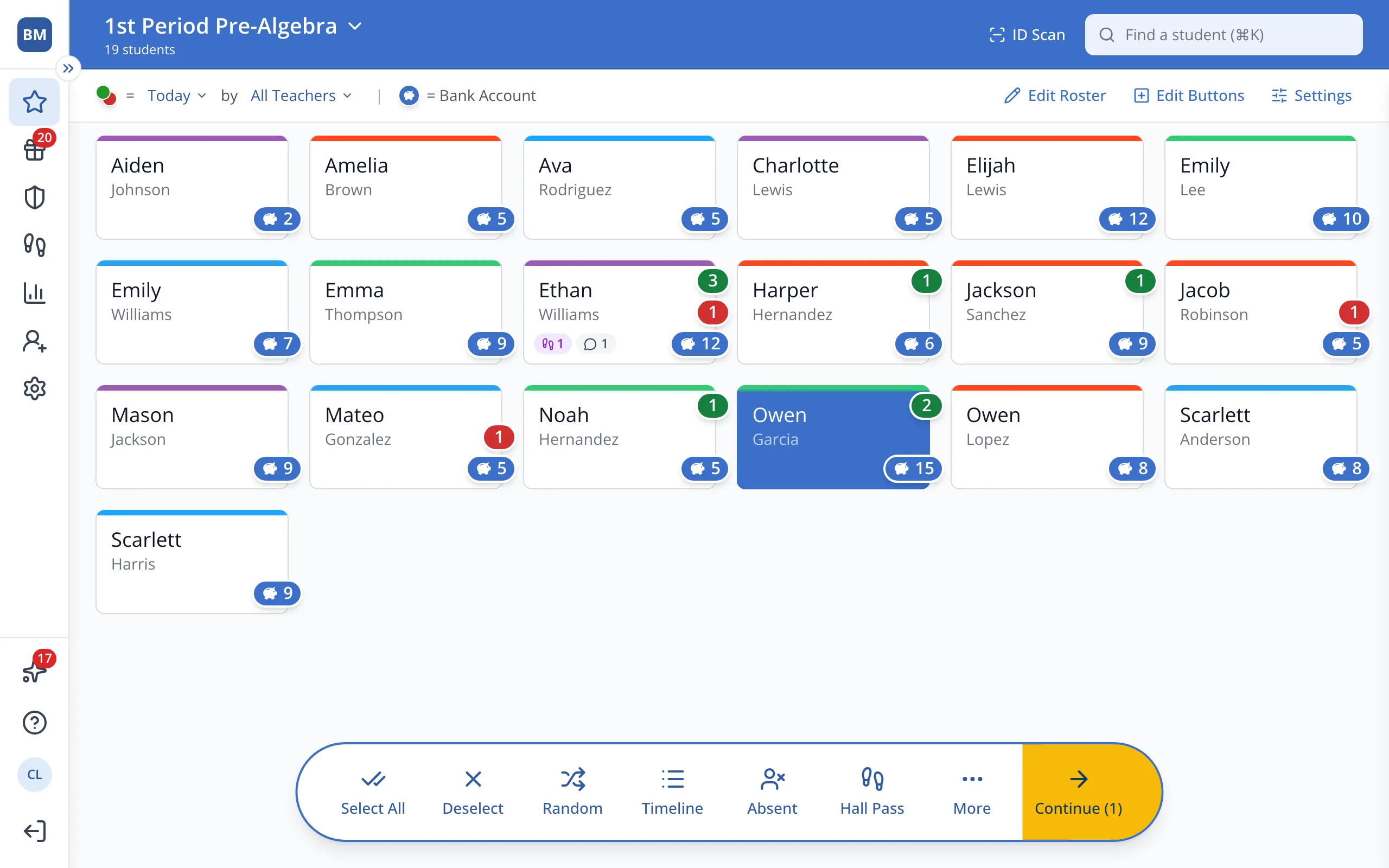
3.In the bar at the bottom, click Continue.
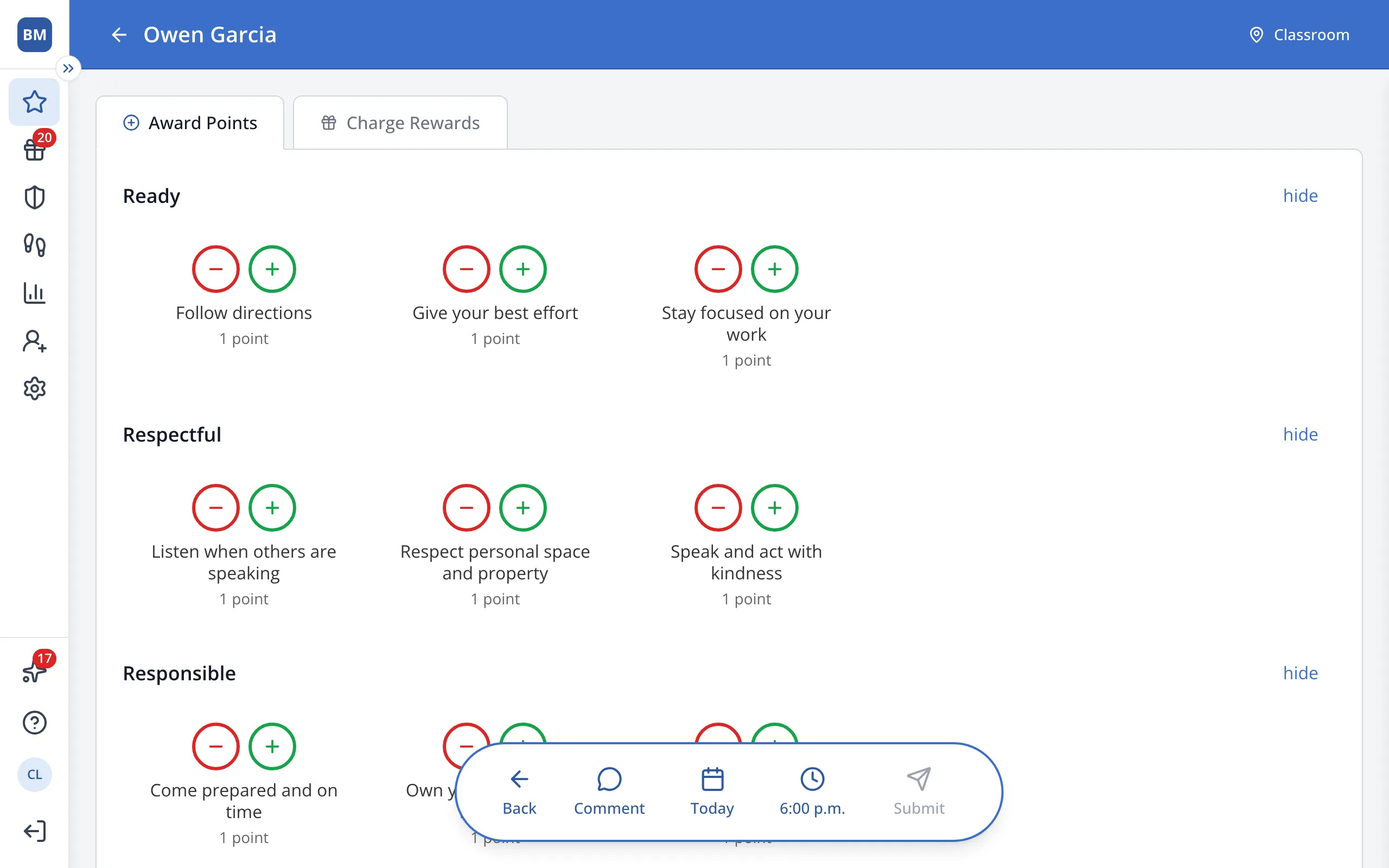
4.Click Charge Rewards.
Was this helpful?