
Set inventory and get low-stock emails
When a reward runs low you get an email, and students can't buy it once it's out of stock.
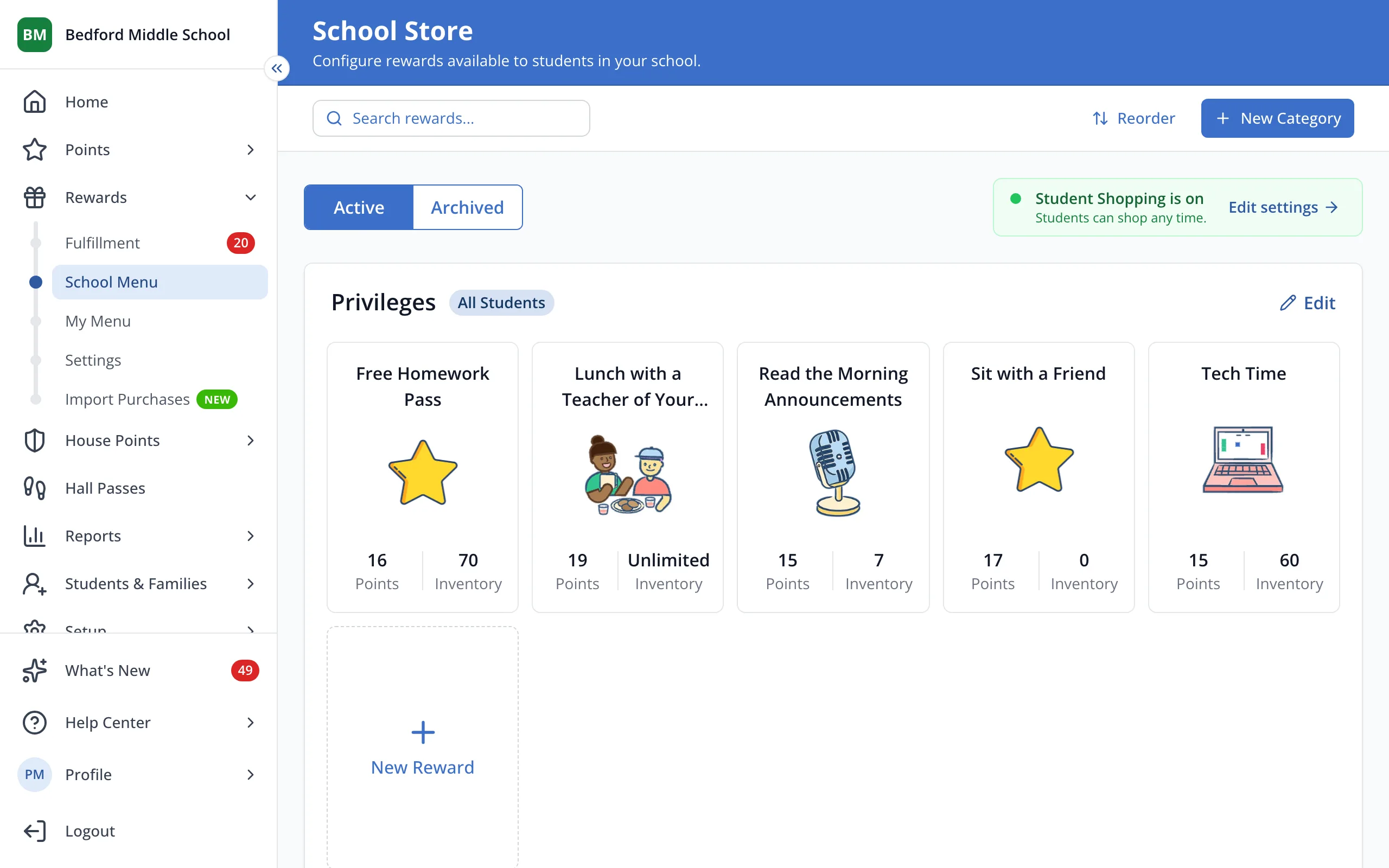
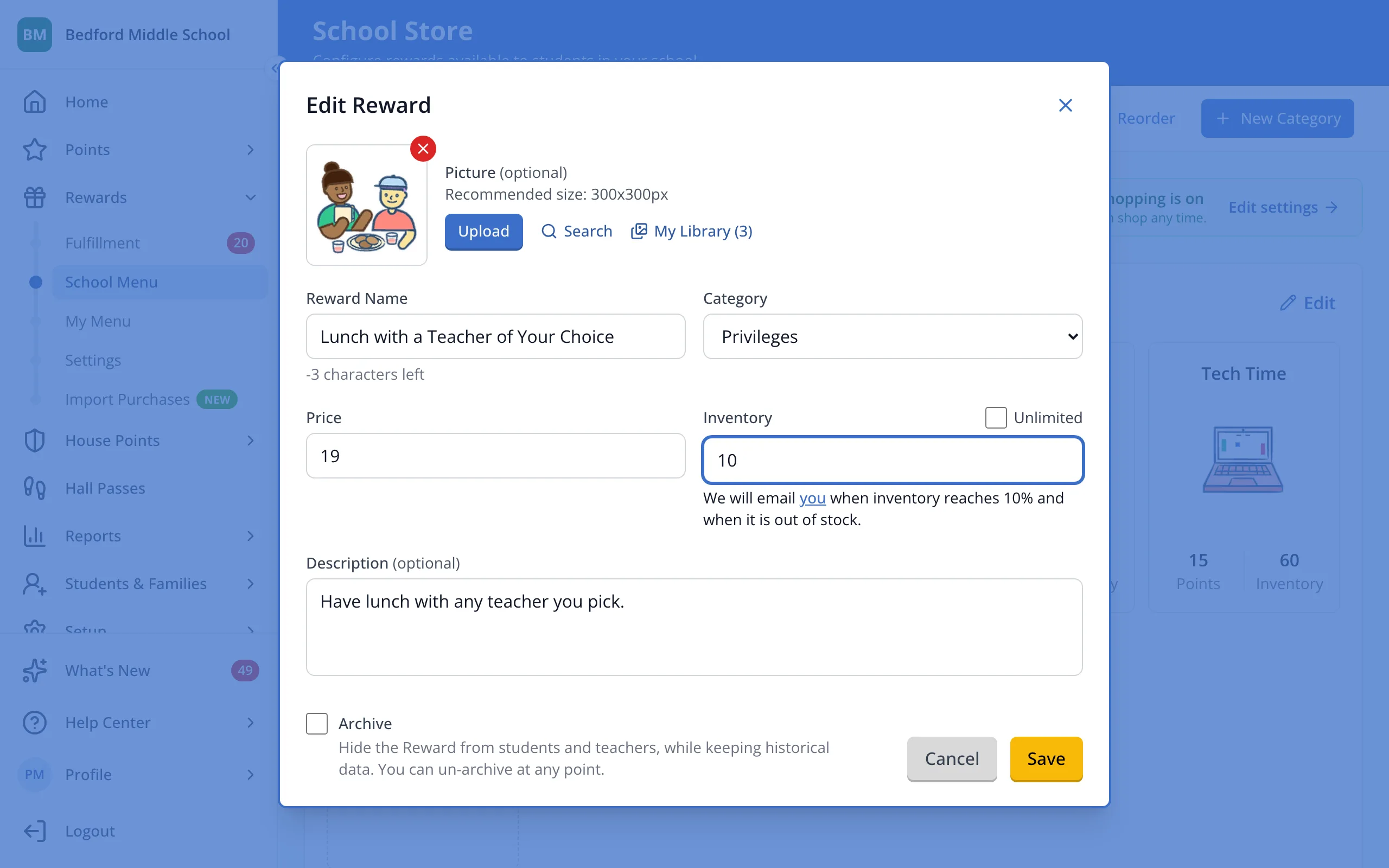
1 / 5On your store page, click the reward.
1.On your store page, click the reward.
2.Uncheck Unlimited.
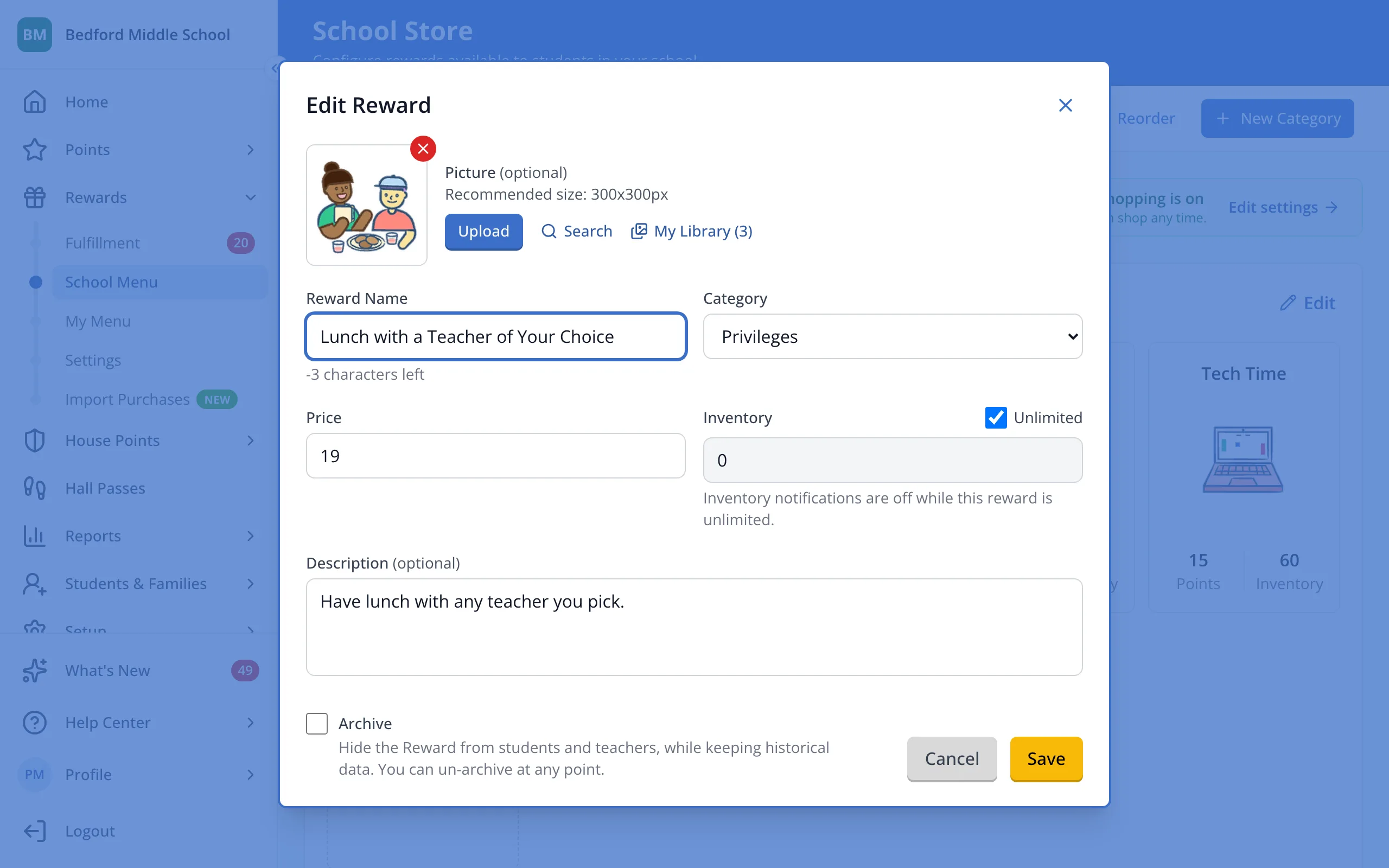
3.Type how many are available.
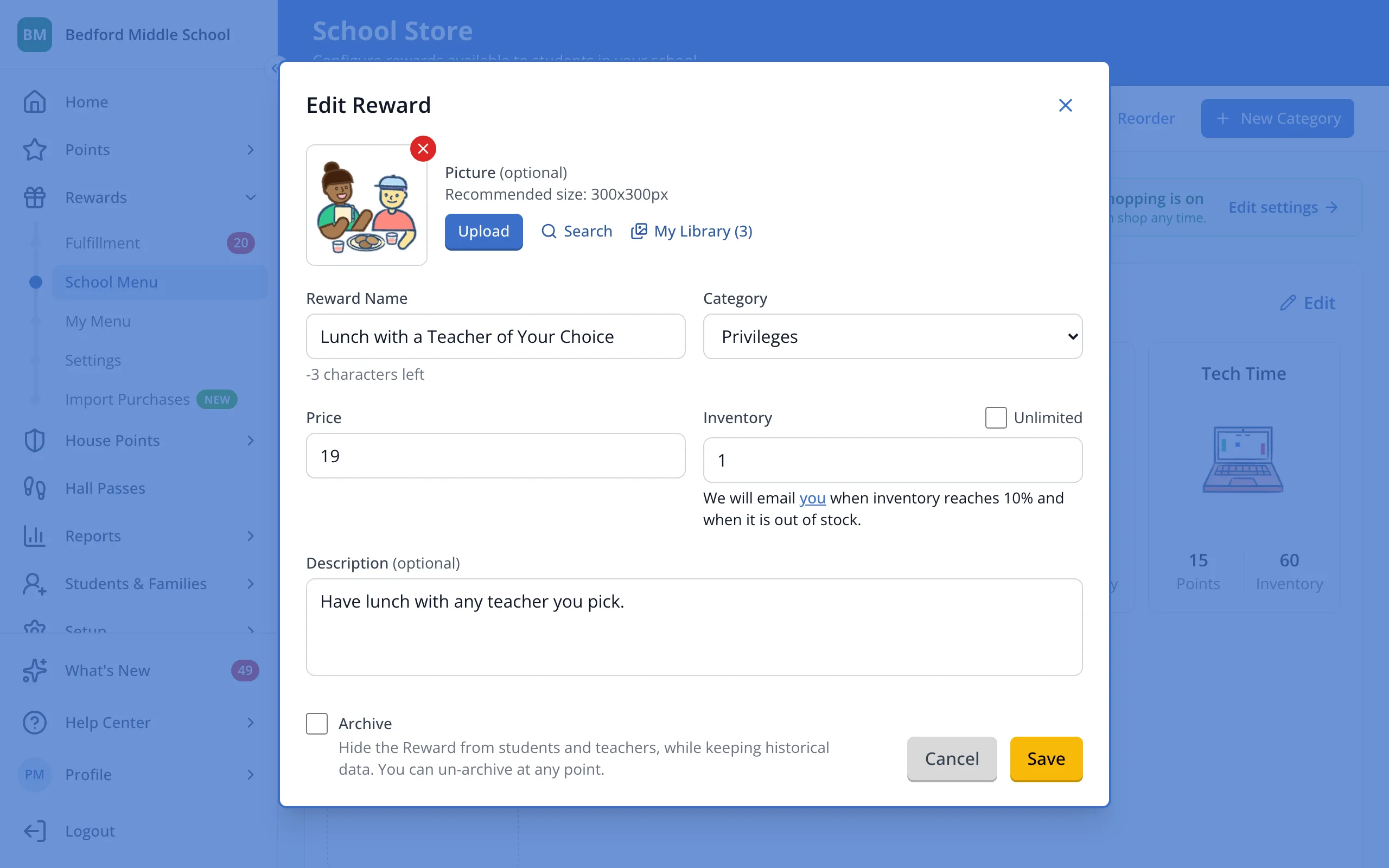
4.Click the name to choose who gets the low-stock emails.
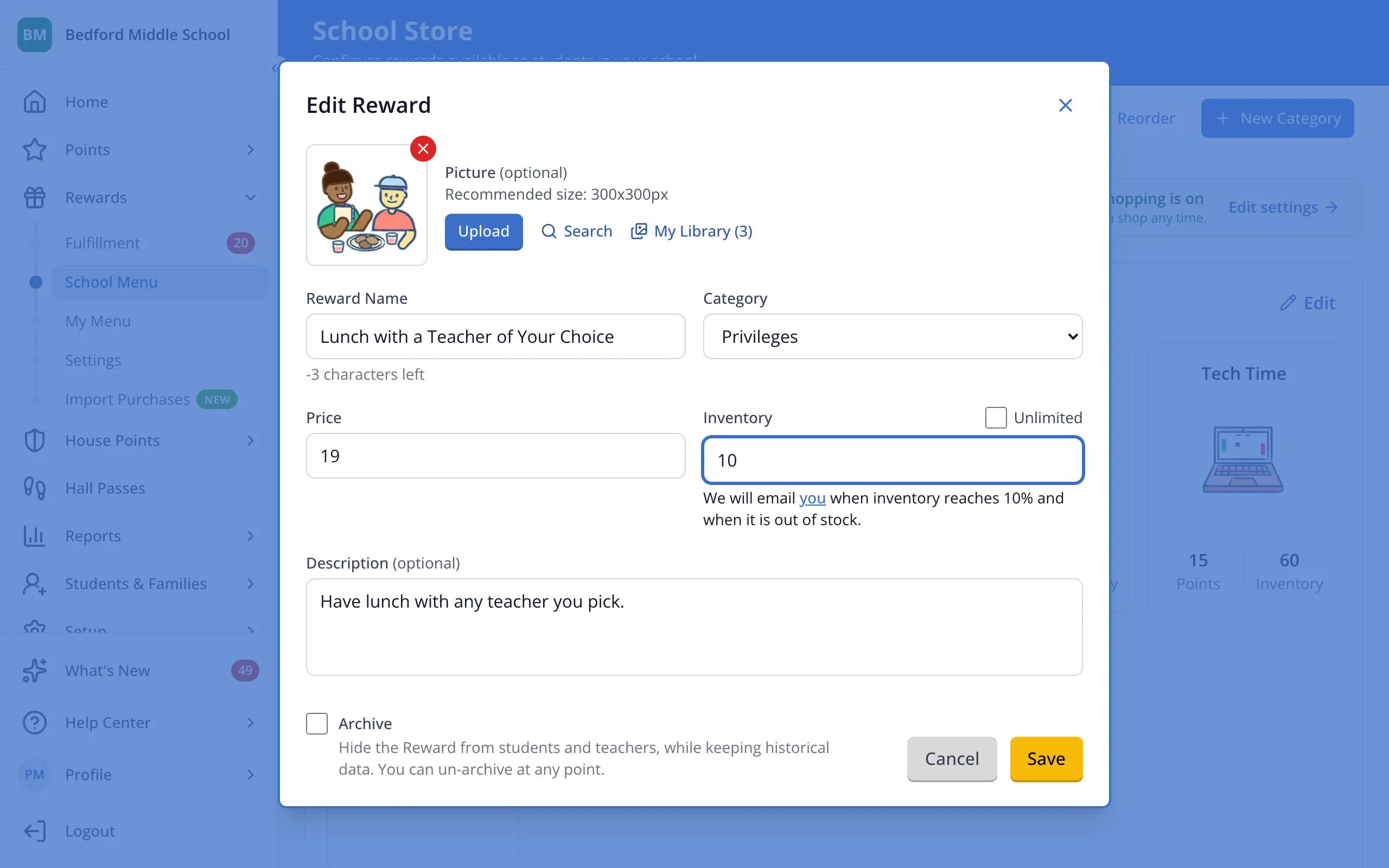
5.Click Save.
Was this helpful?