
Skip a day or pause a shopping window
Pause a window until you turn it back on, or skip one day, like a holiday, and keep the rest.
AdminSite Leader
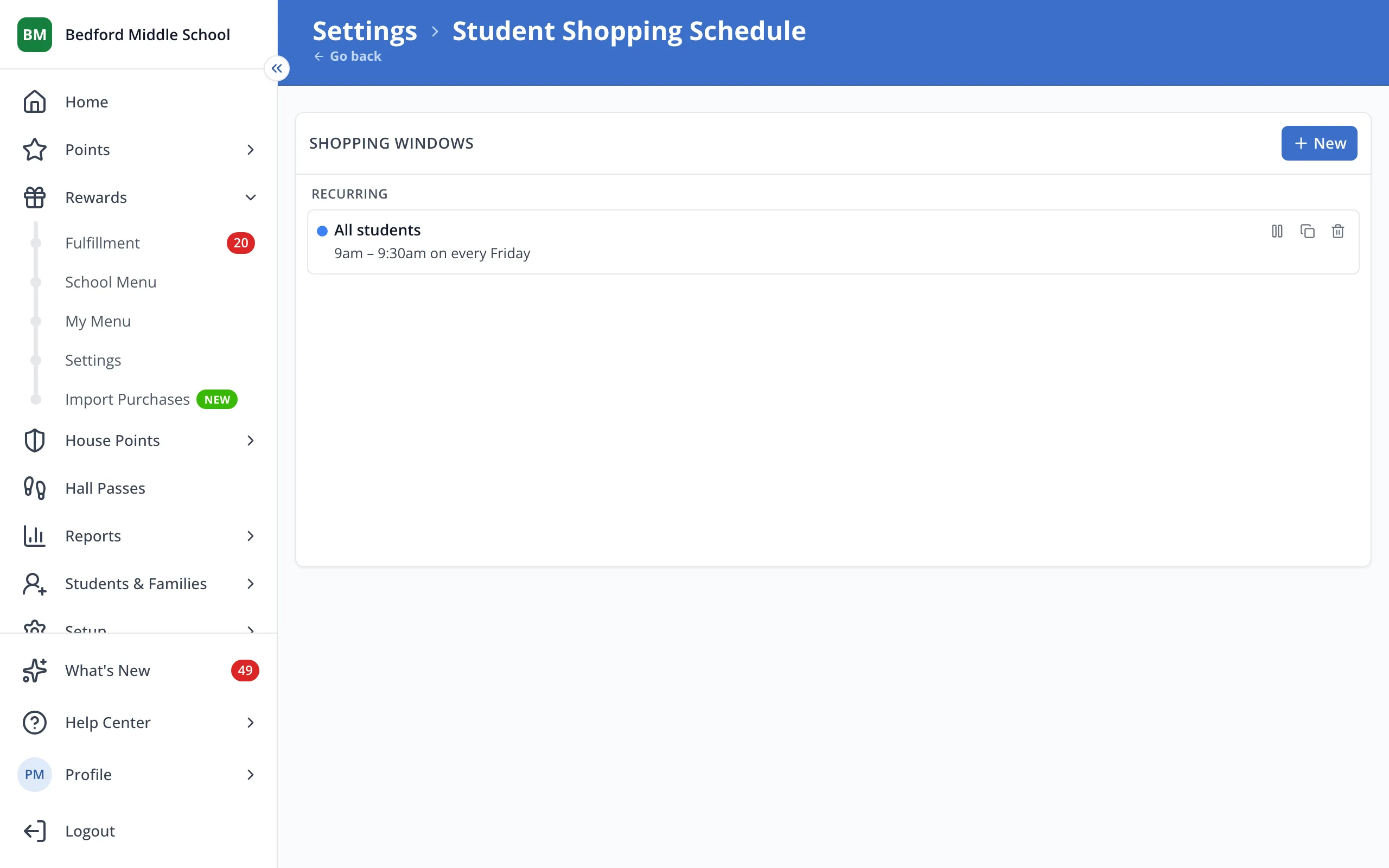
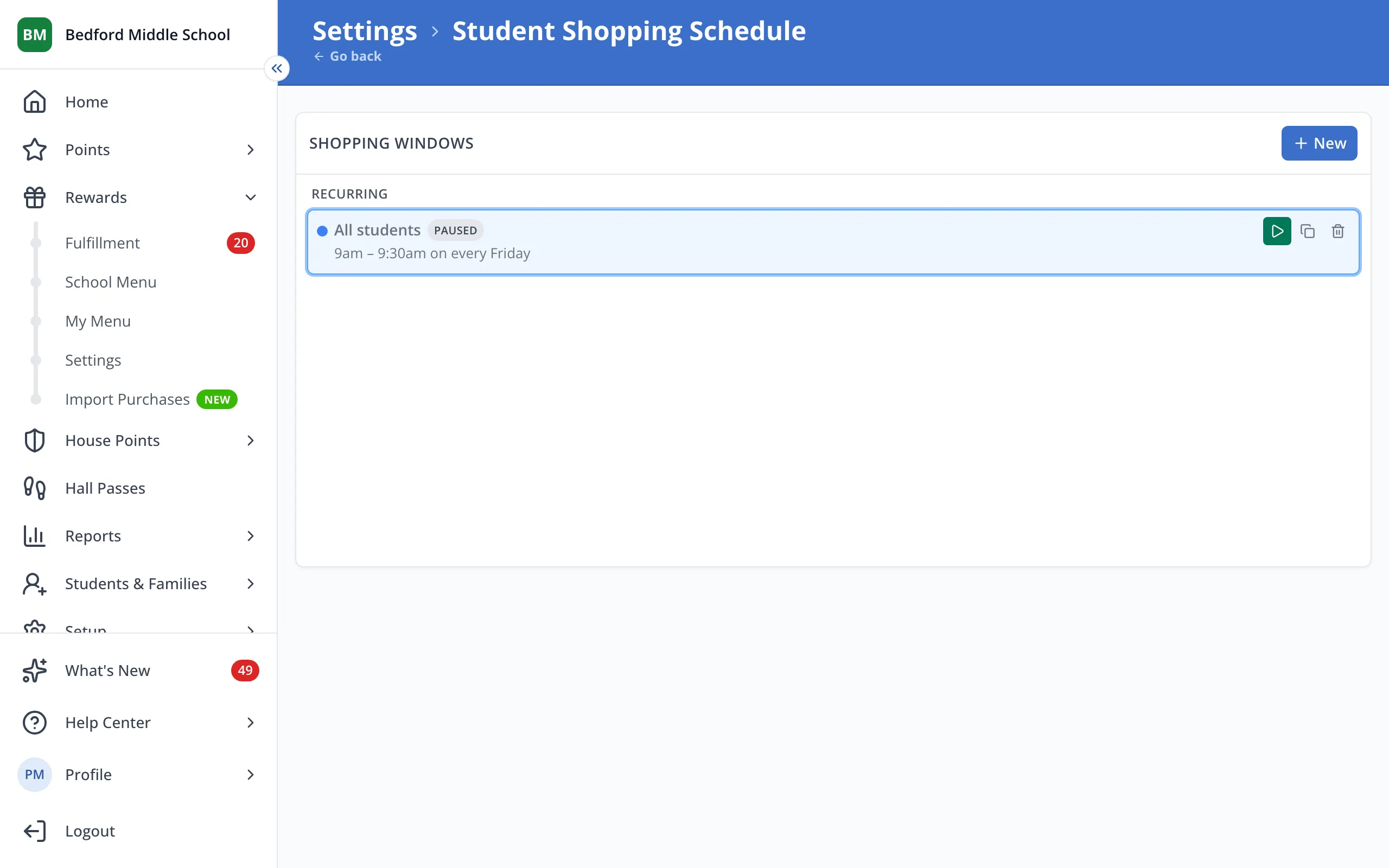
1 / 2On the Student Shopping Schedule page, click the pause button on the window.
1.On the Student Shopping Schedule page, click the pause button on the window.
Tip: To skip one day only, click the window on the calendar and choose Skip this day only.
Was this helpful?