
Sort rewards by price when charging a student
Put the cheapest rewards first to quickly find what a student can afford.
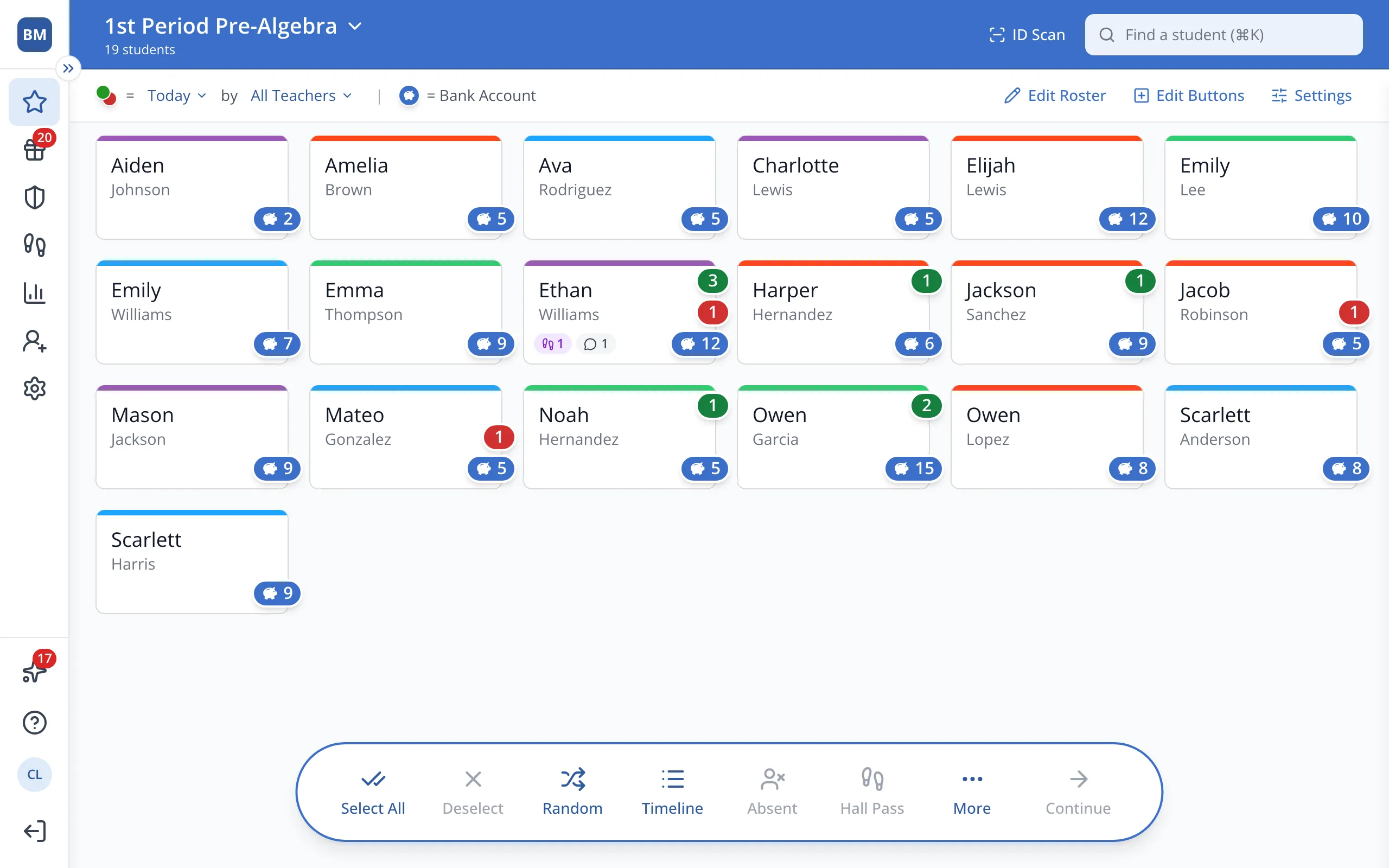
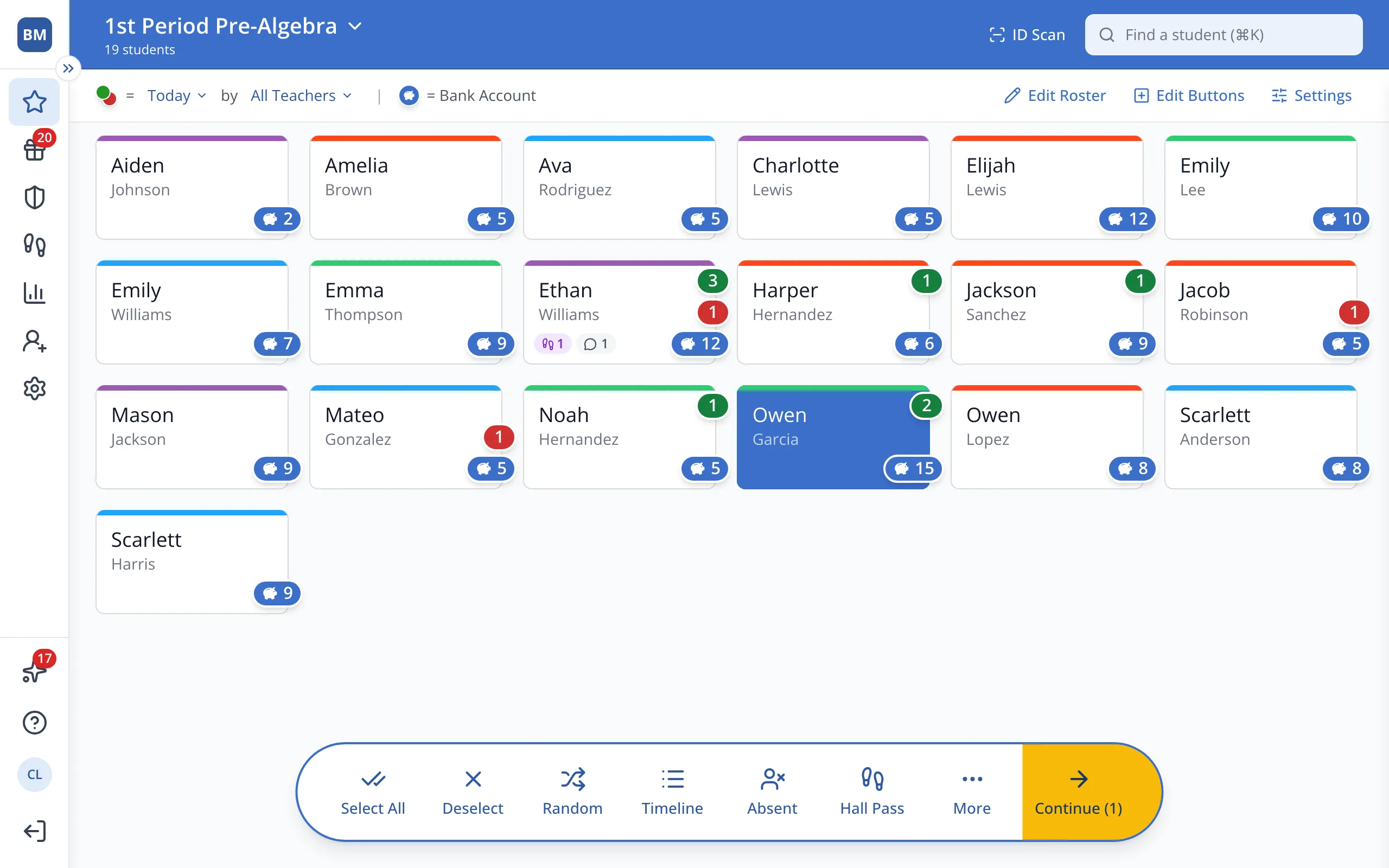
1 / 5On the Points page, click the student.
1.On the Points page, click the student's button.
2.In the bar at the bottom, click Continue.
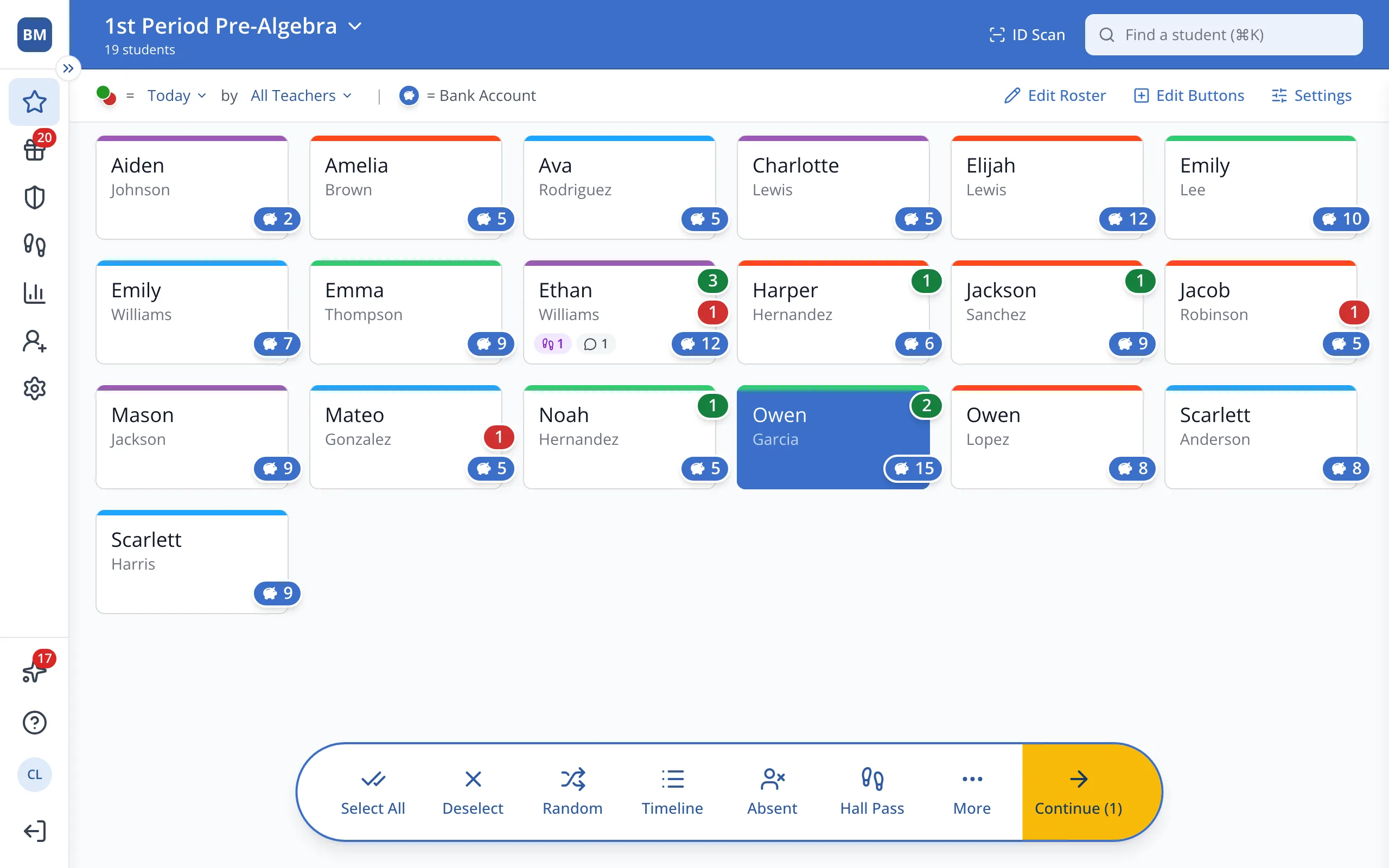
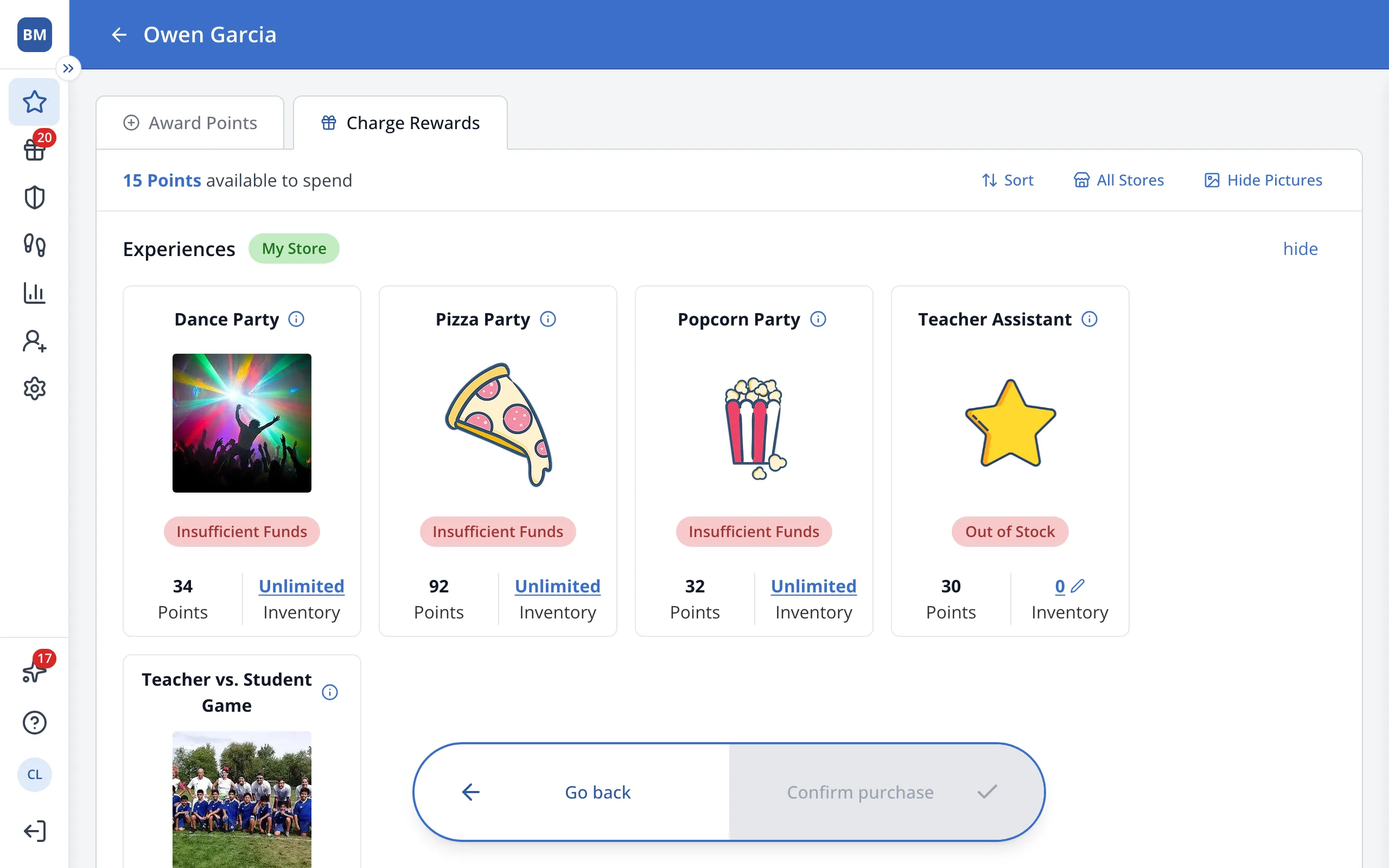
3.Click Charge Rewards.
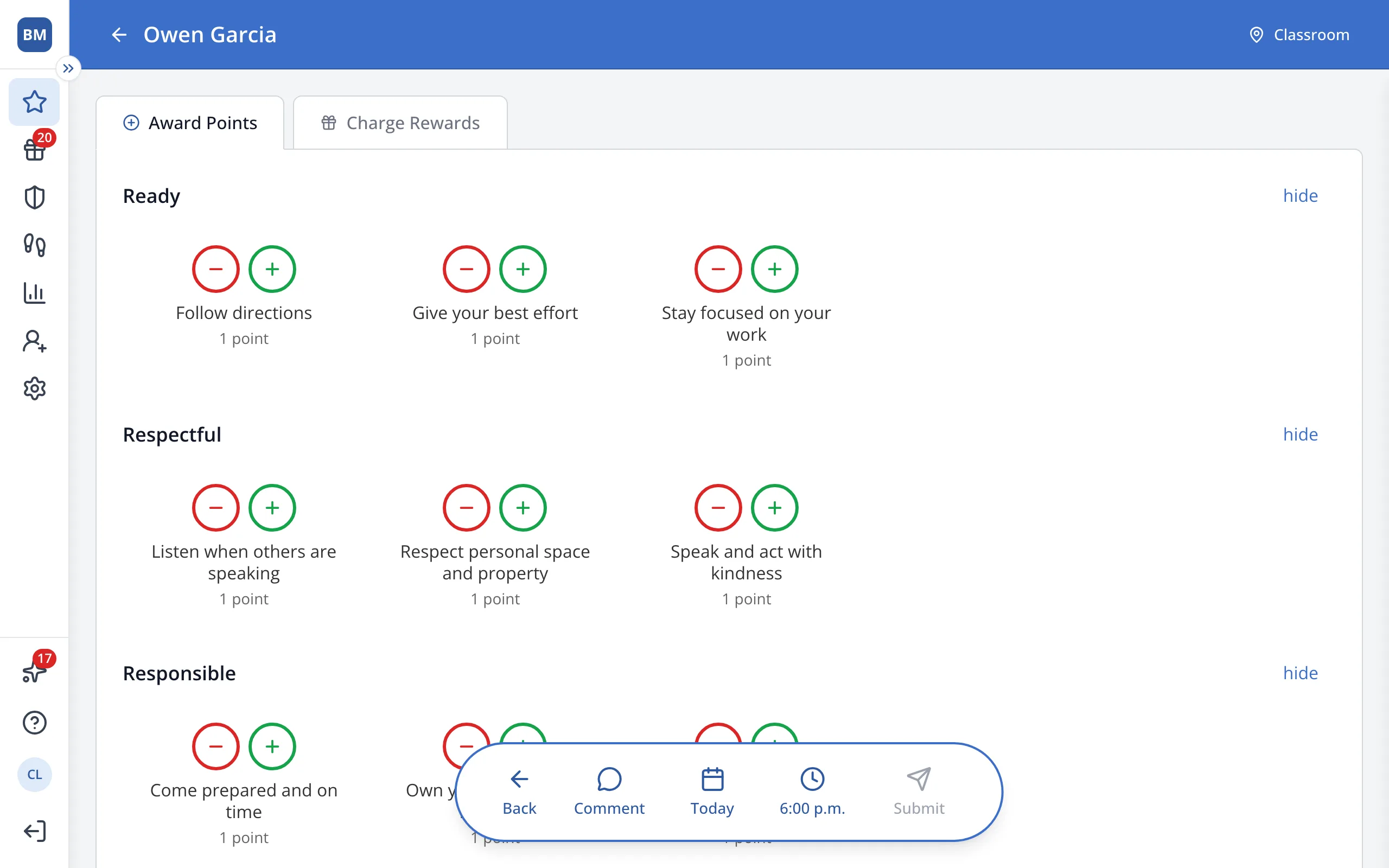
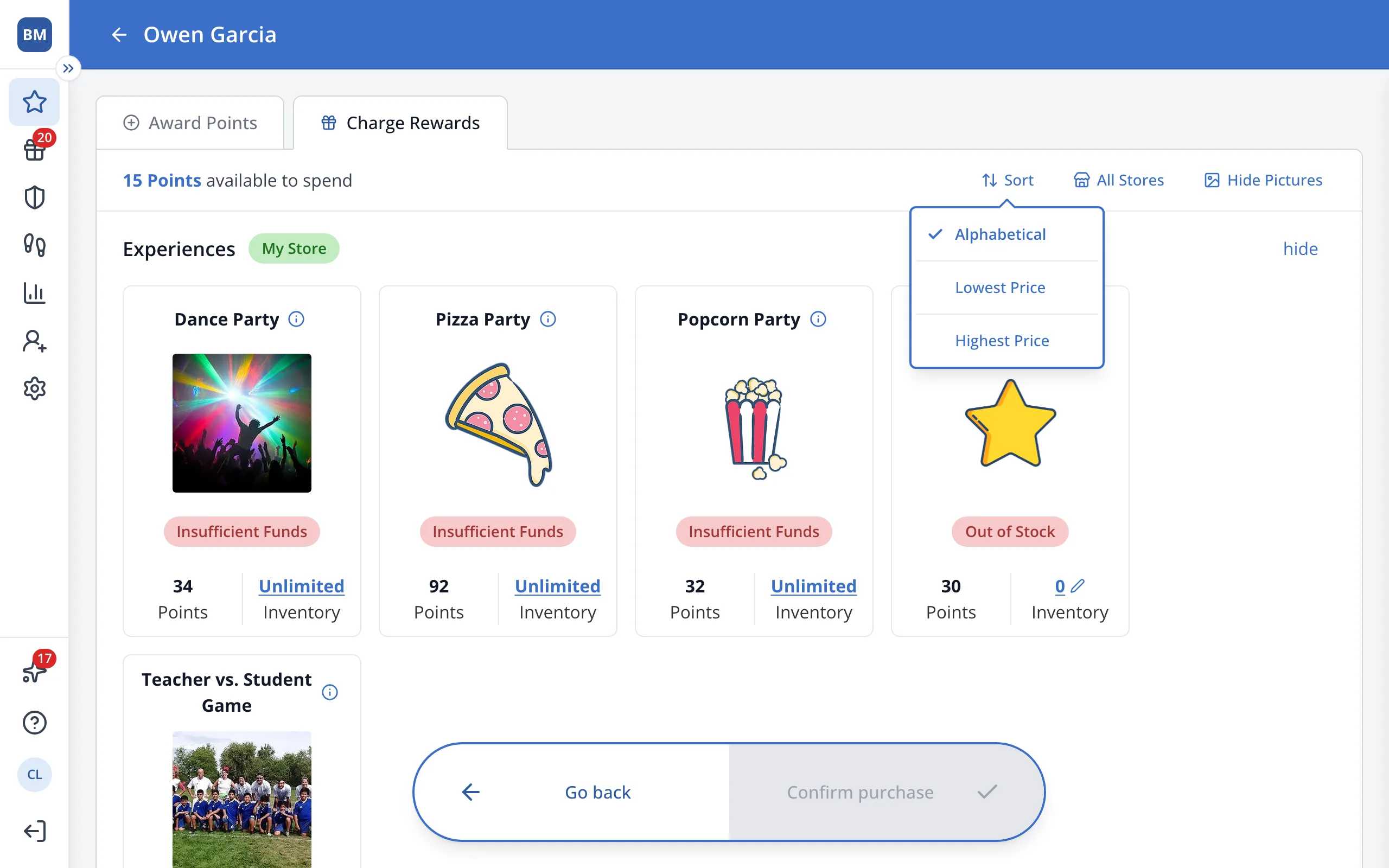
4.Click Sort.
5.Click Lowest Price or Highest Price.
Was this helpful?