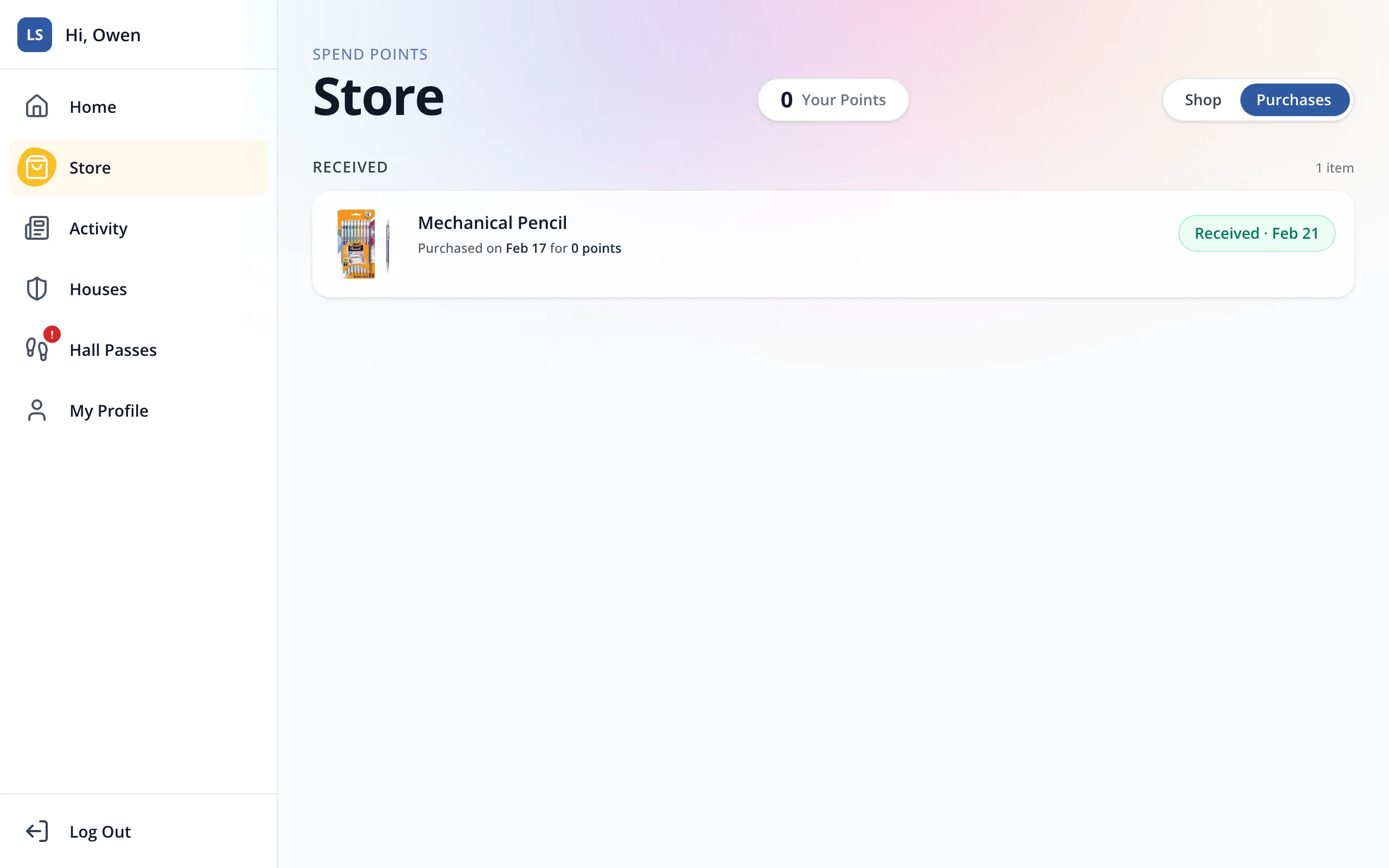
Check the status of purchases within the student app
Students see what they've bought and whether each reward is waiting or already received.
Open in LiveSchool
Already signed in? Open this guide inside LiveSchool.
Use the Left and Right arrow keys to move between steps, and Space to play or pause.
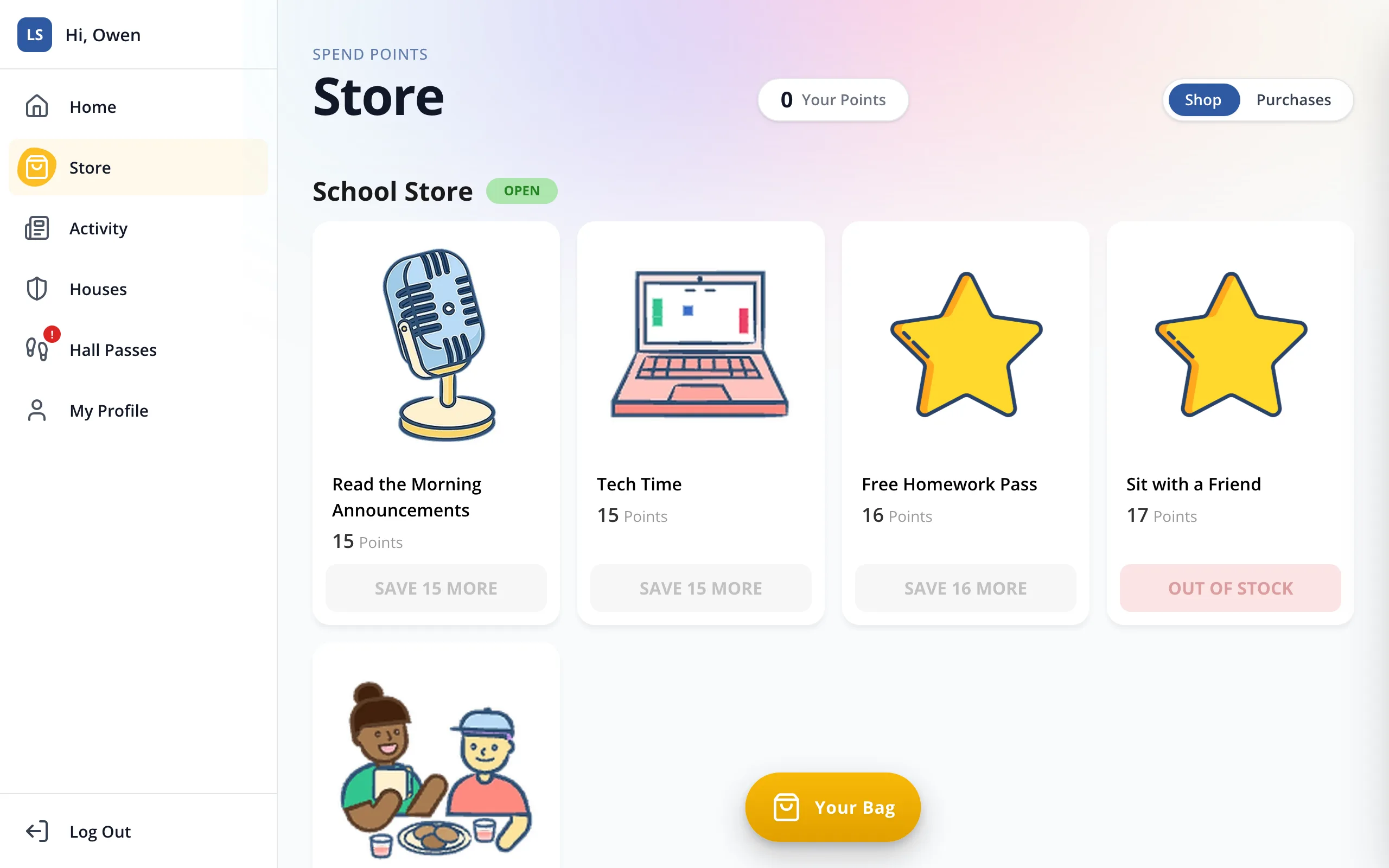
1.On the Store page of the portal, click Purchases.
2.Rewards you've already been given are listed under Received.