Buy a reward from the store as a student
Students spend their Bank Account on rewards they can afford while the store is open.
Open in LiveSchool
Already signed in? Open this guide inside LiveSchool.
Use the Left and Right arrow keys to move between steps, and Space to play or pause.
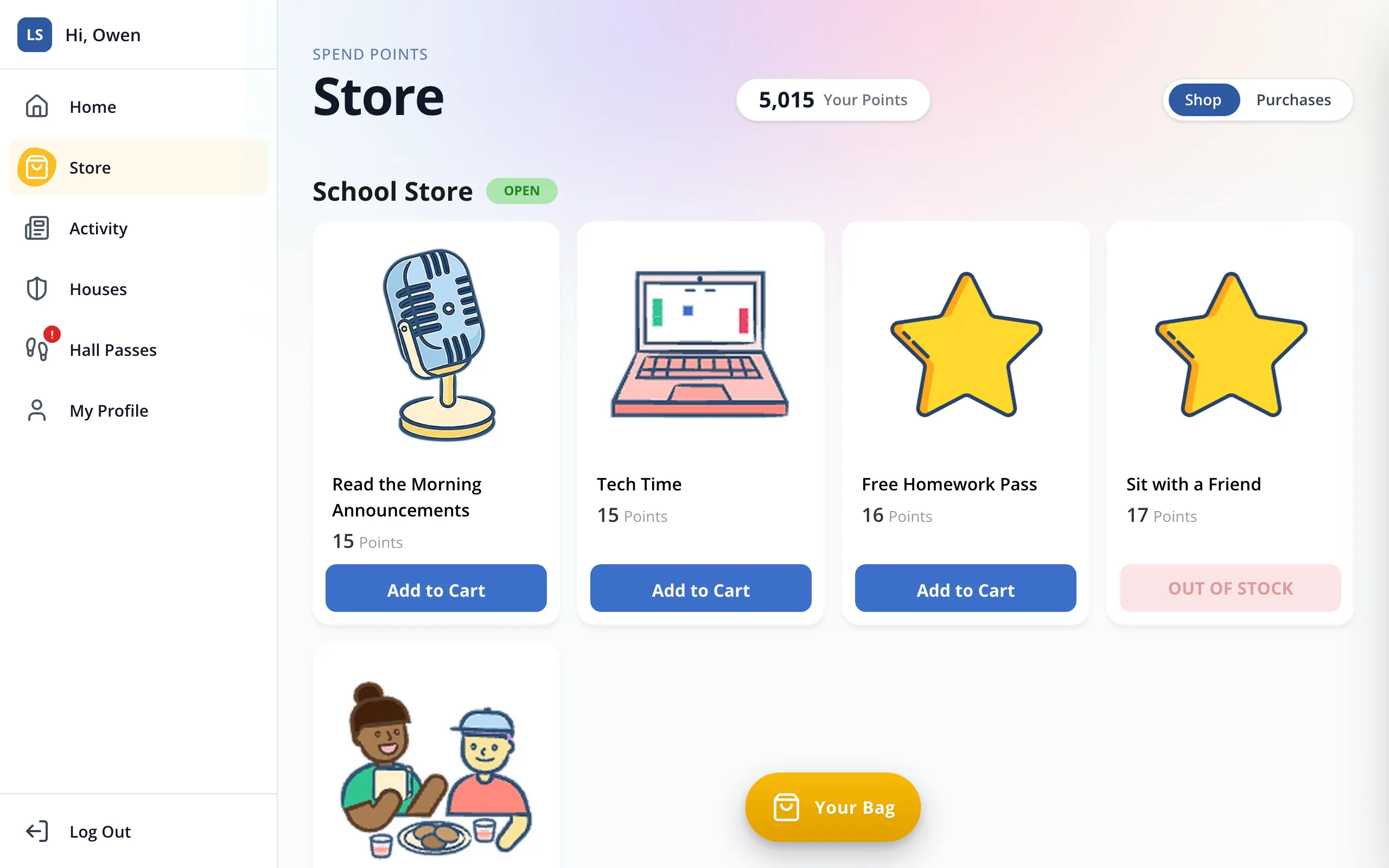
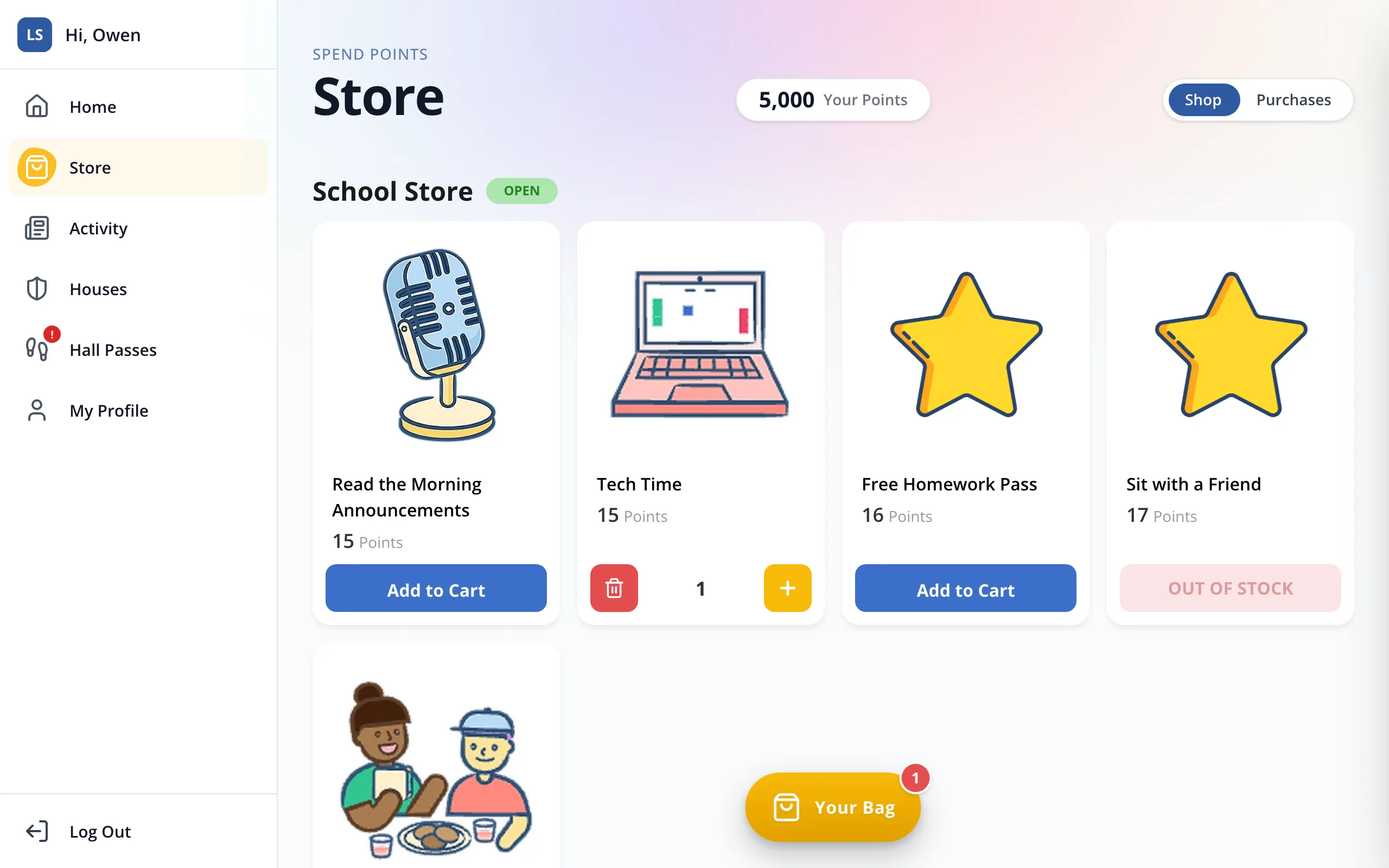
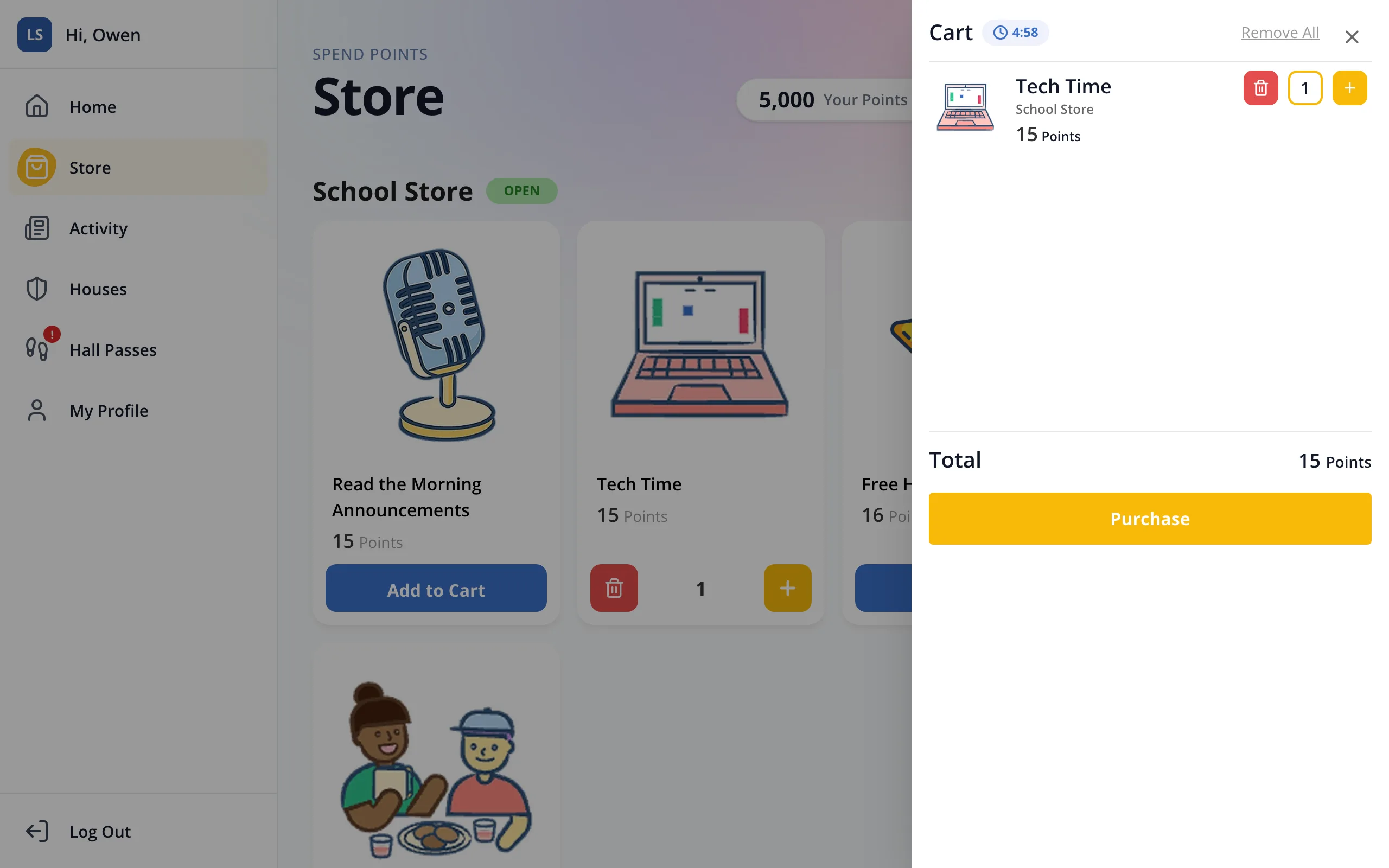
1.On the Store page of the portal, click Add to Cart under the reward you'd like.
2.Click Your Bag.
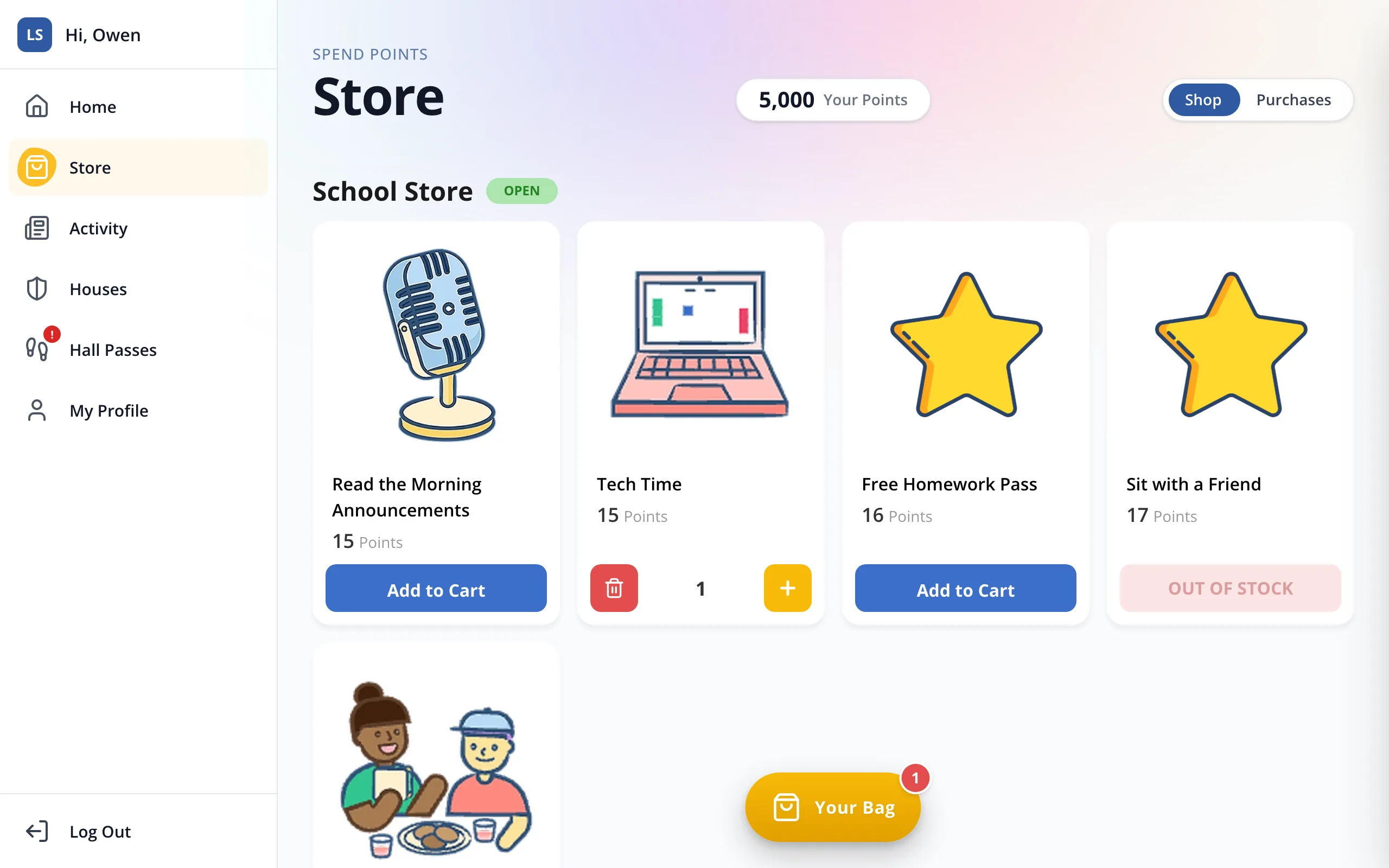
3.Click Purchase before the timer runs out.
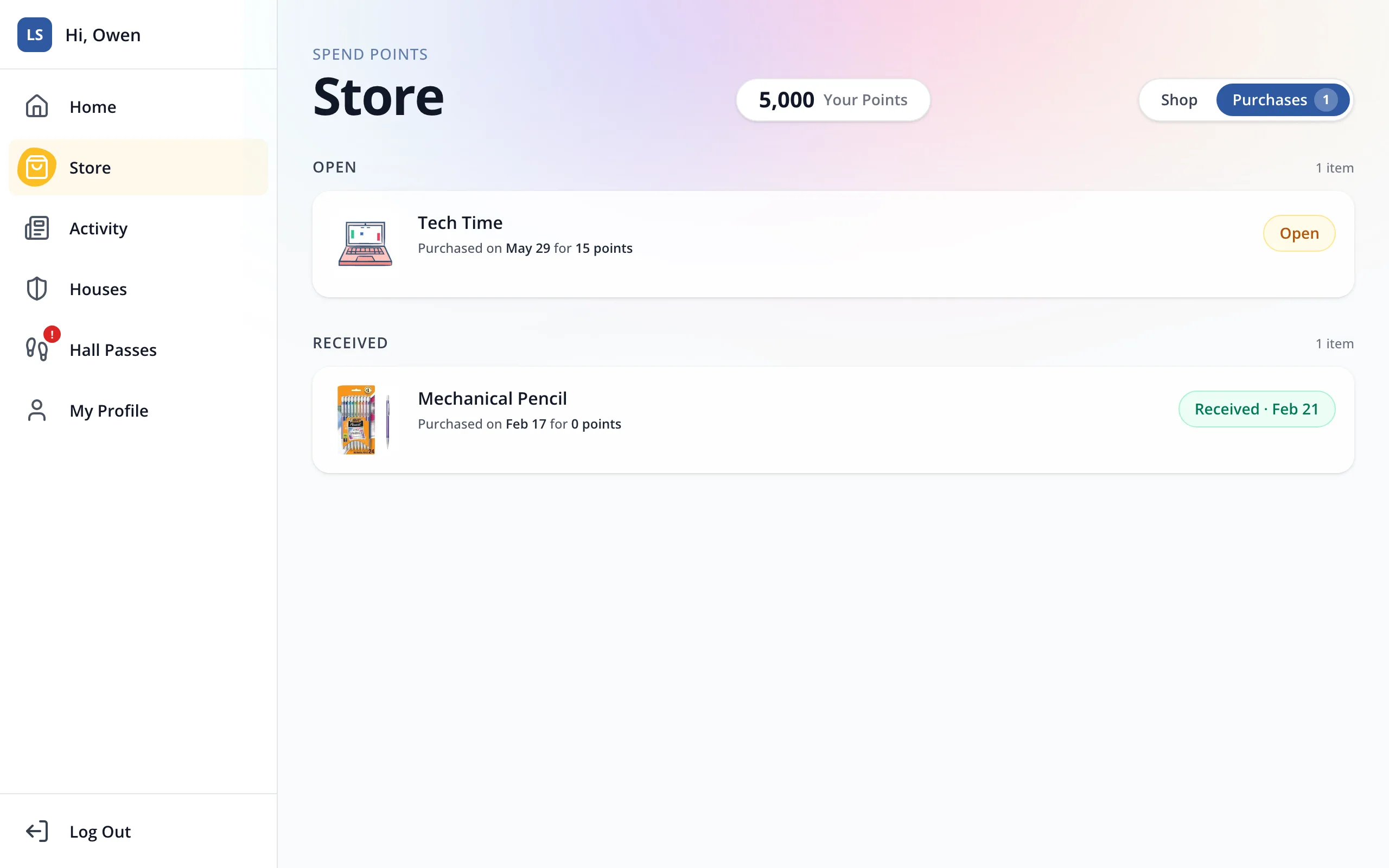
4.Click Purchases to see your reward.
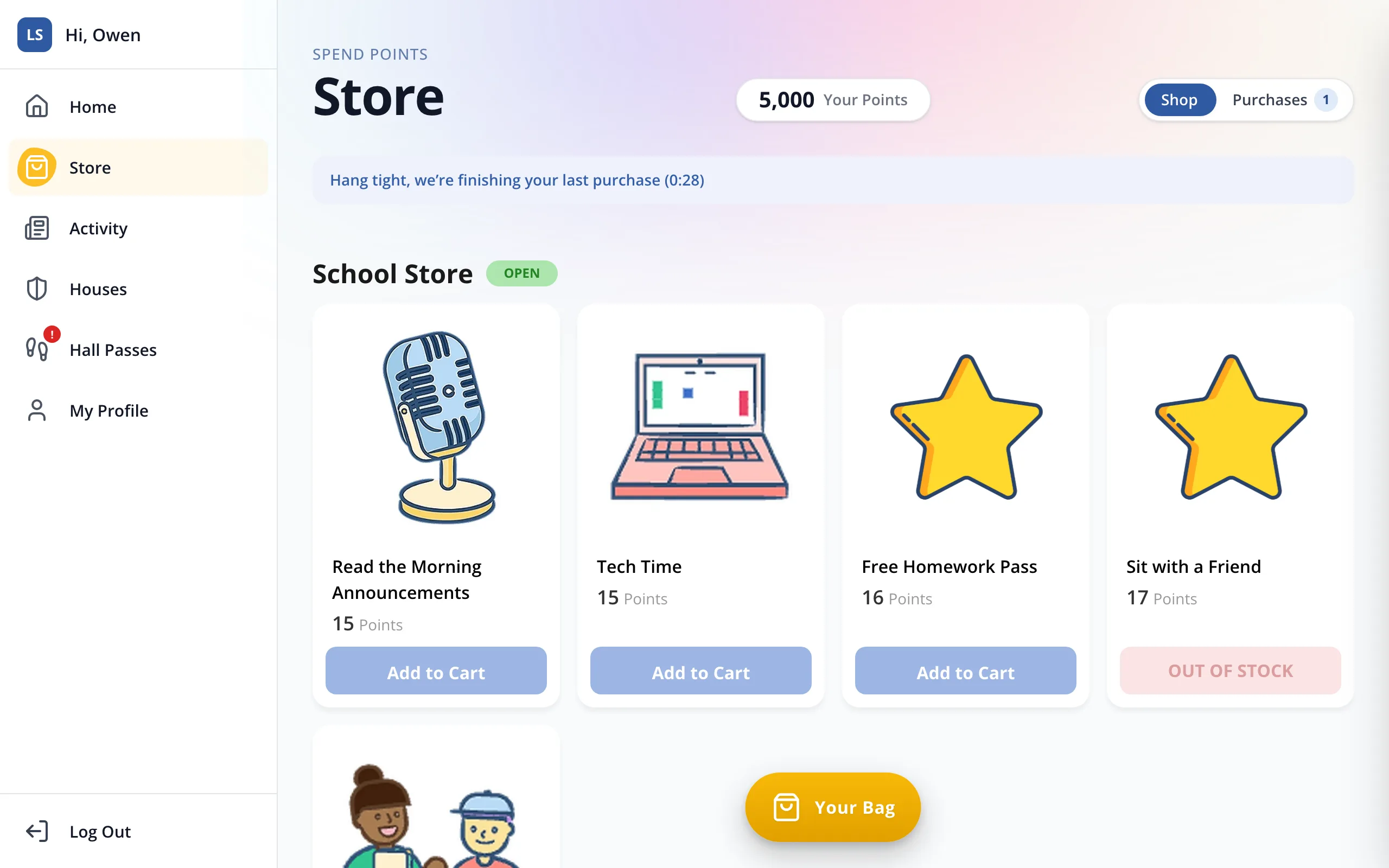
5.Your reward stays under Open until your teacher gives it to you.