
Turn rewards on or off
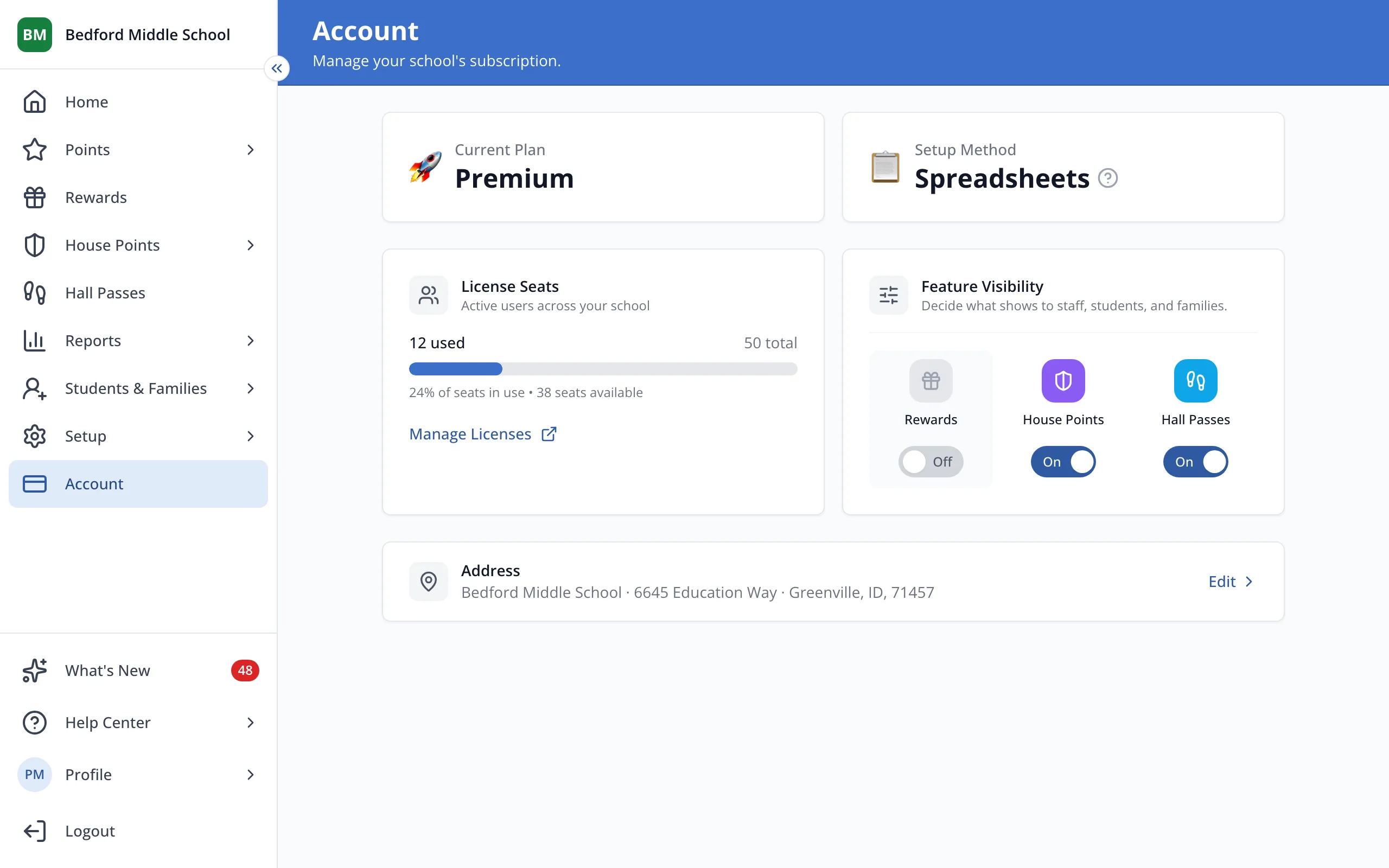
Turning Rewards off removes it from the sidebar and hides it from staff, students, and families without deleting anything.
AdminSite Leader
Open in LiveSchool
Already signed in? Open this guide inside LiveSchool.
Use the Left and Right arrow keys to move between steps, and Space to play or pause.
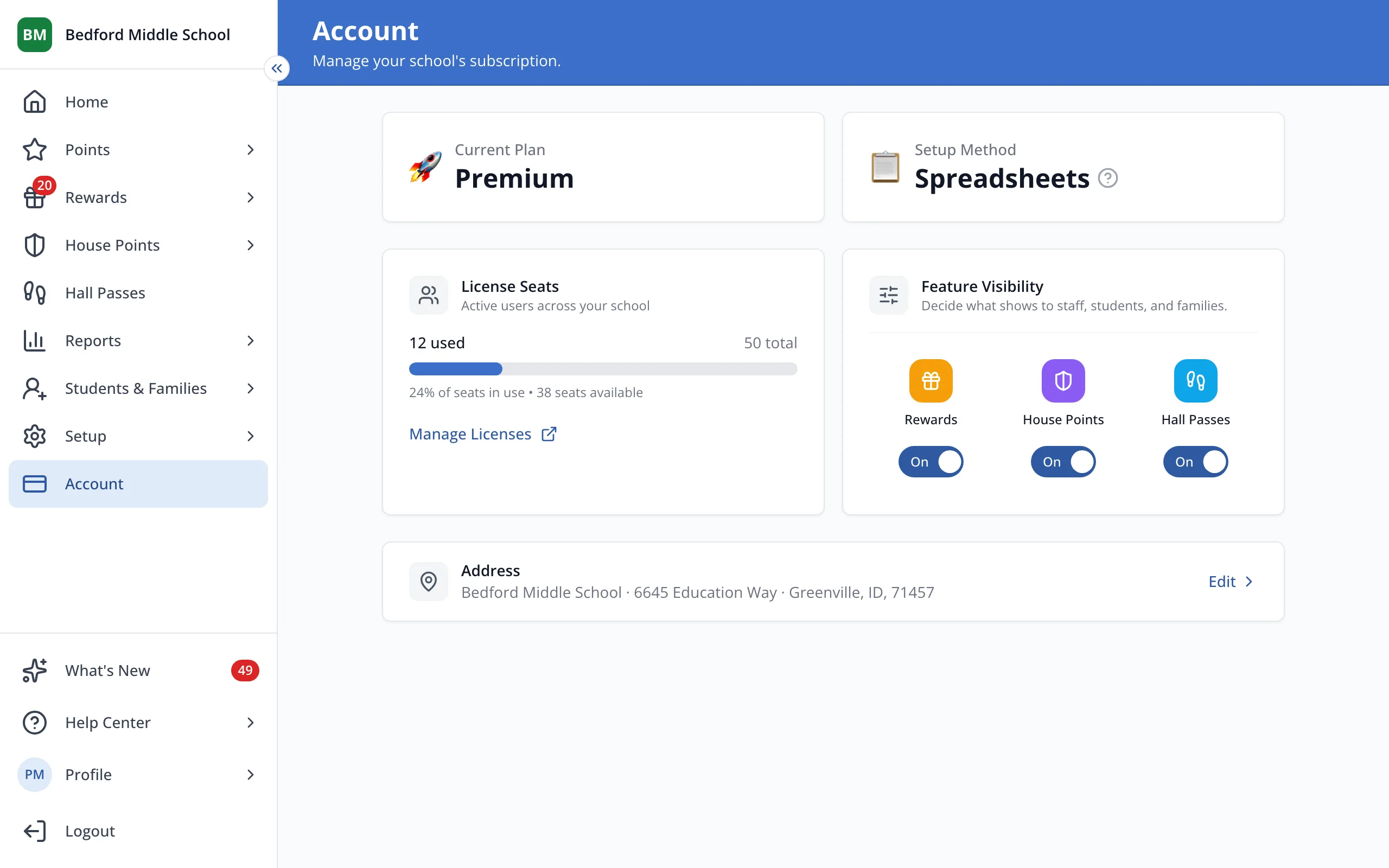
1.On the Account page, under Feature Visibility, turn Rewards on or off.