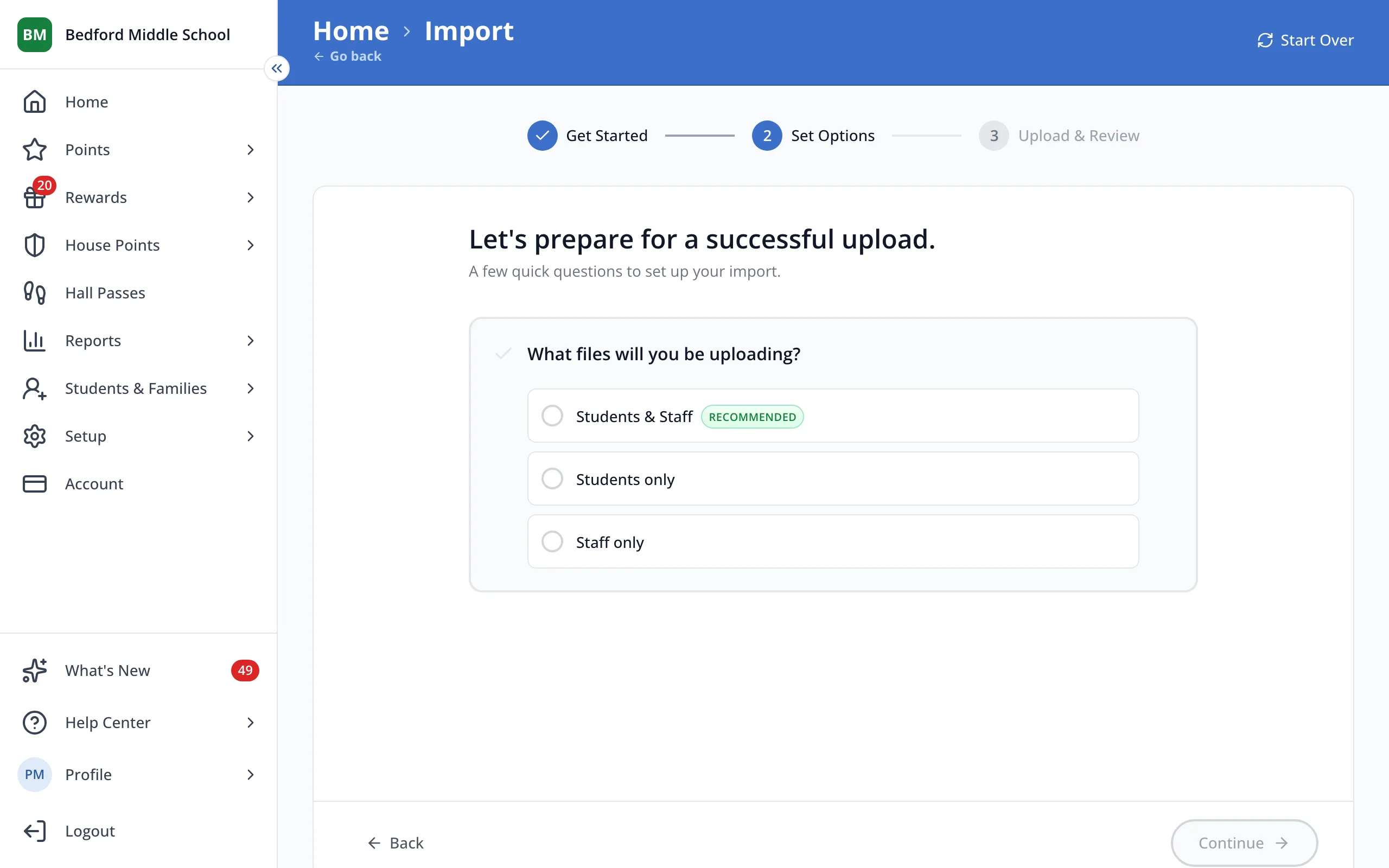
Choose between update data and start fresh
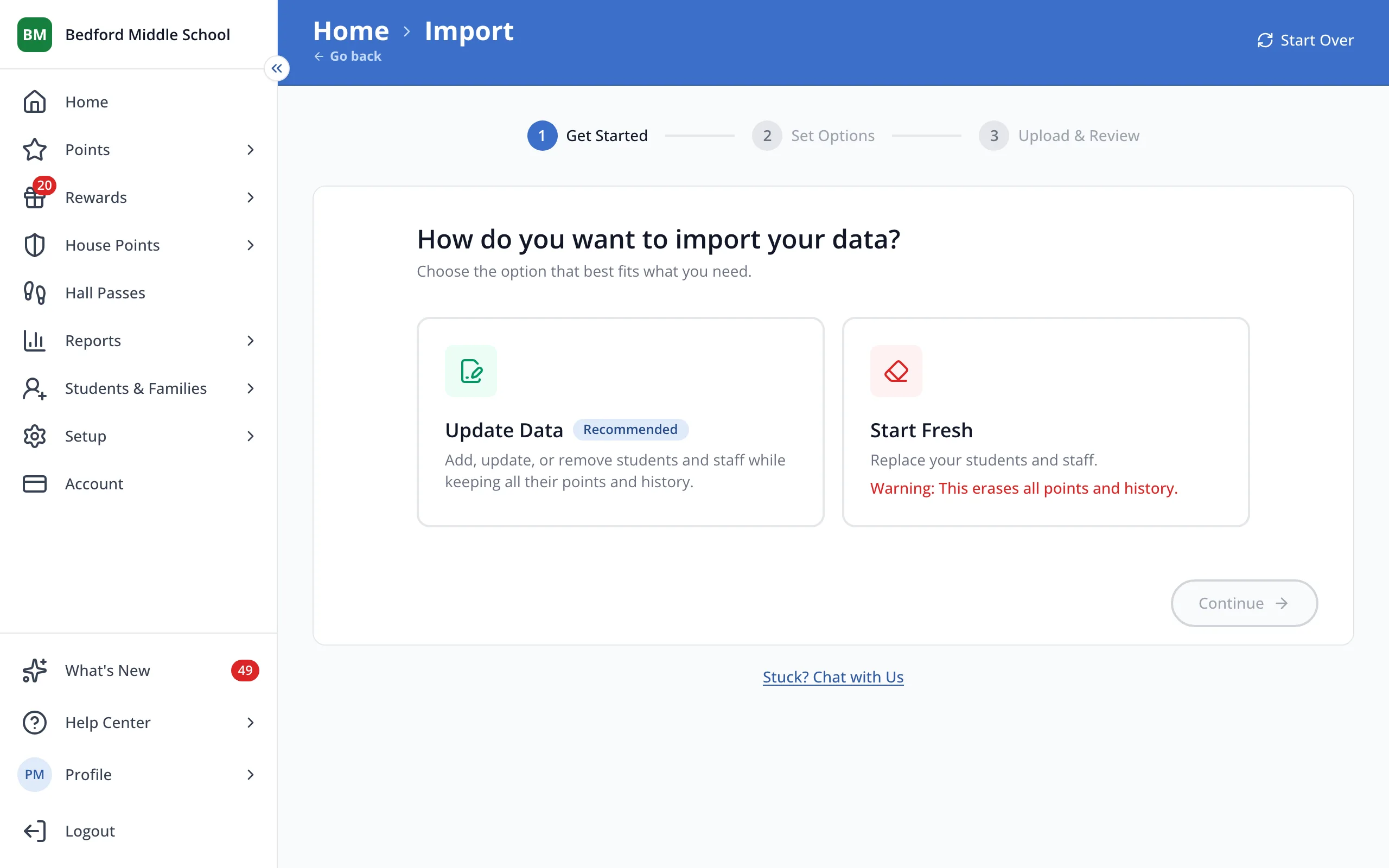
Update Data keeps every student's points and history. Start Fresh erases them, so save it for a true clean slate.
AdminSite Leader
Open in LiveSchool
Already signed in? Open this guide inside LiveSchool.
Use the Left and Right arrow keys to move between steps, and Space to play or pause.
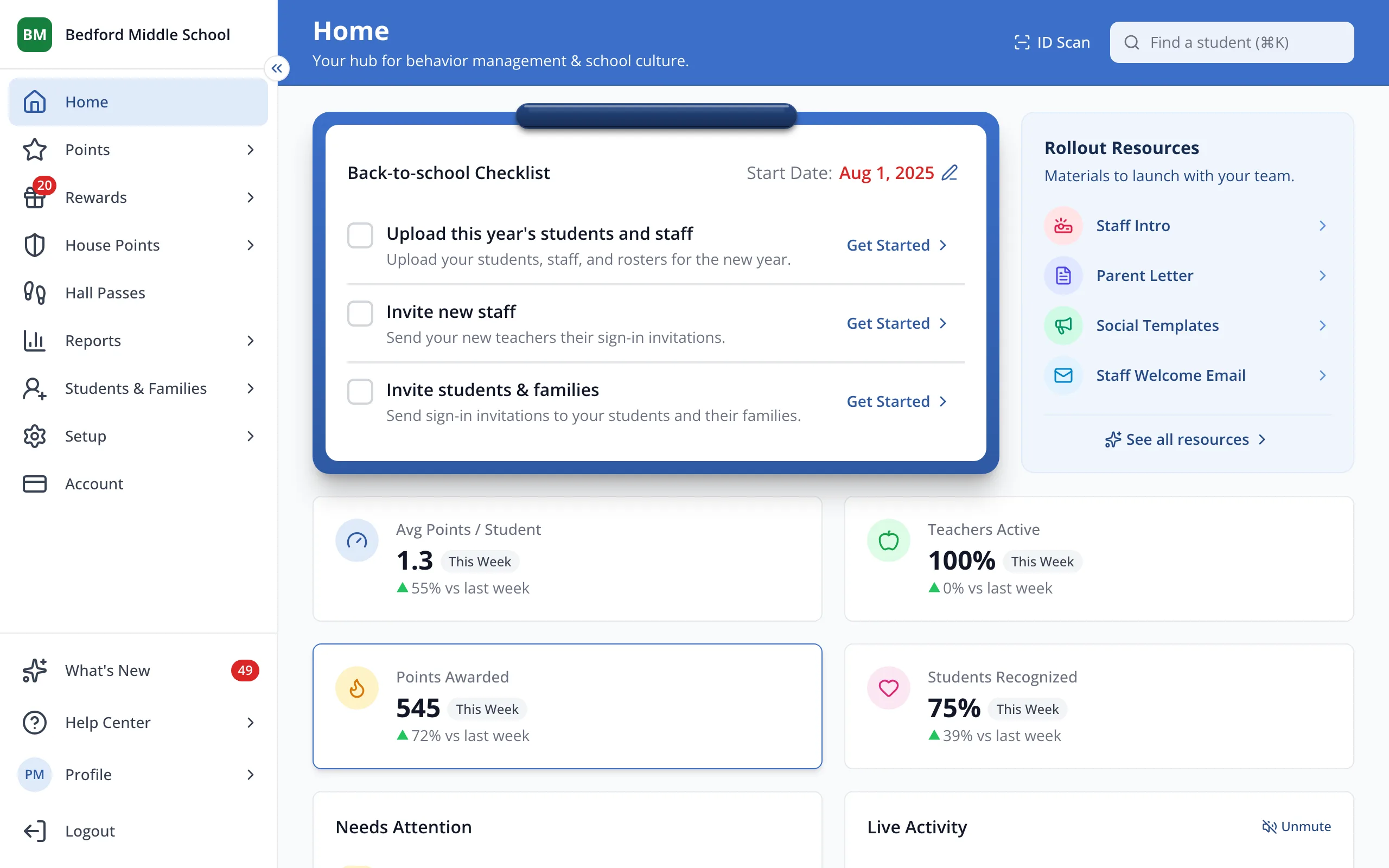
1.On Home, click Get Started next to Upload this year's students and staff.
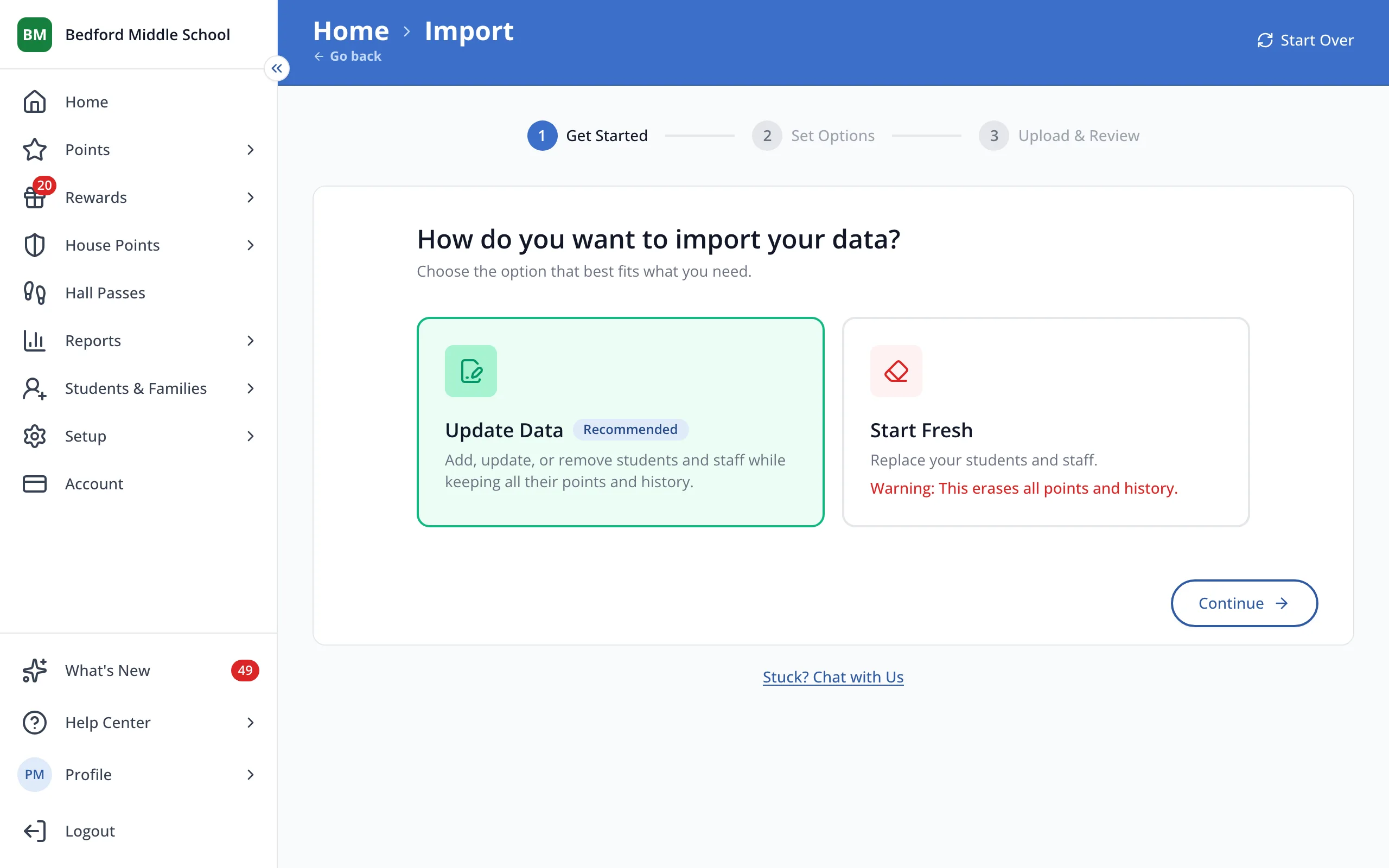
2.Pick Update Data to add, change or remove people and keep their points. Pick Start Fresh to replace everyone and erase all points and history.
Did you know? Start Fresh asks you to check a box for each thing you'll lose before you can go on.
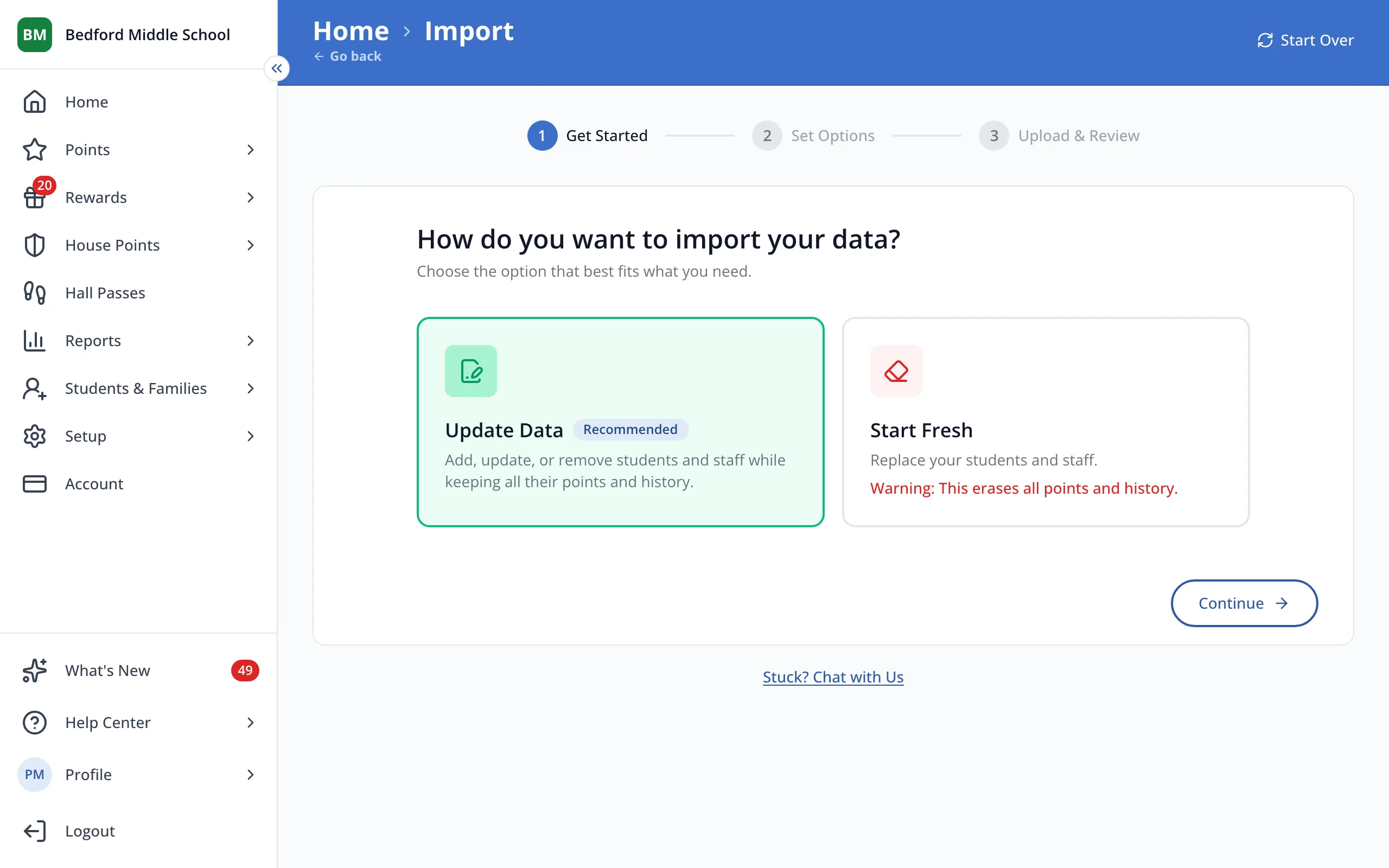
3.Click Update Data, the choice for most imports.
4.Click Continue.
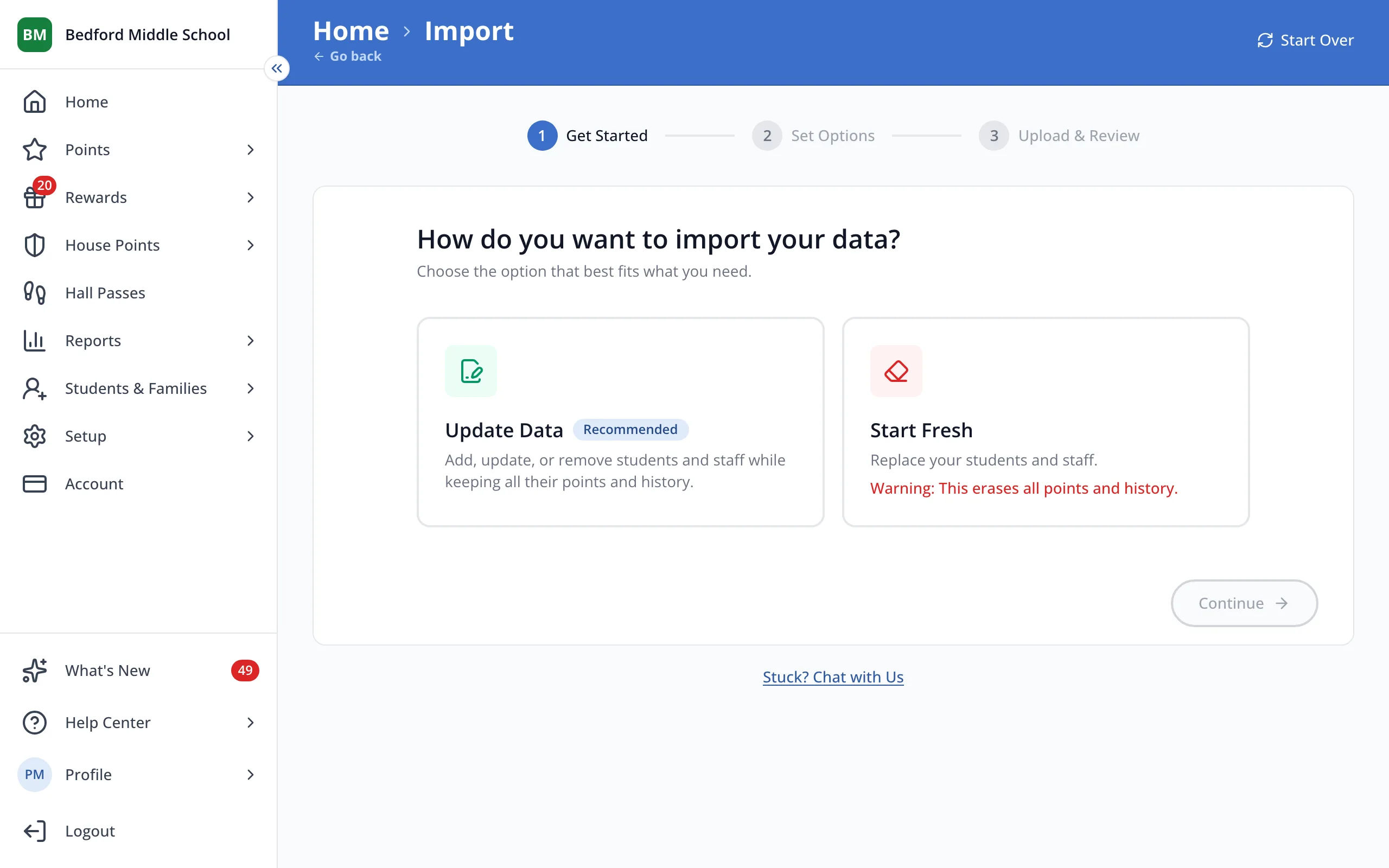
5.Next, choose which files you'll upload and answer a few questions about your import.