Change the name shown for a student at a Clever or ClassLink school
Use the name a student goes by. Their last name and grade still come from Clever or ClassLink.
AdminSite Leader
Open in LiveSchool
Already signed in? Open this guide inside LiveSchool.
Use the Left and Right arrow keys to move between steps, and Space to play or pause.
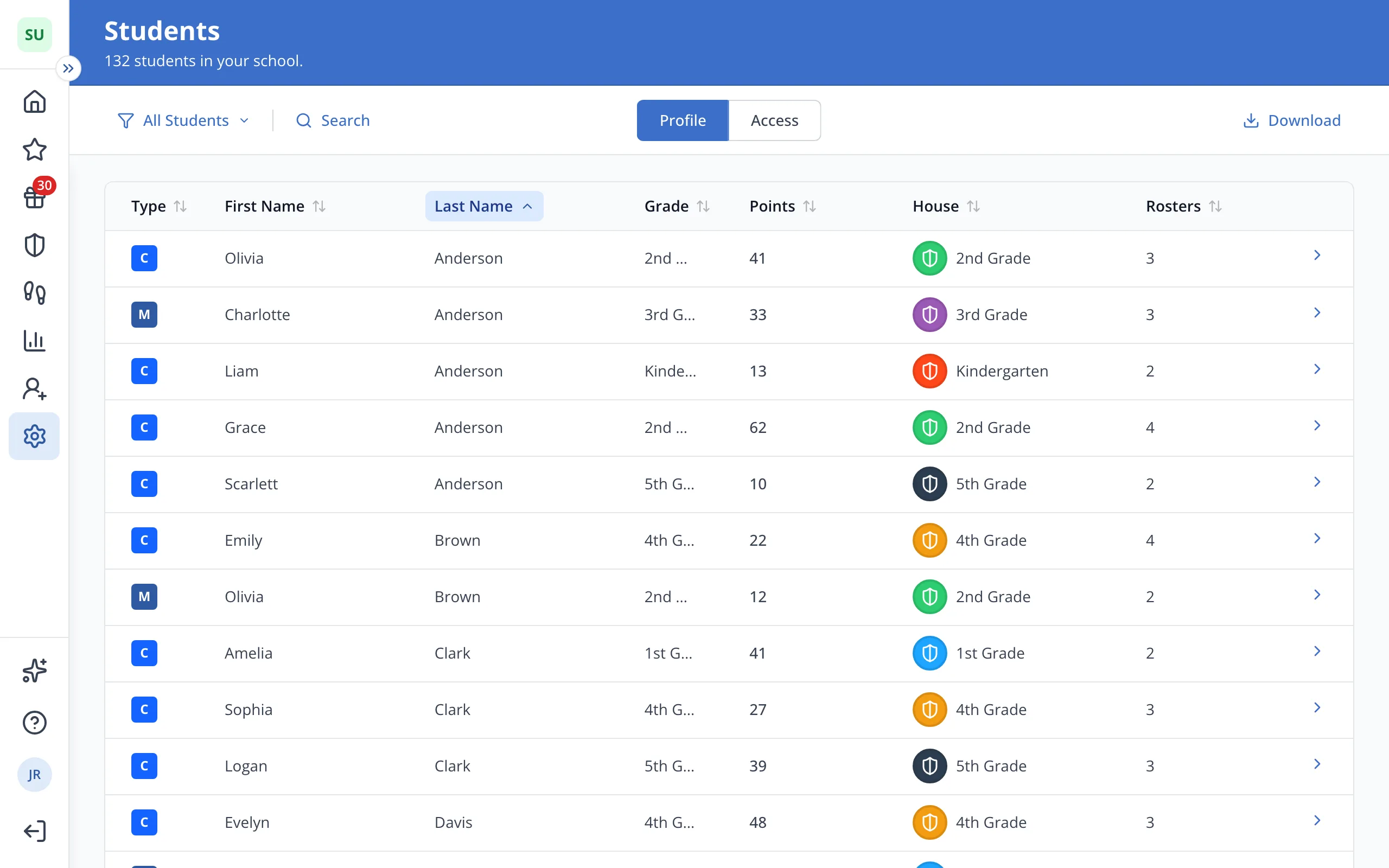
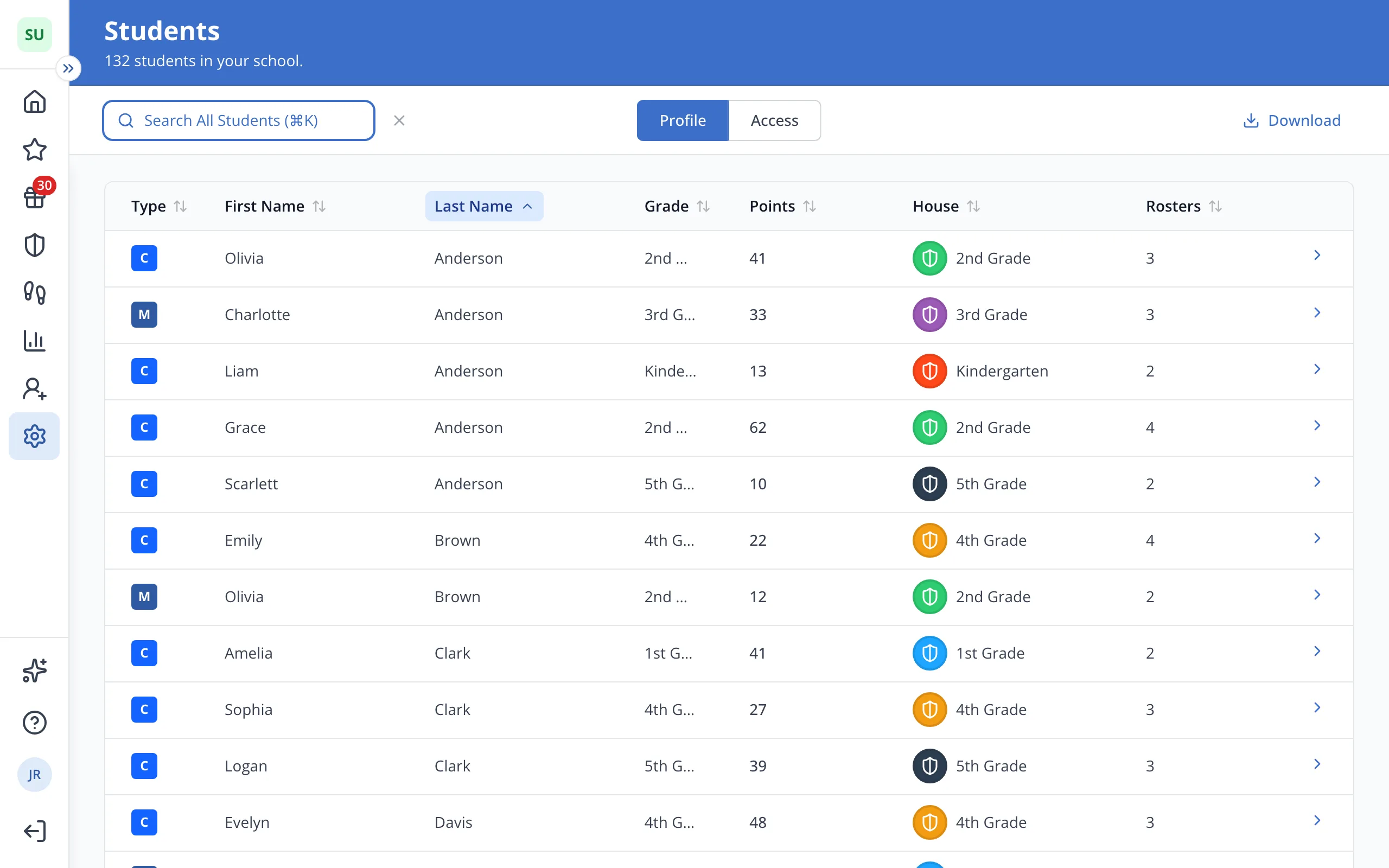
1.In Setup, on the Students page, click Search.
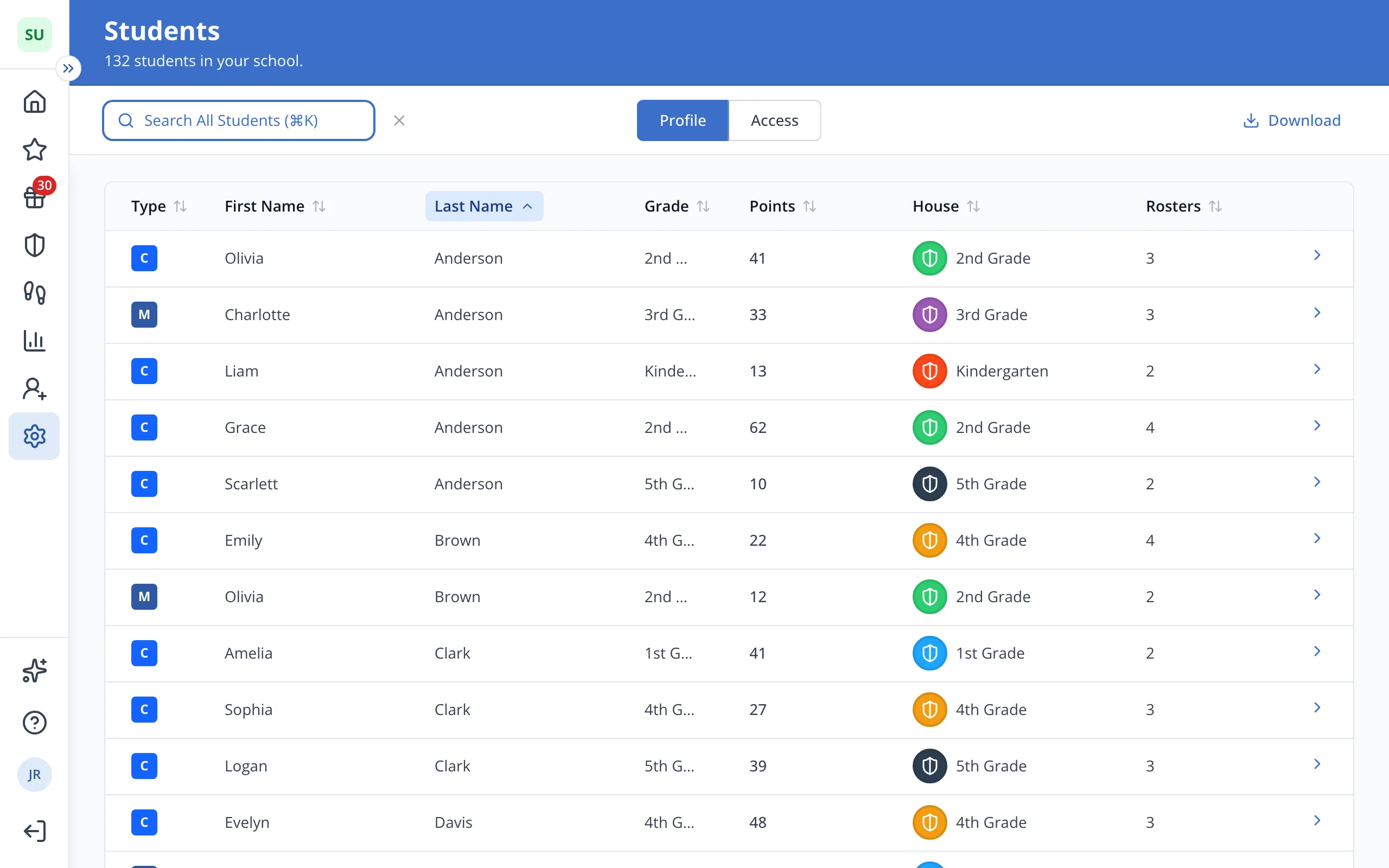
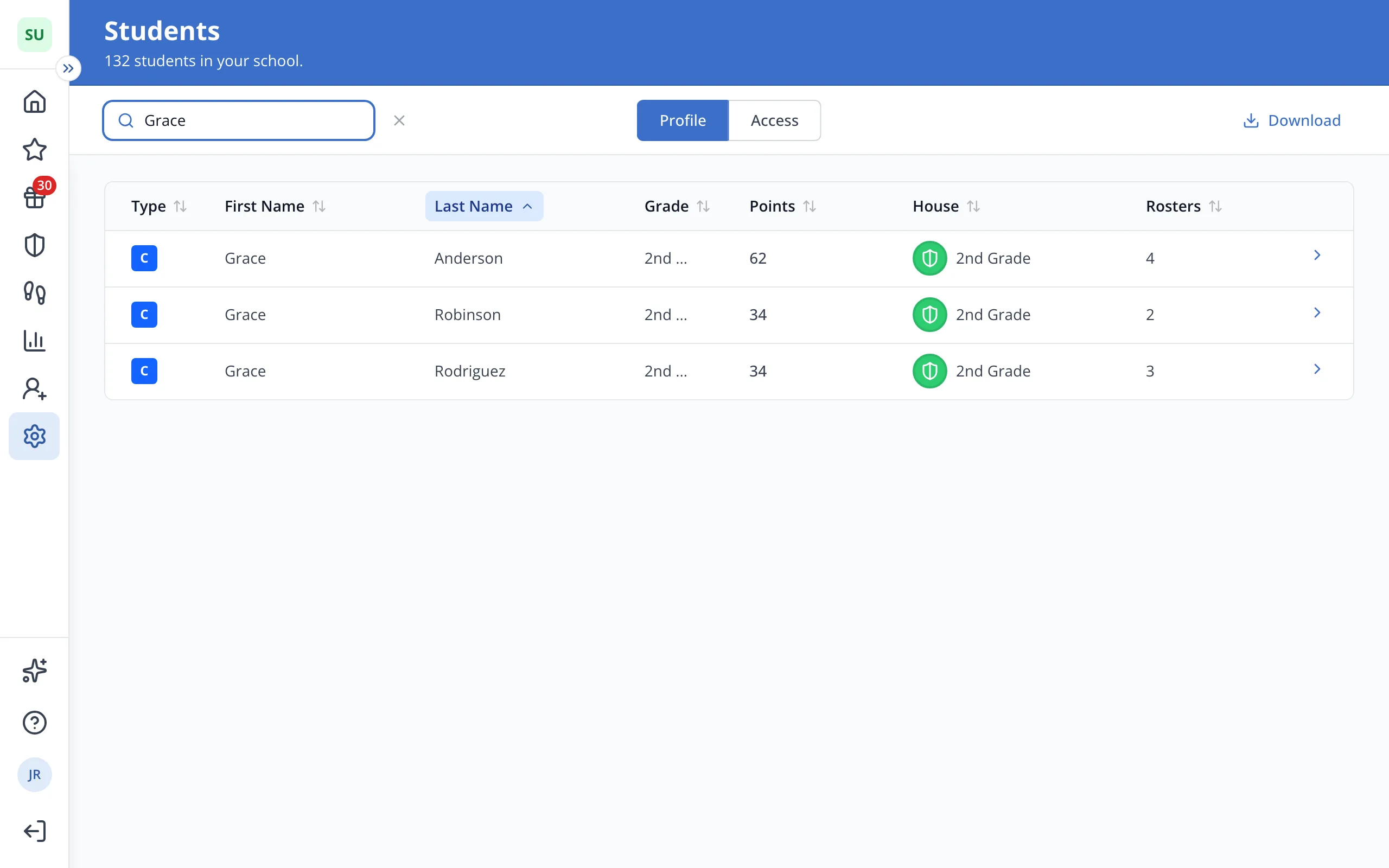
2.Type the student's name.
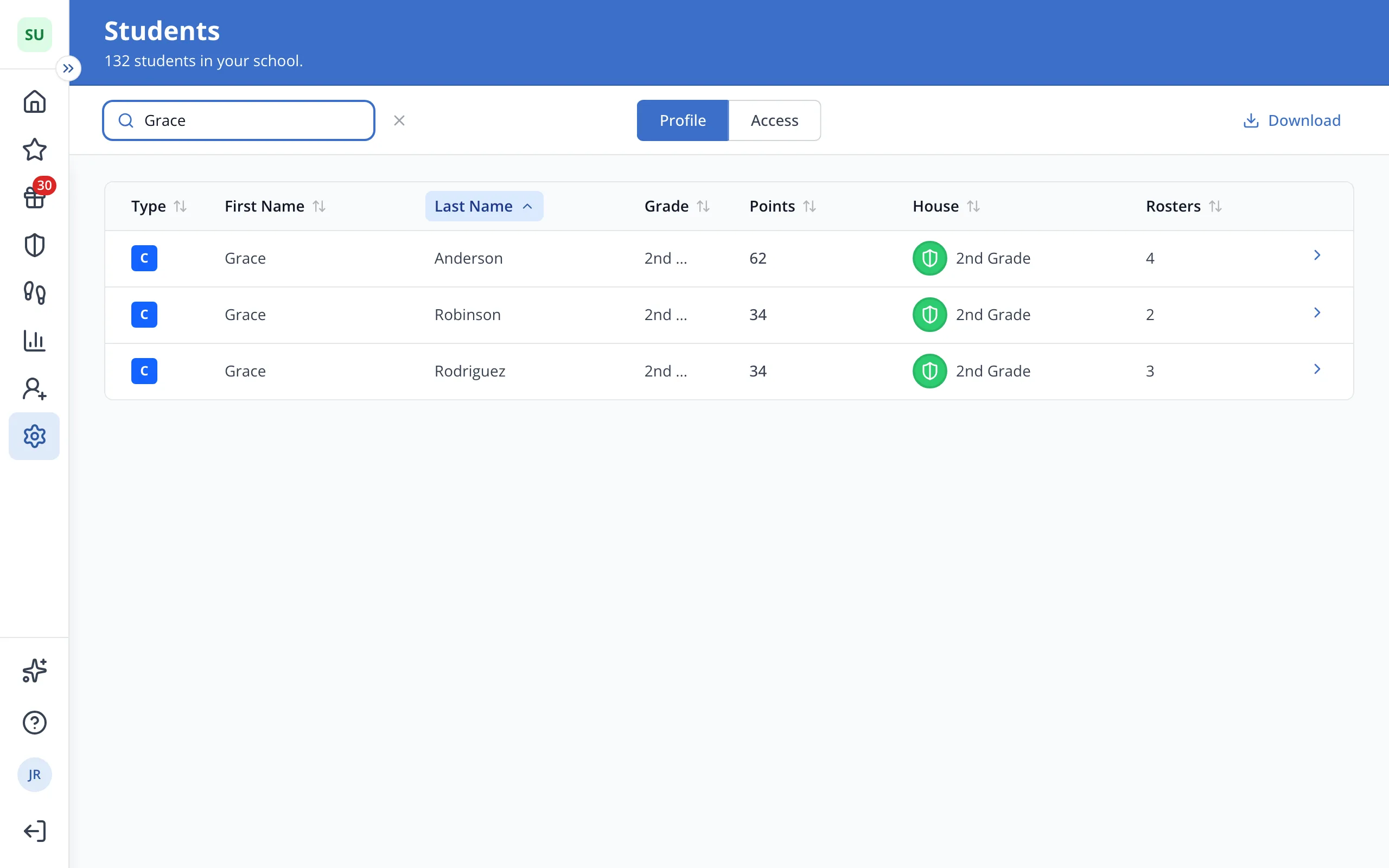
3.Click the student's name.
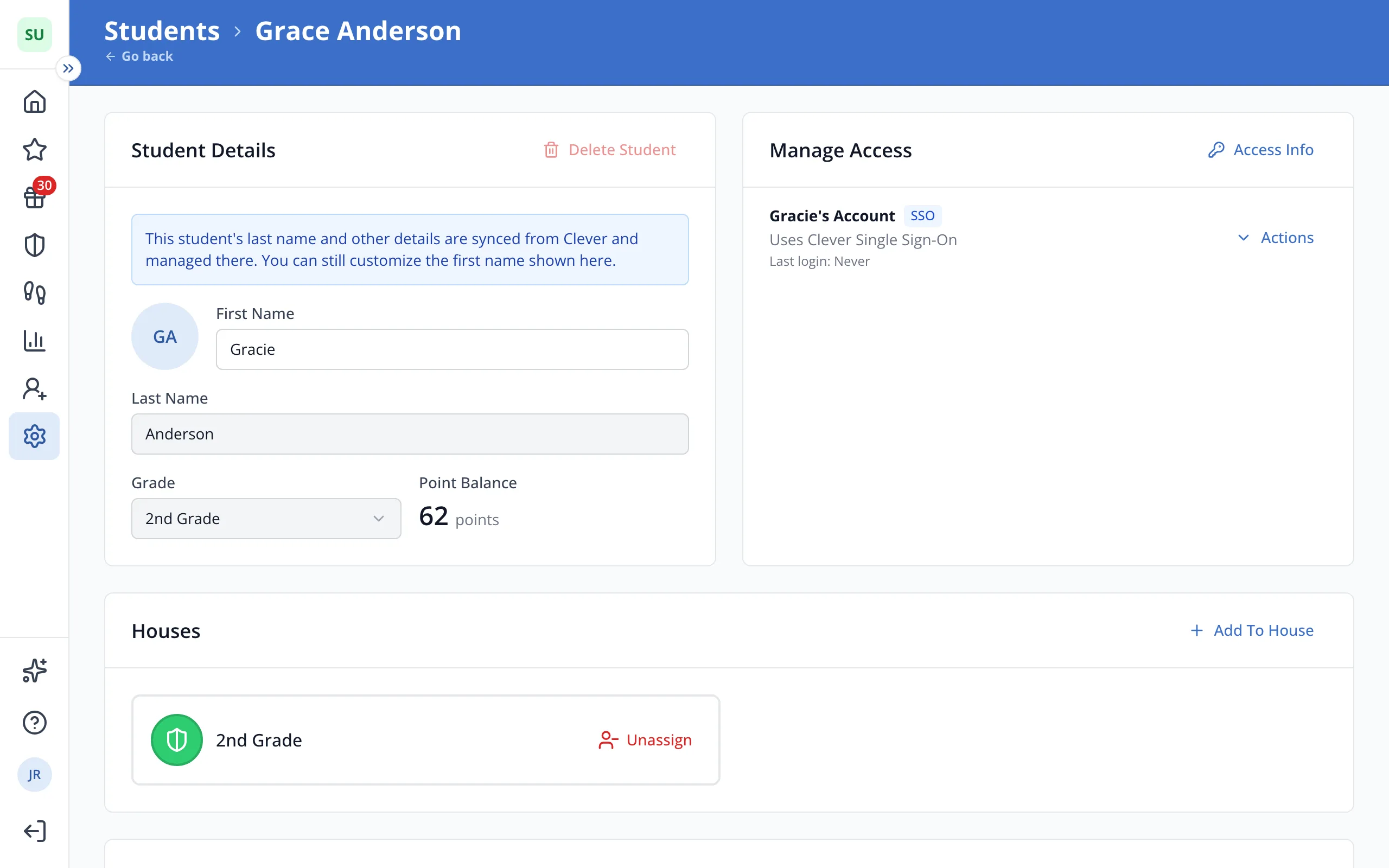
4.Under Student Details, type the name the student goes by in First Name.
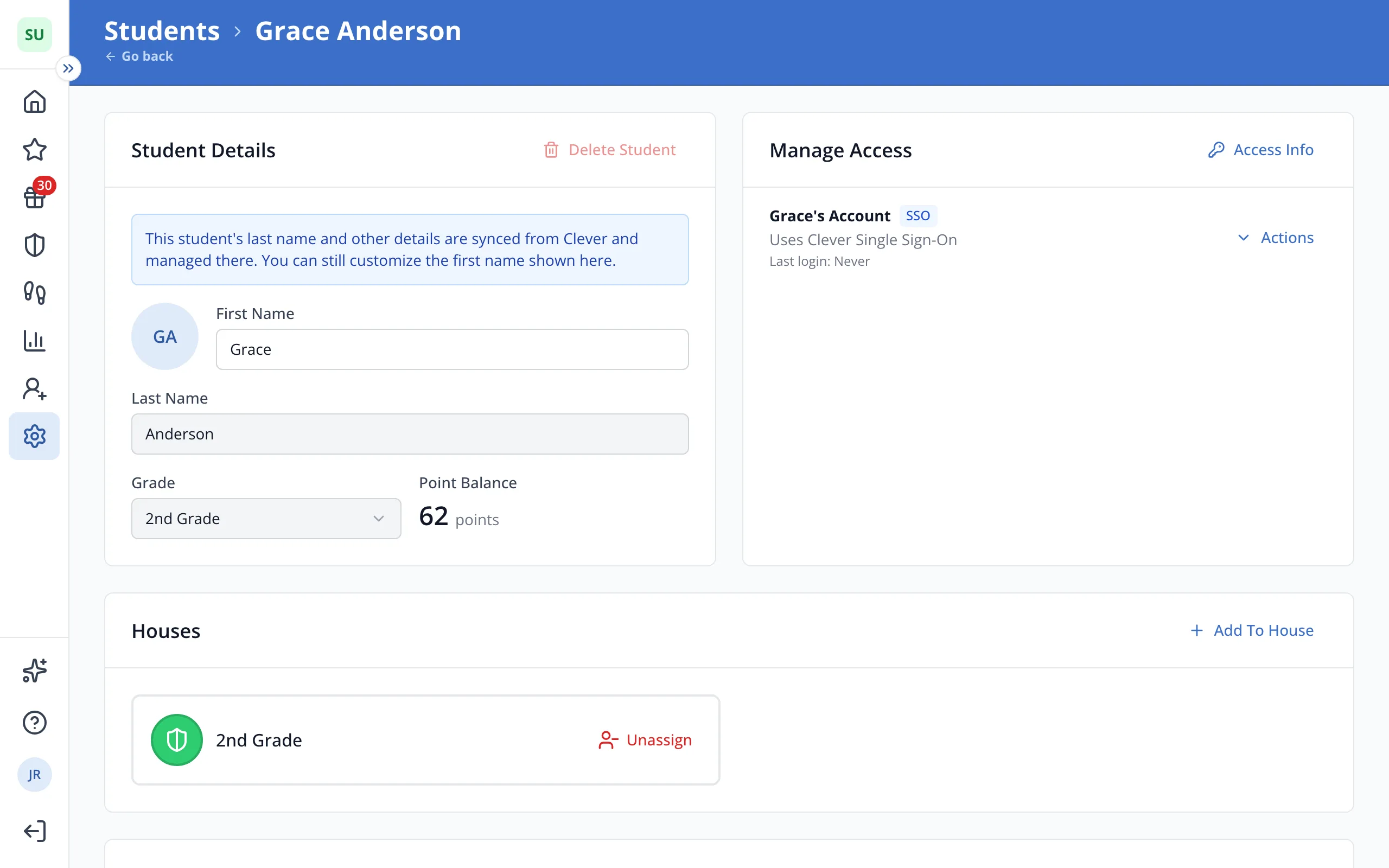
5.The new name saves as soon as you click outside the box.