
Start your rubric from a template
Start with a template when making a behavior rubric and customize it to make it your own.
AdminSite Leader
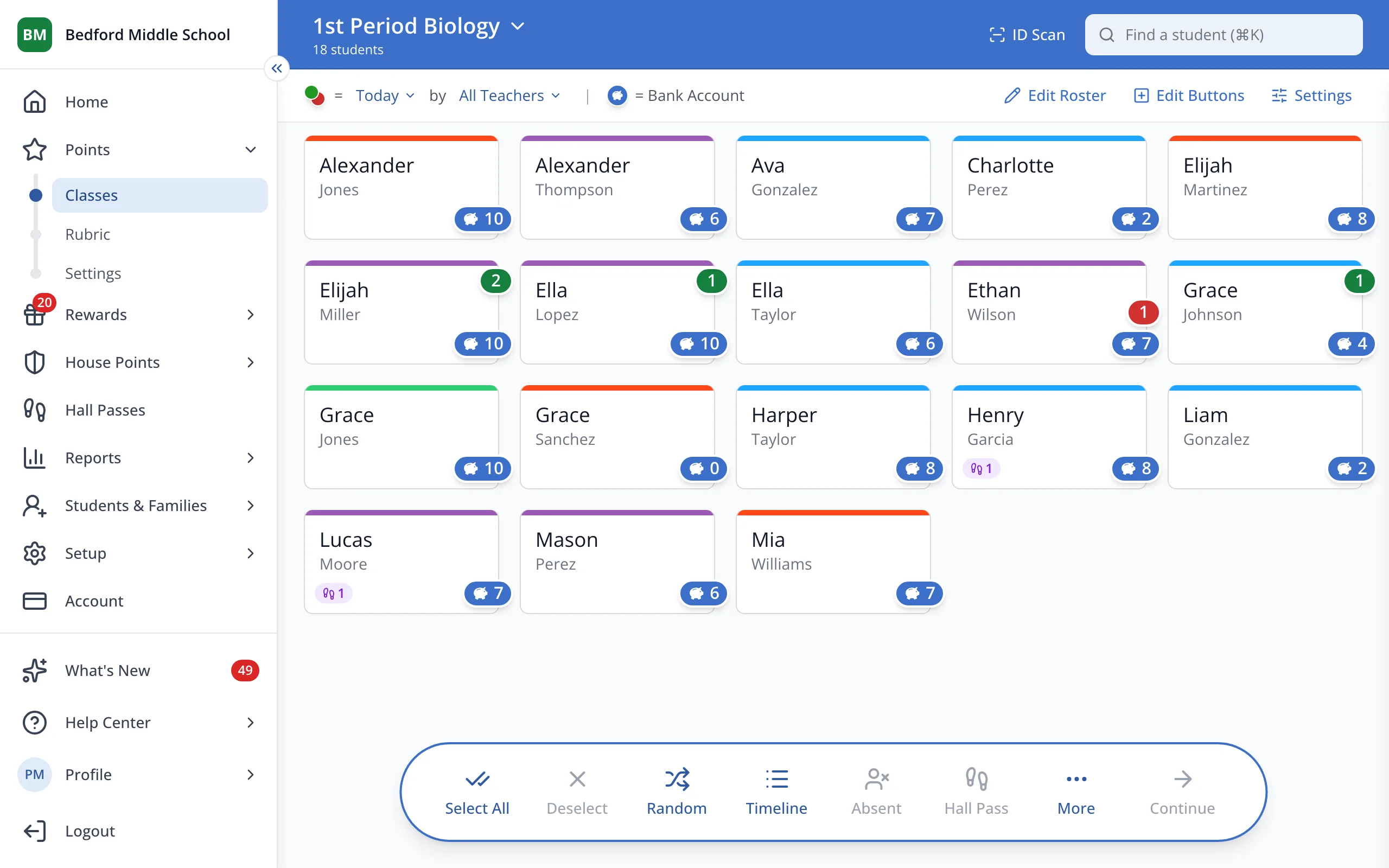
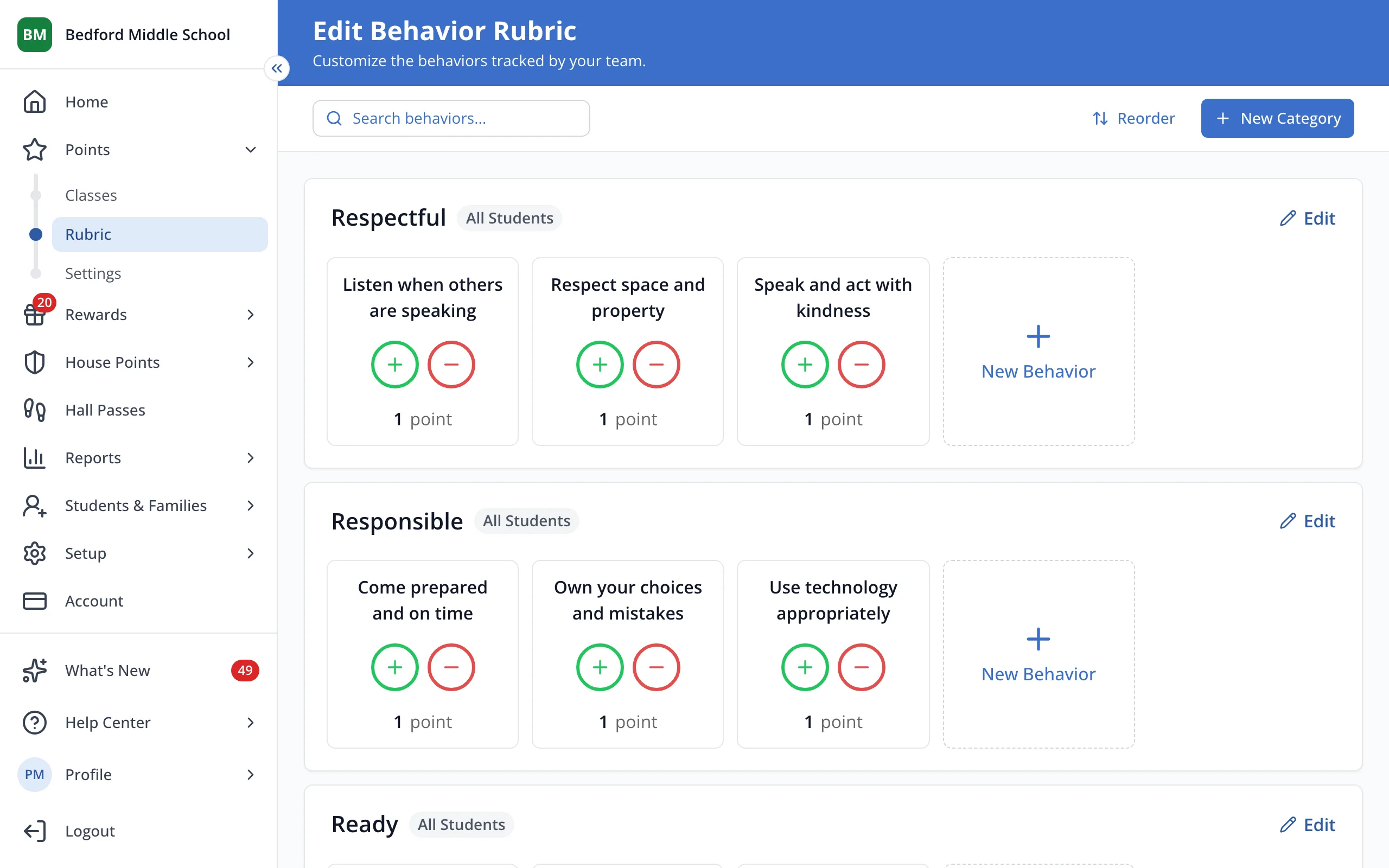
1 / 5In the sidebar, under Points, click Rubric.
1.In the sidebar, under Points, click Rubric.
2.Click Browse Templates.
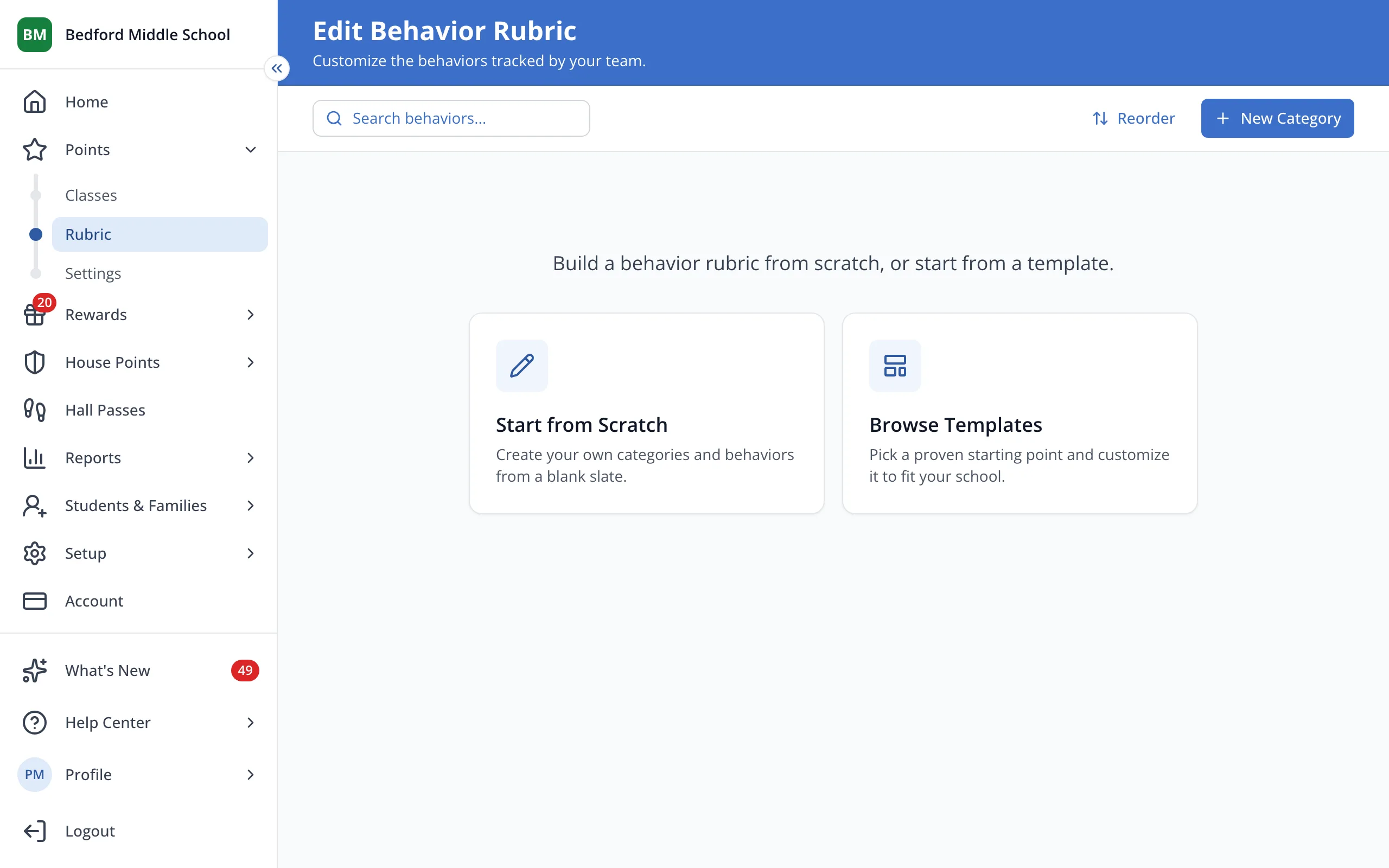
3.At the bottom, pick your school's grade level: Elementary, Middle or High.
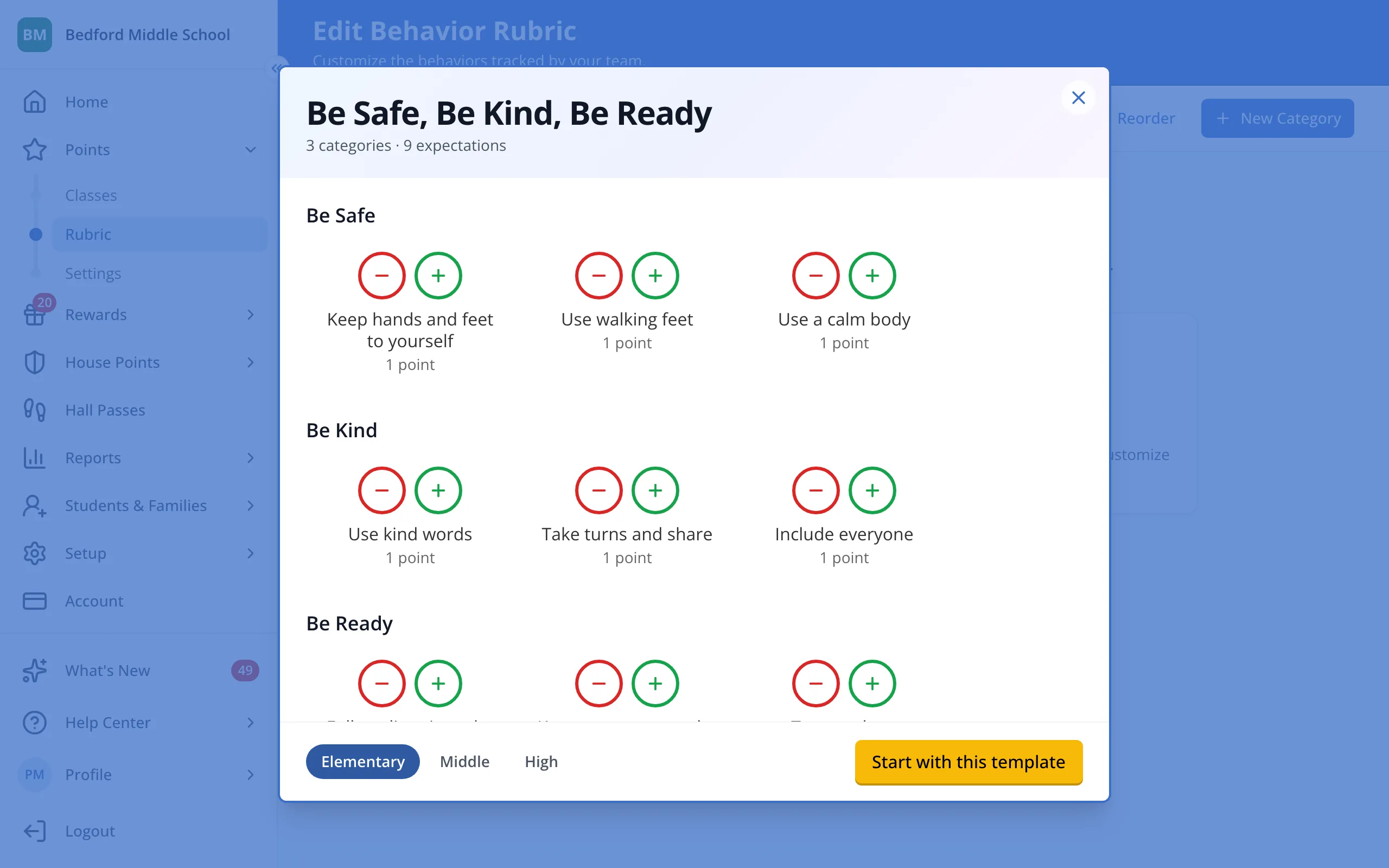
4.Look over the behaviors, then click Start with this template.
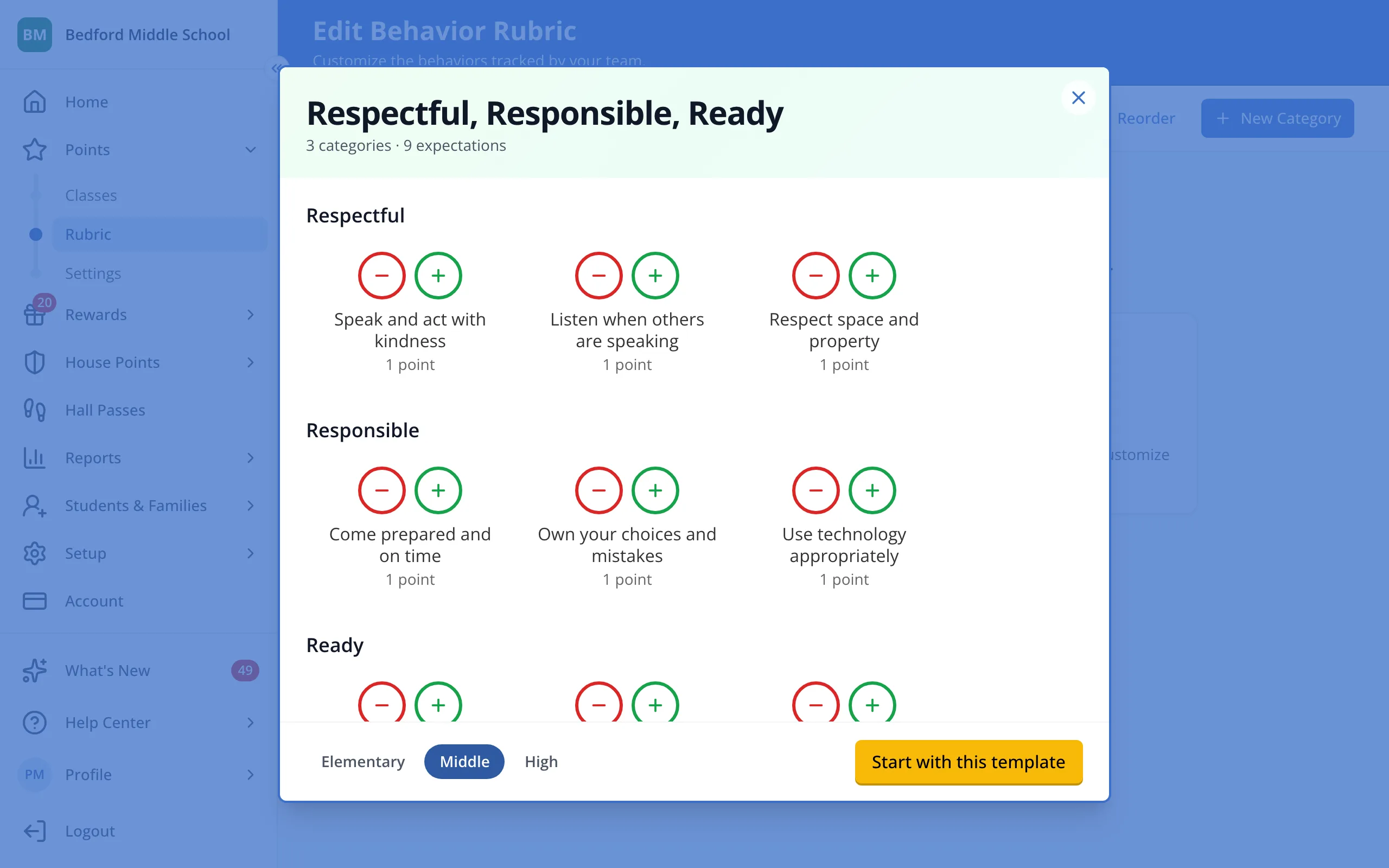
5.Edit, add or remove any of the template's behaviors to make it your own.
Was this helpful?