
Give the same point to a group of students by scanning their badges
Scan a group's badges one after another, then give them all the same behavior at once.
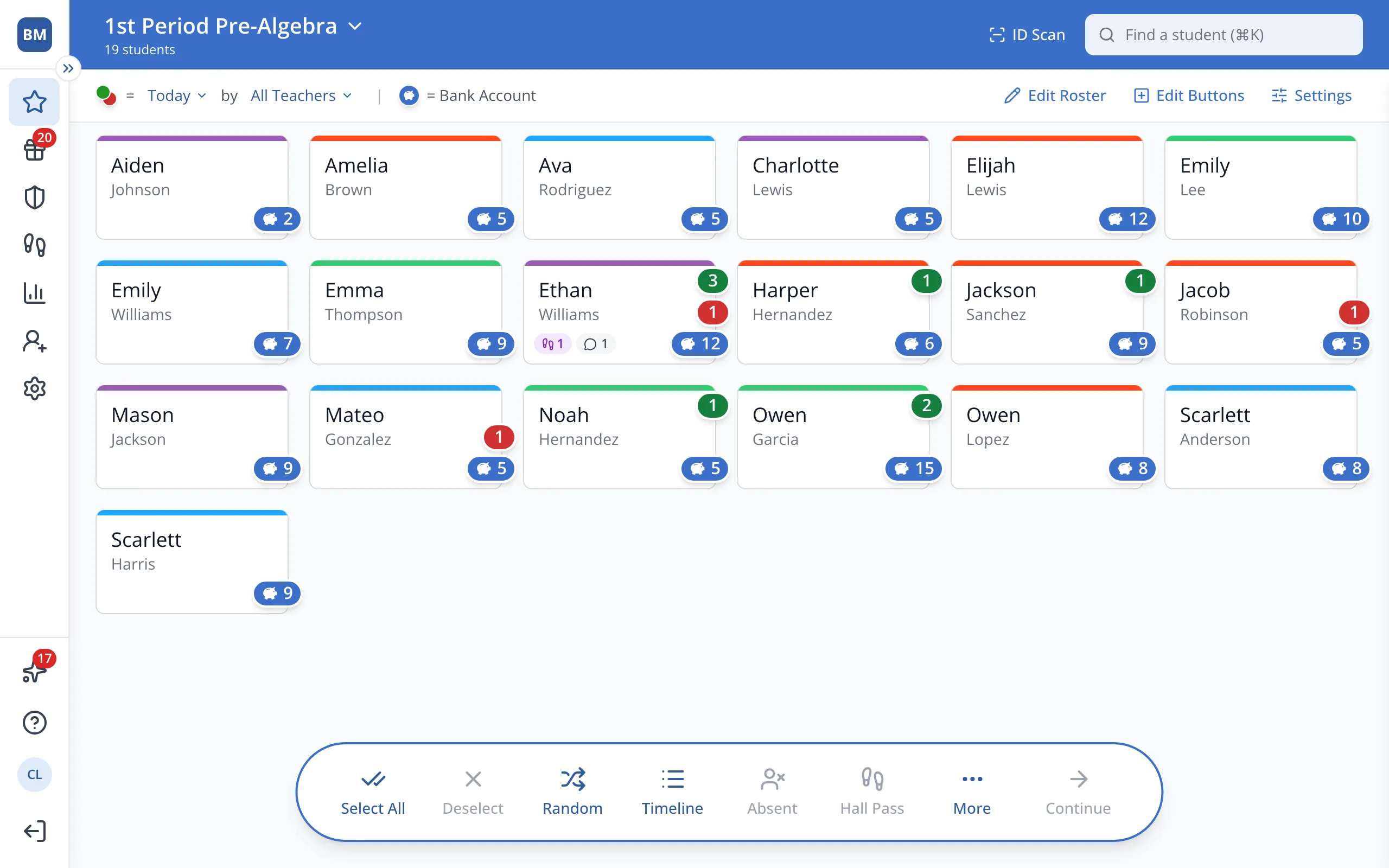
1 / 7At the top of the Points page, click ID Scan.
1.At the top of the Points page, click ID Scan.
2.Click Multi Scan Mode.
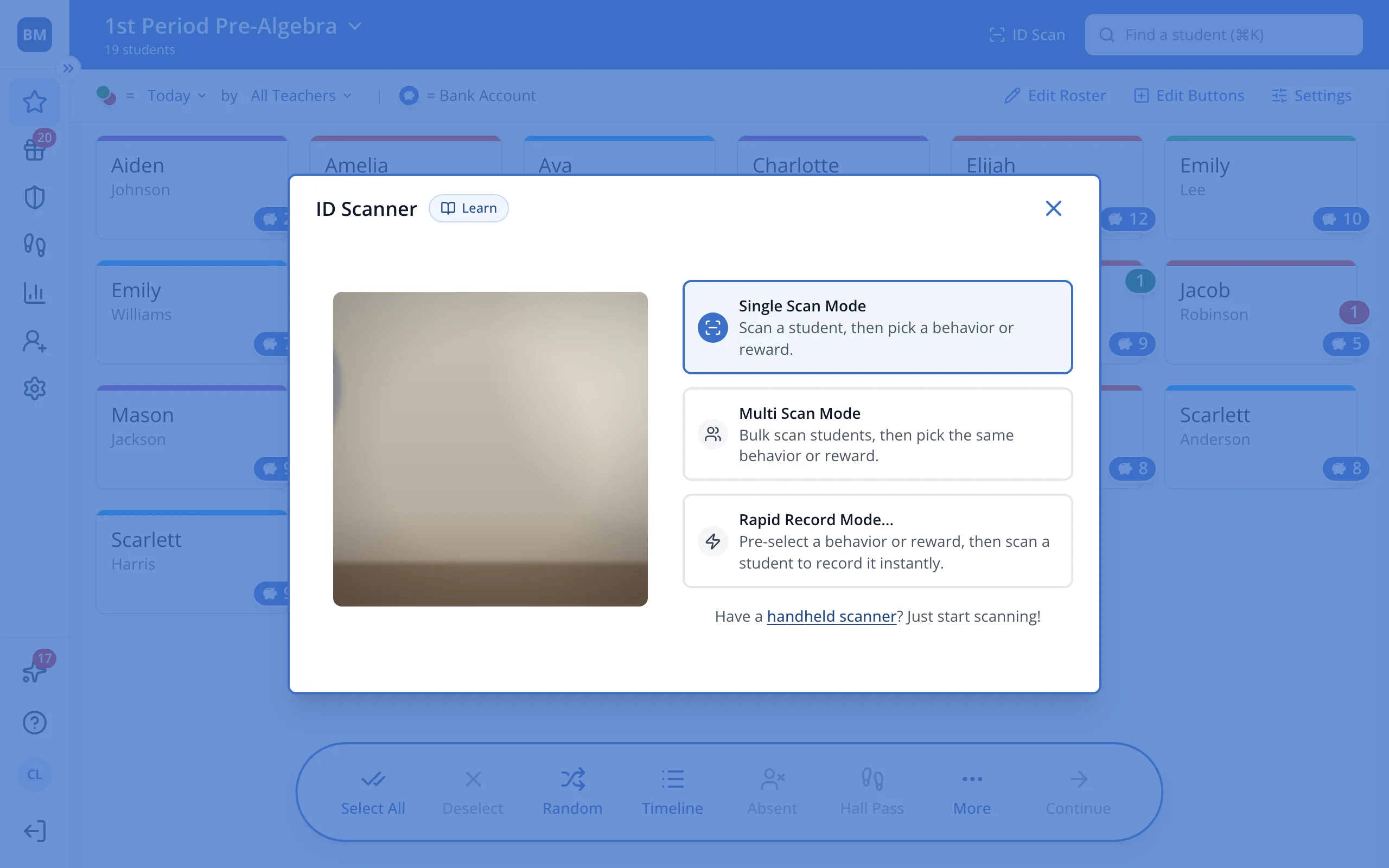
3.Hold each student's badge up to the camera, one at a time.
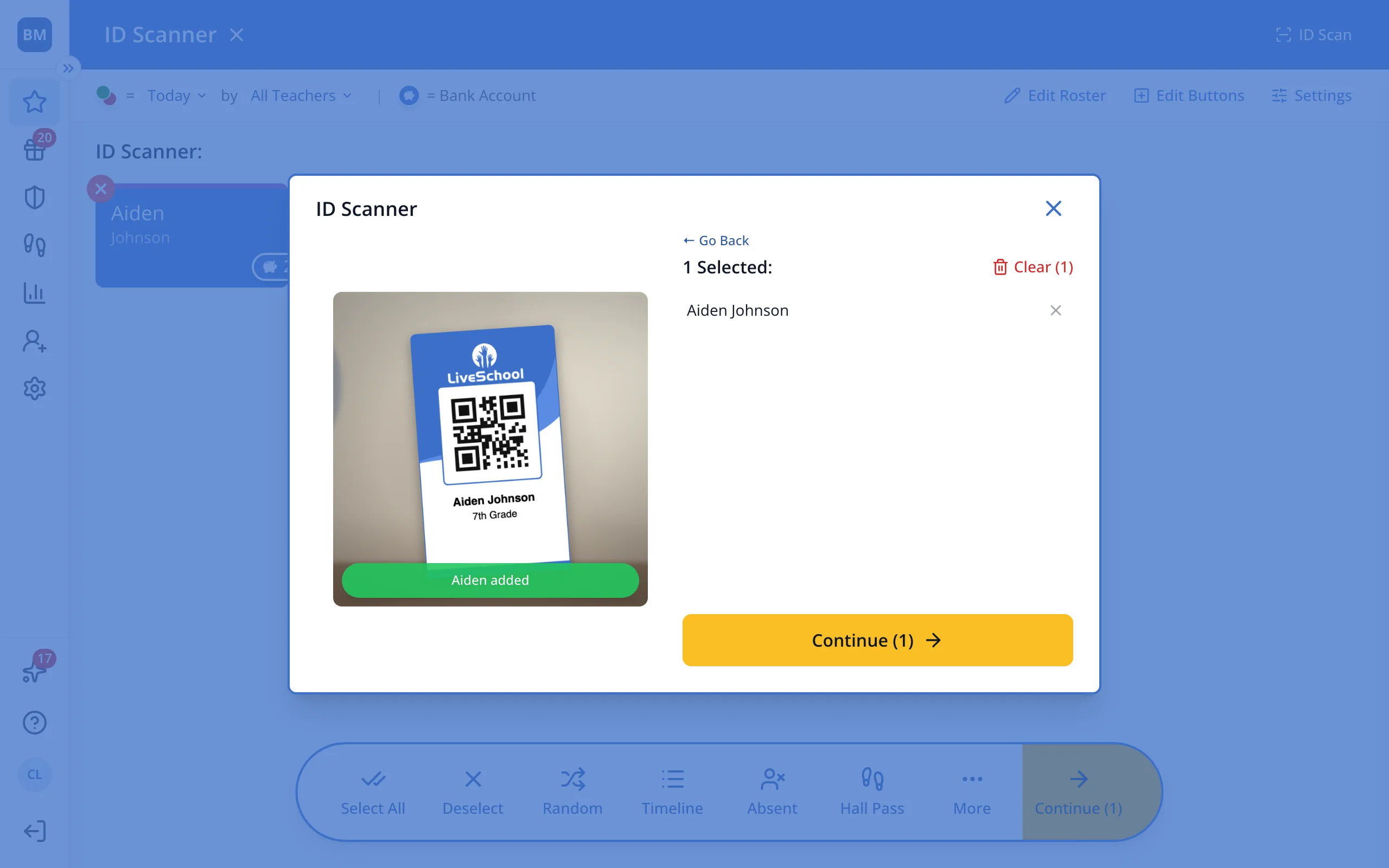
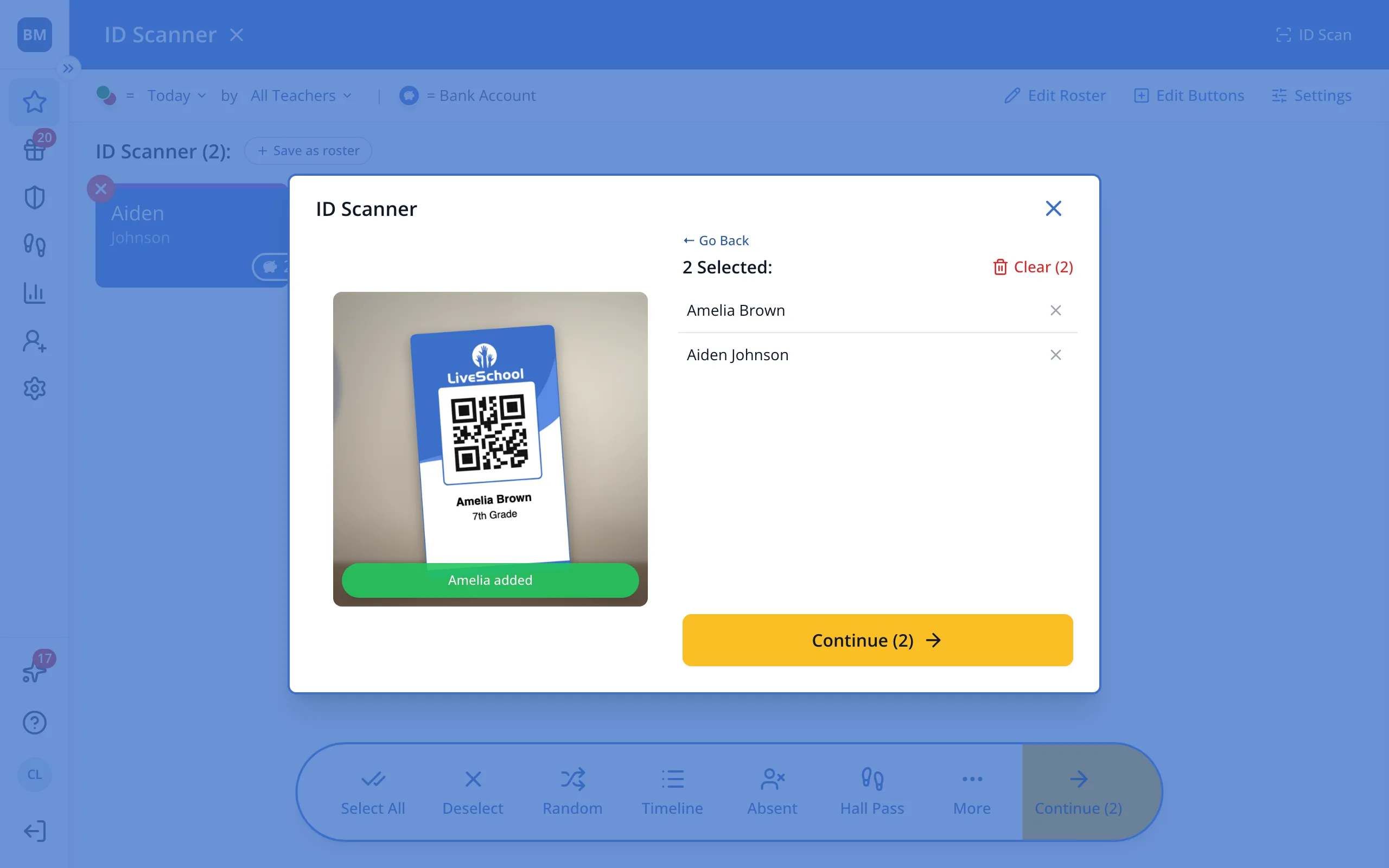
4.When everyone is scanned, click Continue.
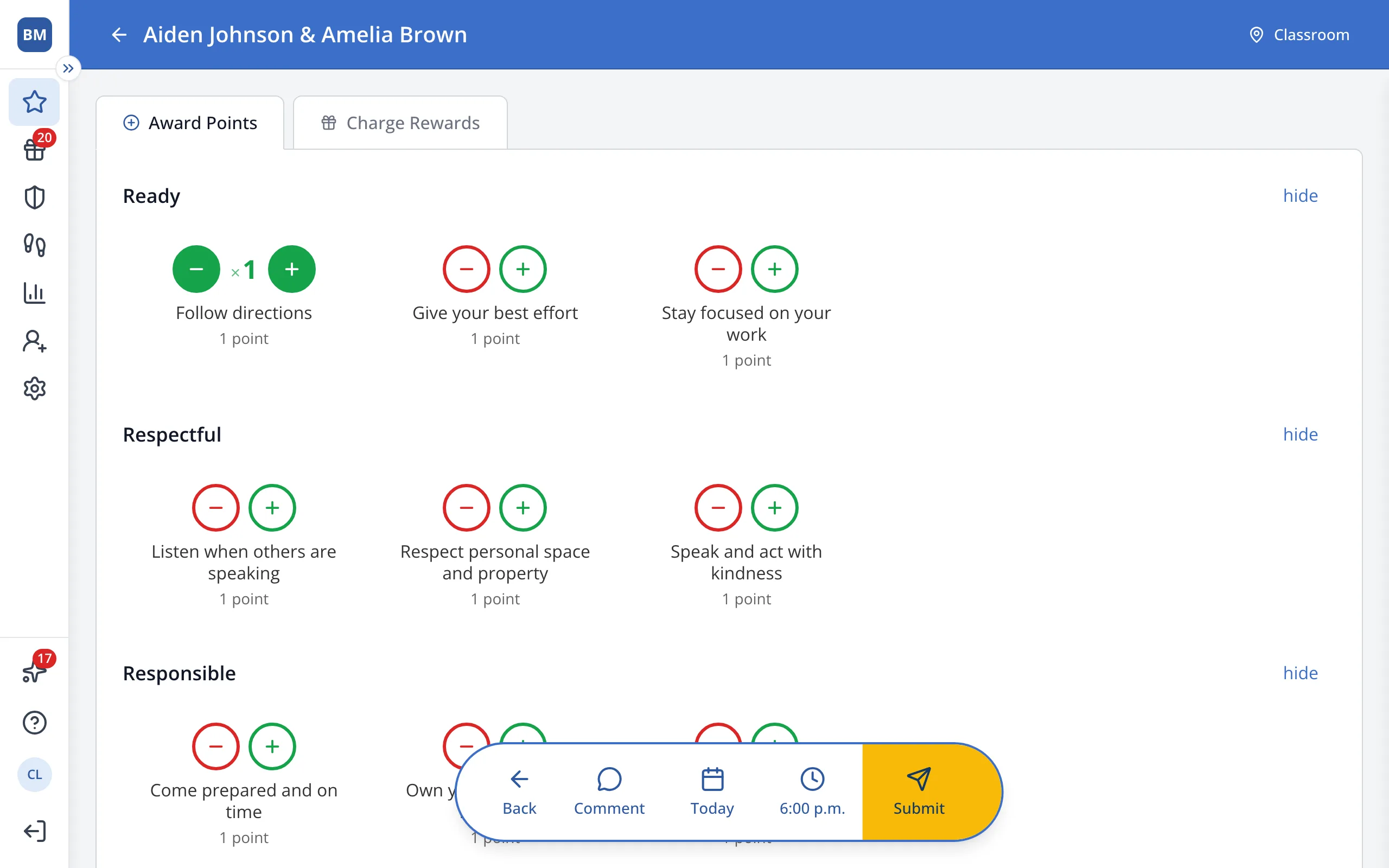
5.Click the green + under the behavior you'd like to give everyone.
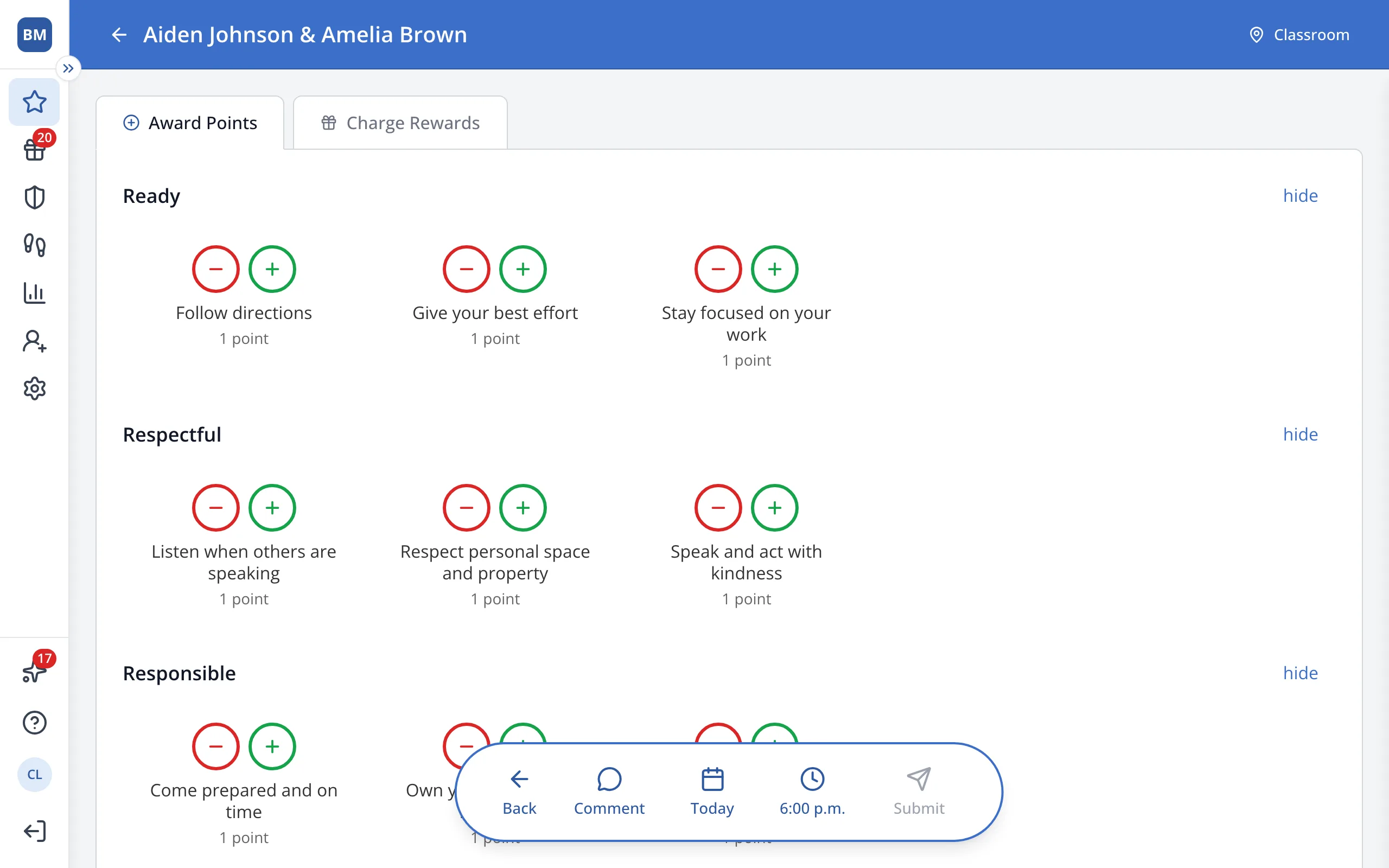
6.In the bar at the bottom, click Submit to complete the transaction.
Was this helpful?